New article
Recently updated
Manage a Pending MSB

This video explains how to manage a pending MSB.
1. Introduction
These steps will guide you on managing a pending MSB when initiating a new encounter, ensuring that any outstanding MSB is addressed.
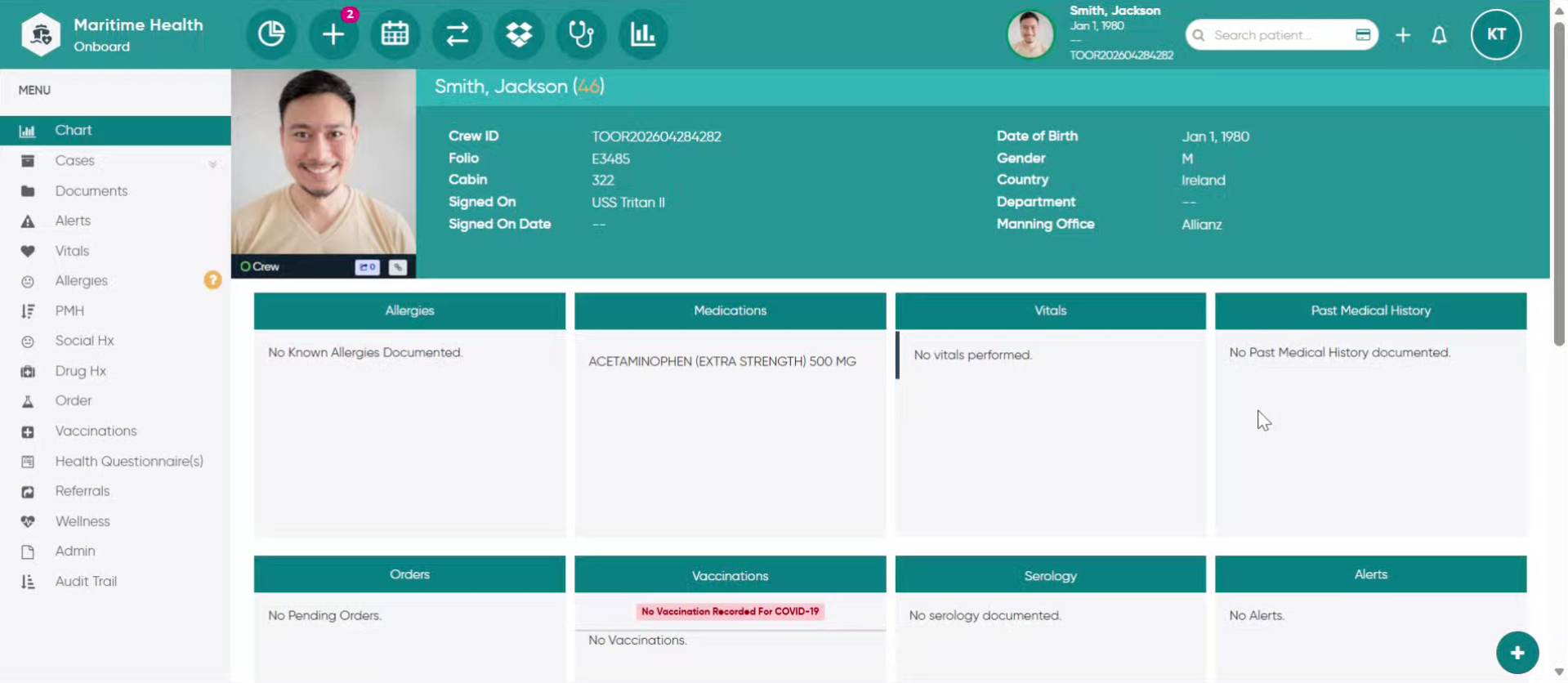
2. Start New Patient Encounter
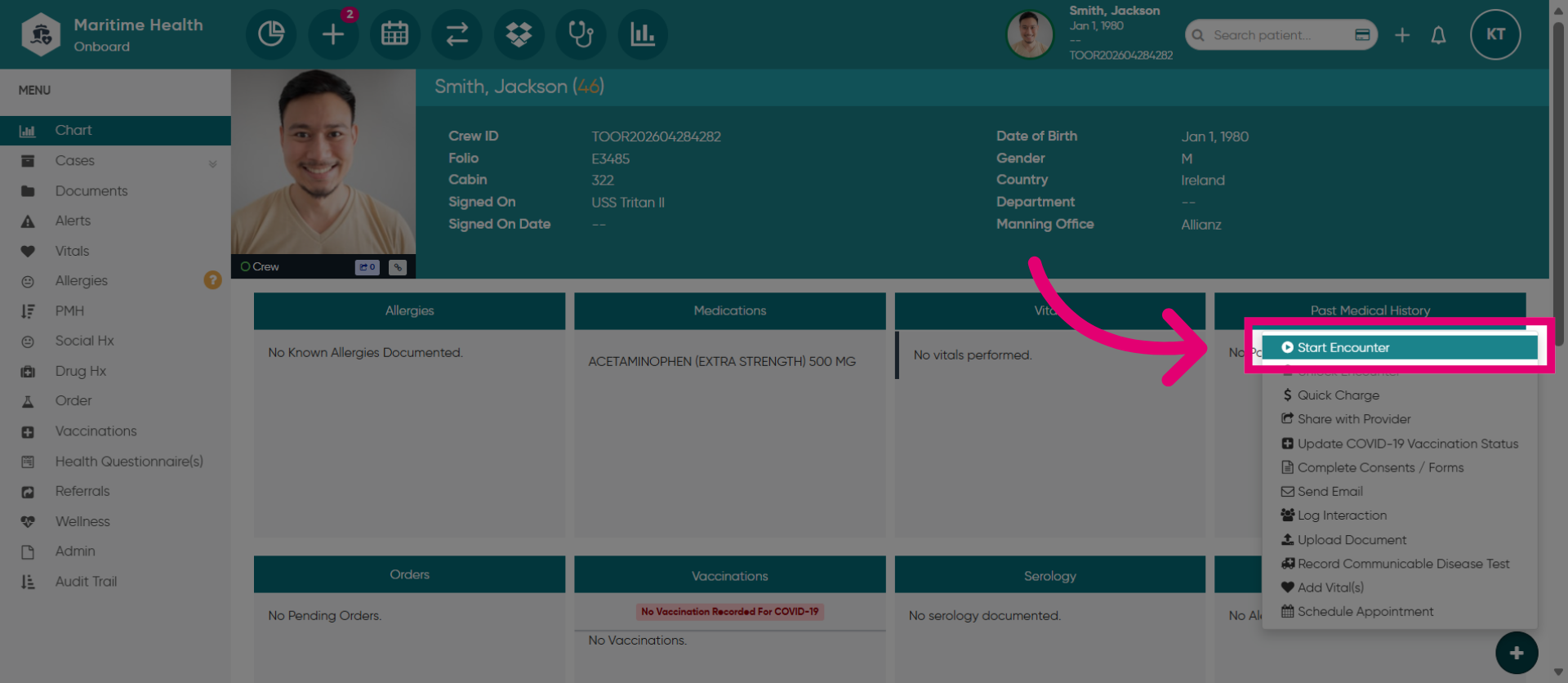
When you have selected "Start Encounter" to initiate a new patient encounter.
3. Close the Previously Opened Encounter
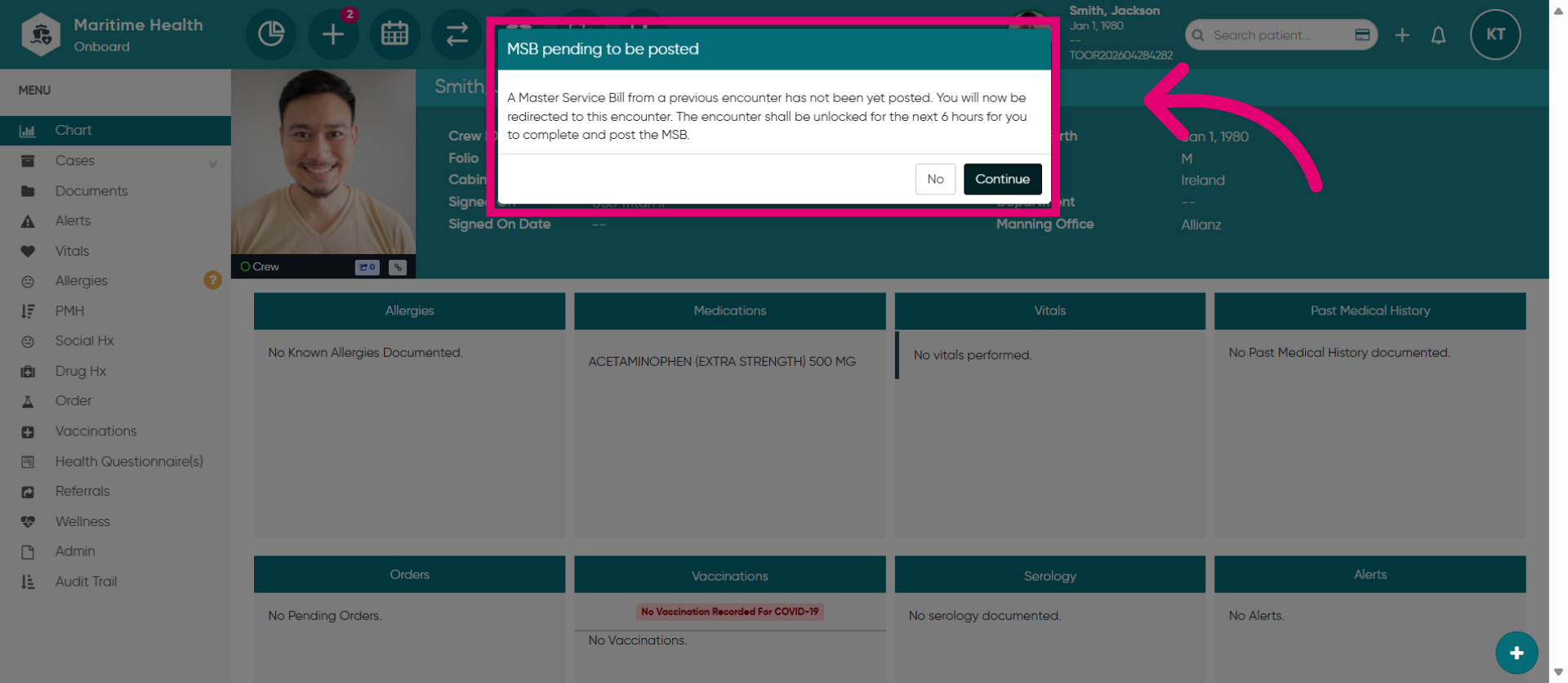
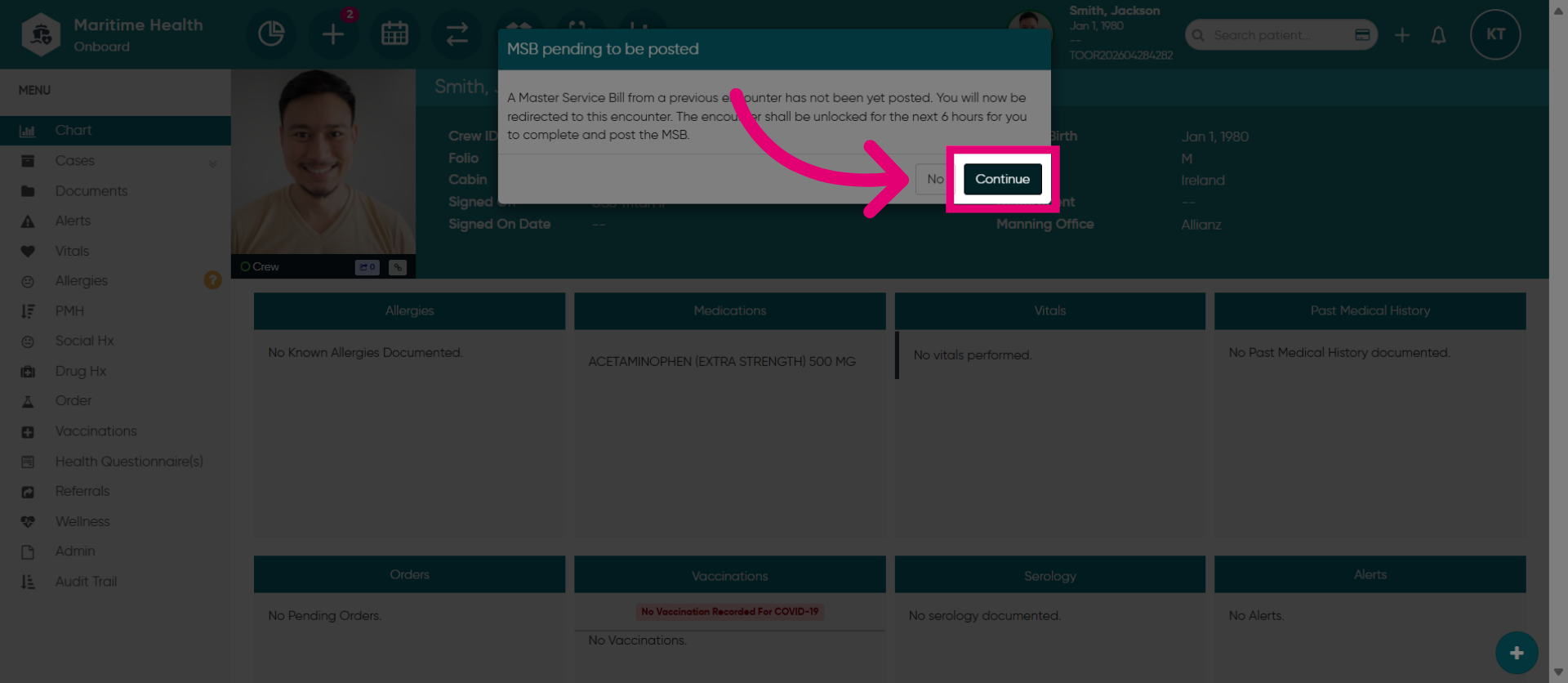
You may get this message to close the bill from a previously opened encounter for the patient before proceeding with a new one.
4. Proceed with Encounter Workflow
Click "Continue" to move forward with the current patient encounter process.
5. Handle Encounter Unlock Notification
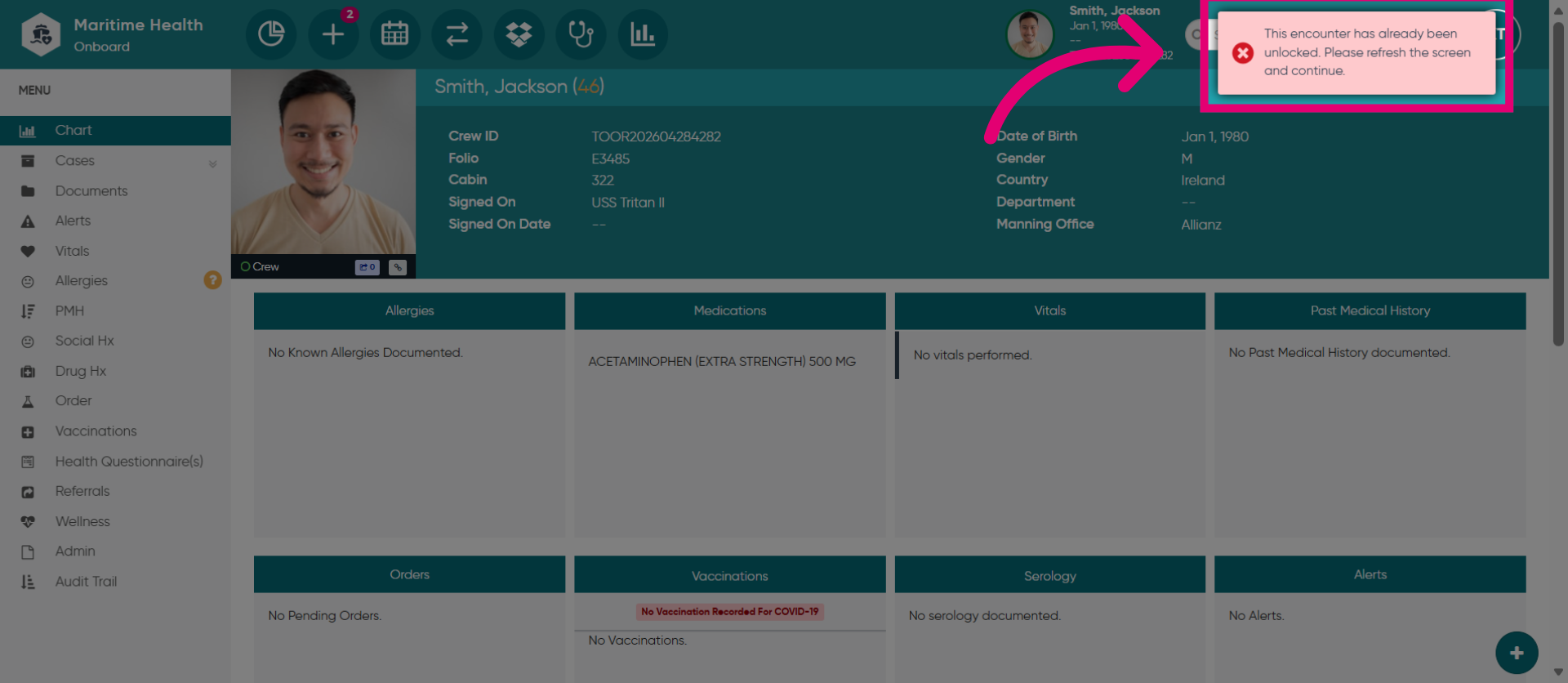
This message also appears to notify you of an unlocked encounter.
6. Go to the Clinic
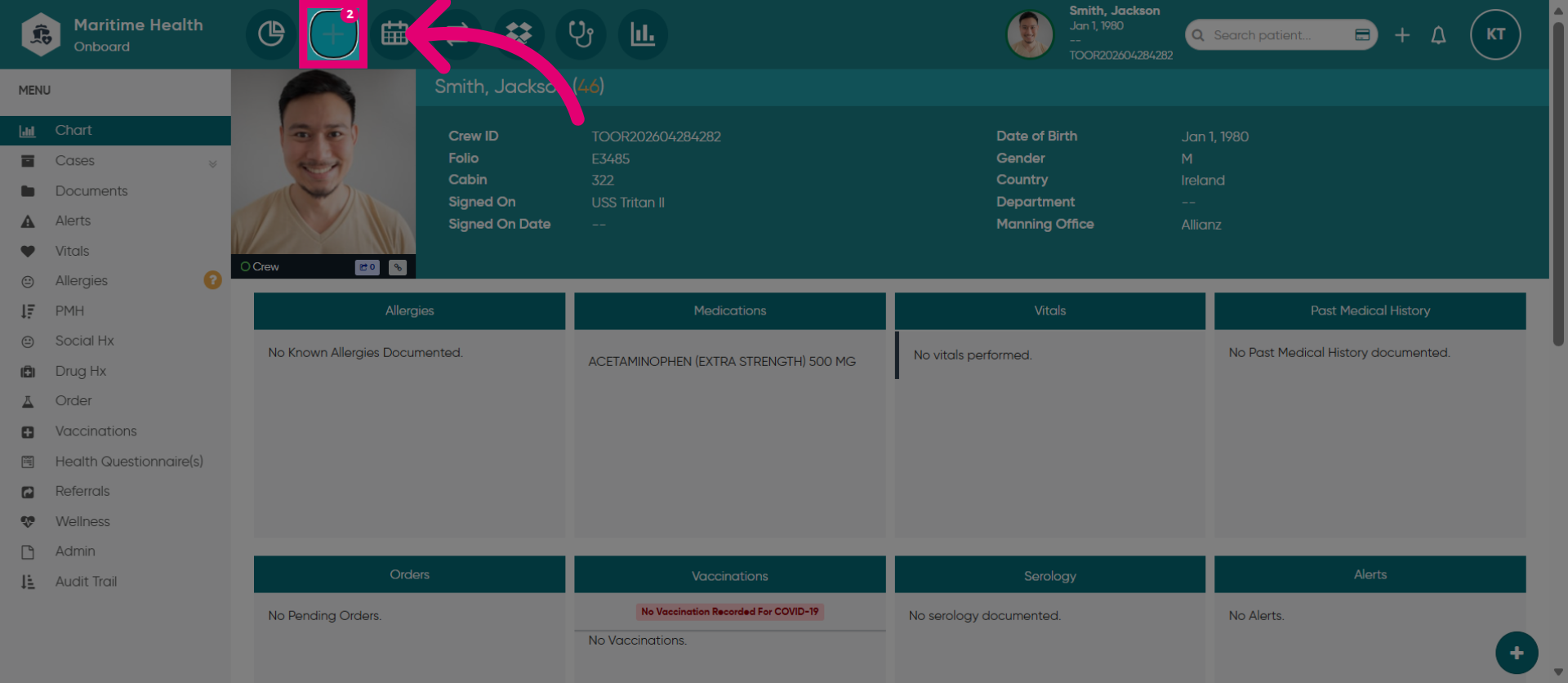
To access that encounter, go to view the patient in the Clinical Workflow tab.
7. View Awaiting Triage Cases
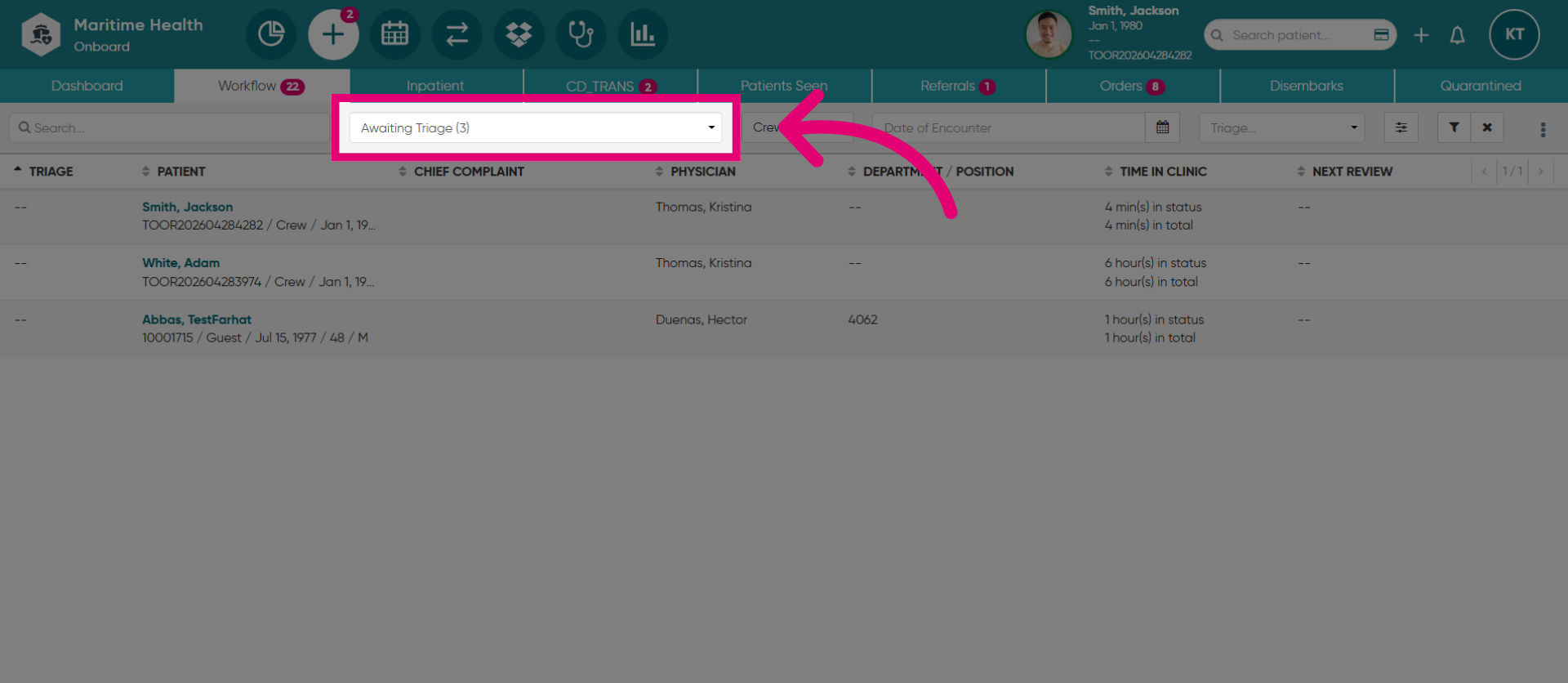
In the "Workflow" tab, you can search for patients by status.
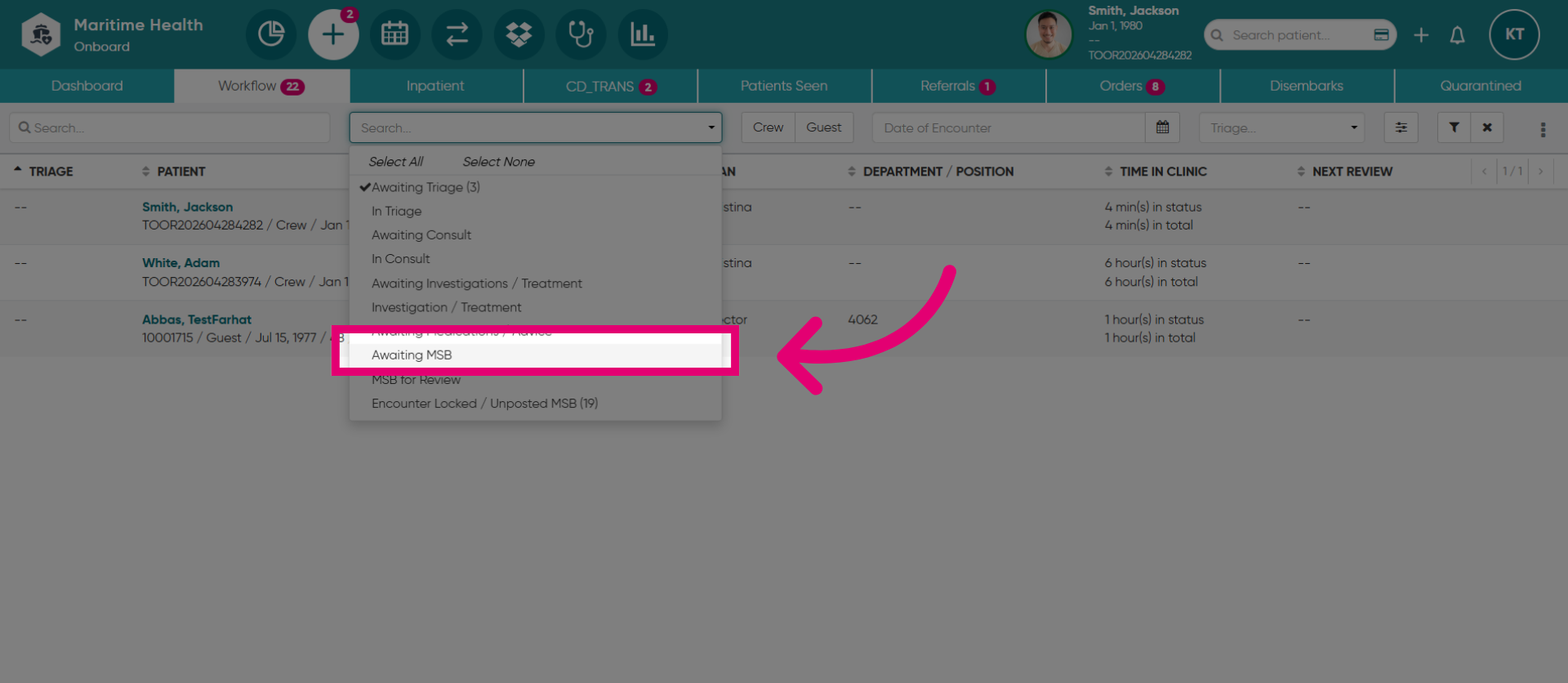
8. Access Awaiting MSB Section
Open the dropdown menu and select "Awaiting MSB" to view encounters that are pending Master Service Bill processing.
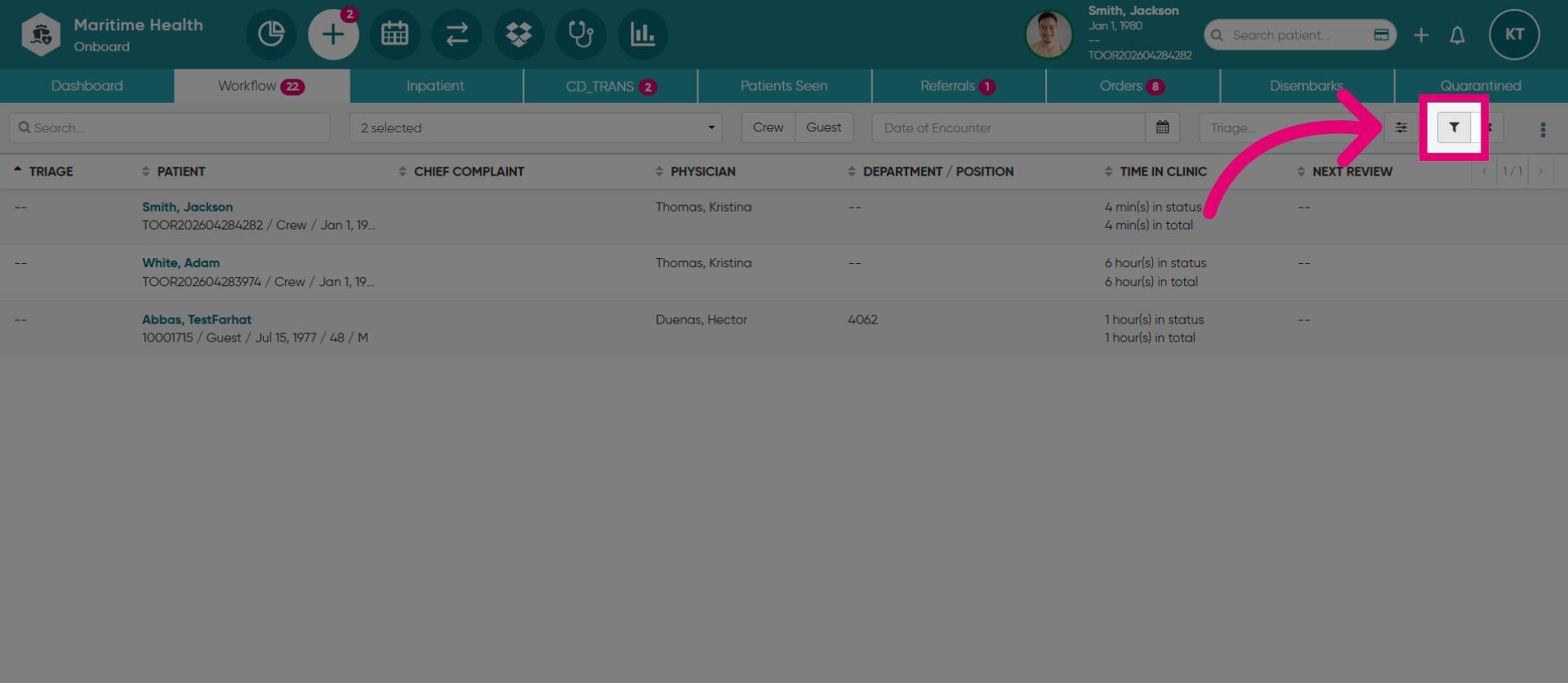
9. Select the filter button
Then, click the filter button.
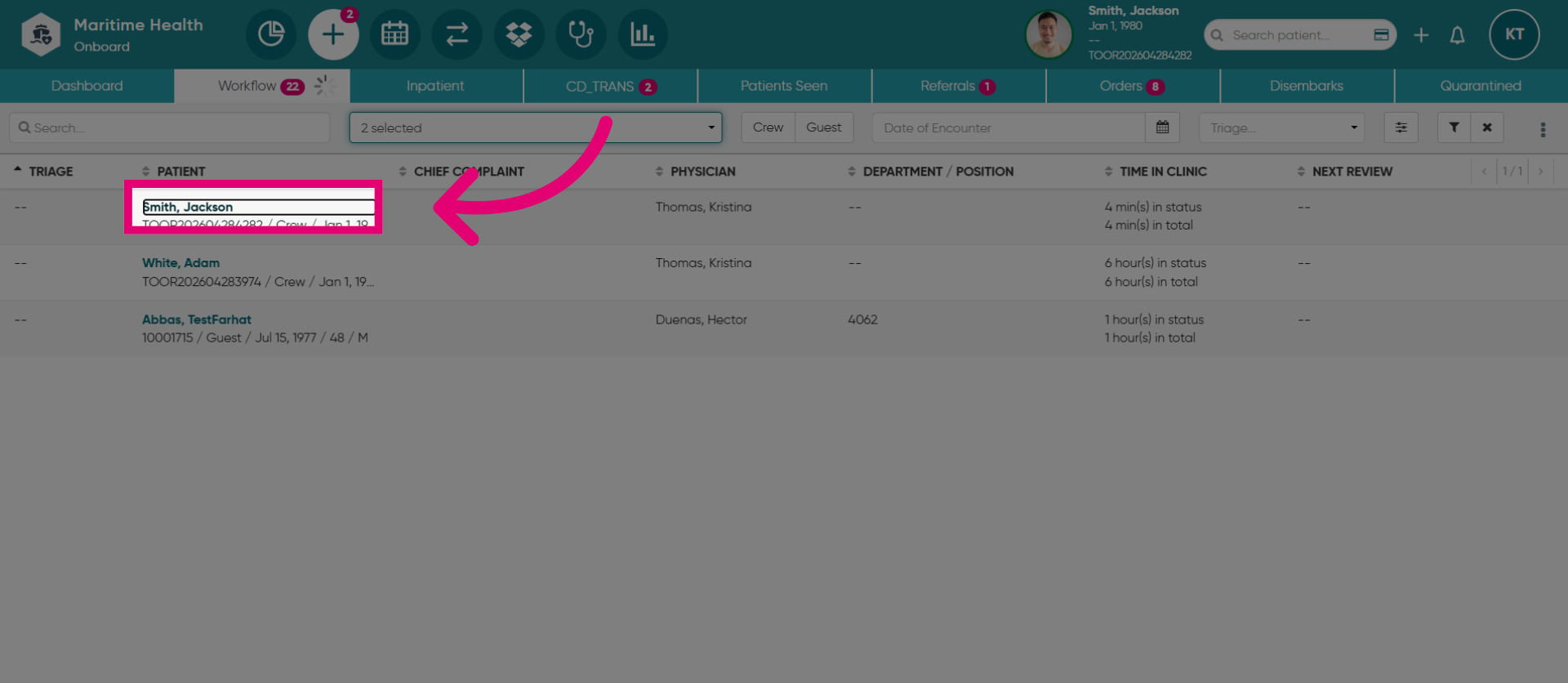
10. Open Patient Details
Then, locate your patient, and open the patient chart. For instance, here we will click "Smith, Jackson" to open detailed information for this patient.
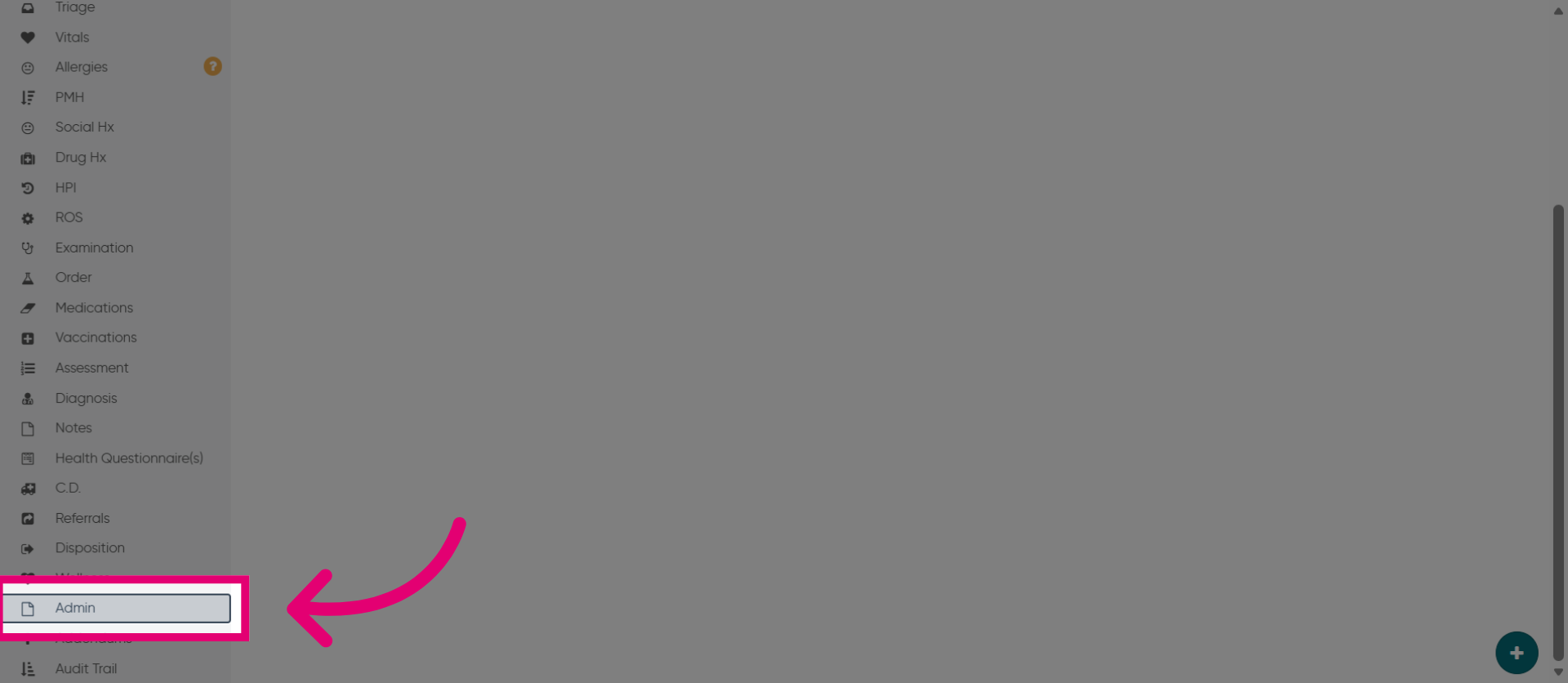
11. Access the Admin Section
Once in the patient chart, click "Admin".
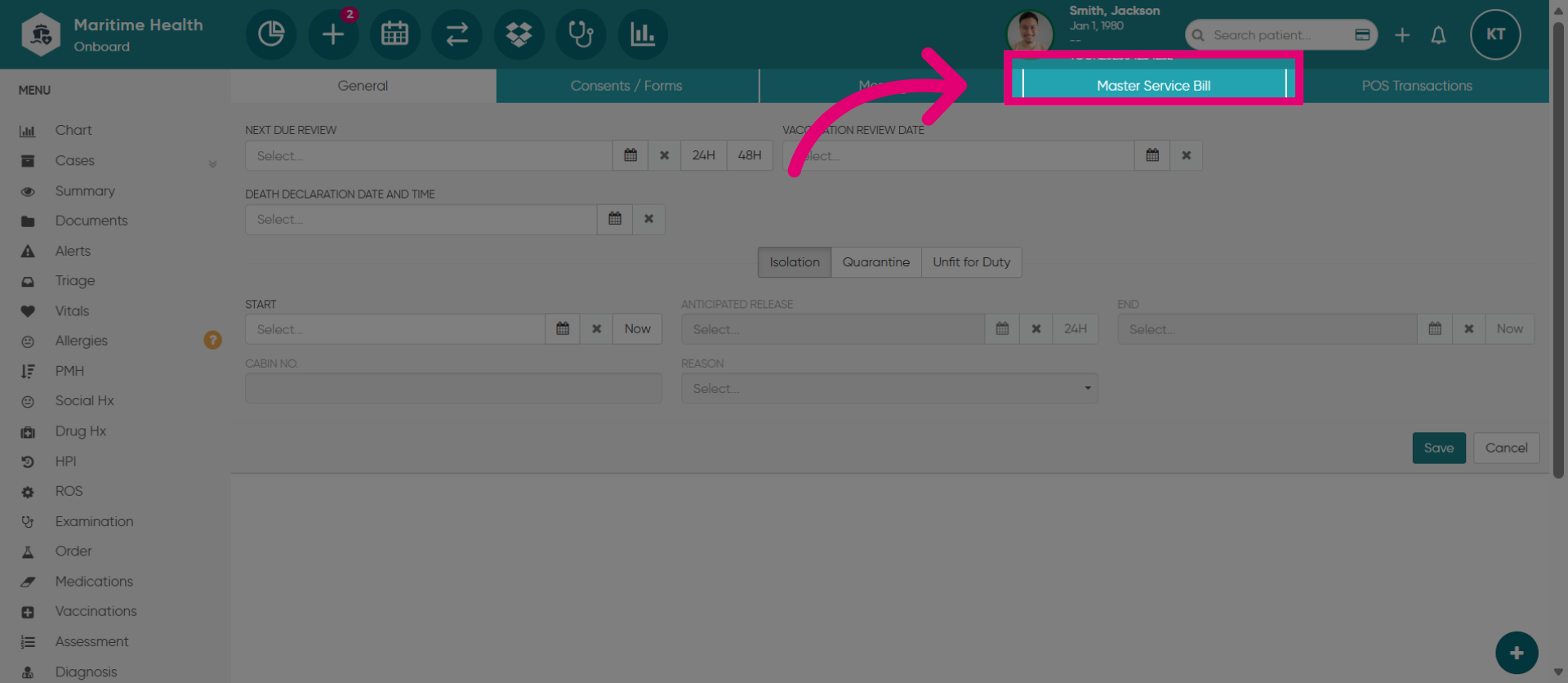
12. Open Master Service Bill
Click "Master Service Bill" to view or manage the associated billing details and close the MSB.