New article
Recently updated
View a Work Permit Standard Workflow

This walkthrough outlines the standard workflow for work permits within Operations.
1. Introduction
In Operations Workflow module, you can see a range of events and work permits.
2. Work Permit's Standard Workflow
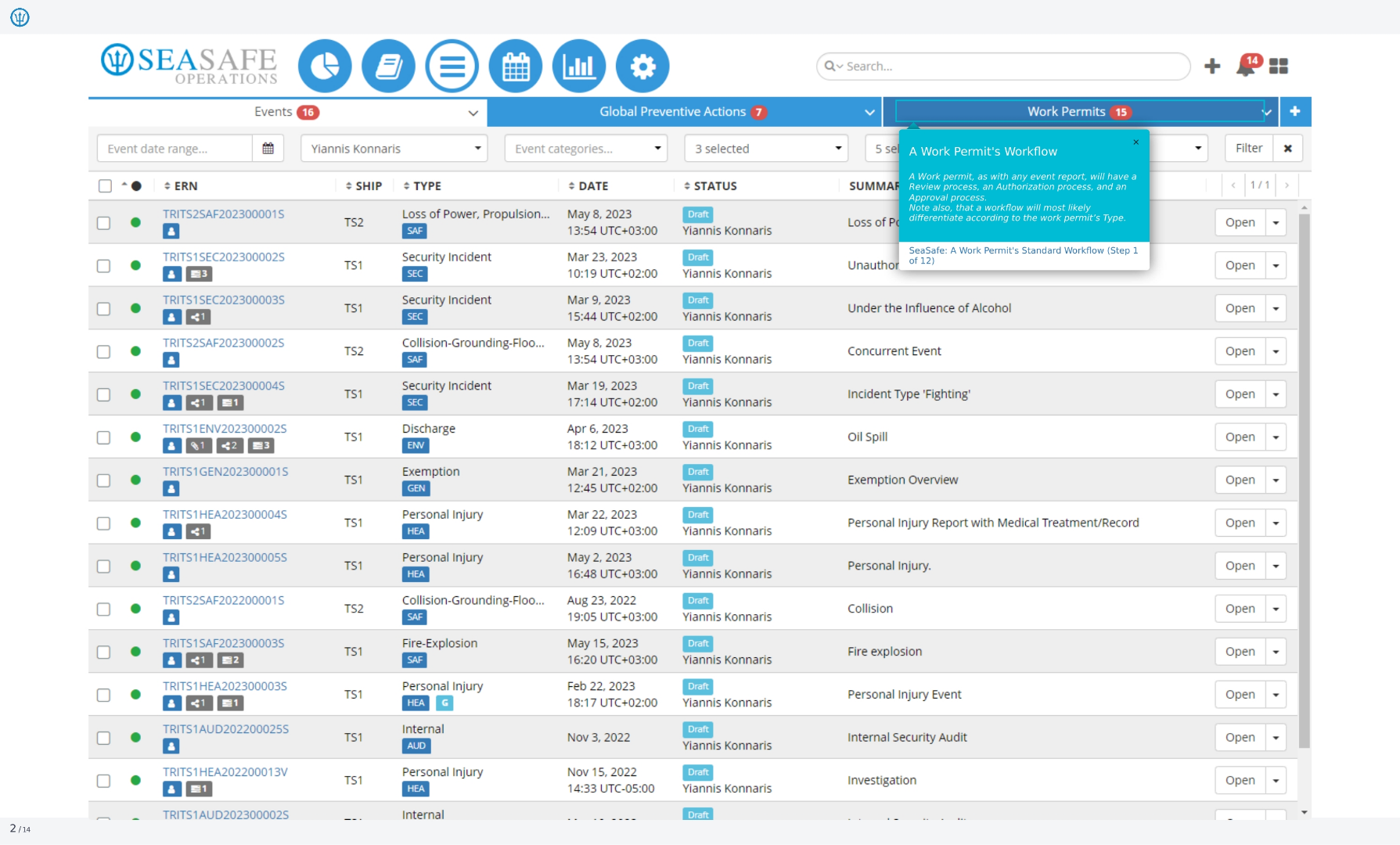
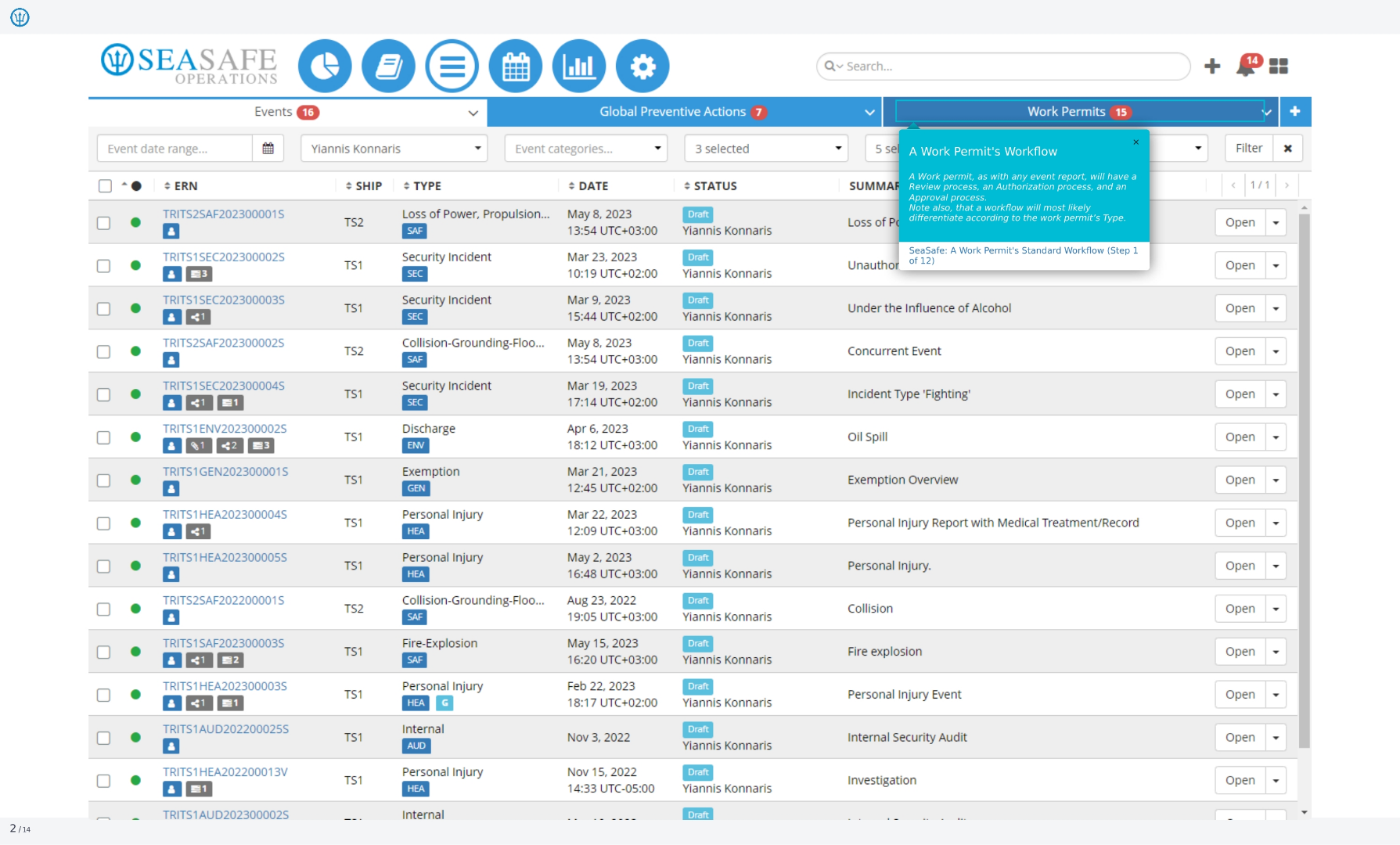
This particular flow will provide an overview of the standard workflow for a work permit, detailing the different transitions included. A work permit, as with any report, will have a review process, an authorization process, and an approval process. Note also that a workflow will most likely differentiate according to the work permit's type.
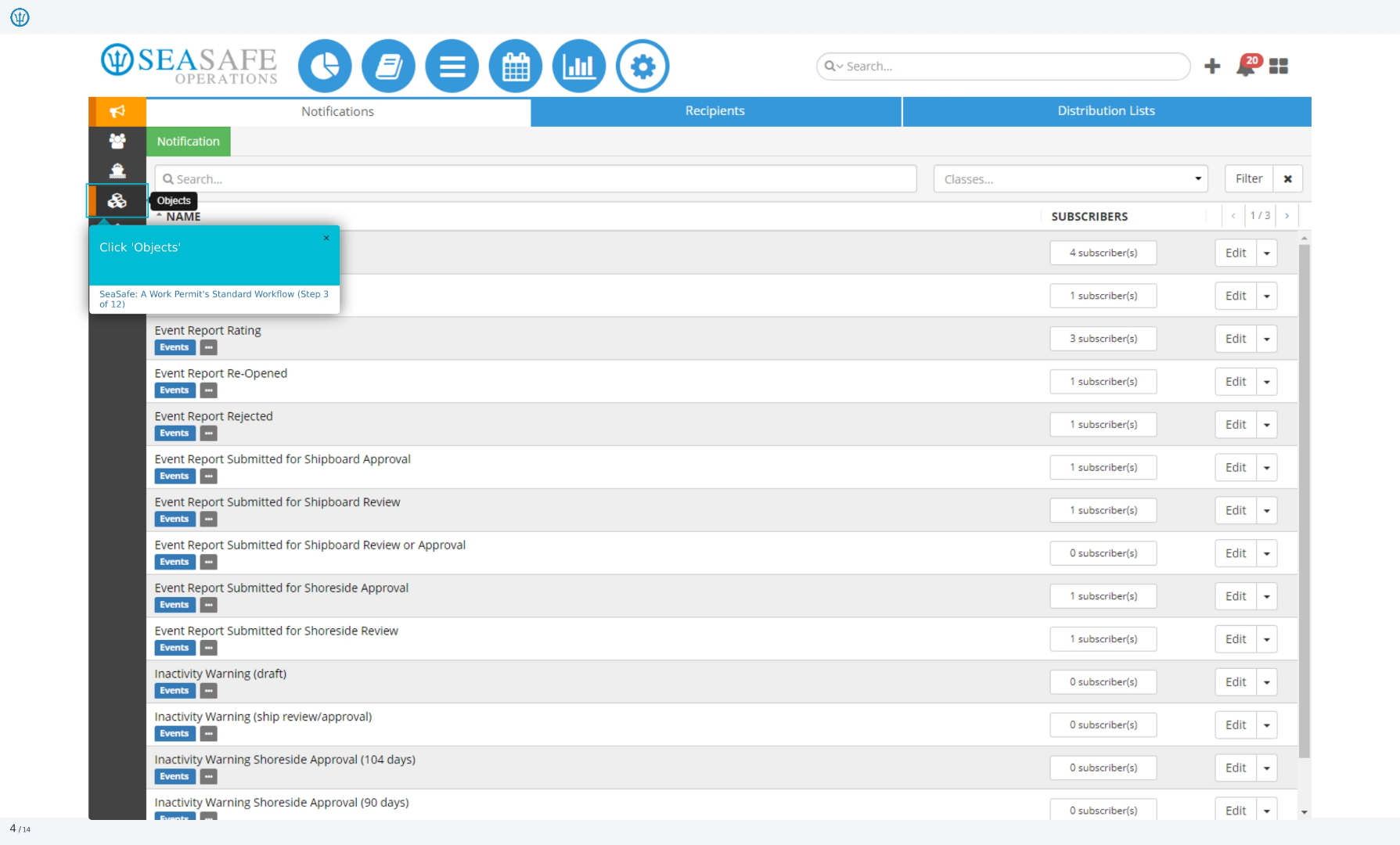
3. Select the 'Administration' Module
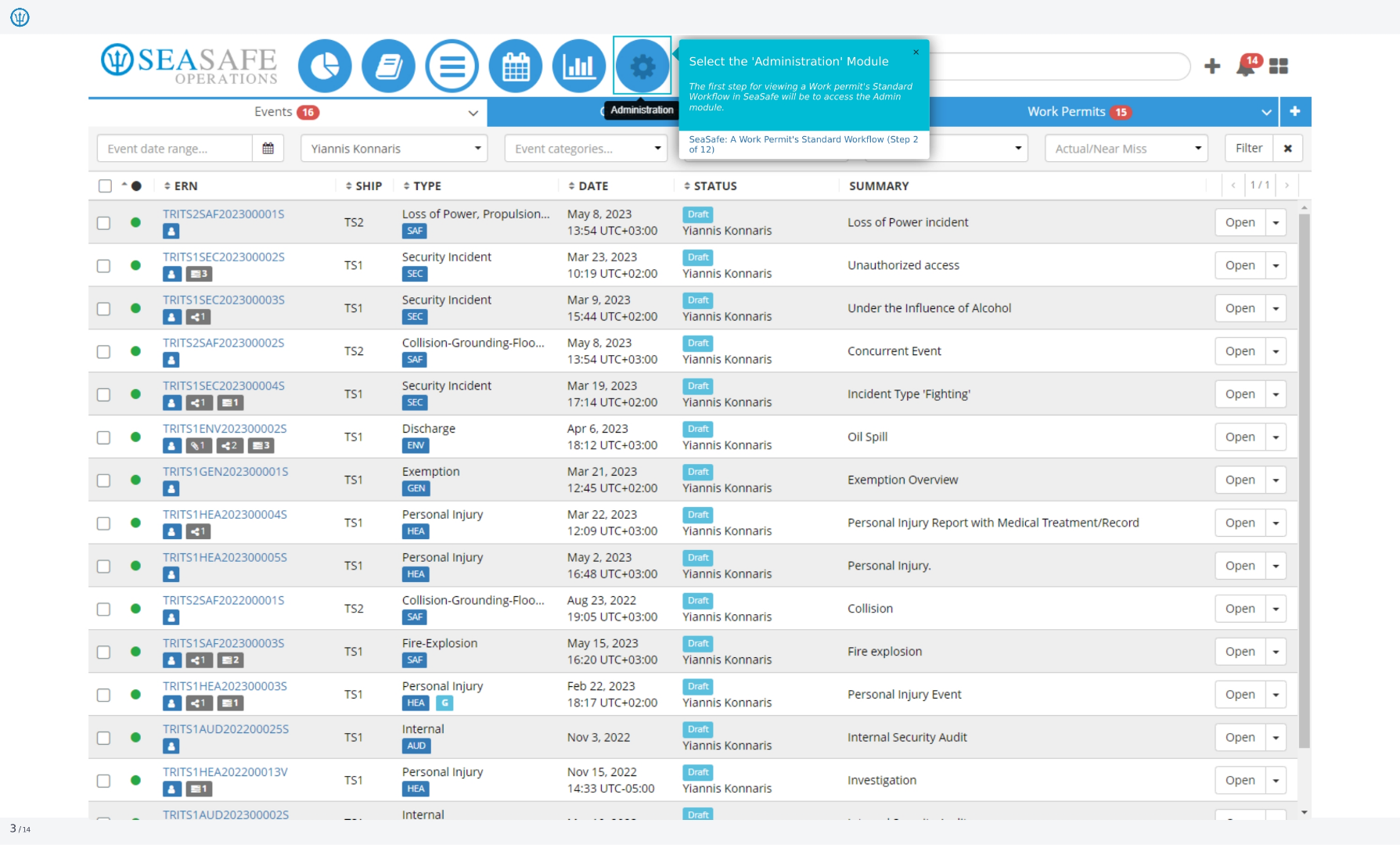
The first step for viewing work permit's standard workflow in Operationswill be to access the admin module. This module allows you to manage and configure various aspects of the system, including workflows, user permissions, and system settings.
4. Click Viewing a Work Permit Workflow
Click on Fields, Types and Workflows section to configure workflows for work permits.
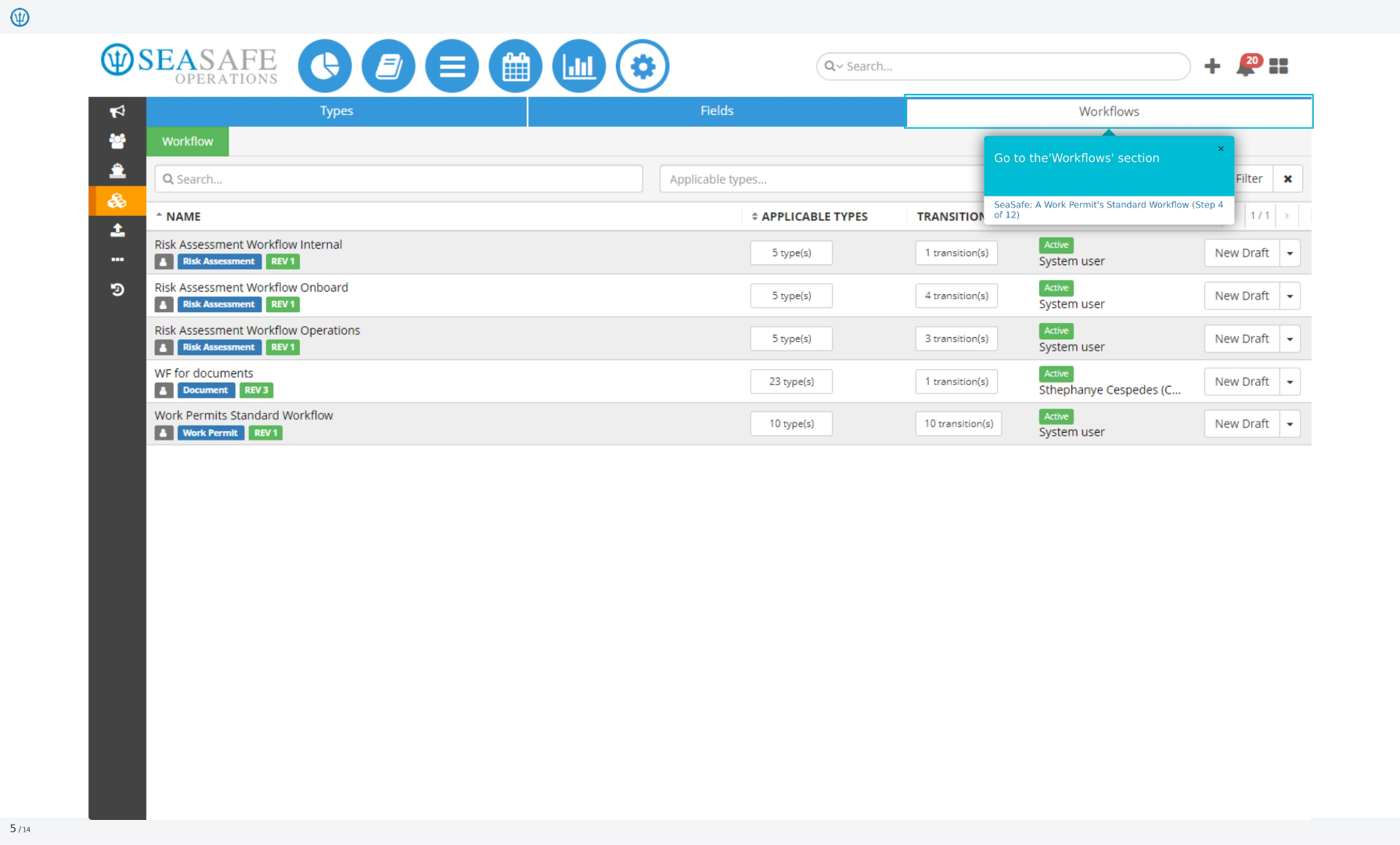
5. Go to the 'Workflows' section
Go to the 'Workflows' section. This area allows you to define and manage automated processes for different types of tasks and events within Ideagen Maritime Safety, streamlining operations and ensuring consistency.
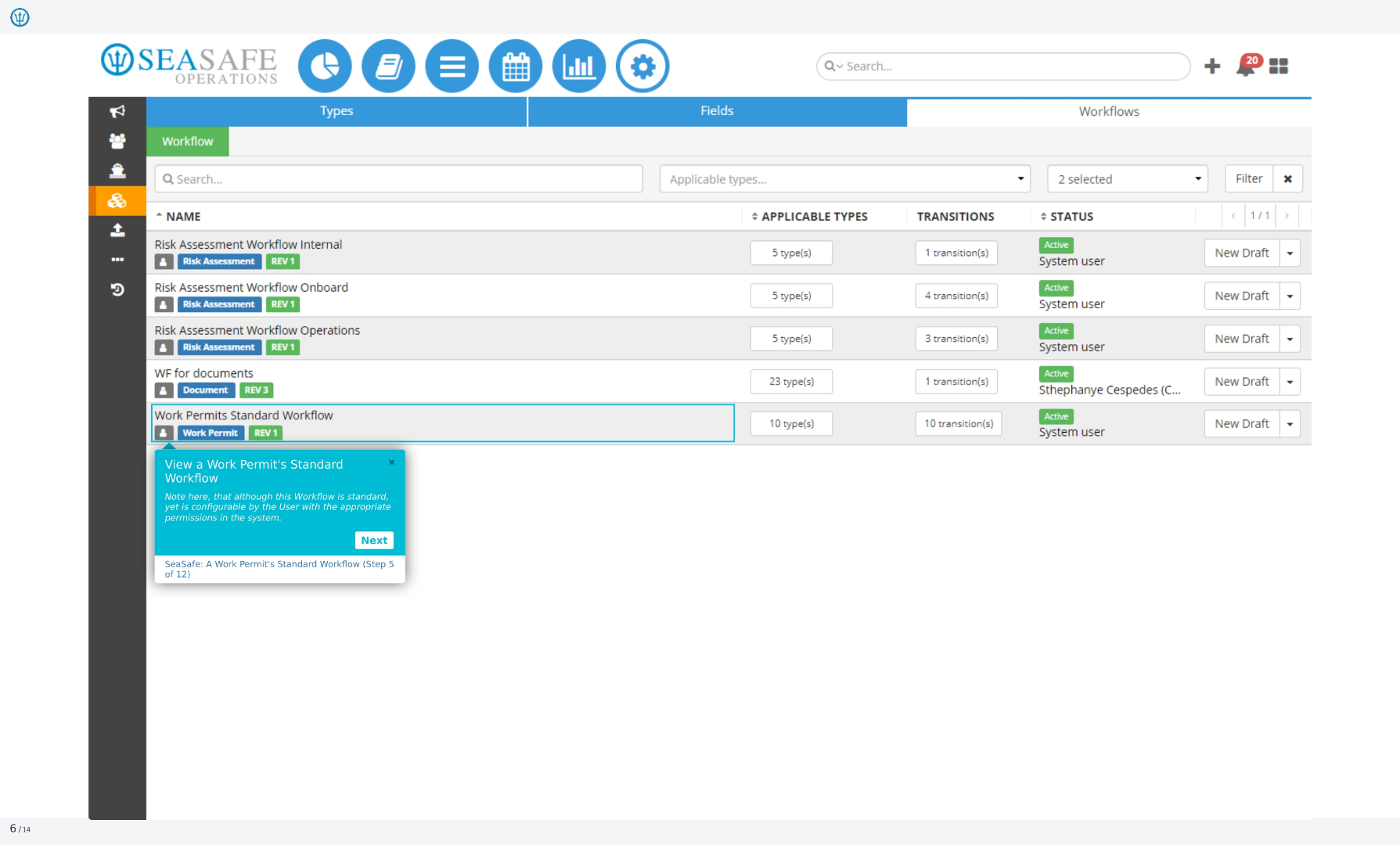
6. View a Work Permit's Standard Workflow
View a work permit's standard workflow. Note here that although this workflow is standard, yet it is configurable by the user with the appropriate permissions in the system. This flexibility allows organizations to tailor the workflow to their specific needs and requirements.
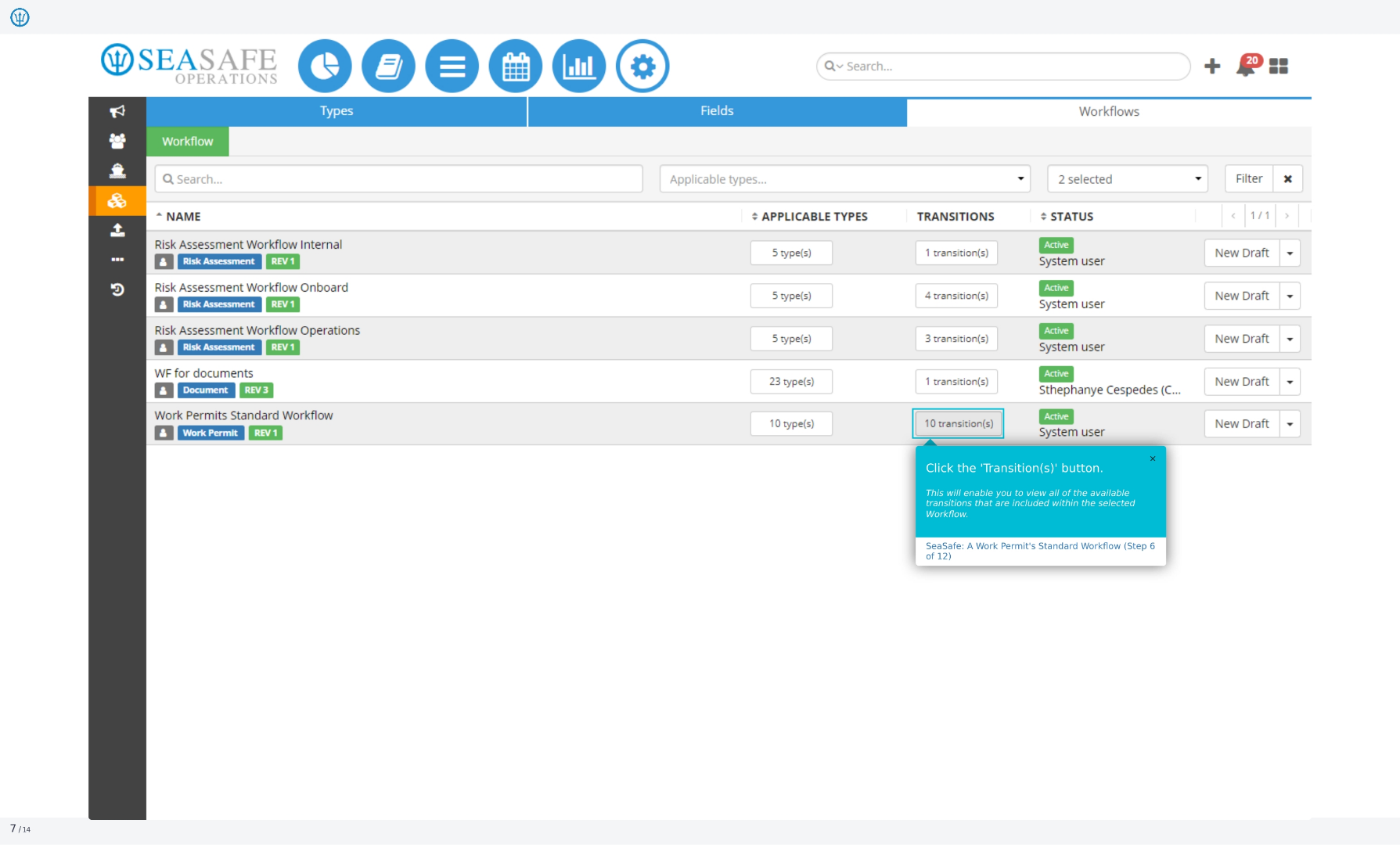
7. Click the 'Transition(s)' button
Click the 'Transition(s)' button. This will enable you to view all of the available transitions that are included within the selected workflow. Transitions represent the different stages or steps that a work permit progresses through during its lifecycle.
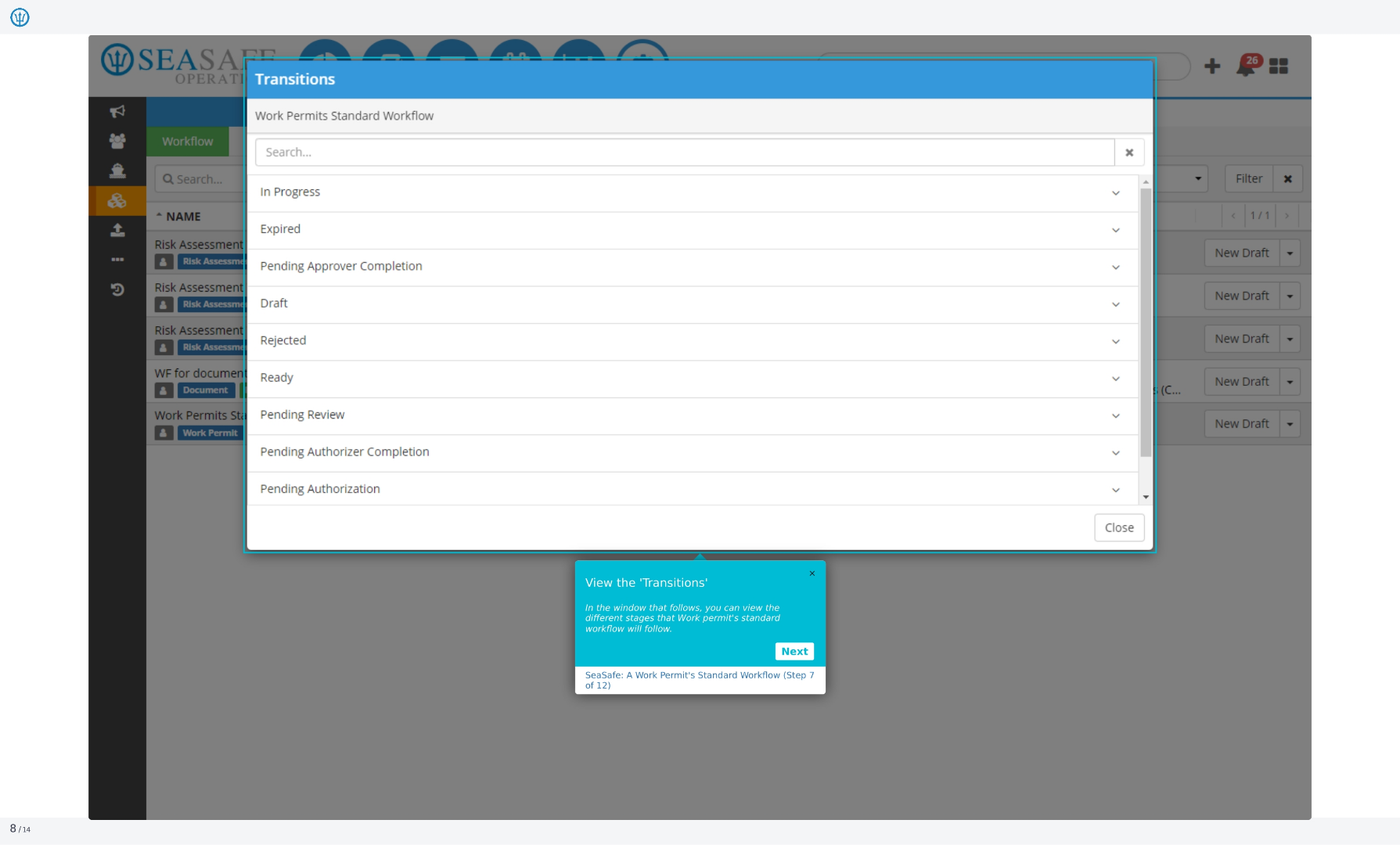
8. View the 'Transitions'
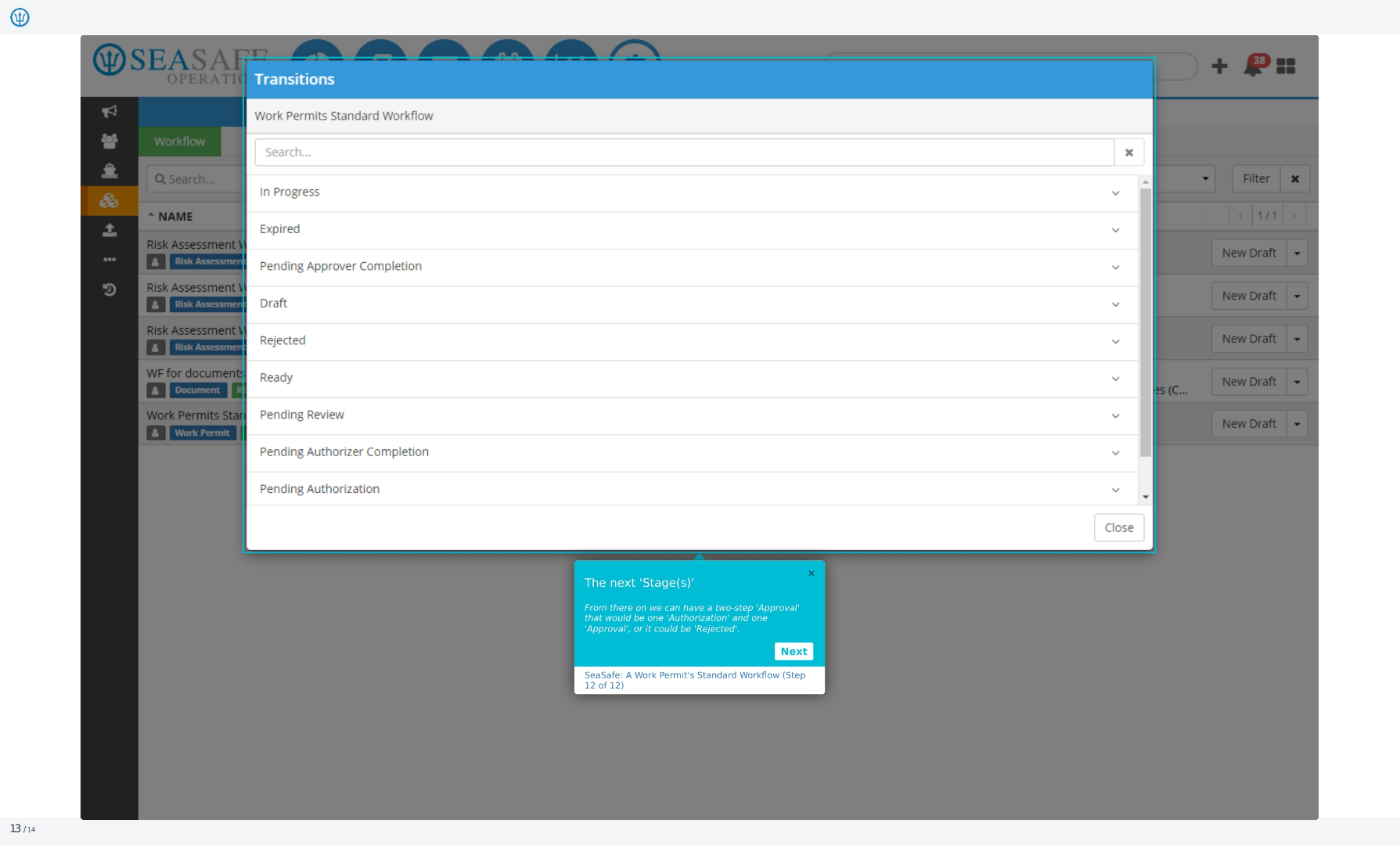
In the window that follows, you can view the different stages that work permit's standard workflow will follow. These stages represent the various steps in the work permit process, from initiation to completion.
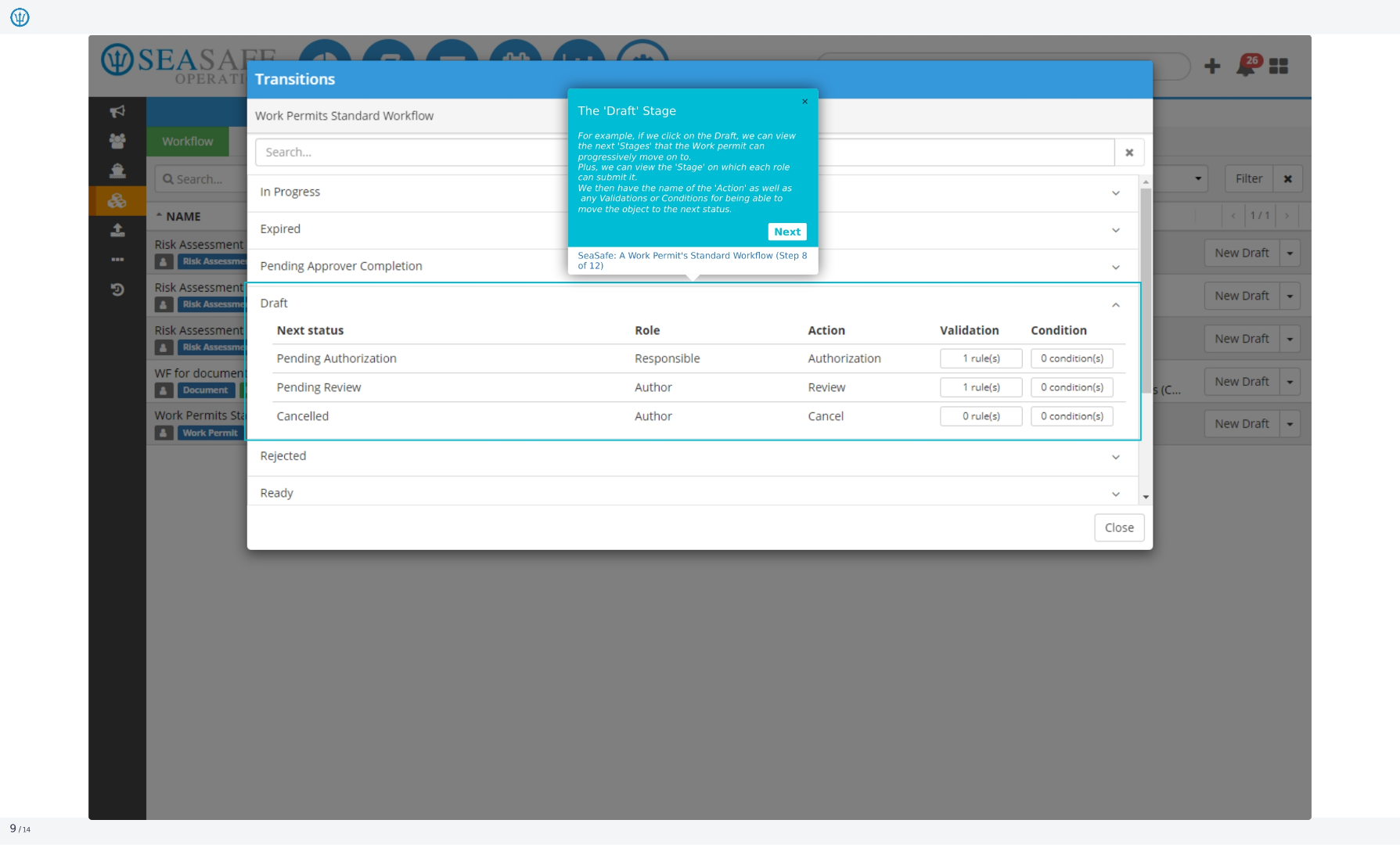
9. The 'Draft' Stage
For example, if we click on the Draft, we can view the next 'Stages' that the work permit can progressively move on to. Plus, we can view the 'Stage' on which each role can submit it. We then have the name of the 'Action' as well as any validations or conditions for being able to move the object to the next status.
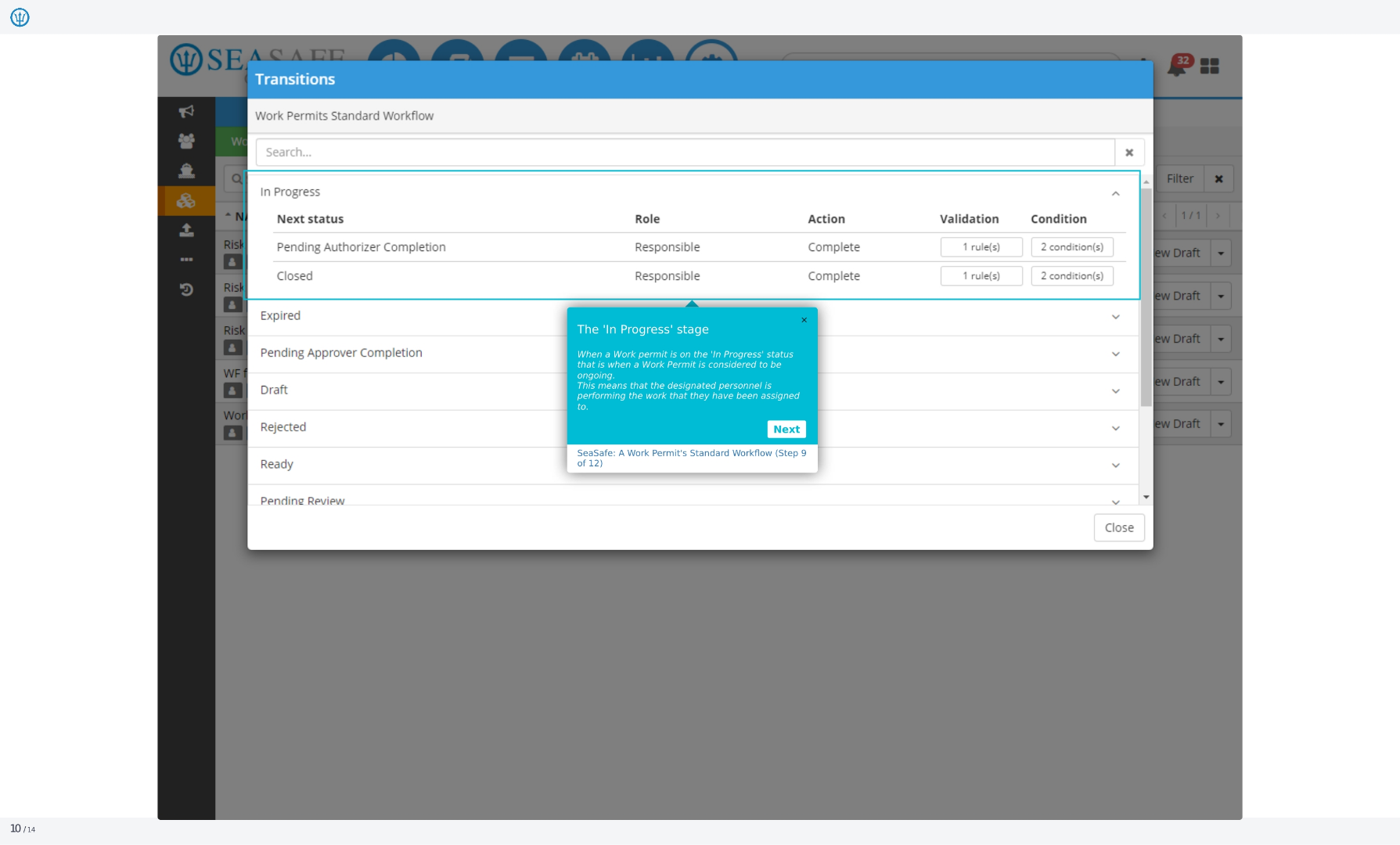
10. The 'In Progress' stage
When a work permit is on the 'In Progress' status that is when a work permit is considered to be ongoing. This means that the designated personnel is performing the work that they have been assigned to.
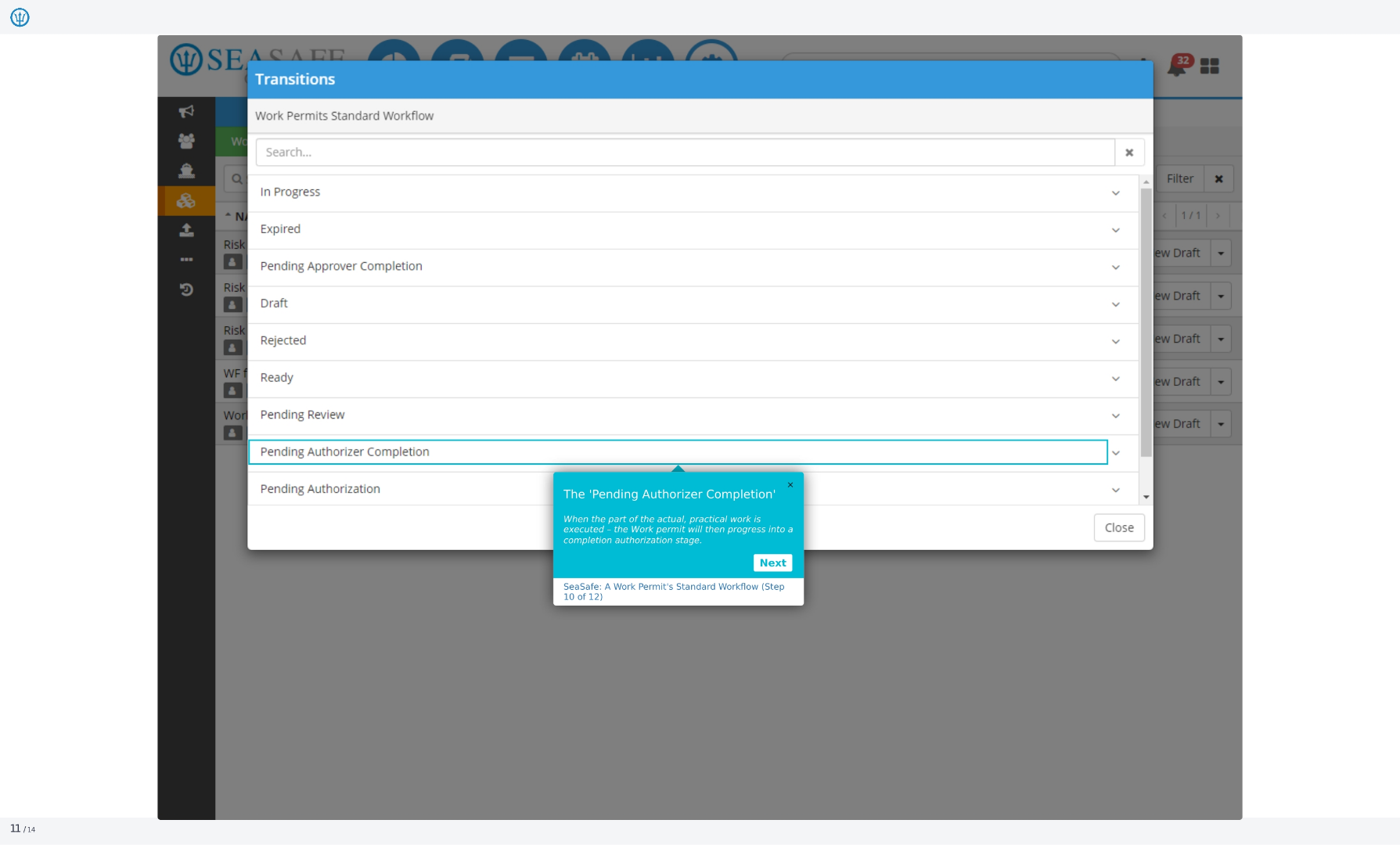
11. The 'Pending Authorizer Completion'
When the part of the actual, practical work is executed, the work permit will then progress into a completion authorization stage. This ensures that all necessary steps have been taken and that the work is ready for final approval.
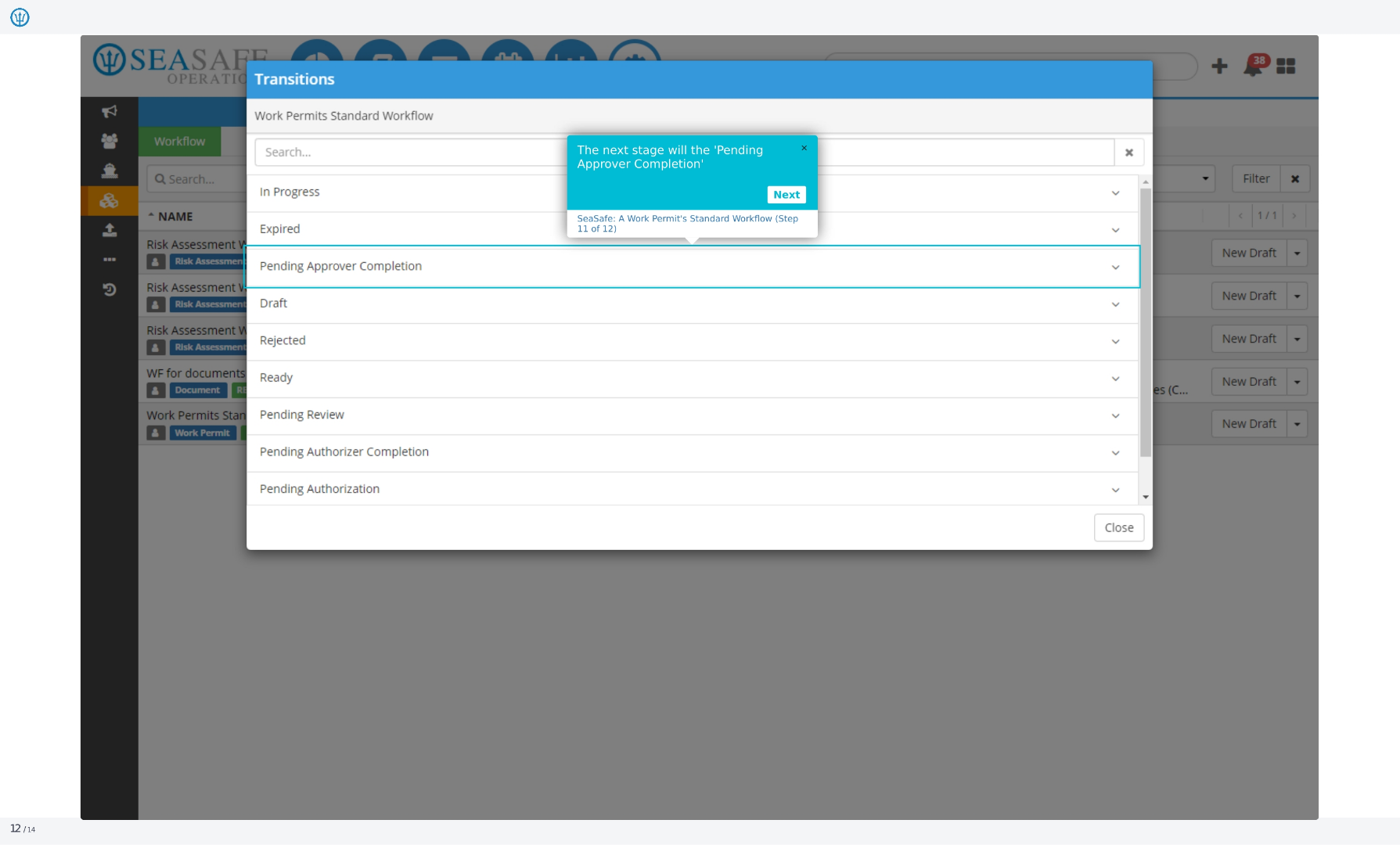
12. The next stage will the 'Pending Approver Completion'
The next stage will be the 'Pending Approver Completion'. This stage involves the designated approver reviewing the completed work and ensuring that it meets all requirements and standards.
13. The next 'Stage(s)'
From there on we can have a two-step 'Approval' that would be one 'Authorization' and one 'Approval', or it could be 'Rejected'. This provides flexibility in the approval process, allowing for different levels of review and authorization as needed.