New article
Recently updated
Link Source Events in Ideagen Maritime Management Onboard

This walkthrough explains how to link source events within the Ideagen Maritime Management Onboard.
1. Introduction
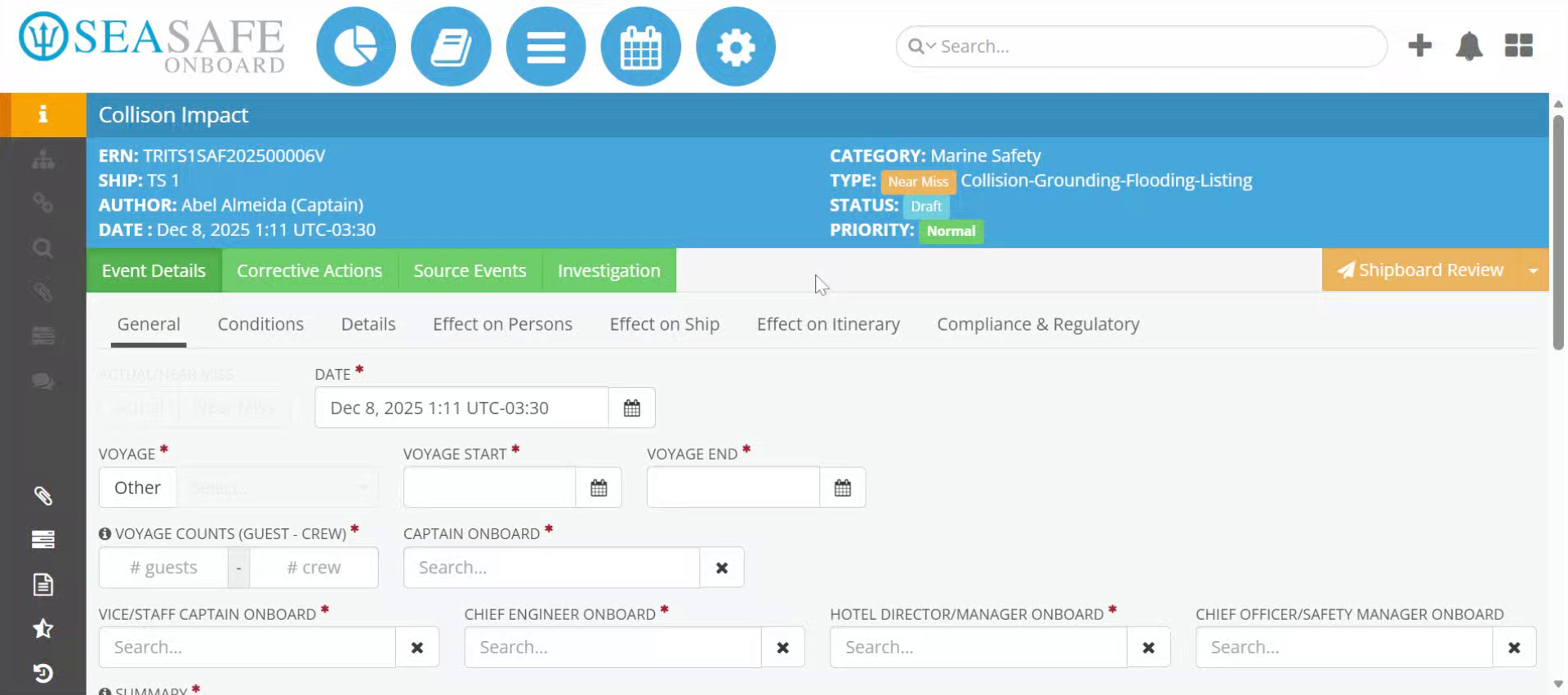
You will learn the step-by-step process to search, select, and associate source events effectively. We will begin in an already opened event report in "Edit" mode.
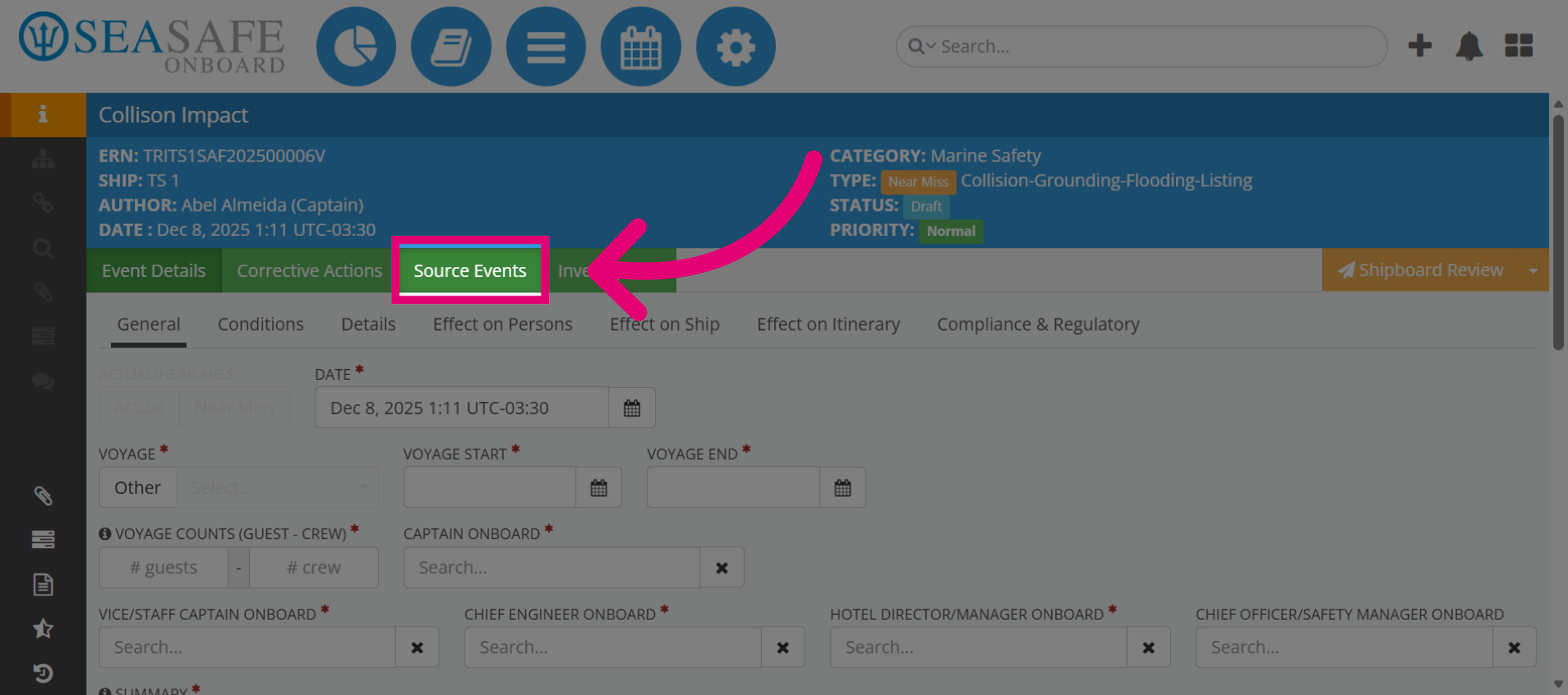
2. Navigate to Source Events
Click the "Source Events" section to begin linking source events.
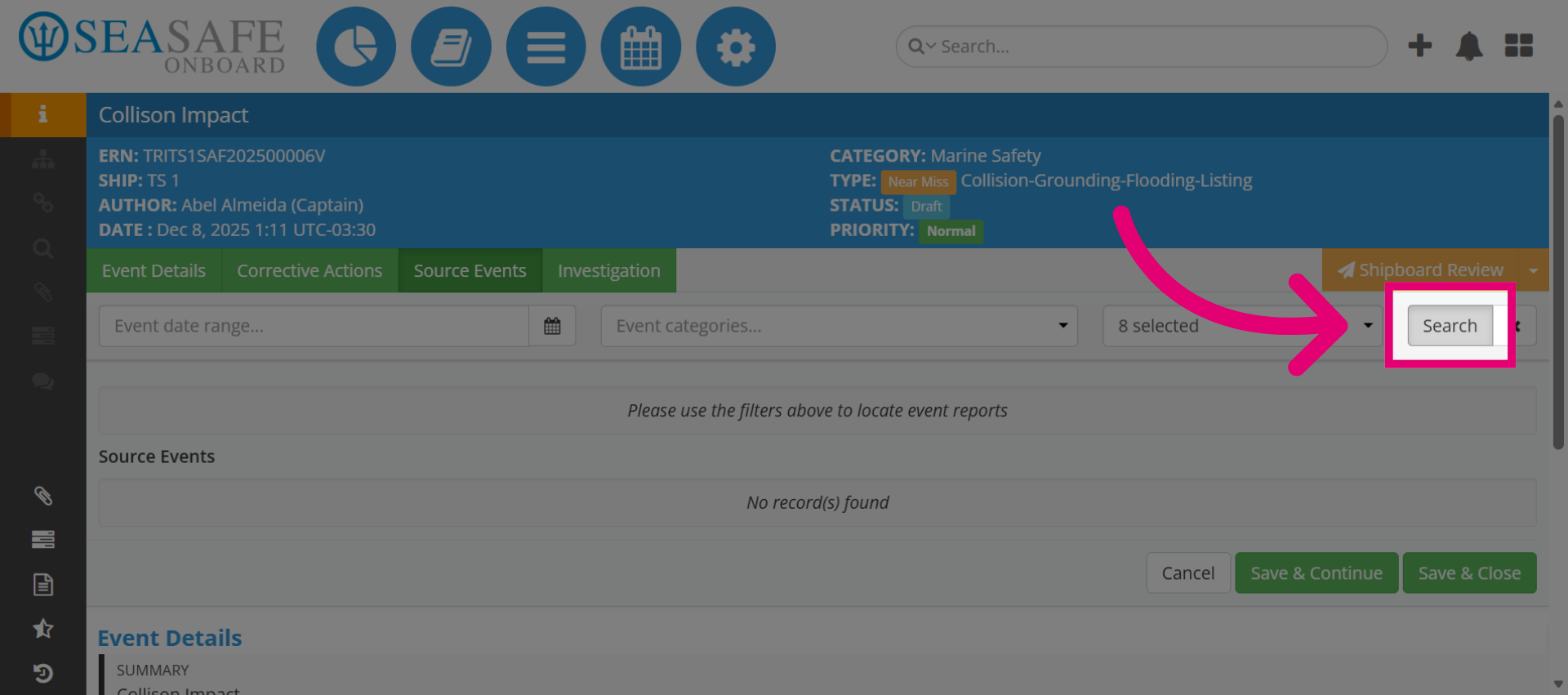
3. Open Search Function
Then, click the search button to access event filtering options.
4. Access Event Categories
Then, select "Event categories" to filter events by type.
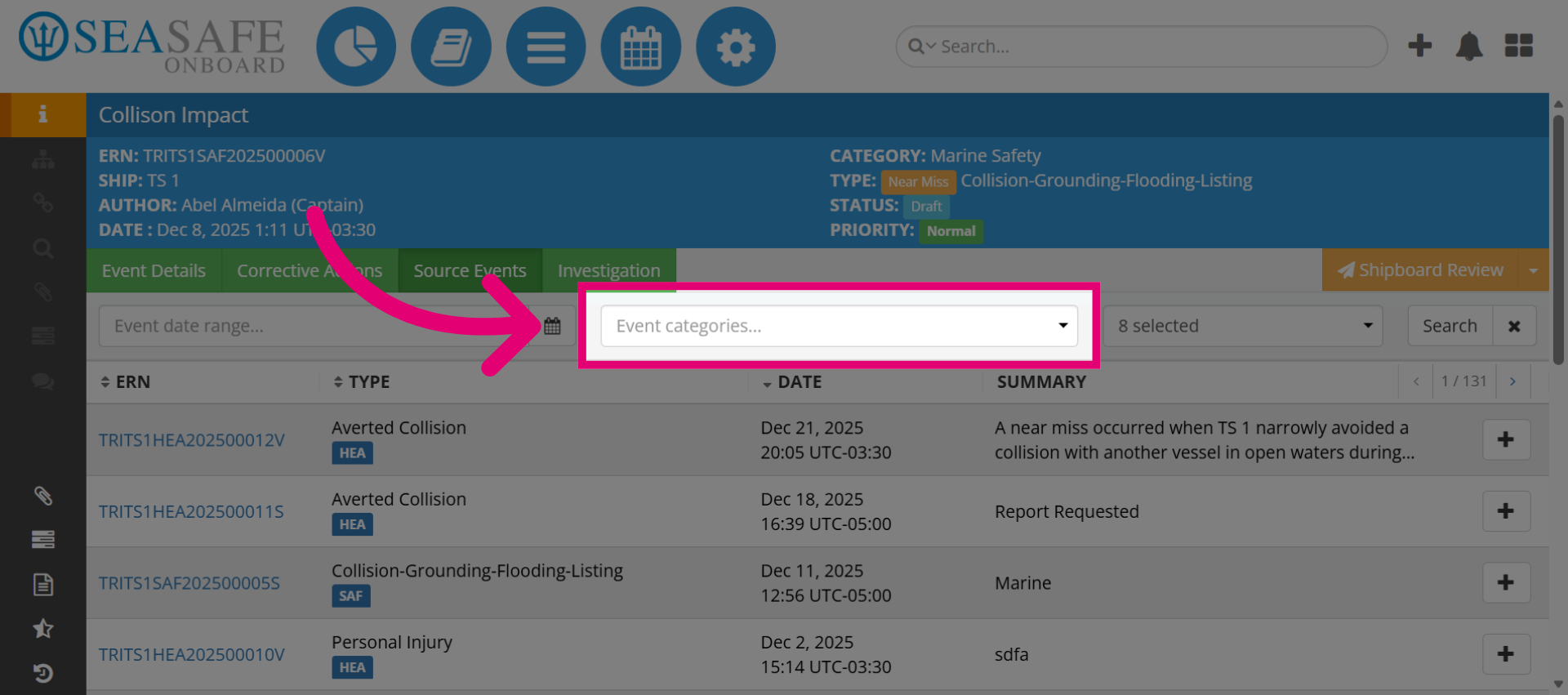
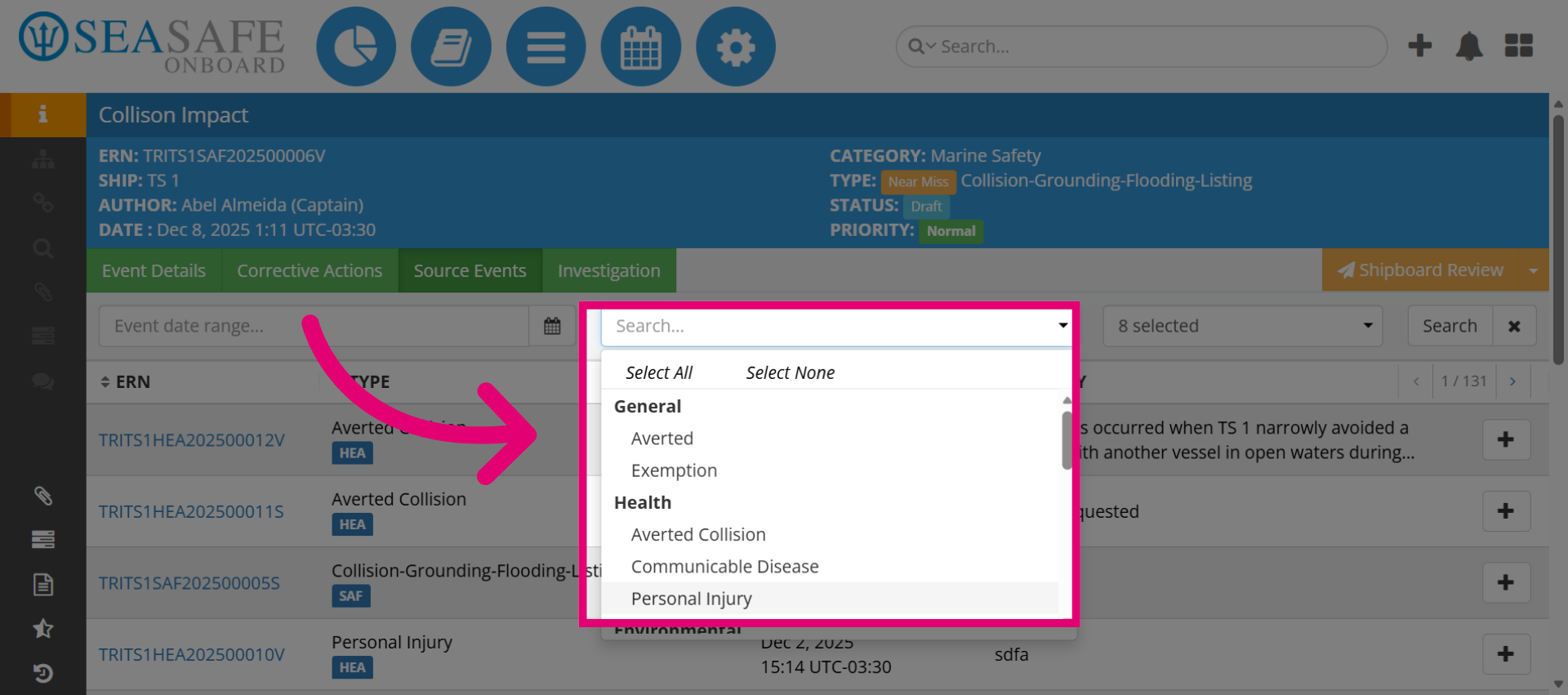
5. Select Personal Injury Category
Then selec, for example, "Personal Injury" to narrow down the event list to relevant cases.
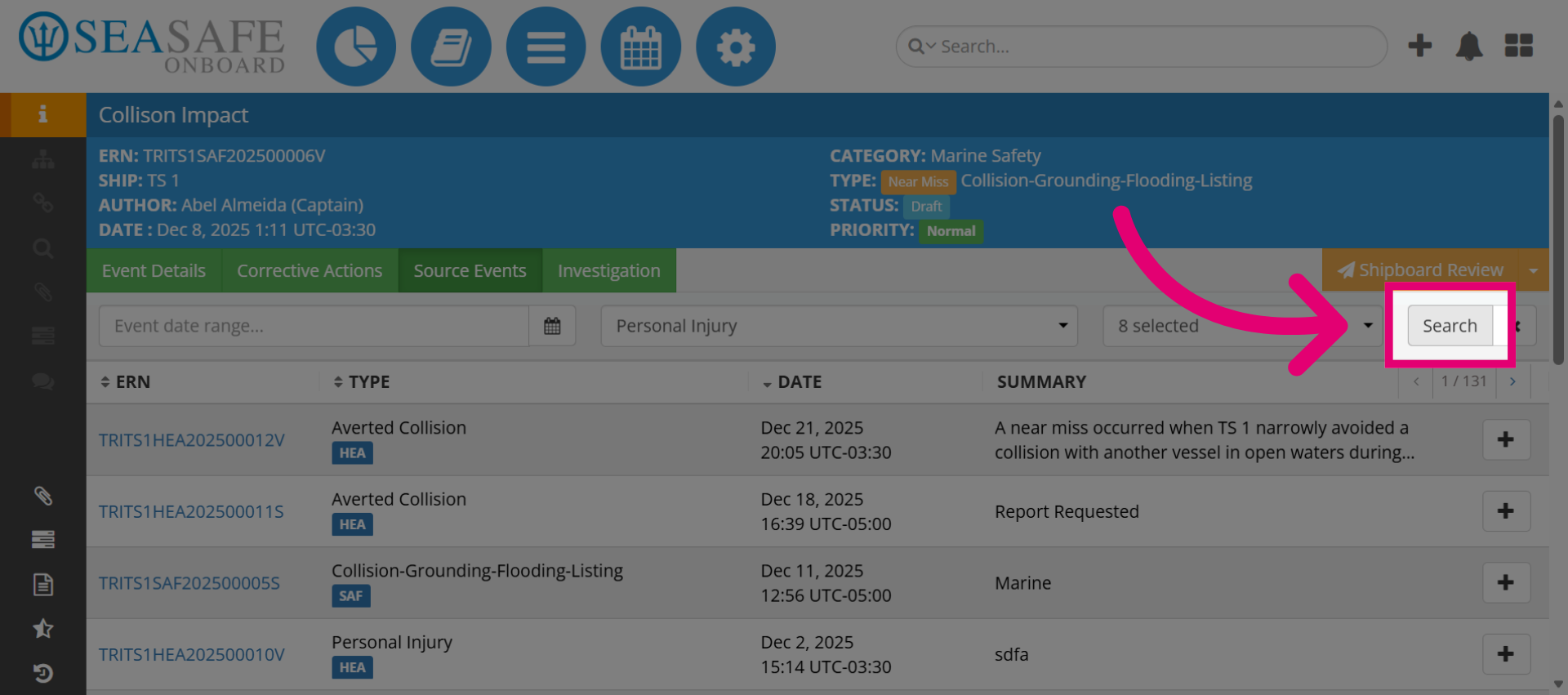
6. Execute Category Search
Next, select Search to apply the selected event category filter.
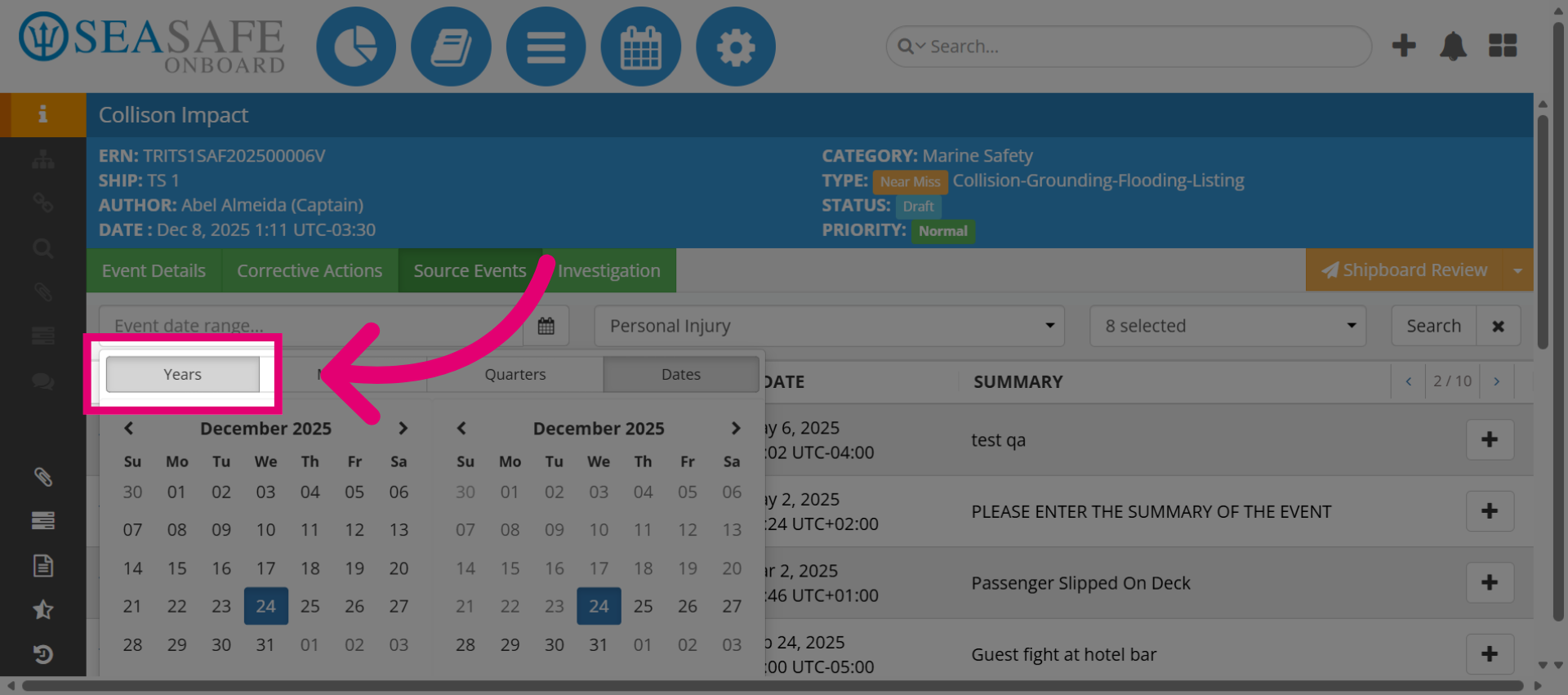
7. Expand Further Search Options
Click here to continue expanding available event selection when searching by date.
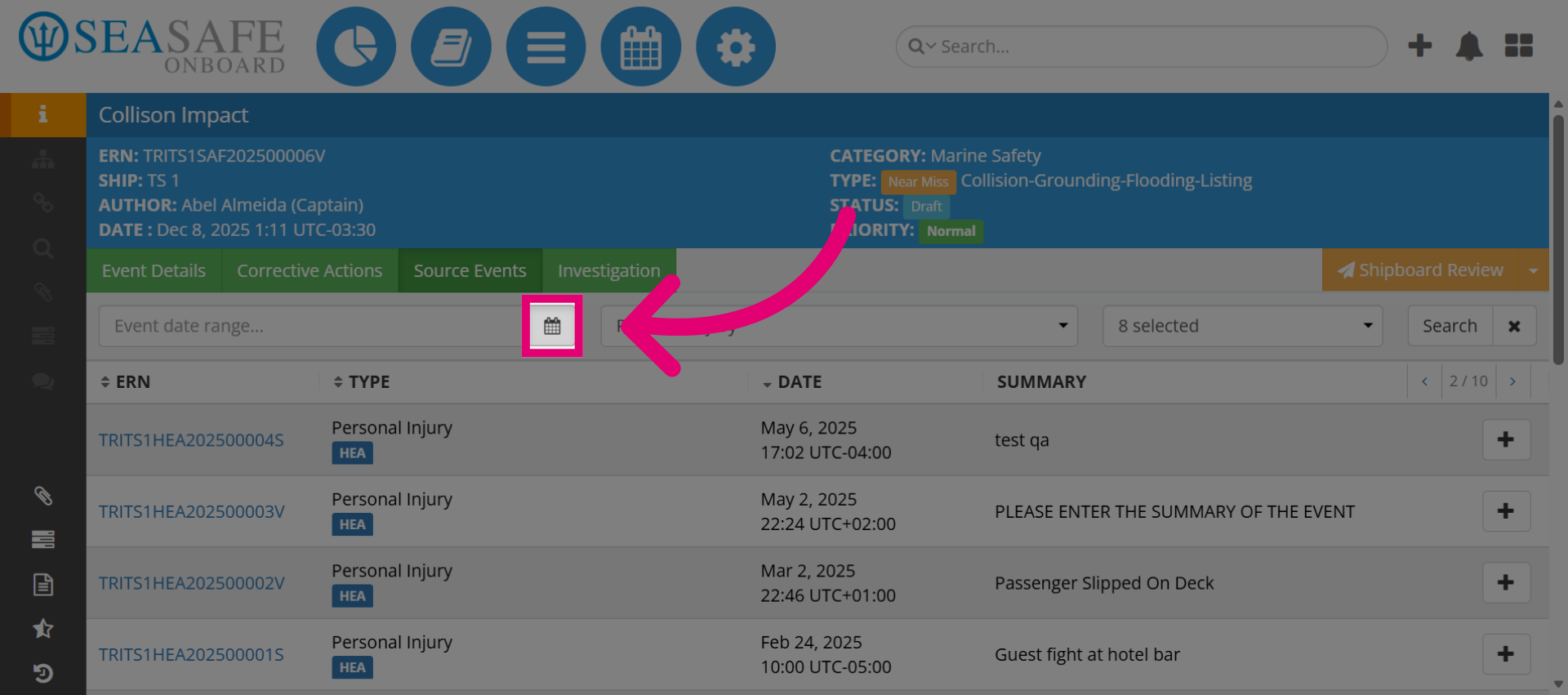
8. Select Years Filter
Then, click "Years" to specify the time range for event filtering. You may also search by Month, Day, etc.
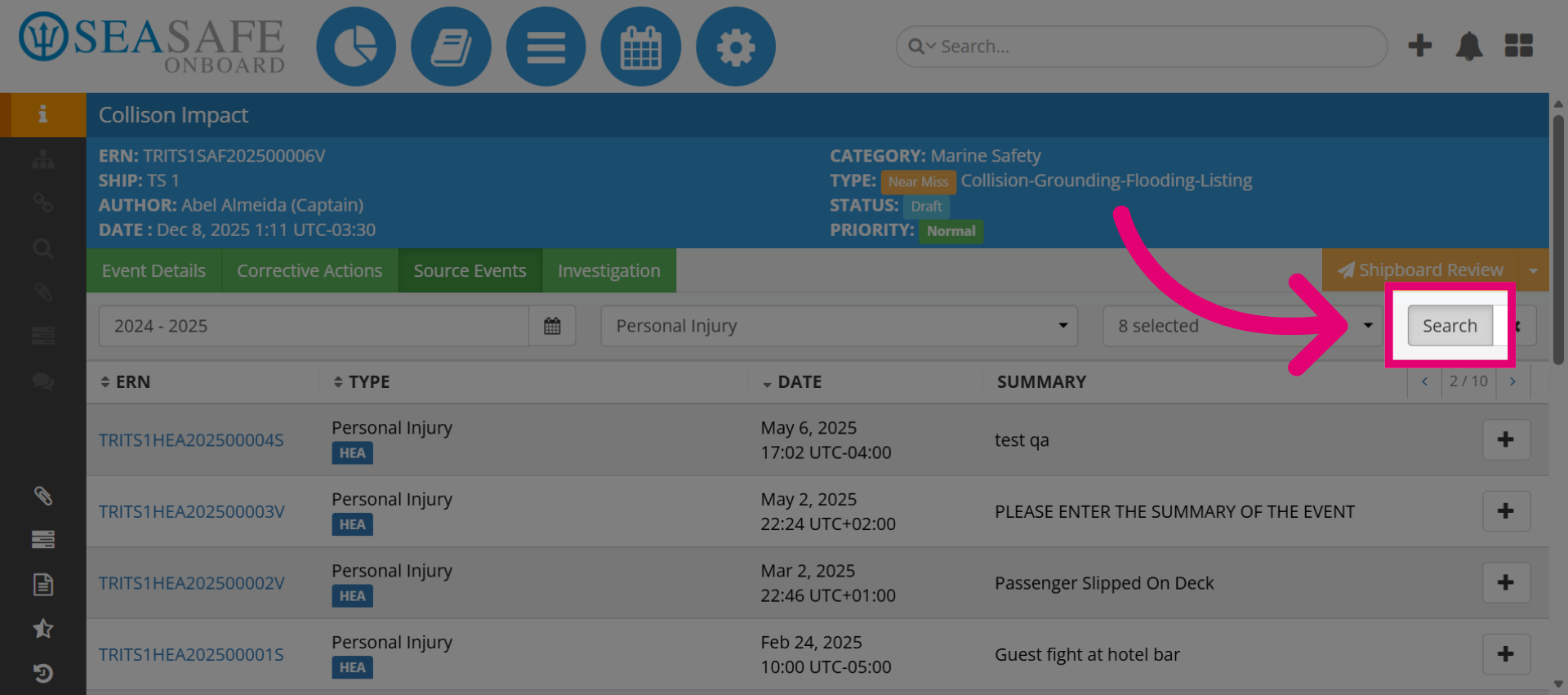
9. Apply Year Filters
Then, click Search to apply the selected year filters to the event list.
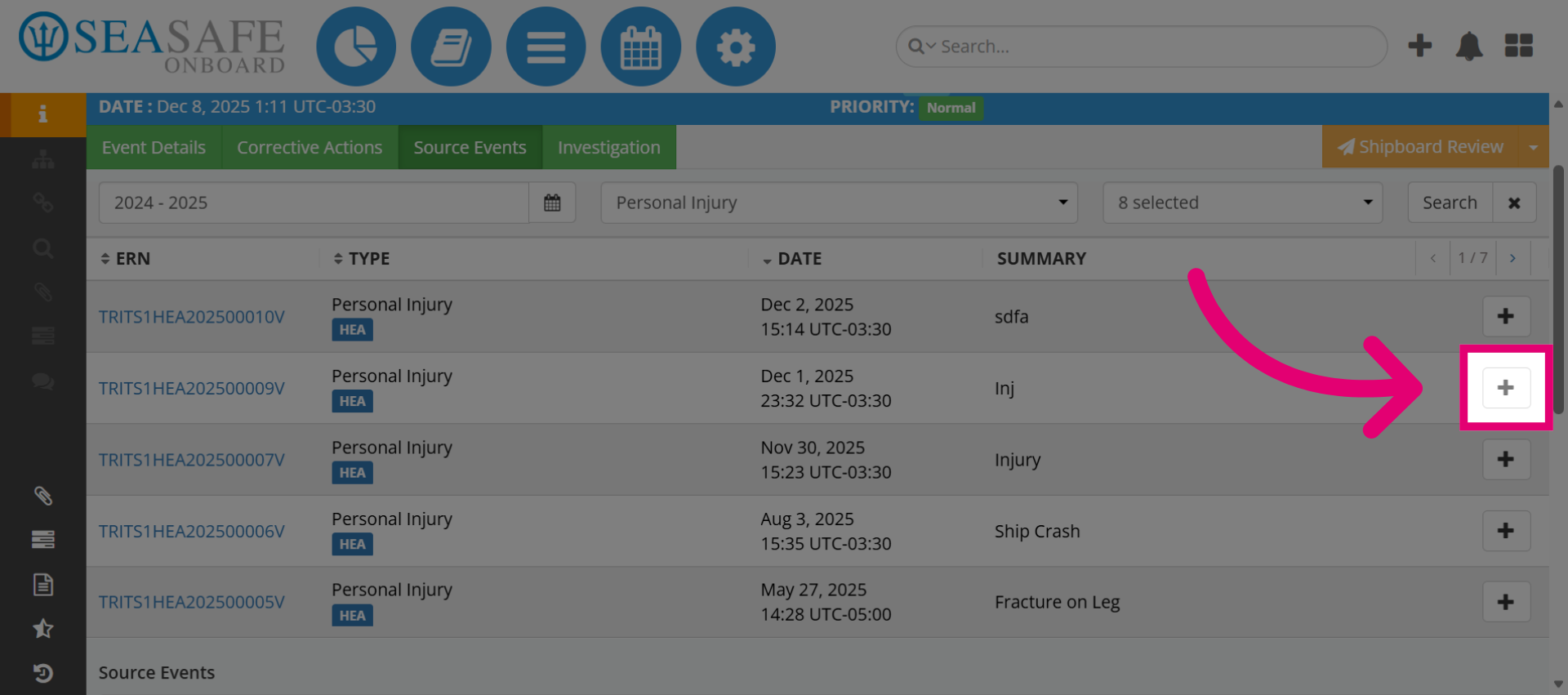
10. Add Source Events
Next, click here to manage the source events linked to the selected cases. Select the plus sign to add a source event to the source event section.
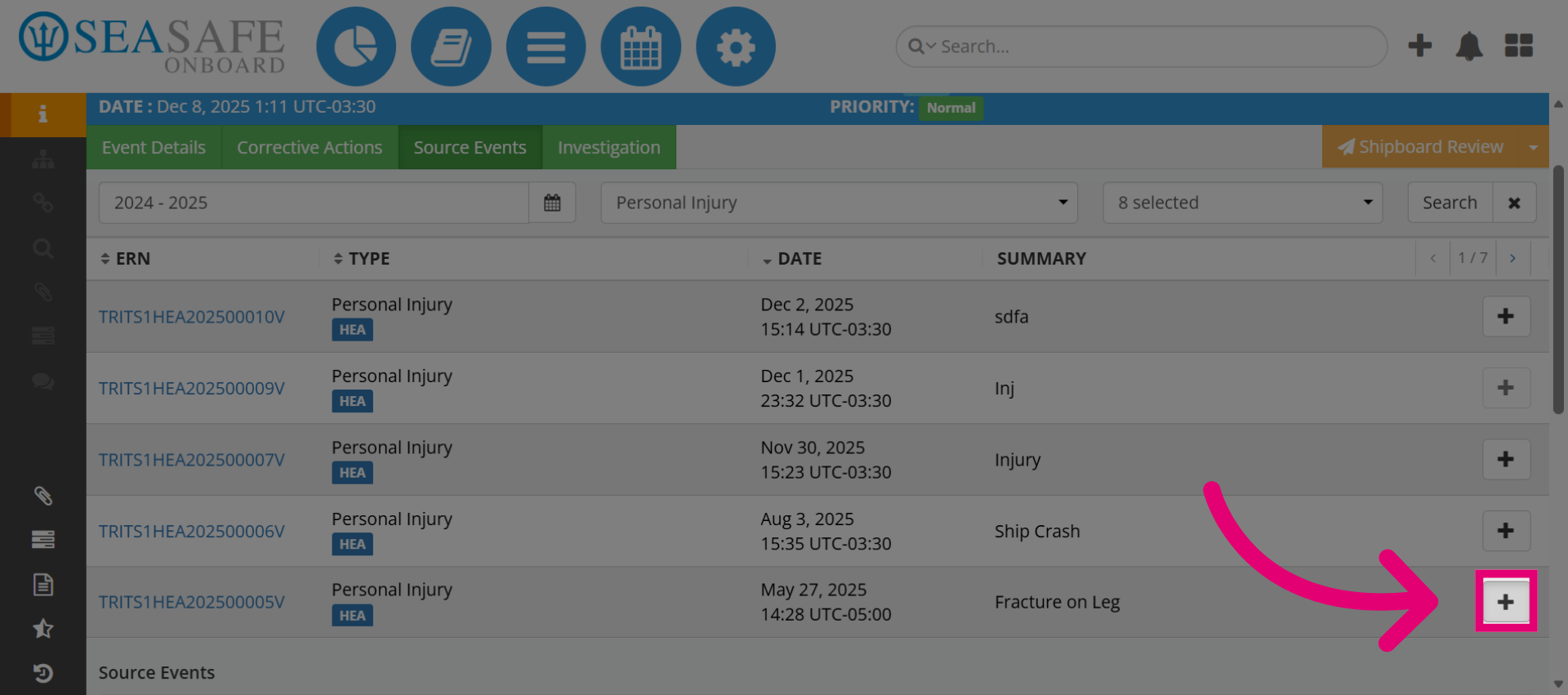
11. Expand Source Event Options
Then, click here to add additional source event management features.
12. Source Events have been added.
As you can see, the" Source Events" have been added.
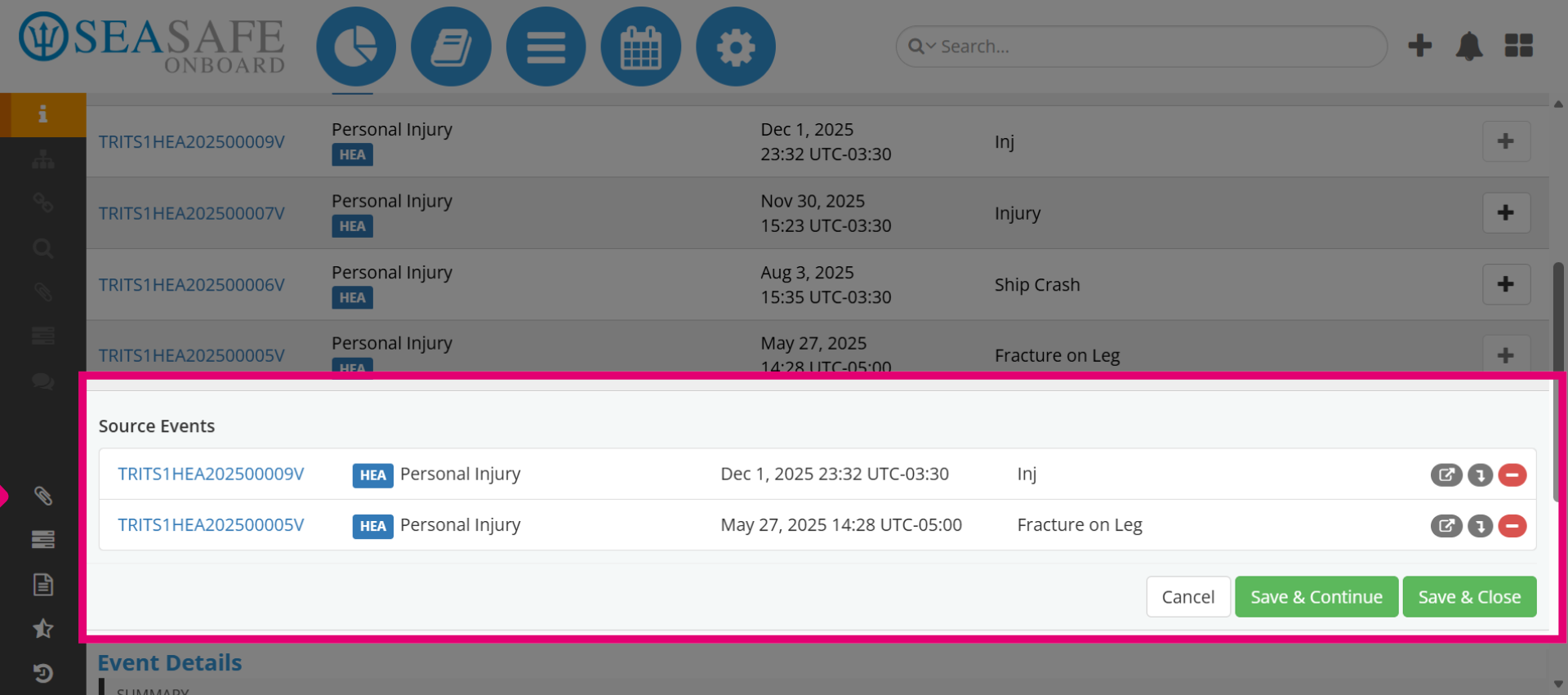
13. Source Event Actions
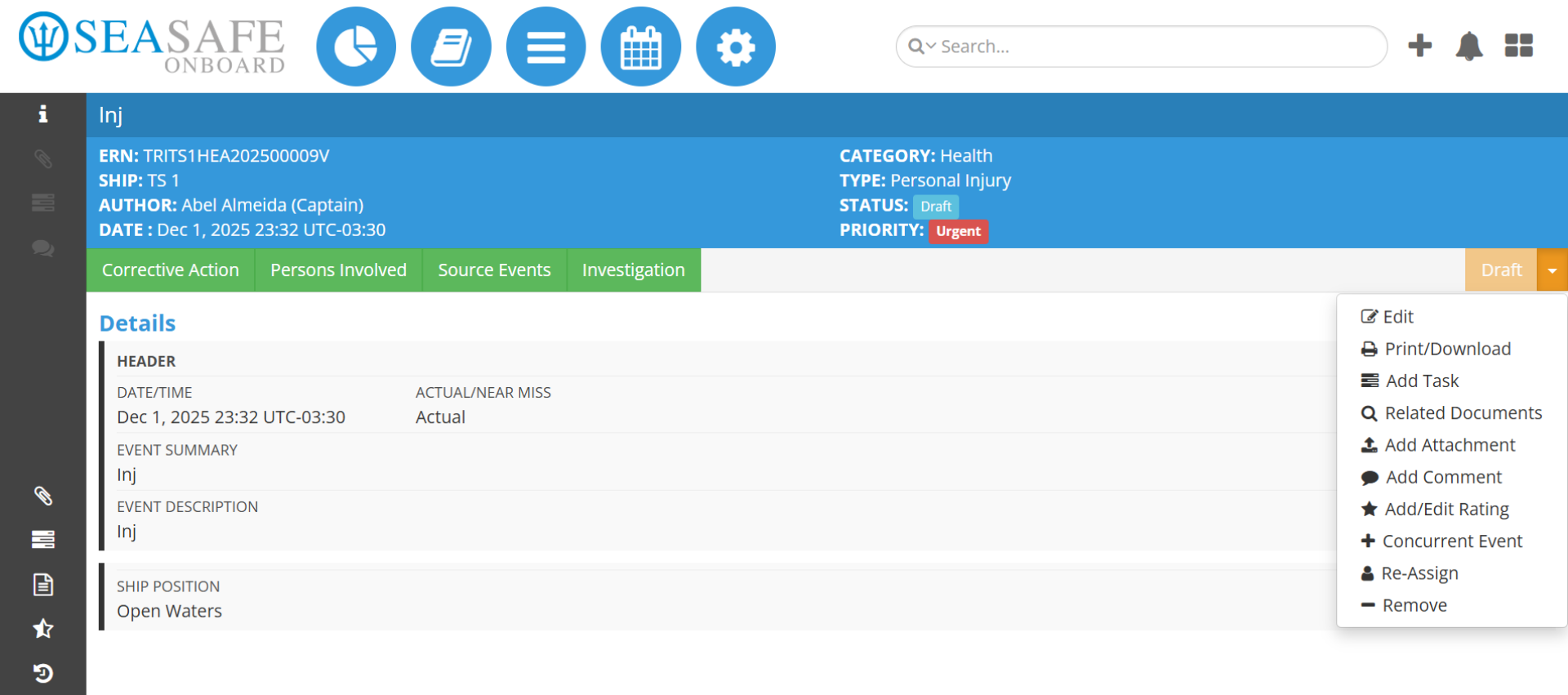
Here, you can take actions on the source event, including opening it or importing data from the source event to the current one. Let's import data.
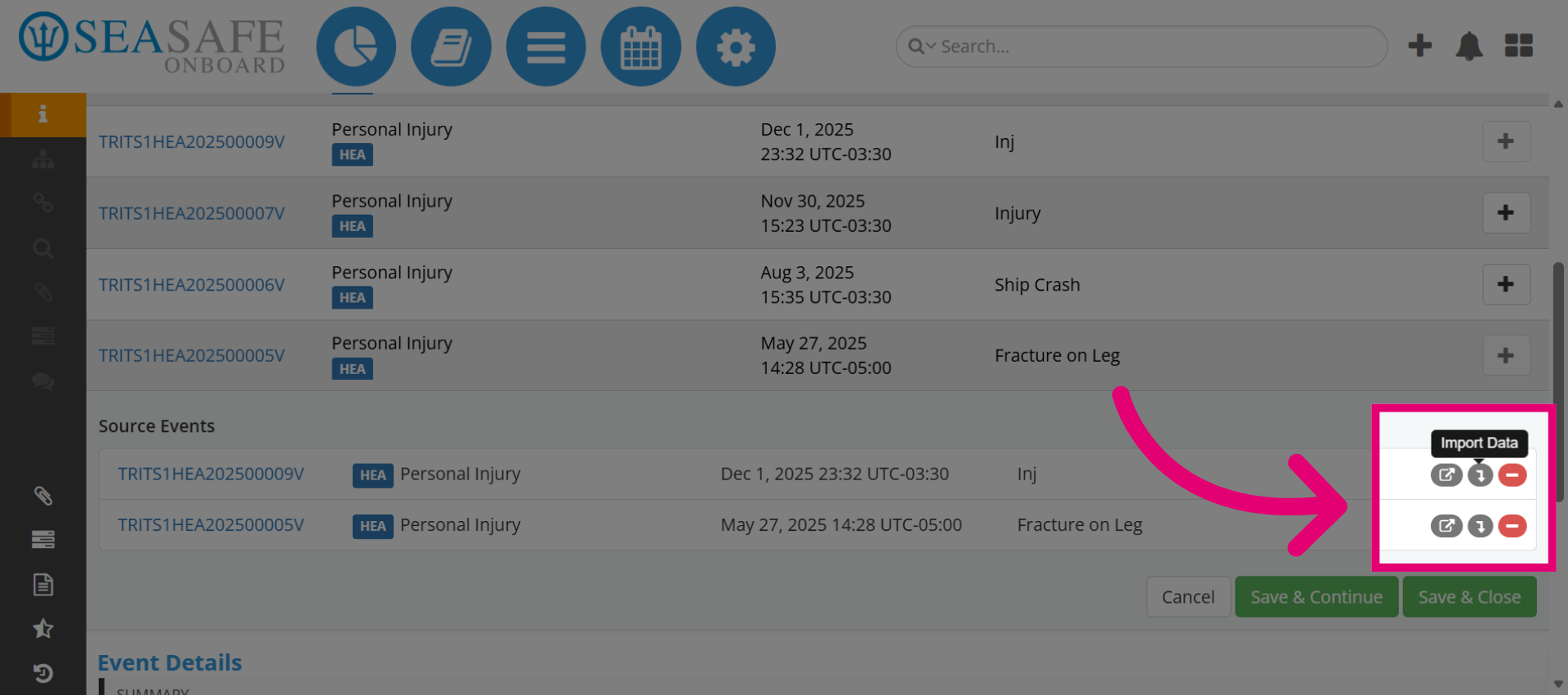
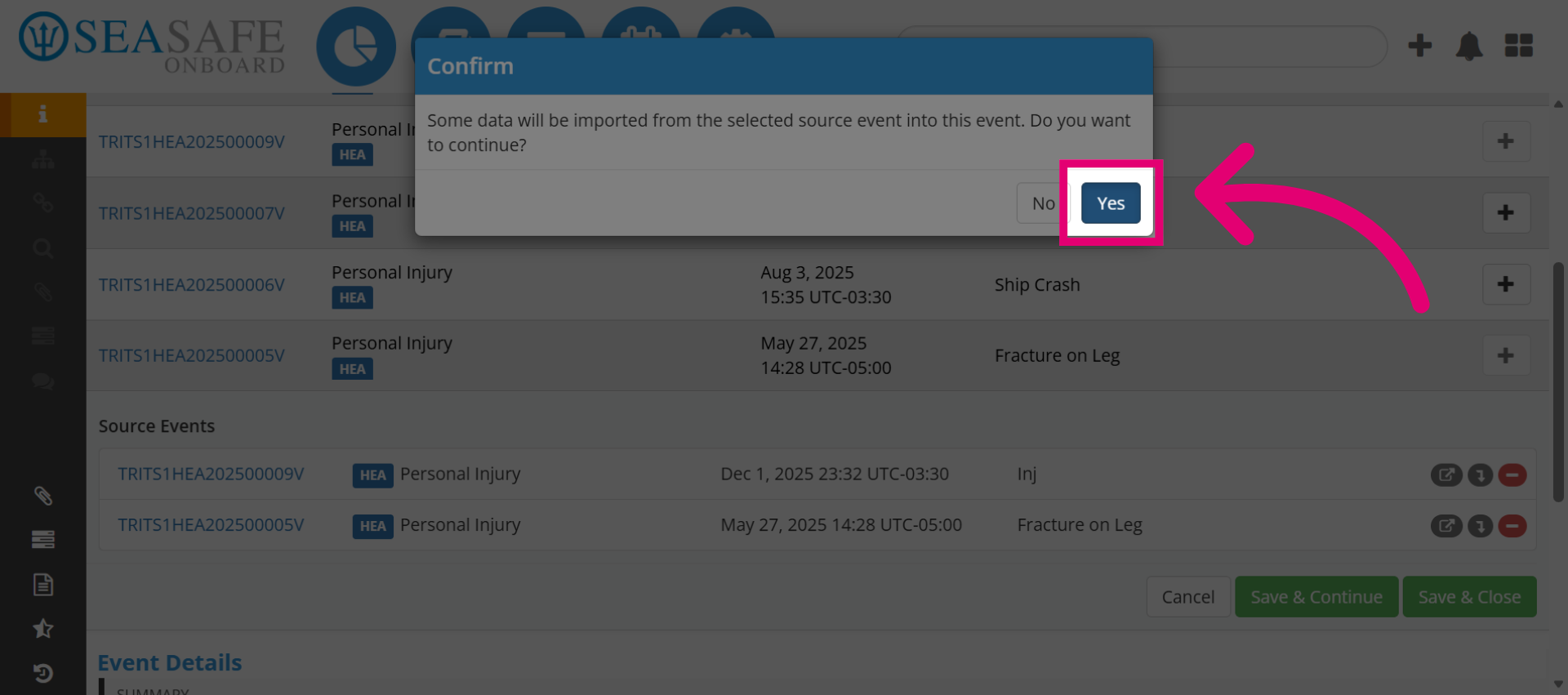
14. Confirm Action
Then, click "Yes" to confirm the current operation.
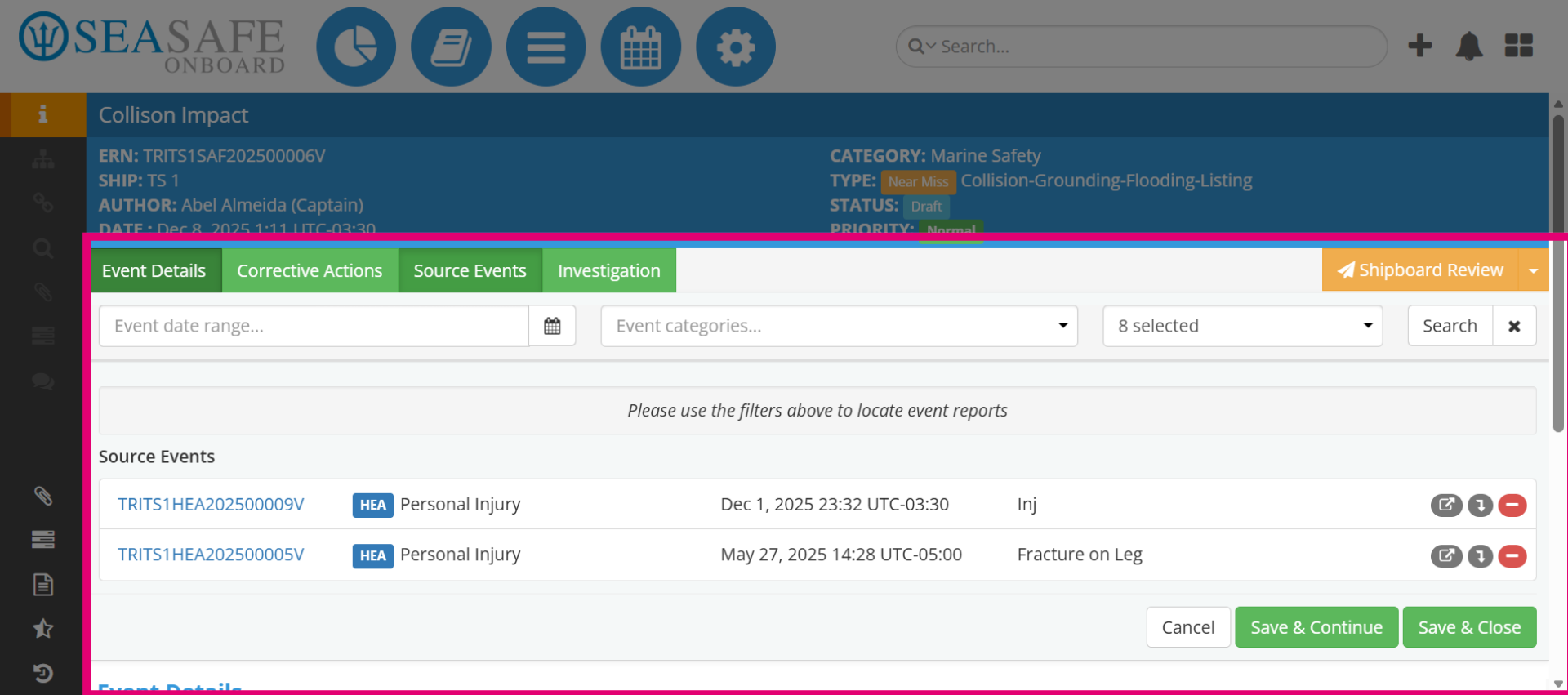
15. Return to Event Details
The source event details are now seamlessly integrated into the current event. This enhancement adds a valuable layer of information, enriching the user experience and improving decision-making processes.
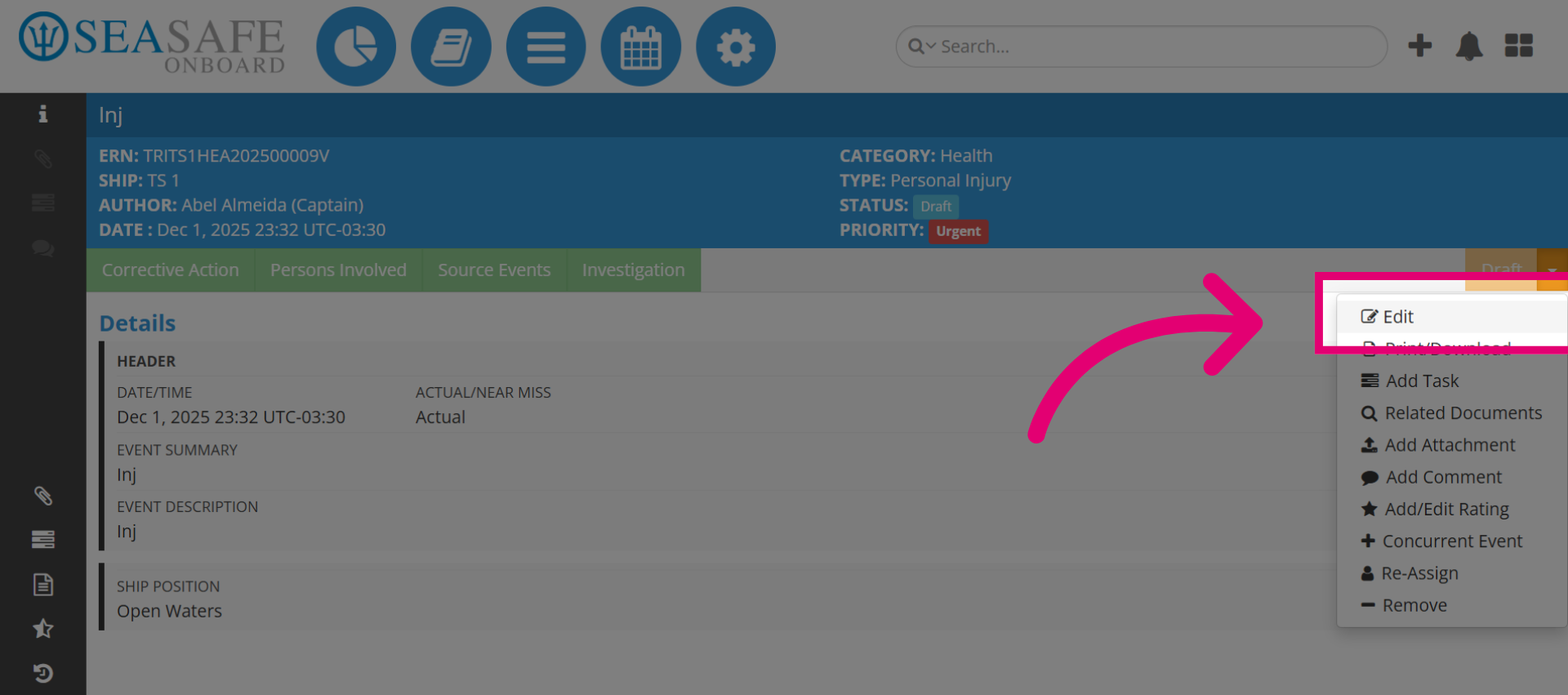
16. Select Edit Option
Click "Edit" to modify the source event details.
17. View Date and Actual/Near Miss
The source event details can be modified now as a typical event where you fill out the details now that it's linked.