New article
Recently updated
Complete Document Acknowledgement

This walkthrough explains how to acknowledge a document.
1. Introduction
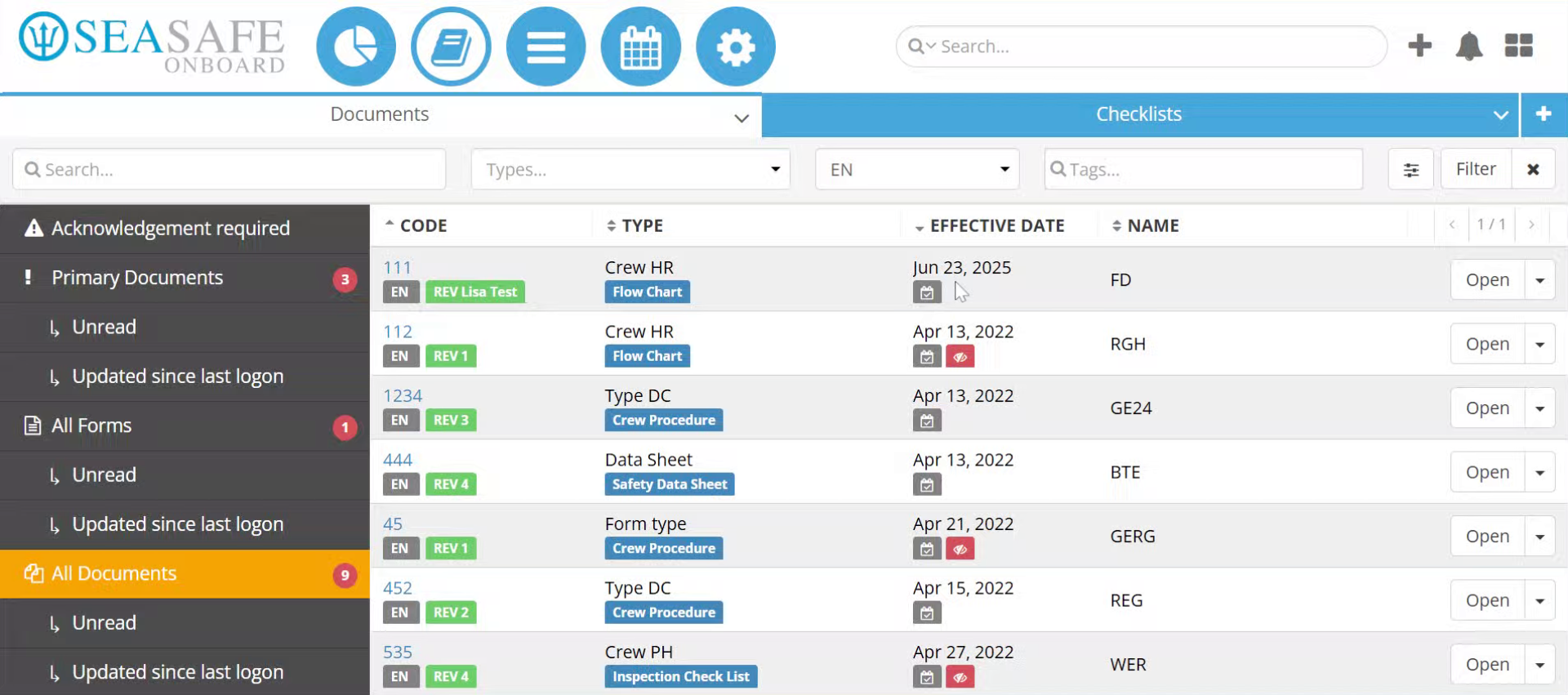
You will learn the steps to confirm and close the acknowledgement process. Start in Ideagen Maritime Management Onboard, in the Library Module under the "Documents" section.
2. Open the Document
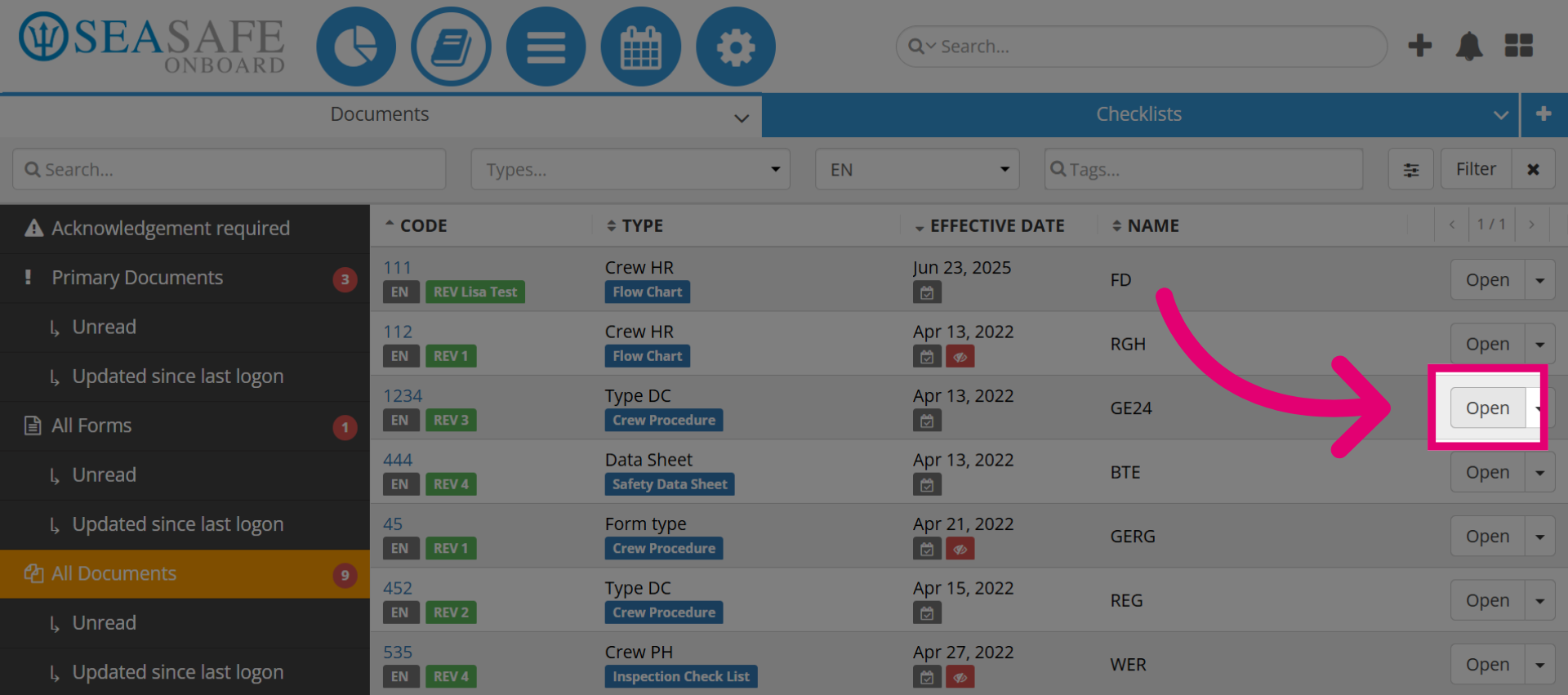
Locate your document, then, click the Open button to access the document revision that requires acknowledgement.
3. Initiate Acknowledgement
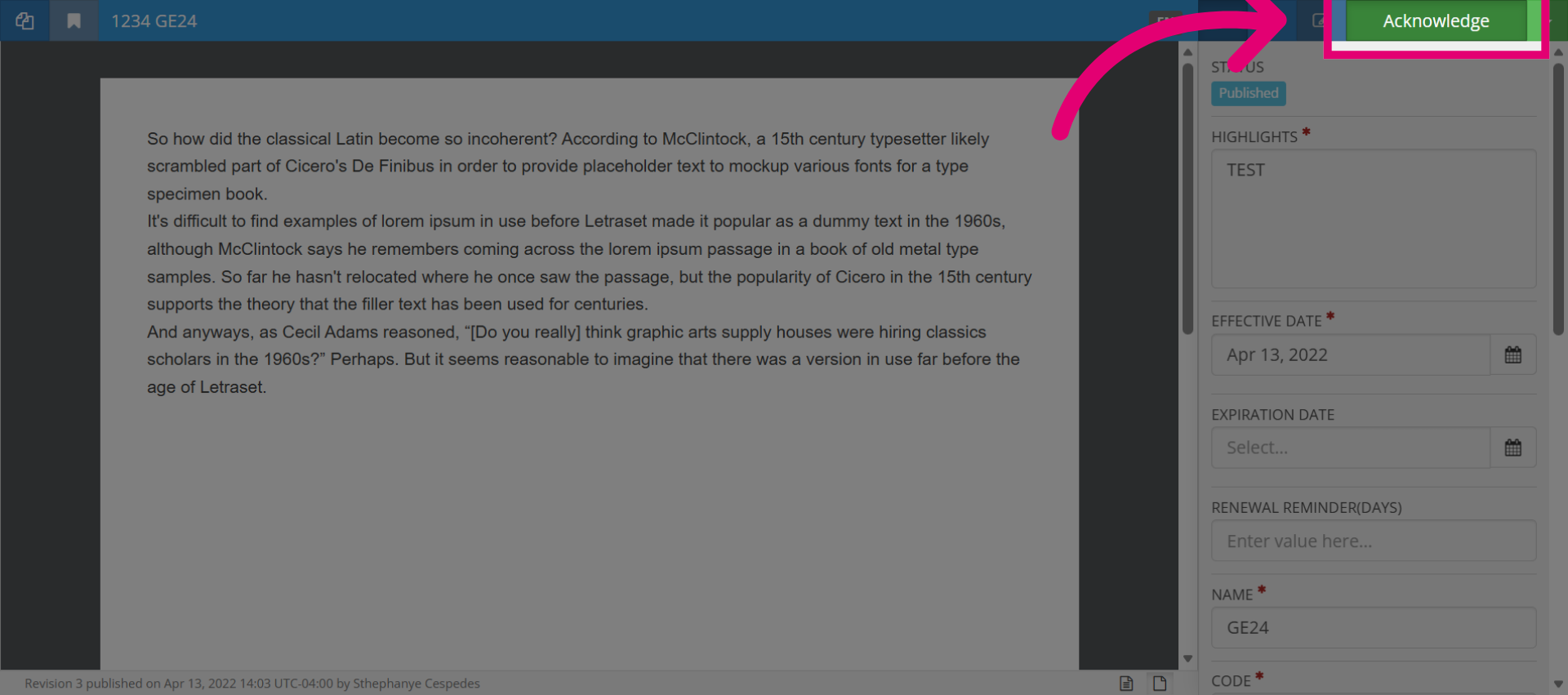
Read the document. Then, click the Acknowledge button to begin the process of confirming the revision
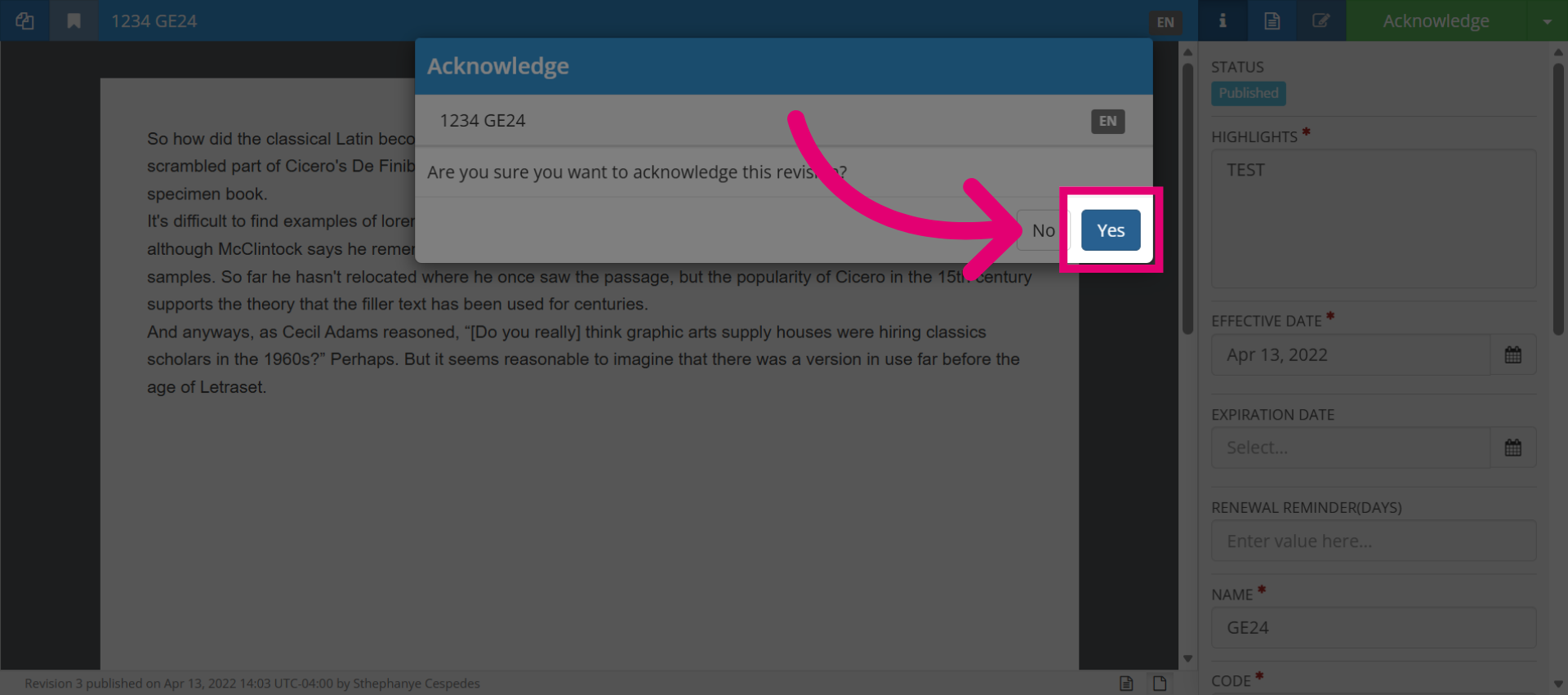
4. Confirm Acknowledgement
Click "Yes" to confirm that you acknowledge the document revision.
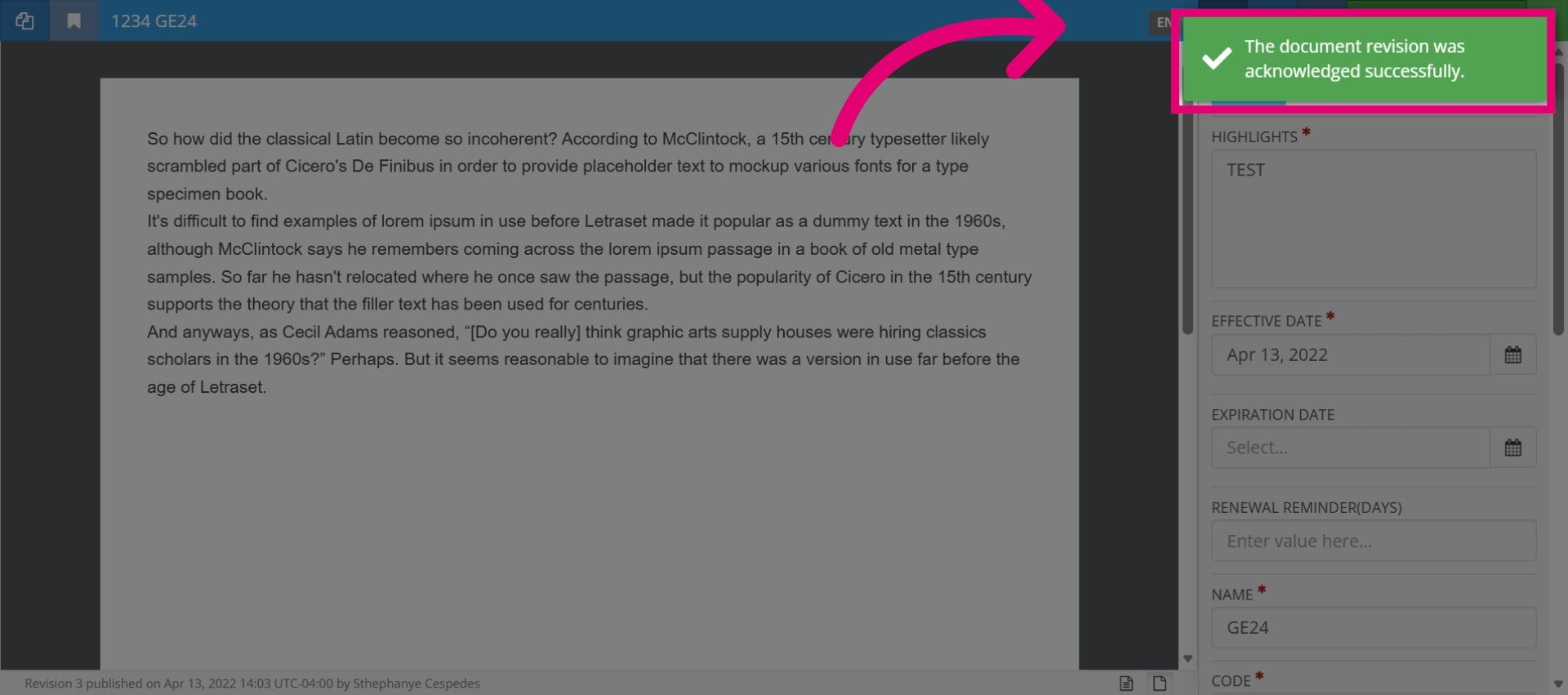
5. Review Confirmation Message
Review the message stating "The document revision was acknowledged successfully to verify the acknowledgement status.
6. Close Acknowledgement Window
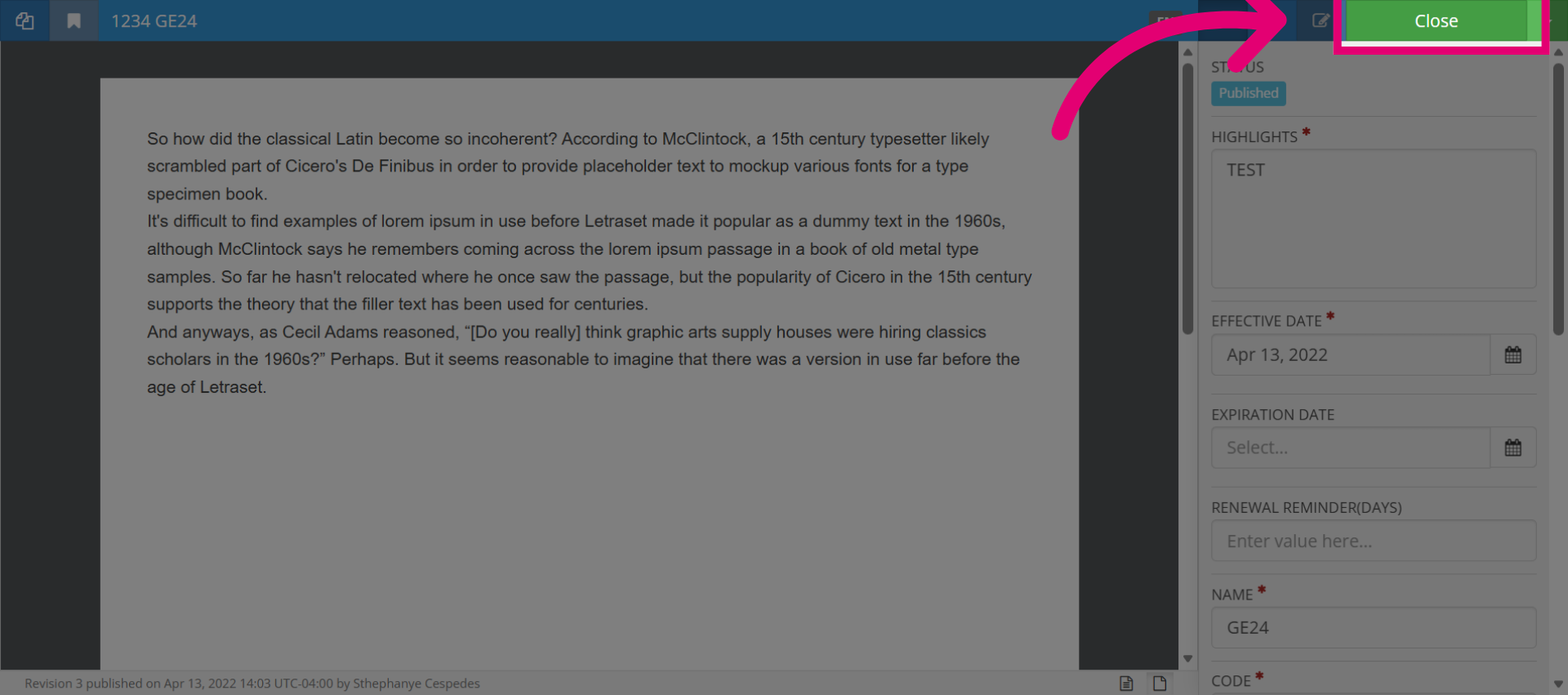
Click Close to exit the acknowledgement interface and complete the process.