New article
Recently updated
Complete Investigation Workflow in Ideagen Maritime Management Onboard

This walkthrough explains how to complete an investigation within the Ideagen Maritime Management report workflow.
1. Introduction
You will learn the necessary steps to update investigation details, assign responsibilities, and finalize recommendations. Let's begin in an open event report in Ideagen Maritime Health Onboard.
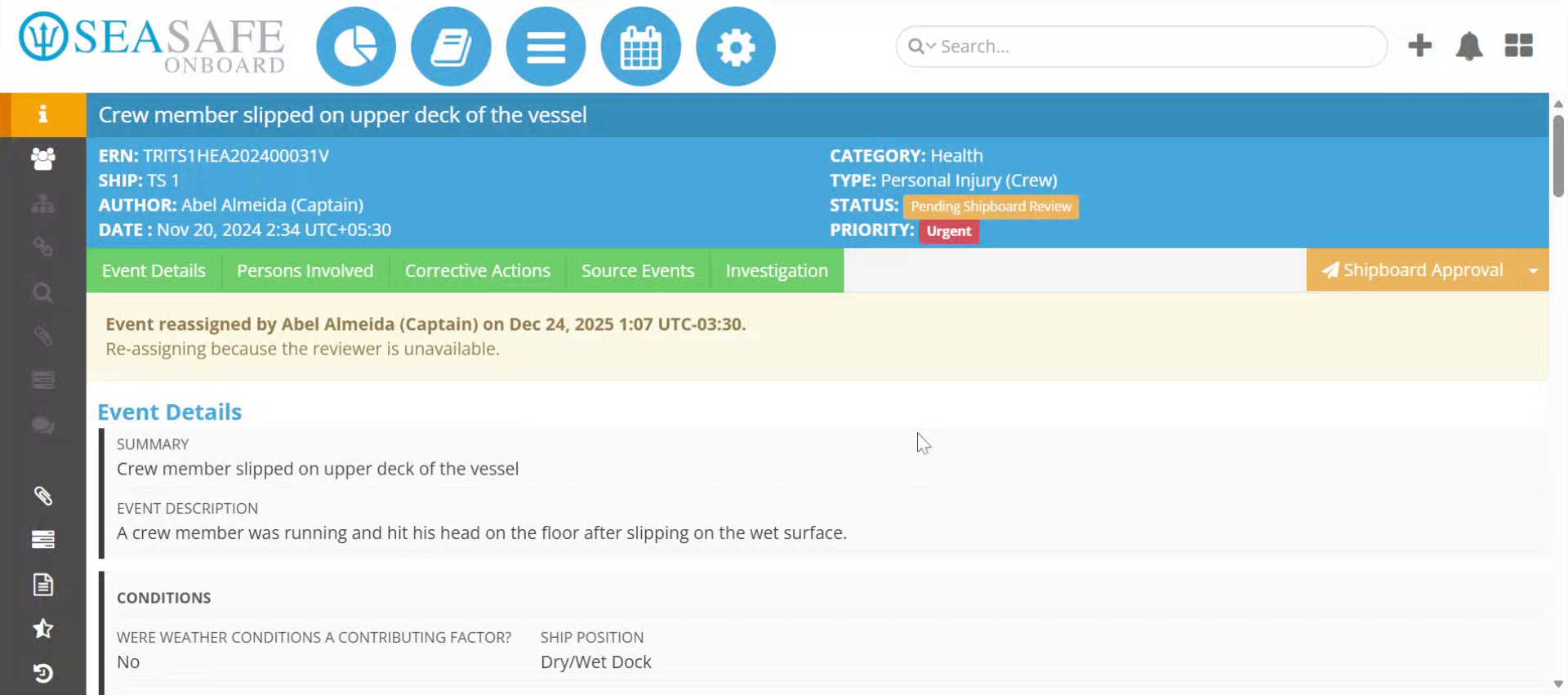
2. Access Investigation Section
Click the "Investigation" section to begin managing the investigation details.
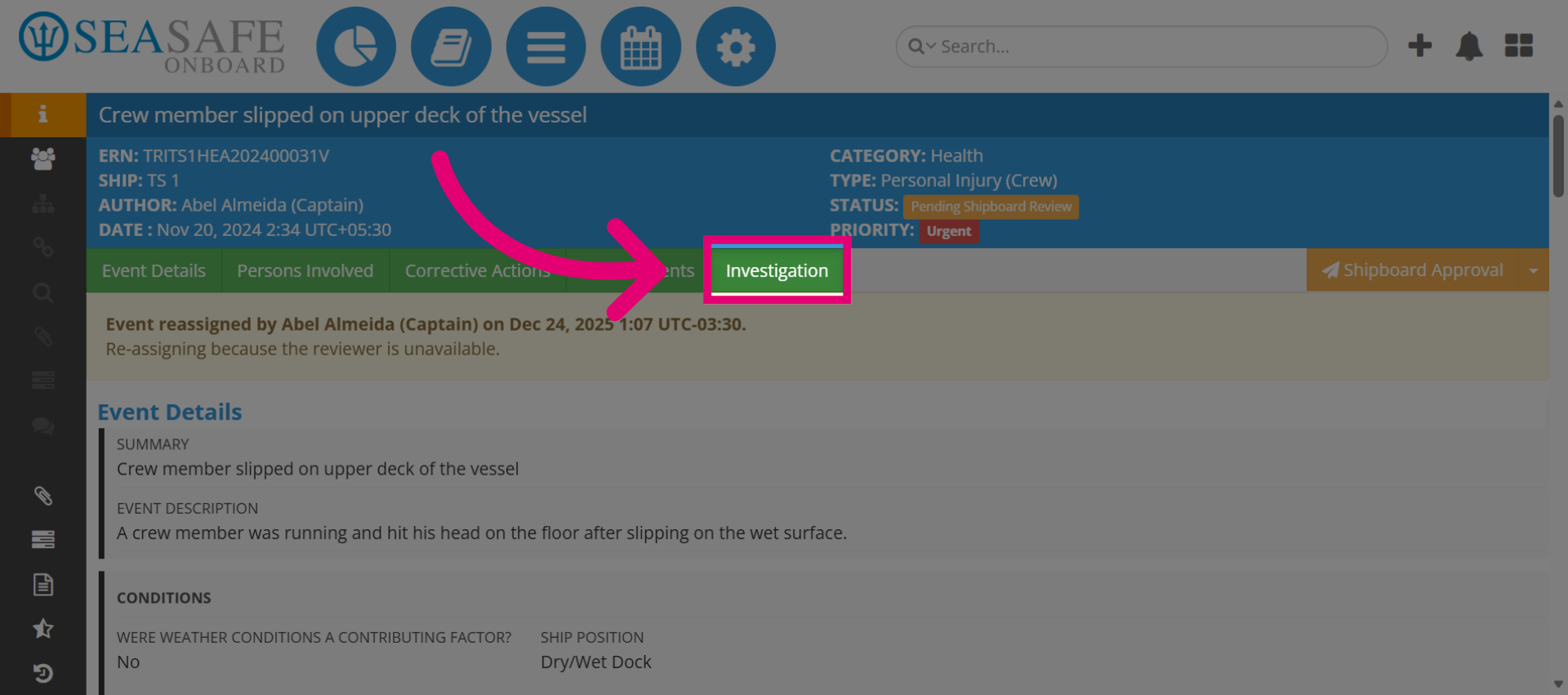
3. Confirm Investigation Initiation
Then, select "Yes" to confirm the start of the investigation process.
4. Open Rank Dropdown
Next, click the "Rank" dropdown to assign a ranking to the investigation. A "Responsible" individual should be designated to conduct investigation reports only for compliance purposes.
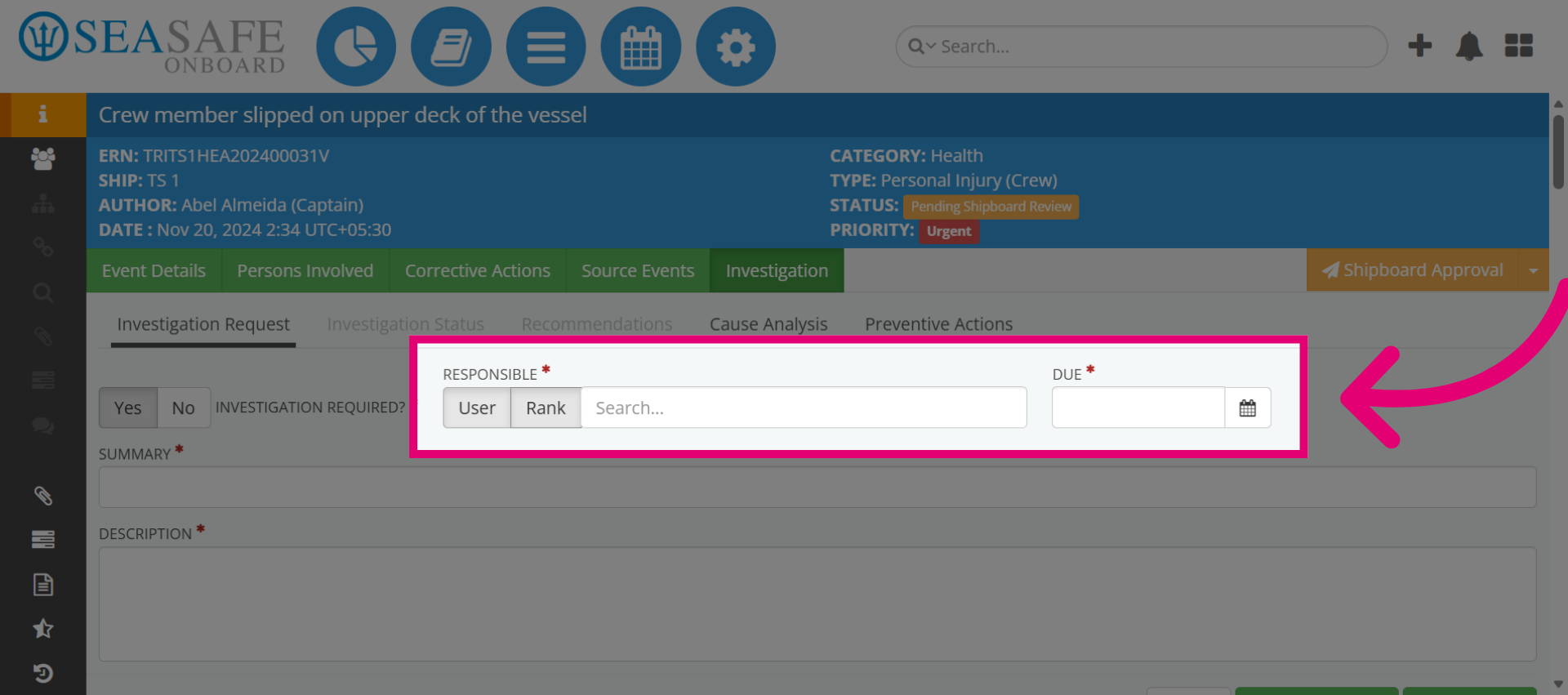
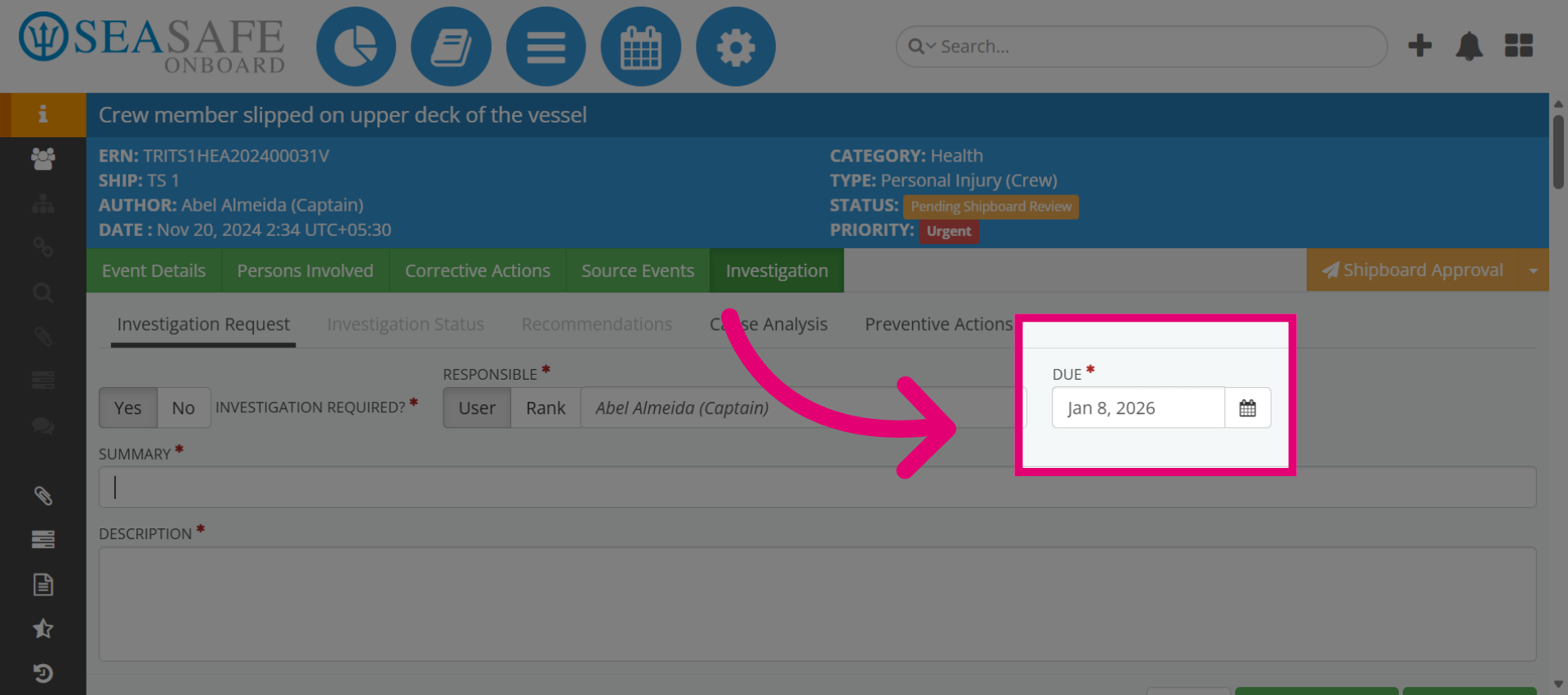
5. Add Due Date for the Investigation
Once you've selected the Responsible, add the due date to complete the investigation.
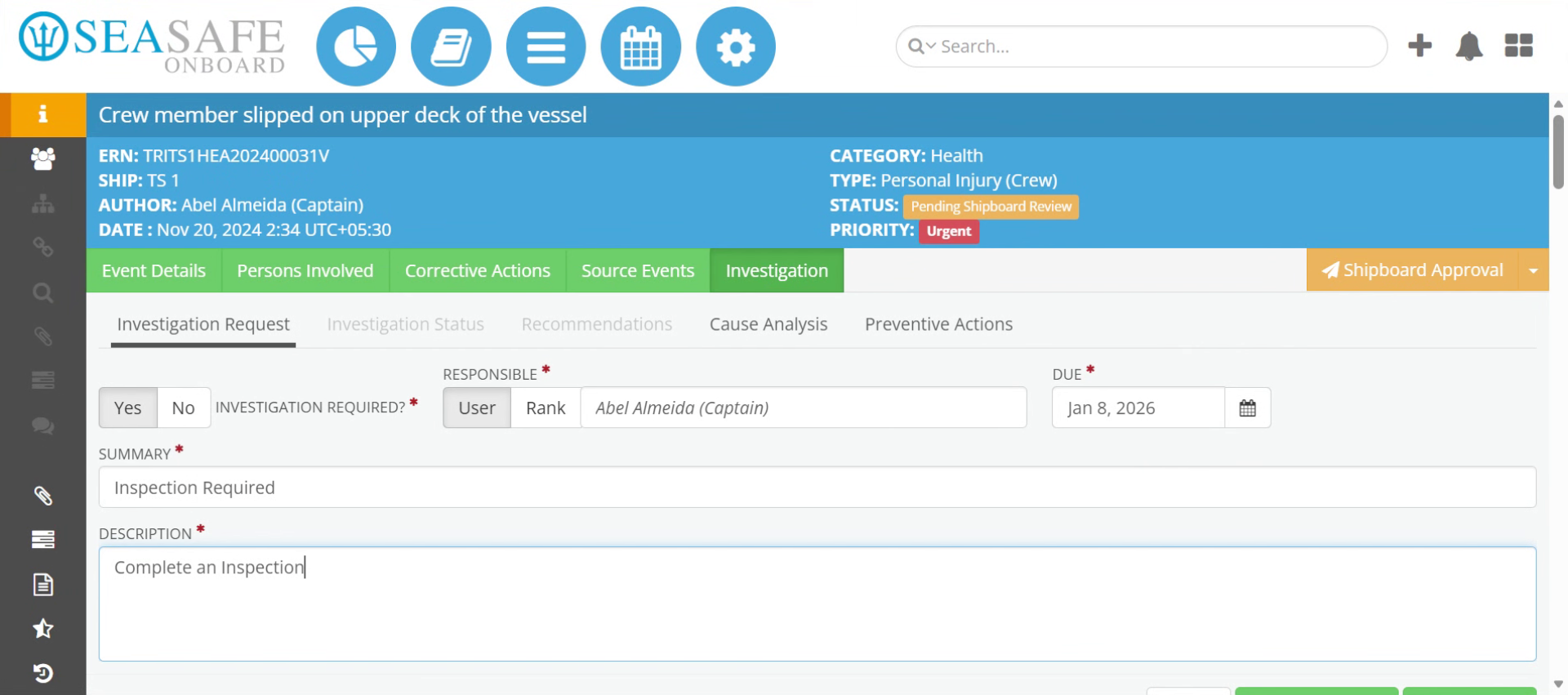
6. Describe Inspection Task
Then, add the "Summary" and "Description" such as to "Complete an nspection on the damaged area" to specify the inspection requirement.
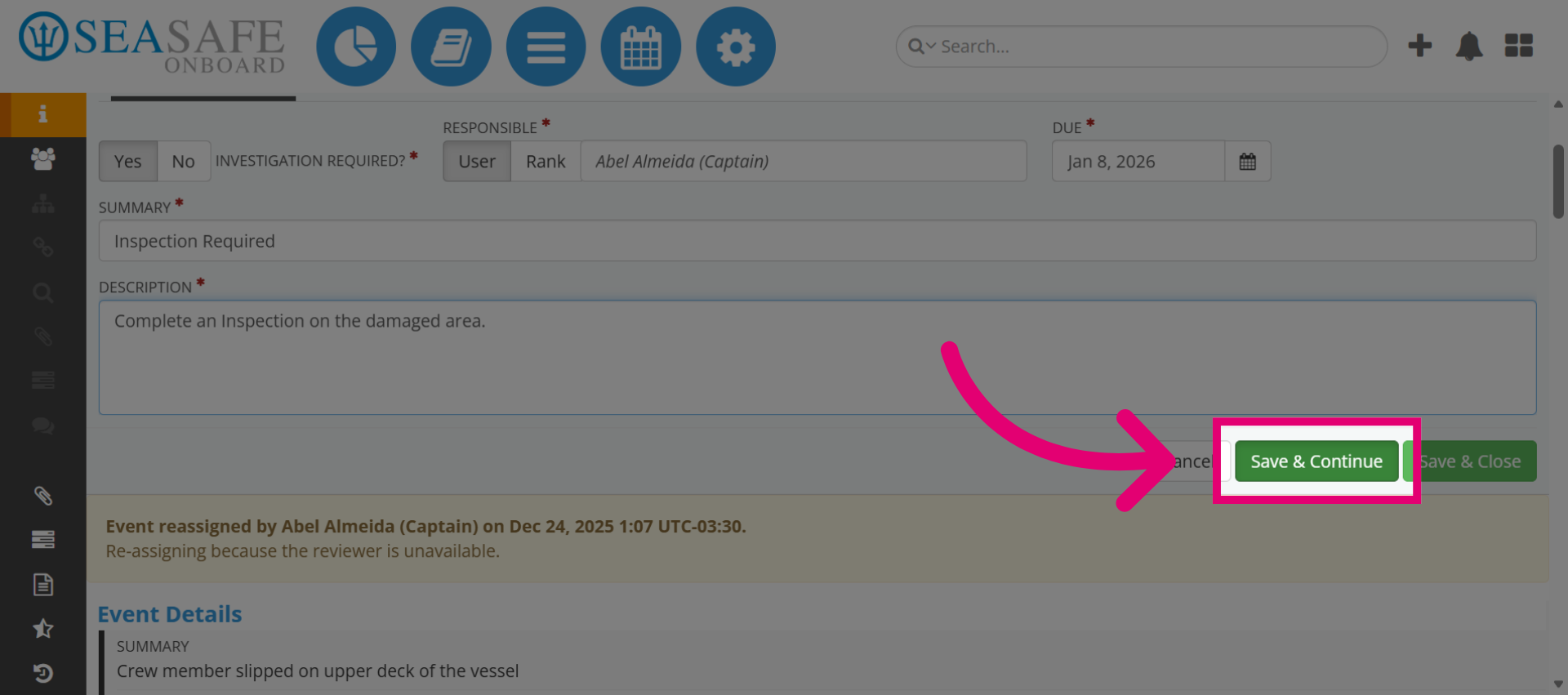
7. Save Progress
Click "Save & Continue" to save the current investigation details and proceed.
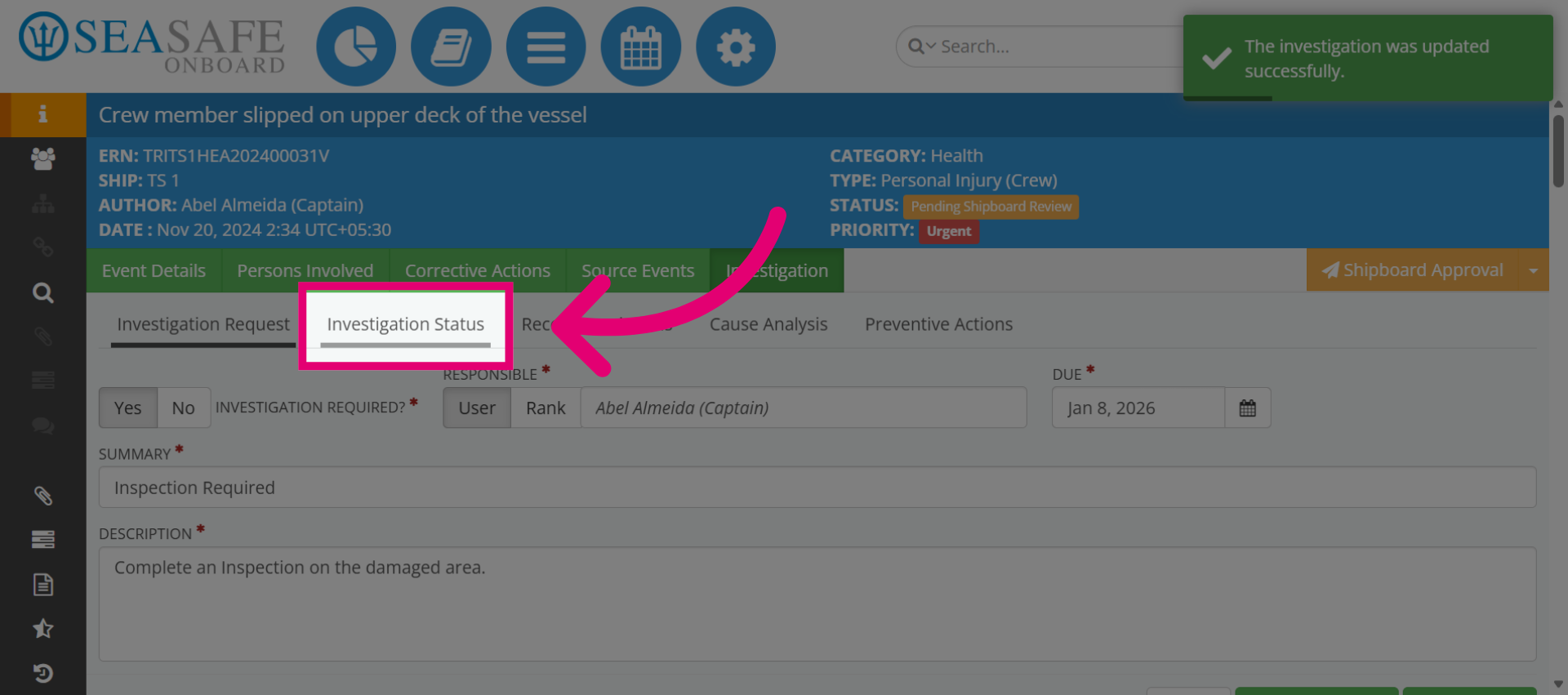
8. Open Investigation Status
Next, click "Investigation Status" to update the current state of the investigation.
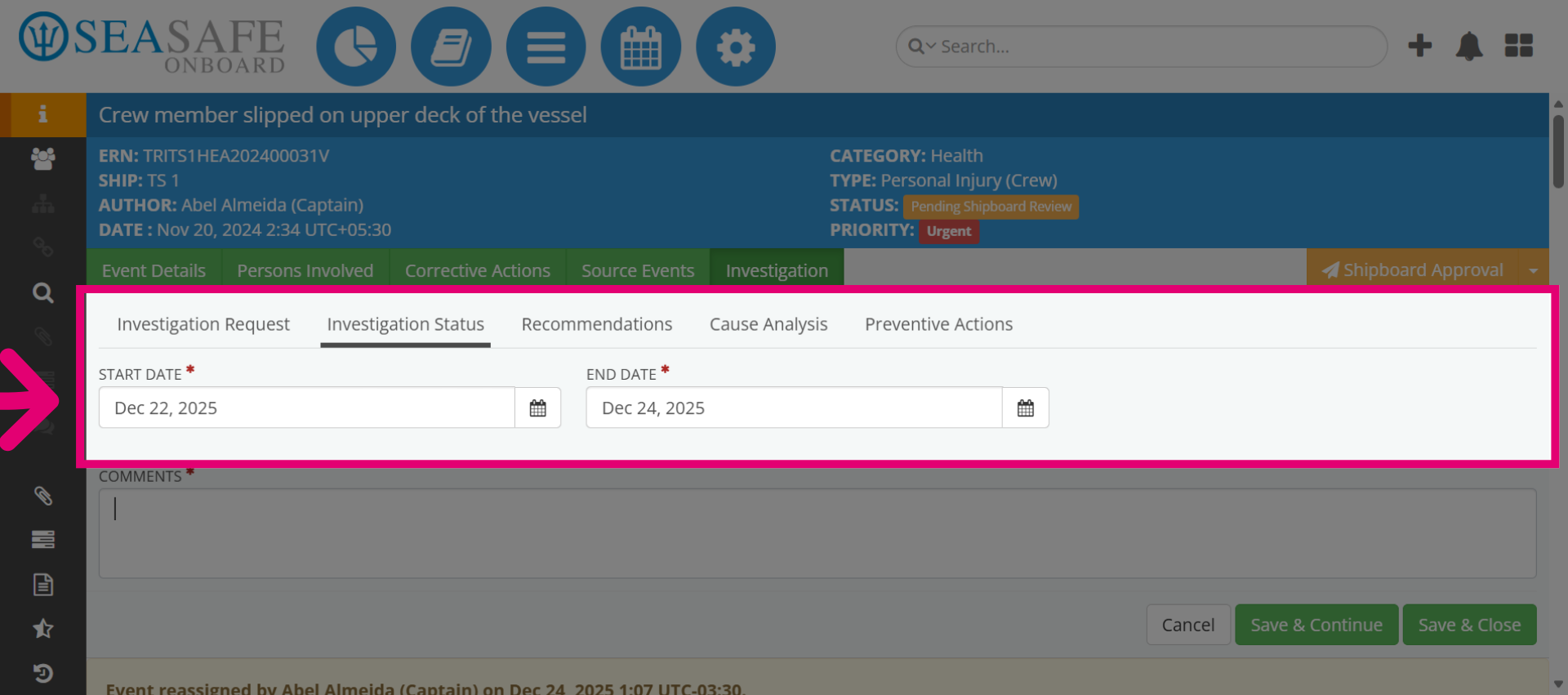
9. Set Start and End Dates
This is where you add the investigation "Start and End Date", but when it has ended.
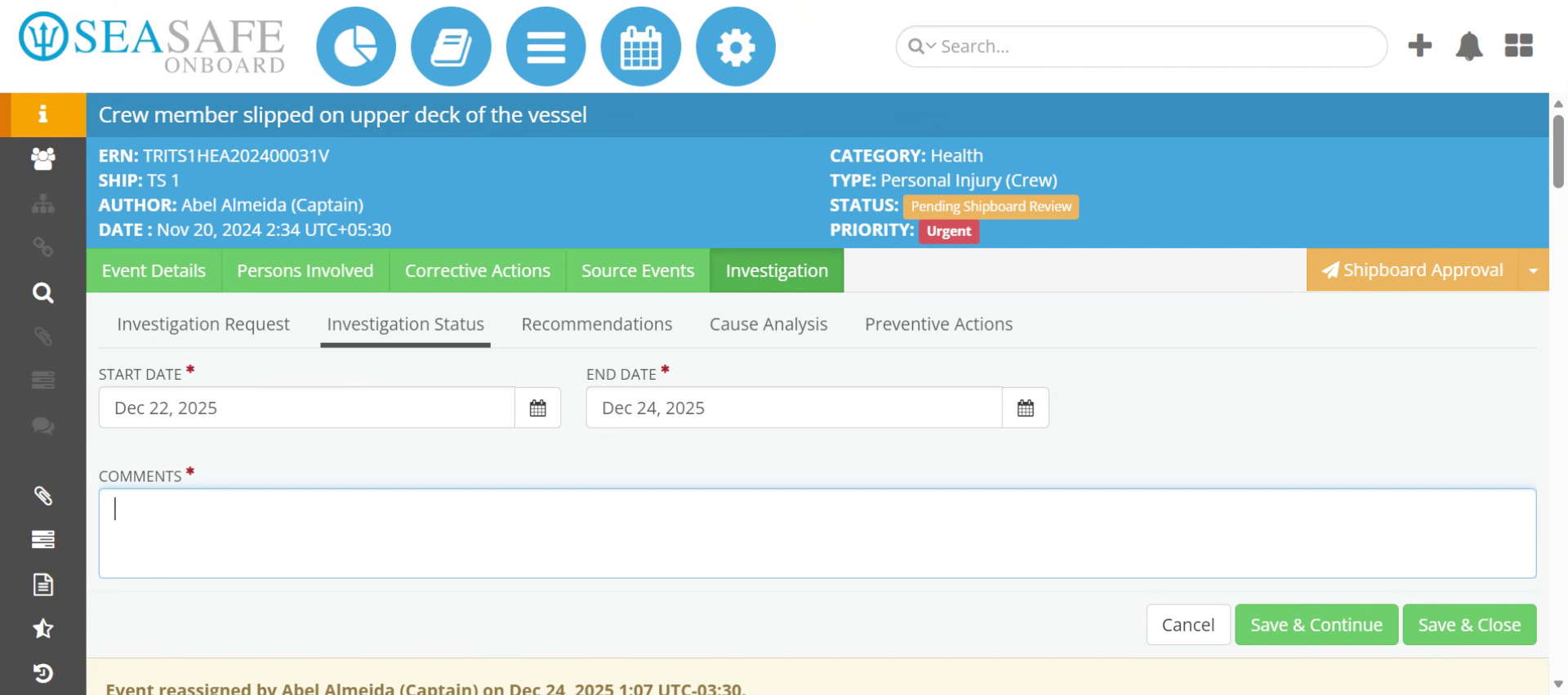
10. Enter Completion Note
Enter Investigation completion note in the "Comments" section to indicate the investigation is finished.
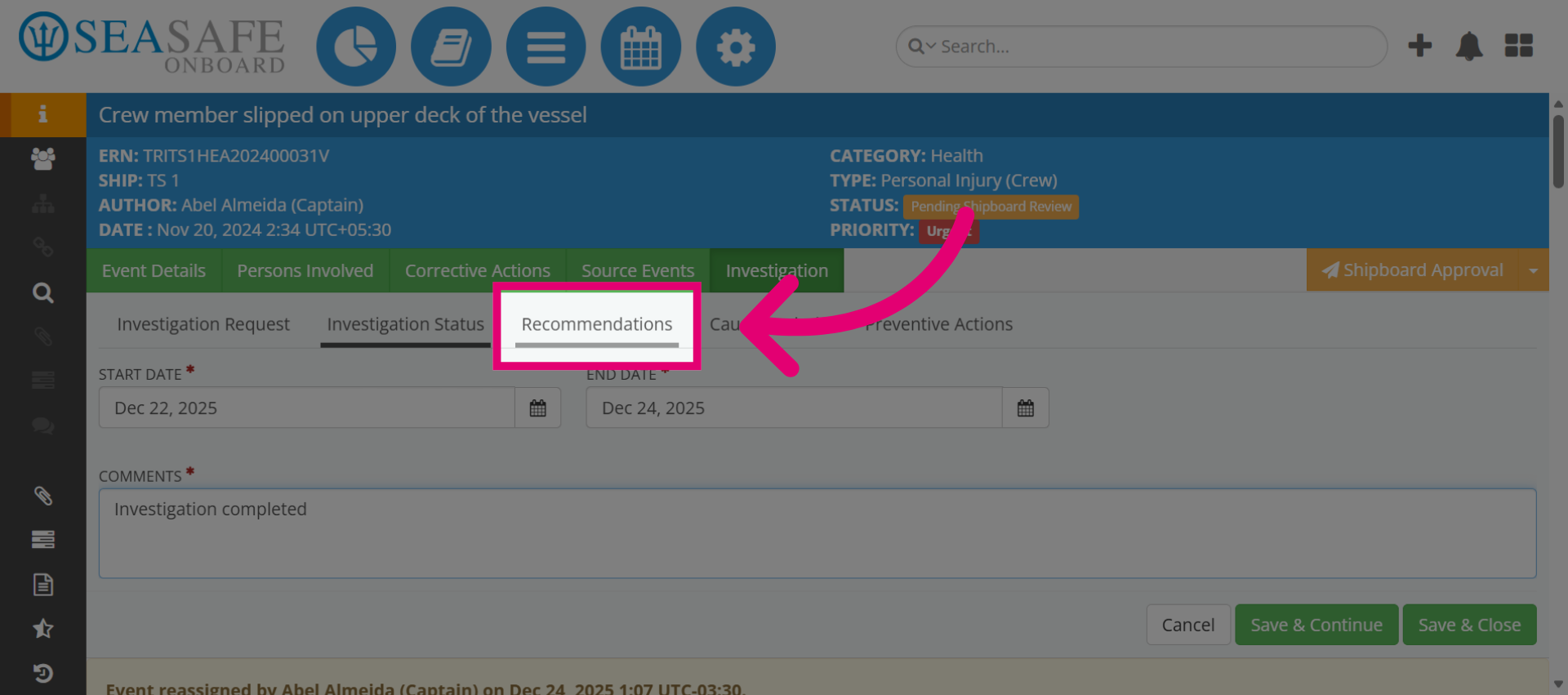
11. Open Recommendations Section
Then, click "Recommendations" to add suggested actions based on the investigation.
12. Open Recommendation Options
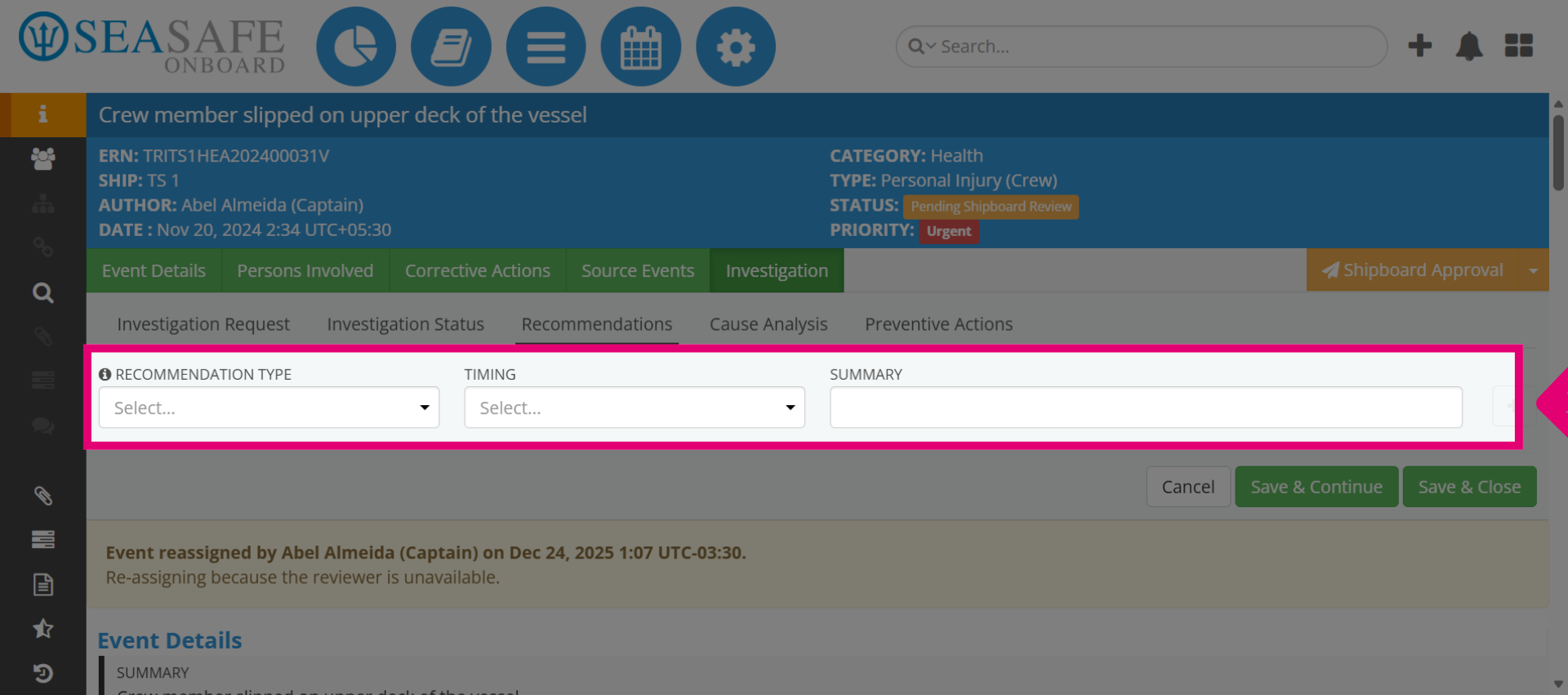
After that, you can open the Recommendation Options. "Recommendation Type" and "Timing" fields are critical for clarity and compliance in investigation reports.
13. Choose Recommendation Category
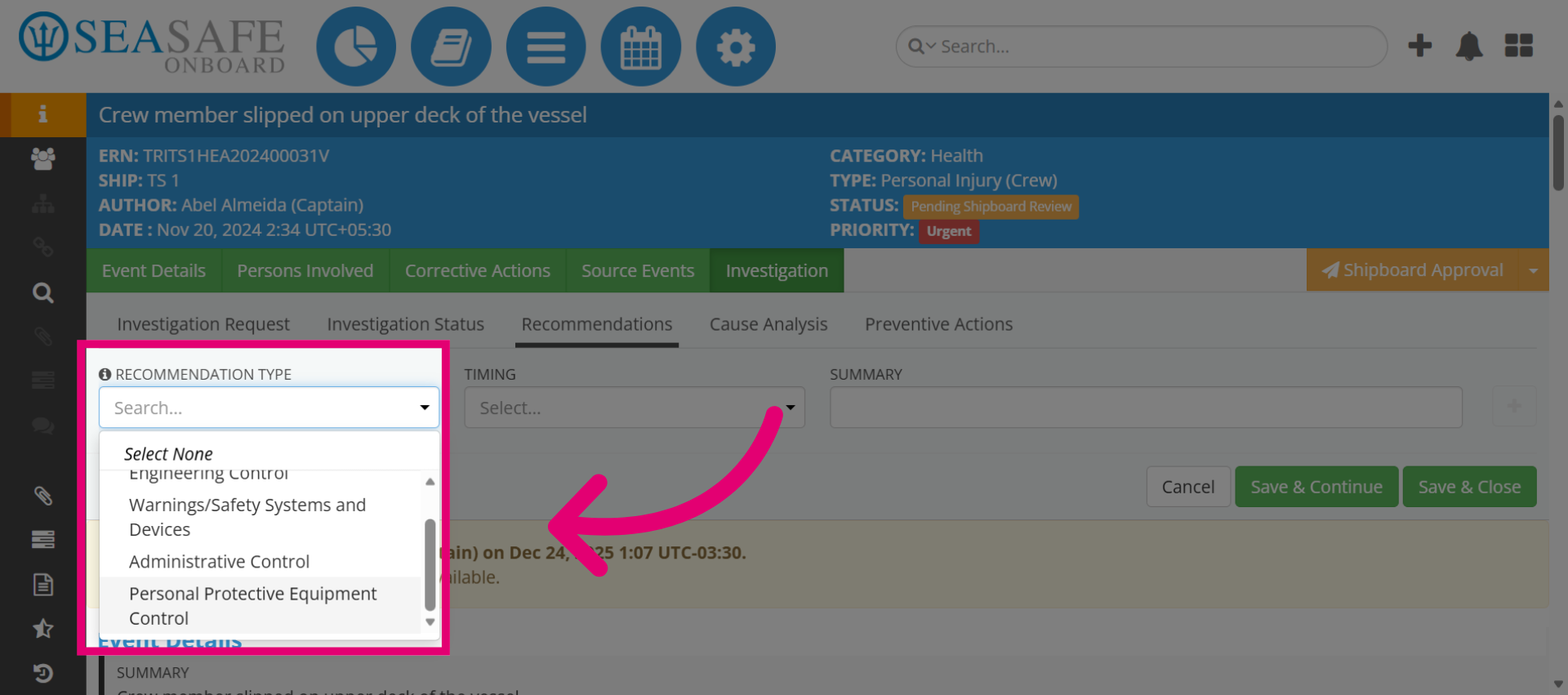
For this example, we will select "Personal Protective Equipment Control" as the recommendation focus area. Such as Personal Protective Equipment Control – Ensure all personnel use approved PPE during extreme weather operations.
14. Open Recommendation Duration
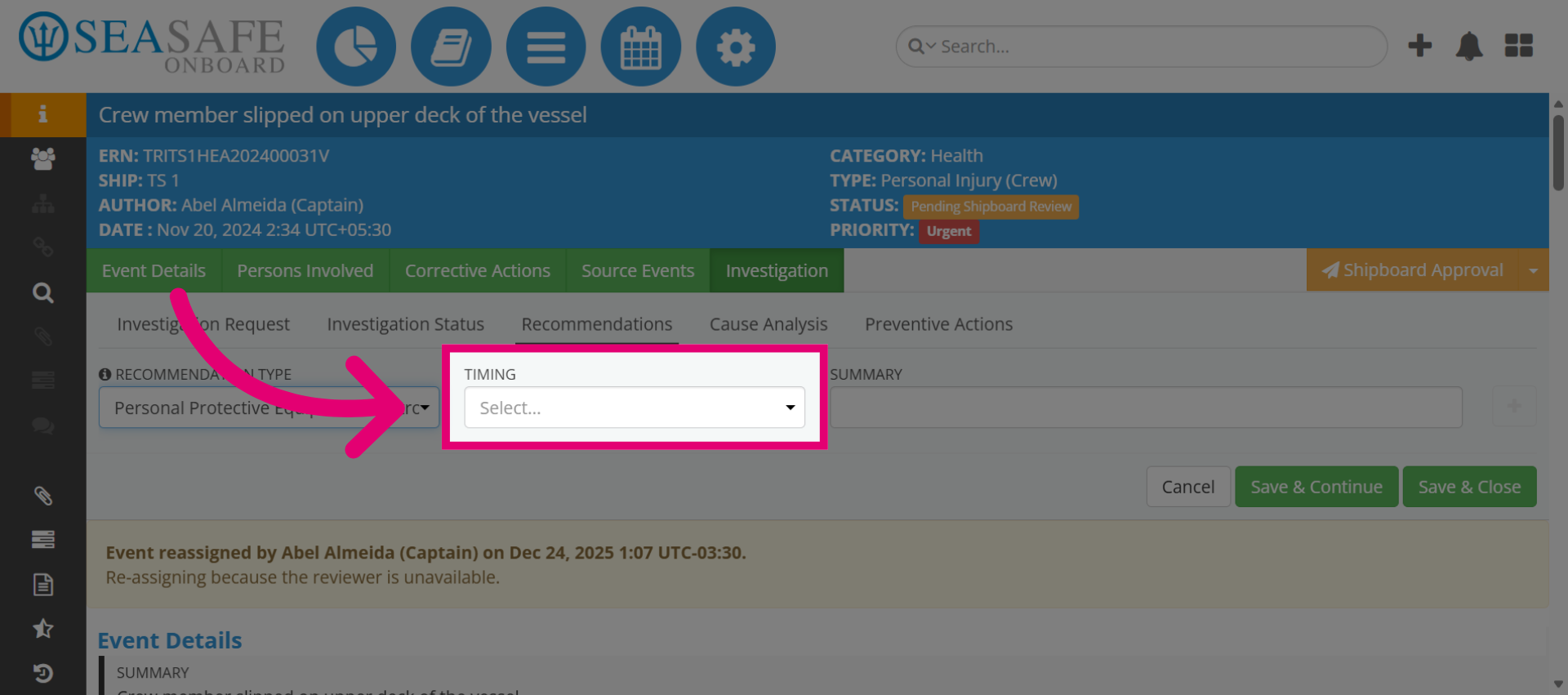
Next, we will specify the duration for the recommendation in the "Timing" section.
15. Choose Recommendation Duration
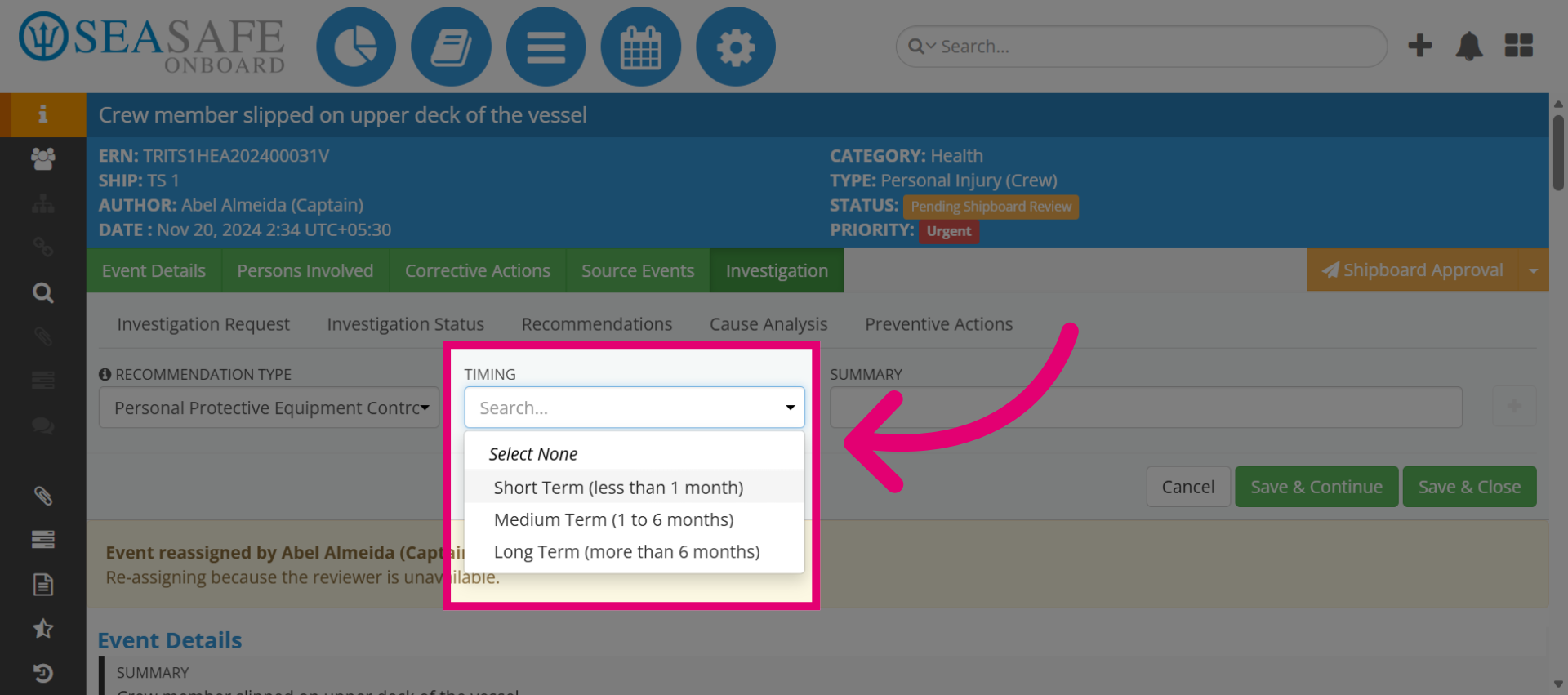
Then, select "Short Term (less than 1 month)", this example sets the timeframe for the recommendation-for immediate implementation onboard.
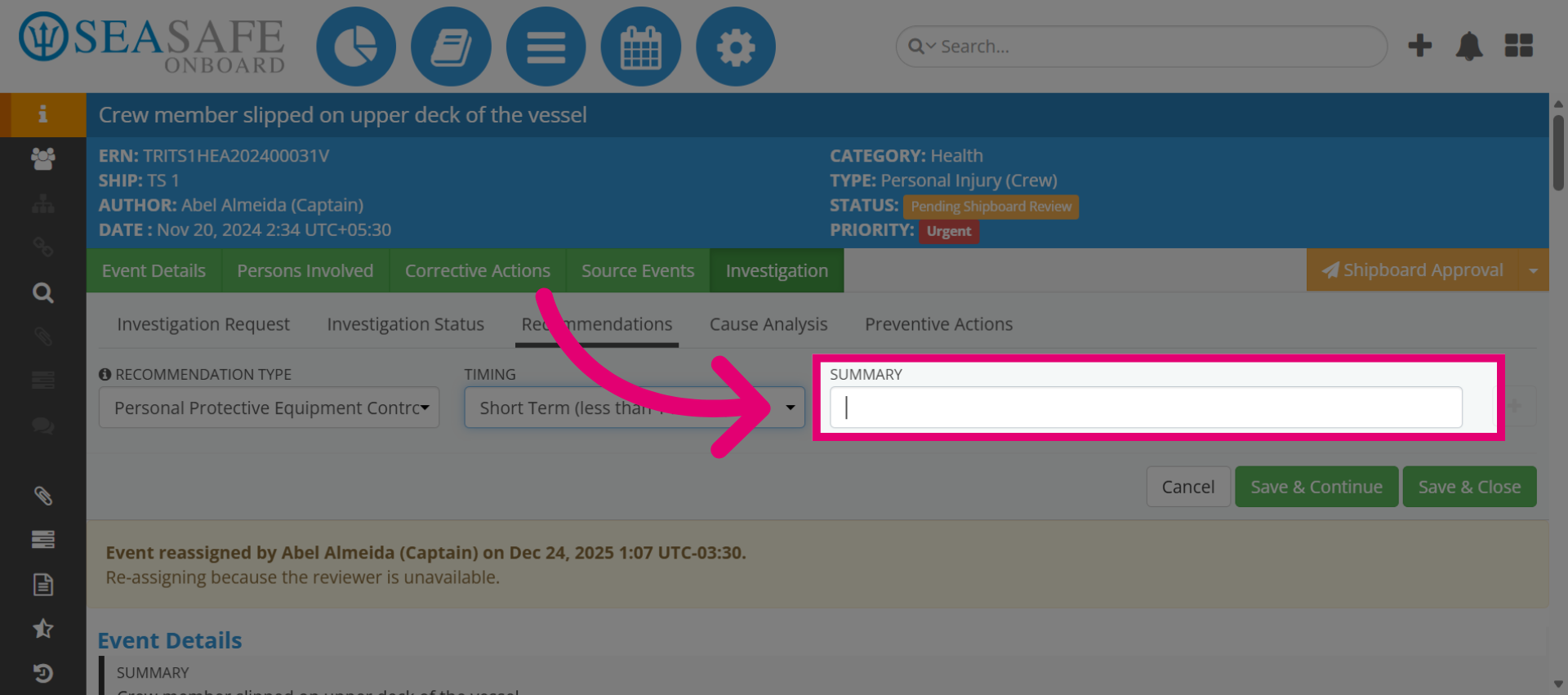
16. Access Recommendation Details
Click here to add details about the recommendation.
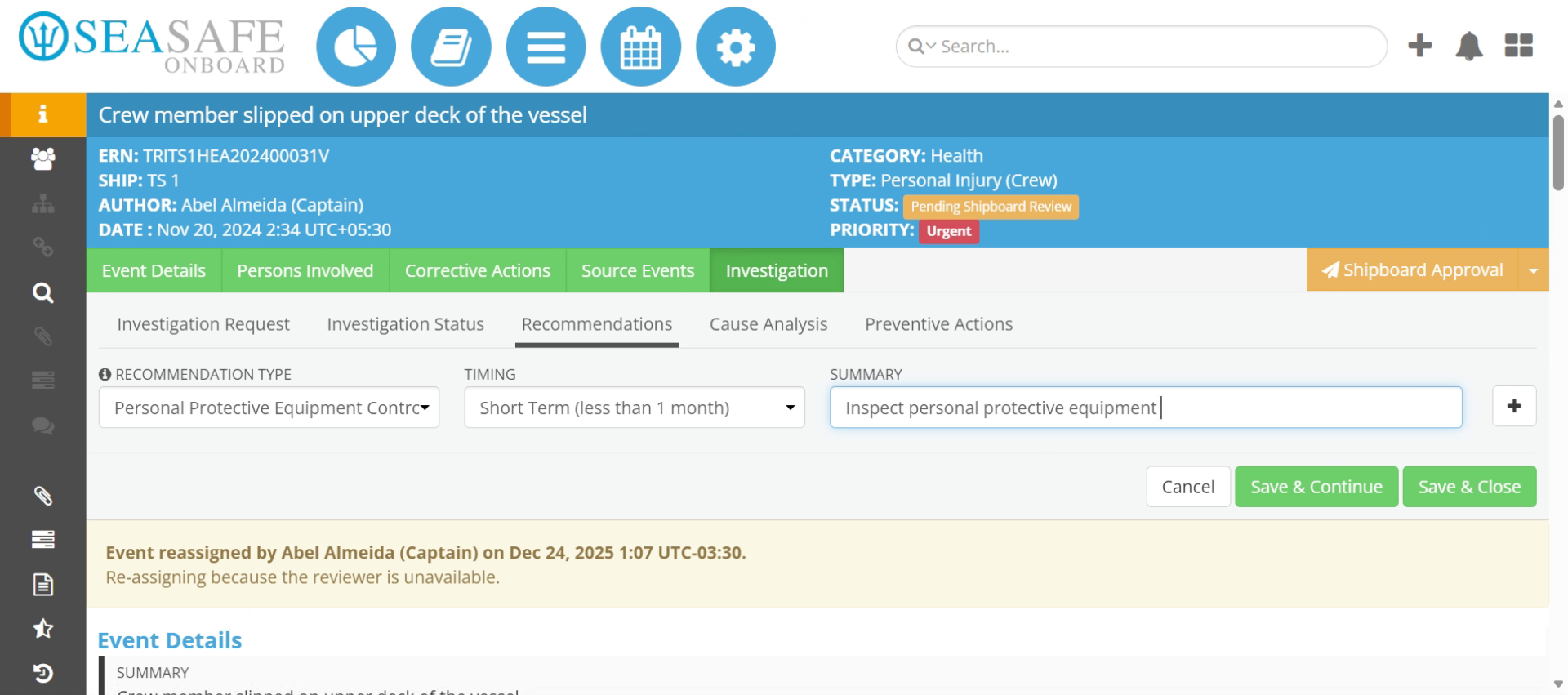
17. Describe Recommendation Task
Then, describe recommendation task. Such as commenting to Inspect personal protective equipment for technical issues to specify the recommendation action.
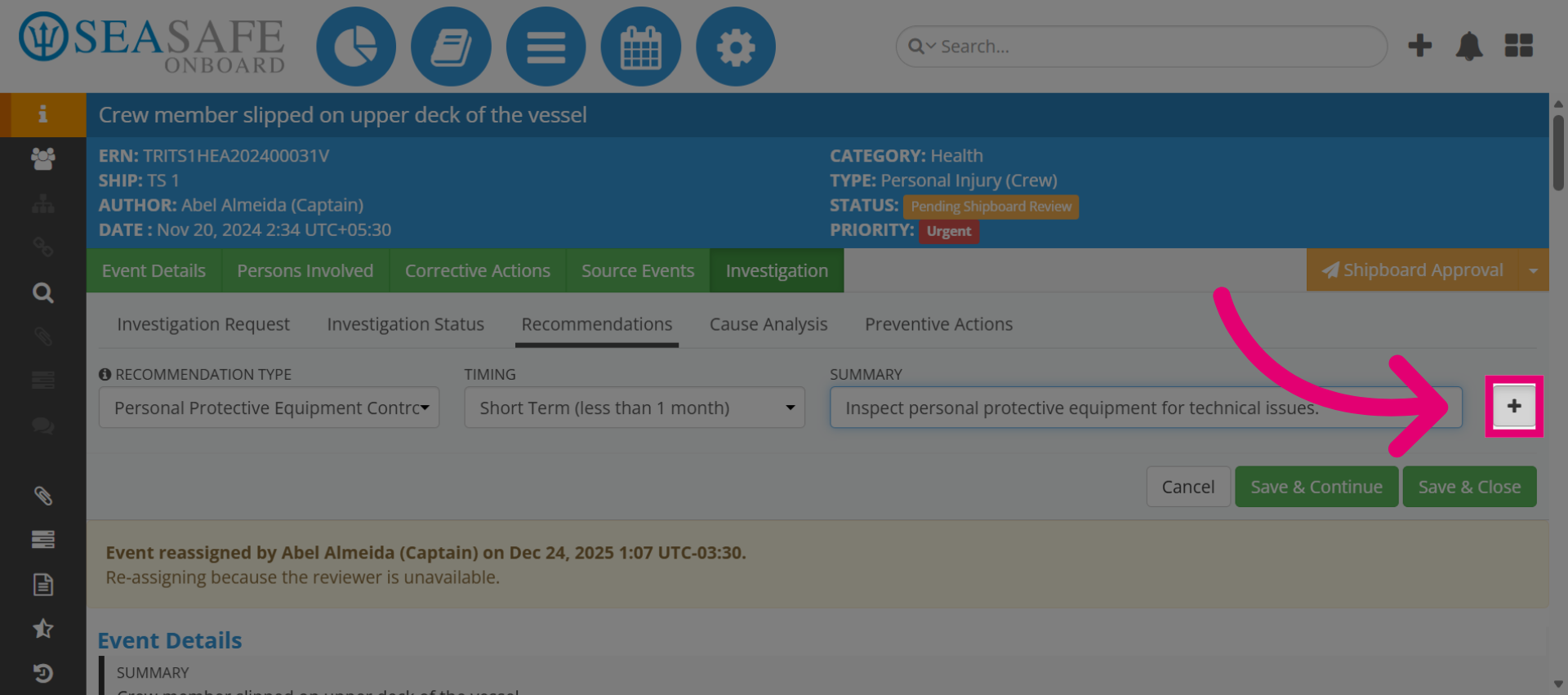
18. Add the Recommendation
Click here on the plus sign to add the recommendation.
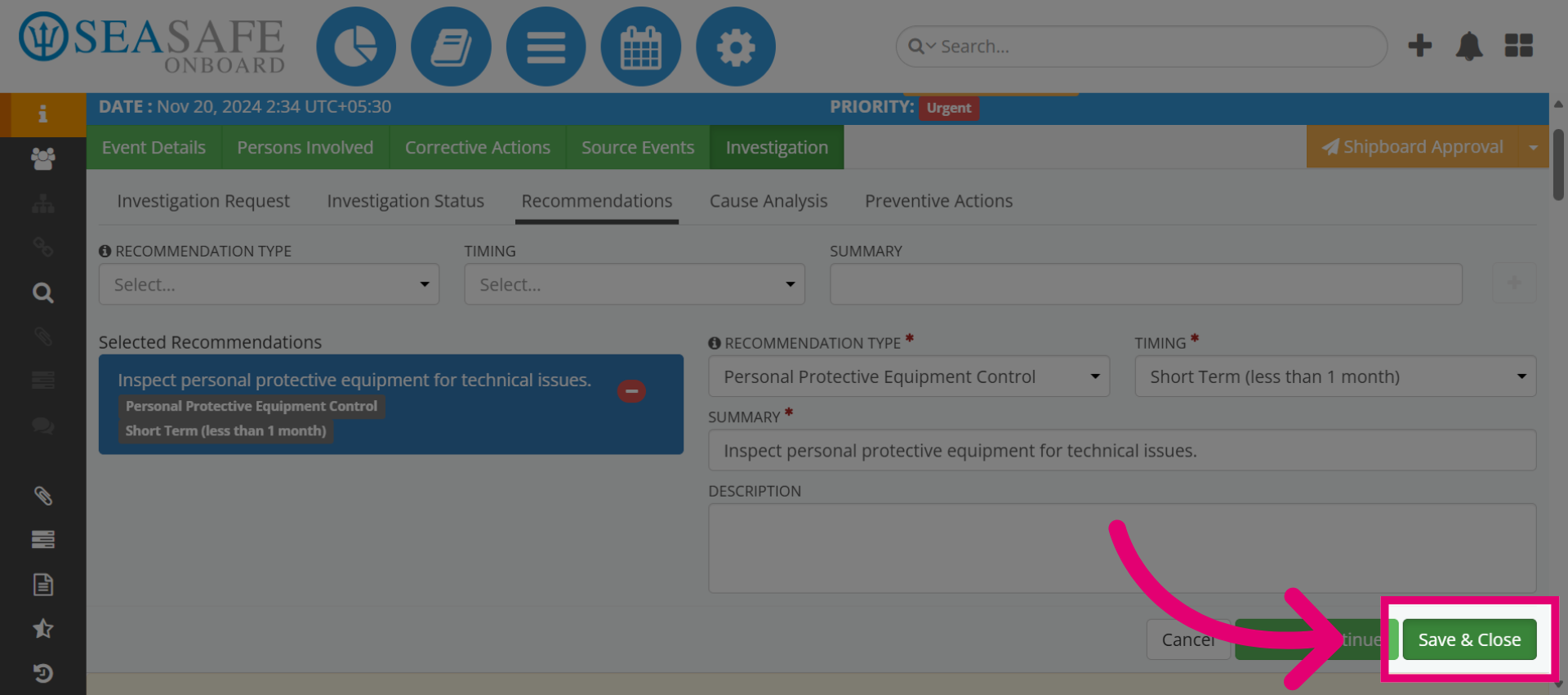
19. Save and Close
Then, "Save and Close".
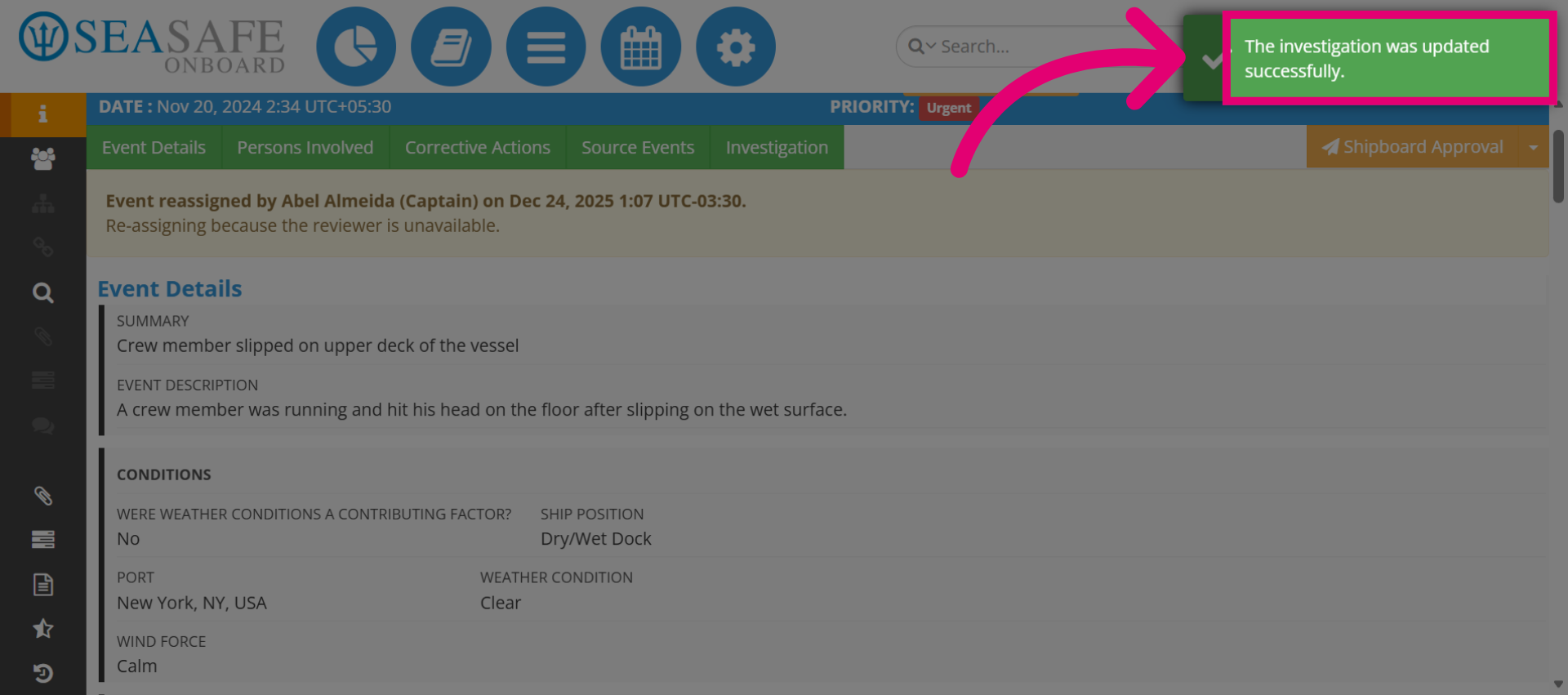
20. Click "The investigation was updated successfully."
Ensure the confirmation for the "The investigation was updated successfully."