New article
Recently updated
Reassign Reports Workflow in Ideagen Maritime Management

This walkthrough explains how to reassign a report within the Ideagen Maritime Management Onboard workflow.
1. Introduction
You will learn the steps to select a new reviewer and provide a reason for reassignment.
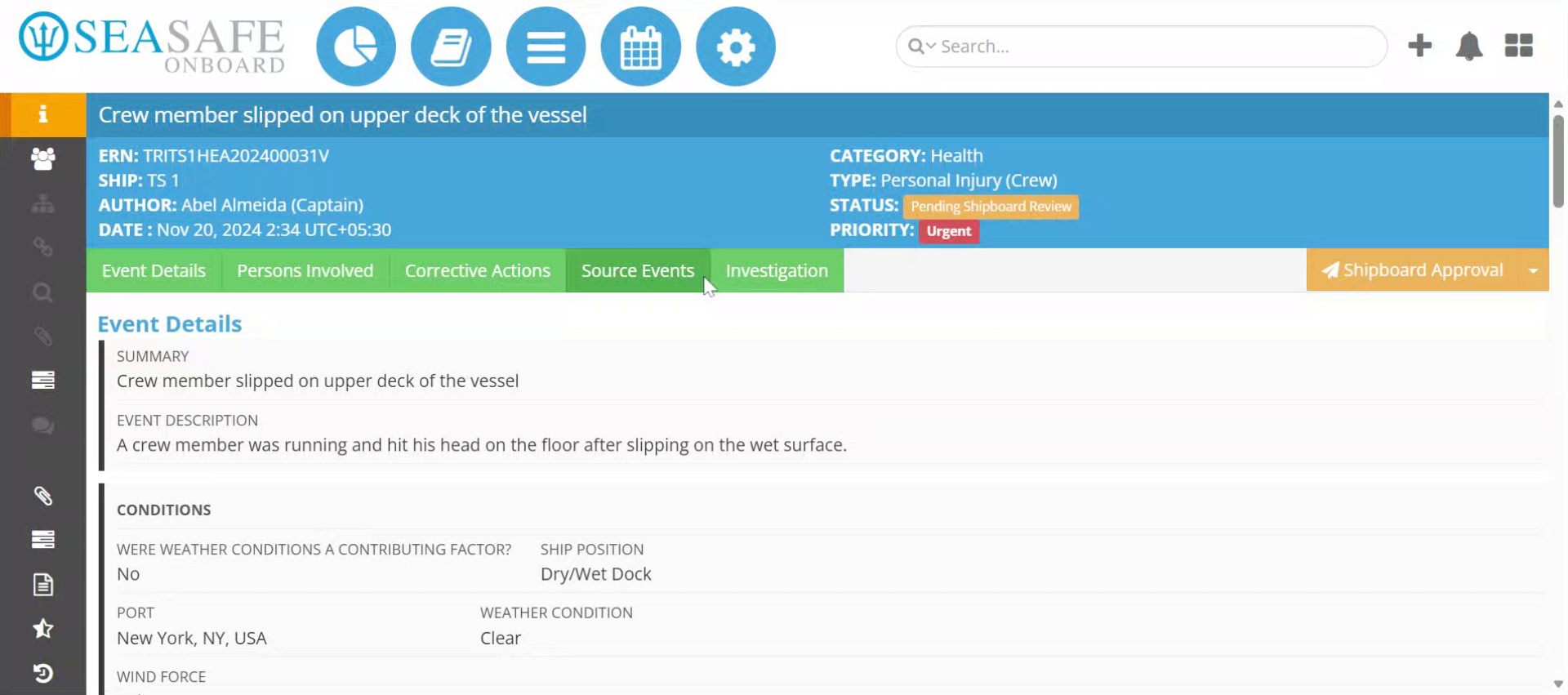
2. Open Report Options
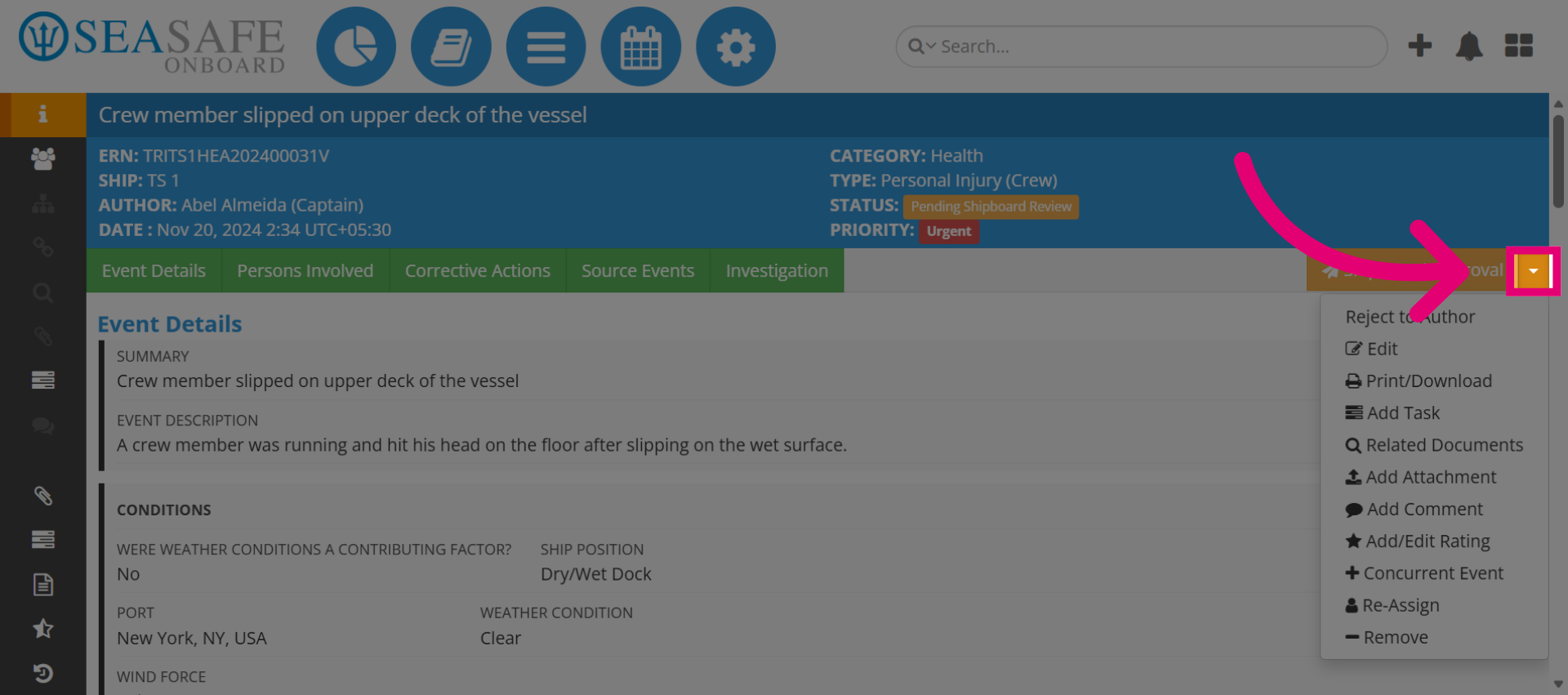
Click here to open the report options menu.
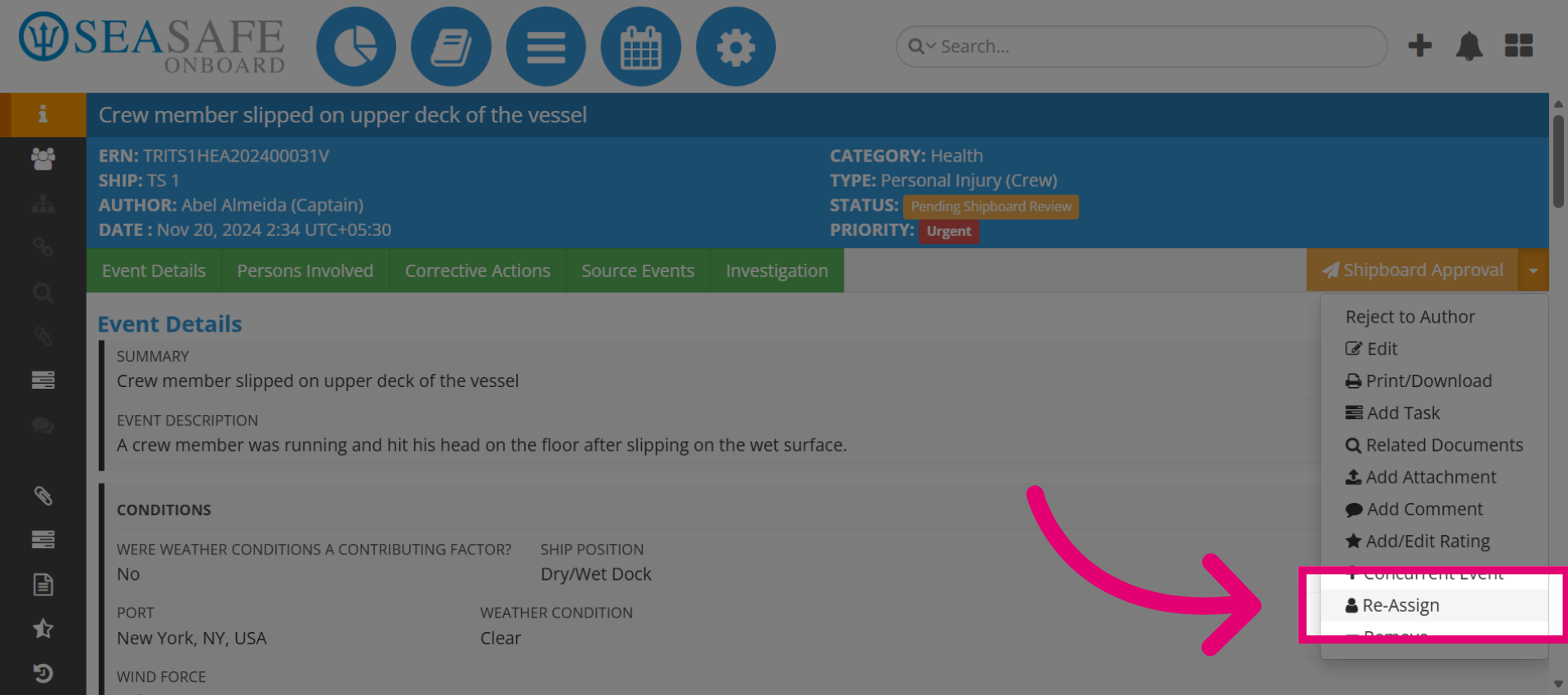
3. Select Reassign Option
Click "Re-Assign" to begin the reassignment process.
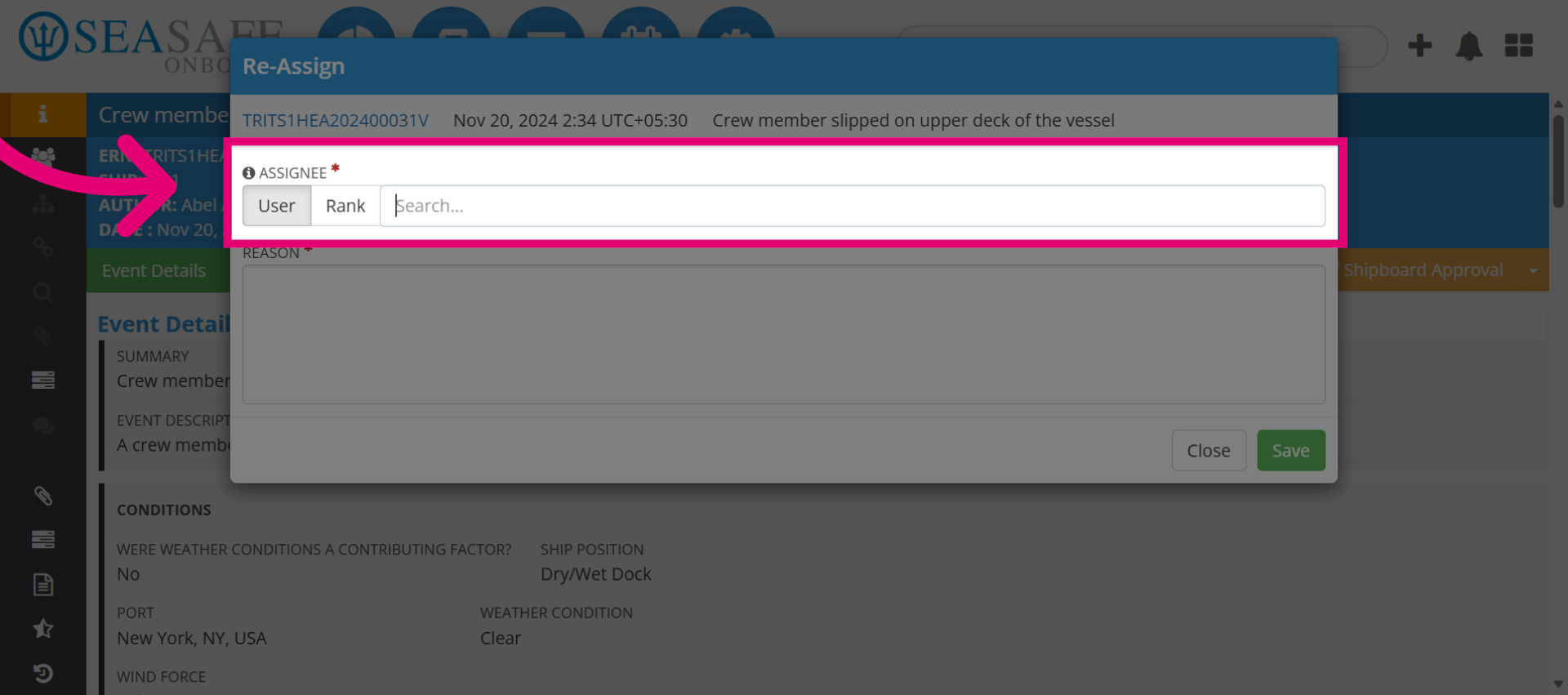
4. Open Search Field
Click "Search" to locate the user to reassign the report to. You can search by user or rank.
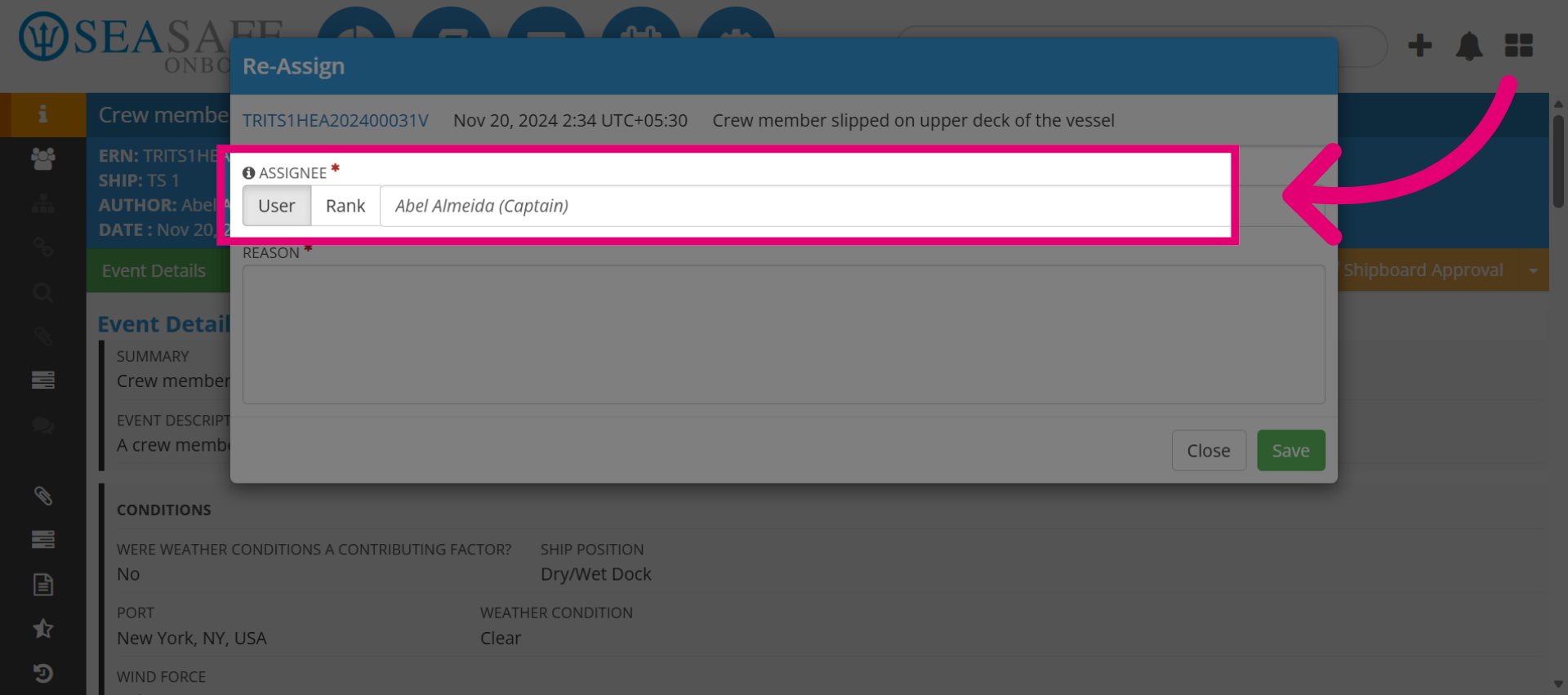
5. Choose New Reviewer
Select the appropriate user from the search results.
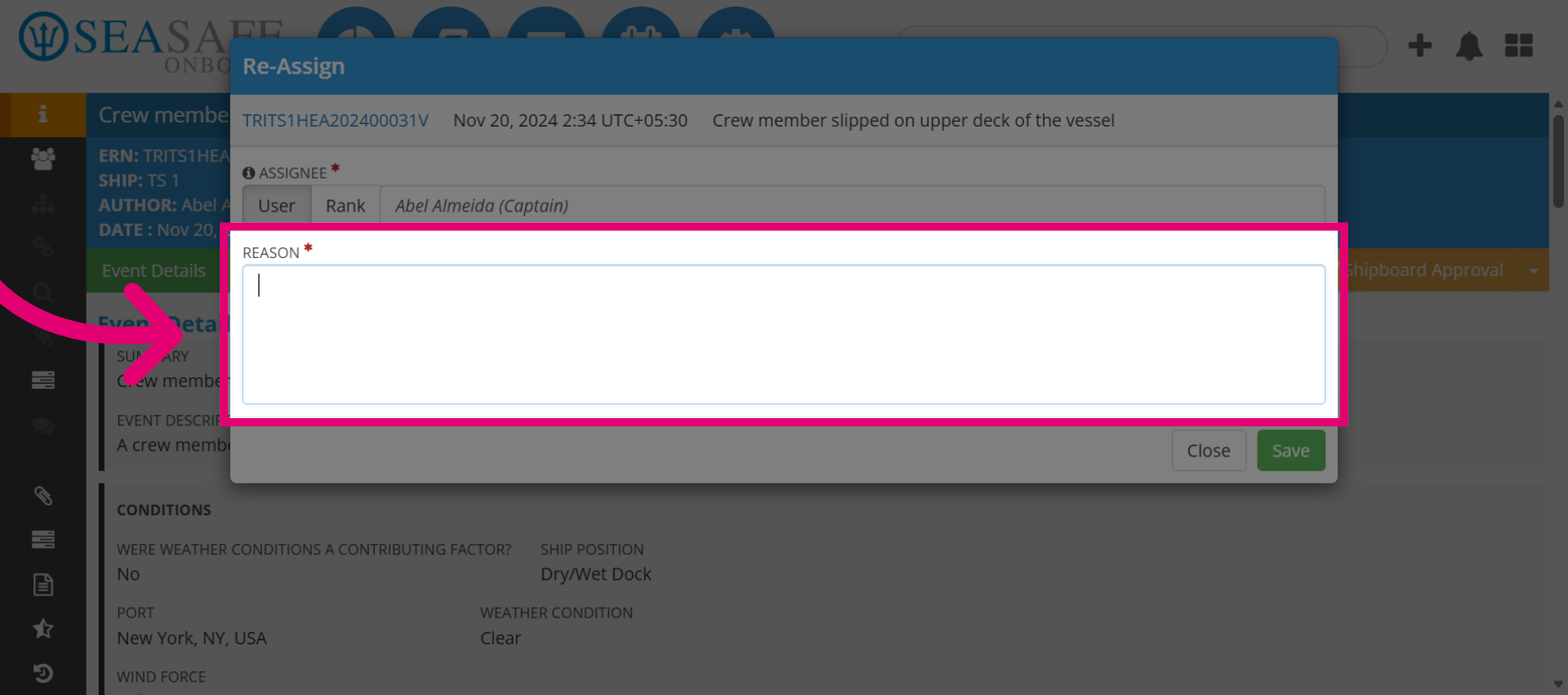
6. Add the Reason
Add a comment explaining the reassignment.
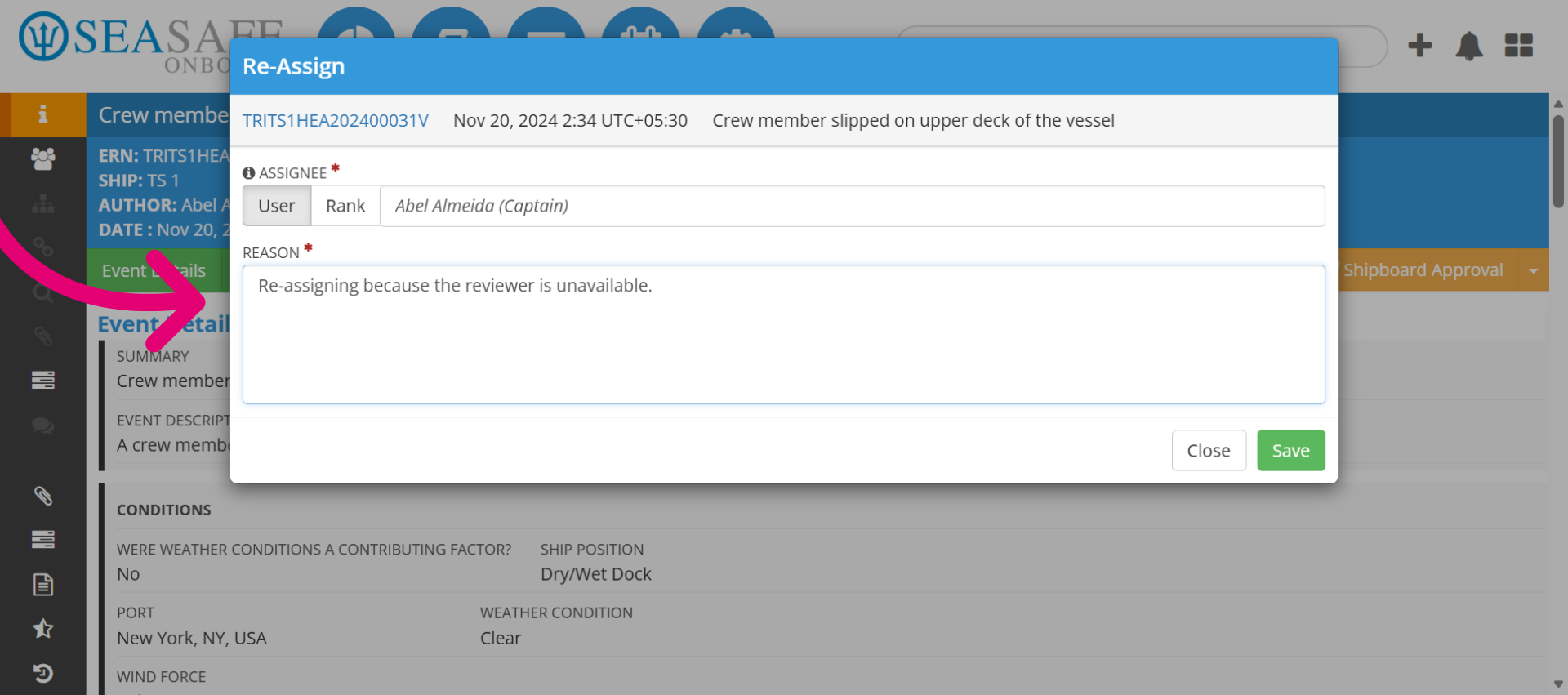
7. Close and Save Comment
Enter your explanation like this. Then, click "Save" to confirm the comment and return to the main screen.
8. Reassignment Notice
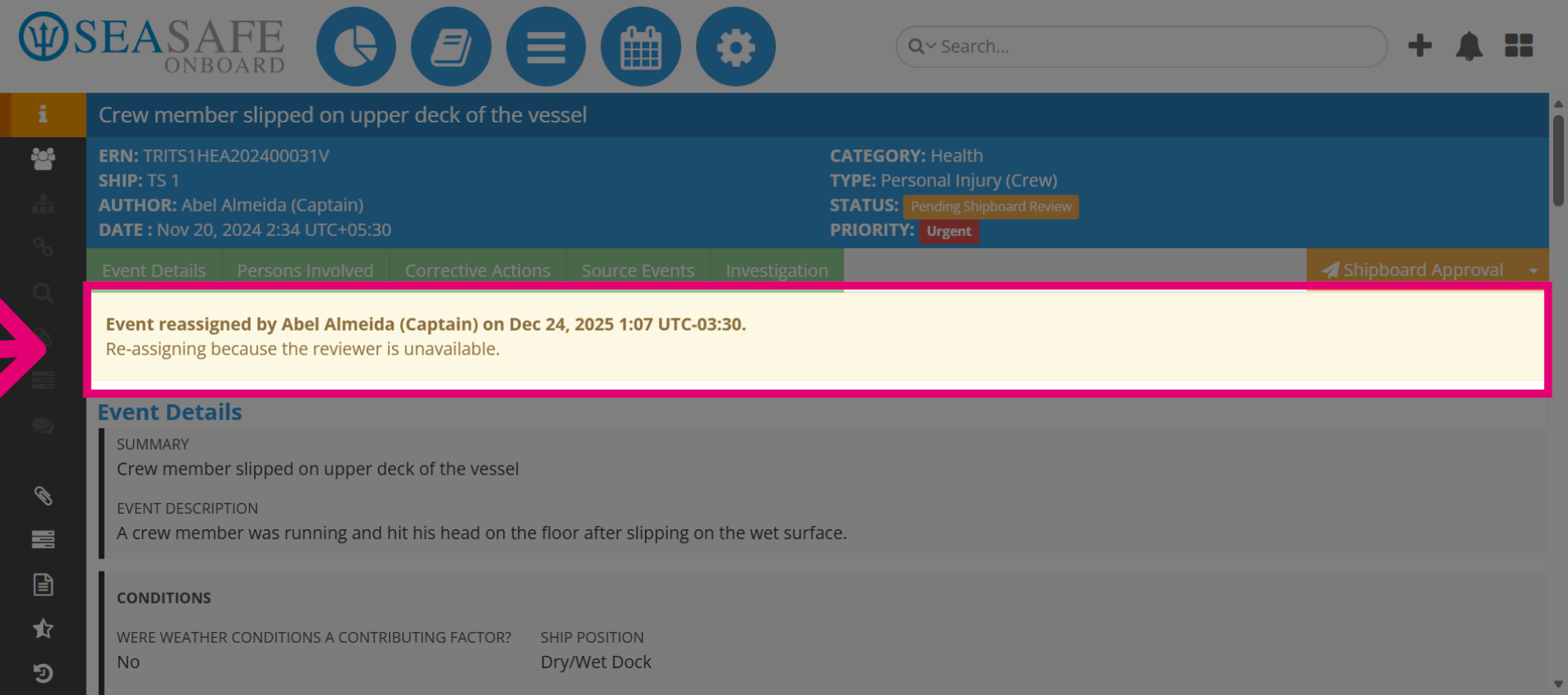
Then, the re-assignment notice appears on the report with the reassignment details.