New article
Recently updated
Start a Basic Workflow in Ideagen Maritime Management

This walkthrough explains how to start creating a basic workflow in Ideagen Maritime Management.
1. Introduction
You will learn the essential steps to configure and initiate a workflow effectively, starting from the initial setup. Start in the shoreside "Admin Menu", in the "Fields, Types & Workflows" section-under the "Workflow" tab.
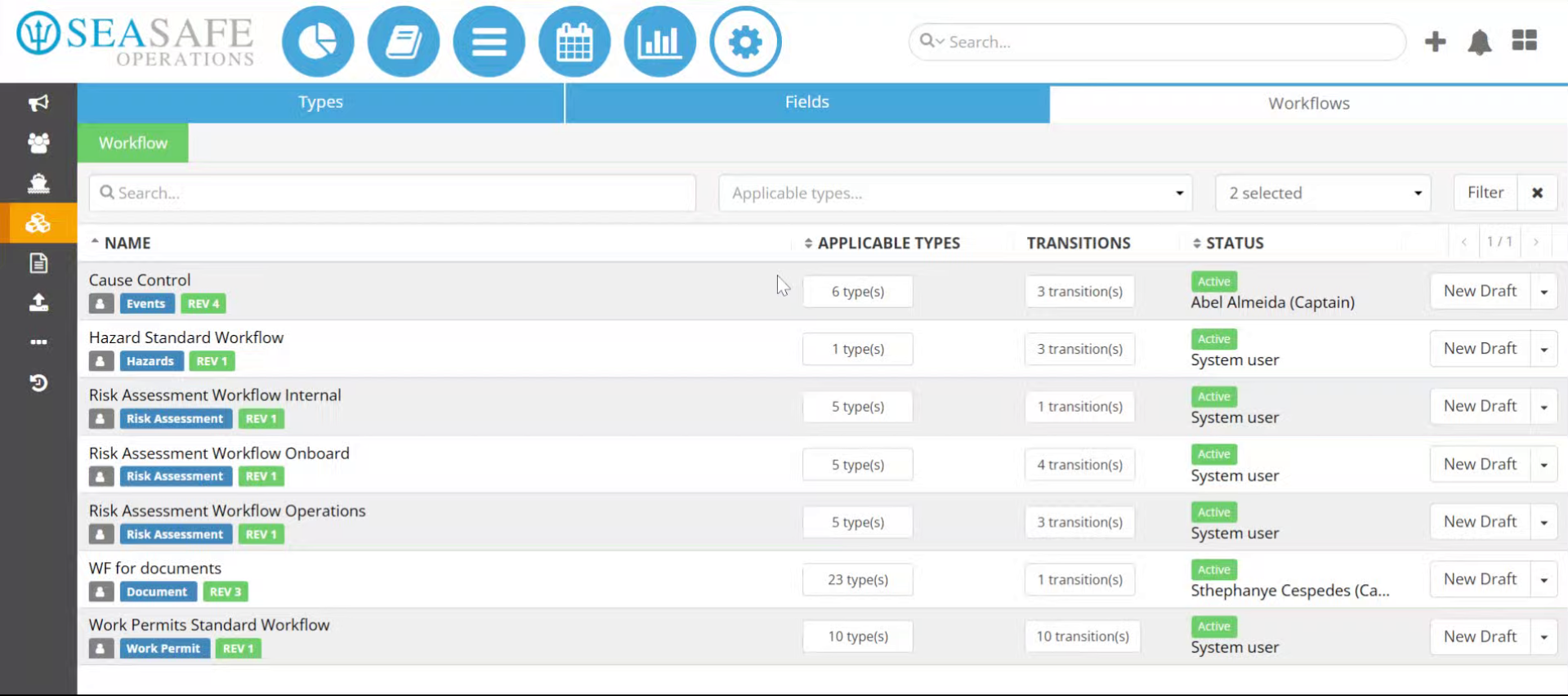
2. Navigate to Workflow Section
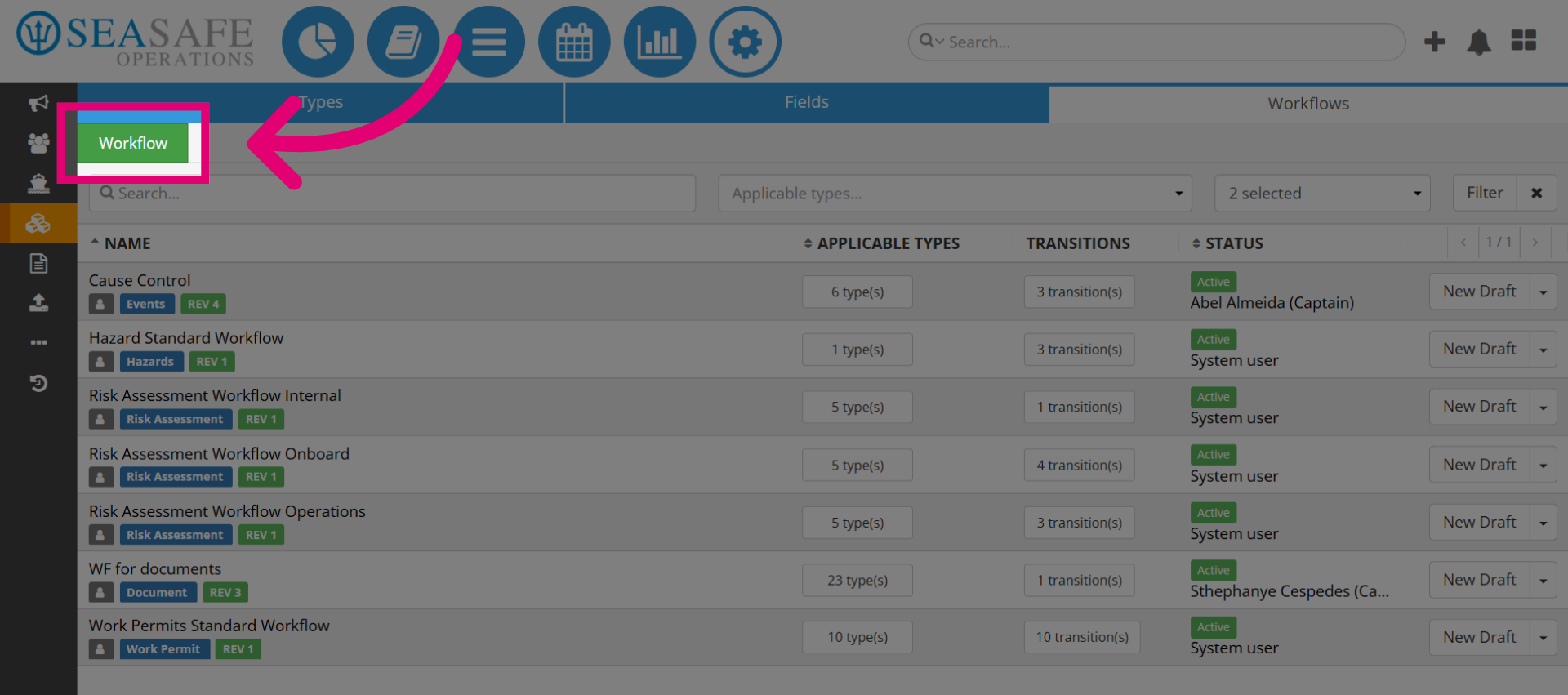
Click the green "Workflow" button to begin setting up your workflow.
3. Open Workflow Creation Panel
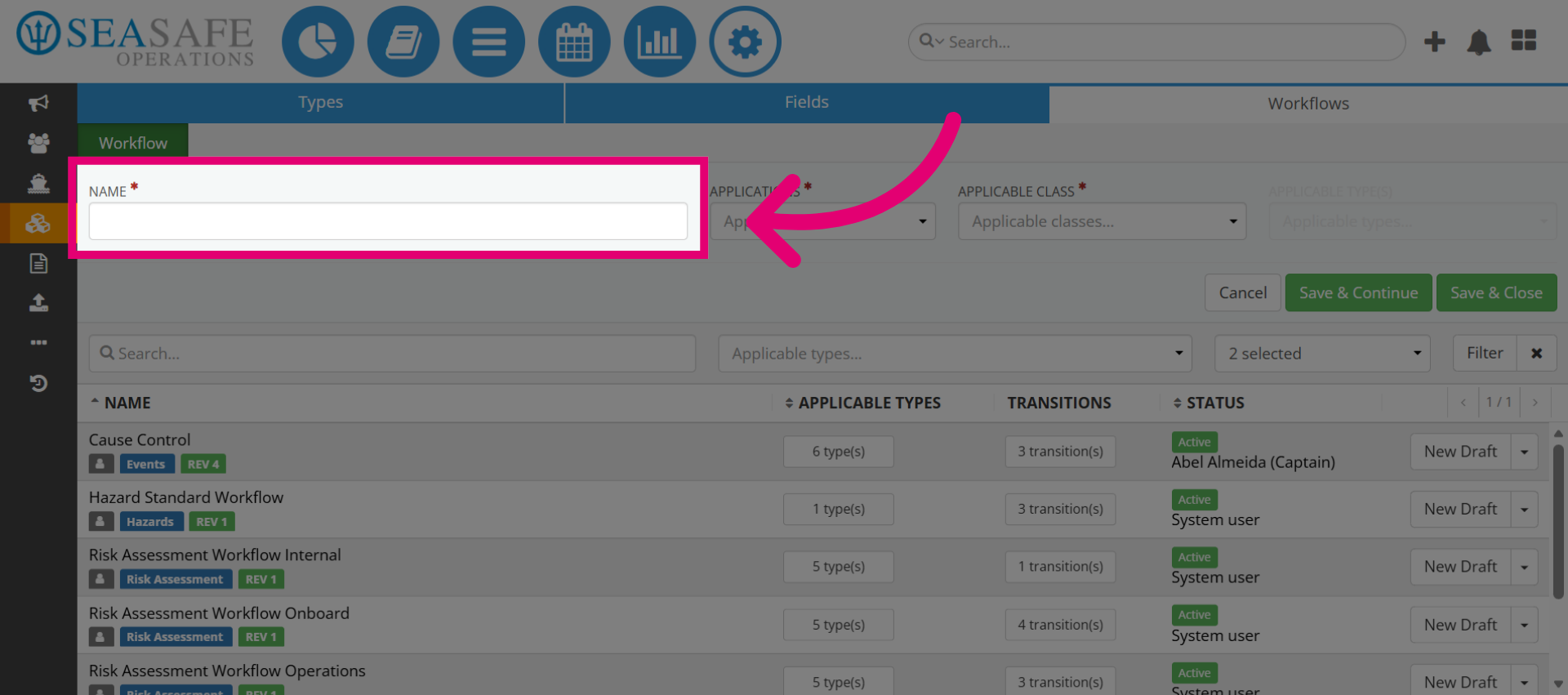
This opens up the workflow creation panel for entering details-and enter a "Name" for the workflow.
4. Access Applications Menu
Next, choose the the "Applications" dropdown menu to specify which applications the workflow applies to for Ideagen Maritime Management Onboard, Operations, or both.
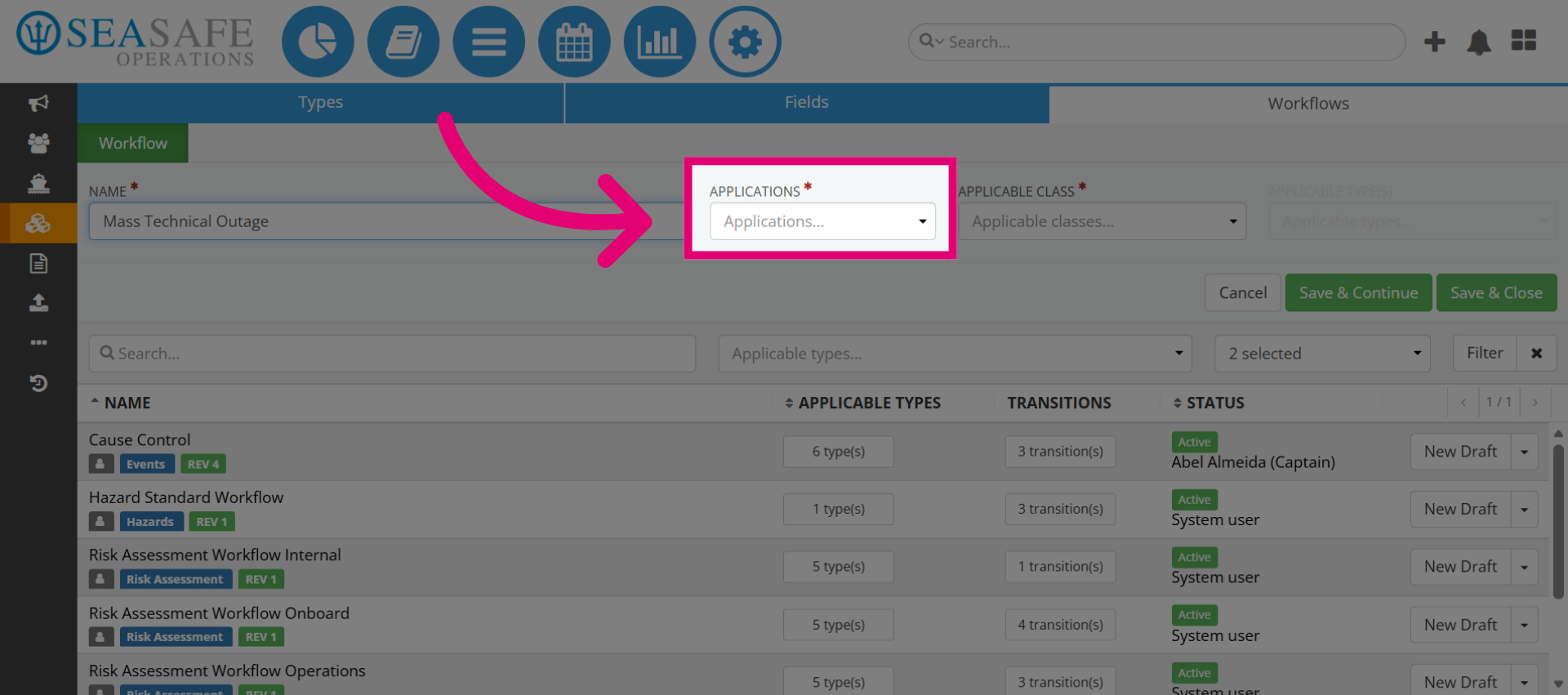
5. Choose Events Class
Then, select the "Class" to categorize the workflow under event-related processes.
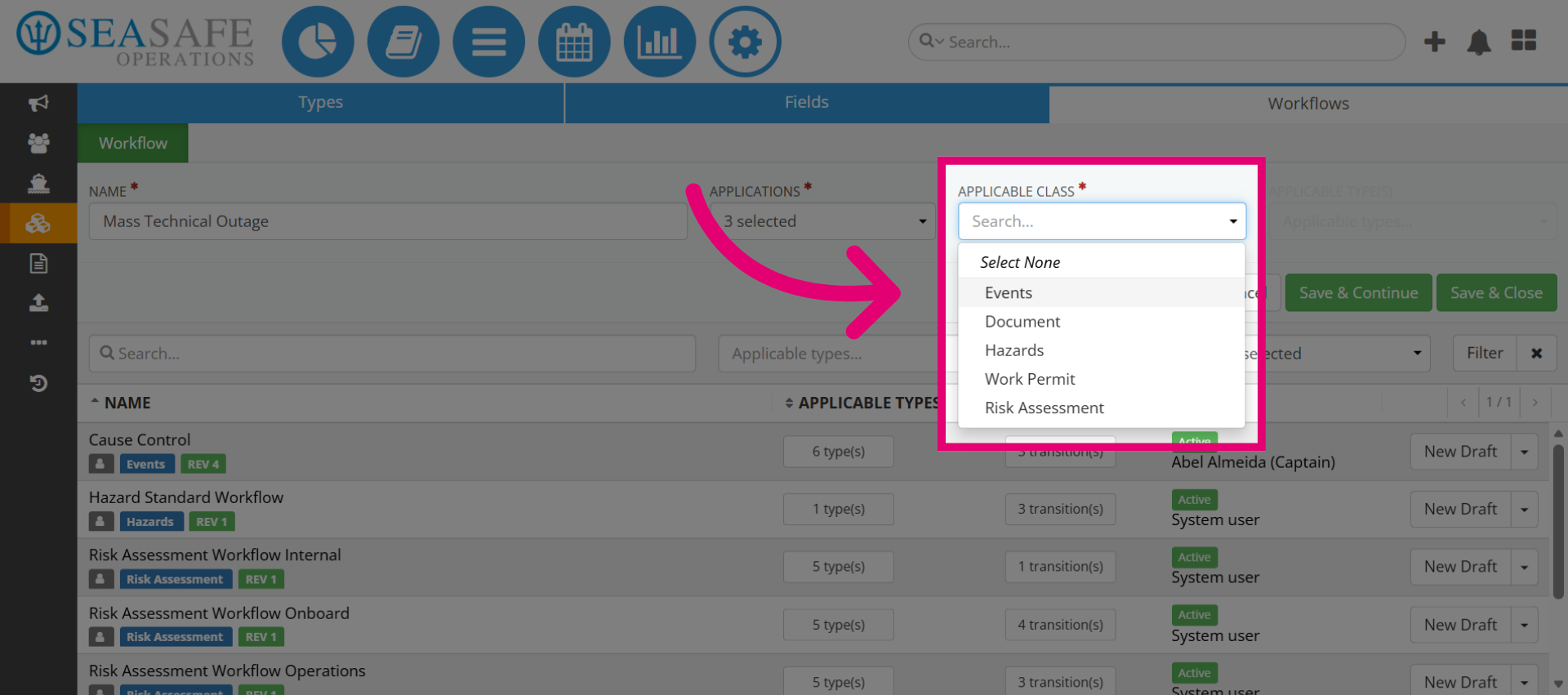
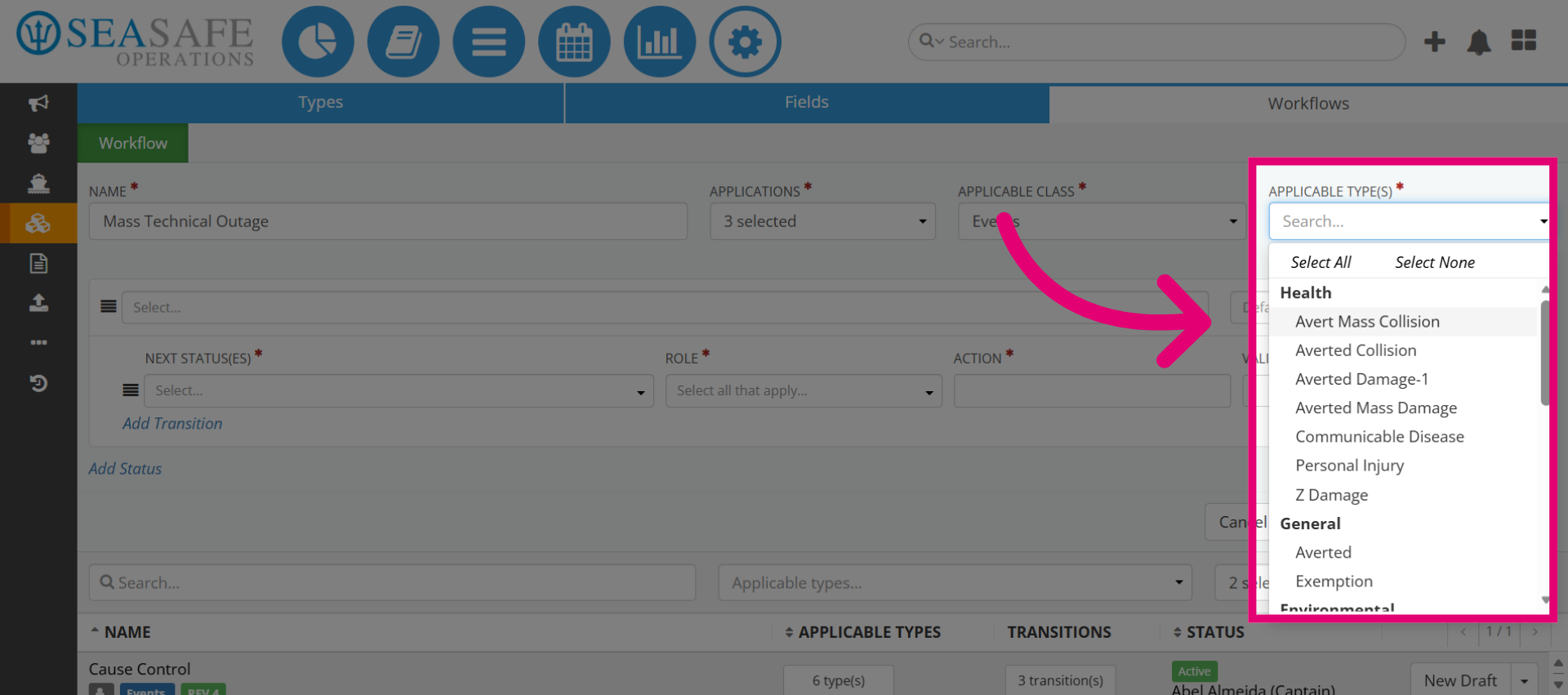
6. Select the Type
Choose the "Type" for the workflow. Then, save your updates.