New article
Recently updated
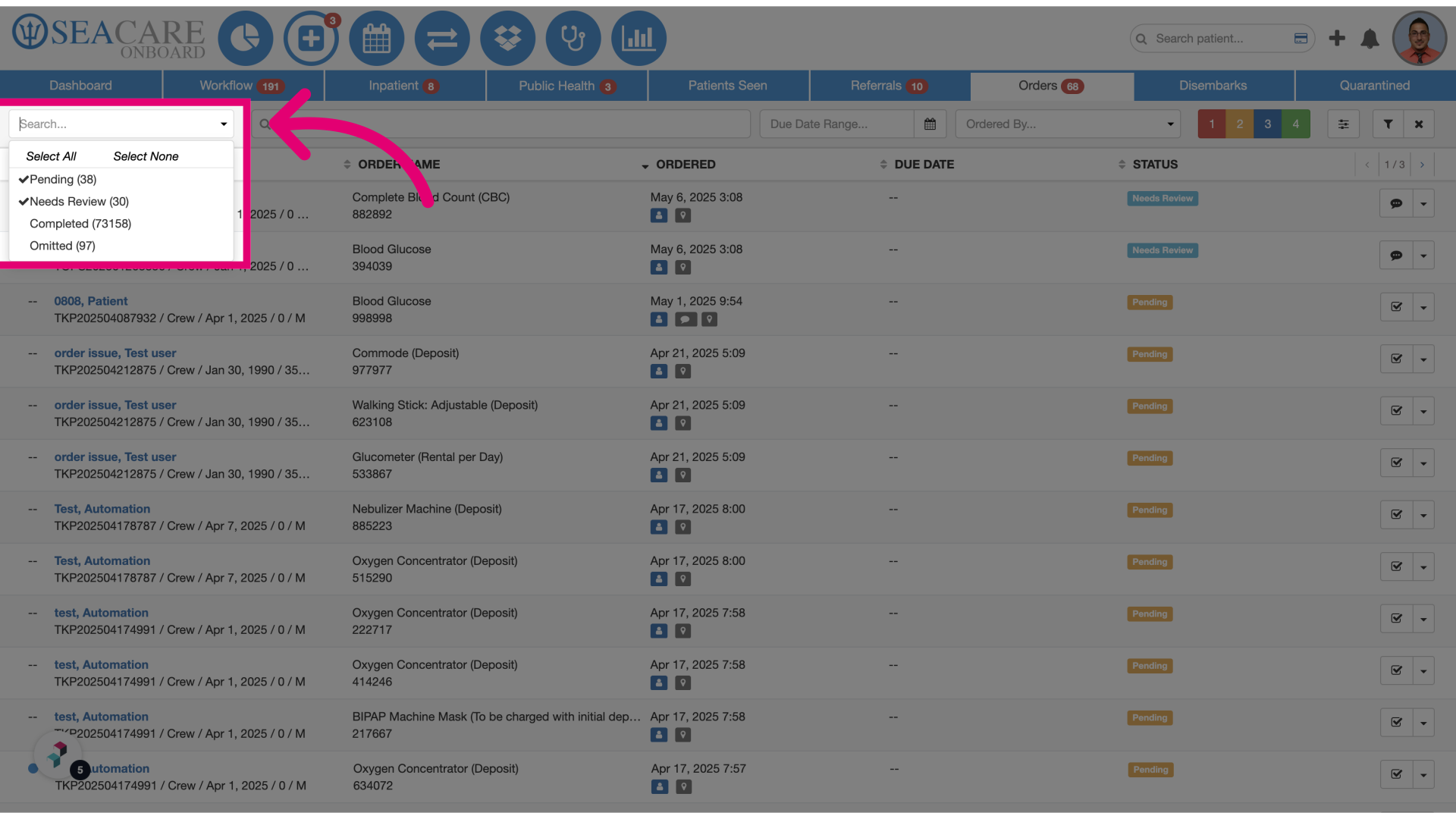
Displaying all statuses by default in order menu

Who is this article for?Administrators configuring the encounter process.
No elevated permissions are required.
This guide provides step-by-step instructions for configuring SeaCare to display all relevant order statuses by default in the Order Menu. By enabling this view, users can more easily monitor and manage orders that require attention, such as those marked as Pending or Needs Review. This setup improves visibility and streamlines clinical workflows by reducing the need to manually filter order statuses.
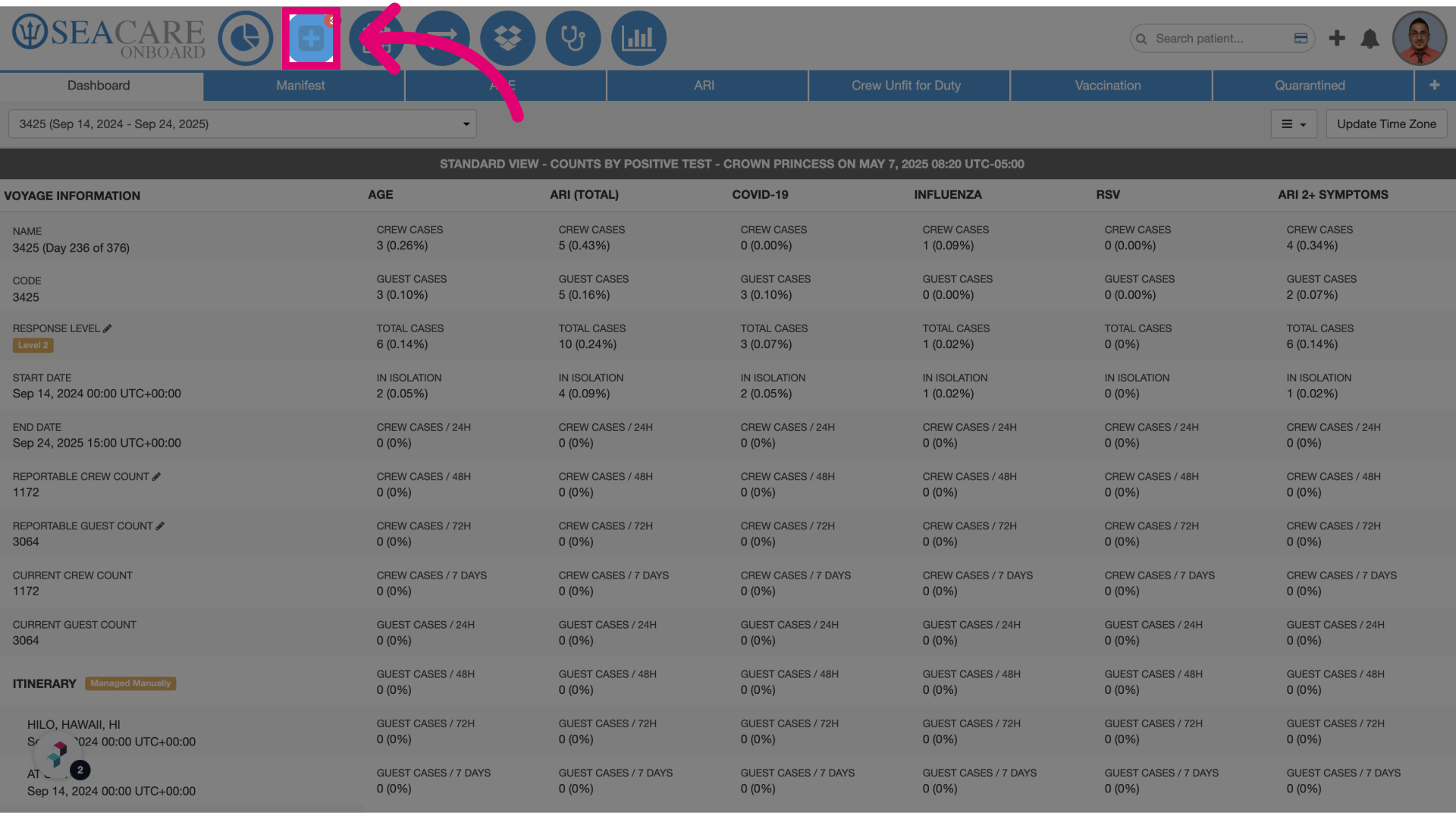
- Click on the Clinic Module.
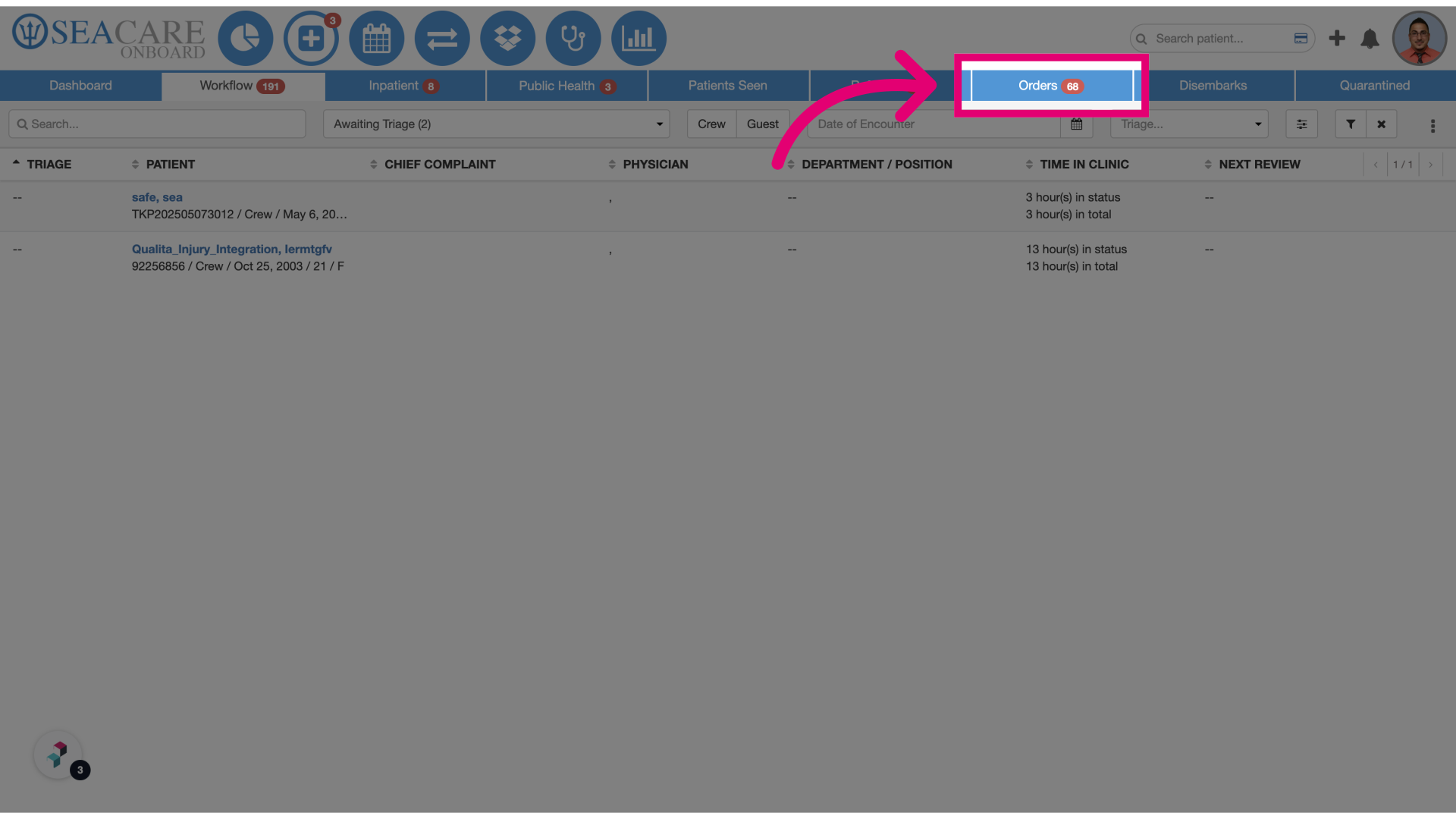
- Select the Orders tab: Access the Orders section to view and manage order statuses.
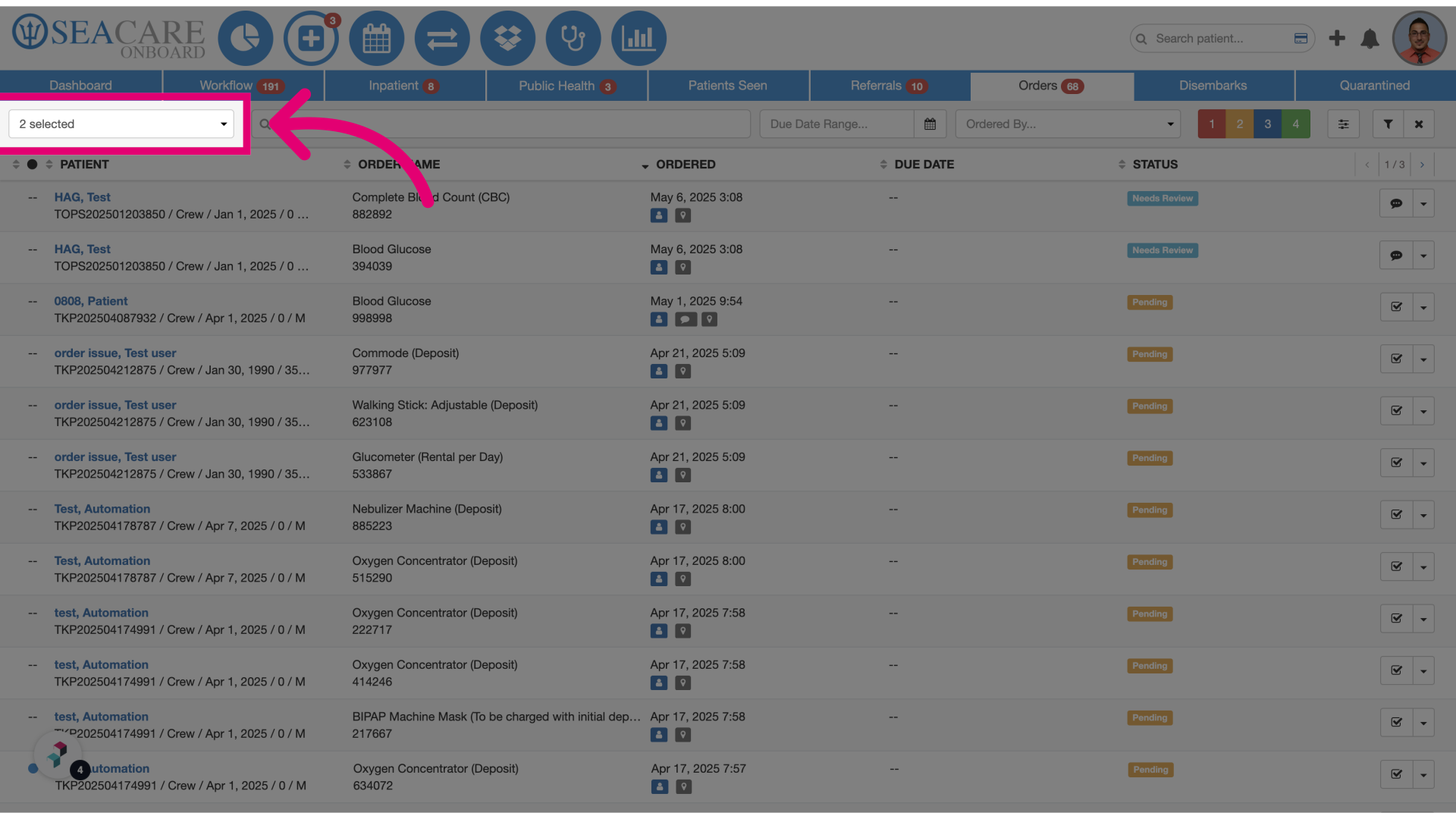
- View the default list: The system will now display a default list of orders filtered by specific statuses.
- Default statuses: The default statuses shown will be Pending and Needs Review, allowing users to quickly identify orders that require action.