New article
Recently updated
Creating a new lot product when dispensing an unknown lot

Who is this article for?Administrators configuring the encounter process.
No elevated permissions are required.
This guide provides step-by-step instructions for creating a new lot product in Tritansoft when dispensing a medication or item with an unknown or unregistered lot number. This functionality is especially useful in clinical or inventory workflows where new stock is introduced on the fly. By following this process, users can ensure that all lot numbers are properly recorded and tracked in the system, maintaining inventory accuracy and compliance.
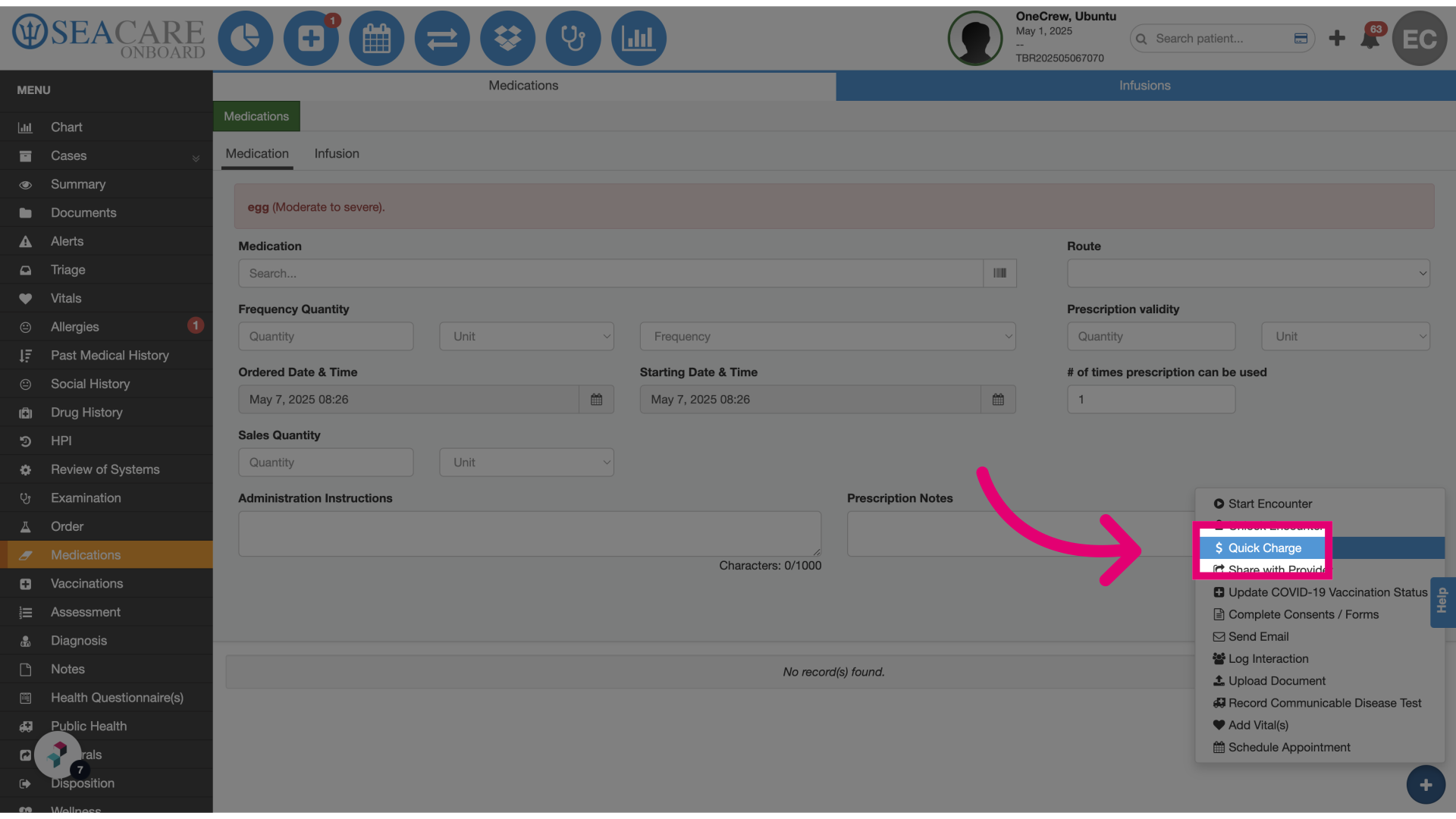
- Click Quick Charge: From the Quick Charge screen, users can initiate the process of adding a new lot number that does not yet exist in the system.
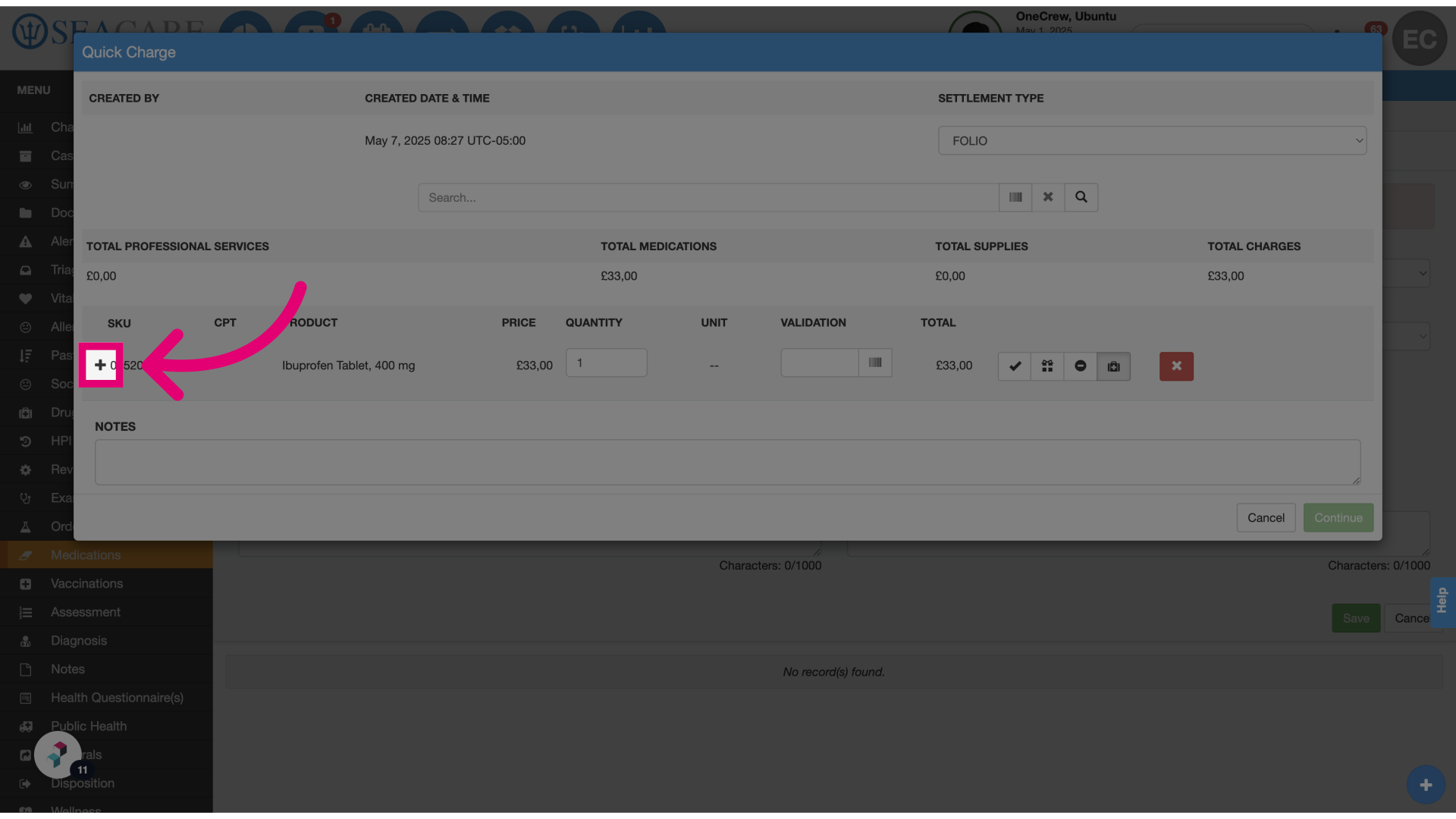
- Select the + icon: Click the plus icon to begin entering a new lot number.
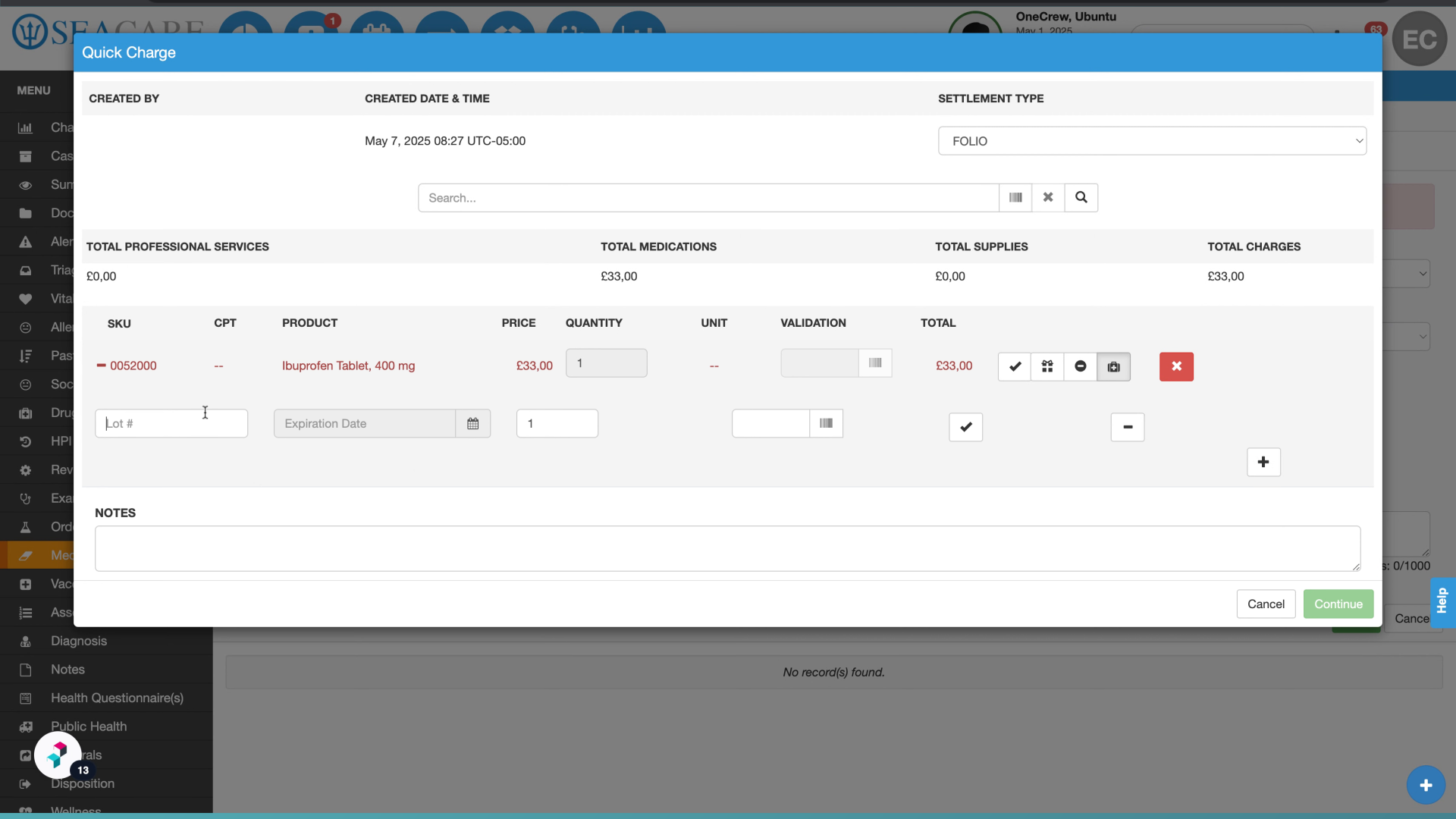
- Fill in the Lot #: Enter the new lot number in the designated field.
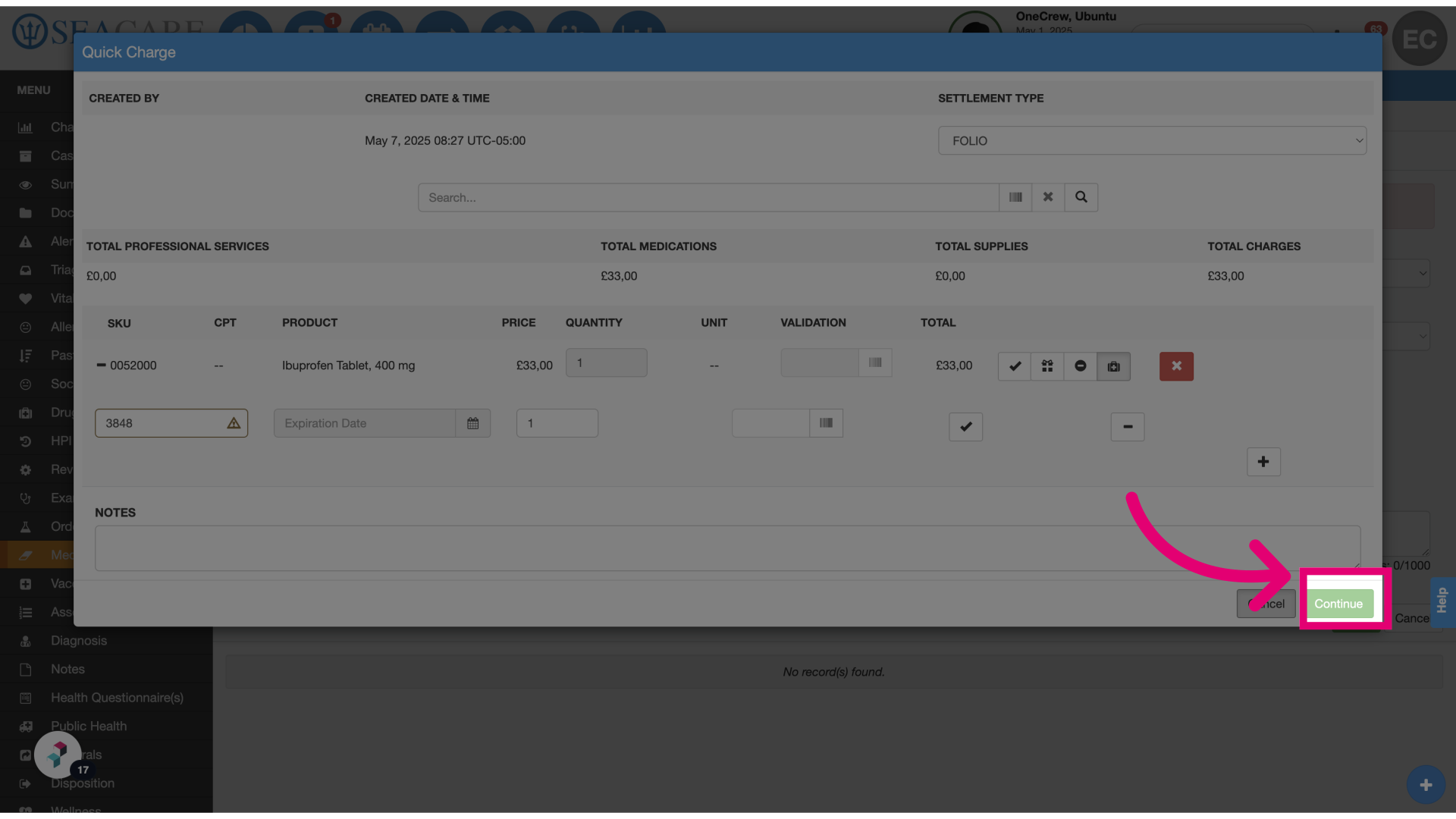
- Review the alert: A tooltip will appear indicating that the lot number is new and not yet registered in the inventory for the selected SKU.
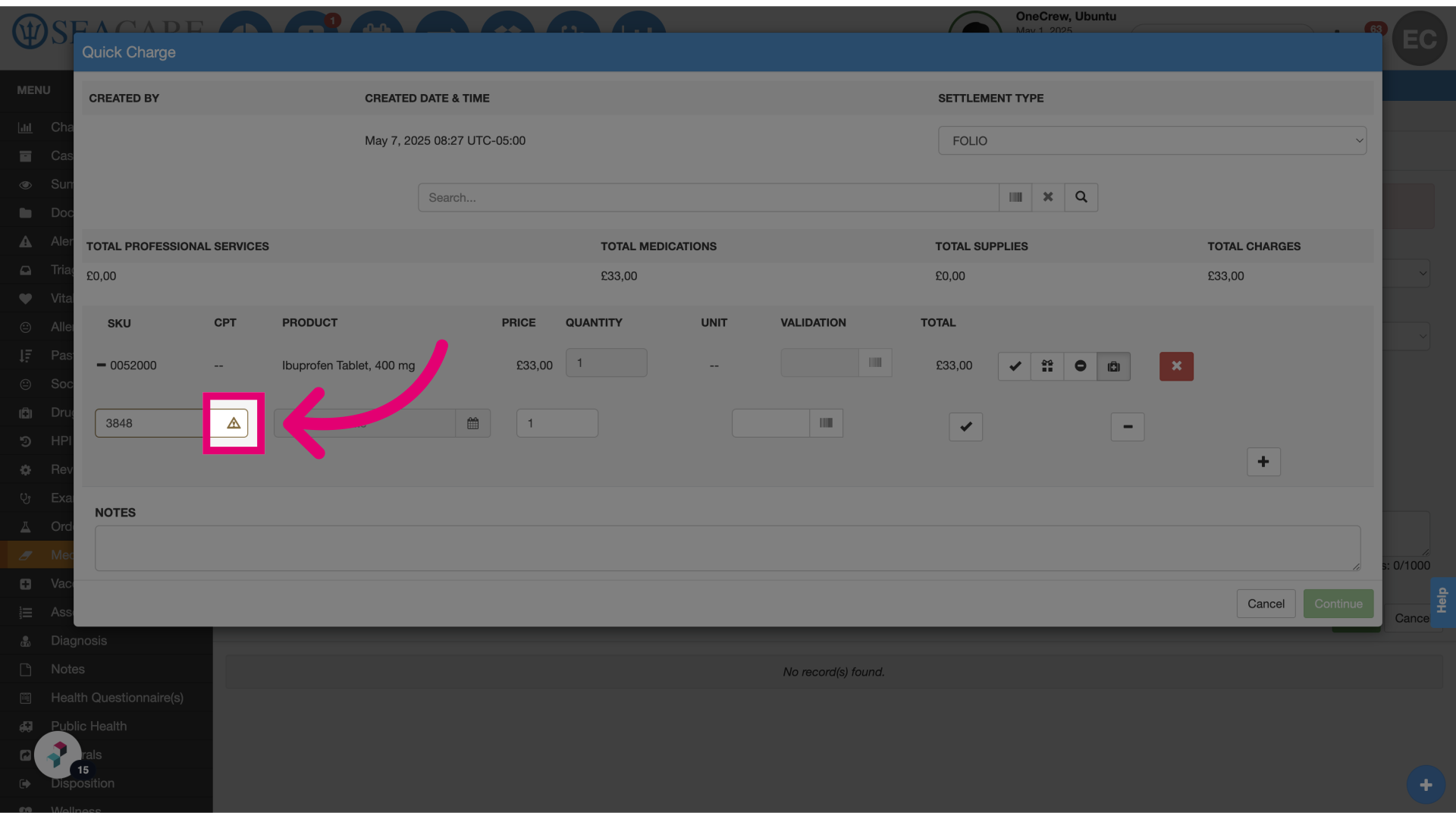
- Select Continue: Once the lot number is saved, it will be automatically added to the inventory for future use.