New article
Recently updated
Forcing a refresh of the MSB page to prevent outdated submissions

Who is this article for?Administrators configuring the submission process.
No elevated permissions are required.
This guide provides step-by-step instructions to help users effectively navigate the Medical Summary Board (MSB) in scenarios where multiple users may be accessing or editing the same record simultaneously. It outlines how to manage real-time collaboration, avoid data conflicts, and ensure that all users are working with the most up-to-date version of the MSB. By following this guide, users will learn how to respond to system prompts, refresh content appropriately, and maintain data integrity throughout the workflow.
Forcing a refresh of the MSB page
- Open the MSB page.
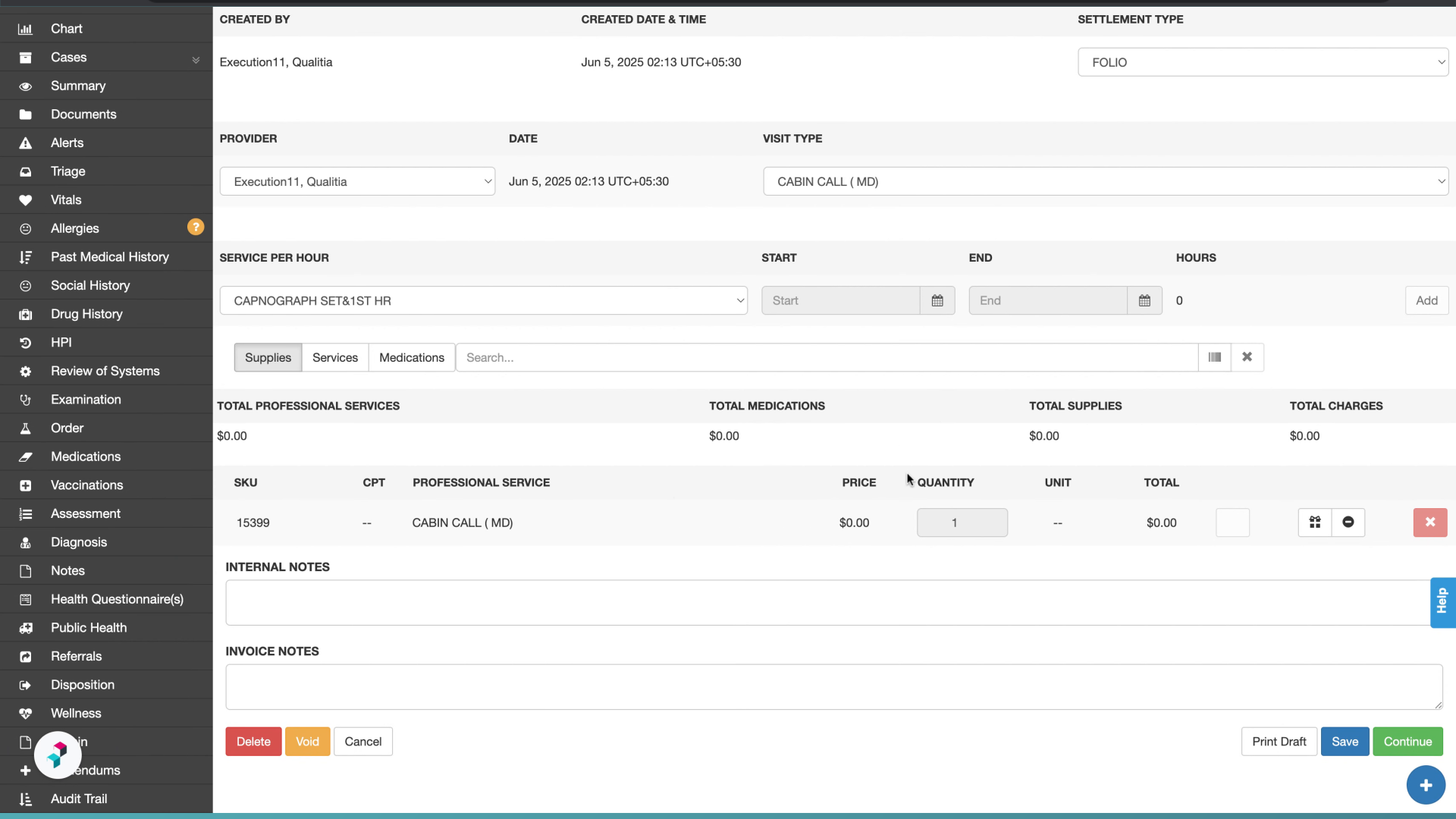
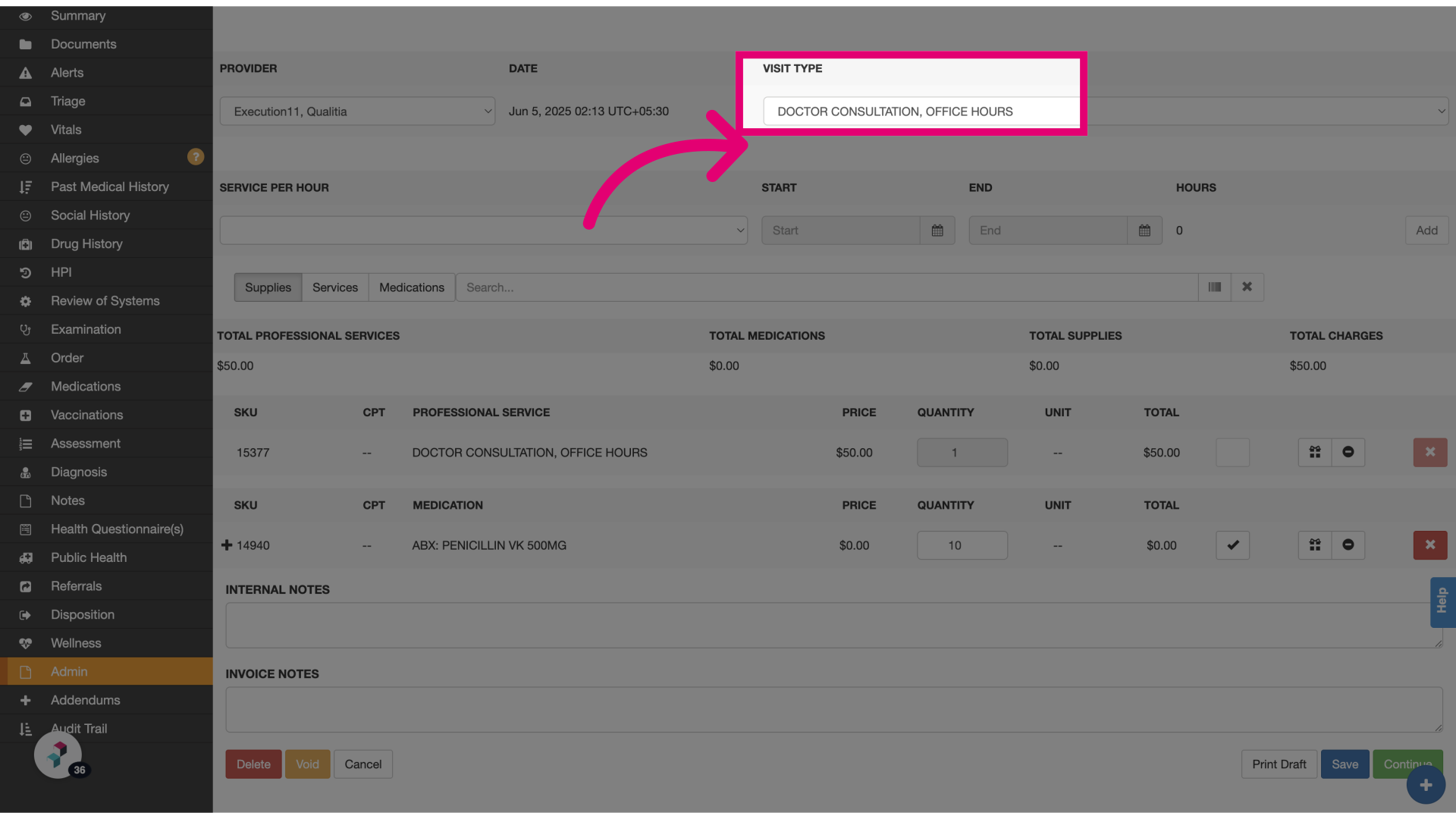
- Select the visit type: Choose the appropriate visit type from the dropdown or make any necessary changes to the MSB.
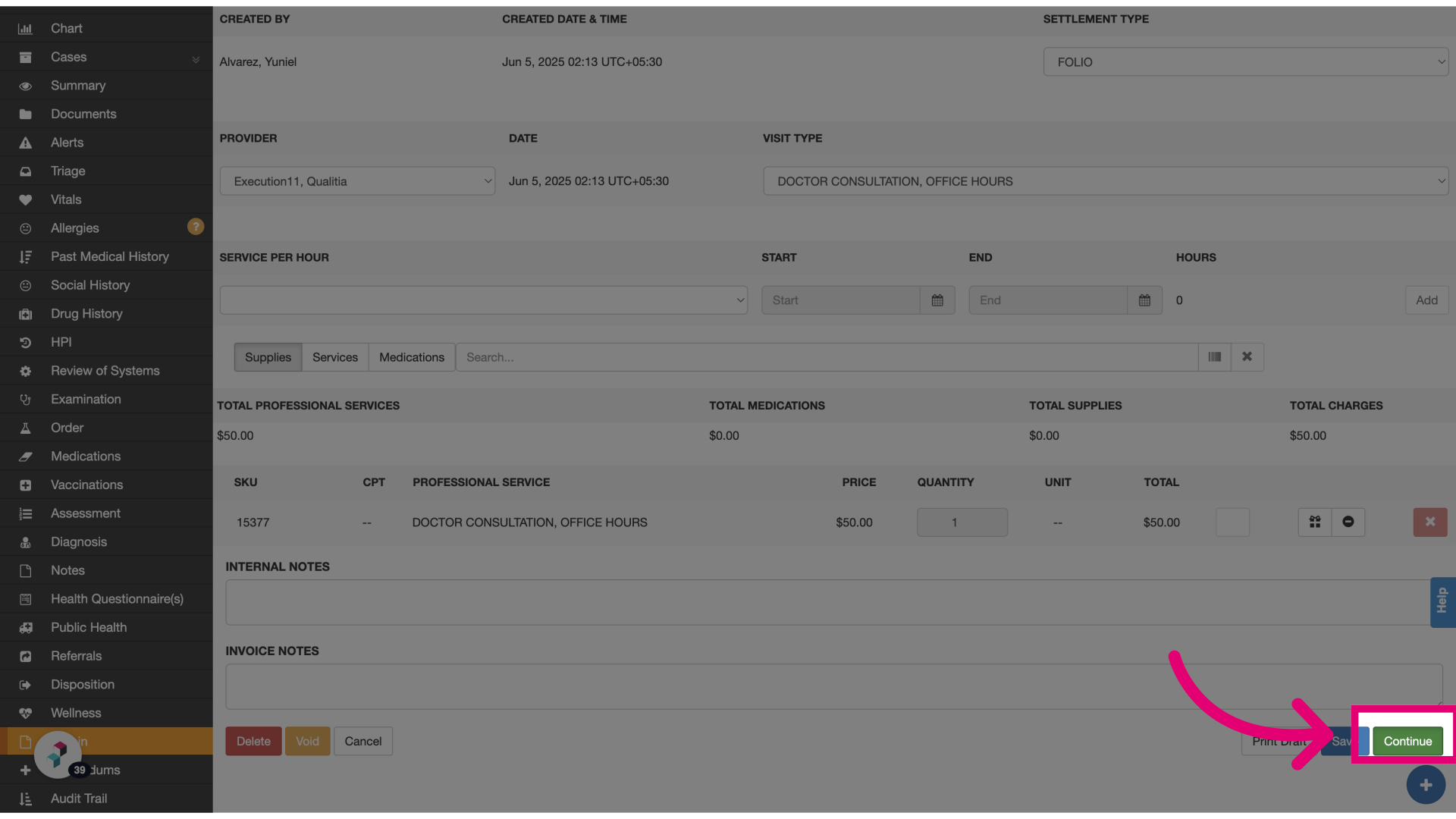
- Click Continue: Proceed to the next step in the MSB workflow.
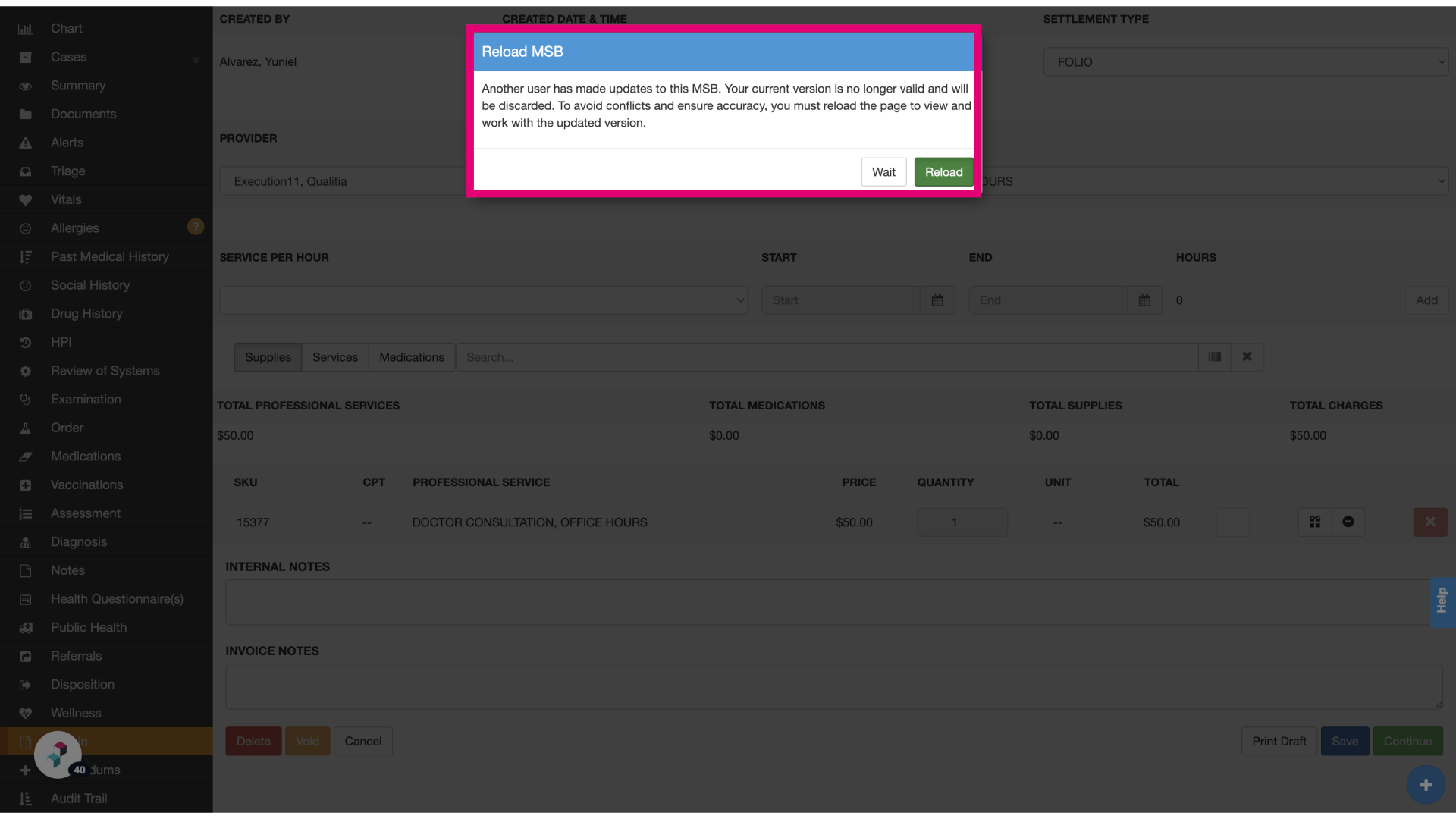
- Select Reload or Wait: If another user is editing the same MSB, the system will prompt you to either reload or wait. Choosing Wait will automatically refresh the page after two minutes and display the latest updates.