New article
Recently updated
Managing question sets for device planned maintenance (PM

Who is this article for?Users who want to managing question sets for device planned maintenance (PM).
No elevated permissions are required.
This demo guides you in efficiently managing question sets for Device Planned Maintenance. It covers adding questions and selecting input types, ensuring a smooth process for creating checklists for device maintenance.
1. Managing question sets for device planned maintenance (PM)
1.1. Video
1.2. Steps
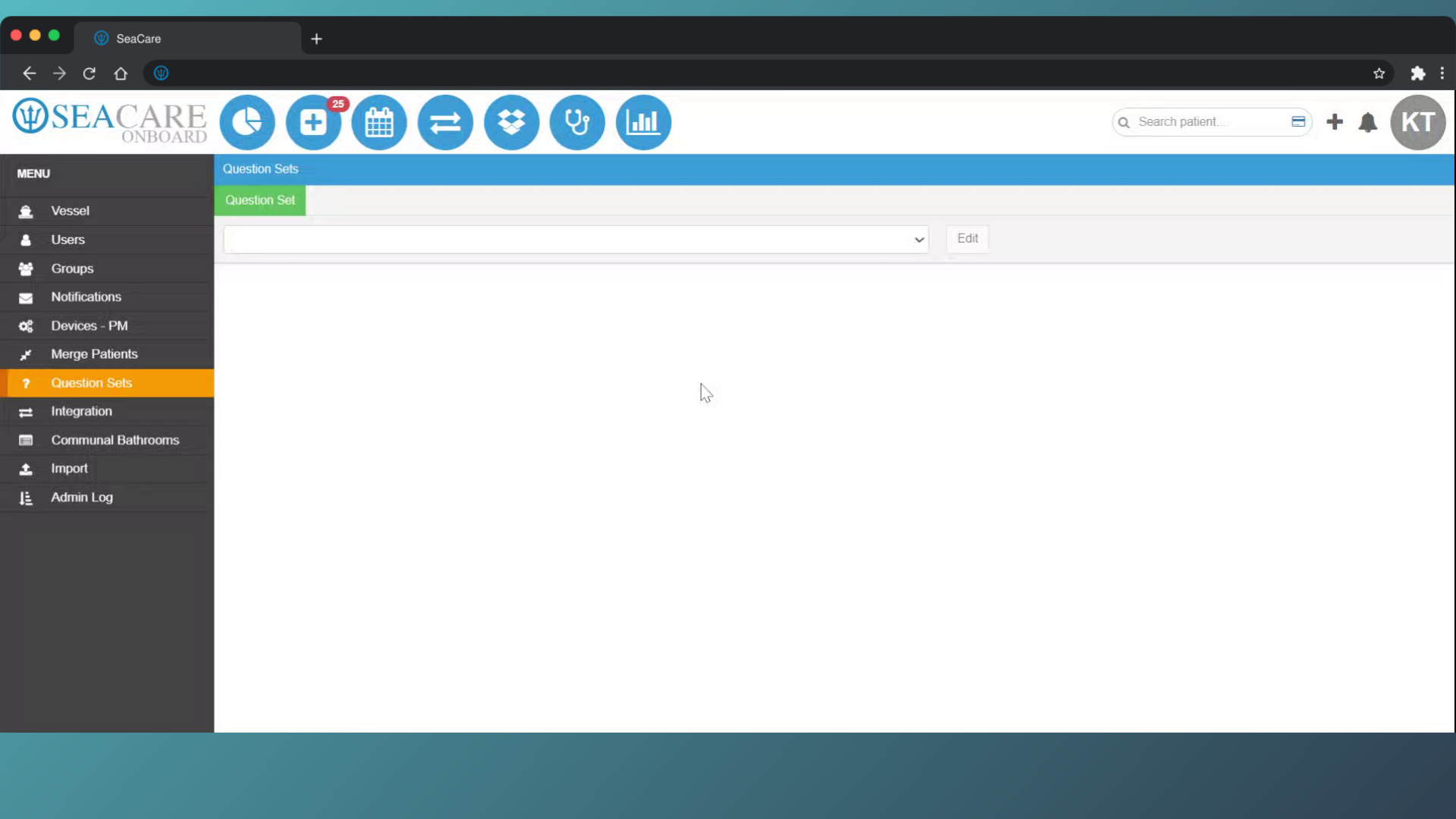
- To begin, go to the Question Sets module in the Ideagen Maritime Health Onboard Admin menu.
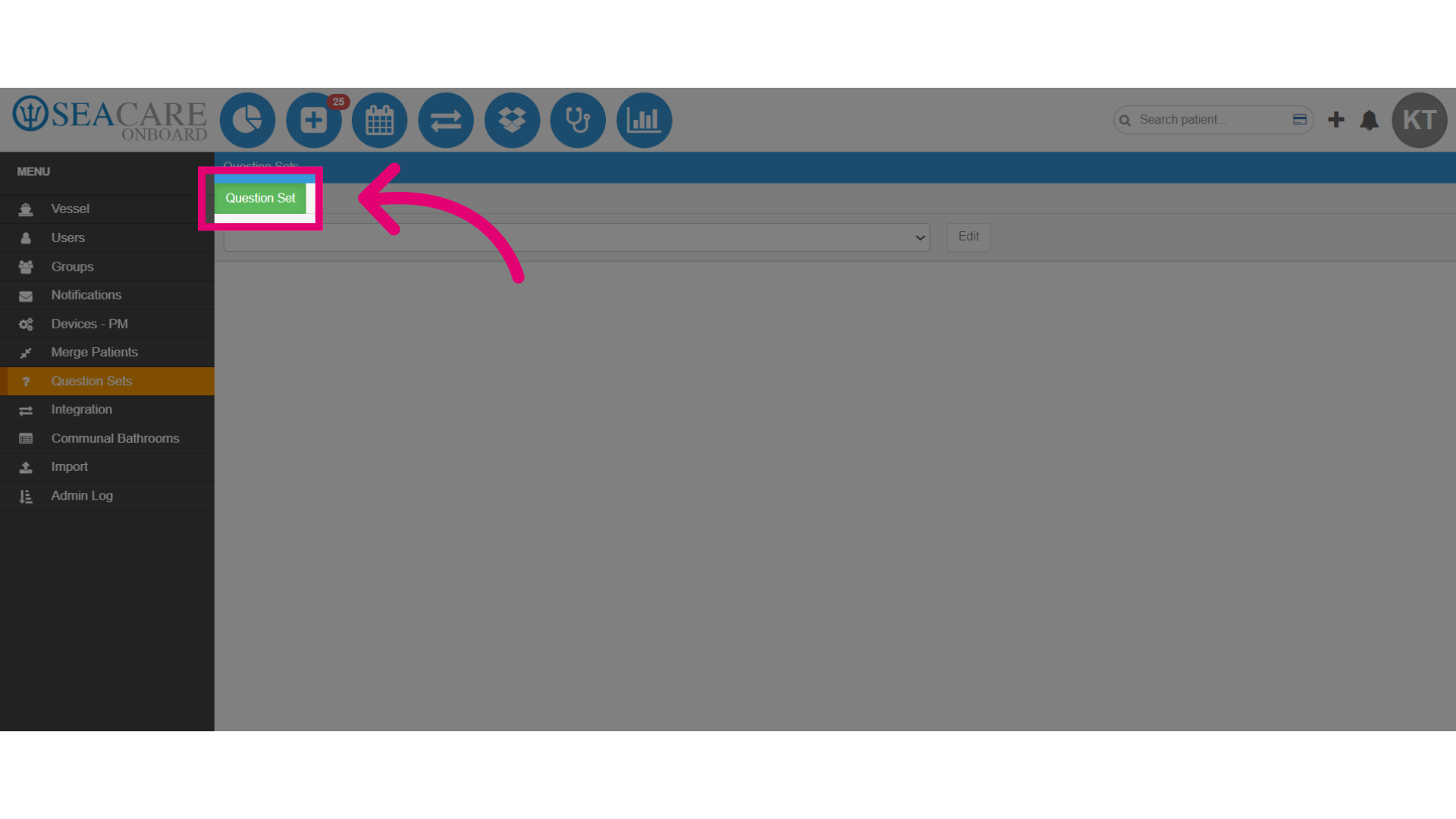
- Select the green Question Set tab.
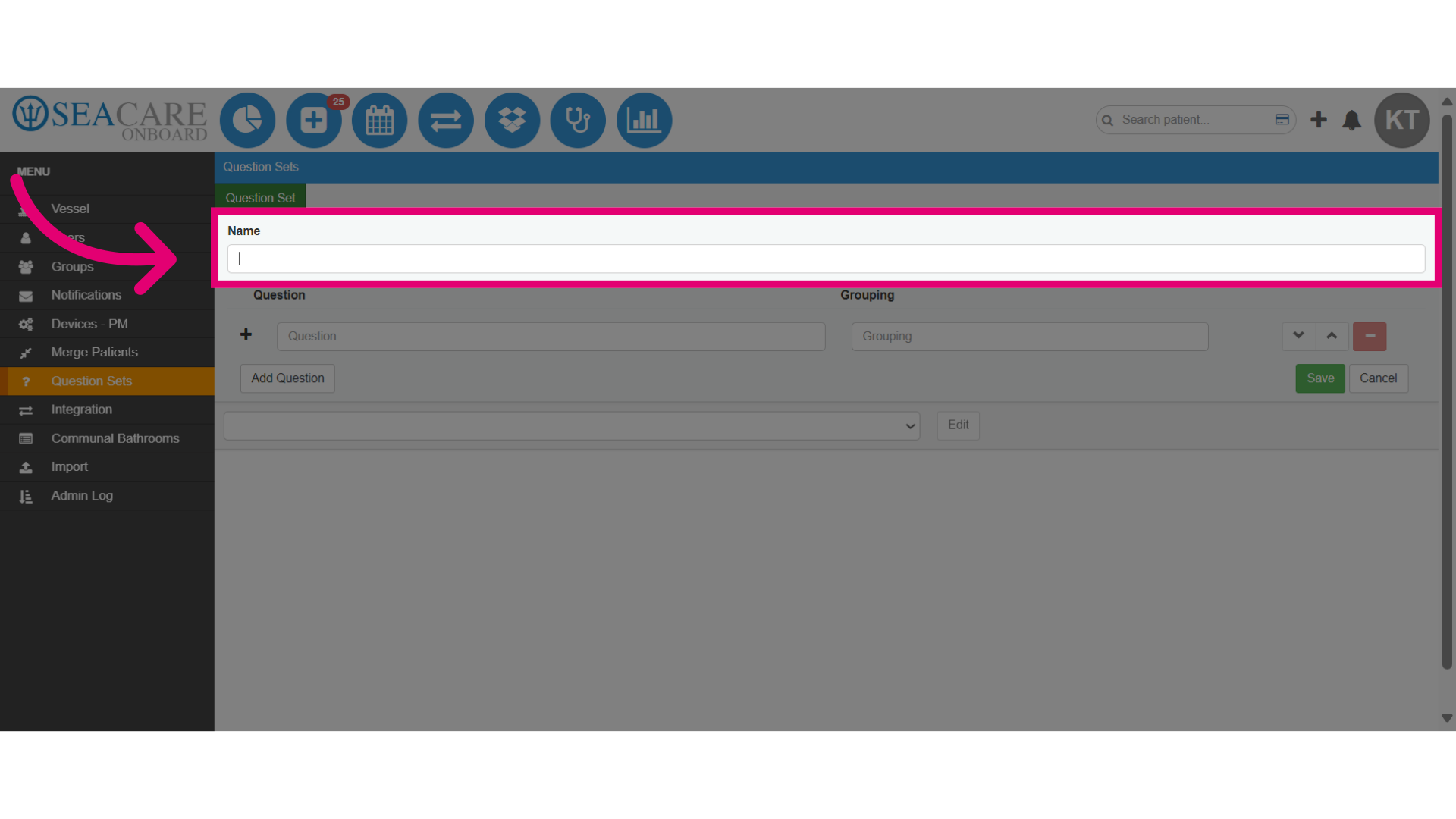
- Add a name for the question set.
- Next, include question details for the device PM question sets, focusing on specific queries related to device performance after maintenance tasks are completed.
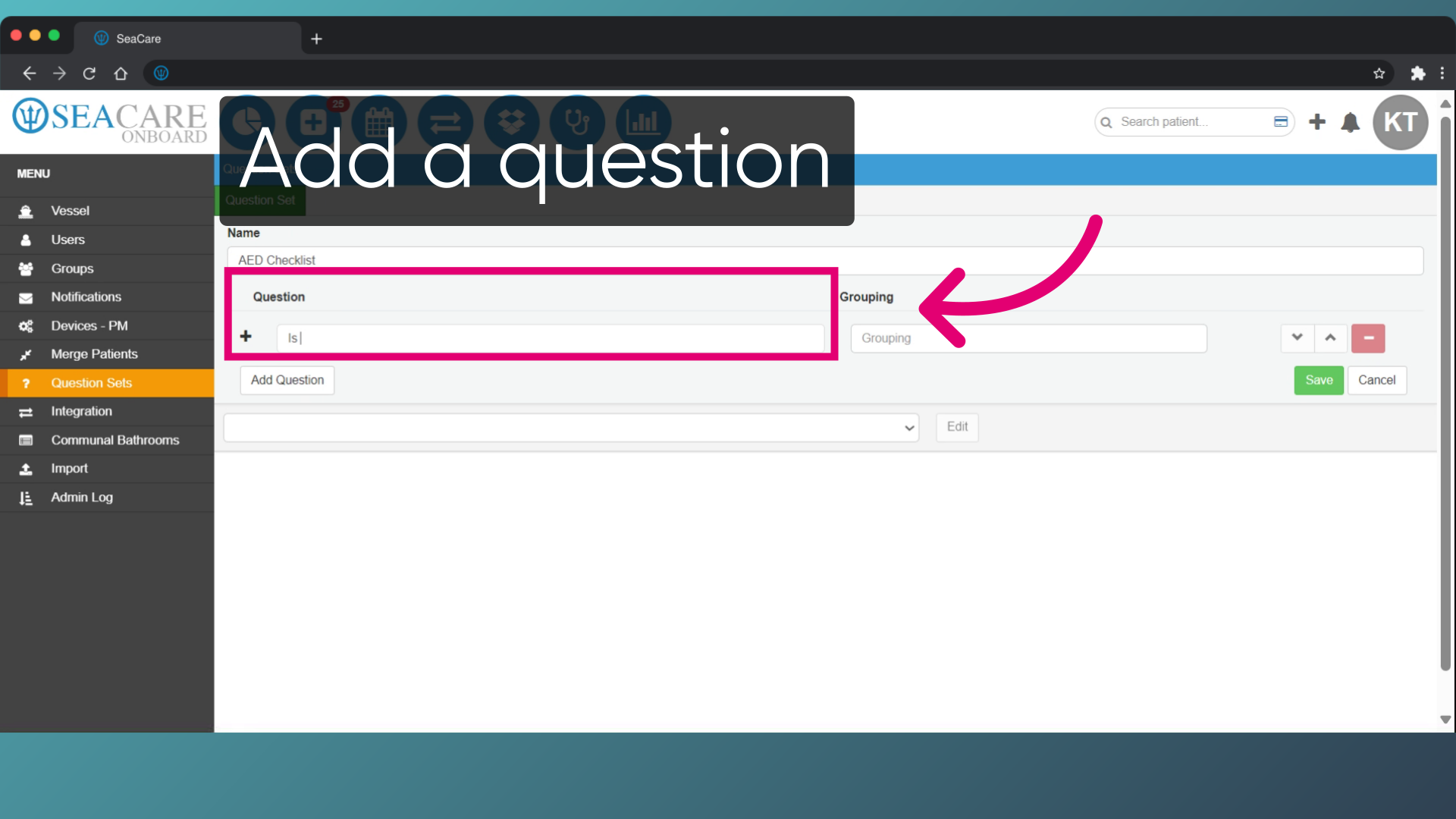
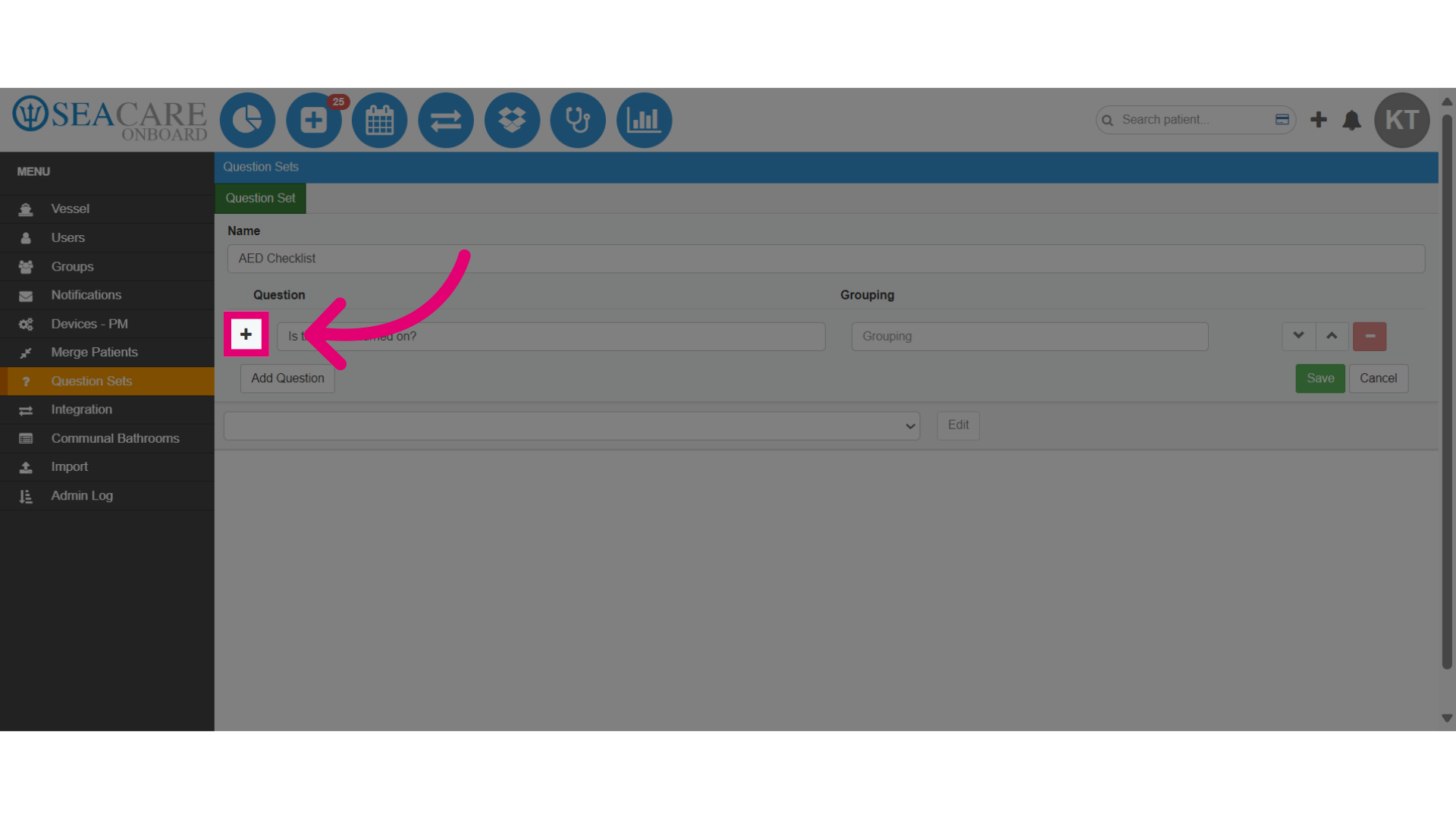
- Then, select the plus sign to add the question.
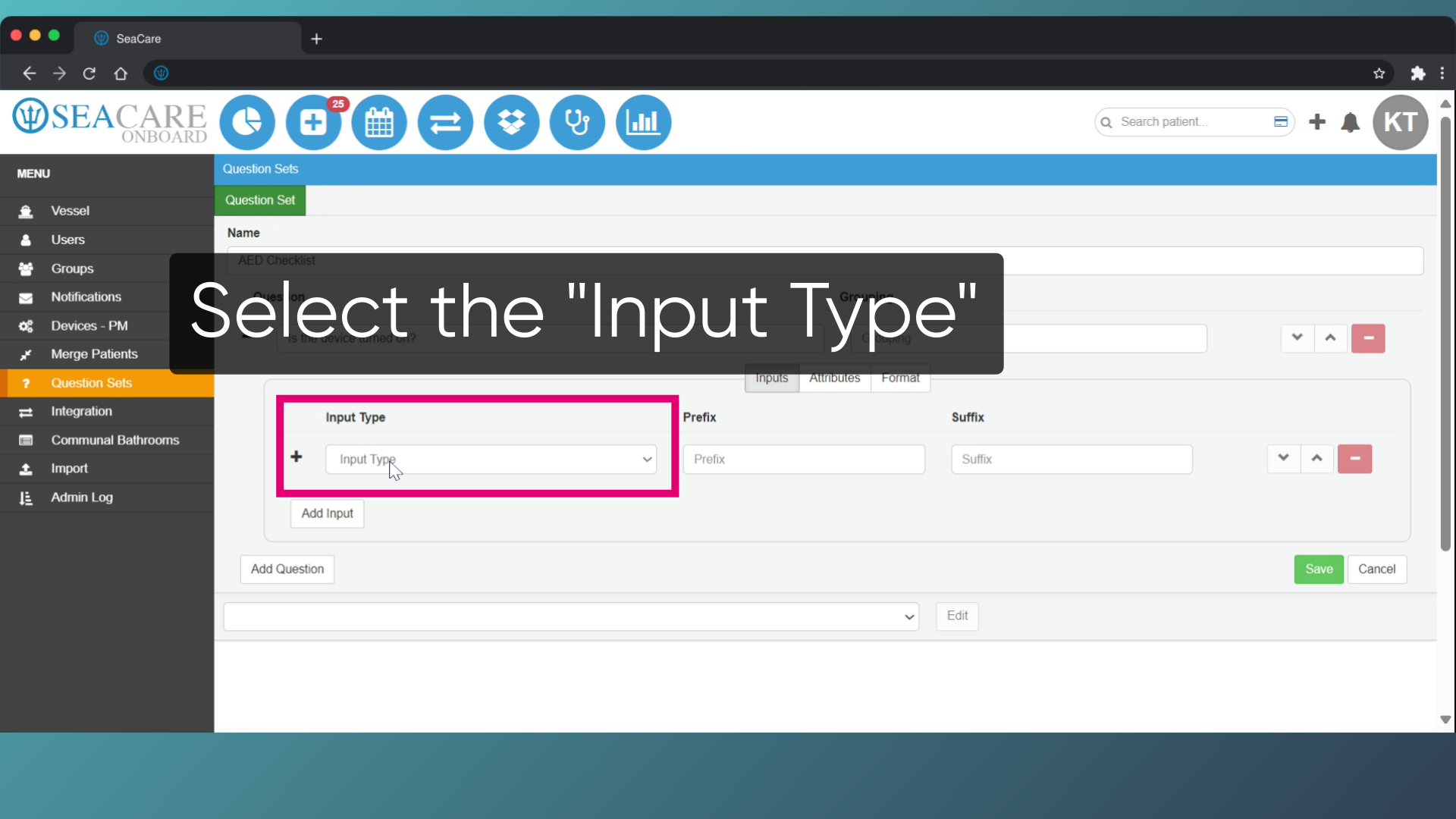
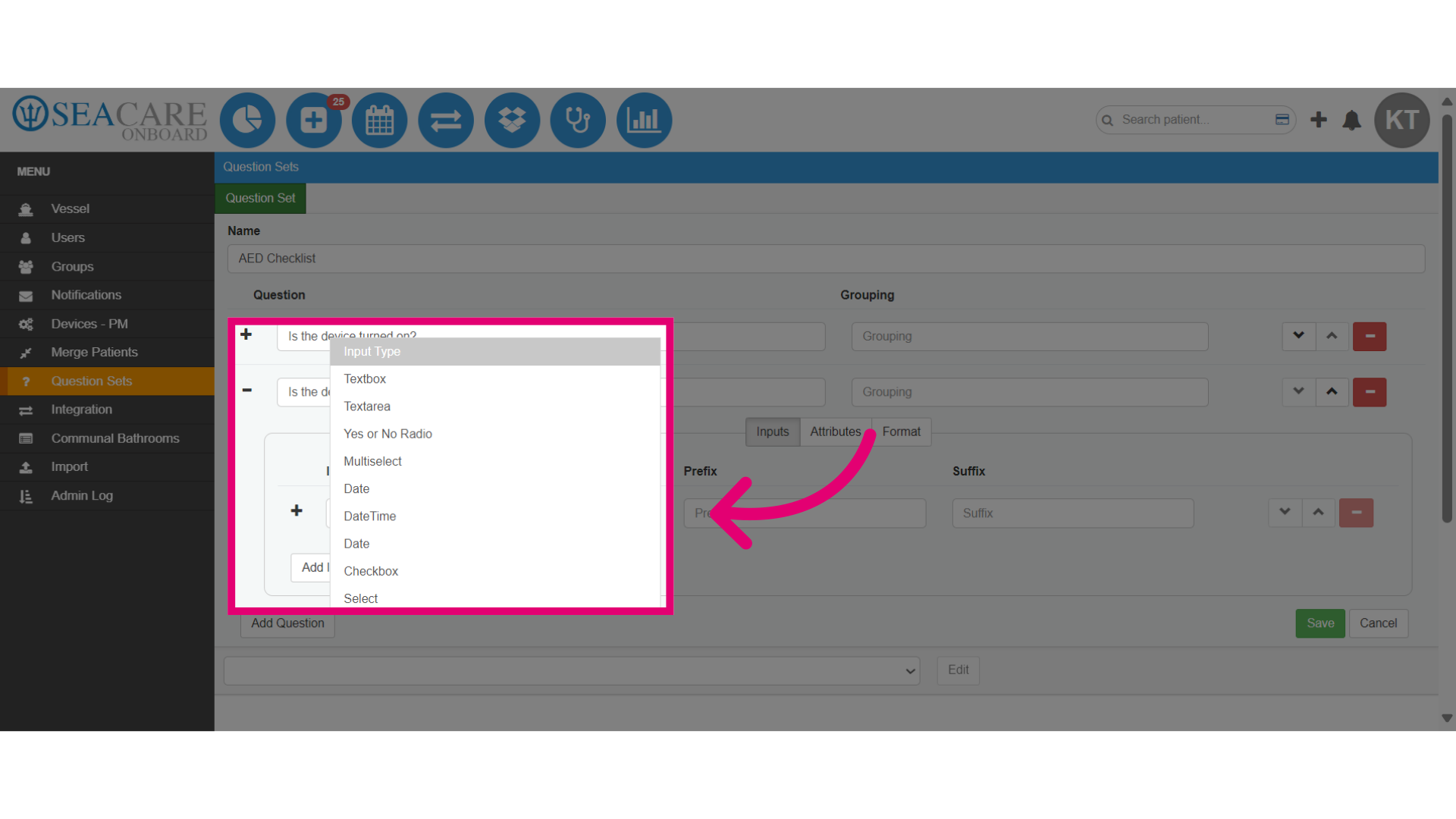
- Go in the Inputs tab, and click on the dropdown to select the Input Type.
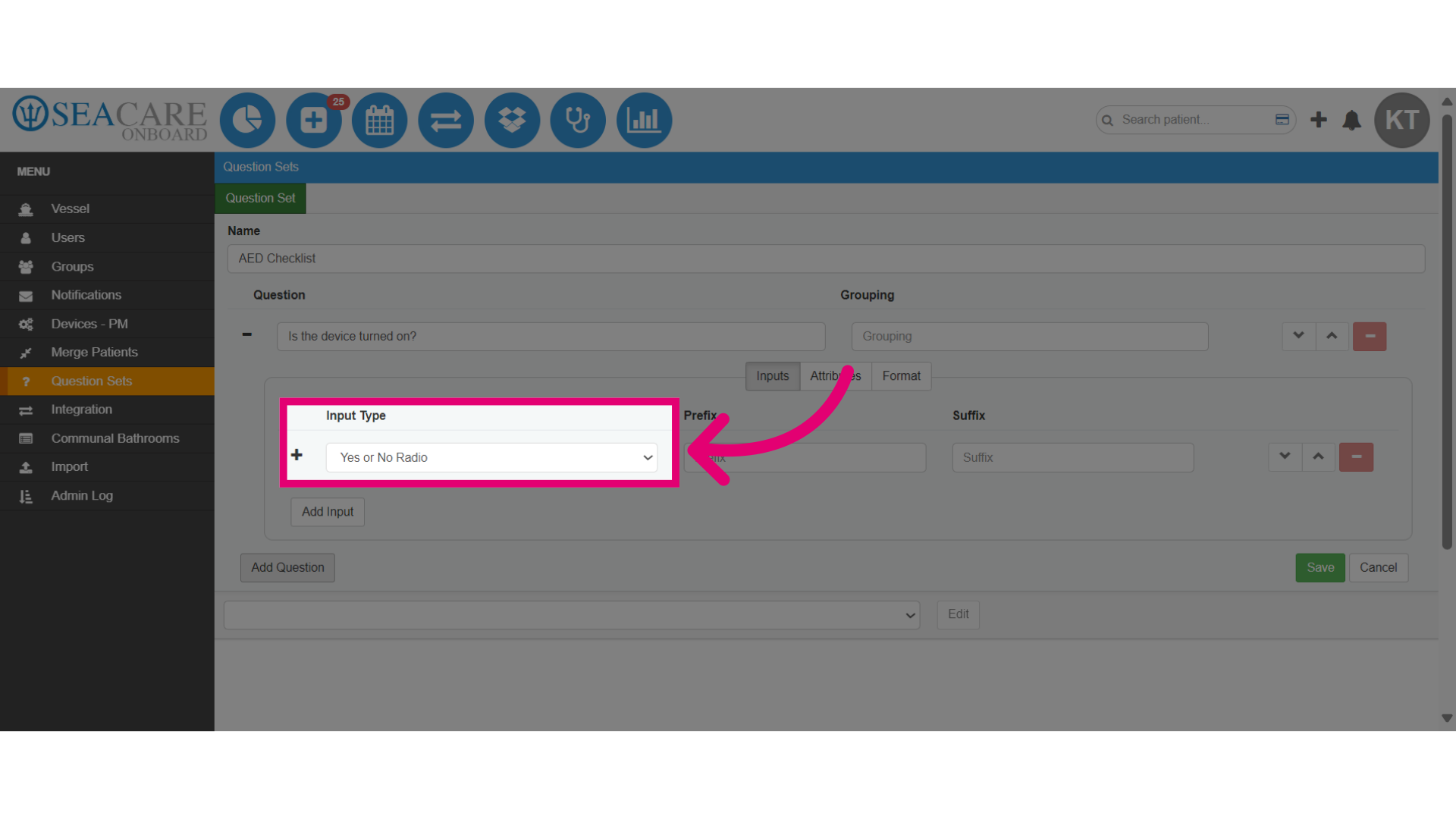
- Select the Input Type from the dropdown to determine how you collect information, such as a yes/no question for brief answers or a text area for detailed responses.
- Select the plus sign below your question to add additional questions and input types.
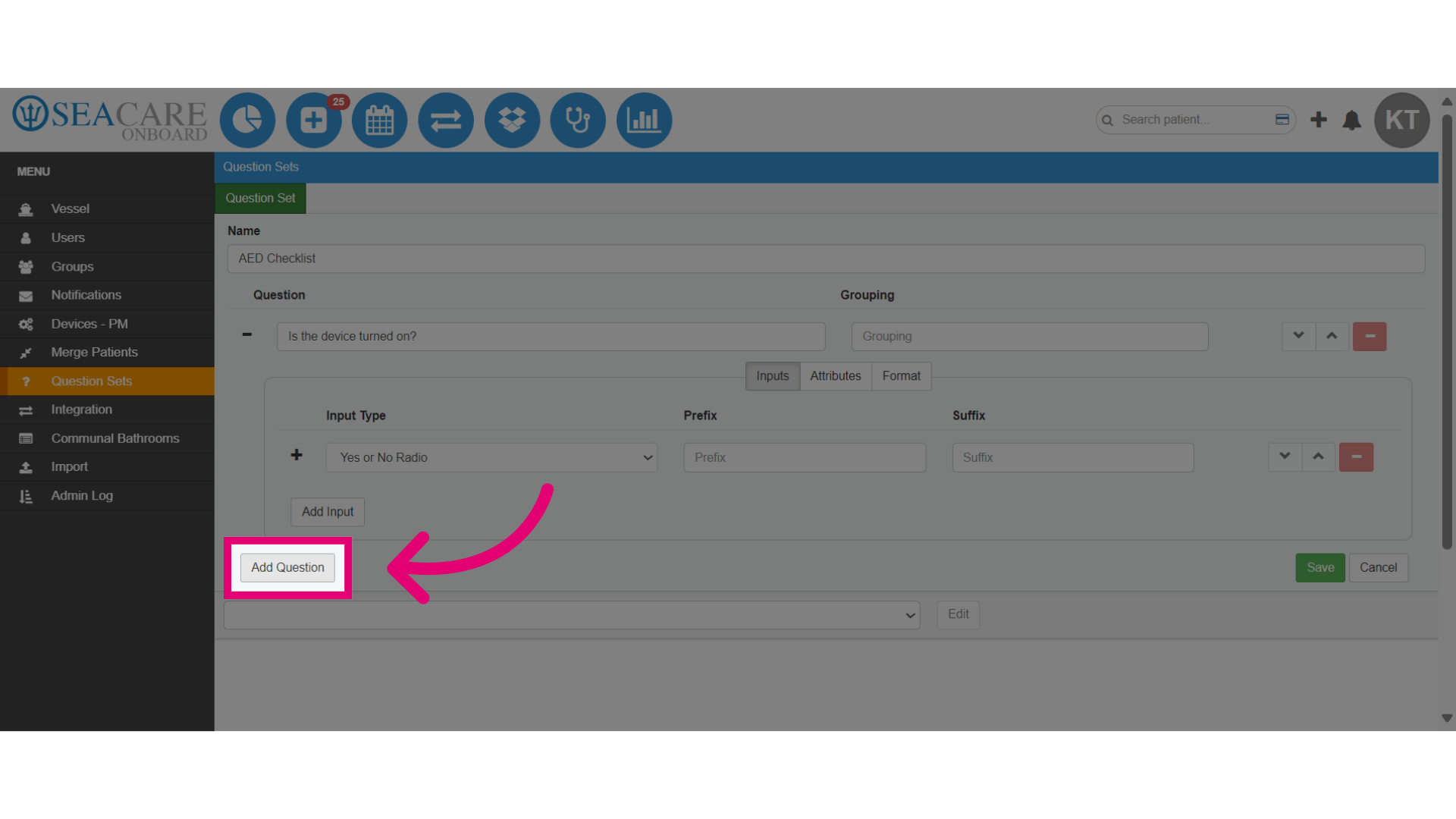
- Choose the input type for the new question which can be the same as your previous or another type.
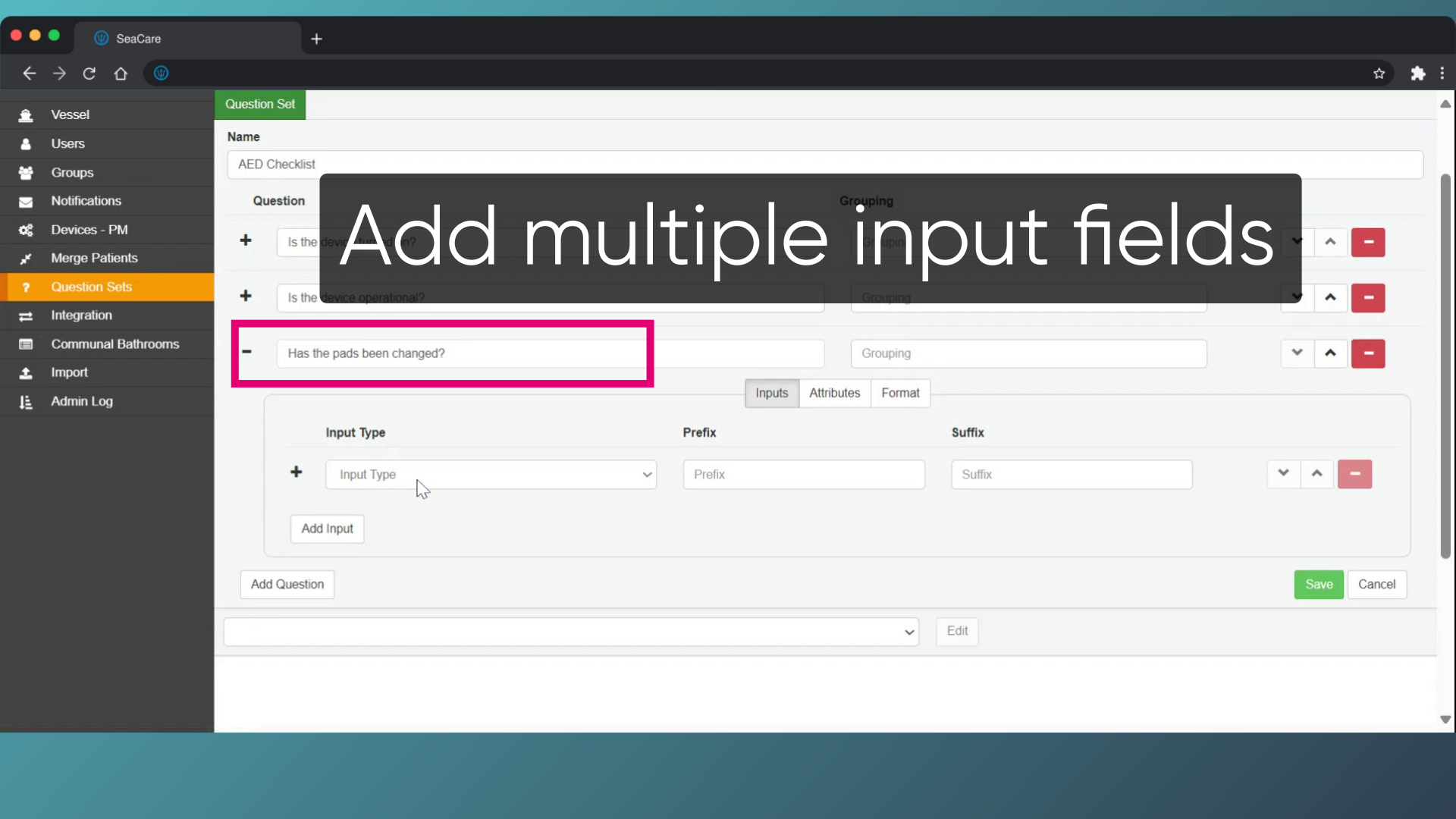
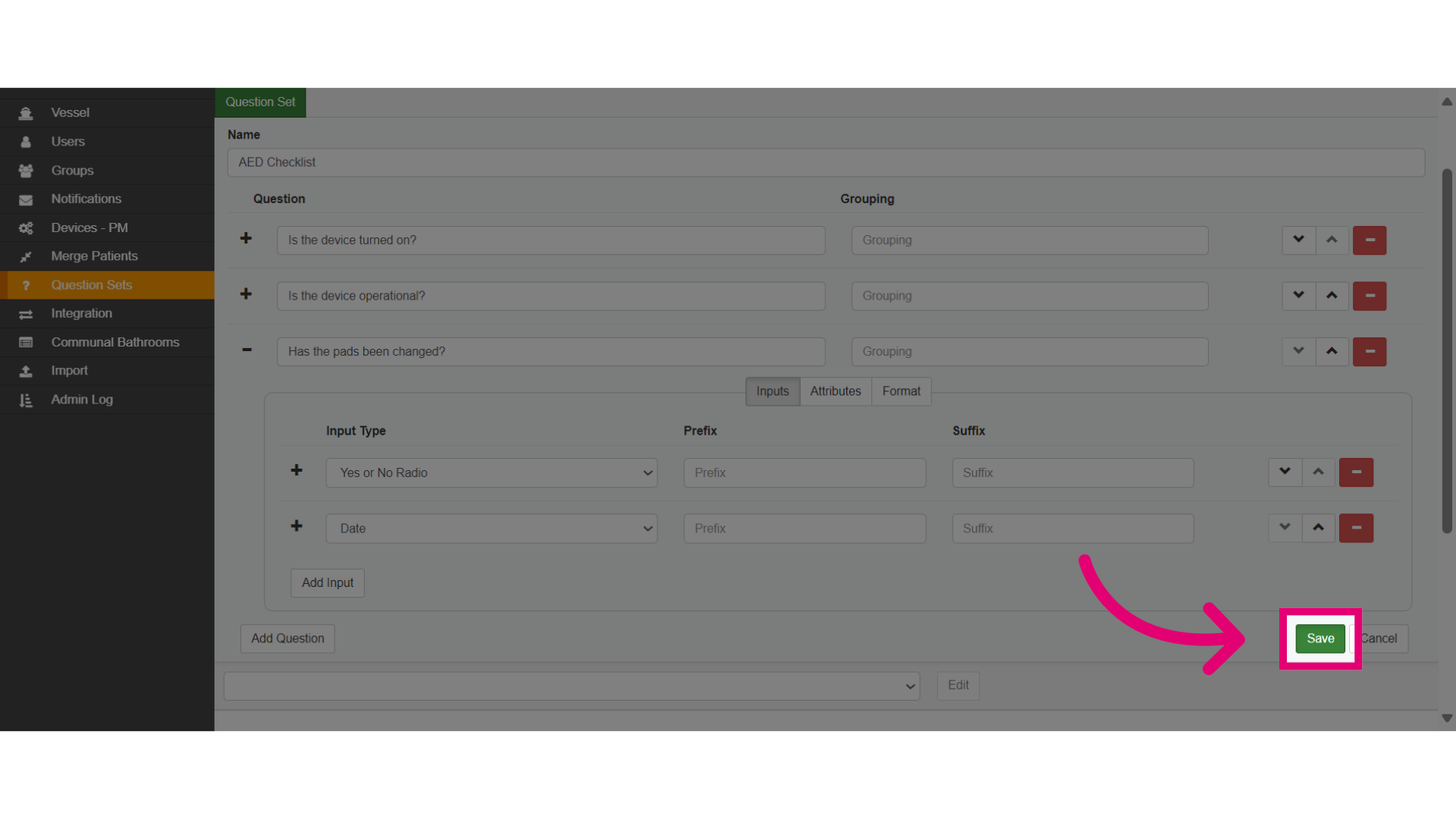
- Add multiple input fields if the question calls for it.
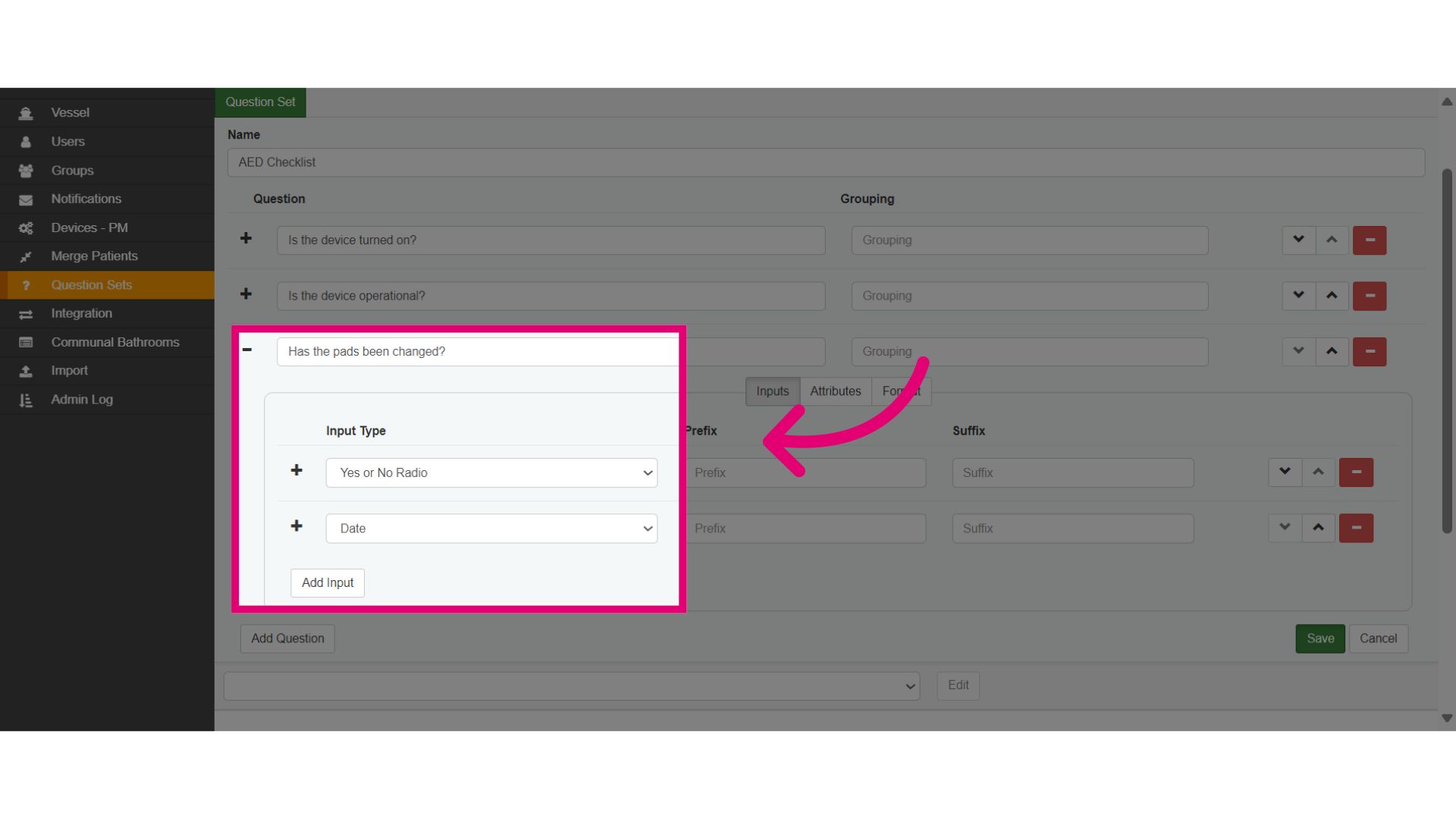
- Such as adding a Yes or No radio button, and the Date when the question is time-based.
- Save the changes made when you are done.
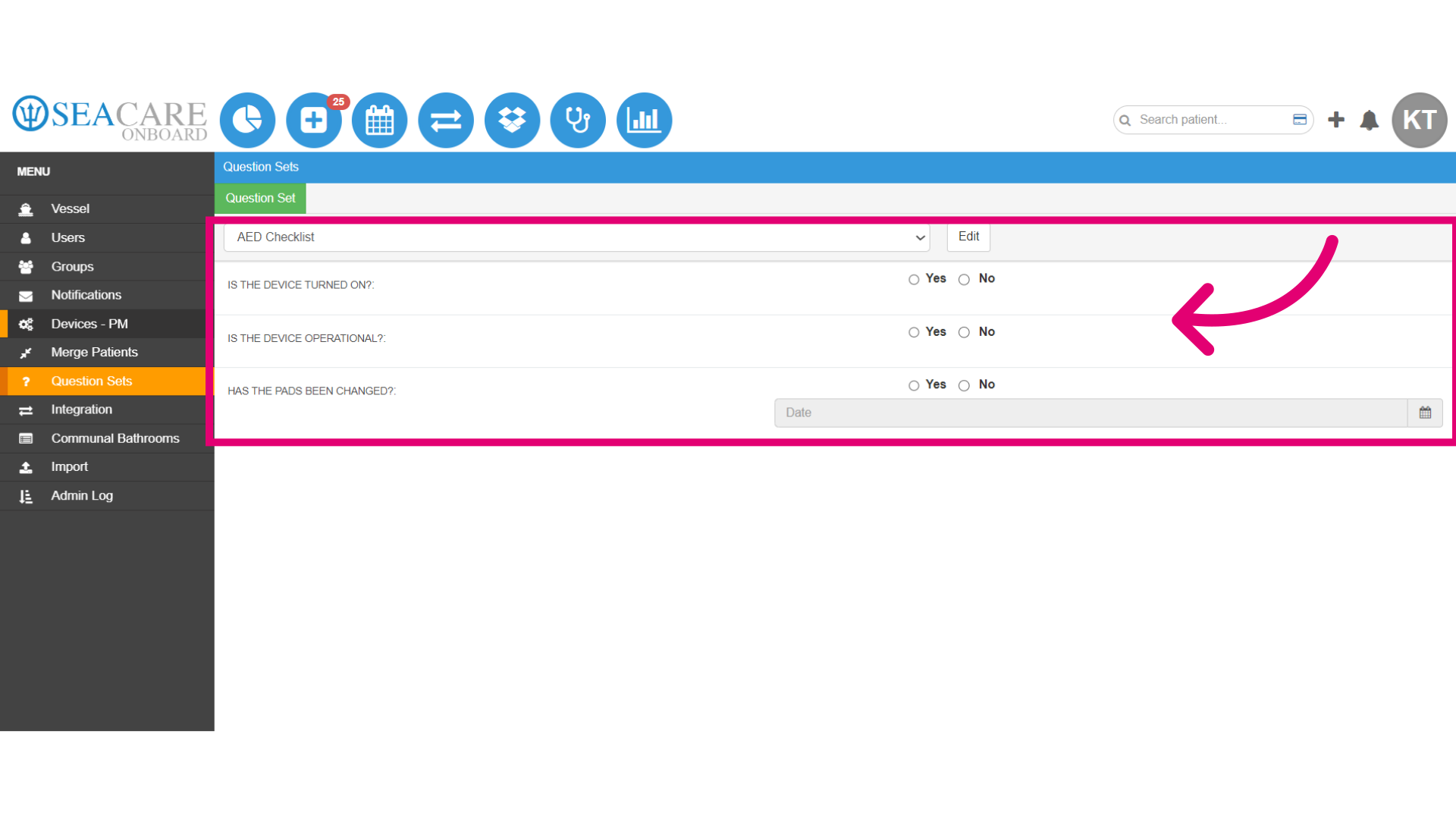
- View the Question Set for the checklist with the questions and the input types.
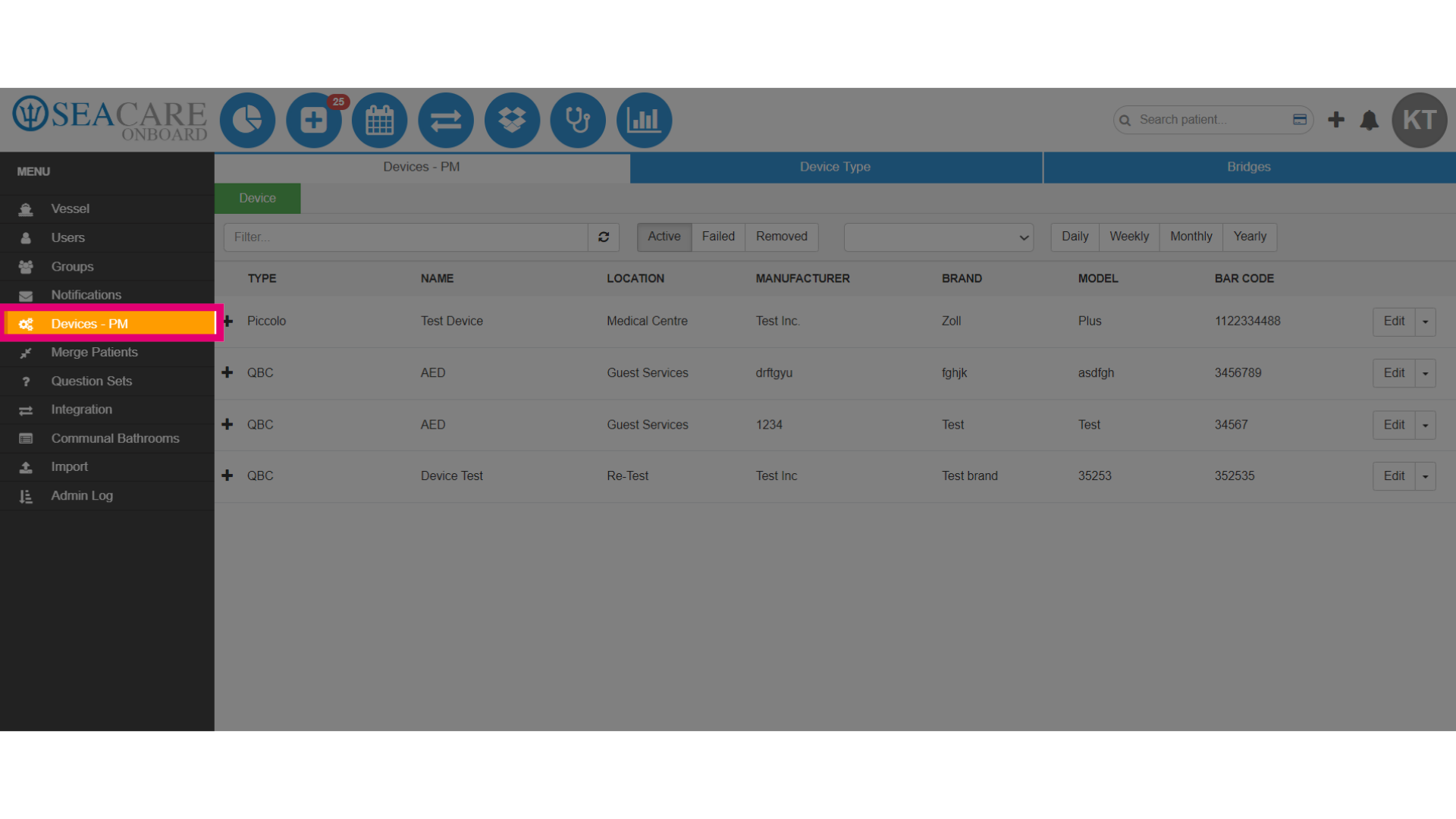
- Now, go to the Devices- PM section of the Admin Menu, to add the question set.
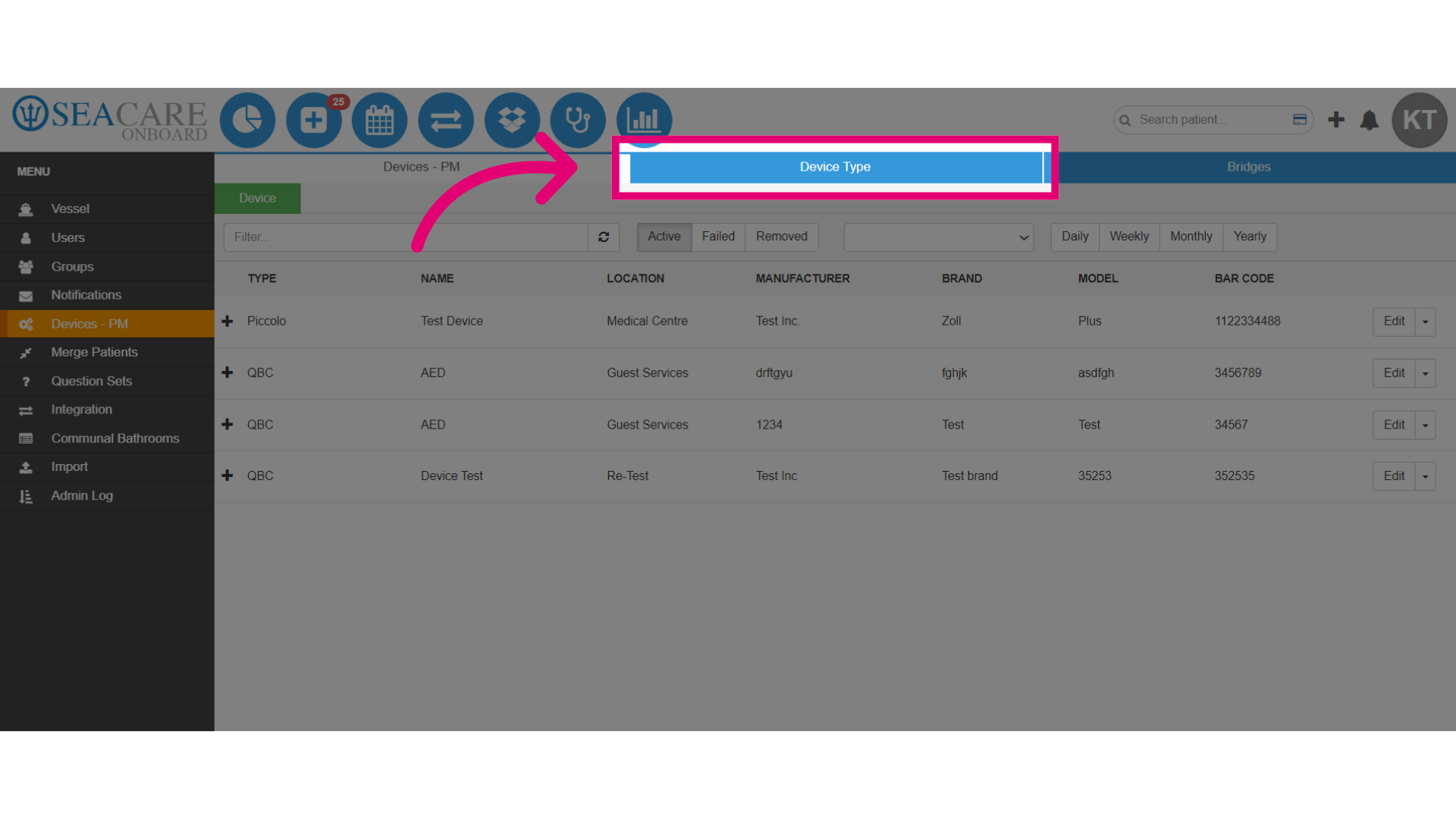
- Then, go to the Device Type tab.
- Expand the device to view the details.
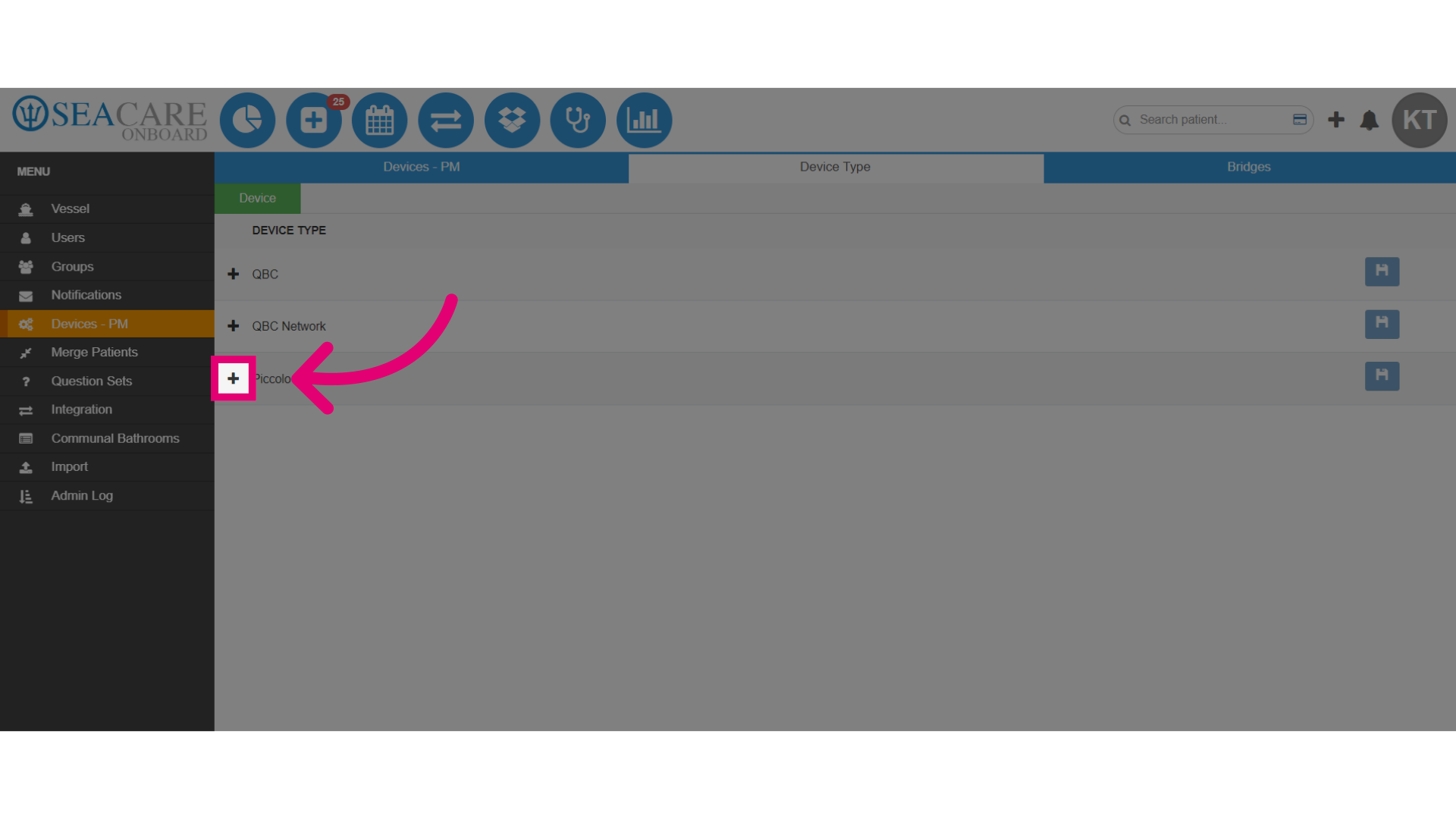
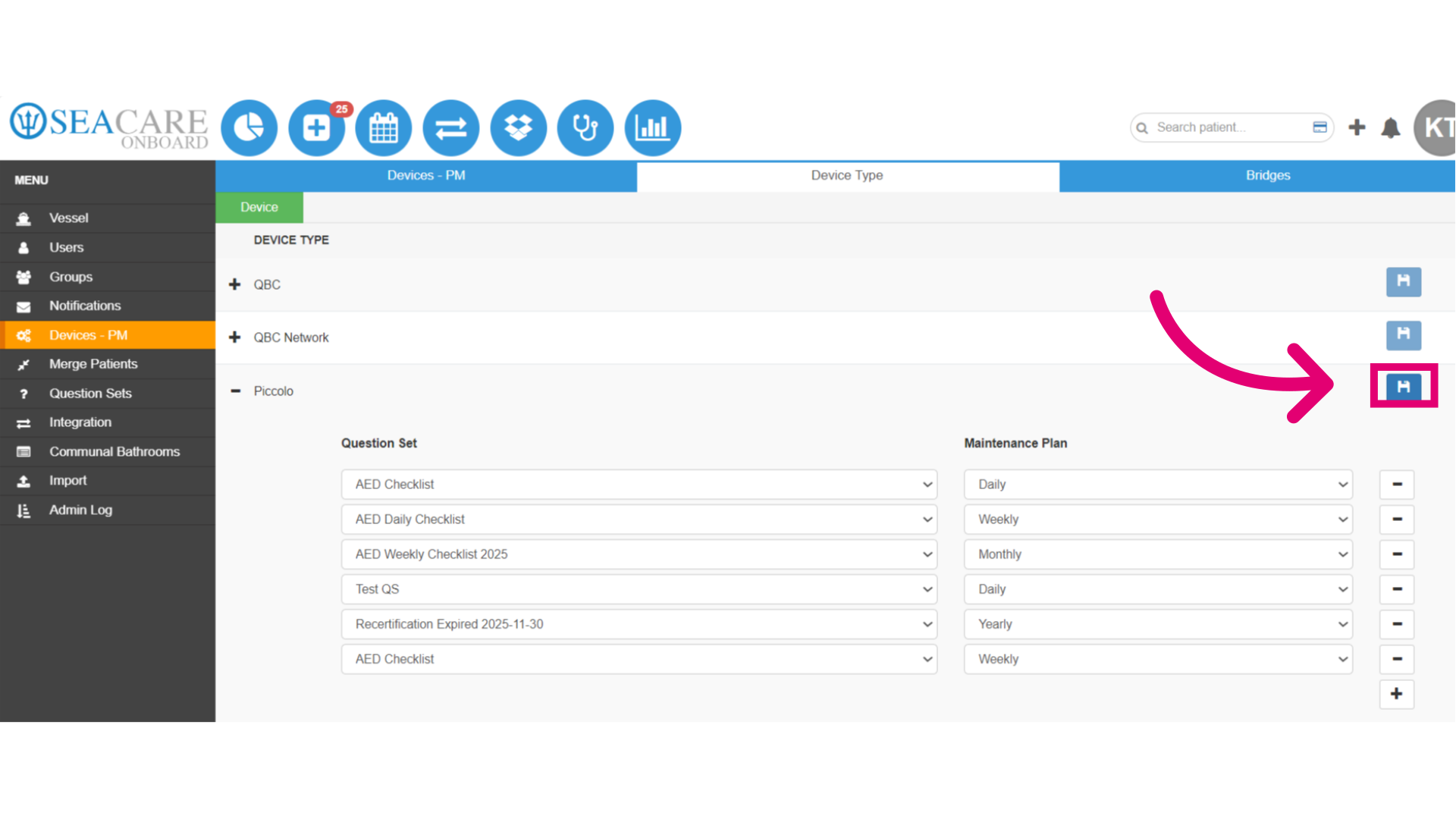
- Assign the device a new question set for the maintenance checklist.
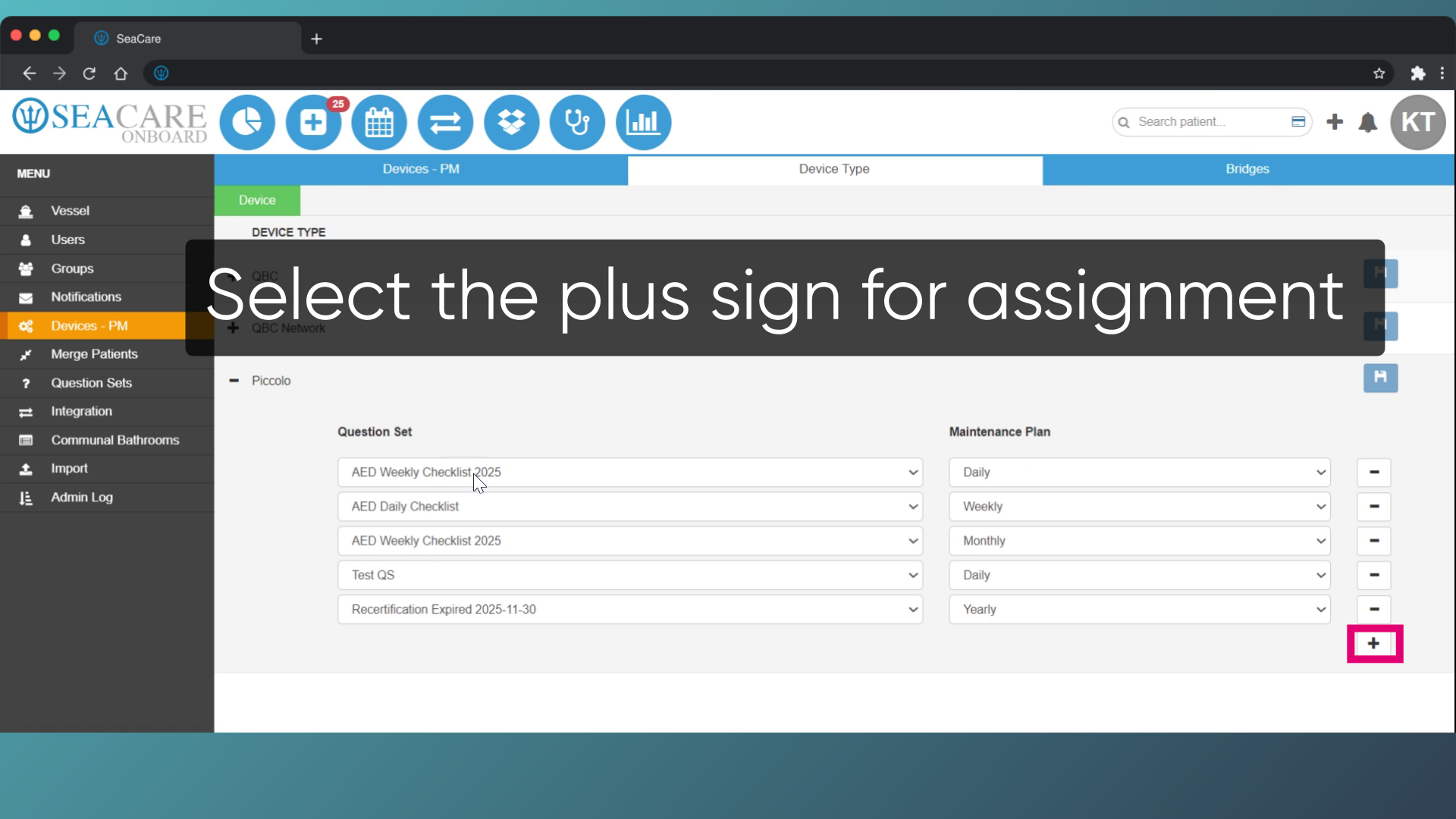
18. Add the checklist to the device.
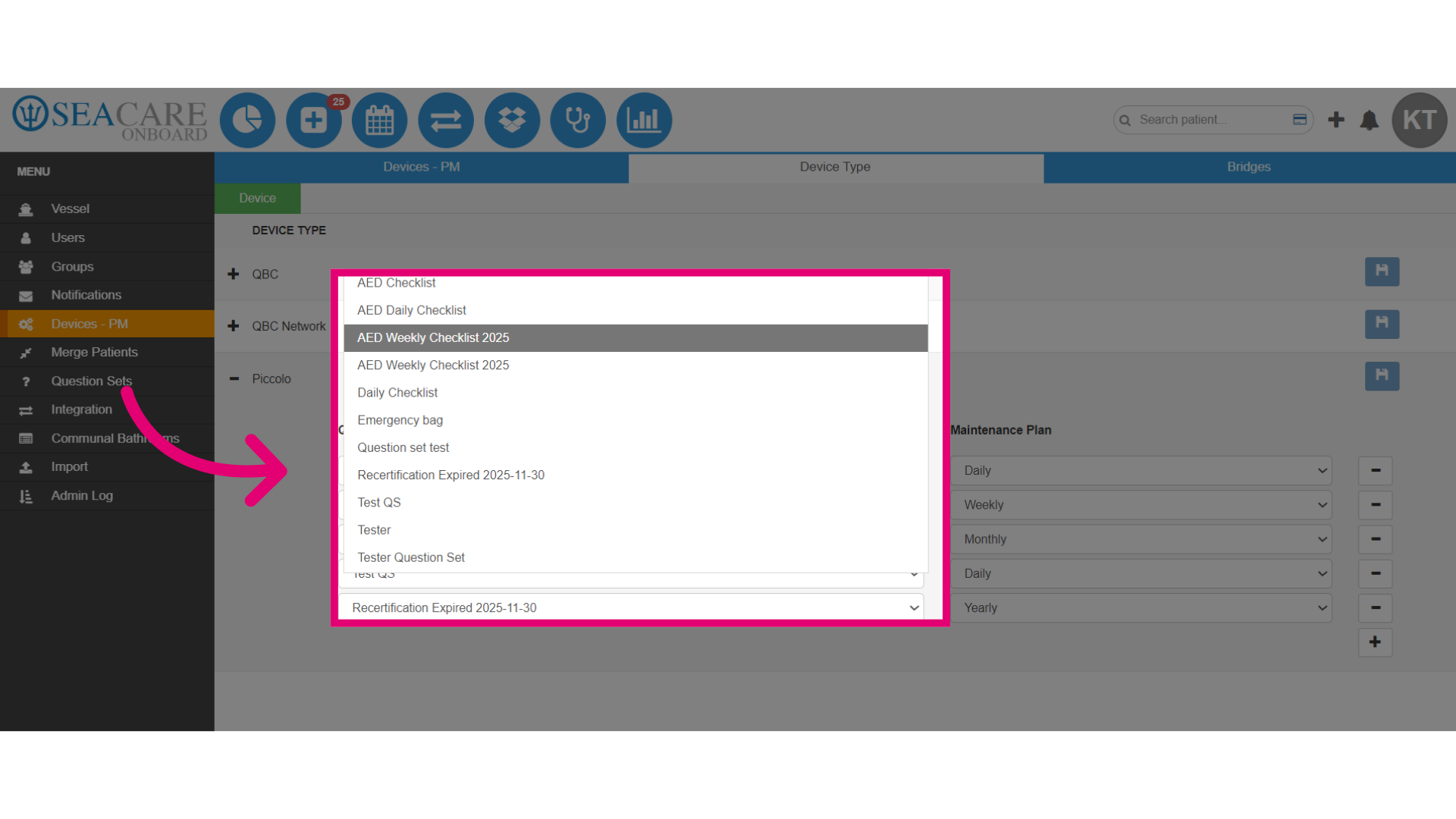
- Select the Question Set.
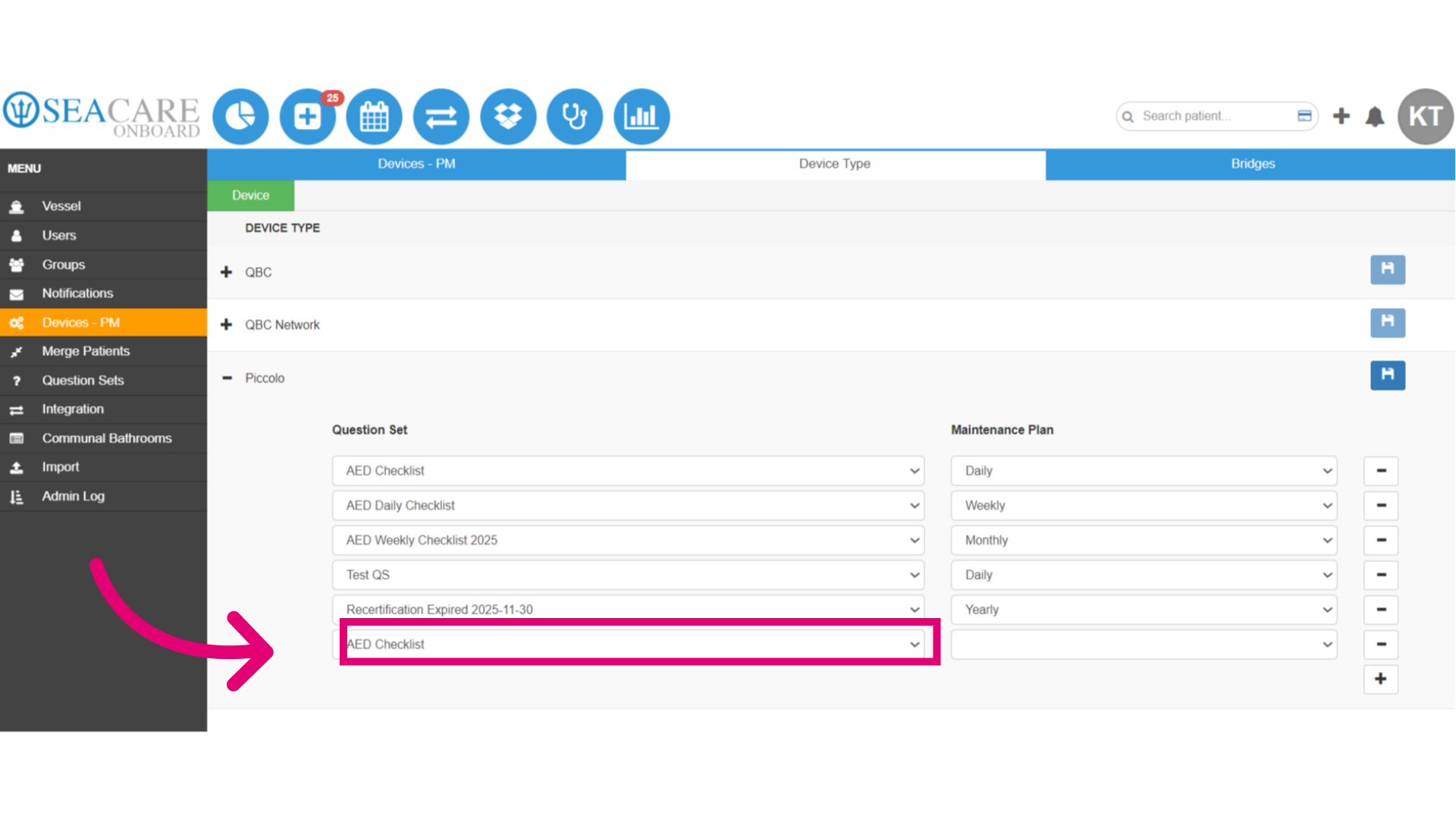
- Add the Maintenance Plan as daily, weekly, monthly, or yearly.
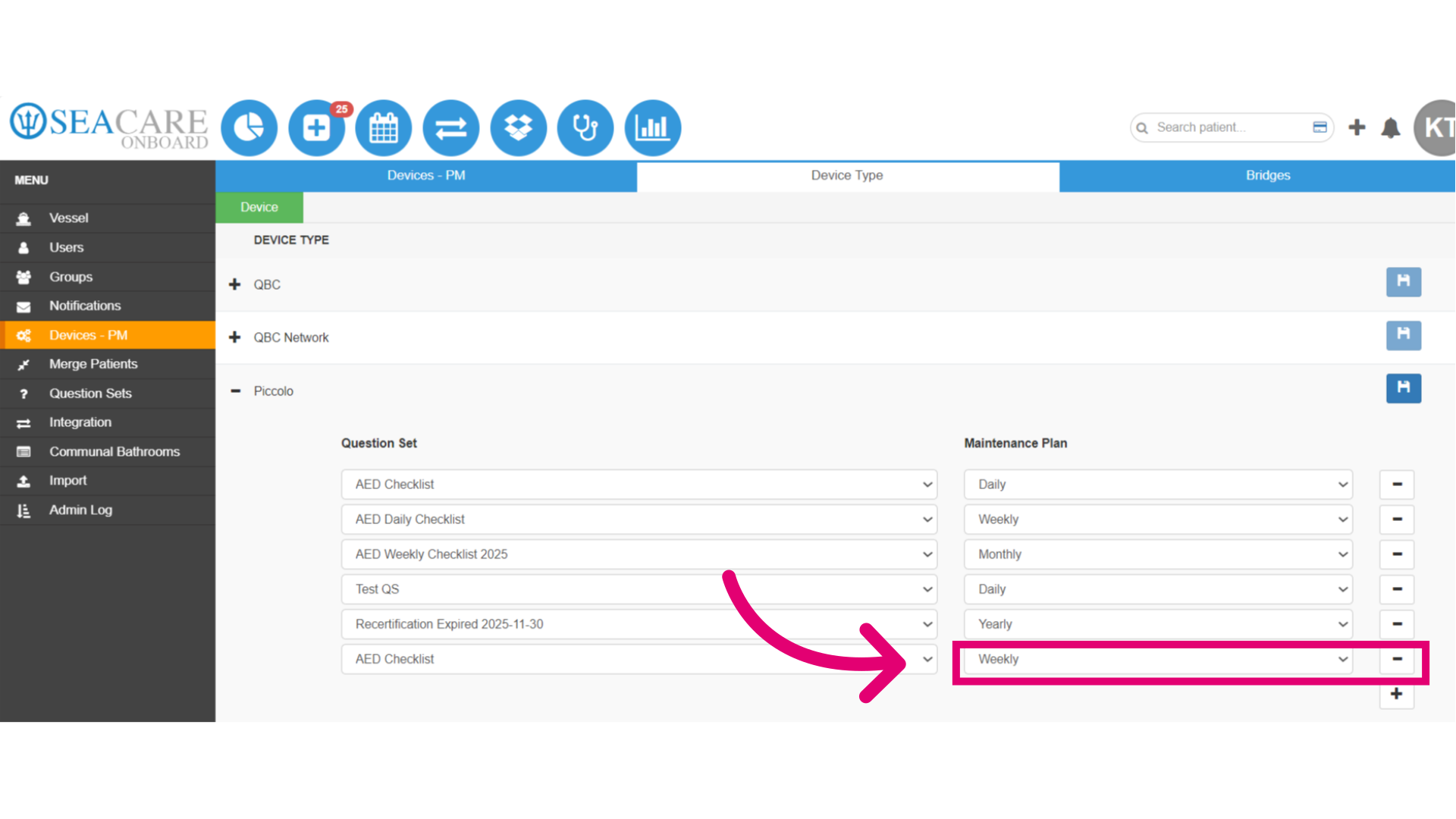
- Then, save your updates so that the question set can be added to the device's maintenance plan.