New article
Recently updated
Using Drill-Down in the Custom Report Document Editor

Who is this article for?Users who want to use drill-down in the Custom Report Document Editor.
No elevated permissions are required.
Learn to use the drill-down feature in the Custom Report Document Editor. This feature helps users explore the factors behind categories, revealing trends and correlations. Improve your chart skills by following these simple steps to utilise the drill-down in your charts.
1. Using Drill-Down in the Custom Report Document Editor
1.1. Video
1.2. Steps
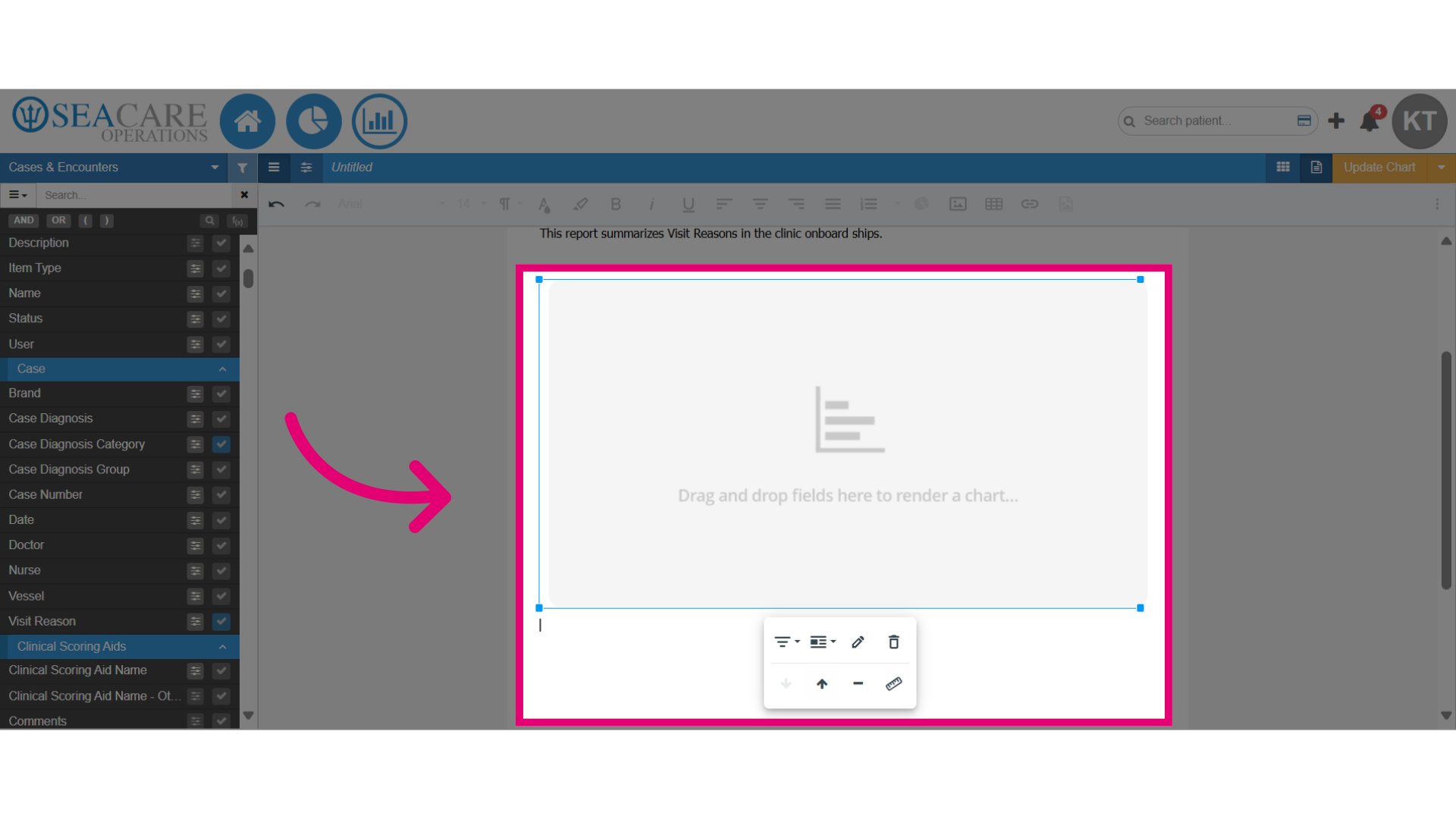
- Start in the Document Editor of the Custom Report, with the chart added to the document.
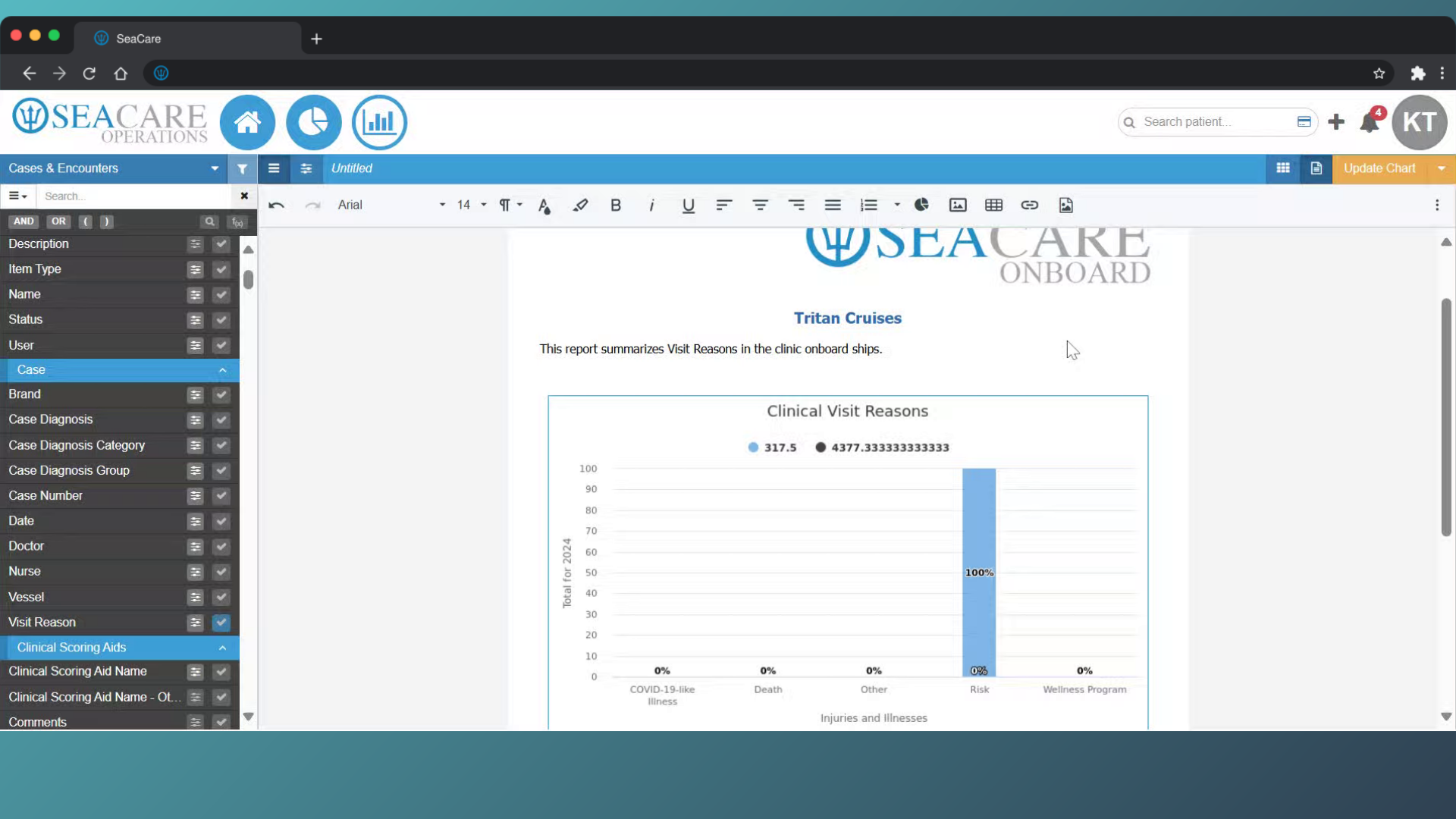
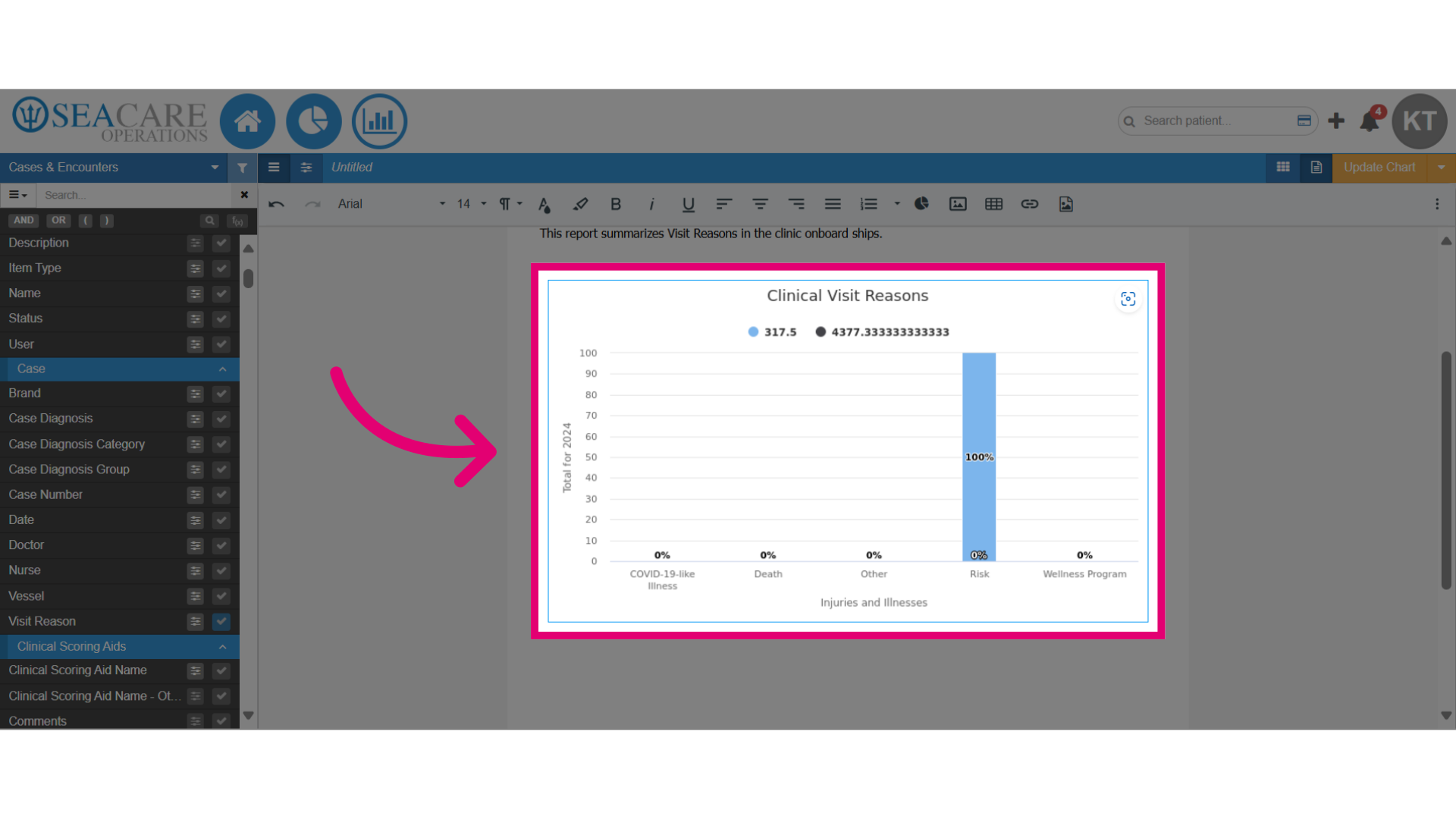
- Double-click on the chart to open the editing settings.
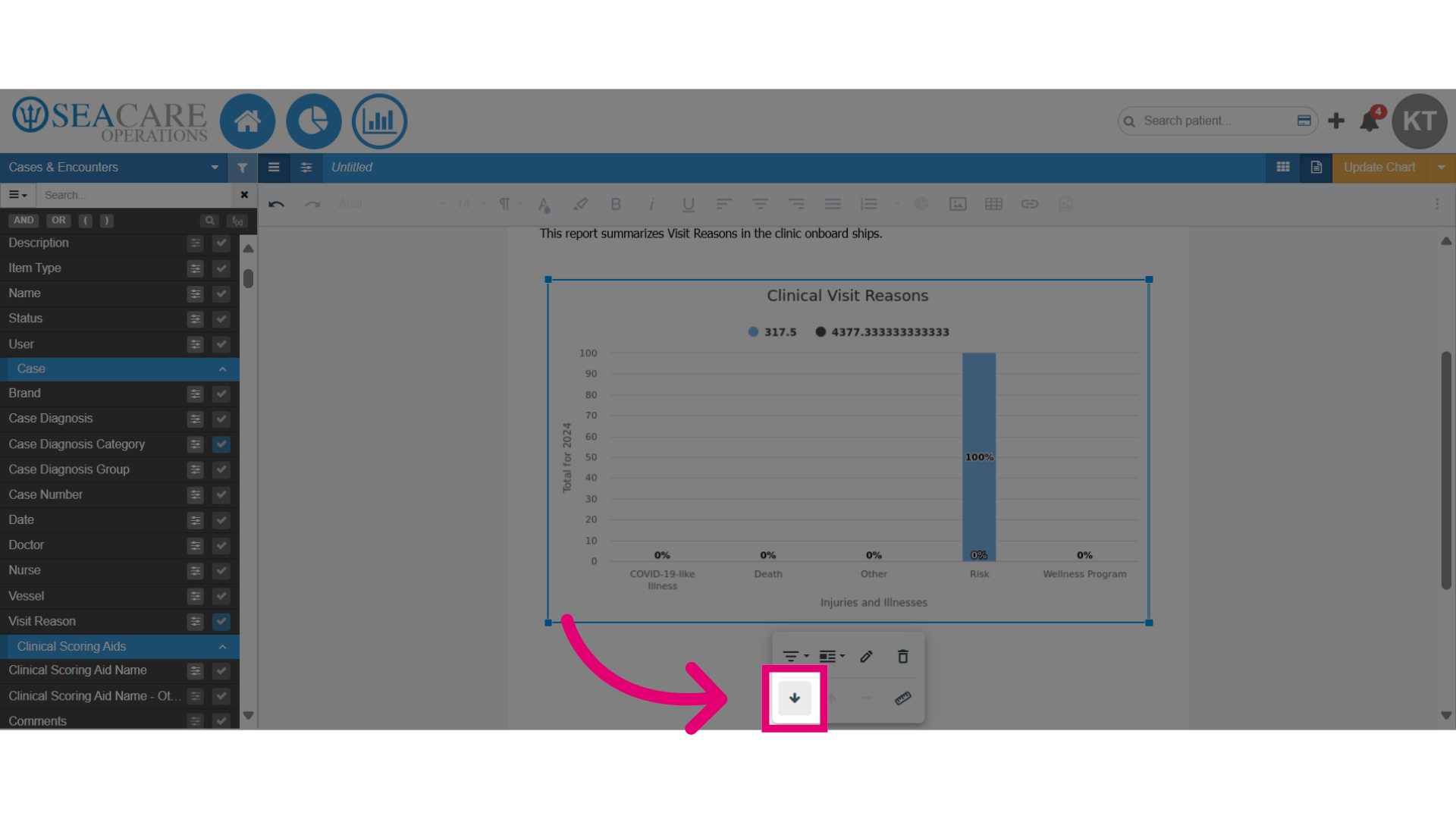
- Click on the Drill Down Chart option. This will add a drill down chart to the document.
- You can include a data field from the reporting area in the drill-down chart, just like in the primary chart. This feature enables users to explore the elements behind the primary chart's data and view specific details in the drill-down chart.