New article
Recently updated
Editing a chart in the document editor in custom reports

Who is this article for?Users who want to learn how to edit a chart in the document editor in custom reports
No elevated permissions are required.
Follow this quick demo to effectively resize a chart in the Custom Report Document Editor. Learn to navigate, align, display, and format elements efficiently to create a customized chart in the document.
1. Editing a chart in the document editor in custom reports
1.1. Video
1.2. Steps
- Start in the Document Editor with the chart added to the document.
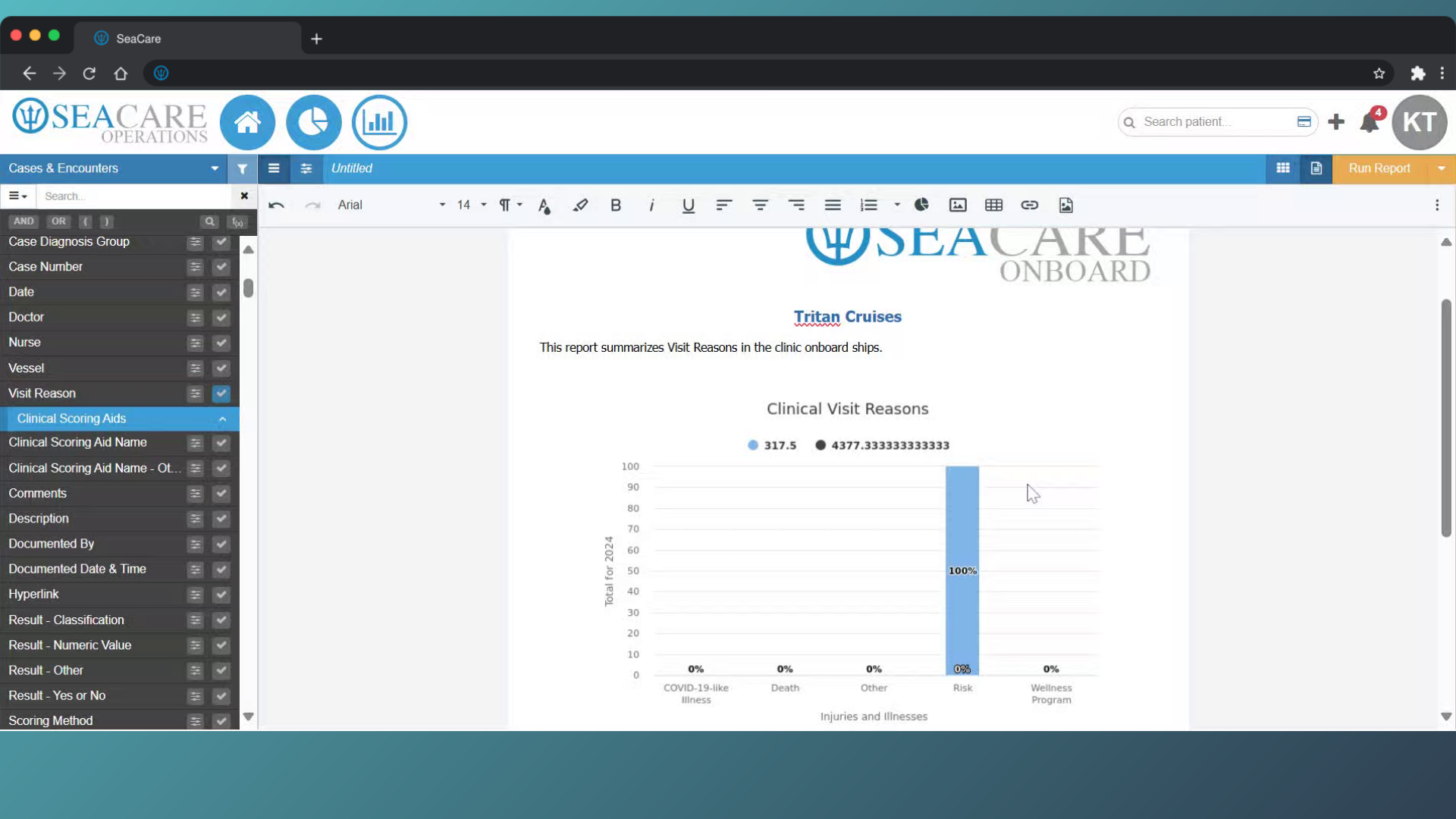
- Double-click on the chart to edit it.
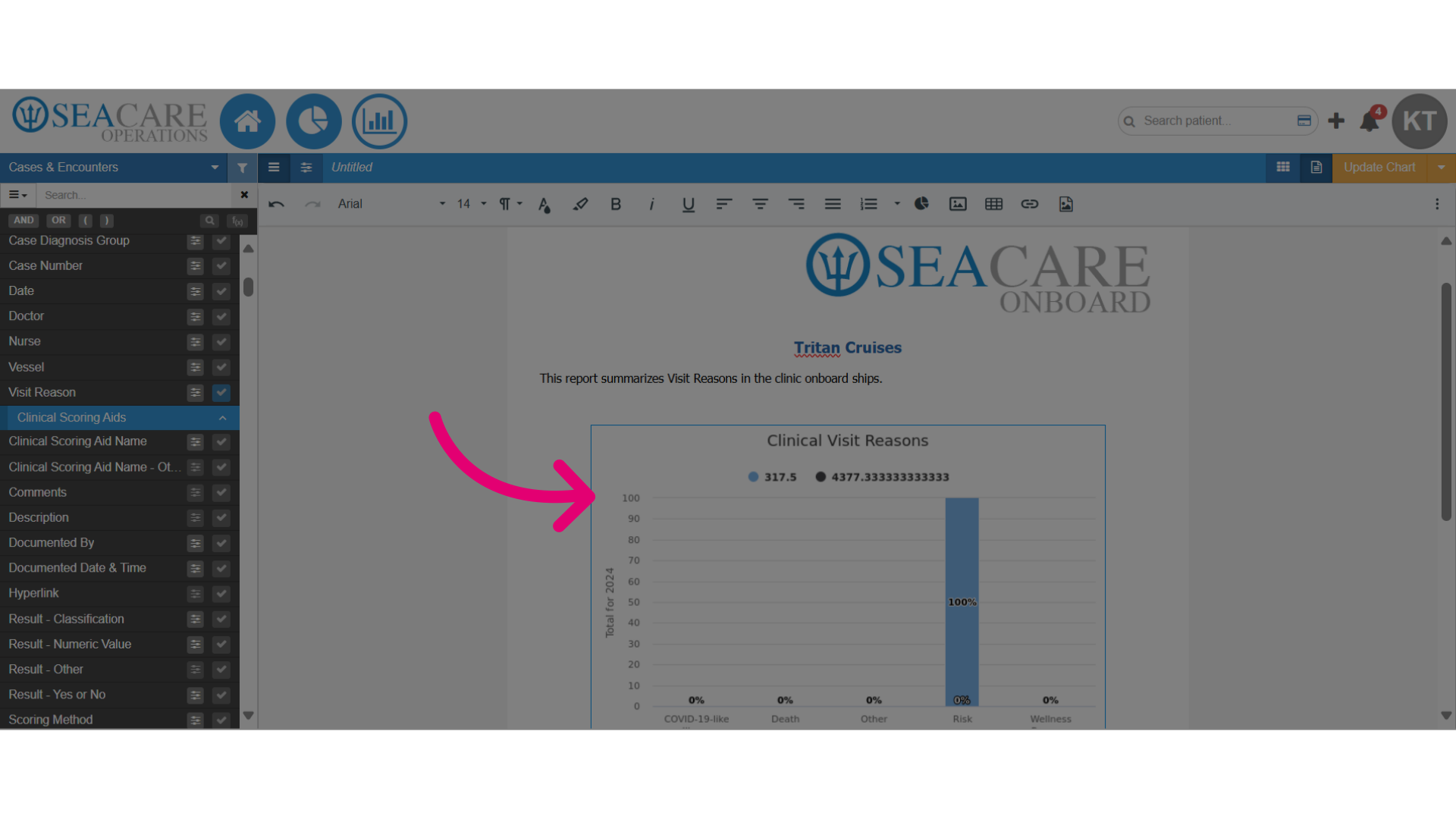
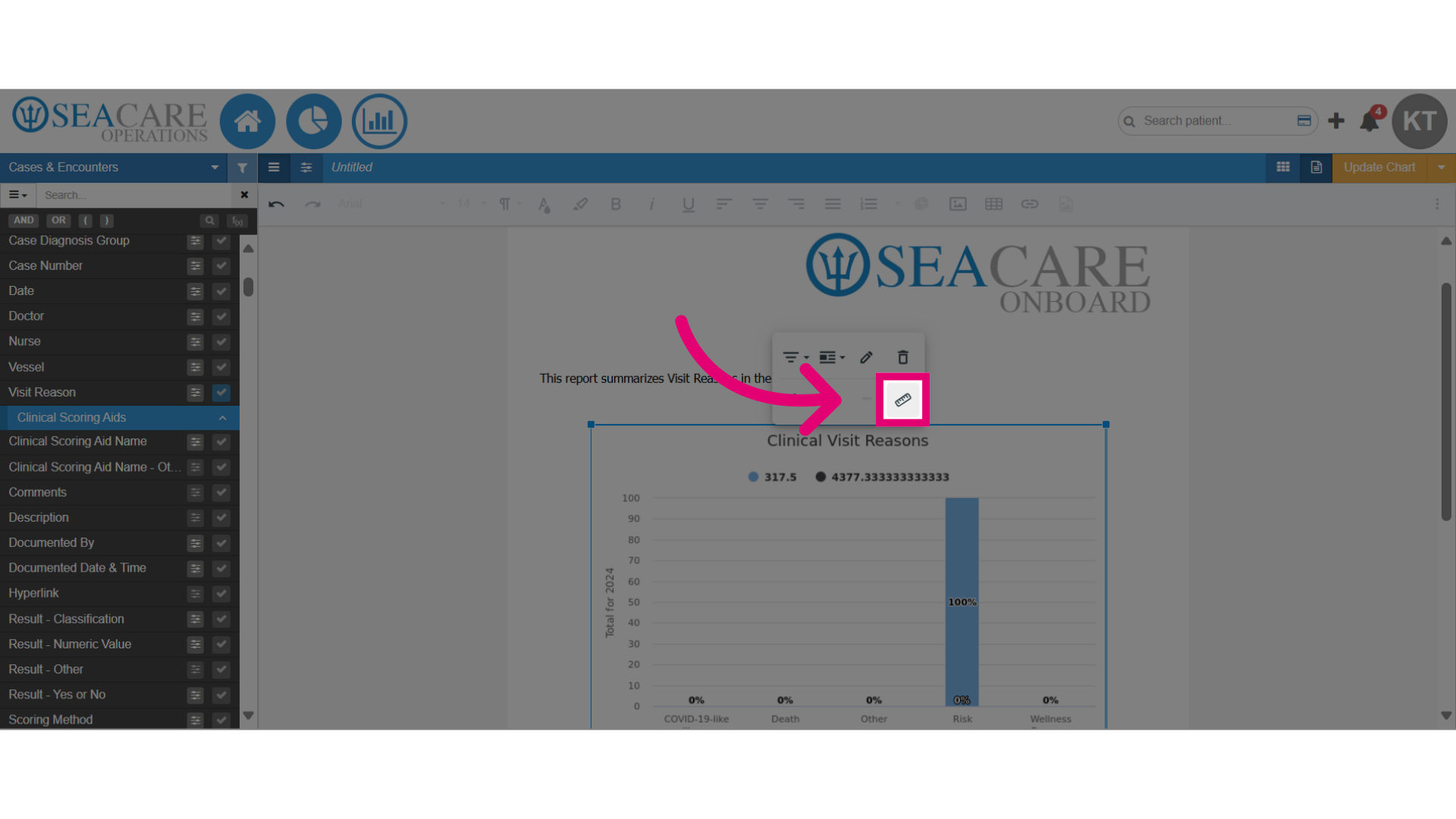
- Here you can align the chart, display it inline or as a block, remove it, or resize it. Please choose an option to make the changes.
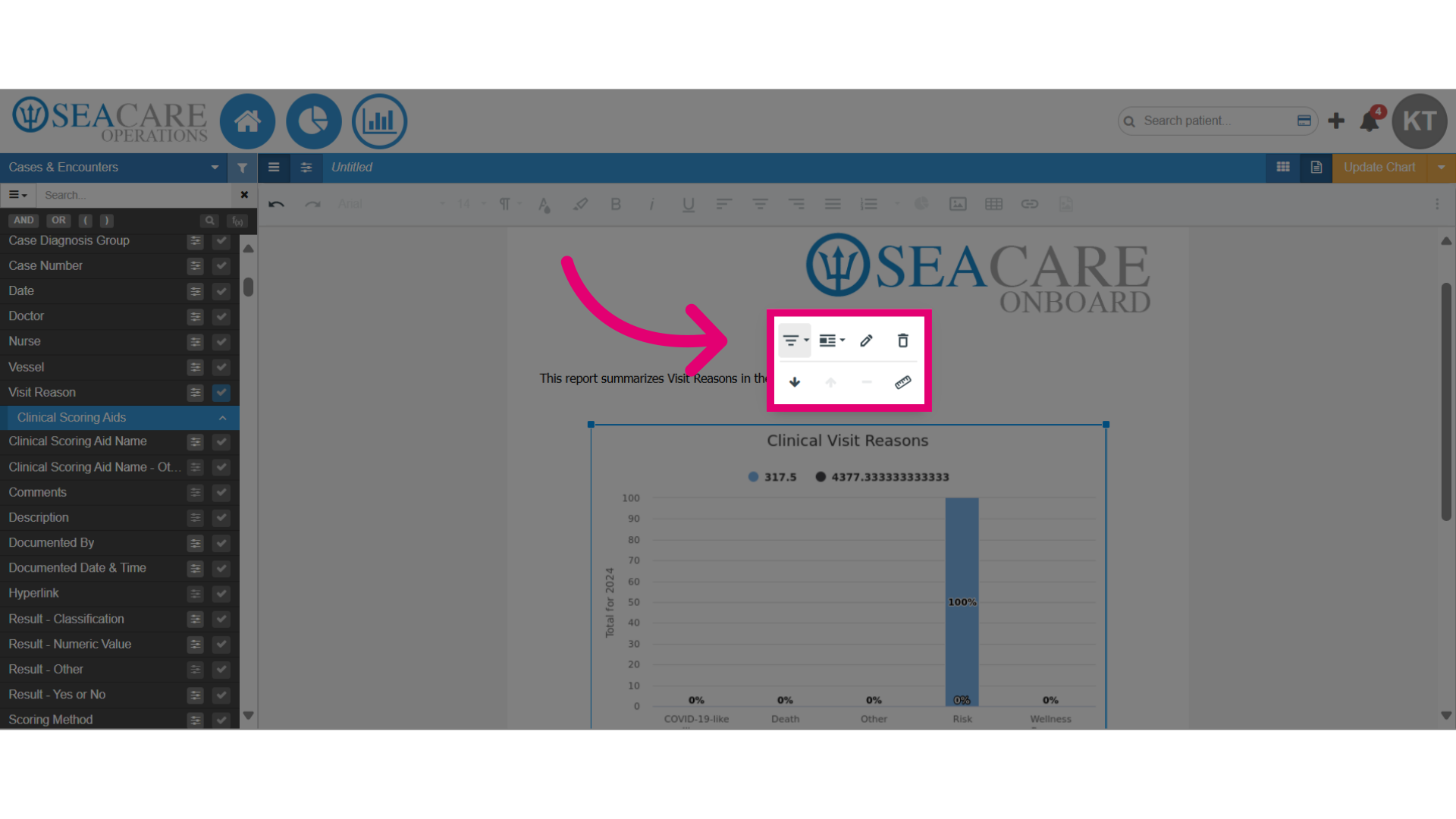
- Click on the resize button to change the size.
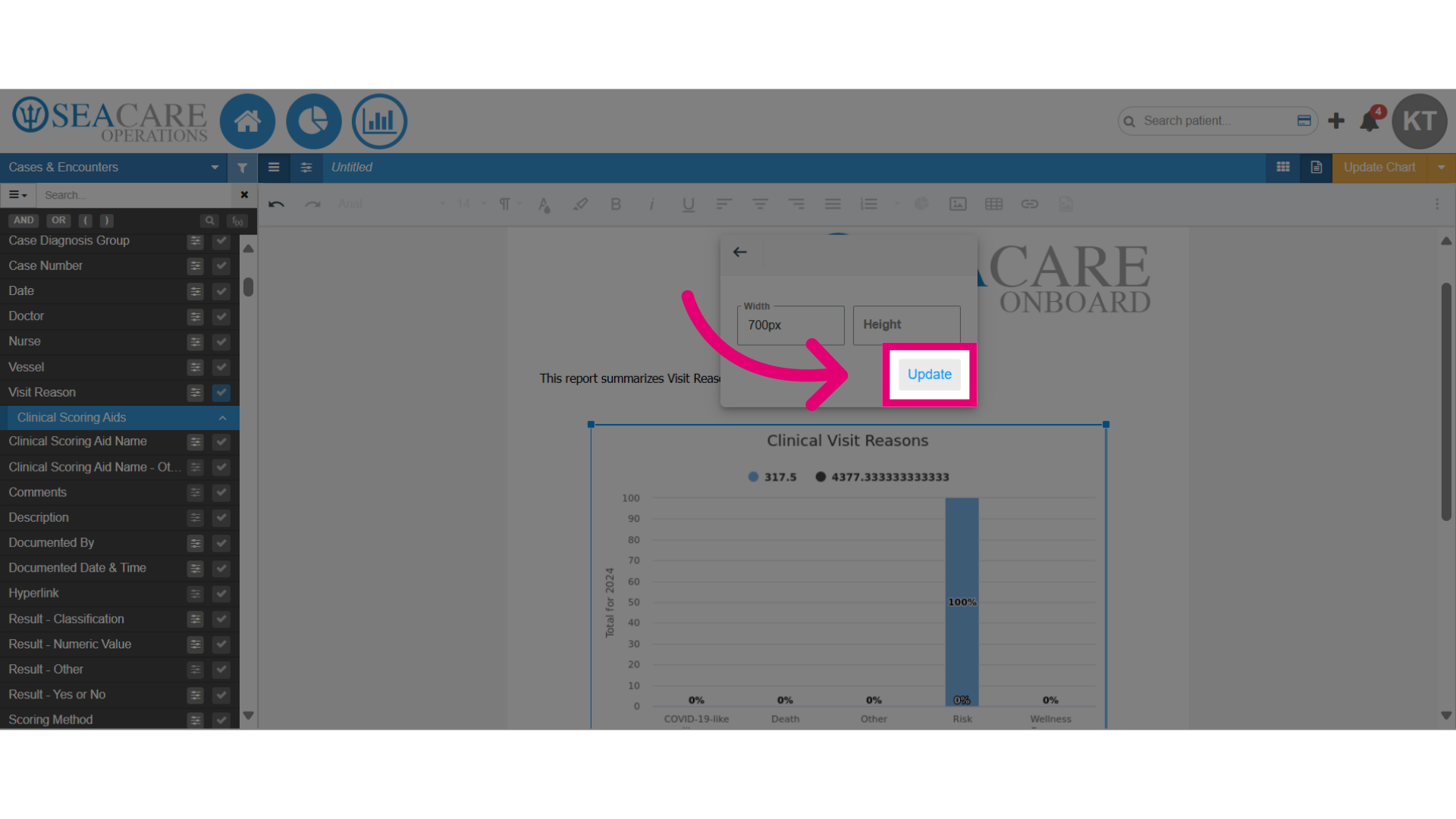
- Add new dimensions to increase or decrease the size of the chart.
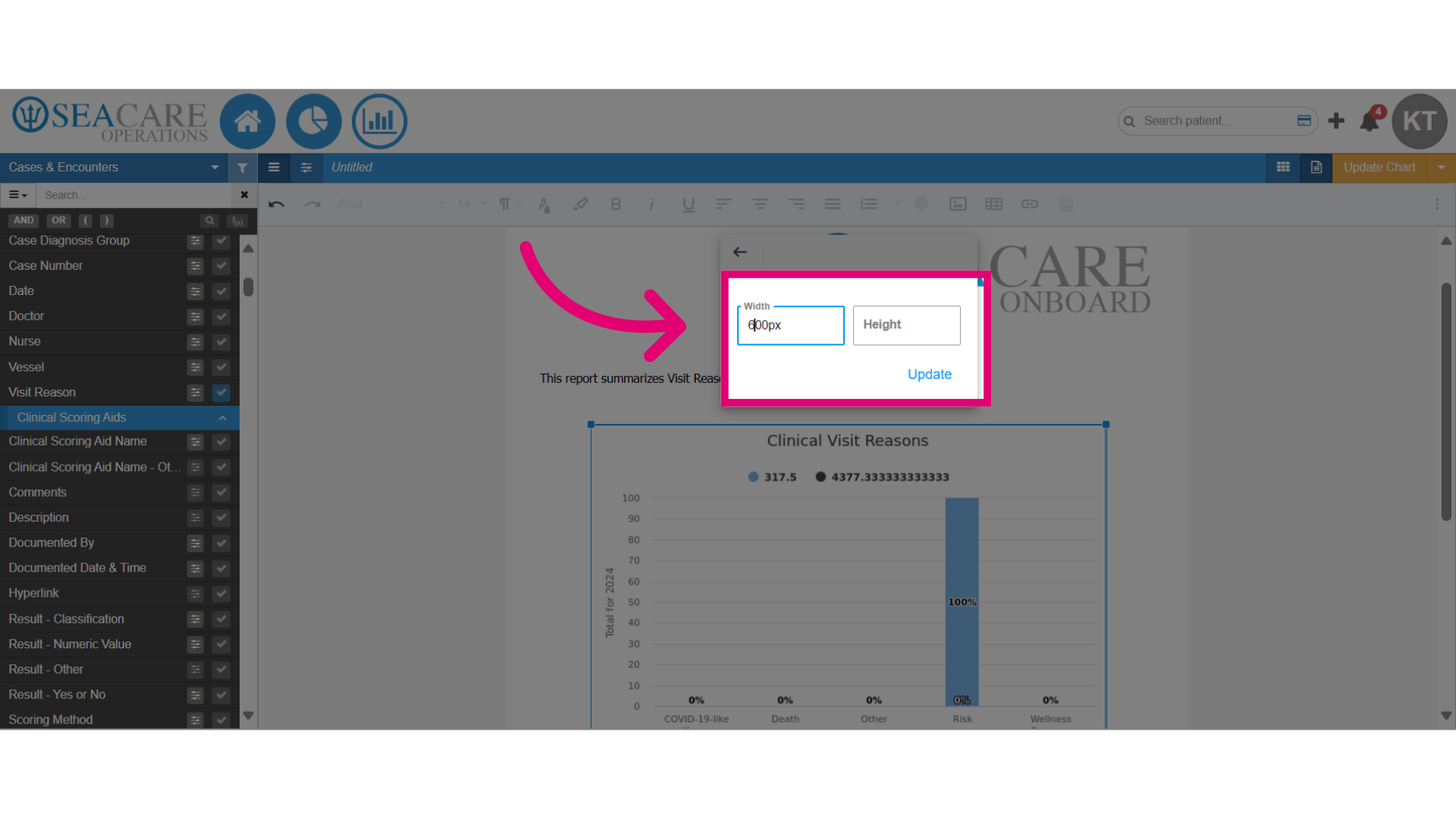
- Click on the Update button to apply the changes.