New article
Recently updated
Track Document Submissions in Crew Health

Who is this article for?Users who want to track document submissions in the Crew Health portal.
No elevated permissions are required.
This guide outlines how to manage and track Crew Health document submissions for employment. It covers tracking documents that are pending review, accepted, or rejected.
1. Track Document Submissions in Crew Health
1.1. Video
1.2. Steps
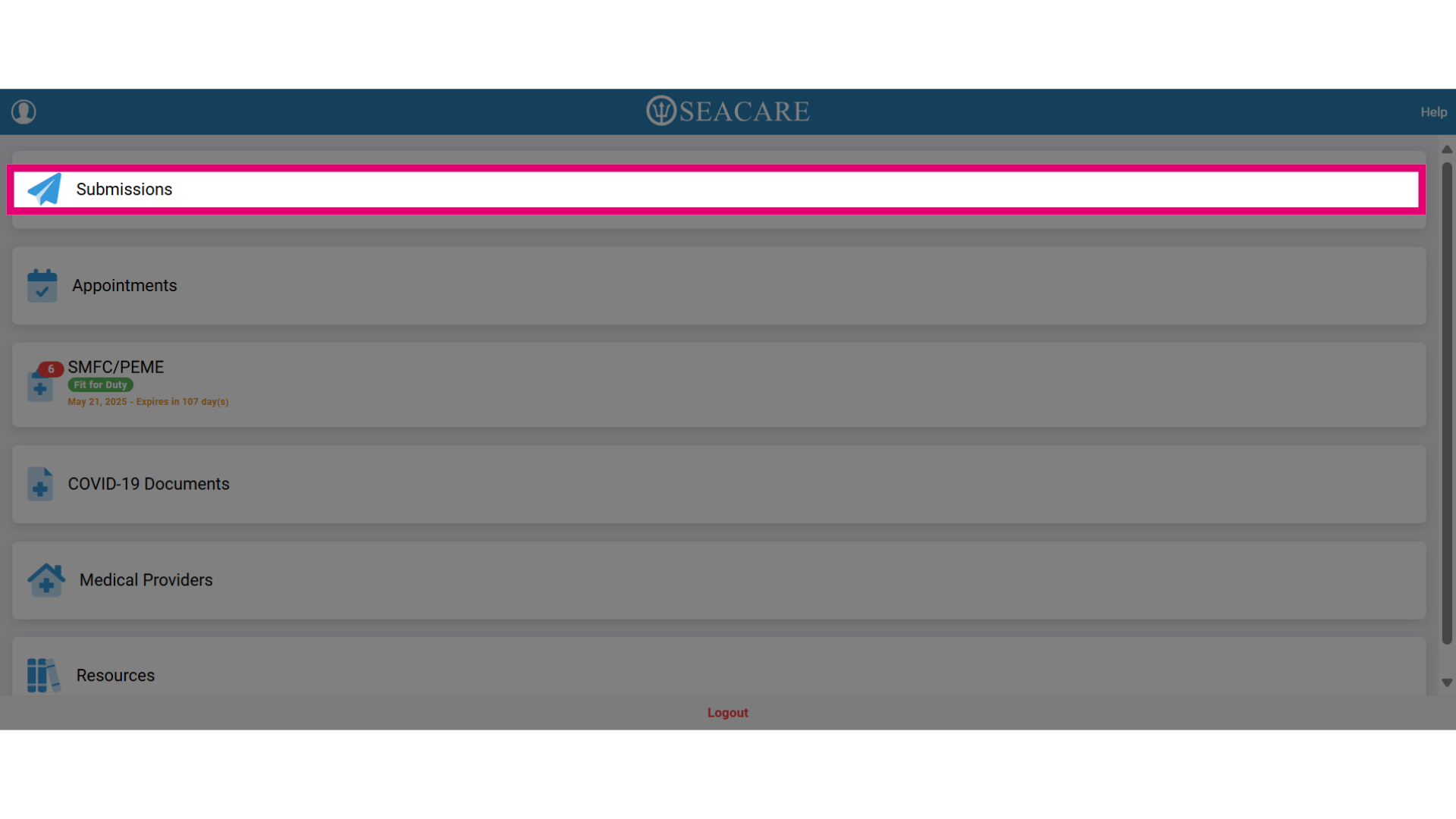
- Select the Submissions tab to upload documents, track their status, and manage submissions.
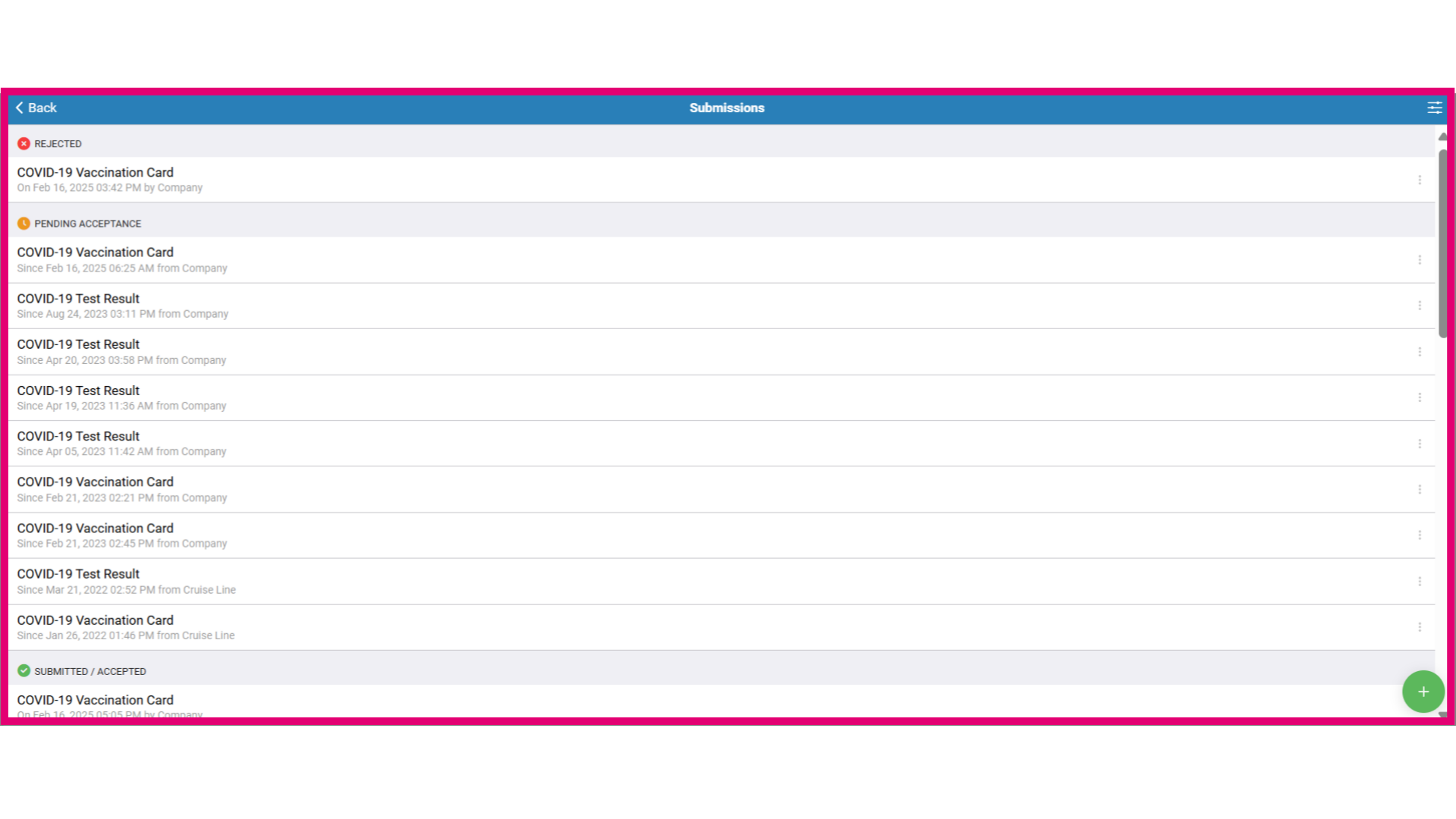
- Track your document status in the following categories:
- Pending Acceptance - Your documents are submitted and awaiting review. Check for comments to provide further information for quicker approval.
- Rejected - If rejected, review the feedback and make necessary adjustments before resubmitting.
- Submitted/Accepted - This indicates your documents are either successfully submitted or accepted.
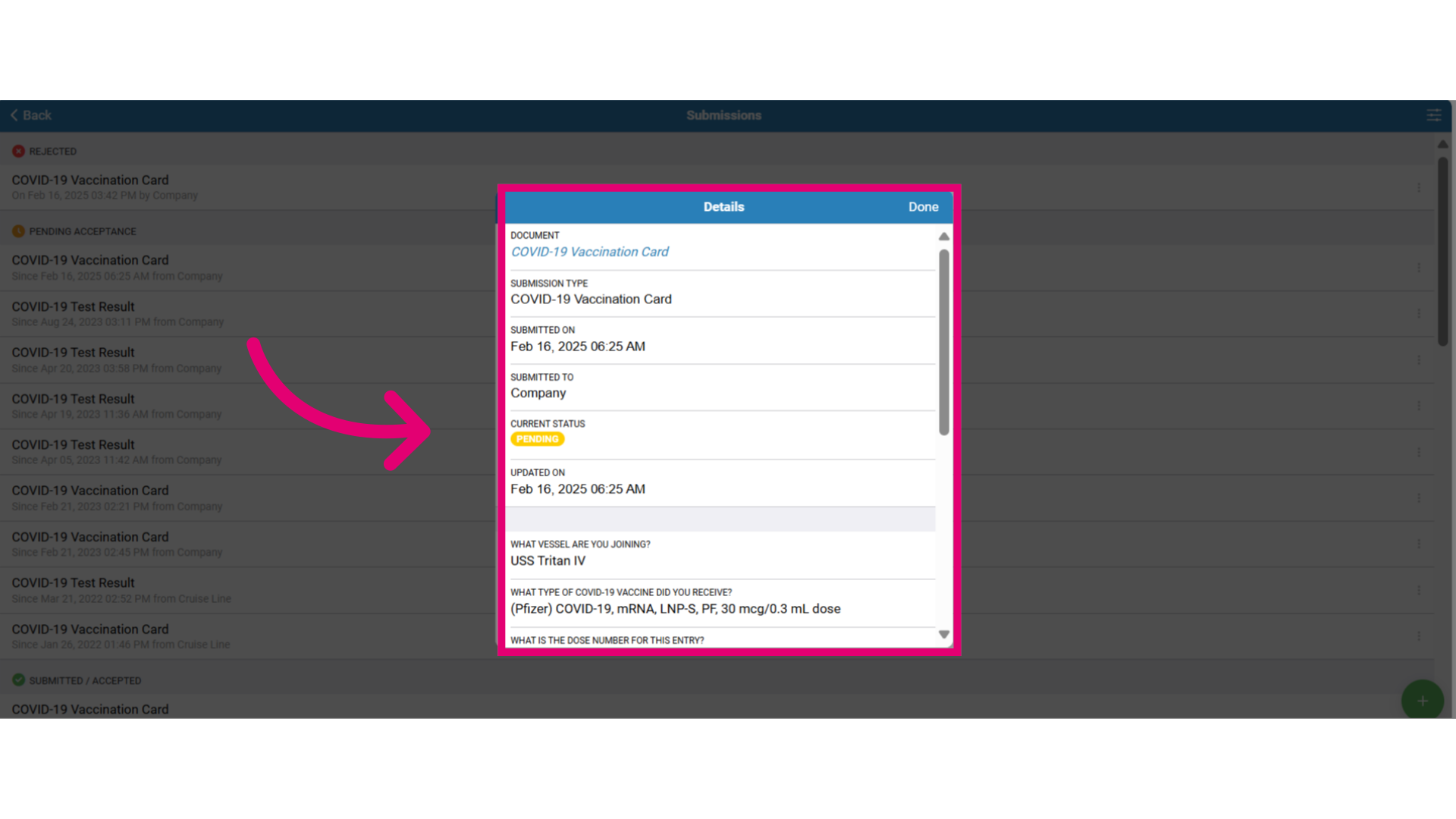
- Click on the document to view more information about the submission such as:
- Details in the submissions
- Attached files
- Submission type
- Current submission status (Pending Acceptance, Rejected, Submitted/Accepted)
- Comments
- Company information
- Vessel
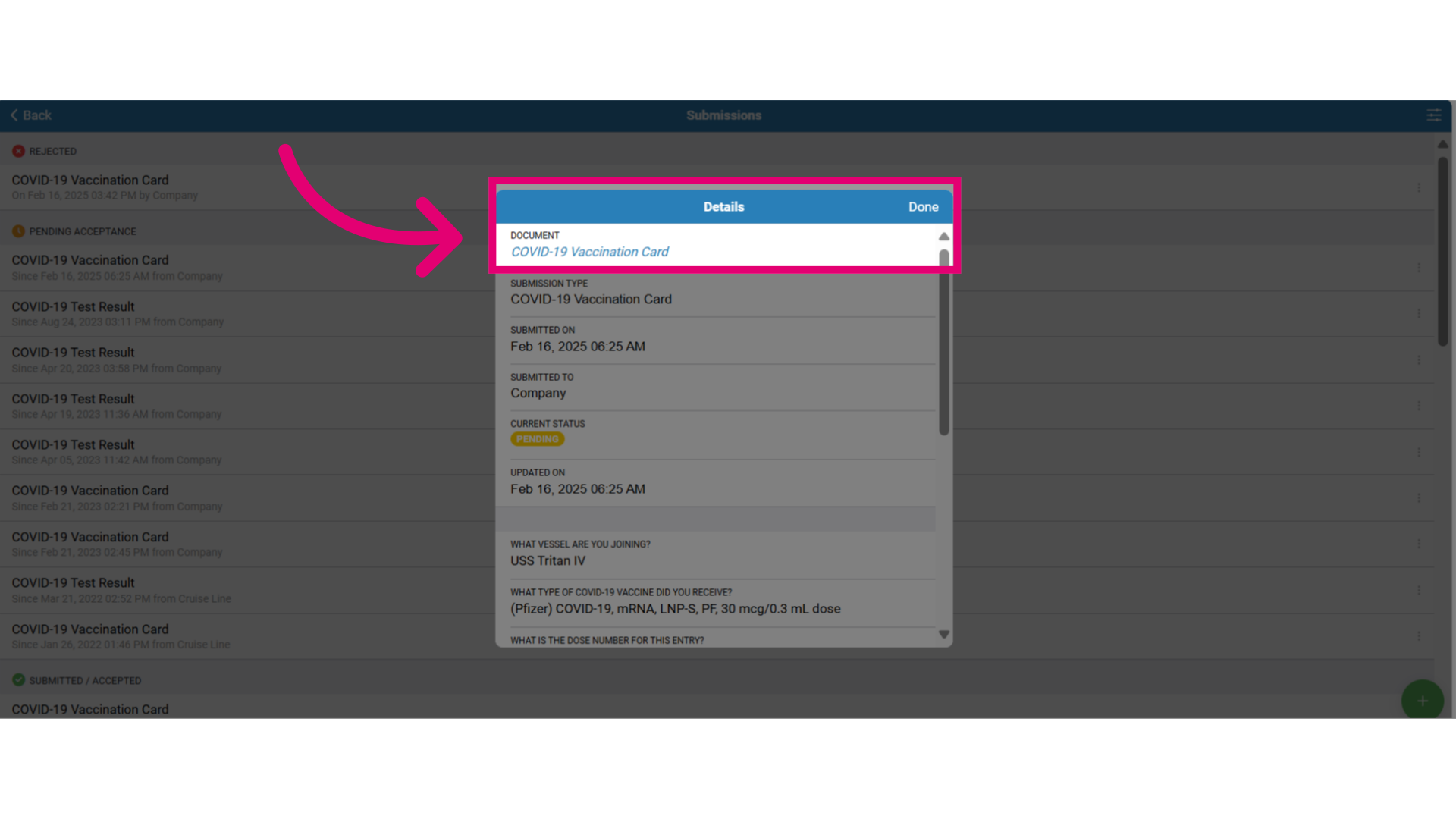
- Click the document link to download a copy for resubmission, then select Done to close this window.