New article
Recently updated
Access Resources in the Crew Health portal

Who is this article for?Users who want to learn how to access the resources in the Crew Health portal.
No elevated permissions are required.
Use these instructions to access resources for navigating the employment checklist and forms in crew health.
1. Access Resources in the Crew Health portal
1.1. Video
1.2. Steps
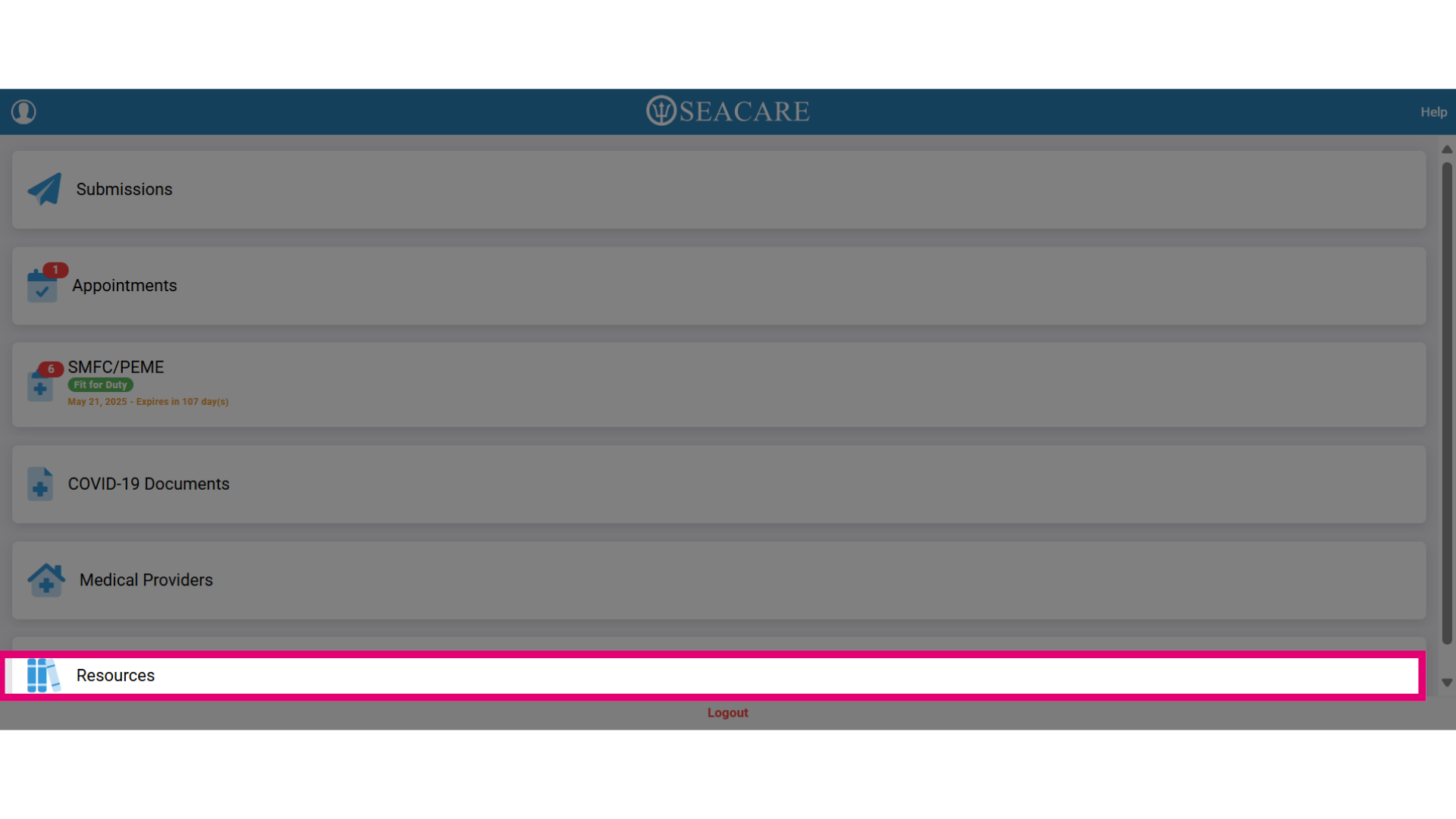
- Select Resources to access the resources section.
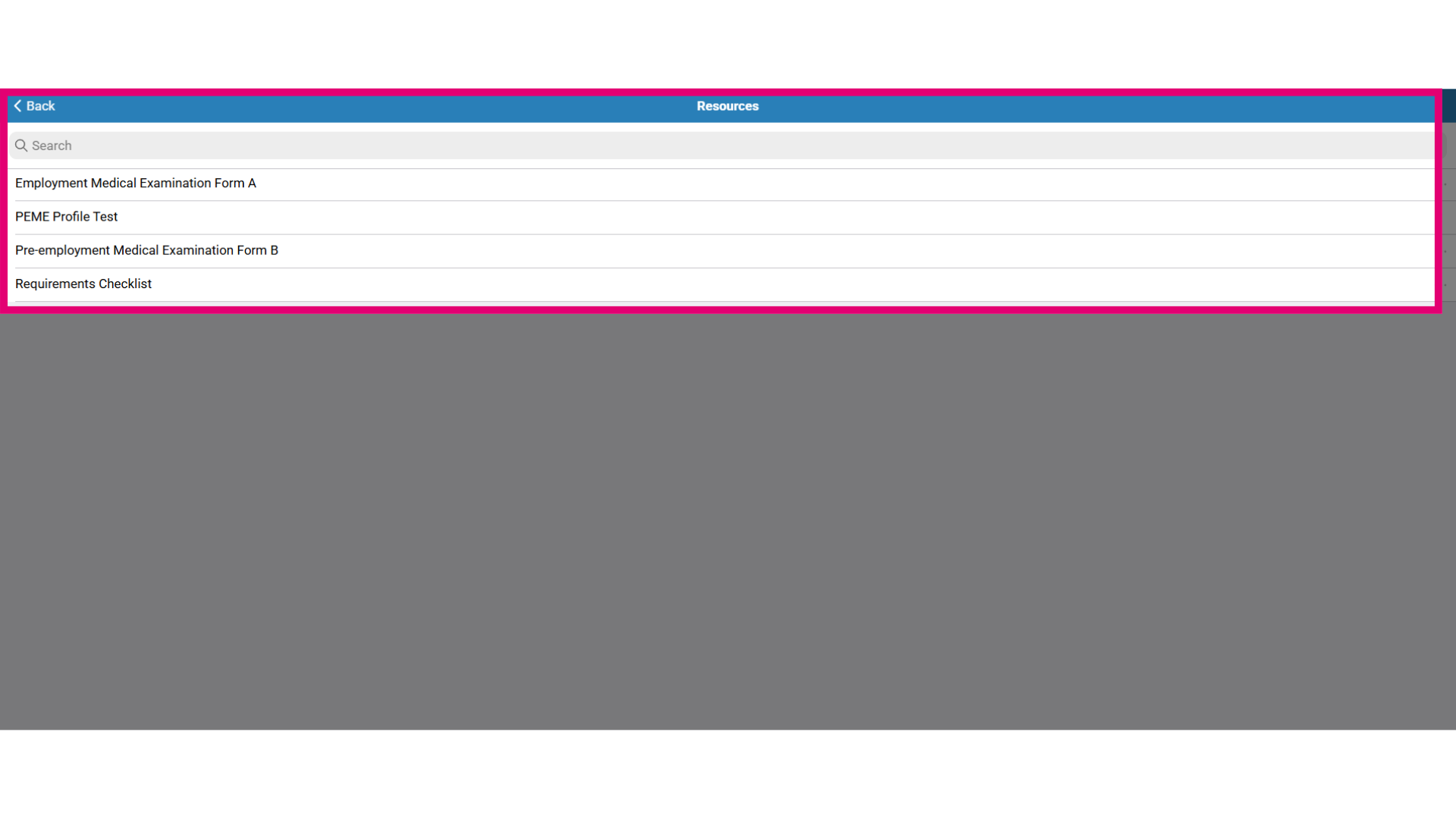
- Here are details about the resources in this list:
- There are forms and documents in this resource list that serve as templates or informational documents.
- These document are added by your employer.
- Checklist that appear here may include instructions on completing the pre-employment medical examination requirements or its related form(s).
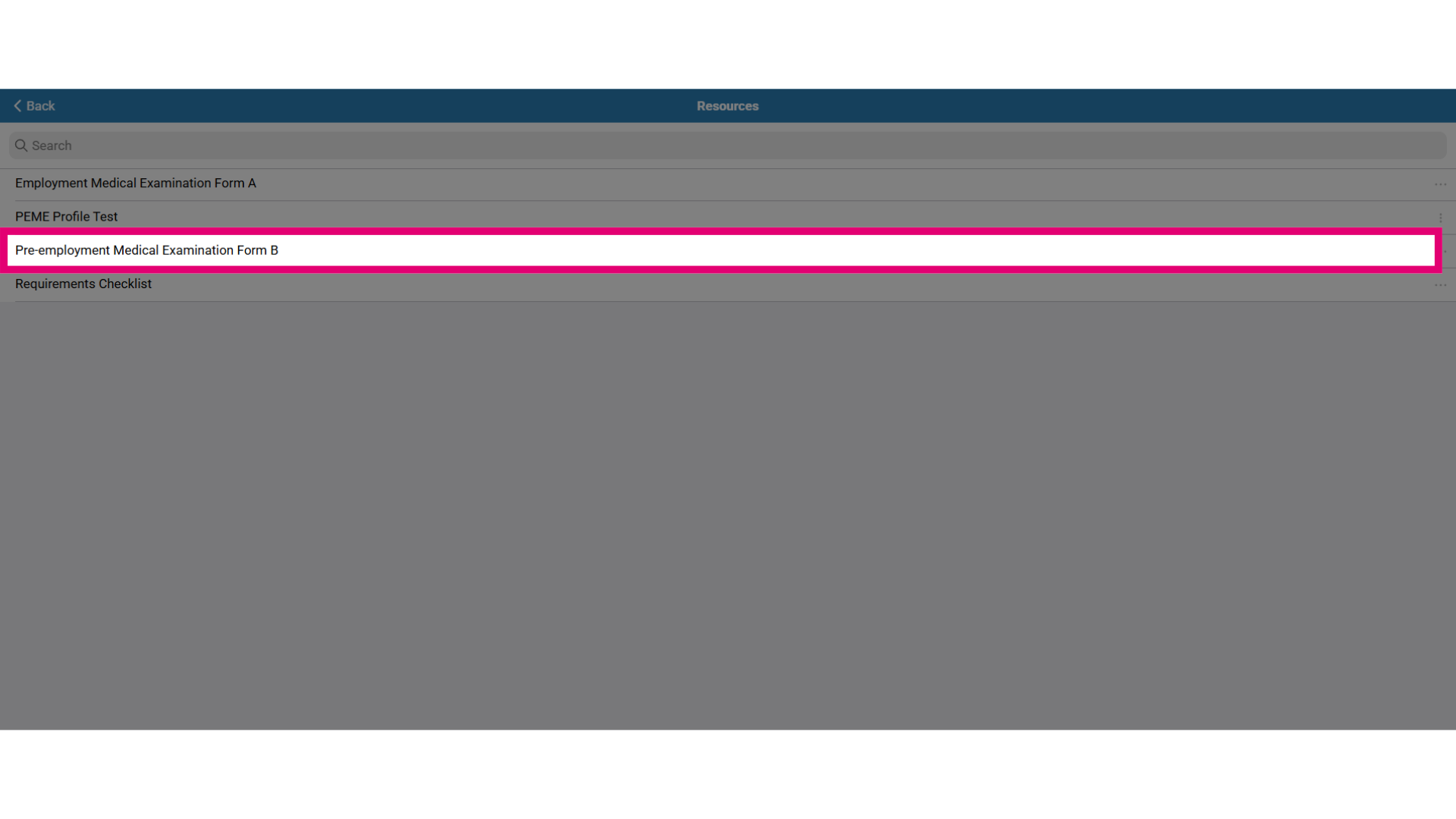
- To download a form such as a checklist to use for your pre-employment requirements or other document types, select the form.
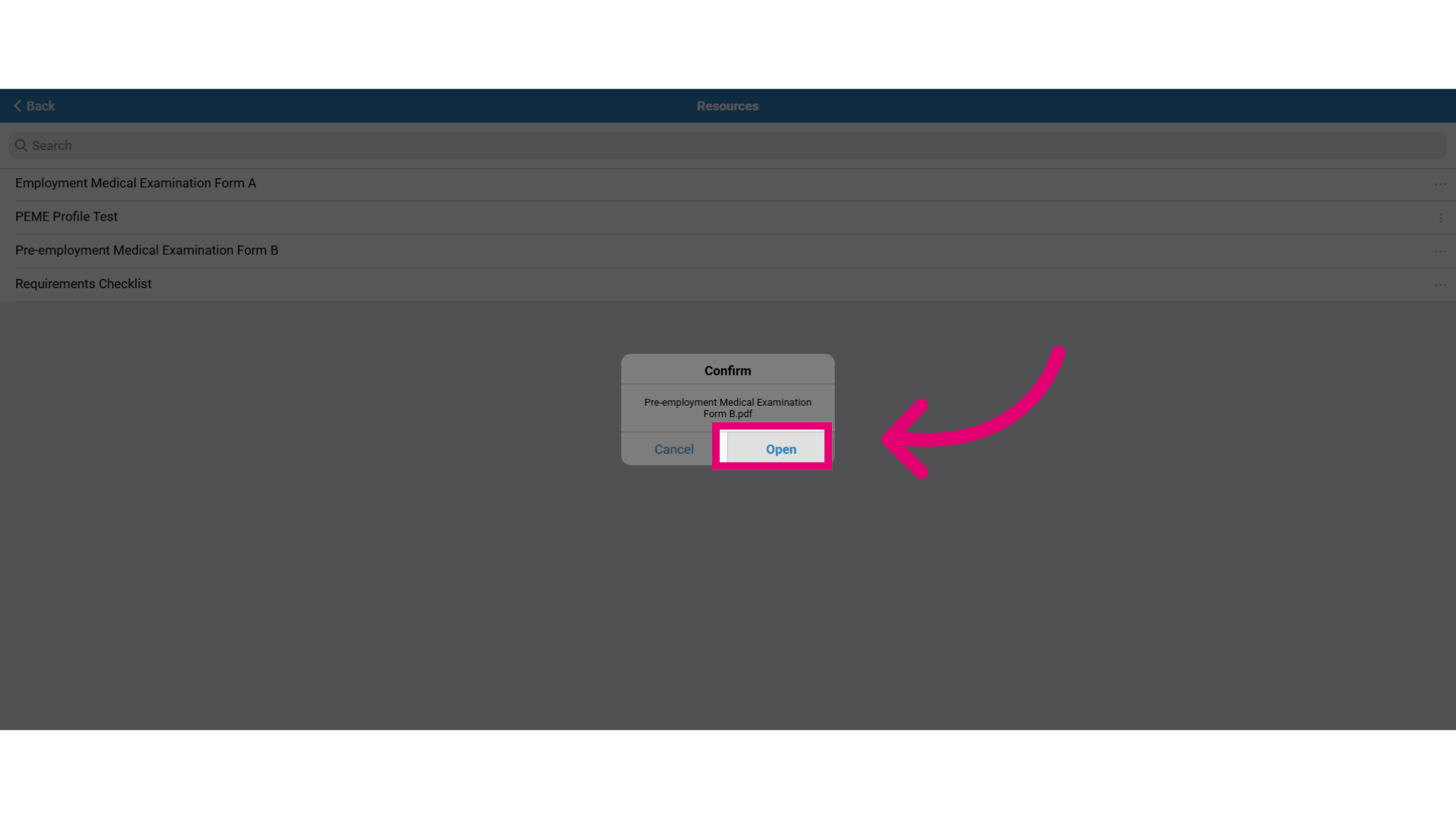
- Click Open to open the form where it can then be read, downloaded or printed.
- If you are required to complete the form and submit it through the app, then complete the form as required and go to the Submissions tab to submit the form.