New article
Recently updated
Using the COVID-19 Documents in Crew Health

Who is this article for?Users who want to use the COVID-19 Documents in Crew Health.
No elevated permissions are required.
When the Ideagen Maritime Health Onboard system is configured to display COVID-19 test results and vaccines in the crew health application, then all those administered onboard the ship to which you are assigned will appear here under the COVID-19 Documents section. Follow this guide to learn how to use the COVID-19 Documents section in the Crew Health portal.
1. Assigning Cases in Case Management
1.1. Video
1.2. Steps
- Select the COVID-19 Documents tab.
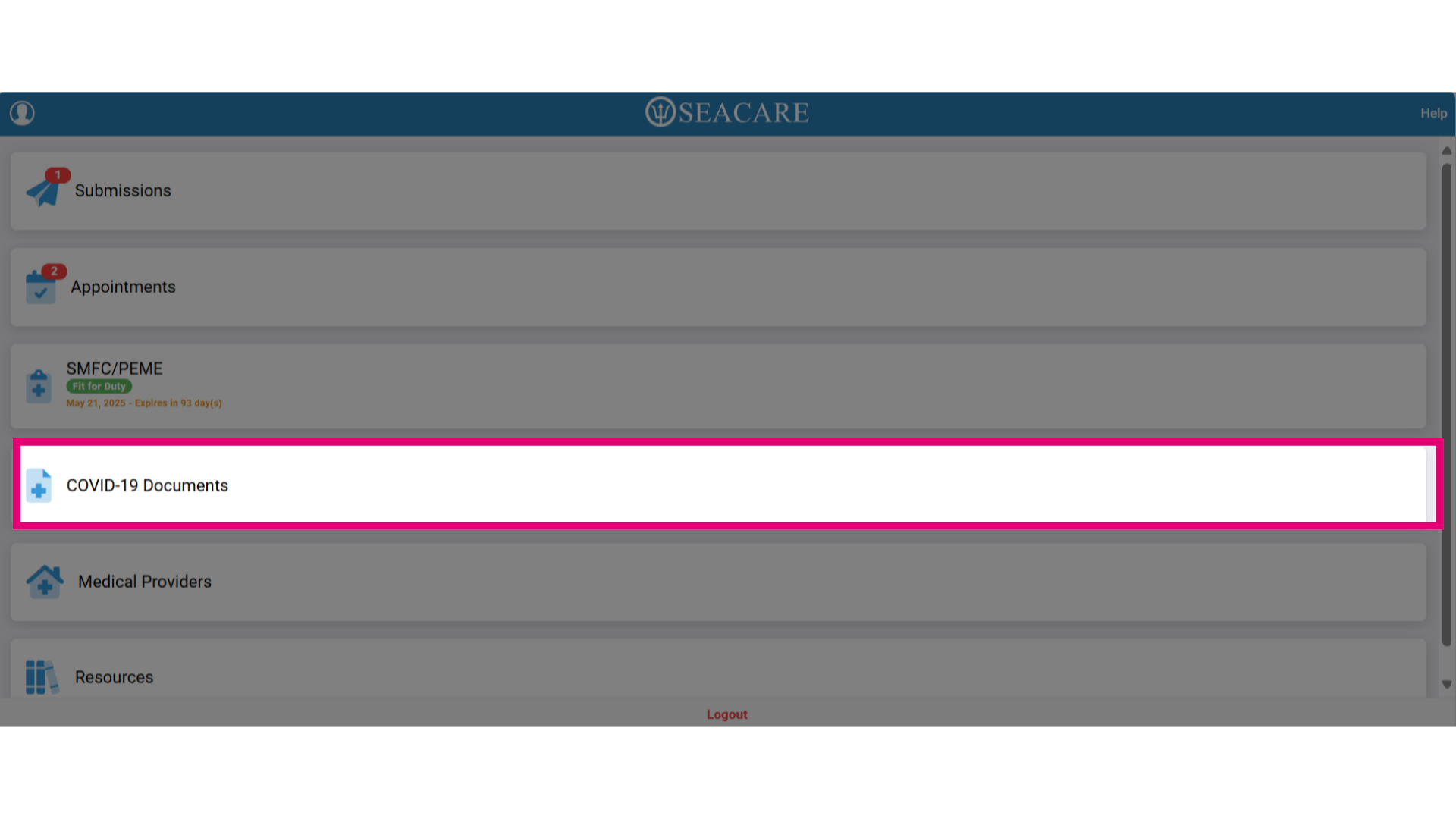
- This will list all COVID-19 test results and vaccines that were given onboard. If none are listed then either the system is not configured to receive this information or there are none taken onboard if it is.
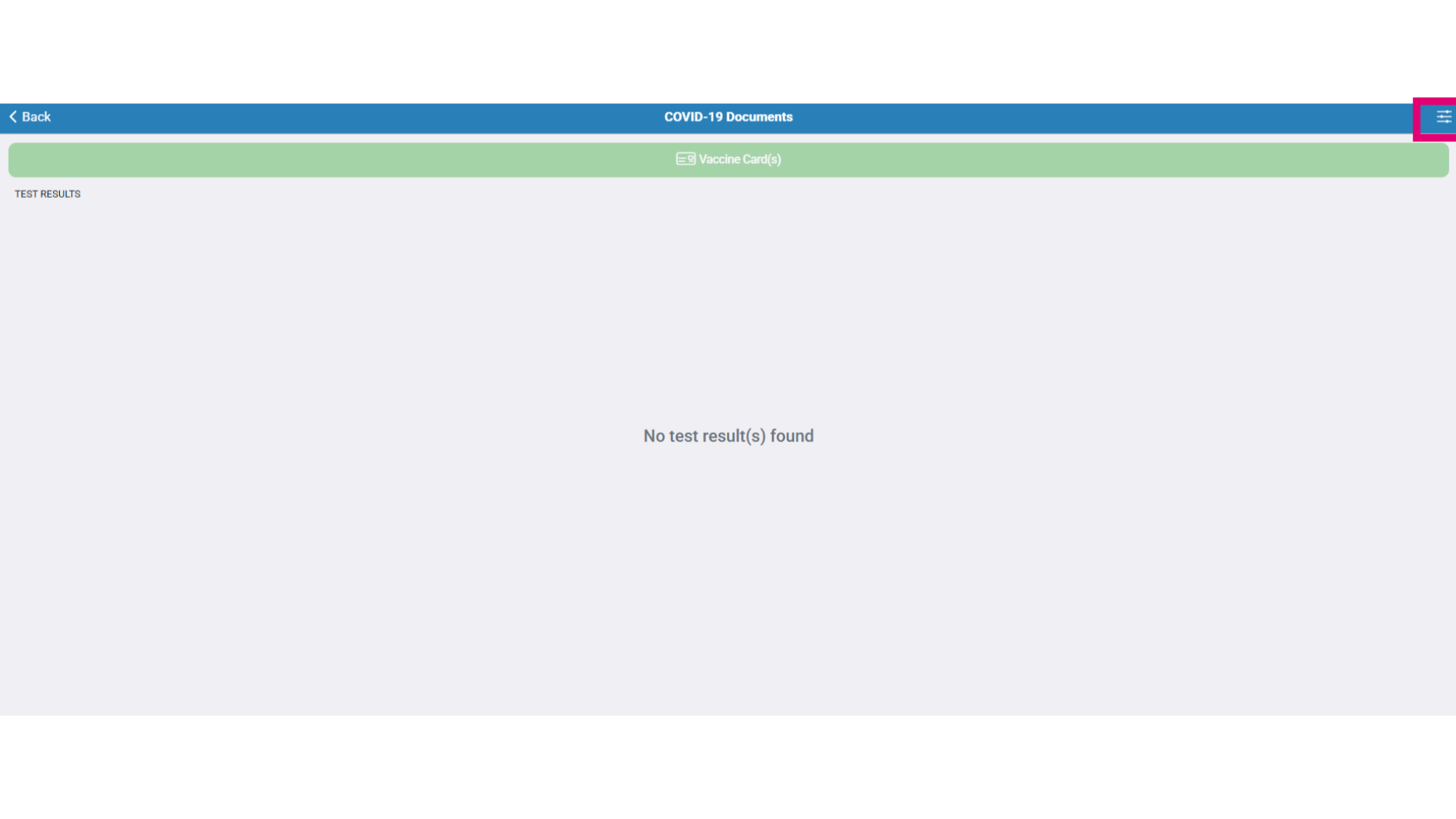
- Use the filter button to the top right to locate COVID-19 test results and documents.
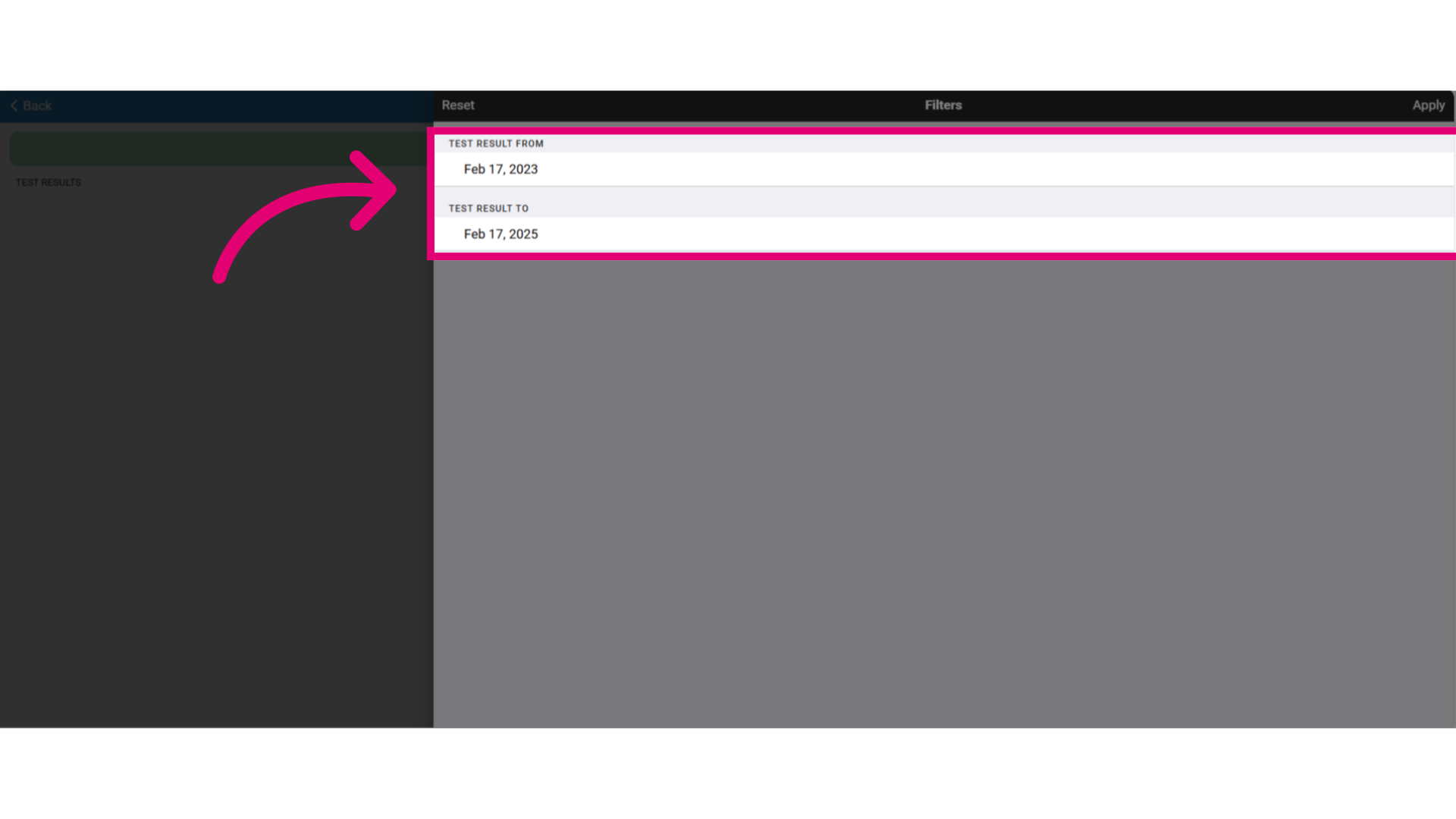
- Select the date picker to add a date range to search for test results.
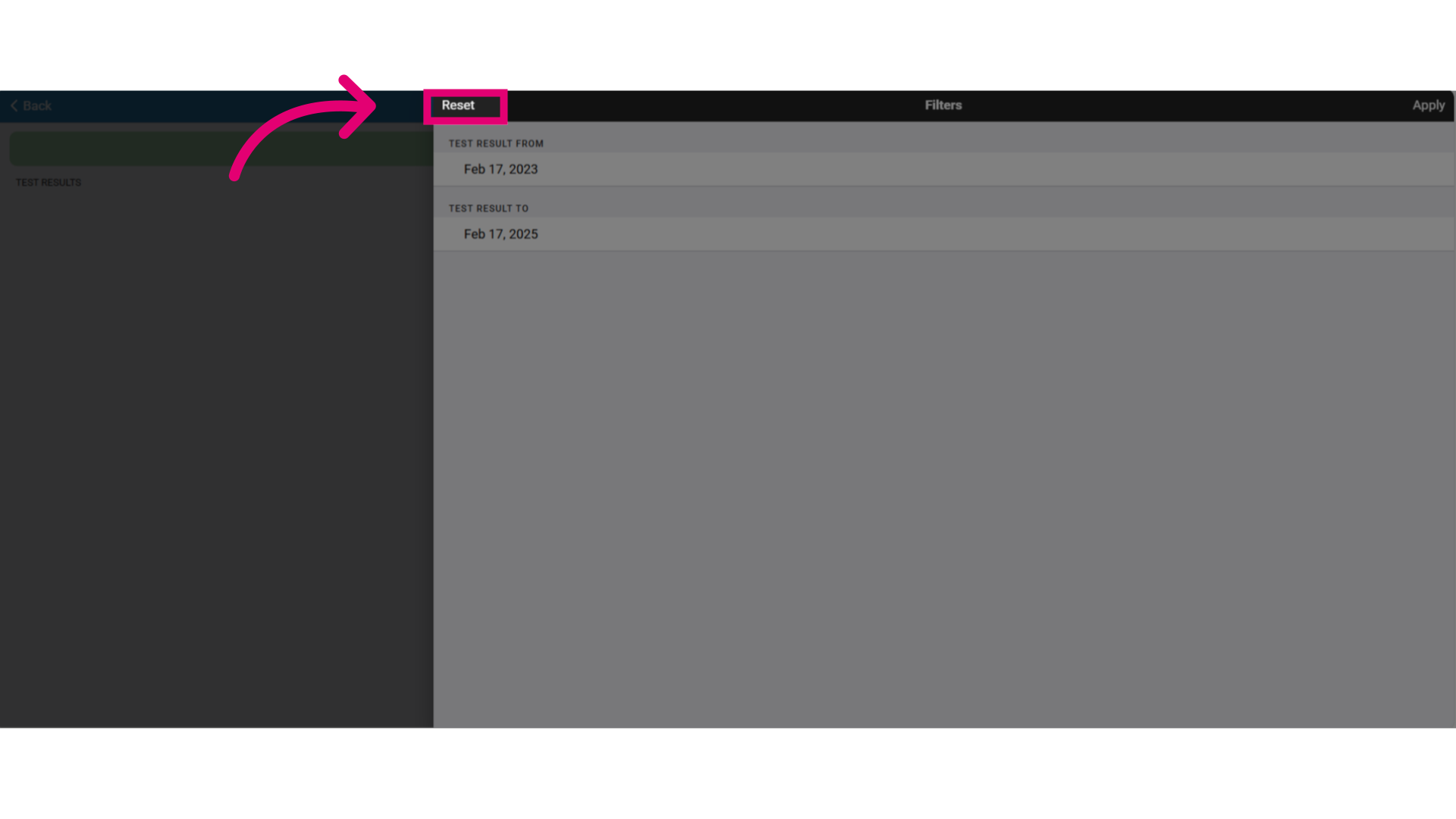
- Select Reset if you need to reset then re-enter the date range picker.
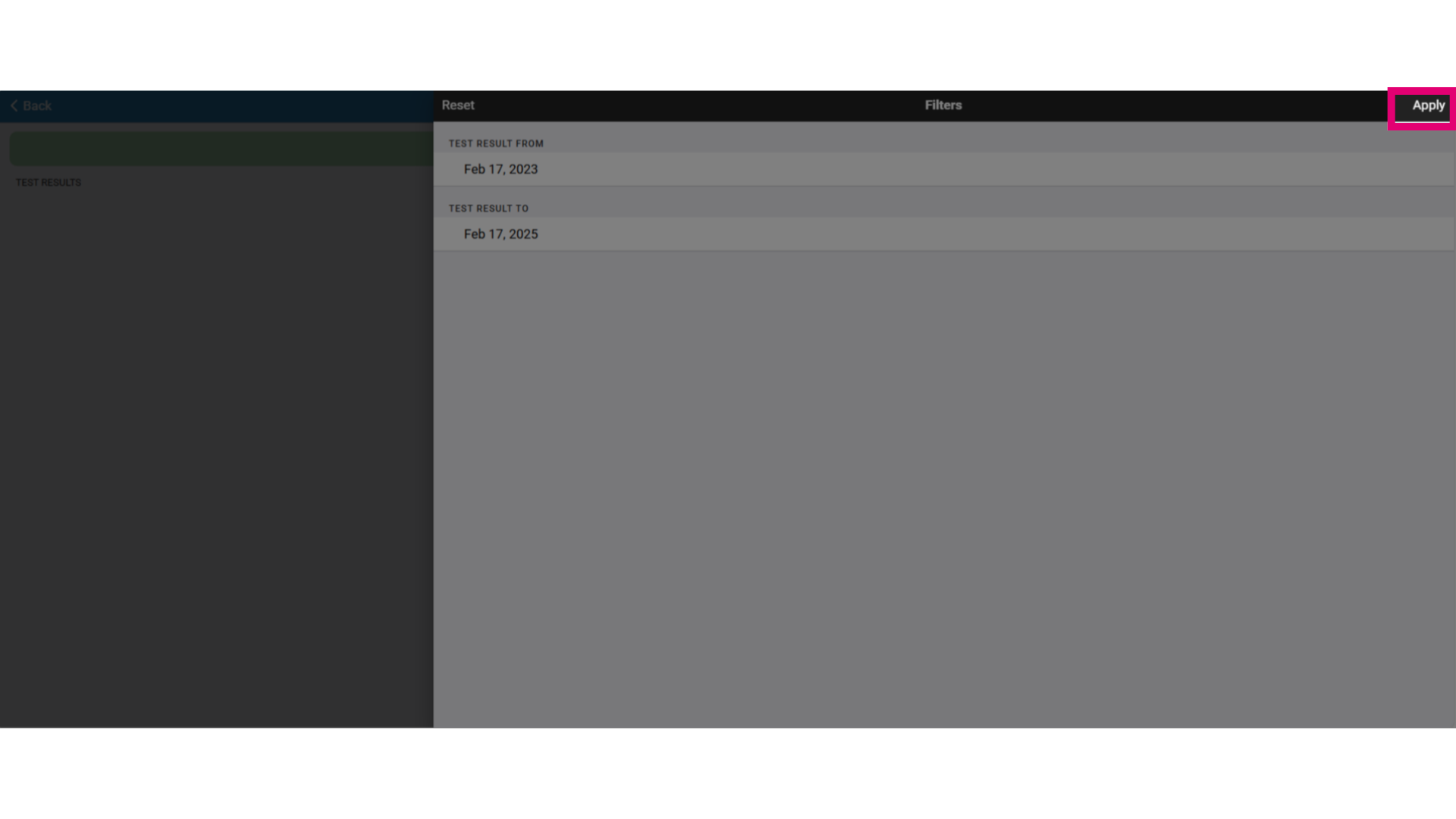
- Then, select Apply to filter the results.
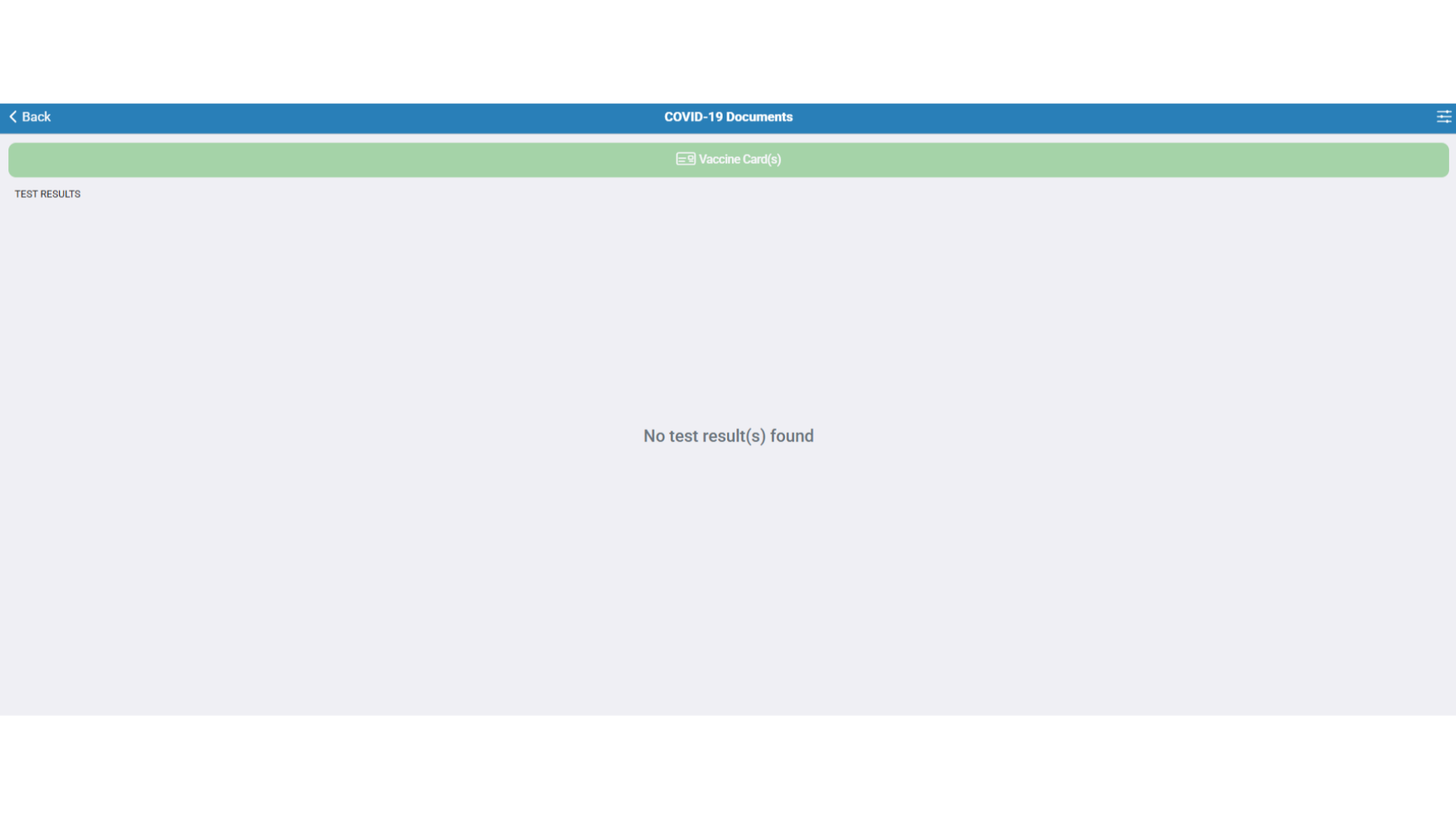
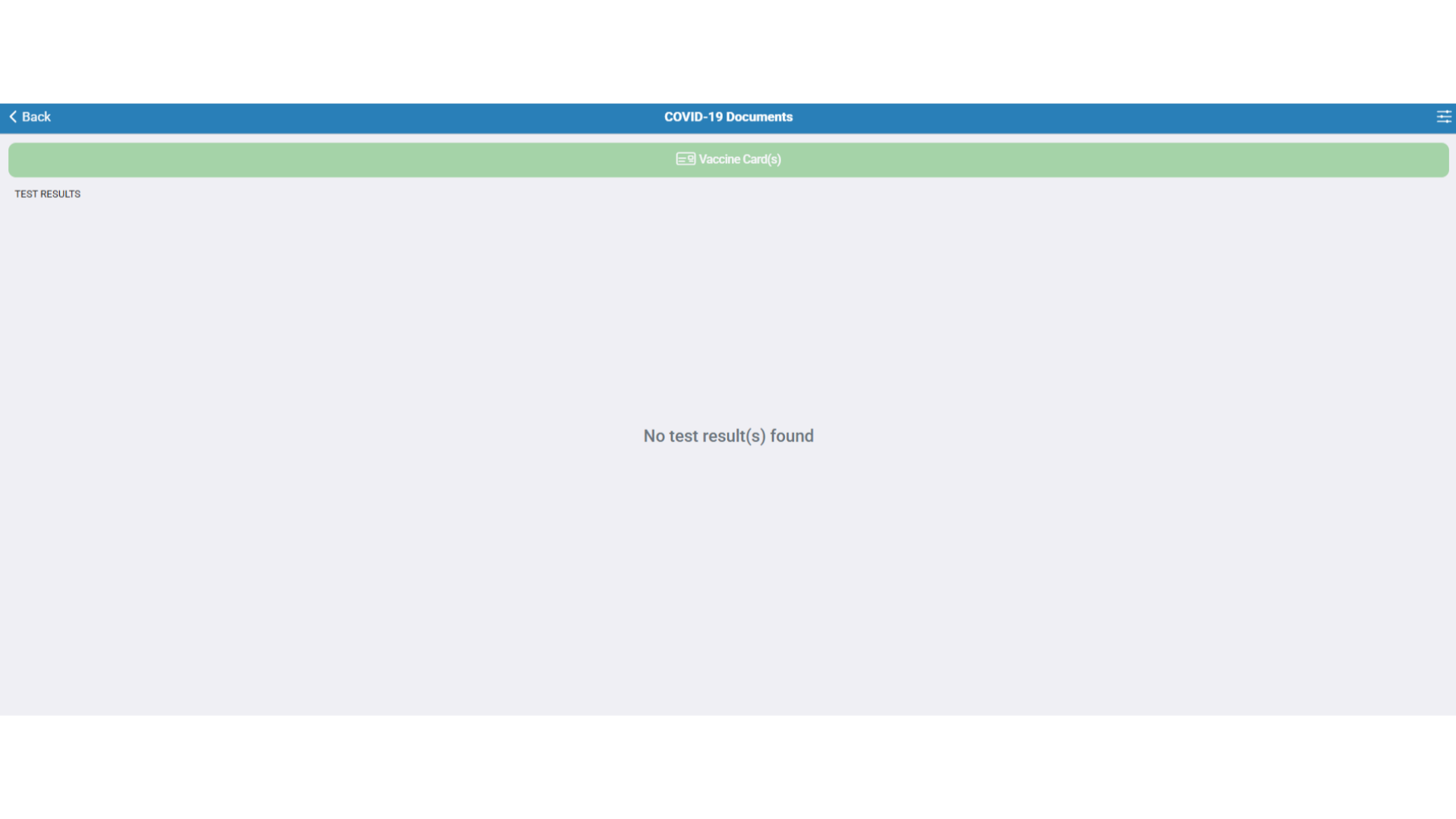
- This message appears if no test results are found onboard.
- If no vaccination record exists onboard, nothing will be displayed here.