New article
Recently updated
Locating medical providers in Crew Health

Who is this article for?Users who want to locate medical providers in the Crew Health portal.
No elevated permissions are required.
Follow these steps to find medical providers using search filters in the Crew Health app. This can assist you in selecting nearby providers for appointments or contact.
1. Locating medical providers in Crew Health
1.1. Video
1.2. Steps
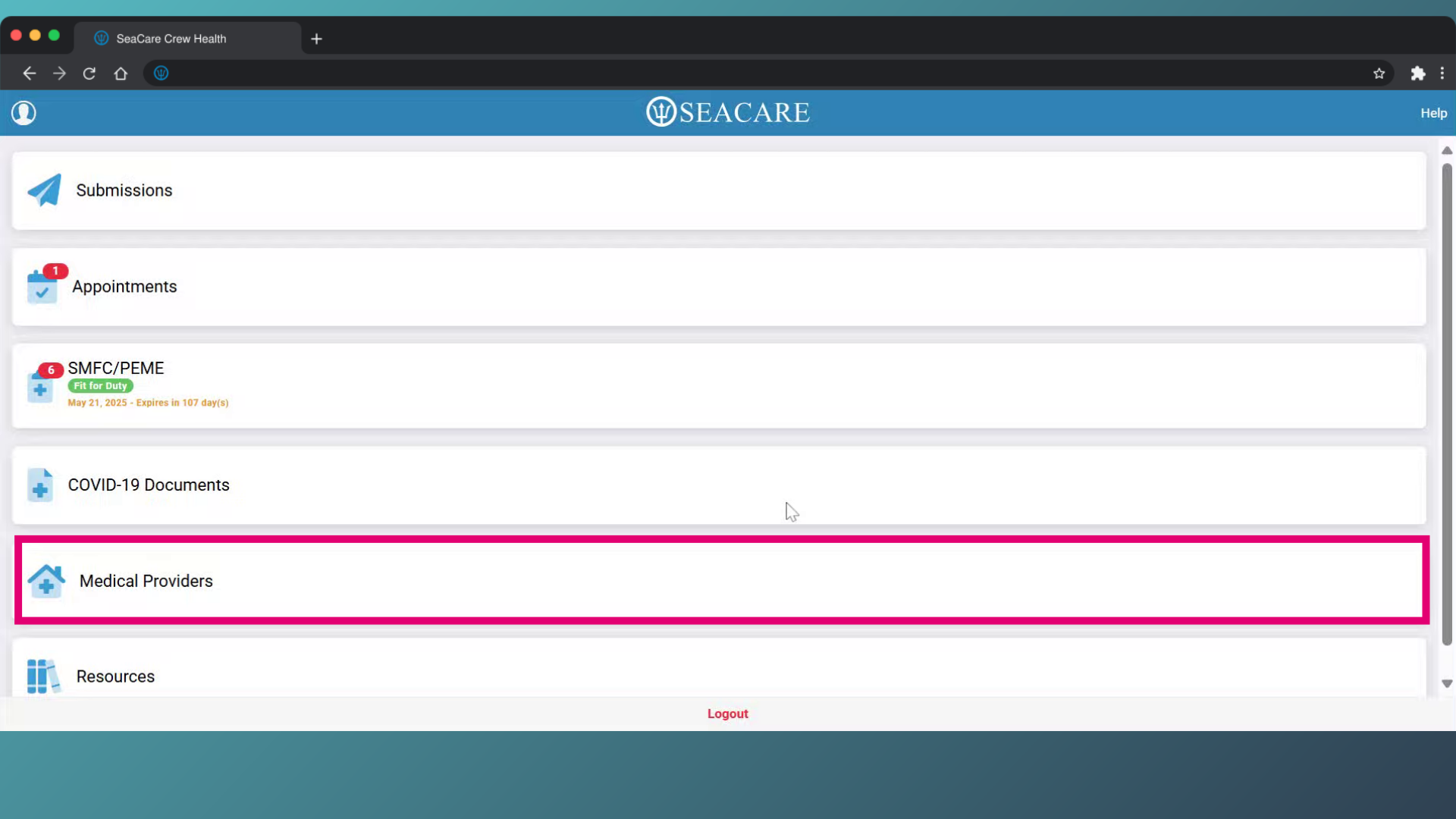
- Select the Medical Providers tab.
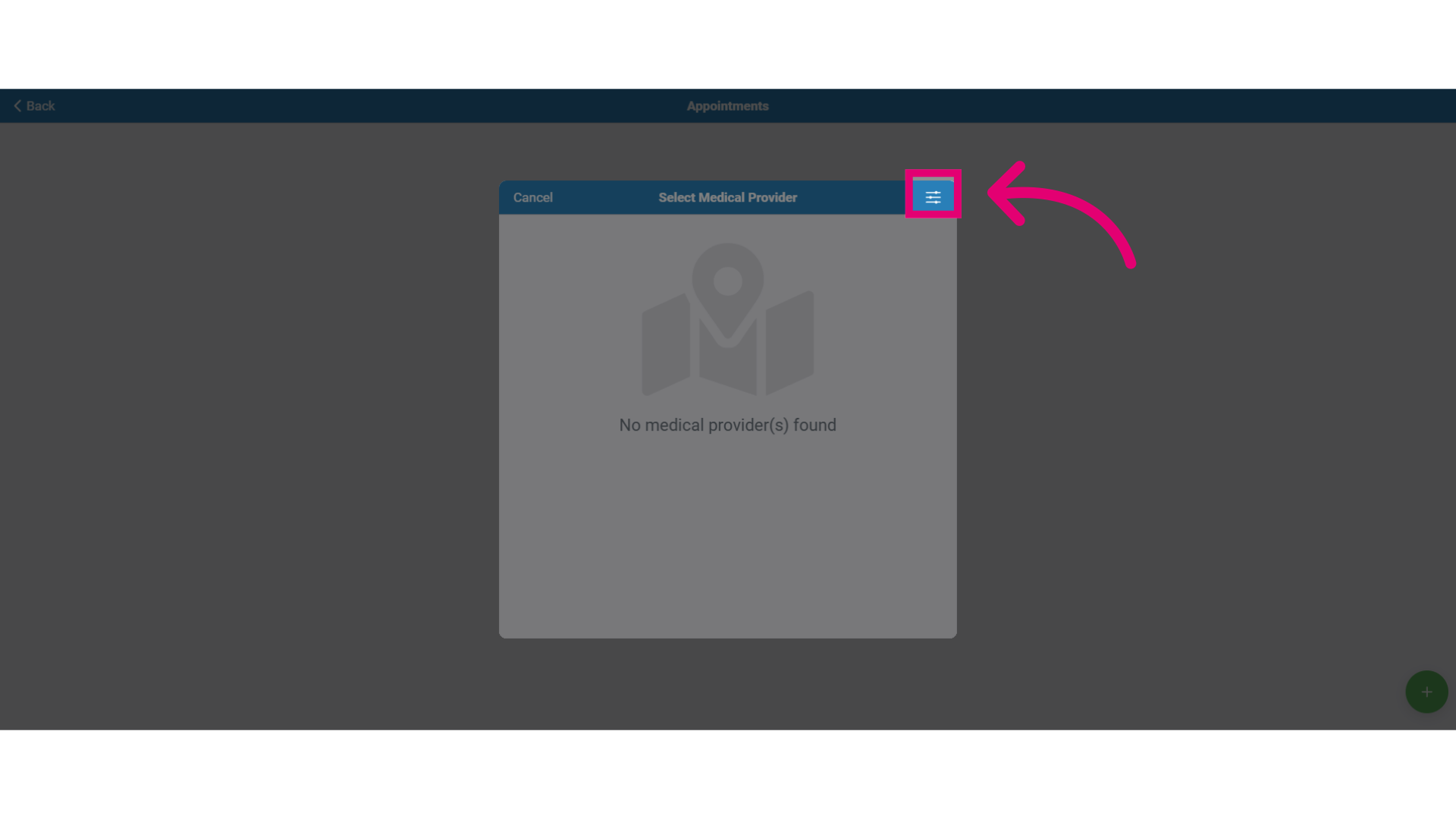
- Click the Filter button to search for providers by location.
- Enter the country name where you want to locate a medical provider.
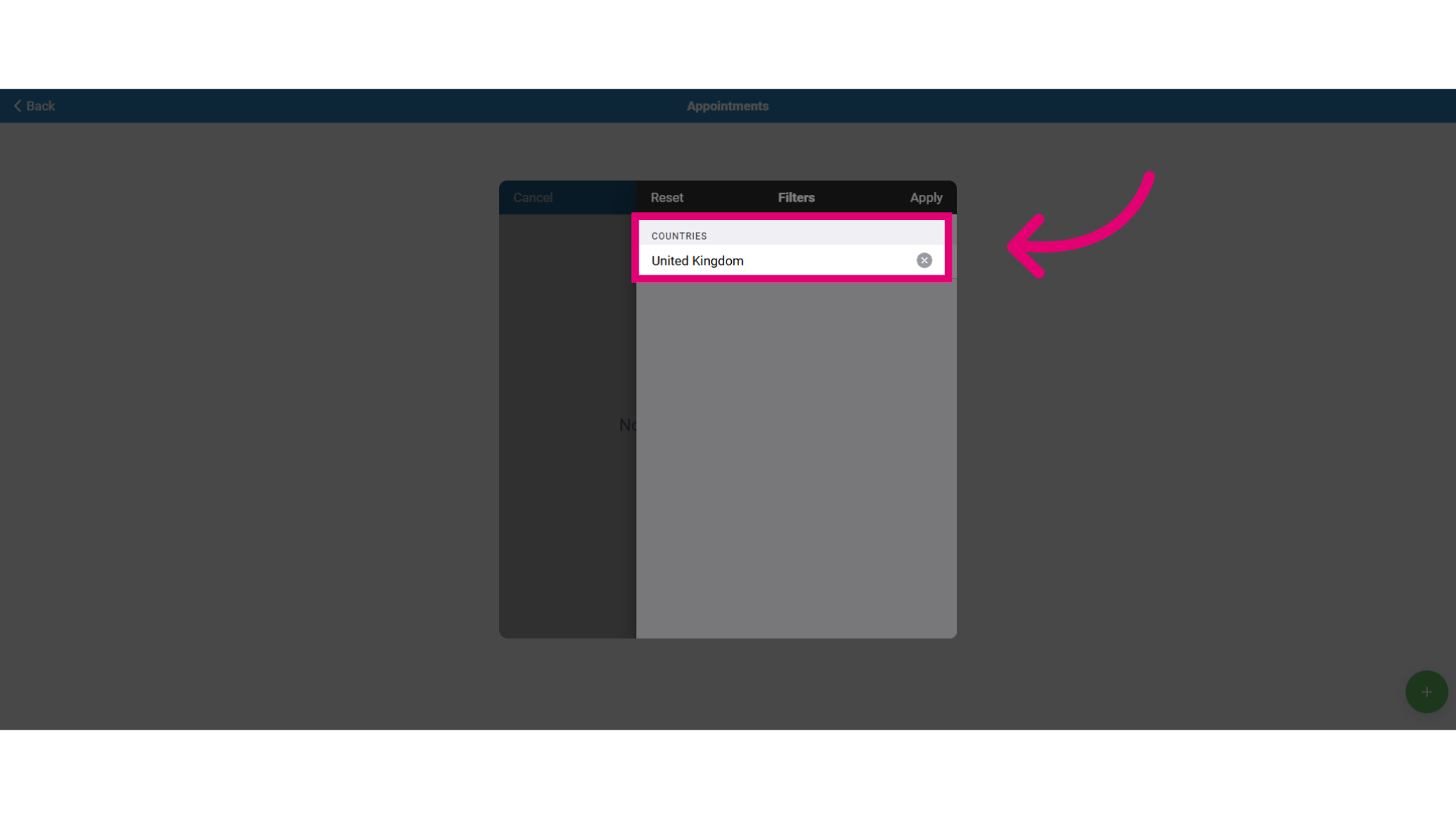
- If the current country is not the correct country then select the 'x' button to remove it and reset the results.
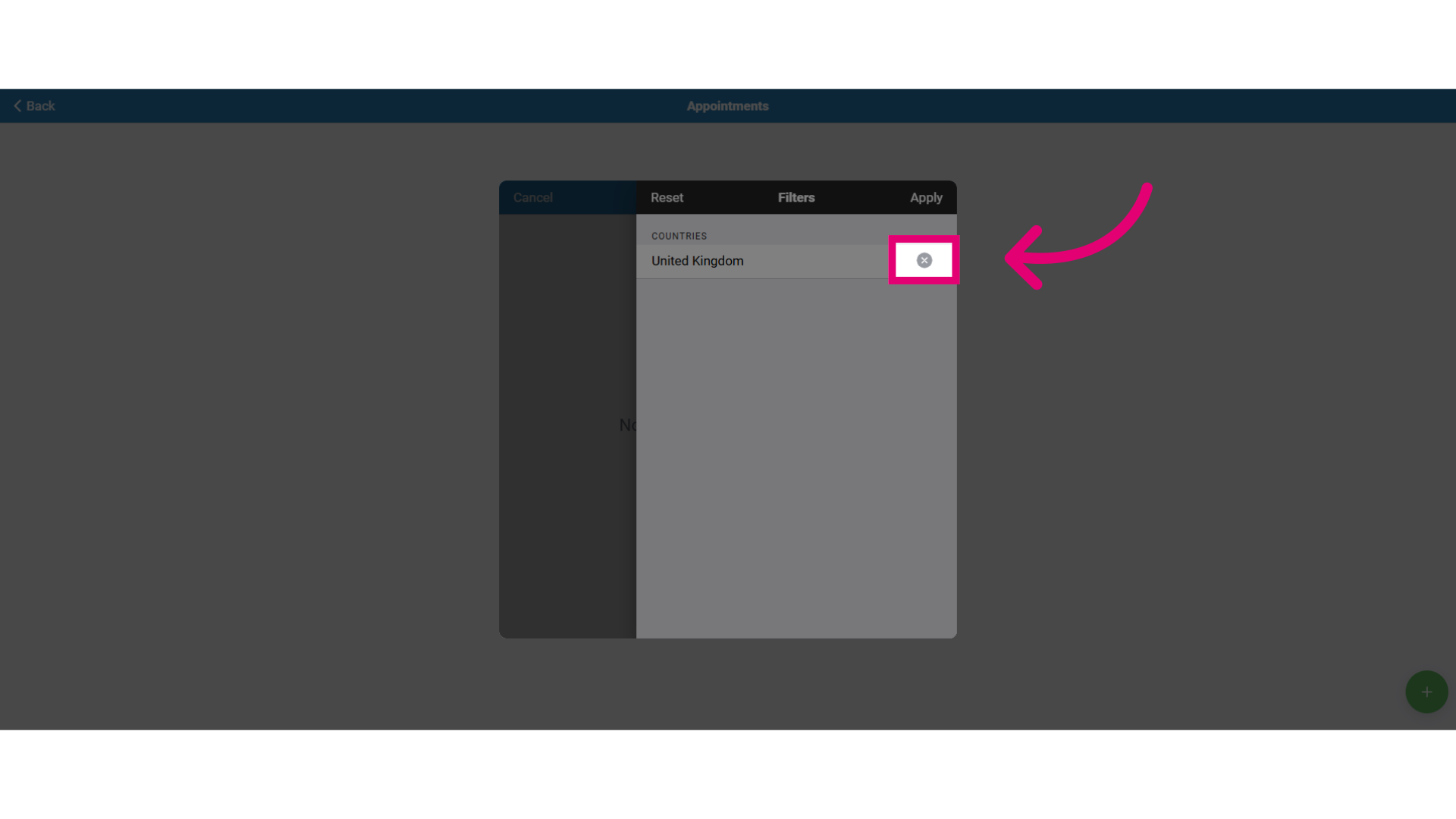
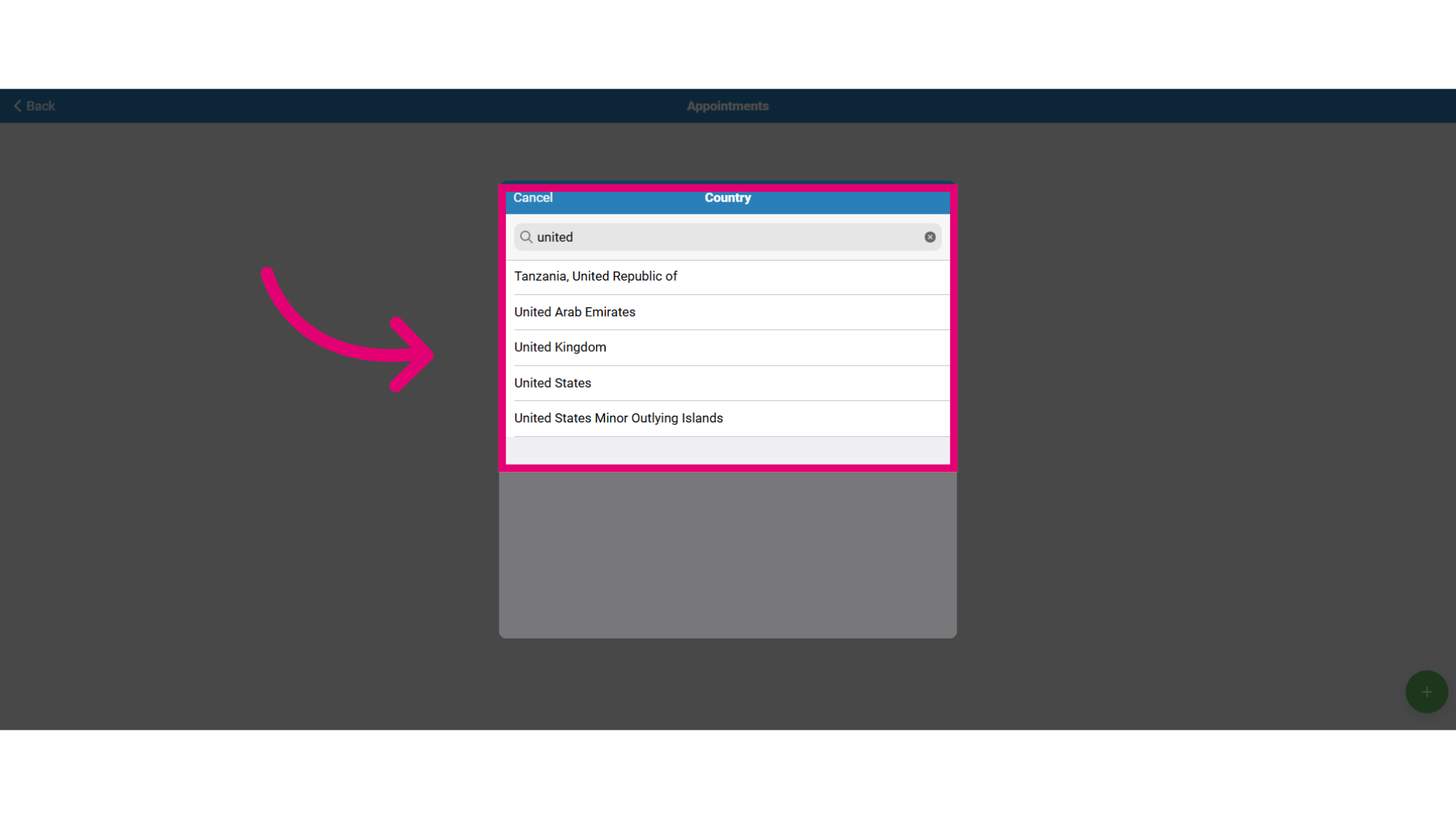
- Then, type in the country name where you want to schedule your appointment and press Enter.
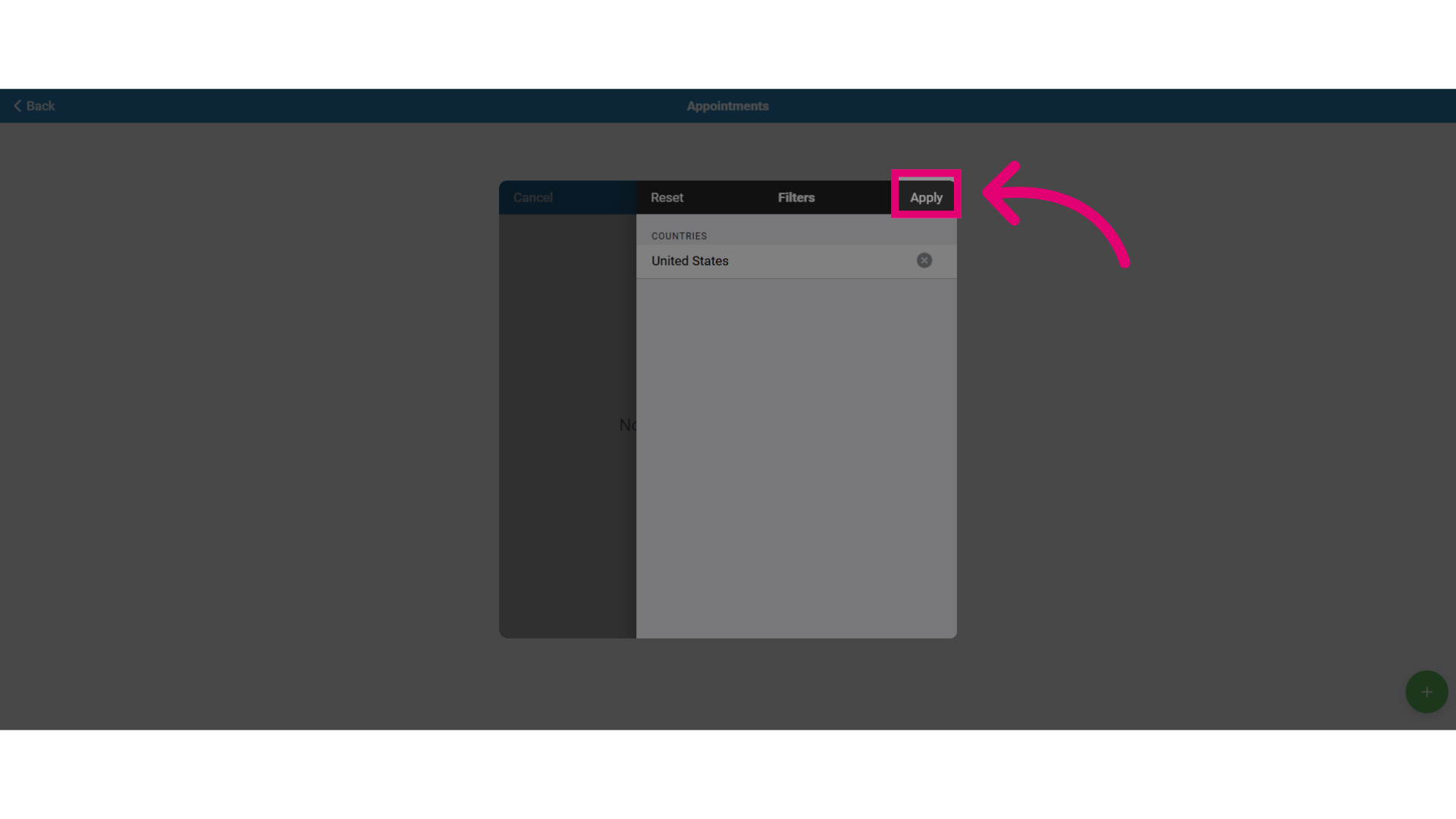
- Next, click Apply.
- Select the medical provider of your choice from the list.
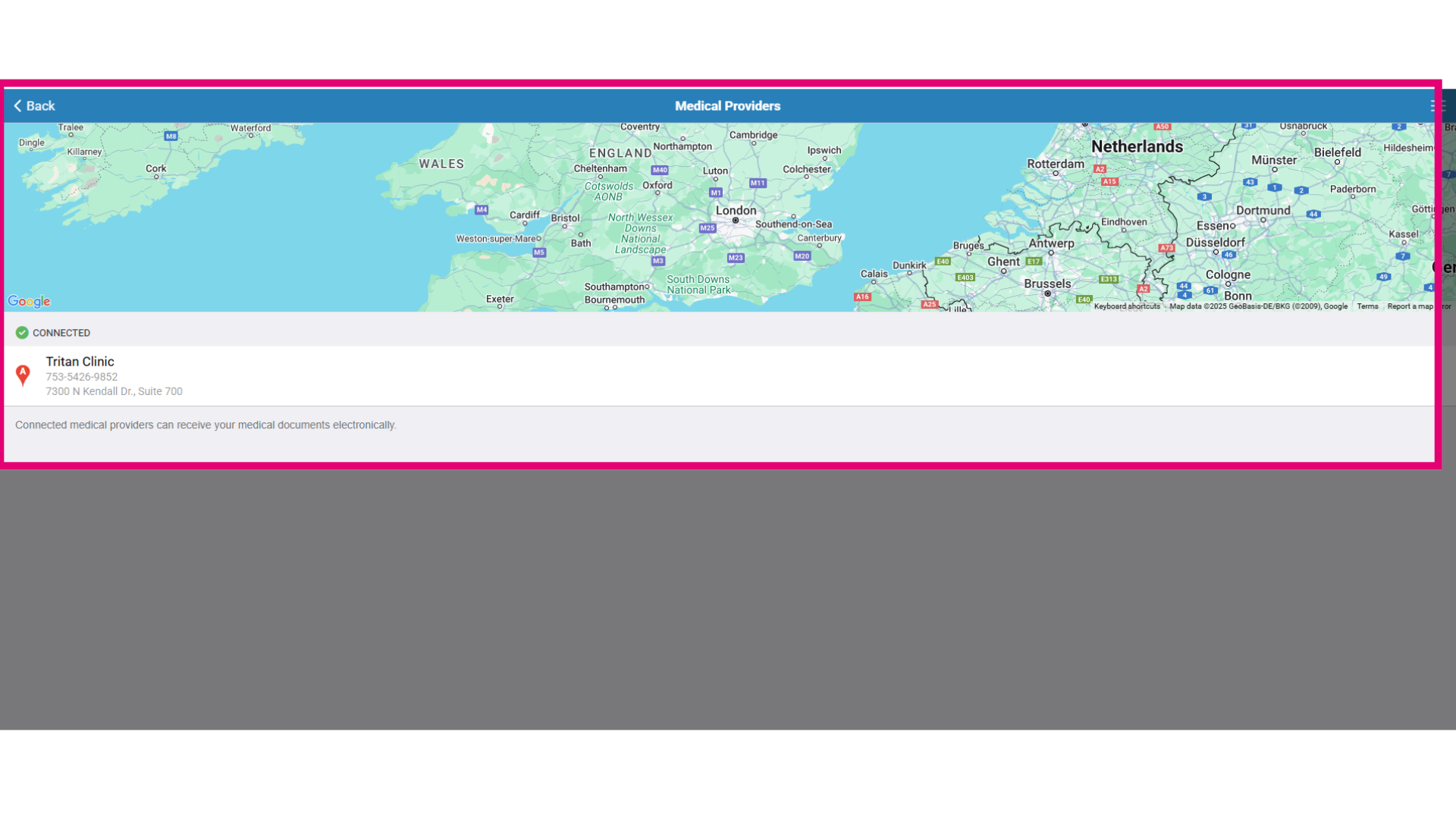
- Click on the provider for more details and contact information:
- View provider details (phone, email, address)
- Call the provider (if your device has a calling app)
- Email the provider
- Get the provider's address
- Schedule an appointment
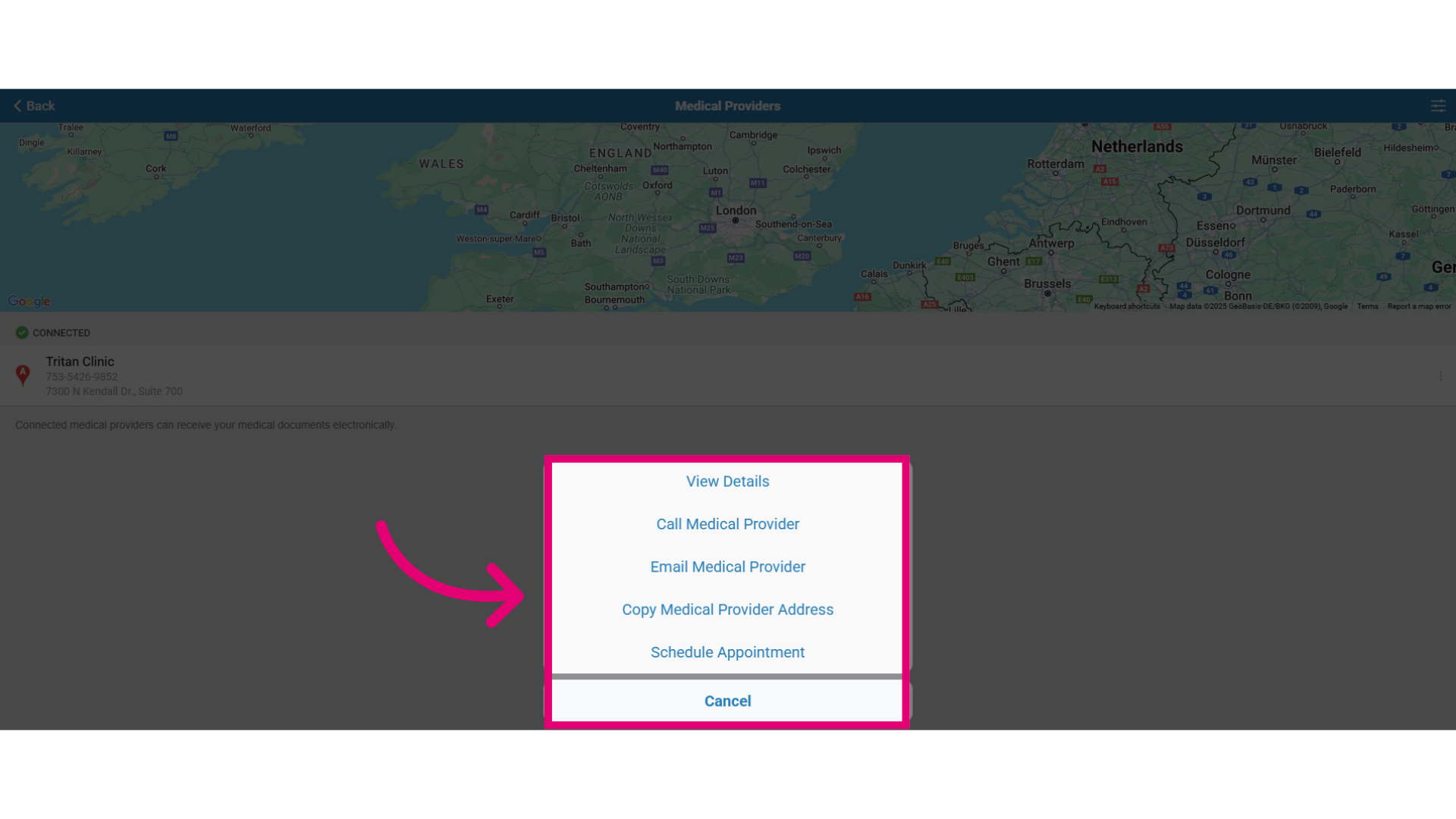
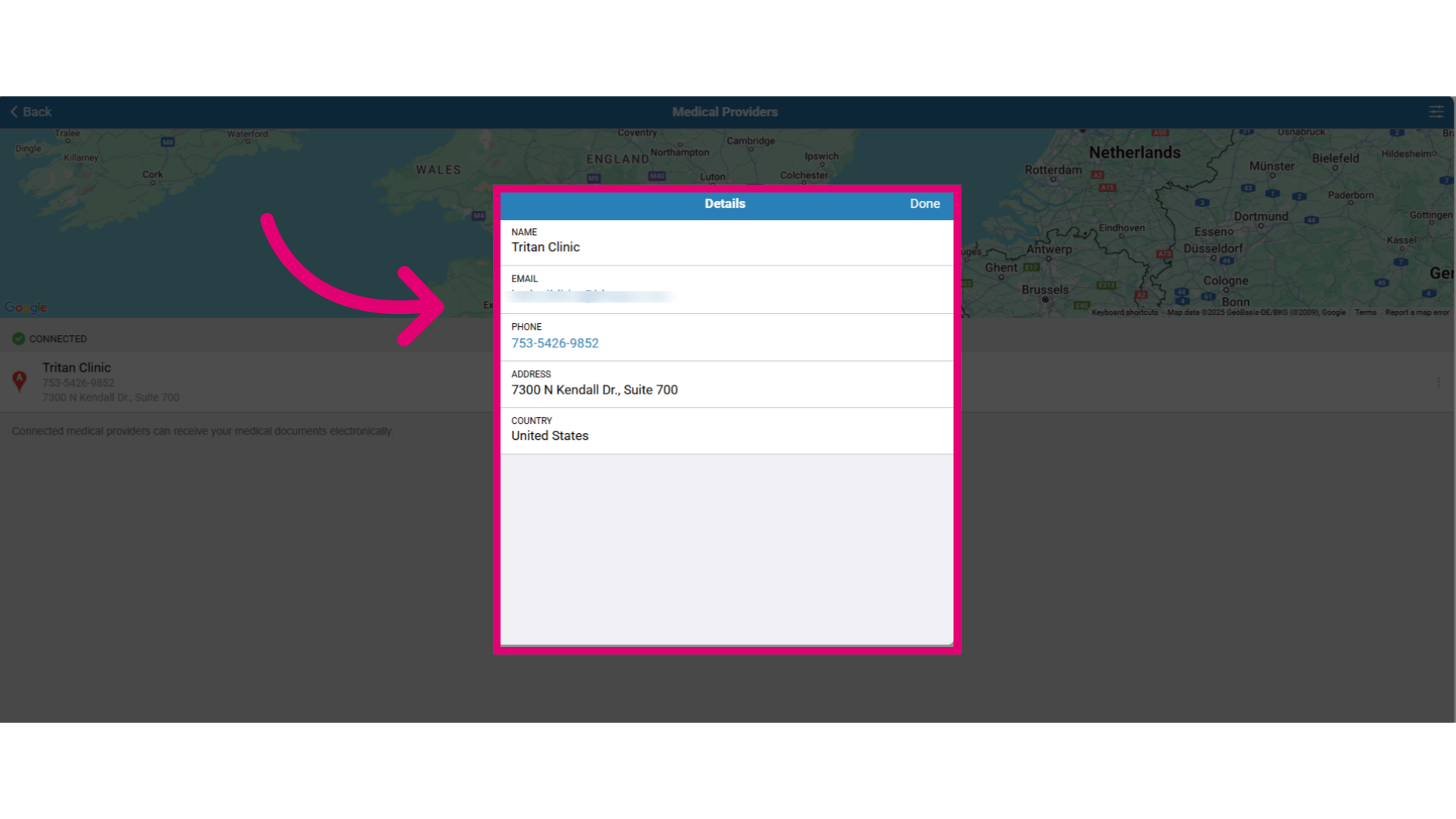
- Click on View Details to view:
- Provider's name
- Phone number
- Address
- Country