New article
Recently updated
Adding User Settings in the Admin Menu

Who is this article for?Users who want to add user settings in the Admin Menu
No elevated permissions are required.
This demonstration shows how to add user settings in the Admin Menu. User settings in Ideagen Maritime Health grant access to specific modules, each representing a different aspect of the platform. Access can be customised based on the user's roles. Follow these steps to ensure users can access the modules relevant to their tasks.
1. Adding User Settings in the Admin Menu
1.1. Video
1.2. Steps
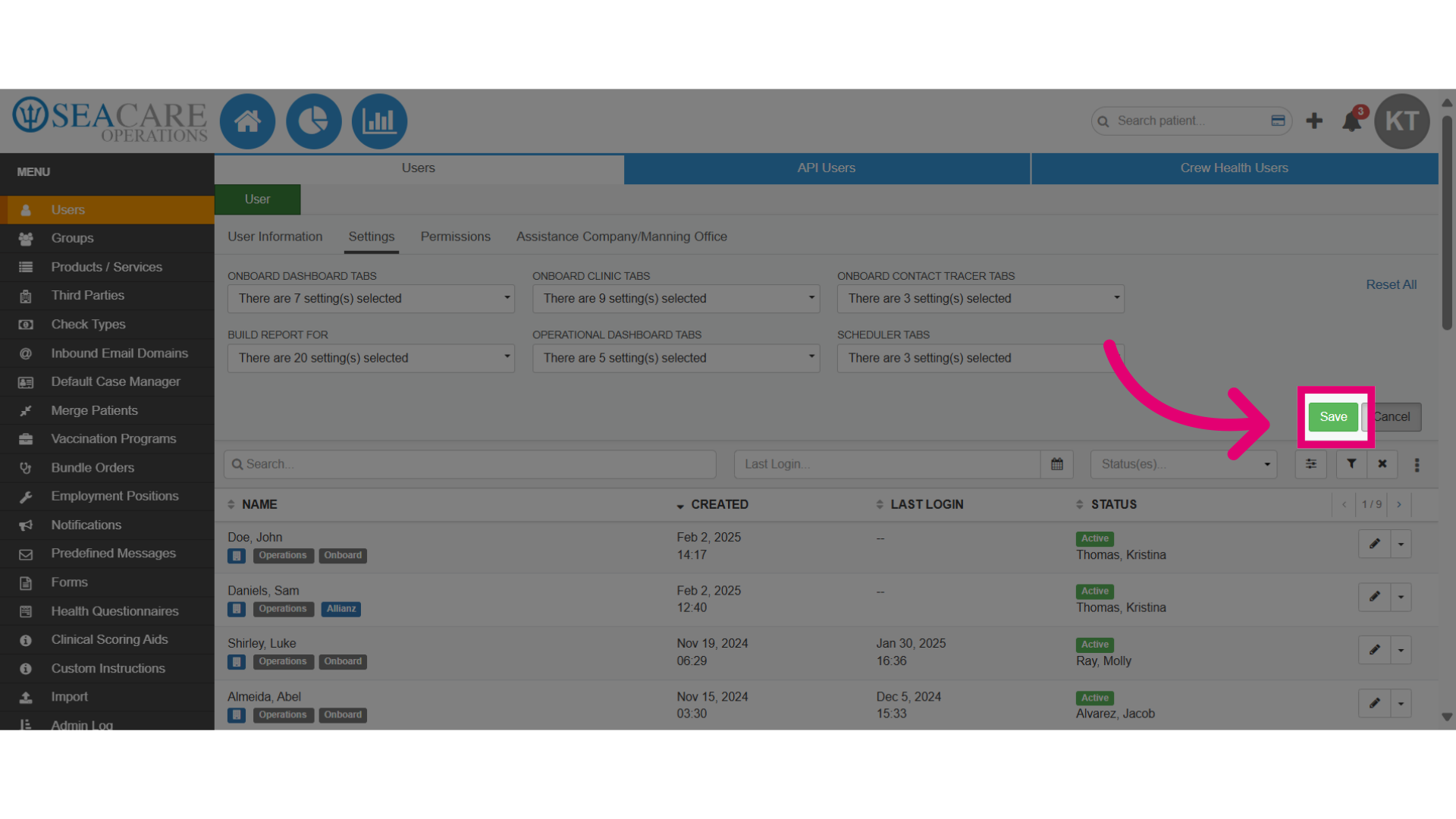
- Go to the Admin Menu then click on the Users section.
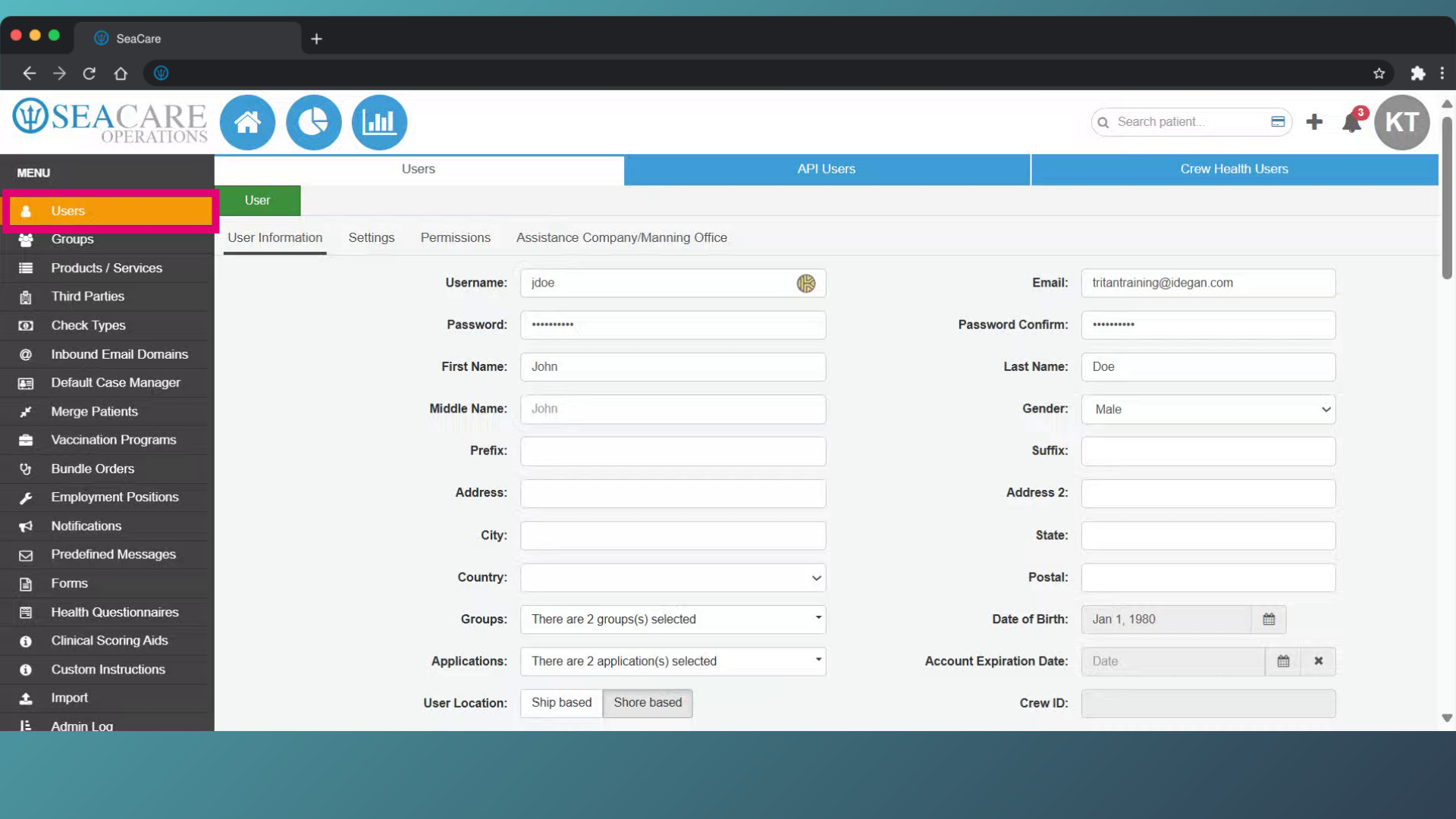
- Then, select the Settings tab.
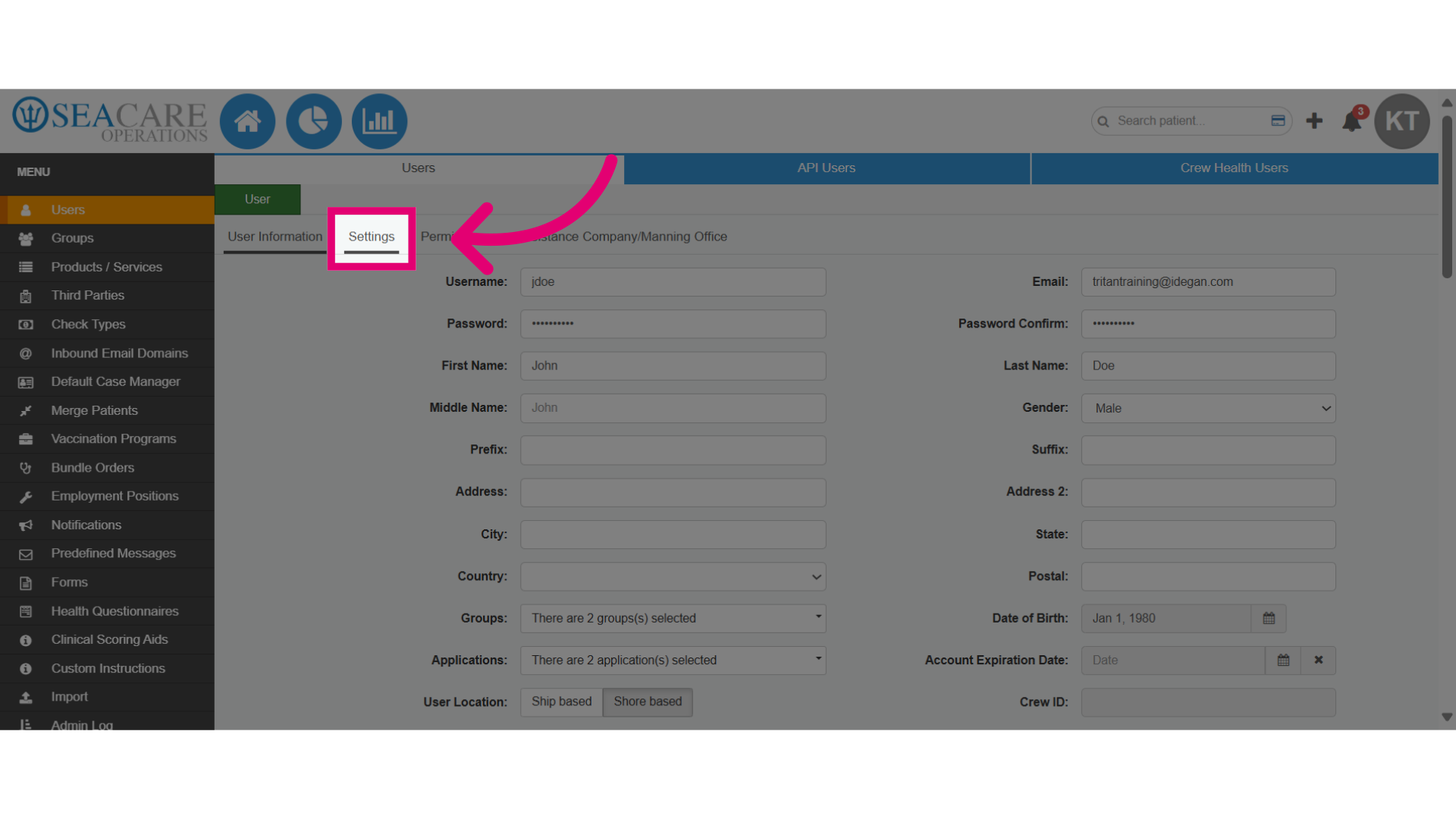
- Click on the tabs and select each individual one where the user is permitted to access and perform tasks in:
- Onboard Dashboard Tabs
- Onboard Clinic Tabs
- Onboard Contact Tracers Tabs
- Build Report For Tabs
- Operational Dashboard Tabs
- Scheduler Tabs
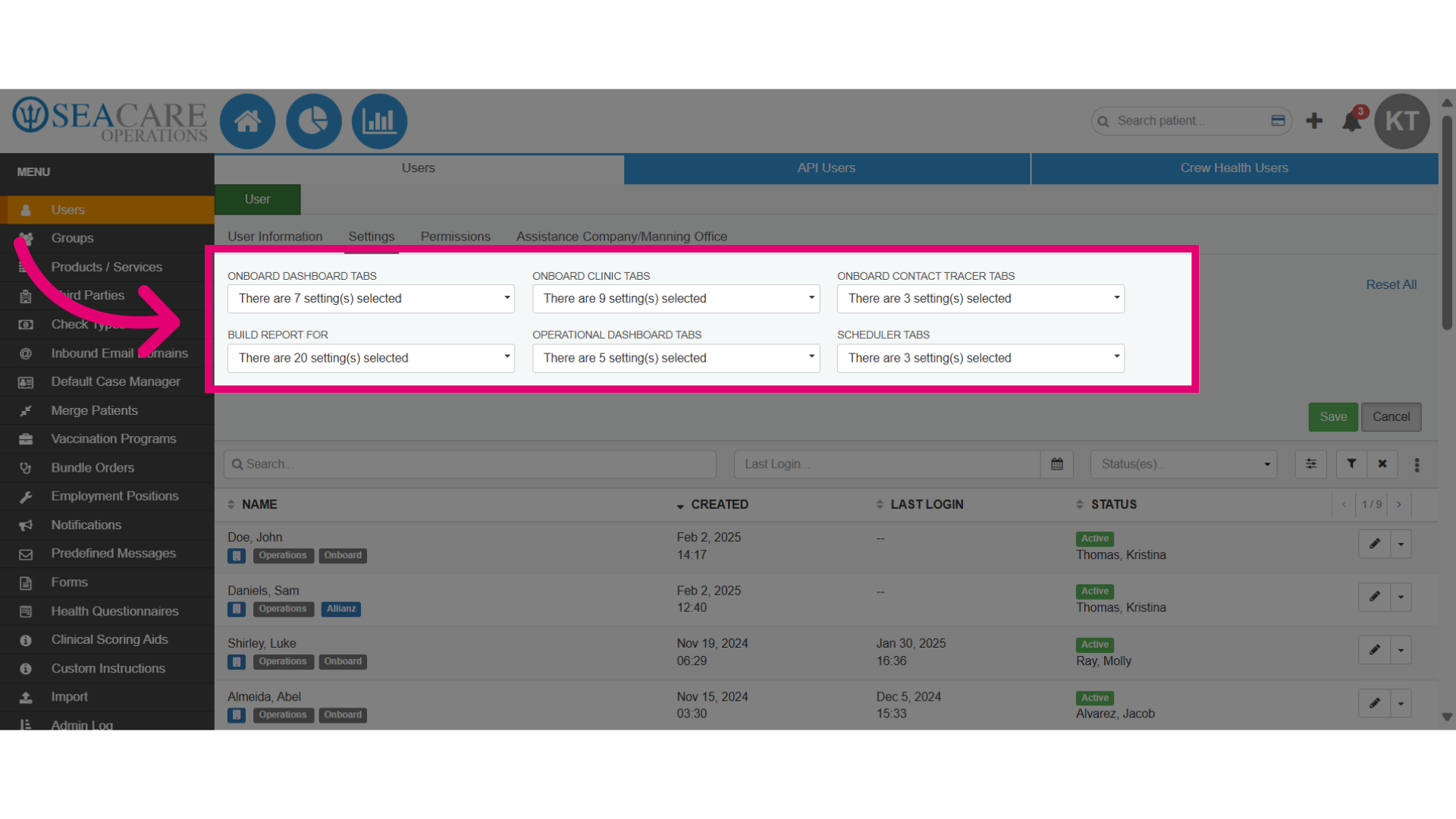
- Then Save your changes.