New article
Recently updated
Update SMFC Fitness in Health Information Exchange

Who is this article for?Users who want to update the SMFC Fitness in the Health Information Exchange.
No elevated permissions are required.
If a crew member's SeaFarer Medical Fitness Examination has expired, this can be updated via the Health Information Exchange module upon the completion of their medical examination for employment purposes aboard vessels. Consequently, updates to their fitness status can be completed in the PEME/SMFC section, where all expired or new SMFCs can be managed. The following steps will outline the procedure.
1. Update the SMFC Fitness in the Health Information Exchange.
1.1. Video
1.2. Steps
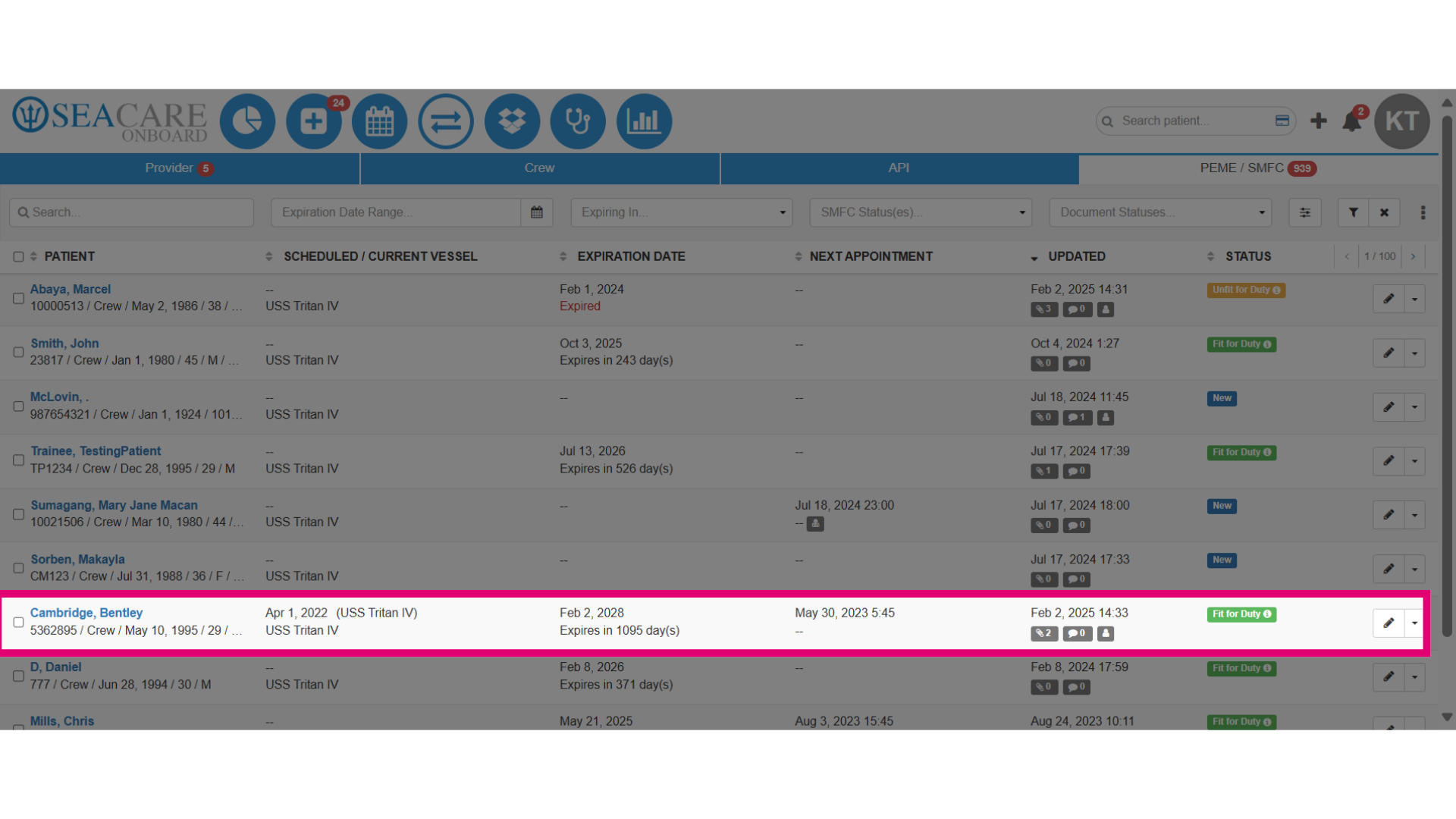
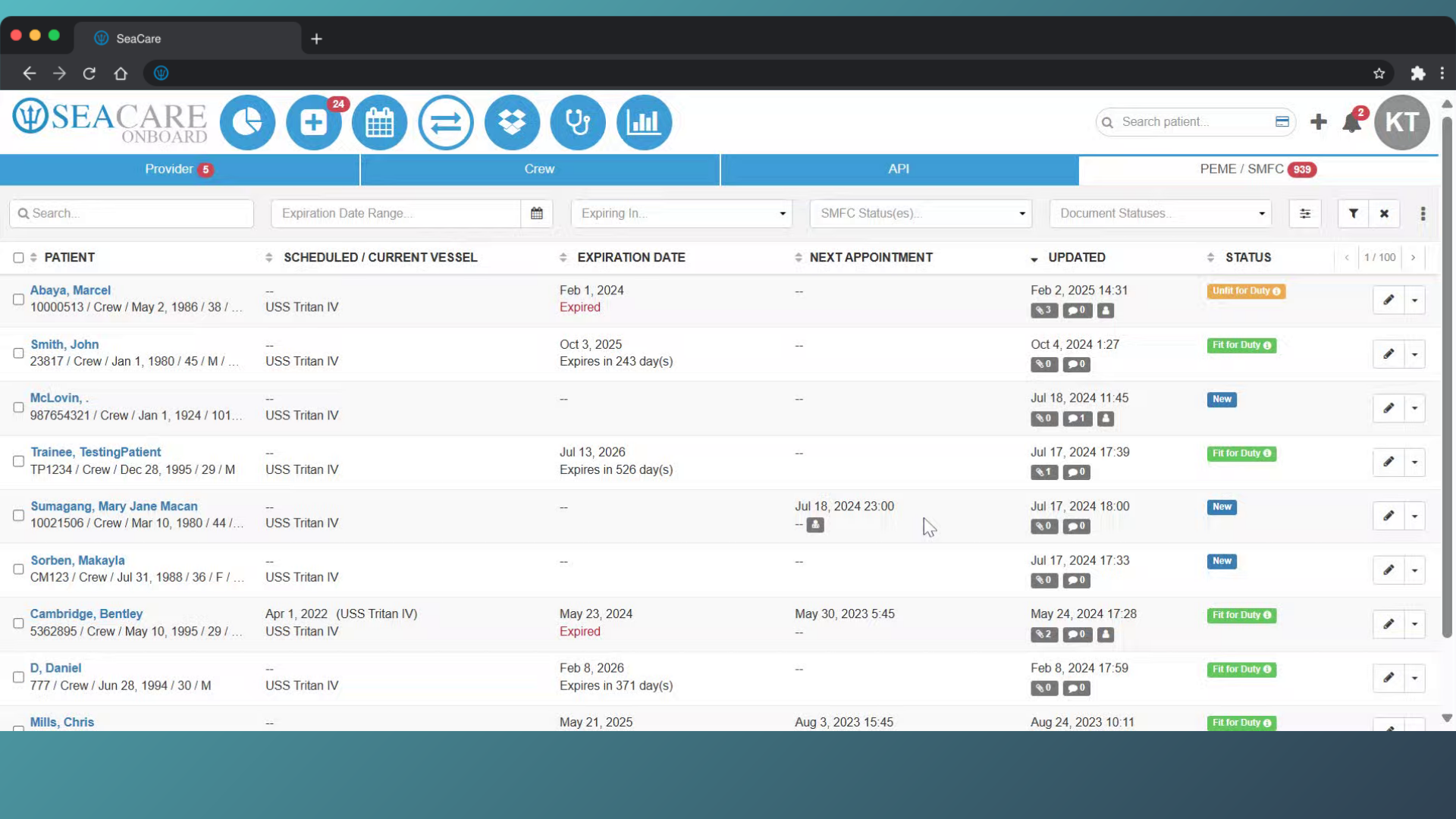
- Start in the PEME / SMFC tab of the Health Information Exchange module. Use filters for expiration date and SMFC Statuses to locate patients with expired, new, or soon-to-expire SMFCs.
- Check the Status column for fitness status, which may indicate:
- Fit for Duty - The crew member can work.
- Unfit for Duty - The crew member cannot work.
- New - A new or returning crew member pending a physical exam.
- Fit with Restrictions - The crew member can work with limitations.
- Check the Status column for fitness status, which may indicate:
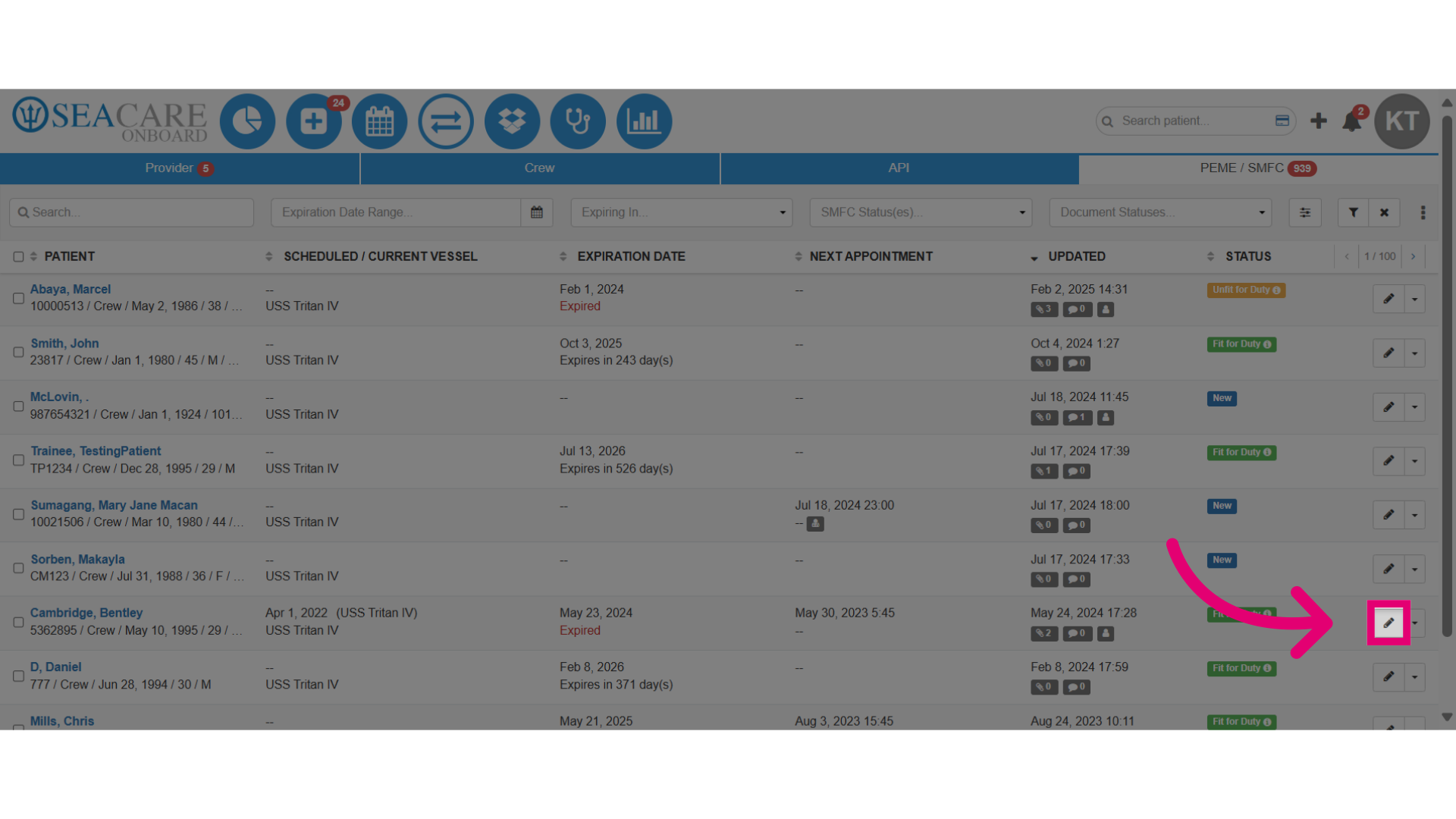
- Begin the process of updating a SMFC, locate the patient in the list then select the Actions edit button.
- Steps to update fitness:
- Choose based on fitness assessment results:
- Select Fit for Duty if fit.
- Select Unfit for Duty if not fit,
- Choose Fit for Duty after defects corrected if defects were found.
- Verify the expiration date and date of examination.
- Complete the required fields for the issuing authority and any optional fields.
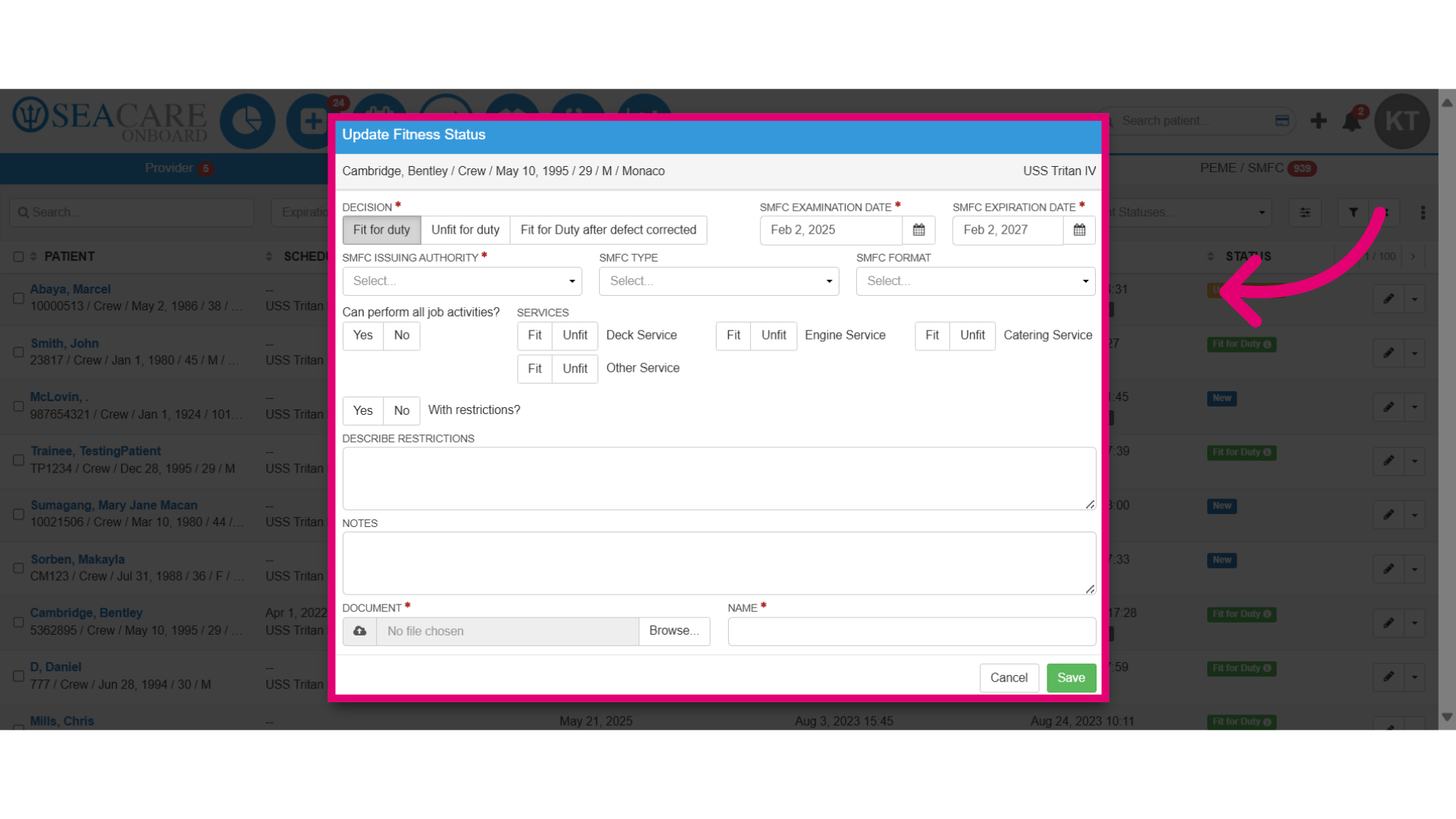
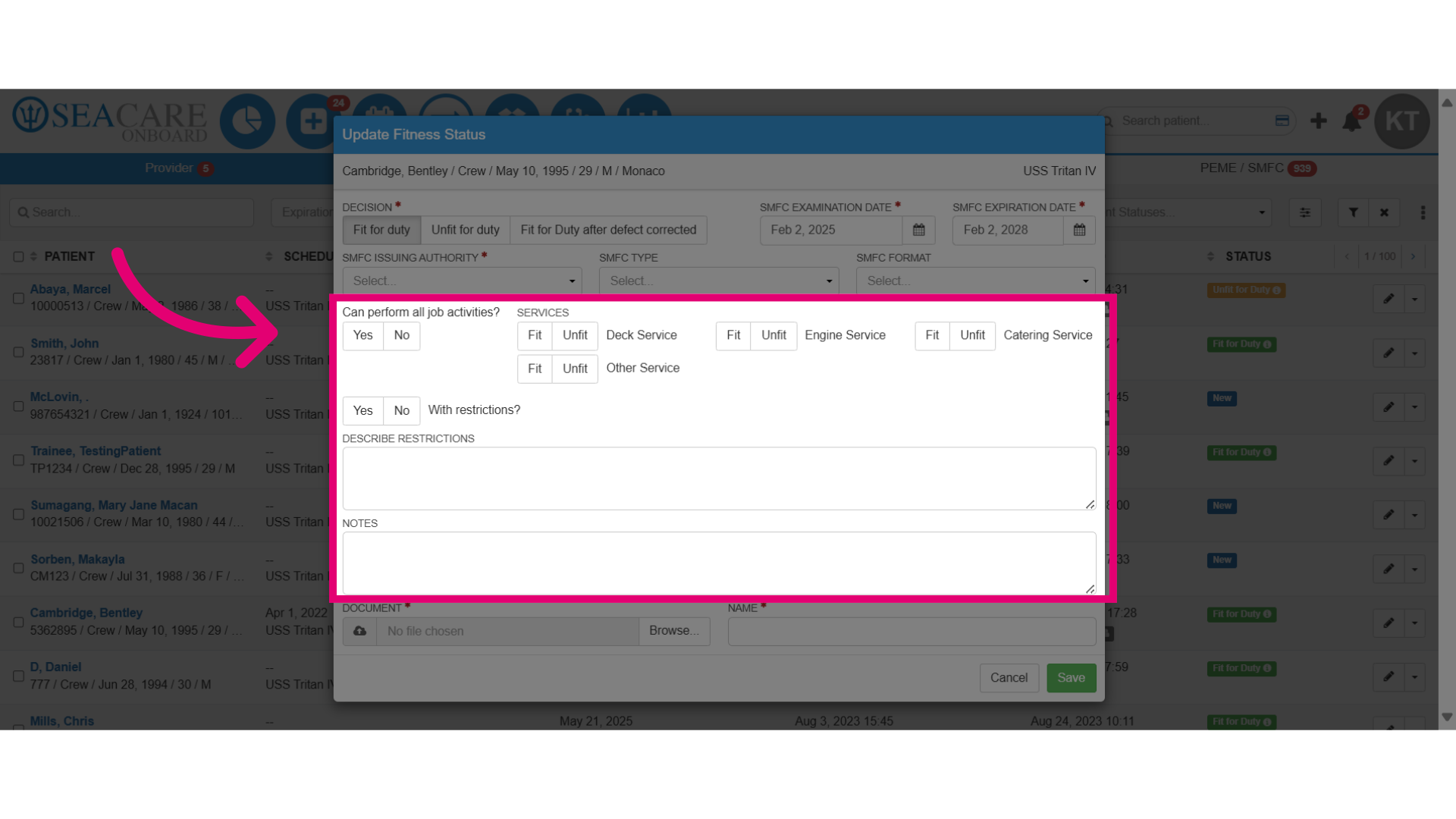
- If any restrictions are imposed regarding the responsibilities of crew members while performing on the job, include them in this section.
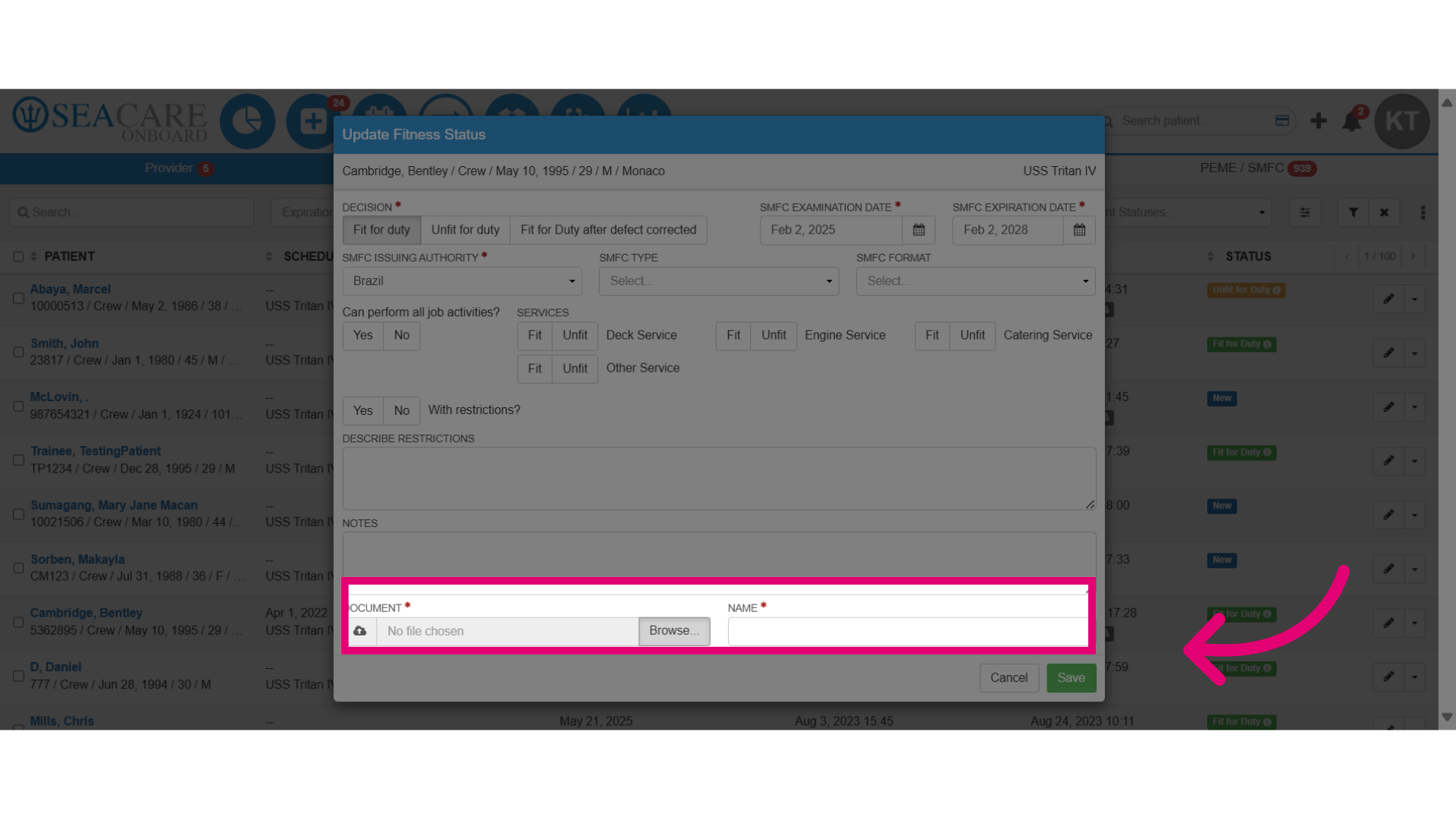
- Upload a copy of the SMFC certificate and manually add a name.
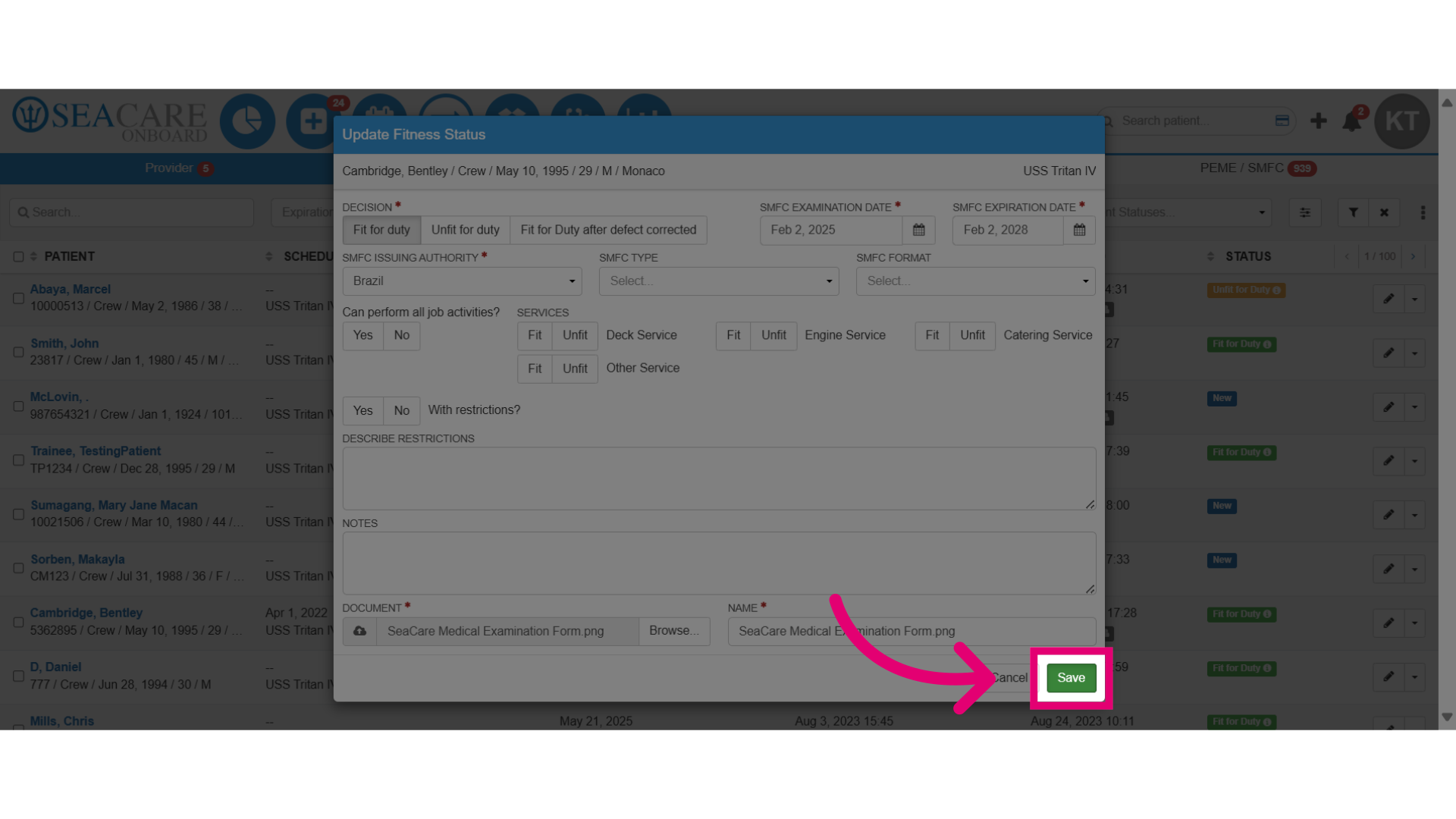
- Save the changes made.
- Review the updated fitness under the Status column for the patient in the list as Fit for Duty.