New article
Recently updated
Assigning patients in the Health Information Exchange

Who is this article for?Users who want to assign patients in the Health Information Exchange.
No elevated permissions are required.
Follow these steps for assigning patients to another user within the system who will manage reviewing the patient's documents in the Health Information Exchange.
1. Assigning patients in the Health Information Exchange
1.1. Video
1.2. Steps
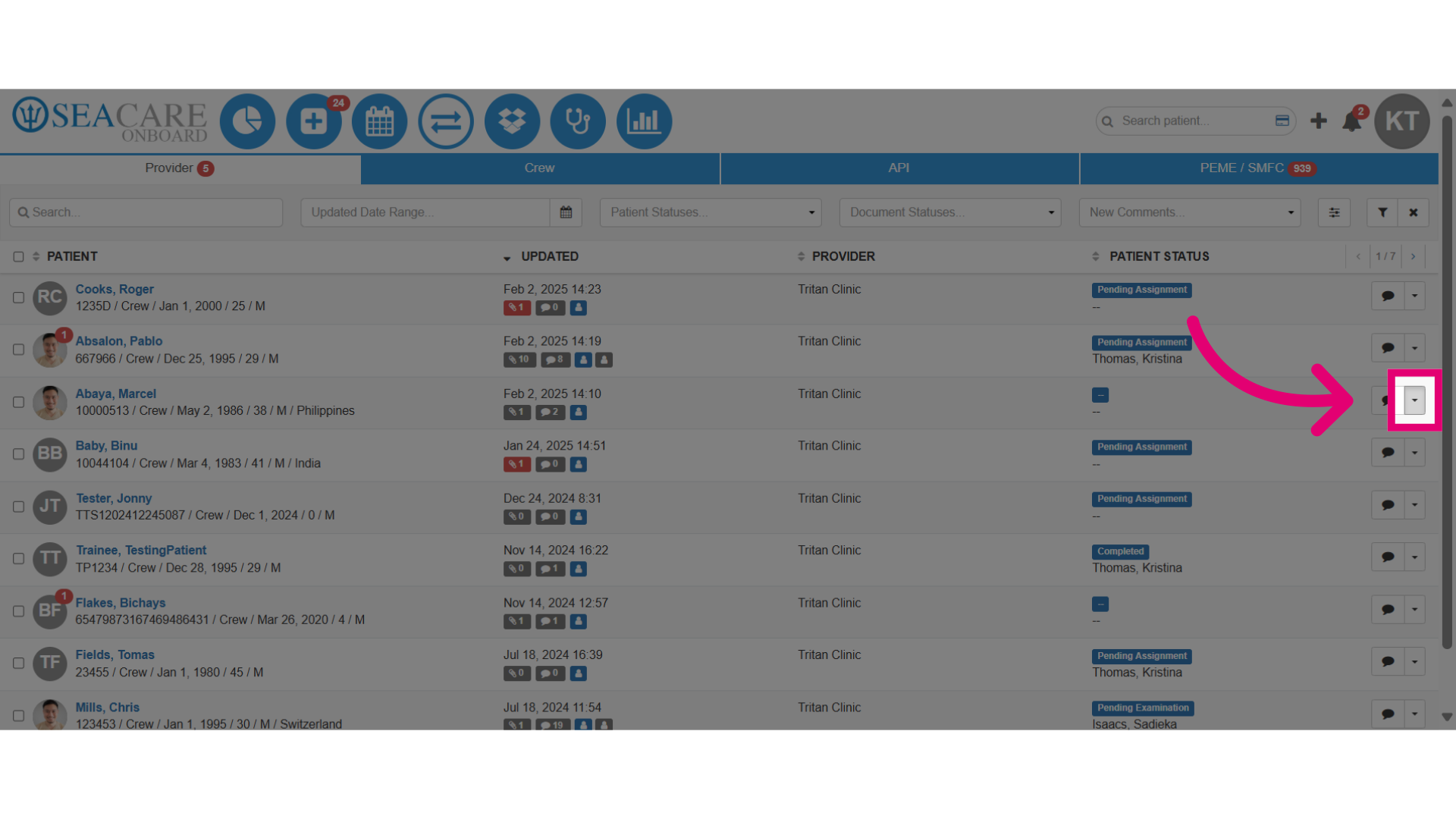
- Locate the patient and select the Actions button
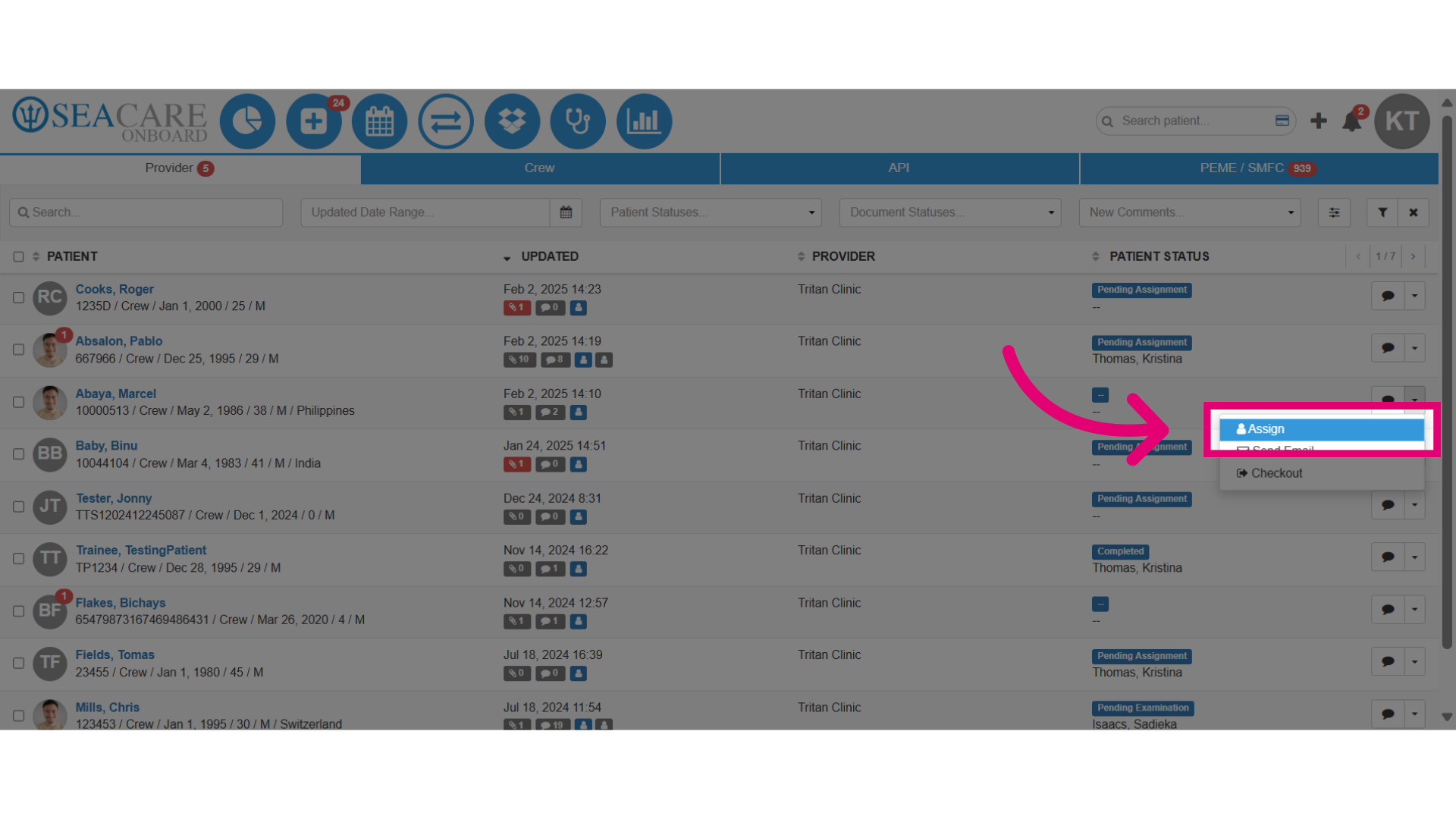
- Then, select Assign to proceed with the patient assignment process.
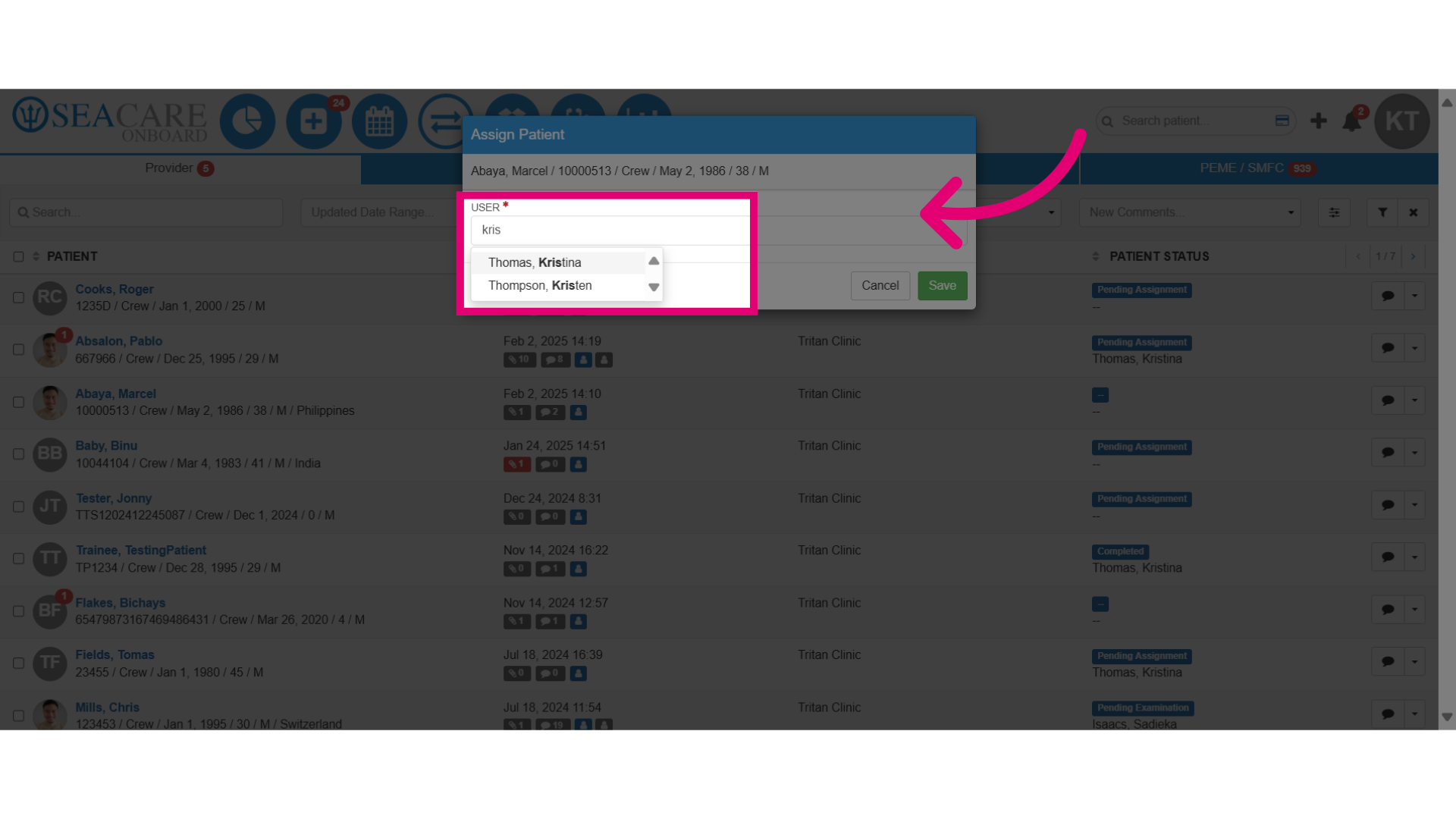
- Enter the user's name in the search field.
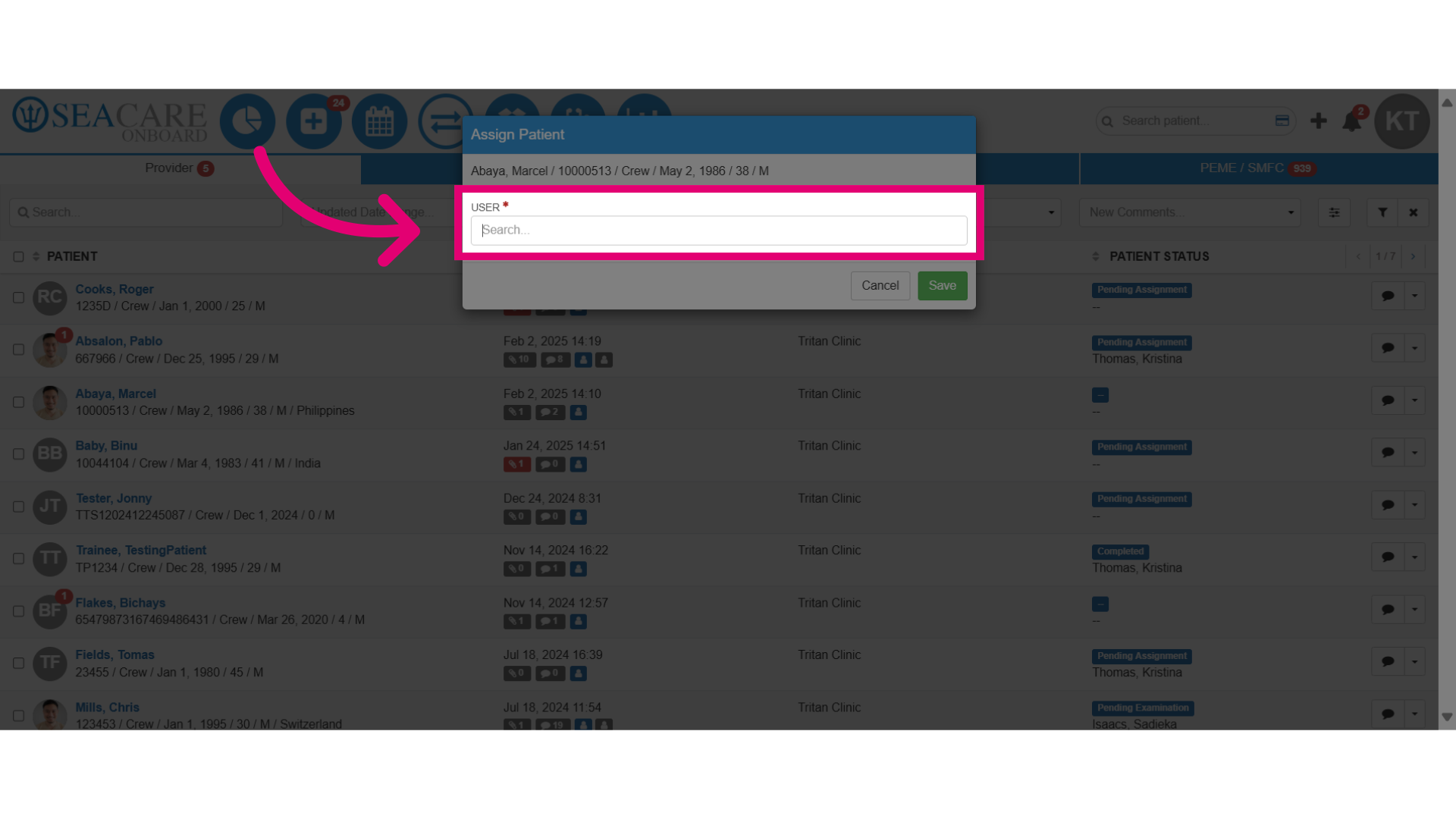
- Select the user from the search results.
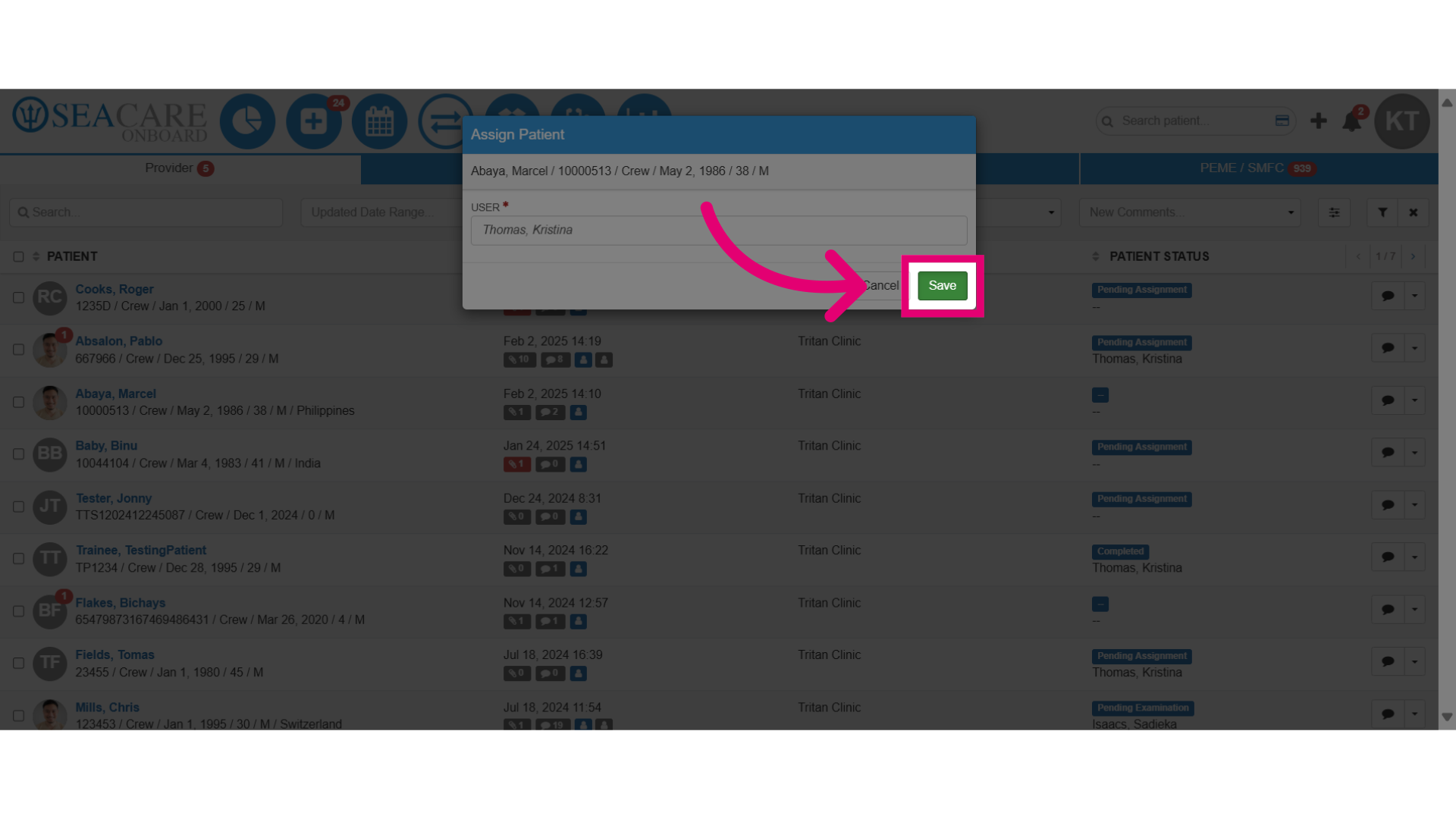
- Click Save to save the assignment.
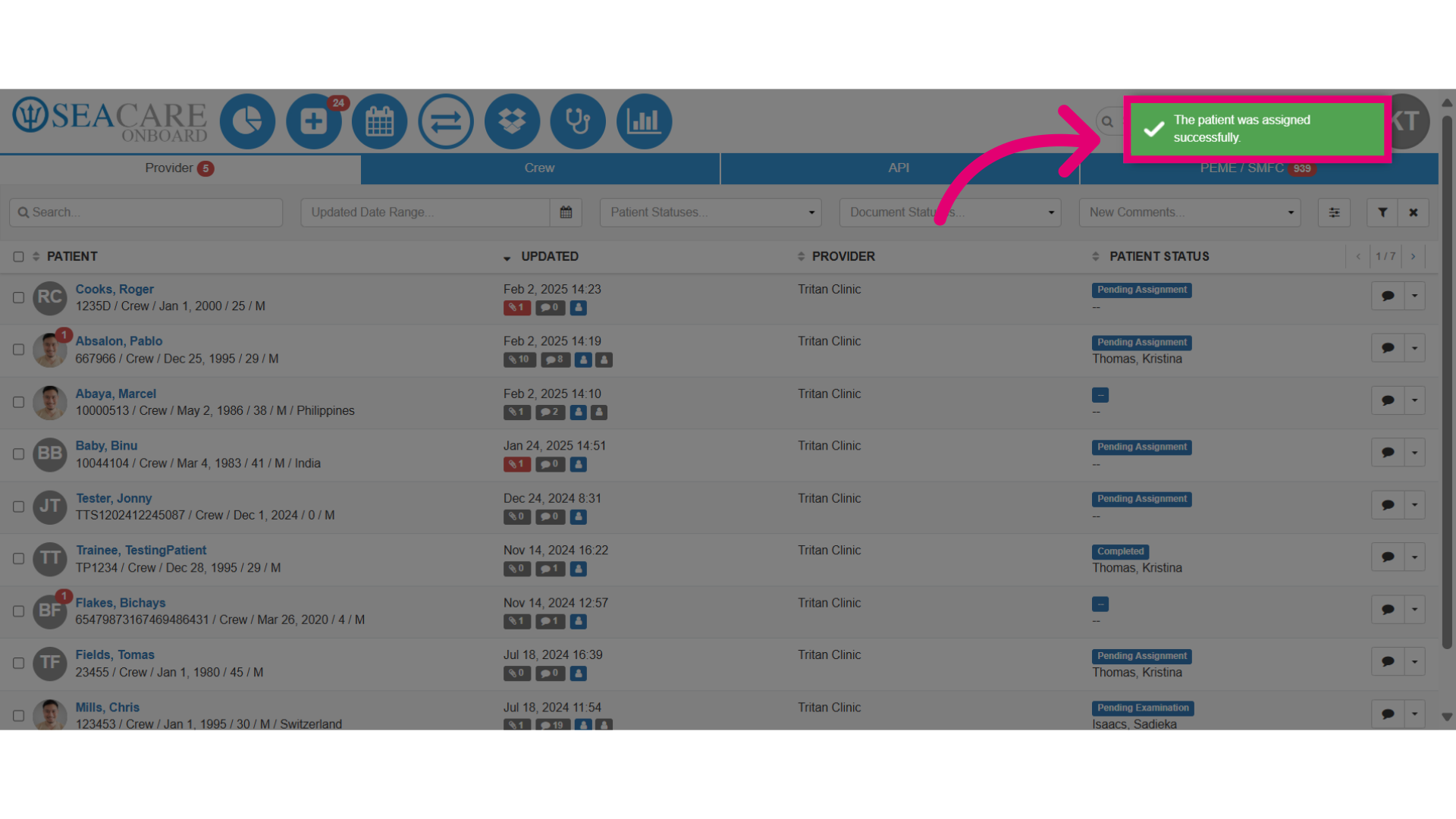
- Confirm the successful assignment by viewing the confirmation message.
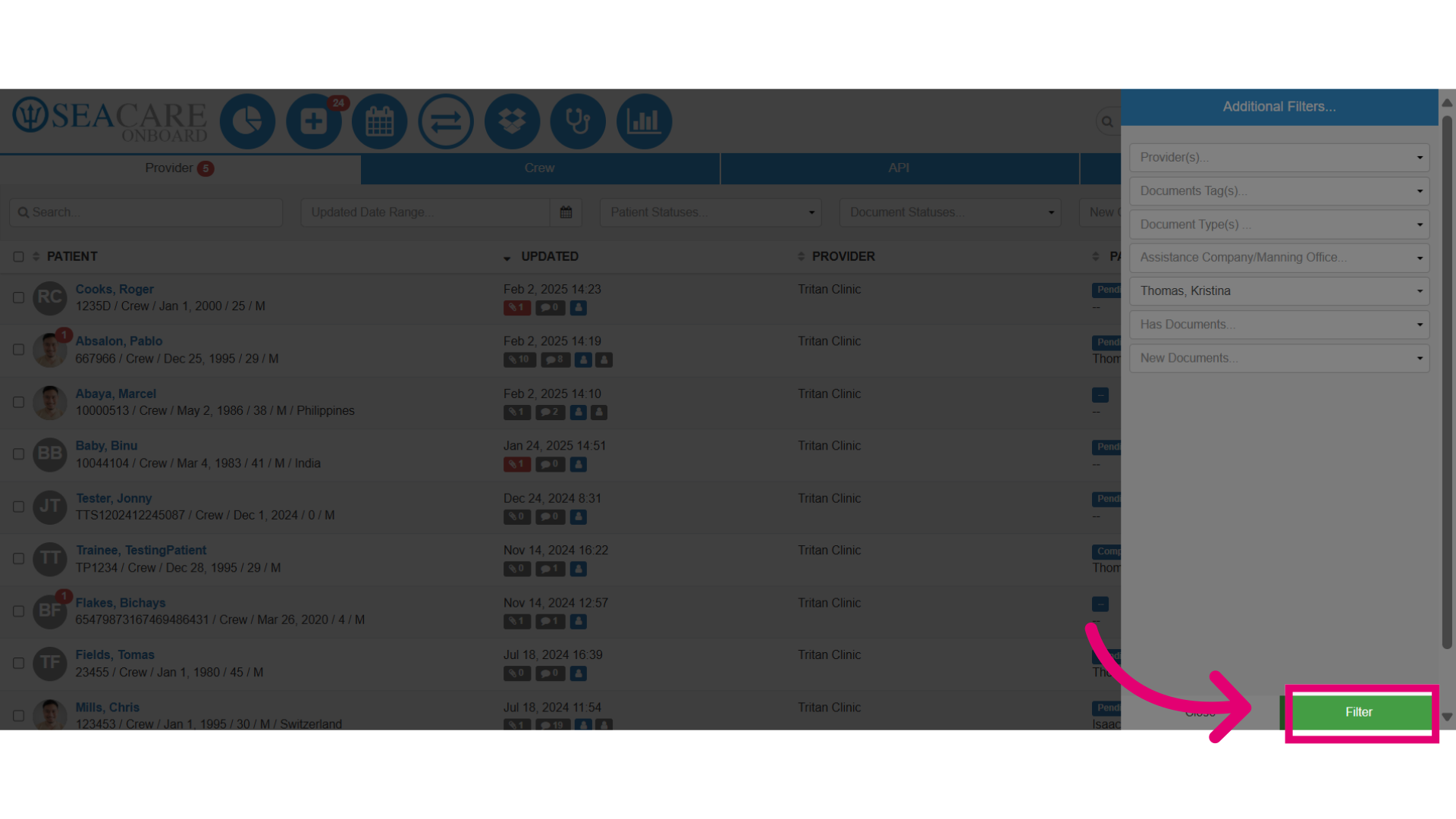
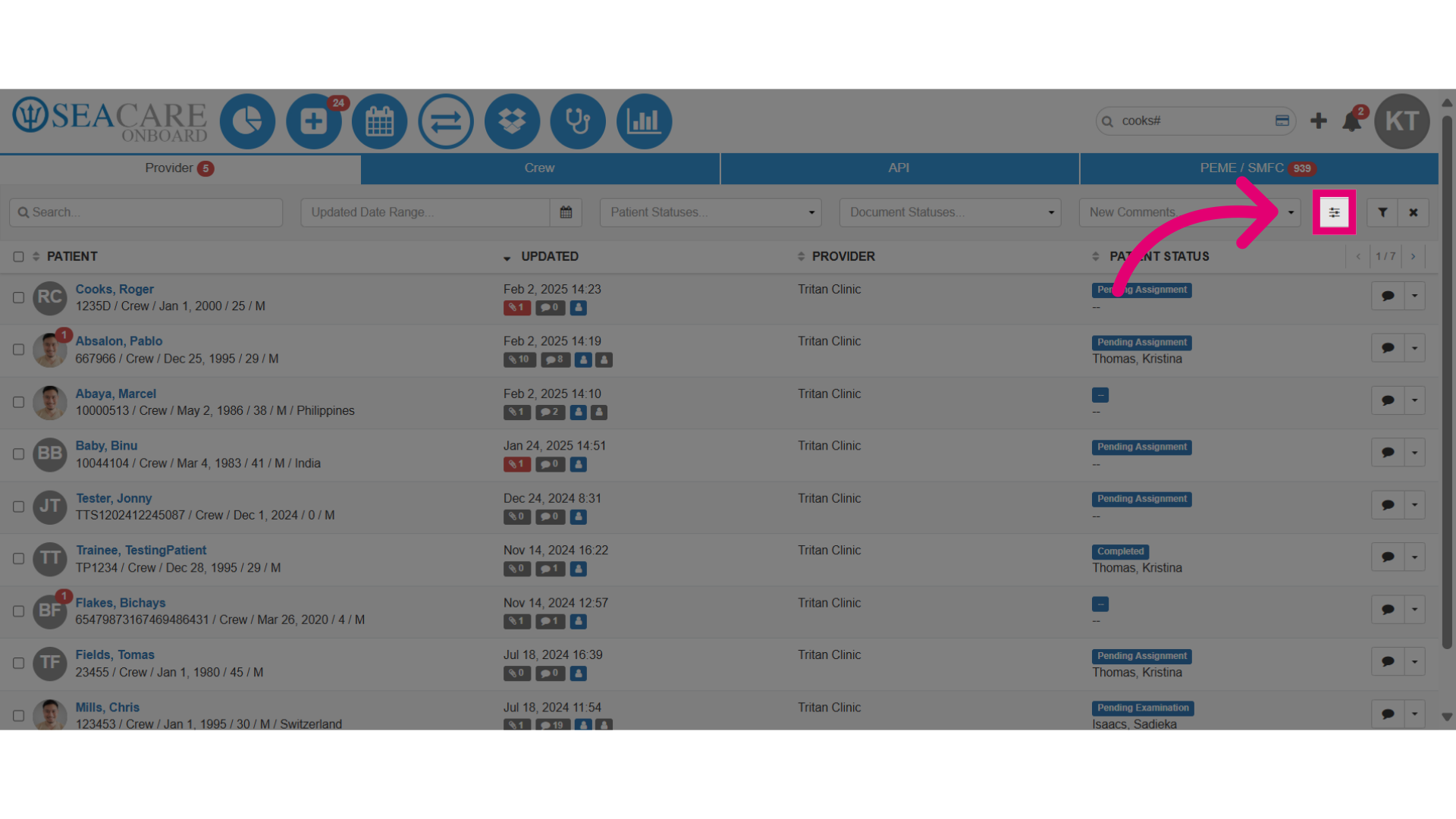
- Click the Additional filters button to view patients assigned to specific users.
- Assign the patient to a specific team member.
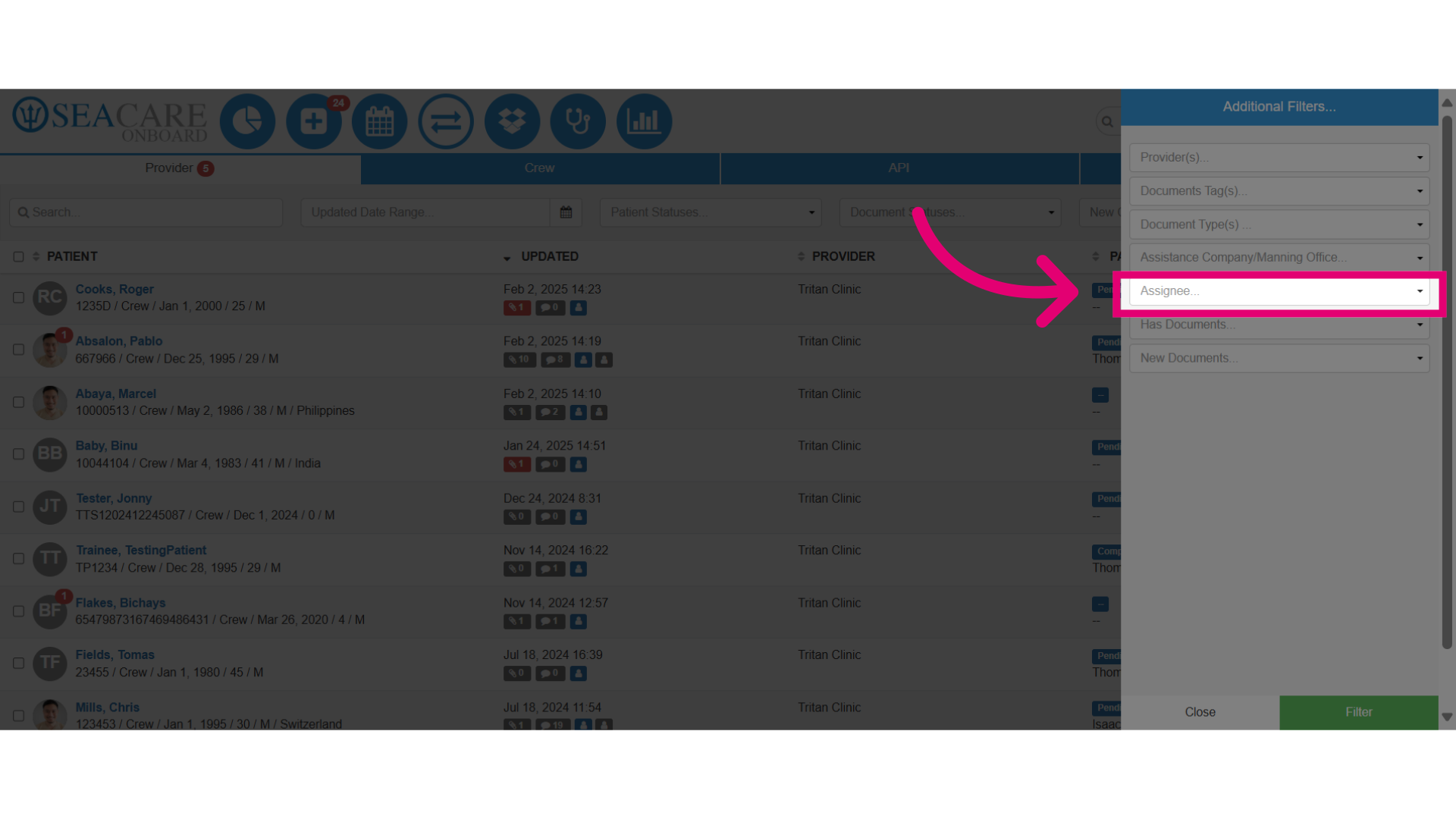
- Filter the patient list to show all patients assigned to this user.