New article
Recently updated
Reviewing new comments in the Health Information Exchange

Who is this article for?Users who want to review new comments in the Health Information Exchange.
No elevated permissions are required.
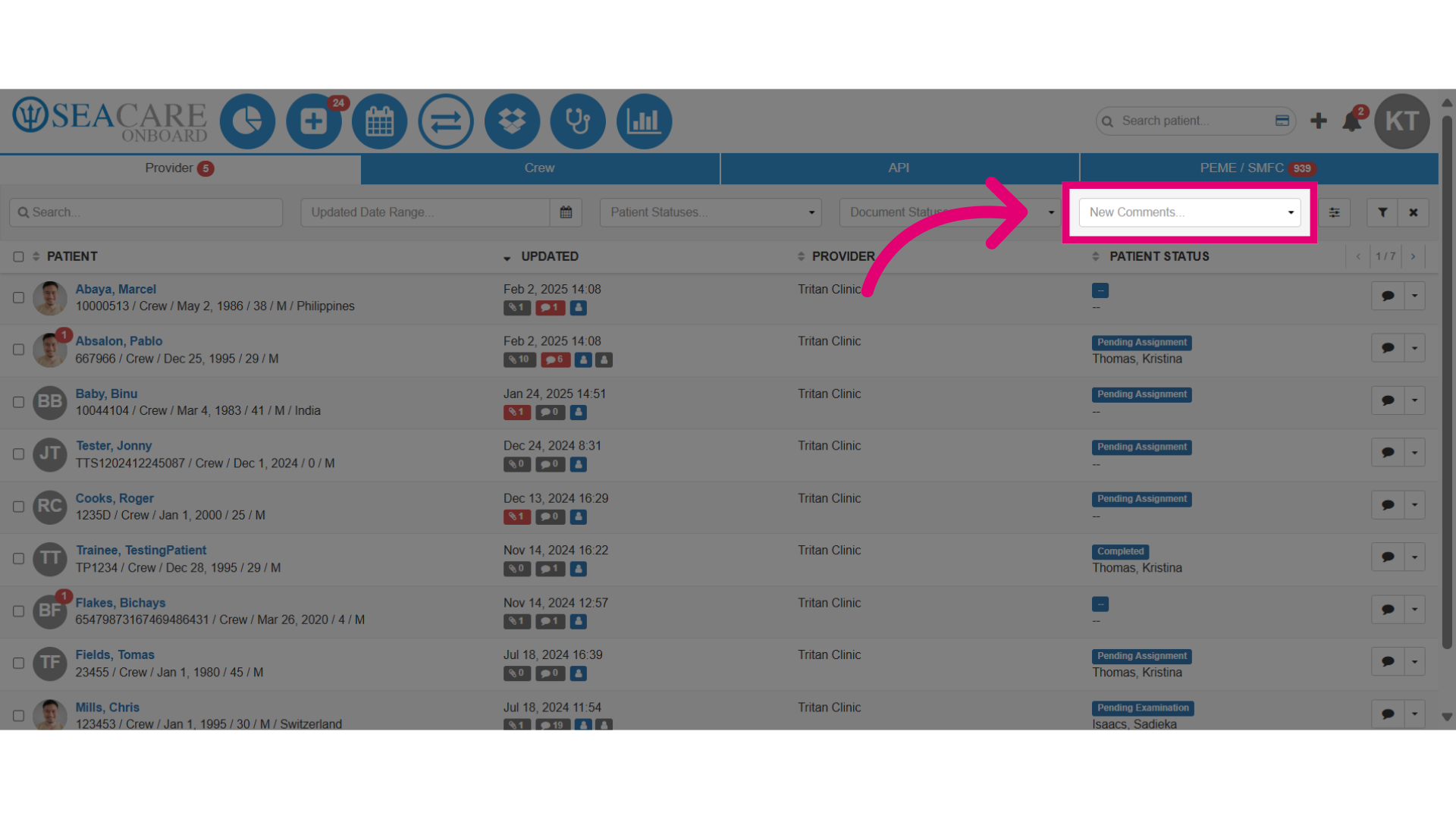
In the Health Information Exchange module, you can view comments from providers for patients. Use the "New Comments" filter to list patients with new comments.
1. Reviewing documents in the Health Information Exchange
1.1. Video
1.2. Steps
- Use the New Comment filter to find documents with unread comments quickly.
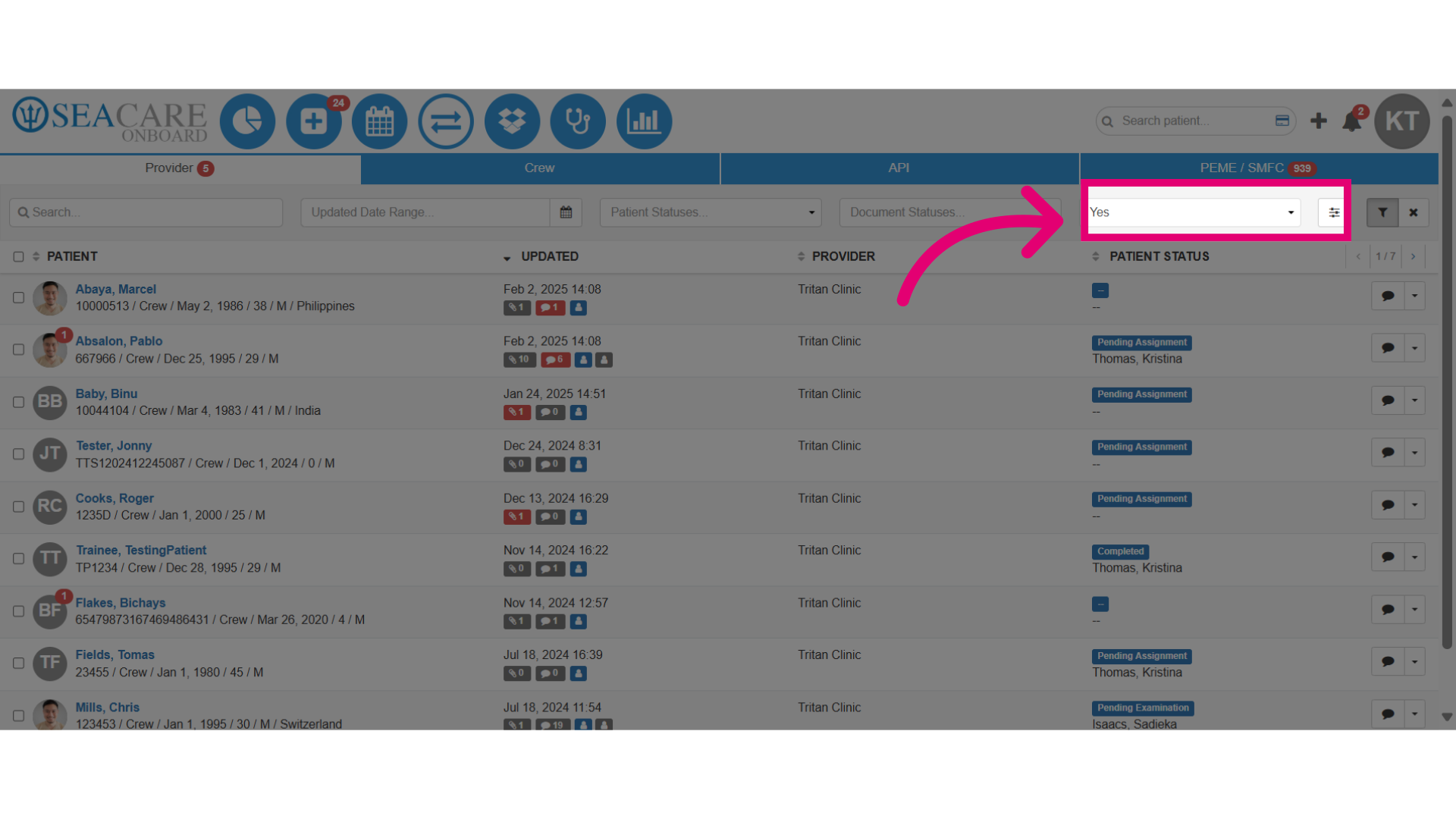
- Select the Yes option to search.
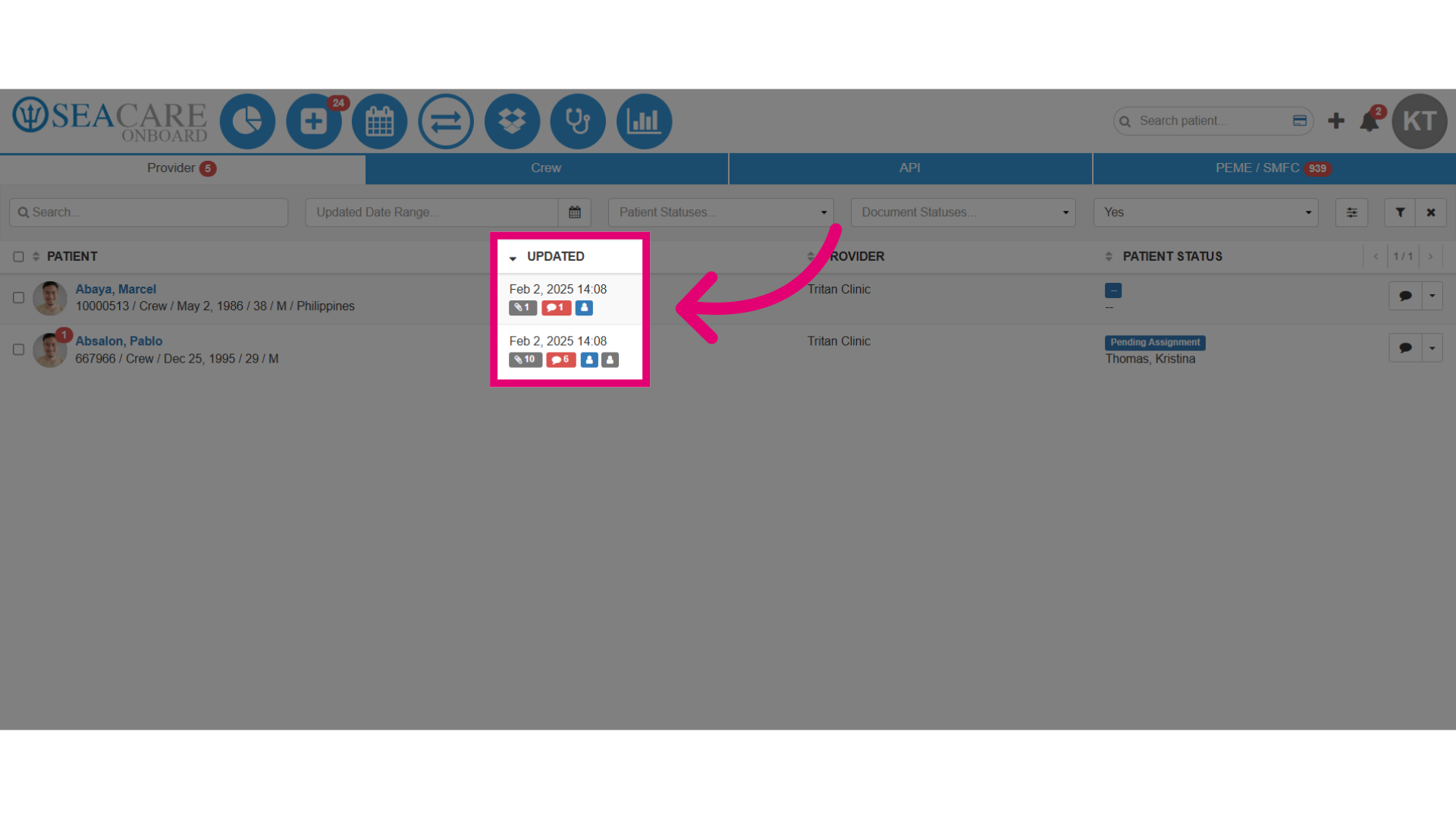
- Patients with unread comments are displayed, along with details of new comments:
- New unread comments are marked with a red comment bubble icon in the Updated column.
- The red comment bubble icon shows that a provider or internal team member has added a new comment for a patient's document.
- The count of new unread comments is also shown.
- Click the comment icon to view details and/or reply.
- Click on the comment bubble icon to open the Comments section and view the details.
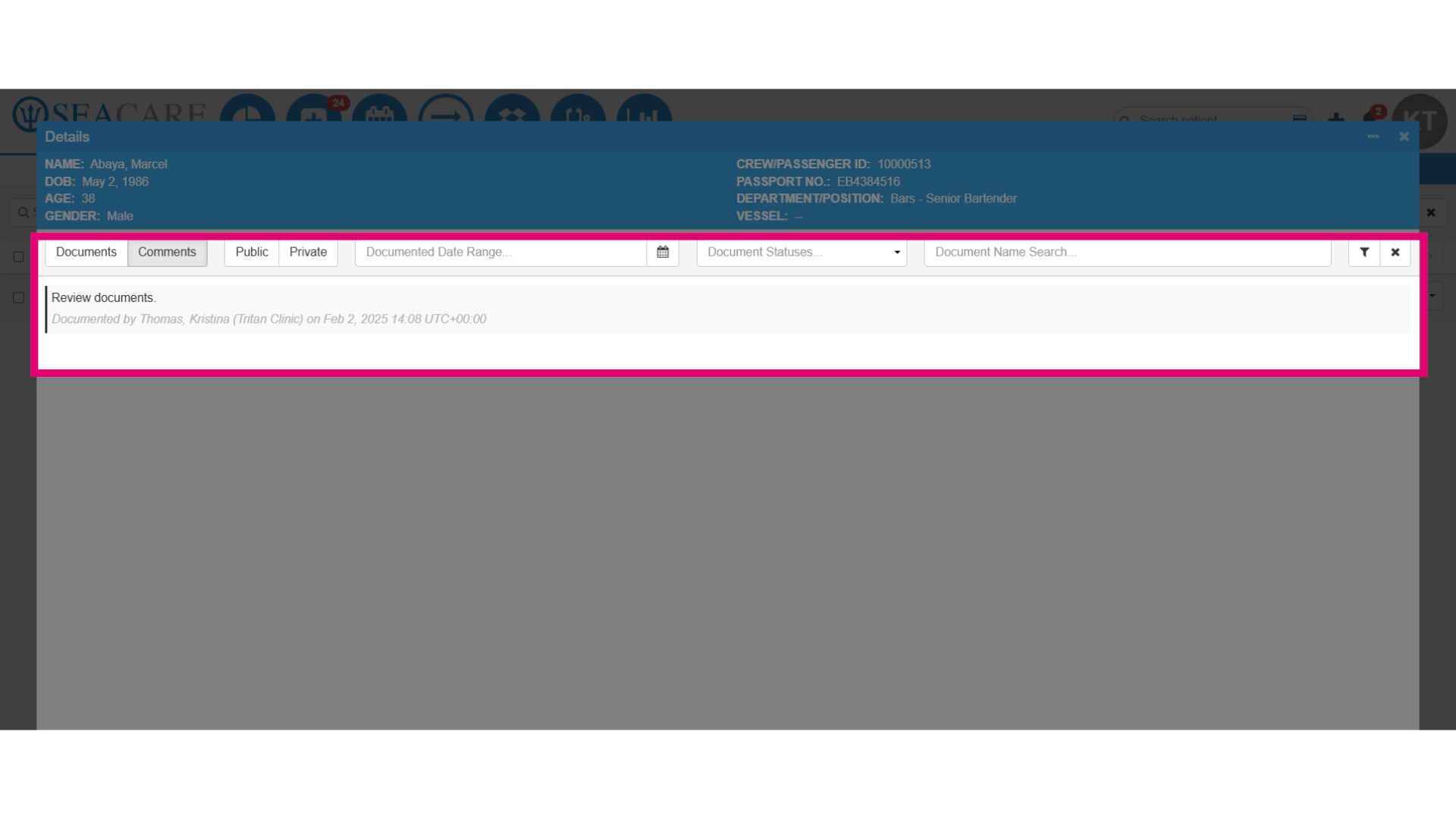
- To reply to the comment, click the More Options button at the top of the window.
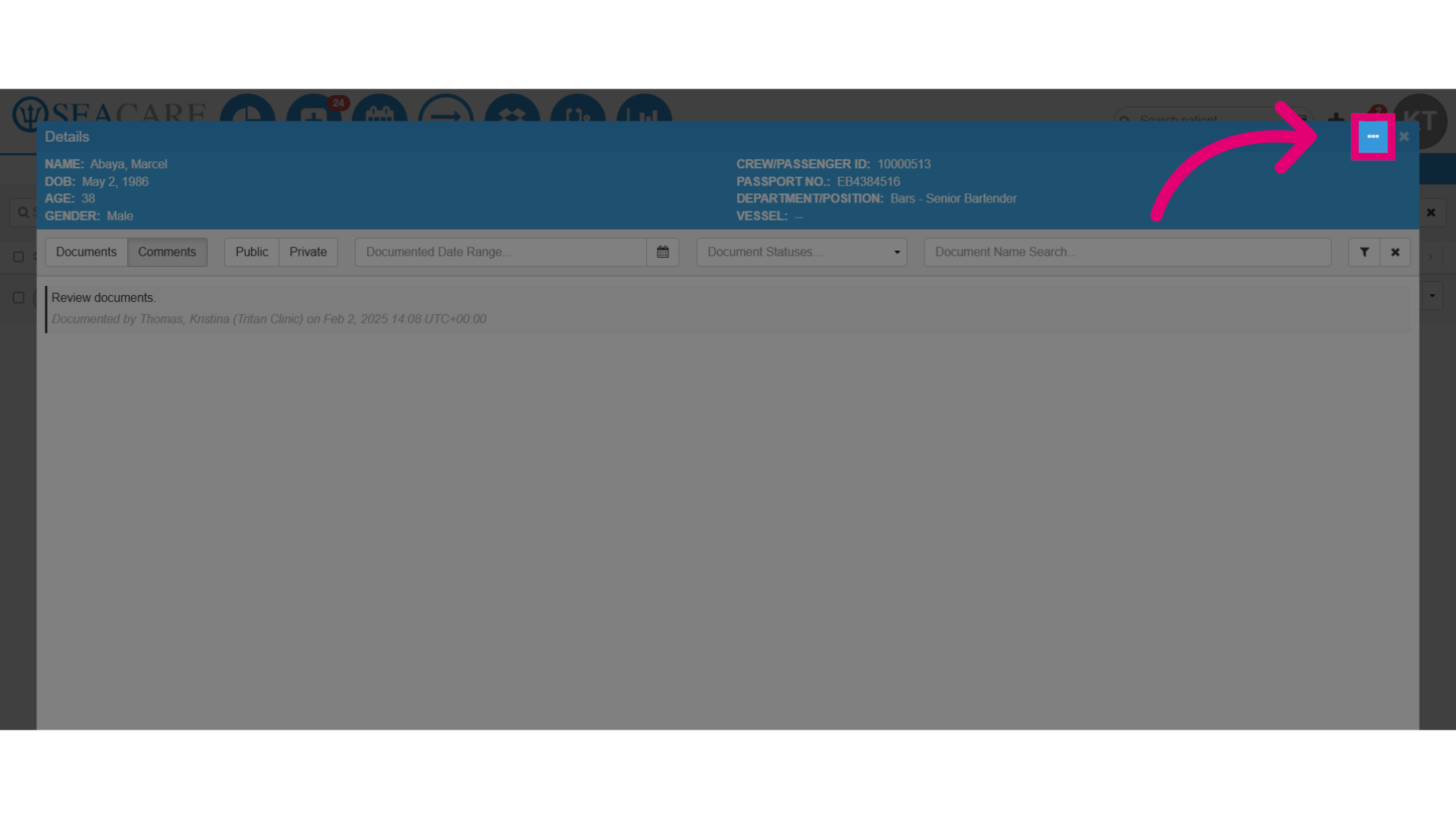
- Select Add Comments.
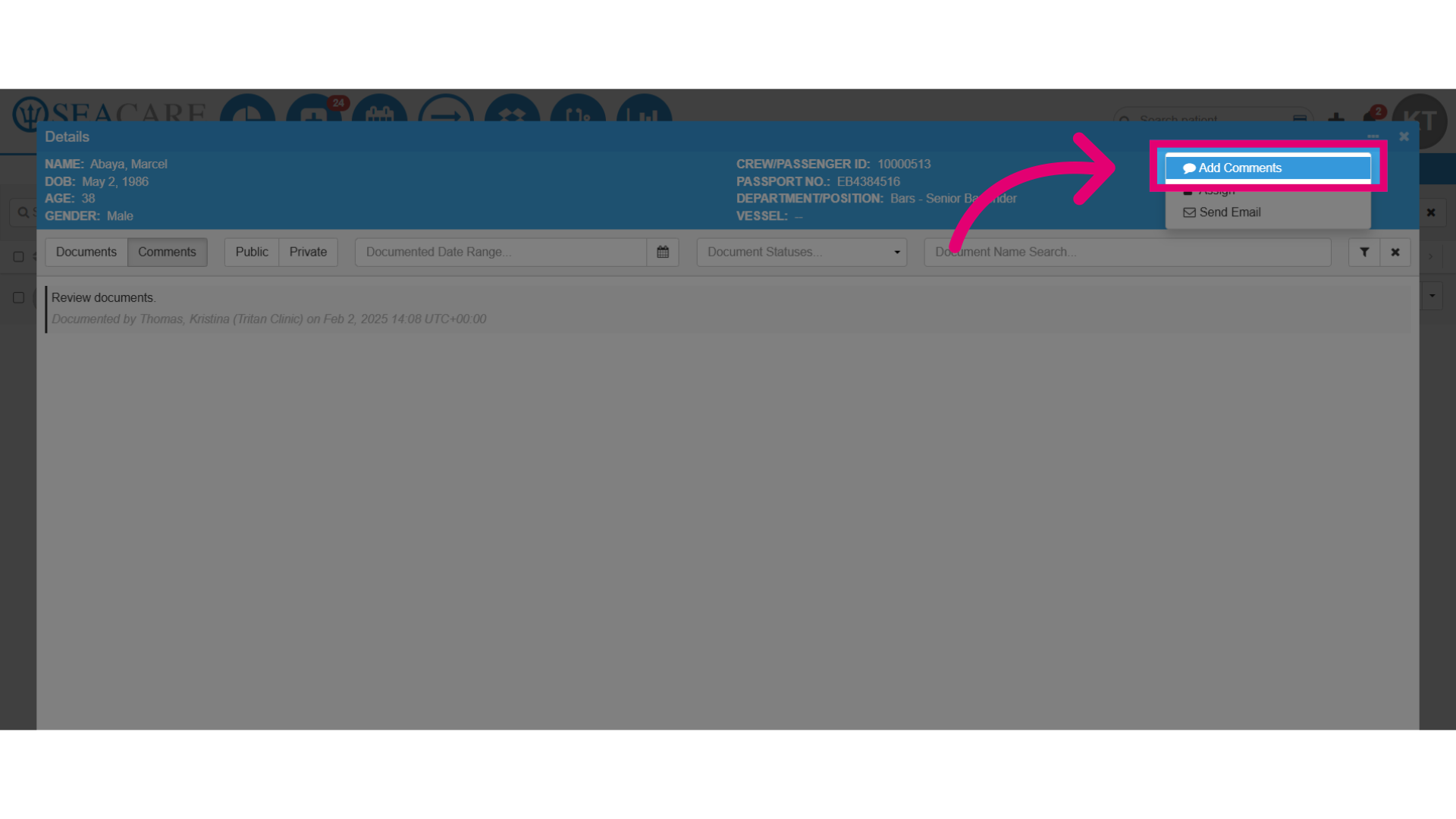
- Enter the comment details.
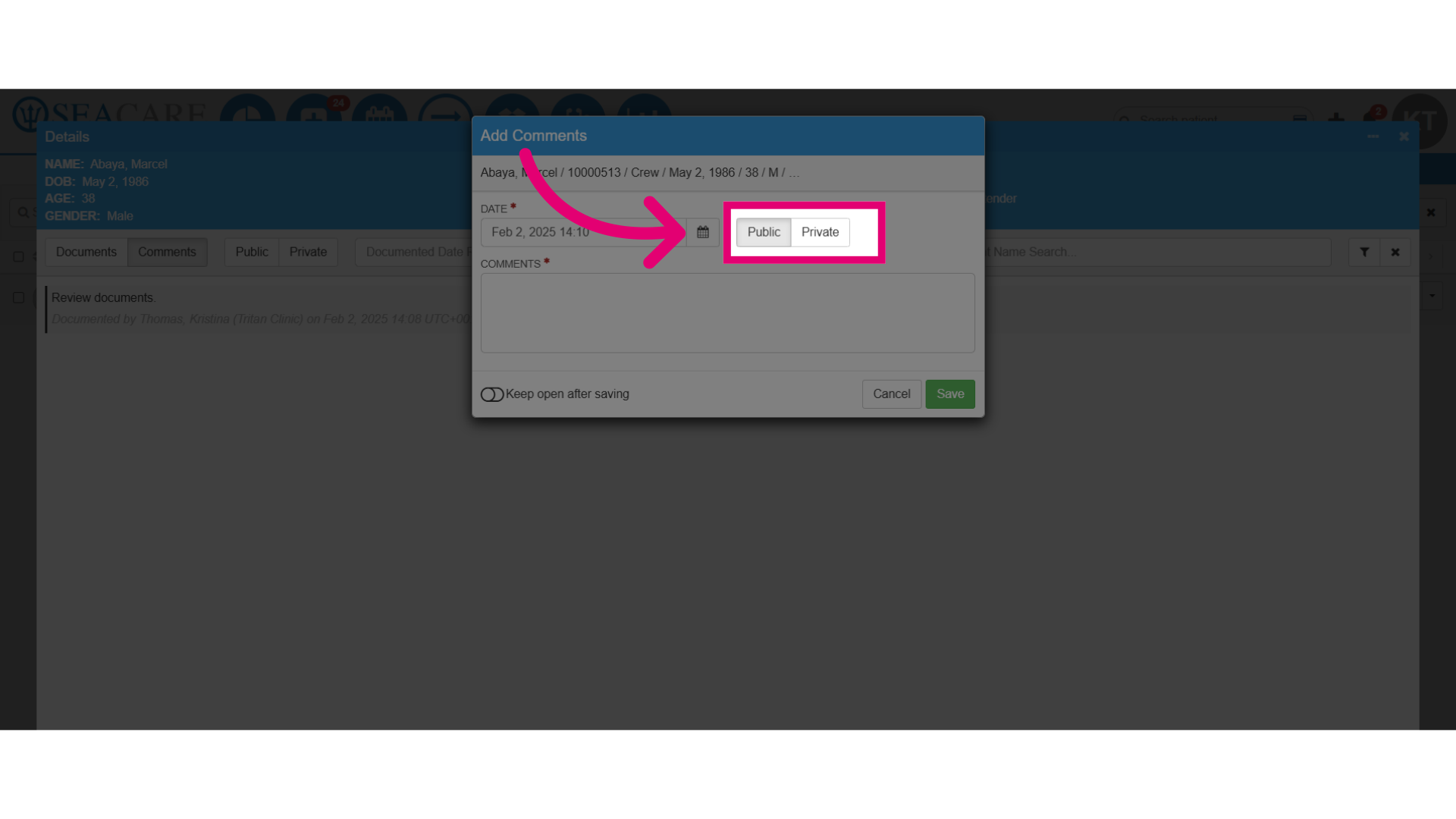
- Add a comment as:
- Public - Comment will be visible to your internal team and the sender.
- Private - Comment is visible only to the internal team.
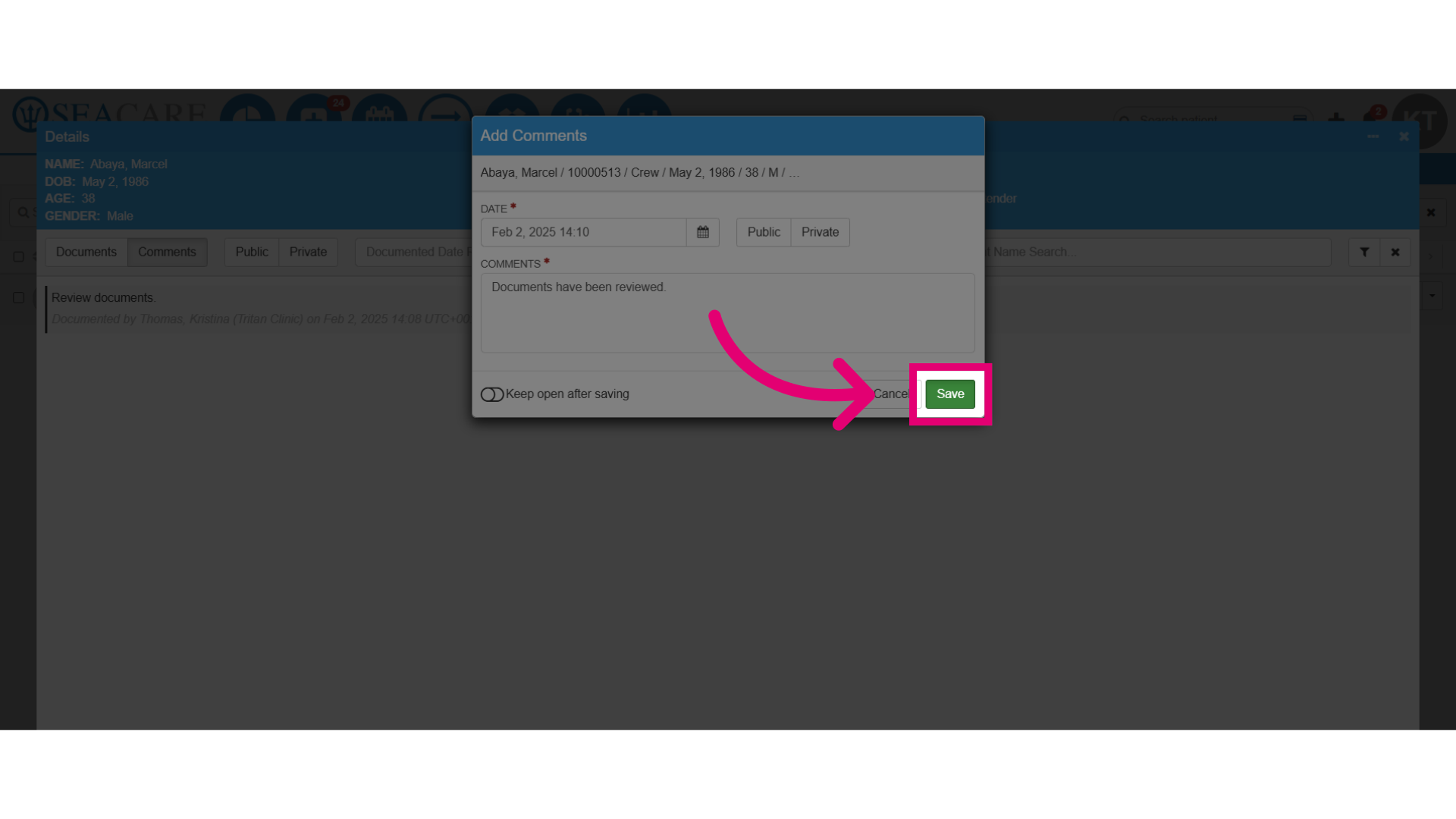
- Save the changes made.
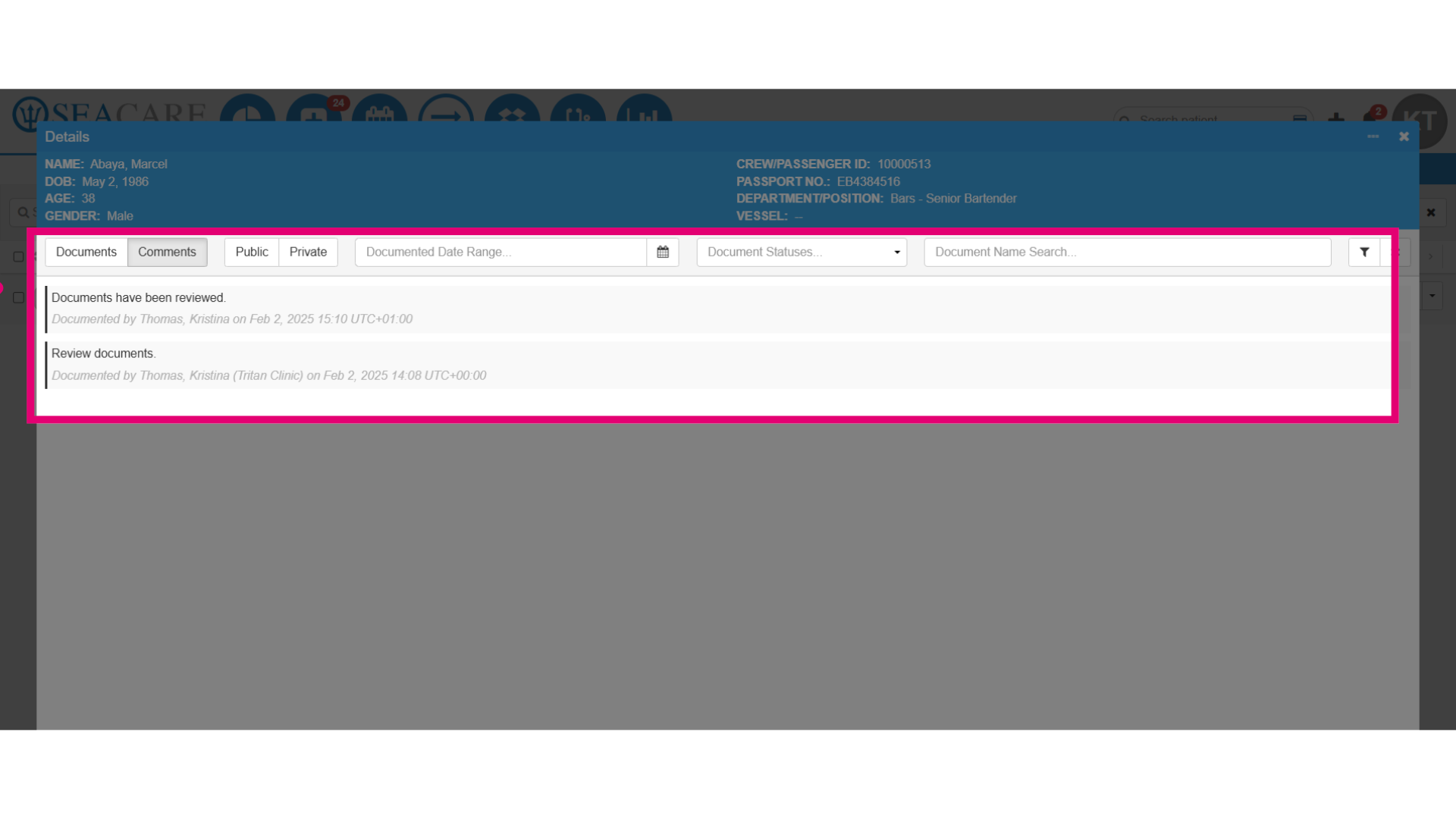
- View the new comment in the list of comments.
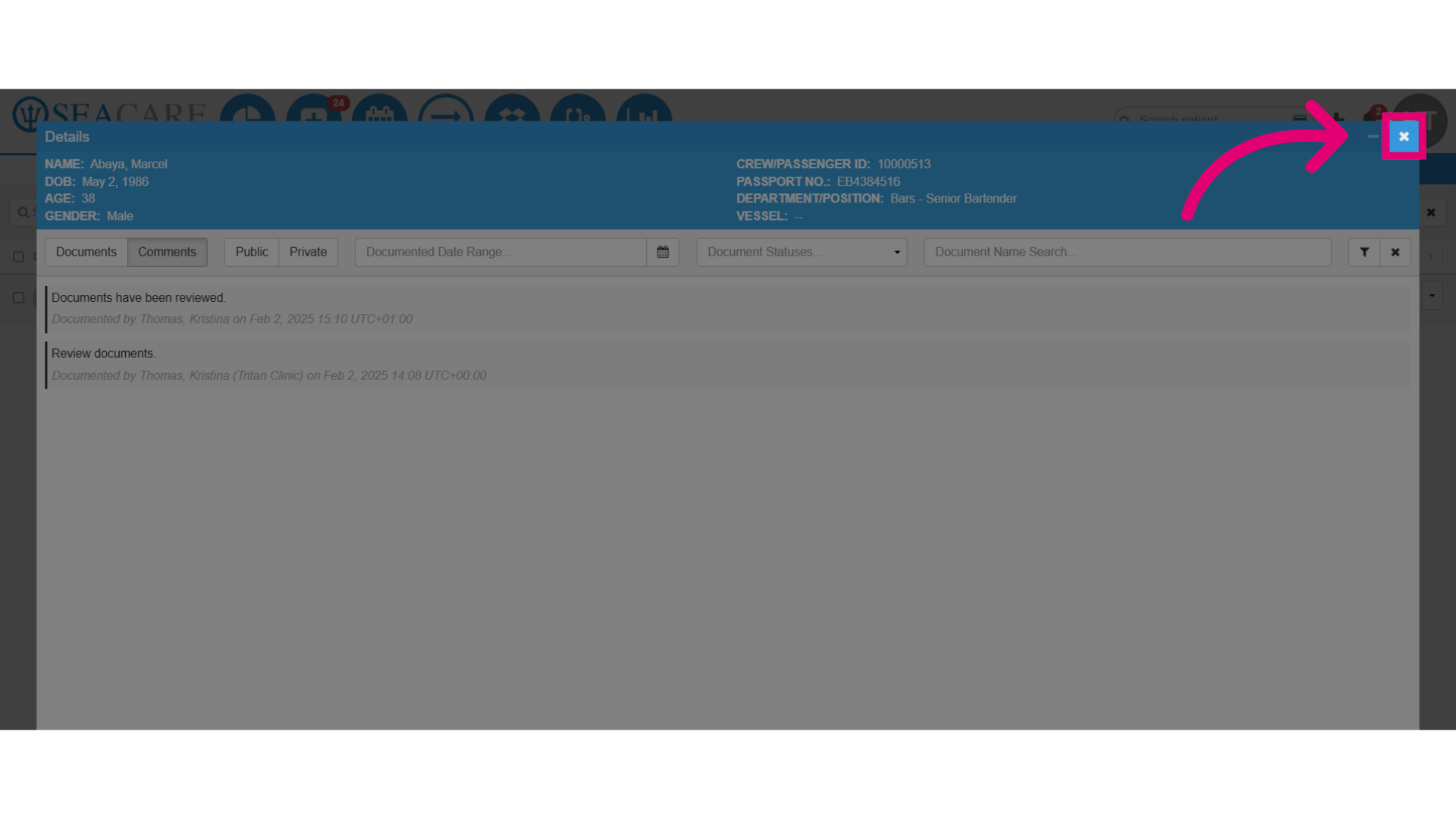
- Close the window when finished.