New article
Recently updated
Assigning Cases in Case Management

Who is this article for?Users who want to learn how to assign cases in Case Management
No elevated permissions are required.
This comprehensive guide is designed to assist you in the process of assigning cases within the Case Management system of Ideagen Maritime Health Operations. Case Management in Ideagen Maritime Health Operations is a vital component that allows for the effective organisation and handling of cases. By following this guide, you will learn how to efficiently allocate cases to the appropriate personnel, ensuring that each case is managed by the right individual or team.
1. Assigning Cases in Case Management
1.1. Video
1.2. Steps
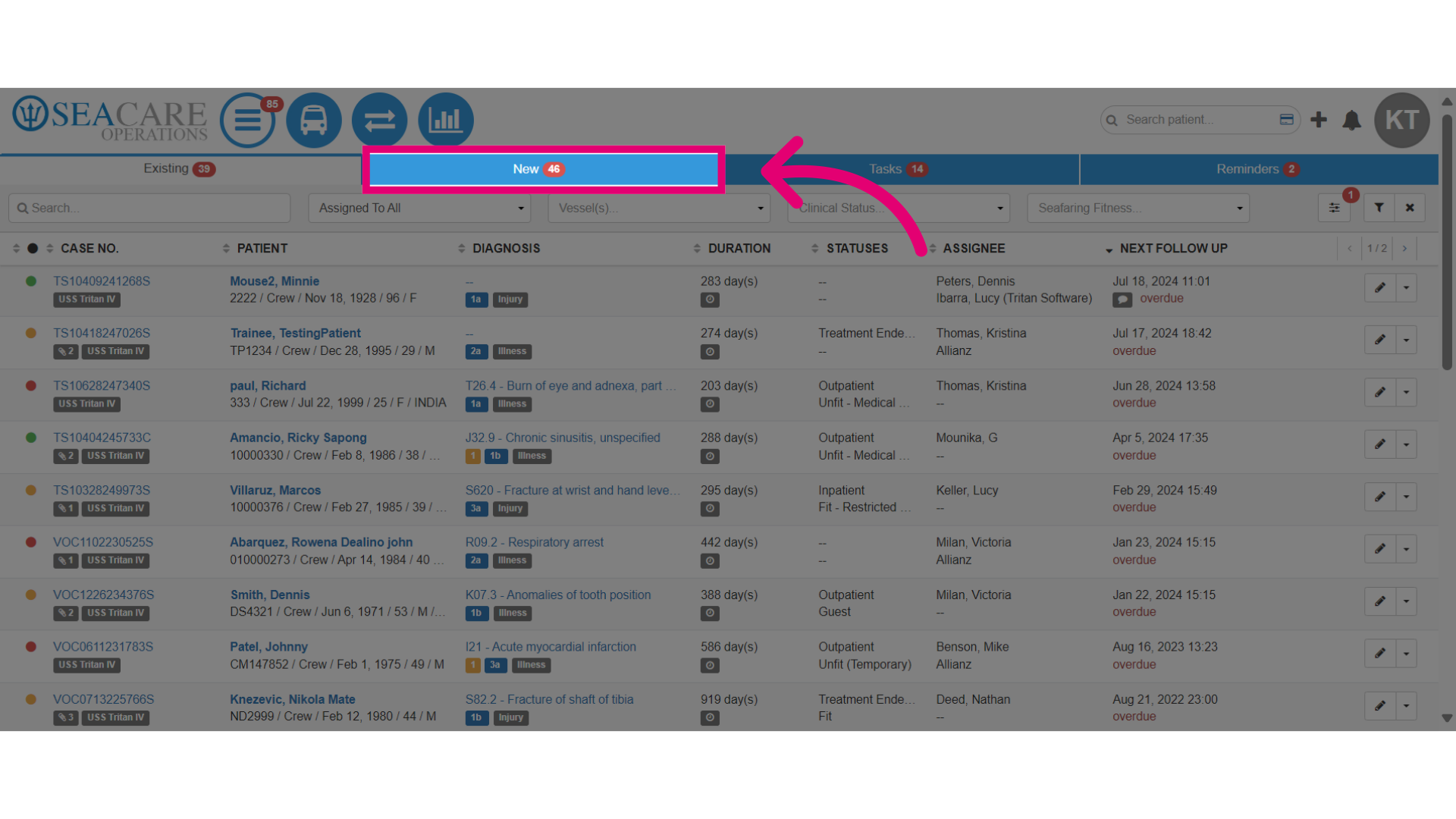
- Go to the New tab, the default location for all new and unassigned cases.
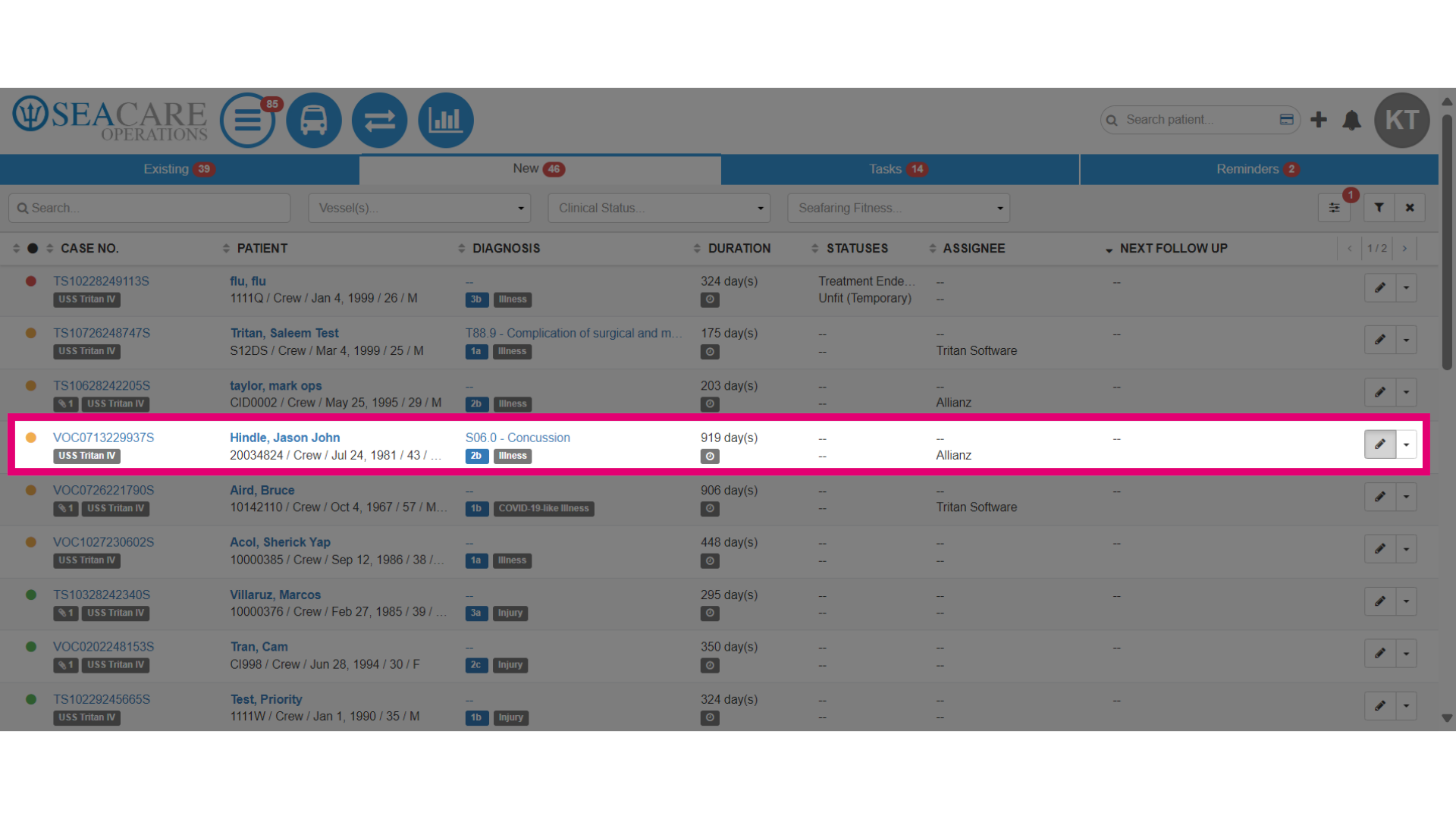
- Select the case from the list of cases.
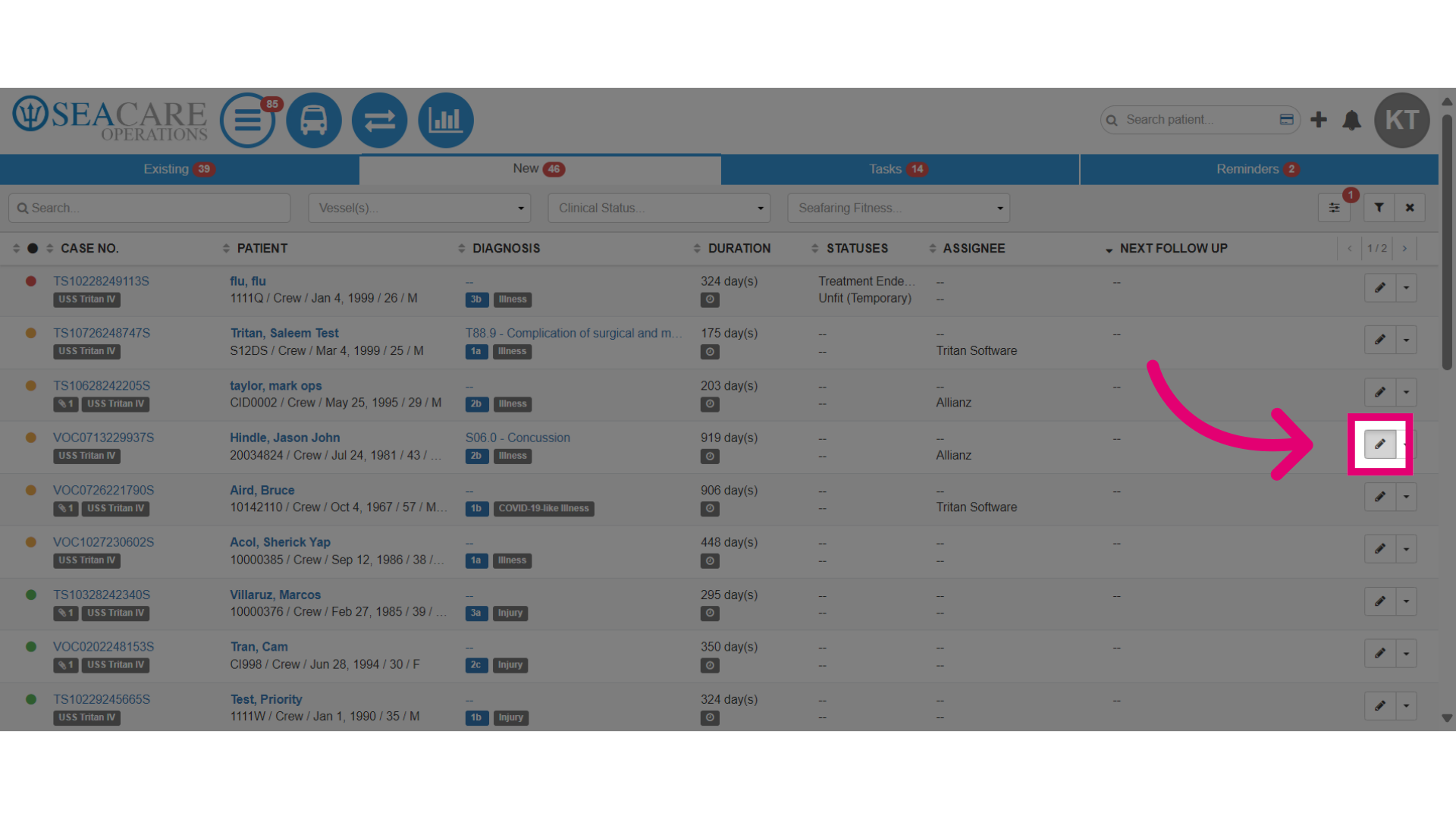
- Then, select the Edit pencil button.
- Select a Case Manager from the internal team of case managers who will be responsible for managing the case tasks, such as:
- Medical appointments and updates
- Claims coordination
- Communication with the patient or their family
- Updates and coordination with the internal team
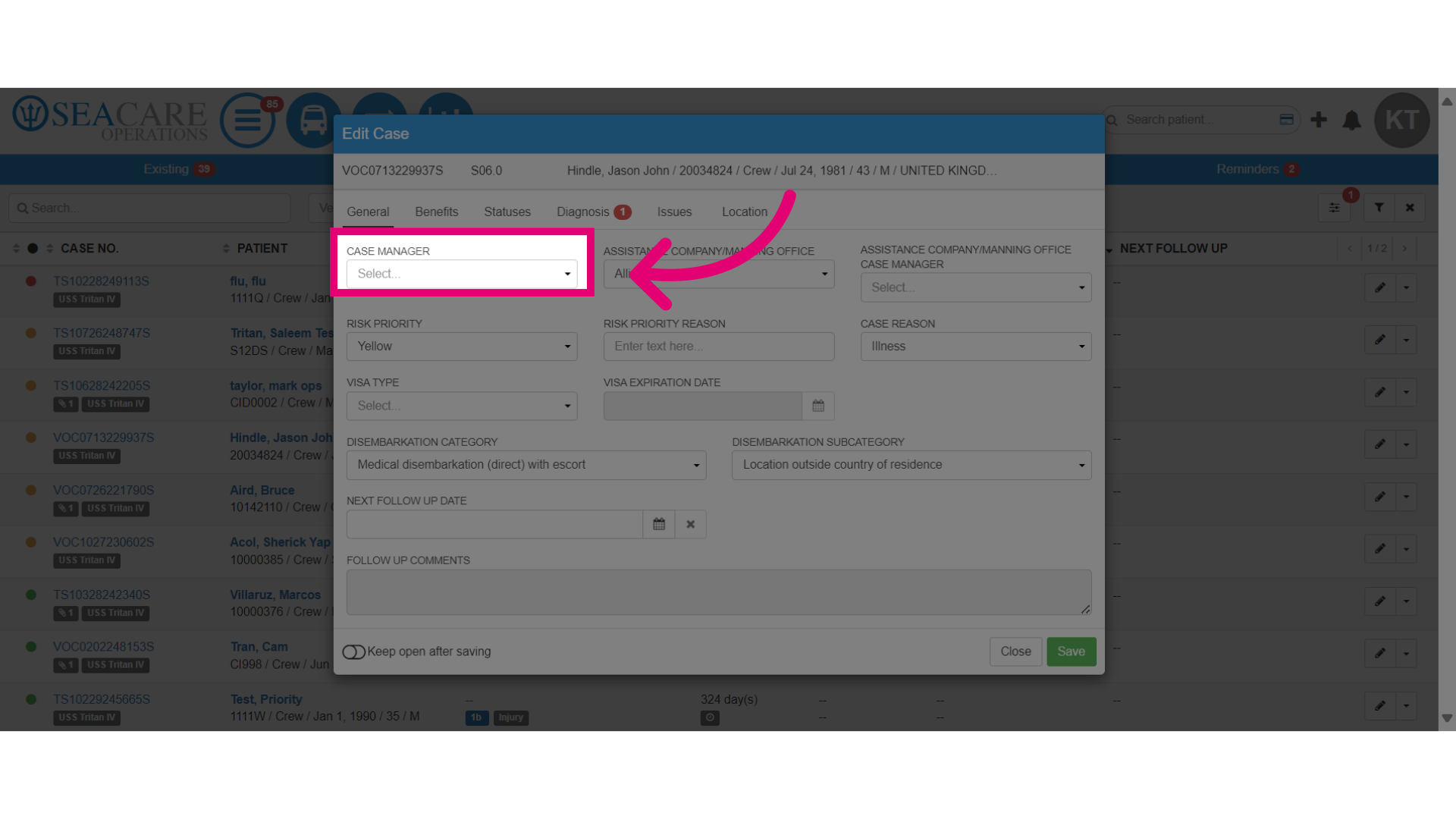
- Save the changes.
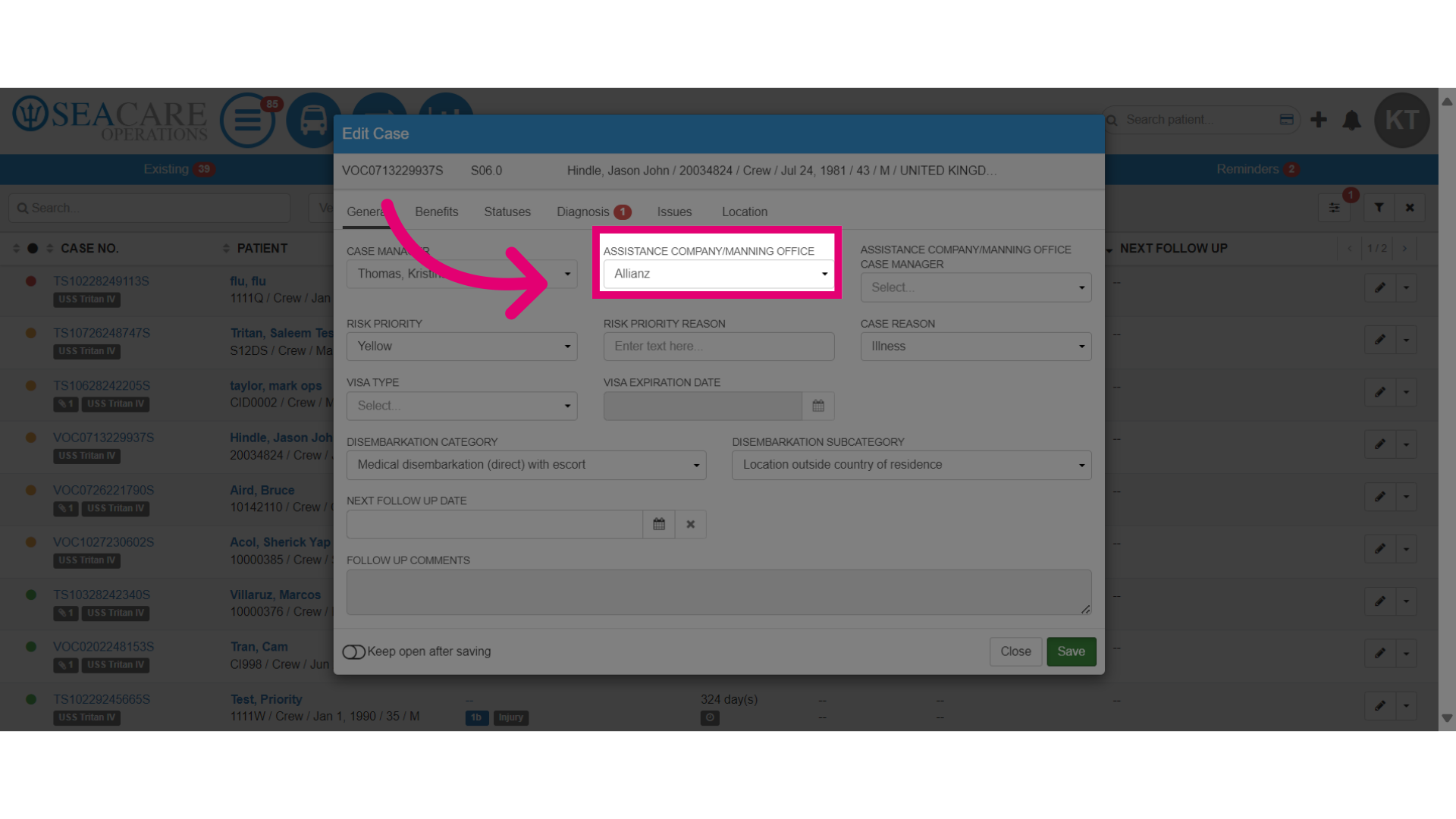
- Select the Assistance Company or Manning Office case manager if this option was selected in the previous step. This field opens and you must select a case manager.
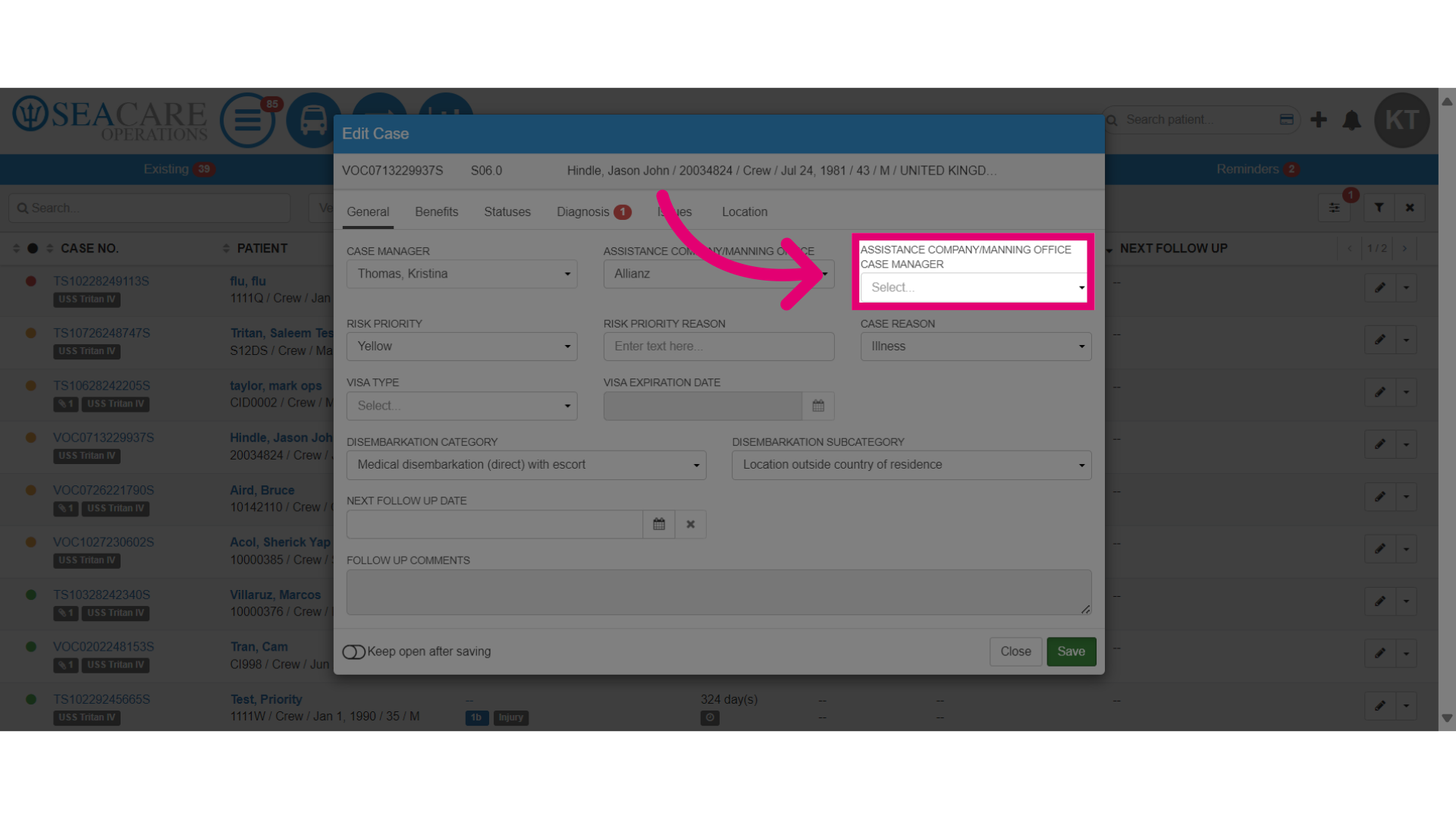
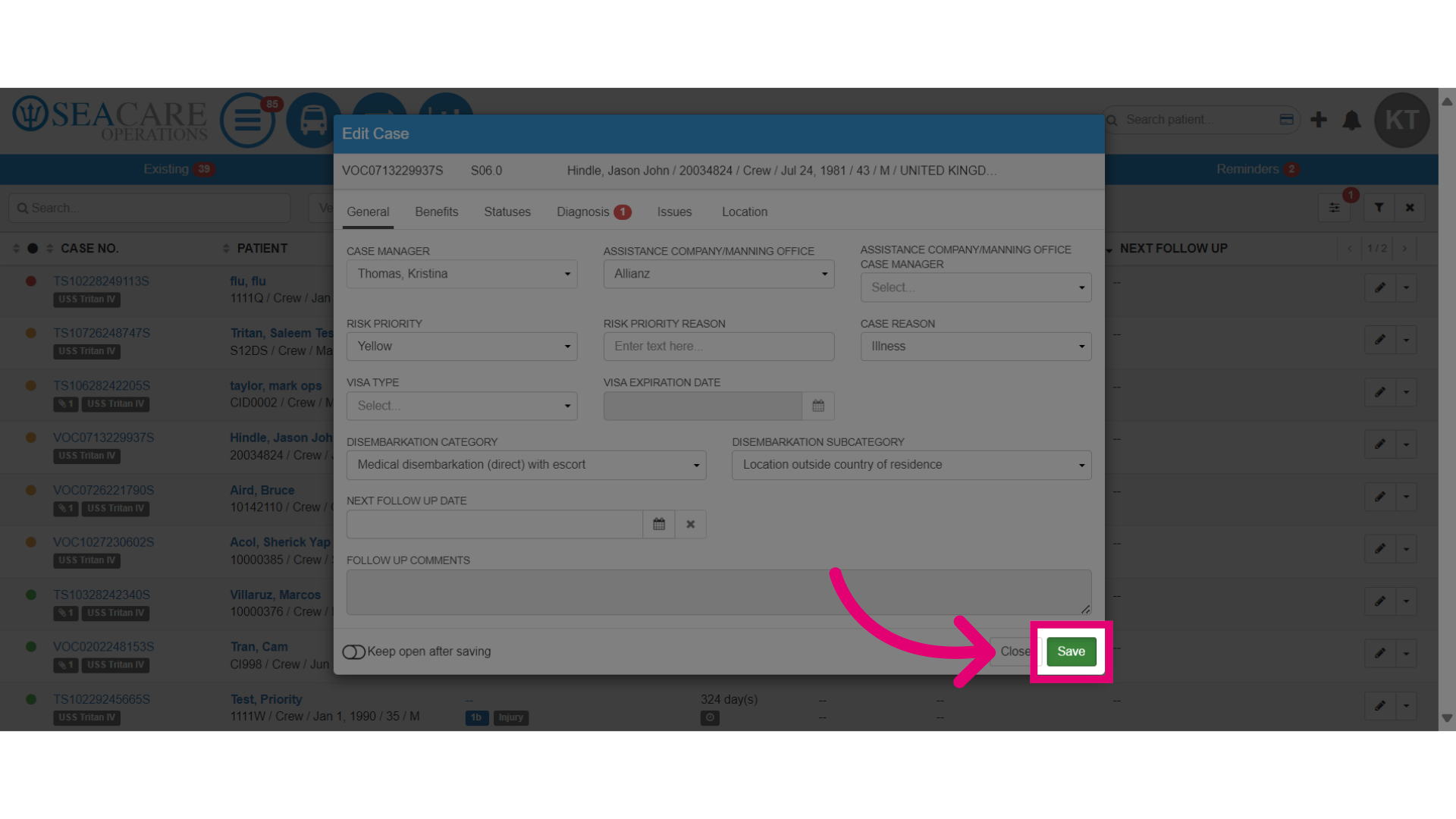
- When you are done, save the changes.
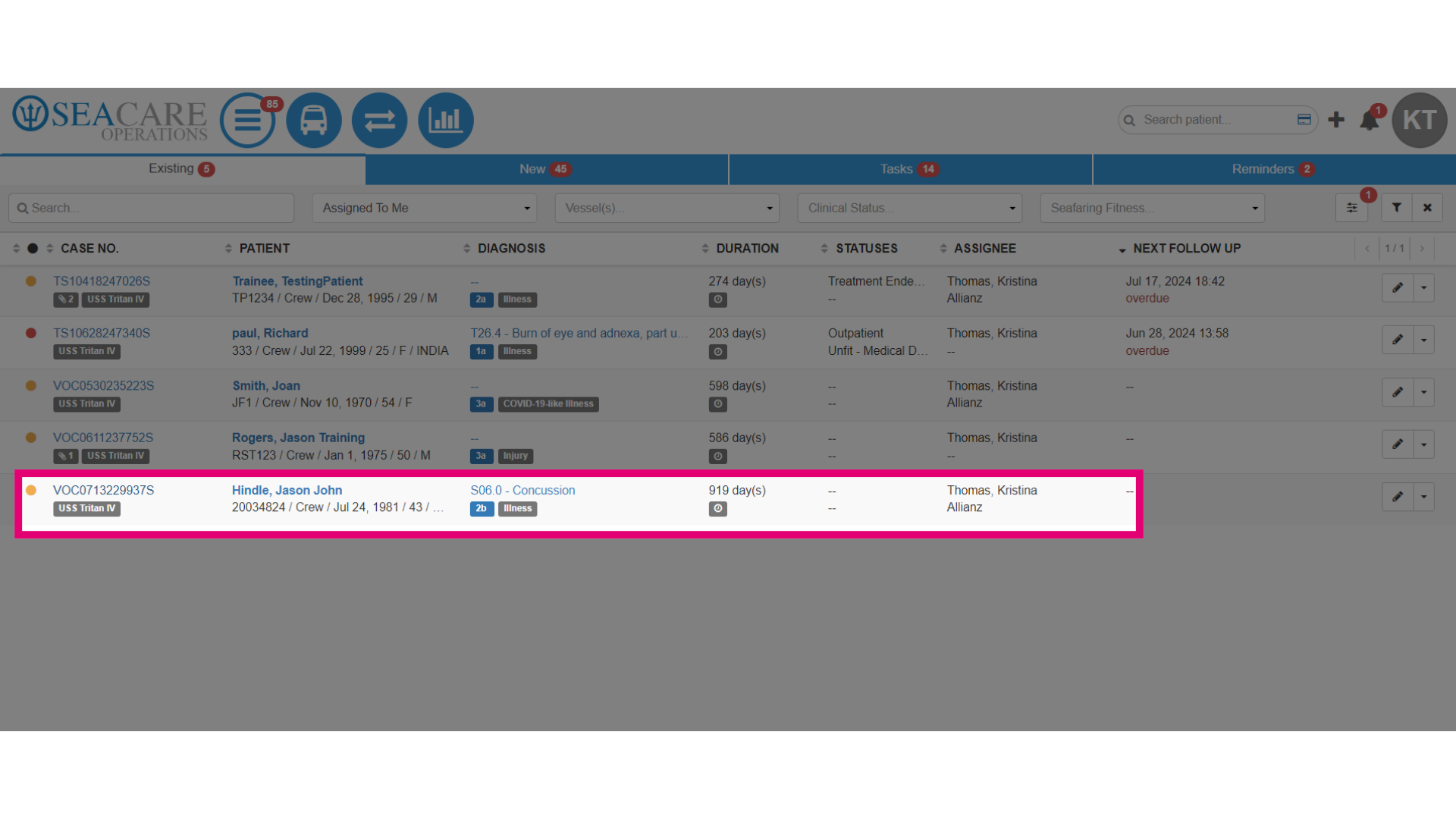
- Go to the Existing tab to view the newly assigned case as the case manager.
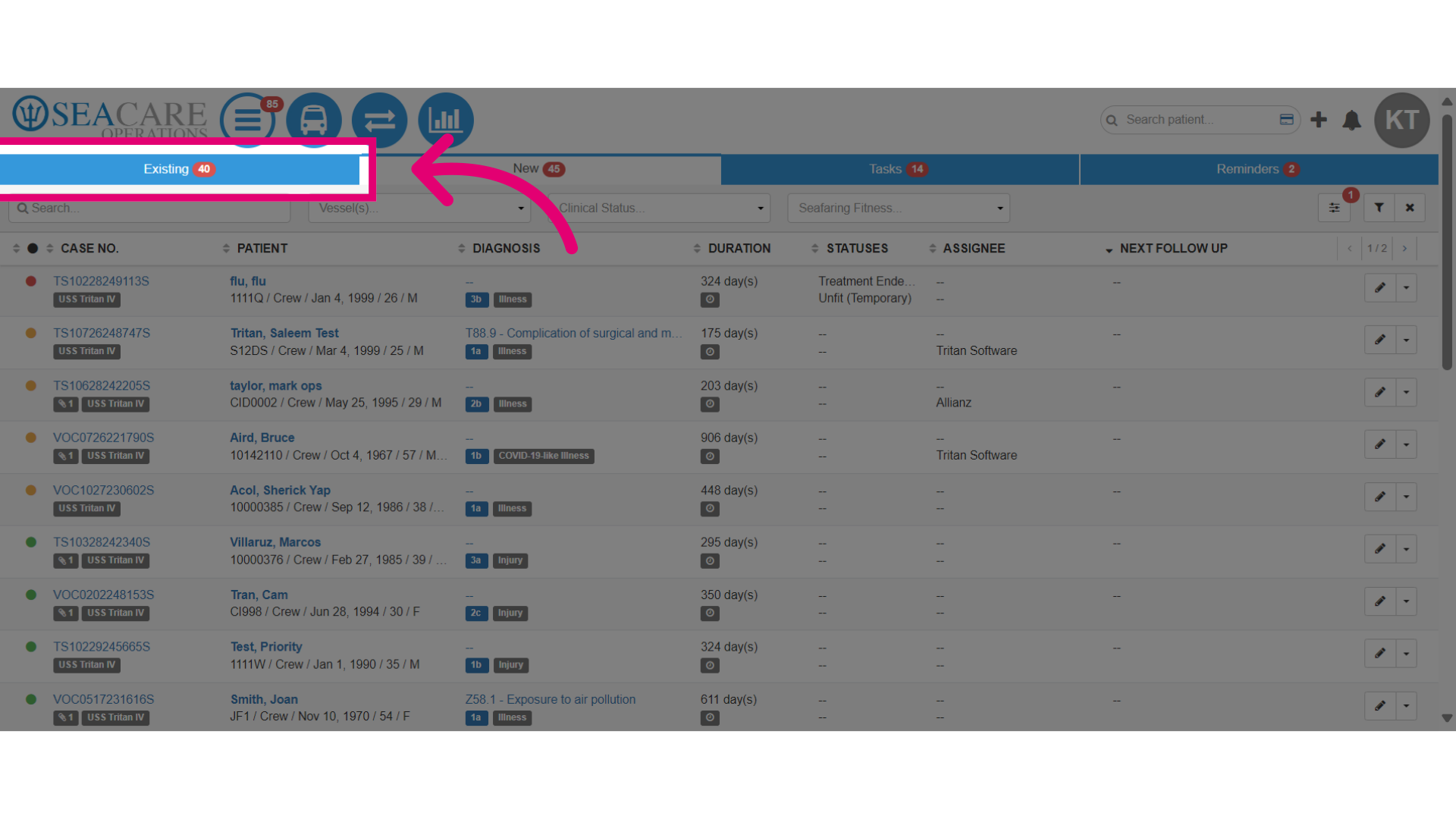
- Adjust the filter to view the case assignments for these options:
- Assigned to Me - To generate the cases that are assigned to you.
- Assigned to All -To view cases that have been assigned to any case manager.
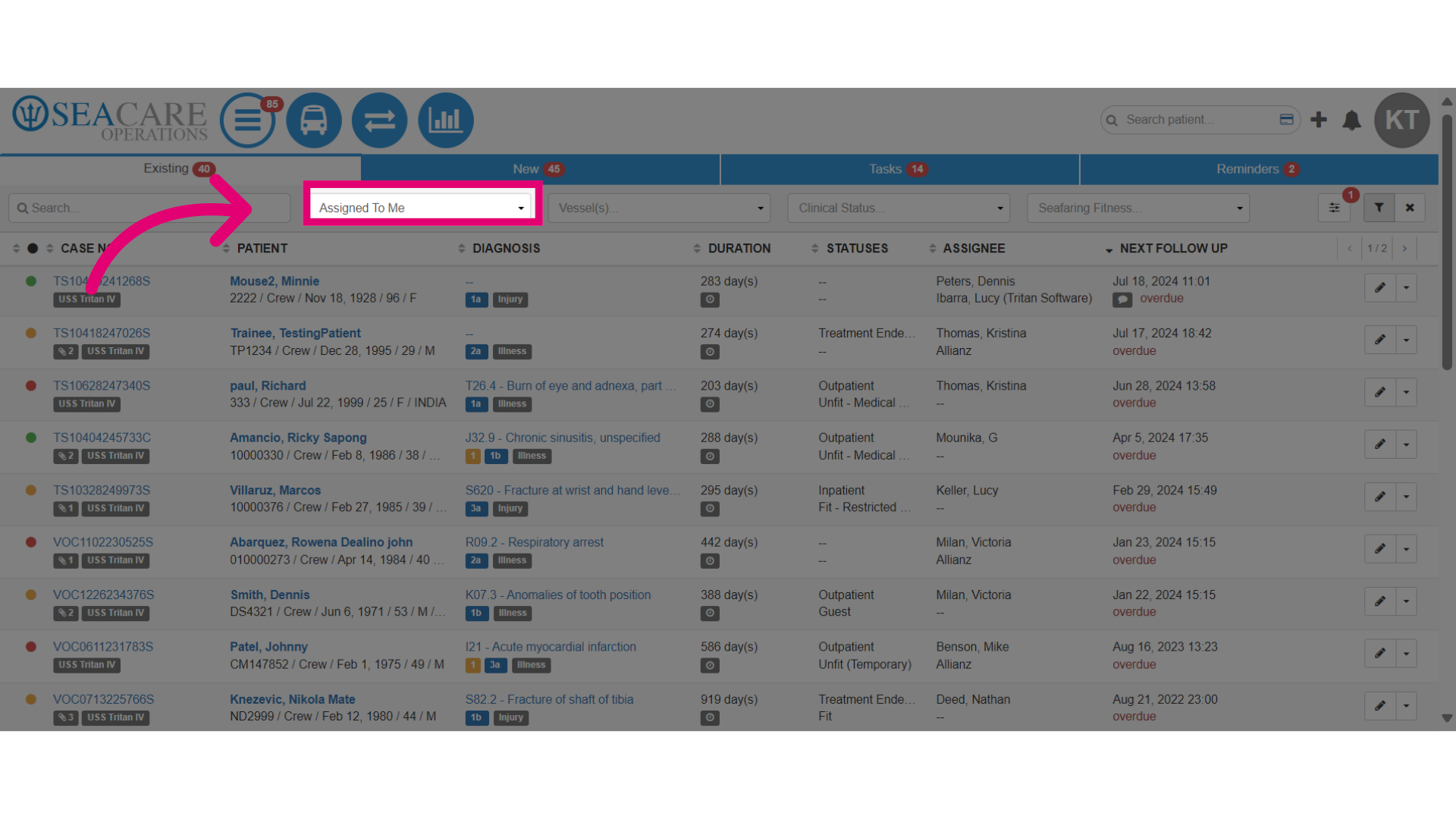
- View the newly assigned case in the list of cases that are assigned to you.