New article
Recently updated
Edit Case Statuses in Case Management

Who is this article for?Users who want to learn how to edit case statuses in Case Management.
No elevated permissions are required.
This guide outlines how to update patient statuses in case management, which is essential for tracking clinic updates, treatment progress, and medical needs. Monitoring a patient's seafaring fitness is critical for maritime activities. Managing claim statuses is also vital for insurance and financial oversight. Collaboration among healthcare professionals and support teams is key for comprehensive care, and legacy case details should be considered as they may influence current decisions.
1. Edit Case Statuses in Case Management
1.1. Video
1.2. Steps
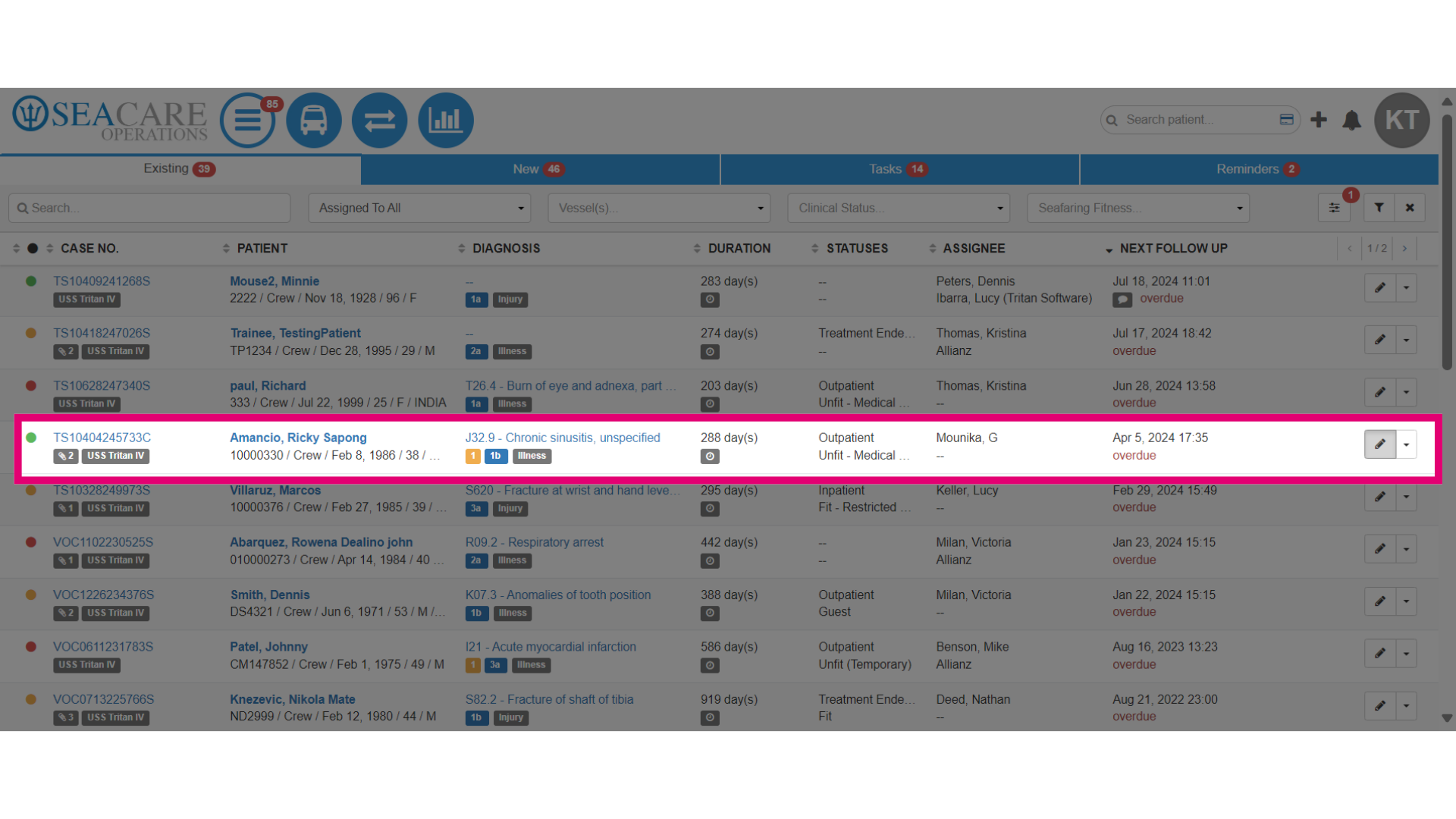
- First, locate the case from the case list.
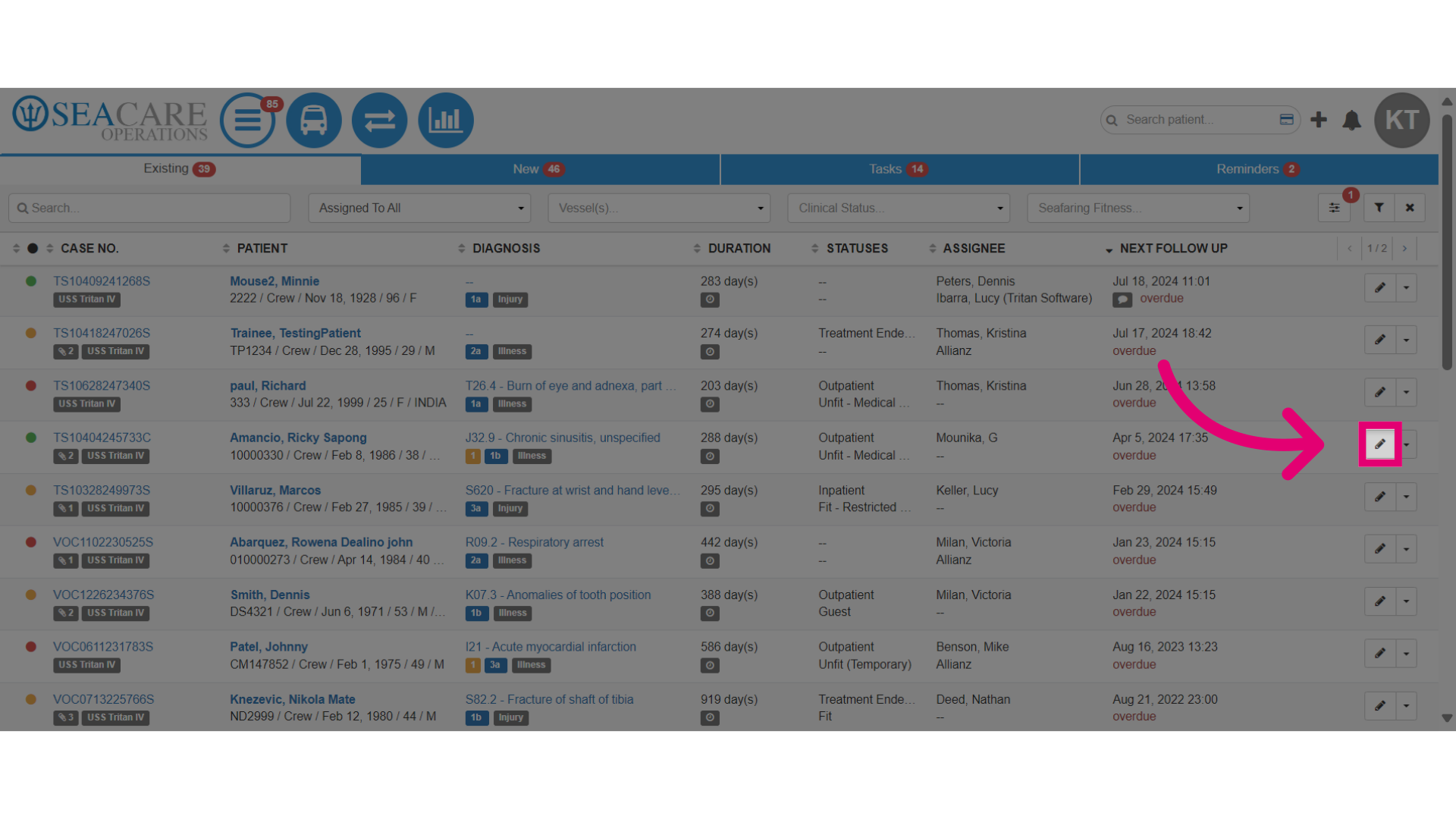
- Select the Edit pencil button.
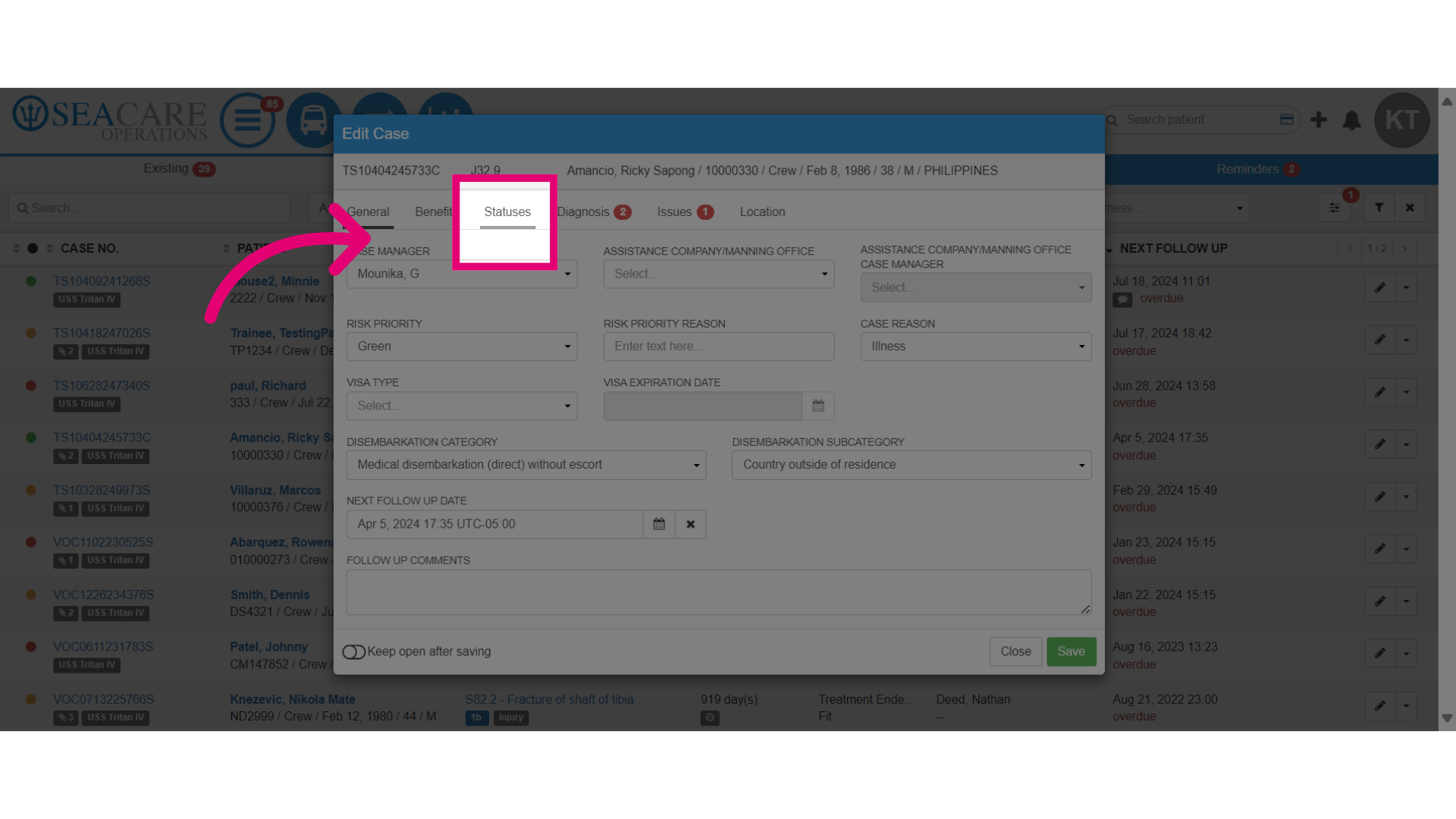
- Then, select the Statuses tab.
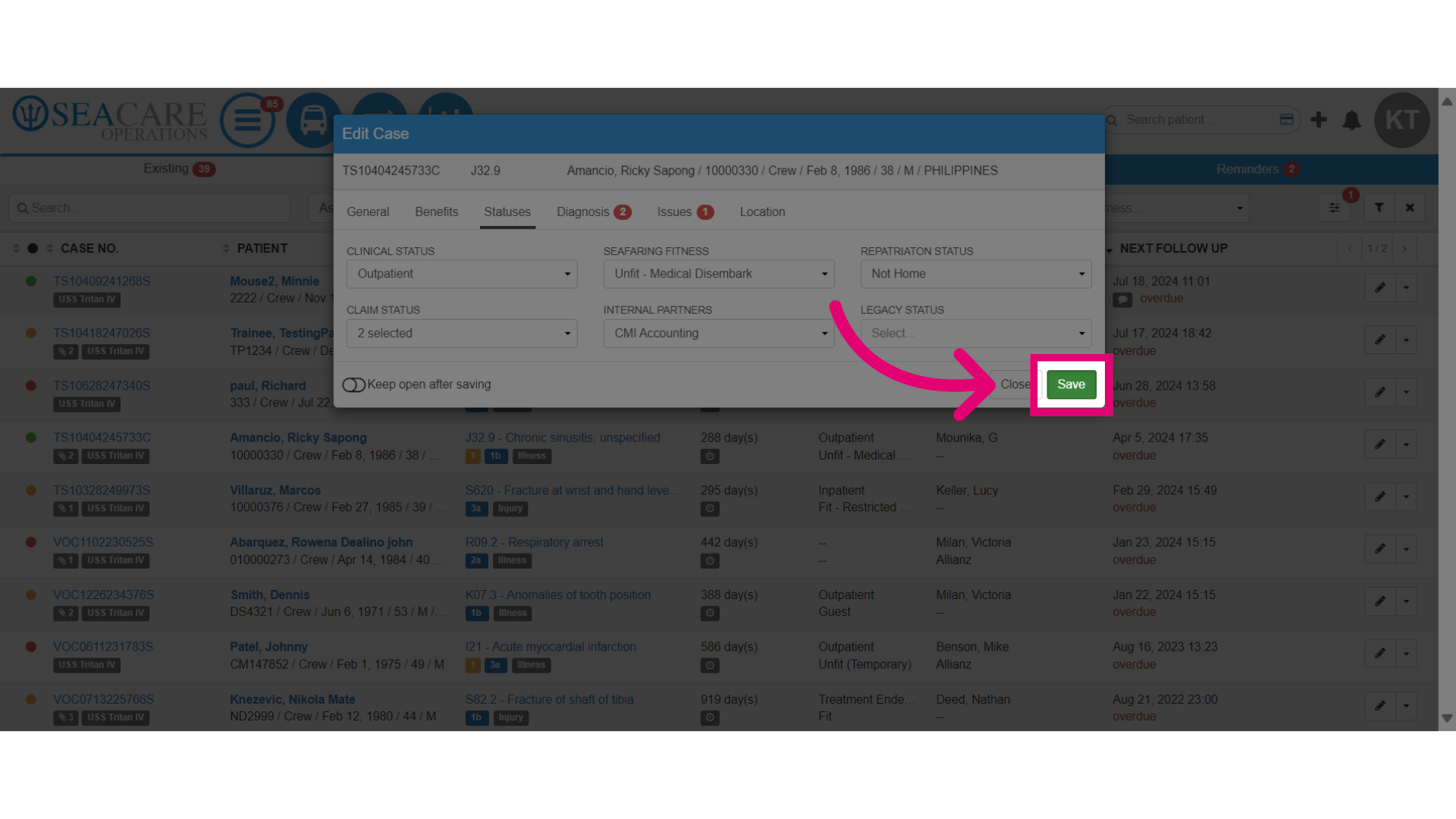
- You can make updates to various statuses for the patient, so let's go through them all.
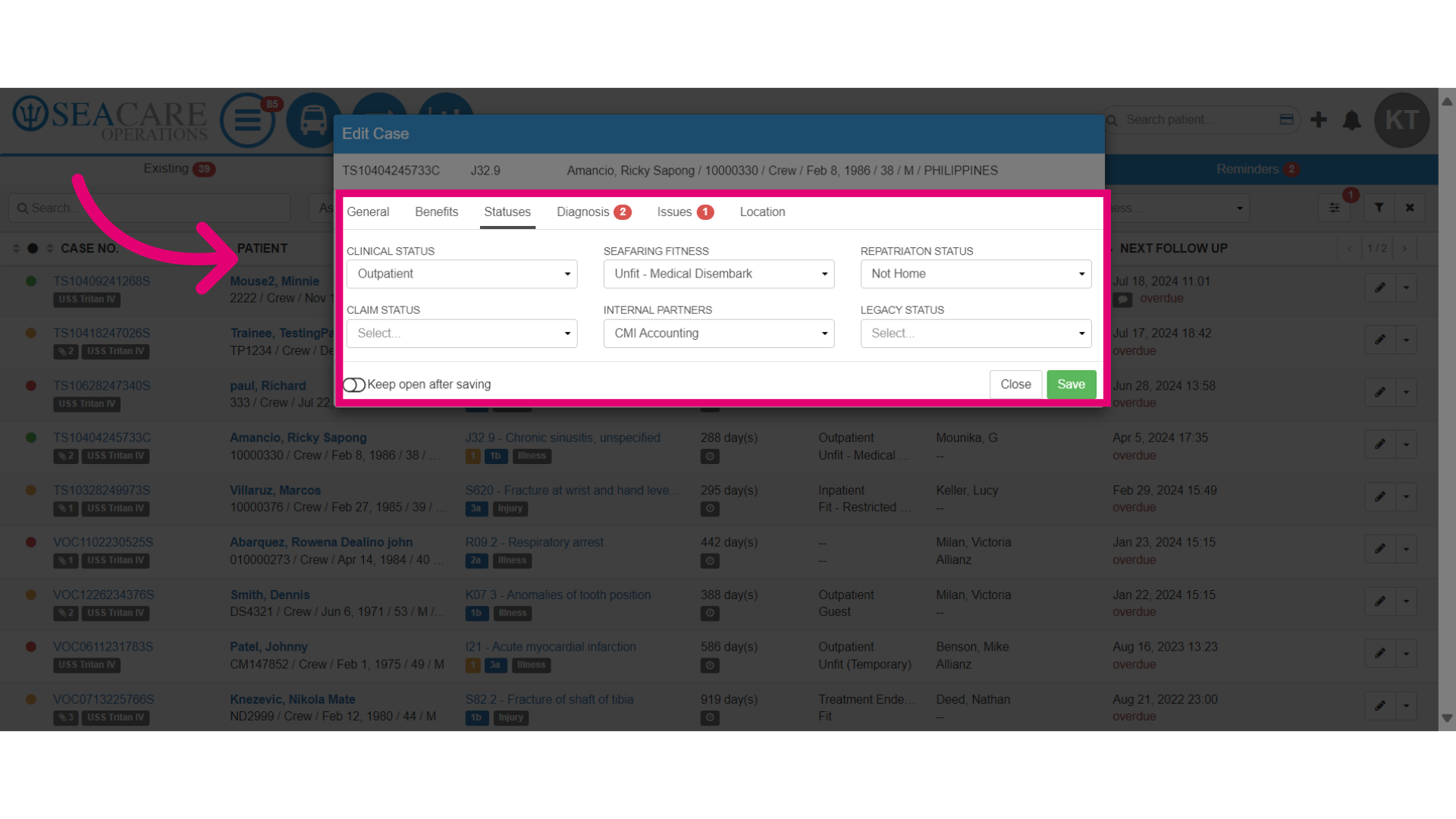
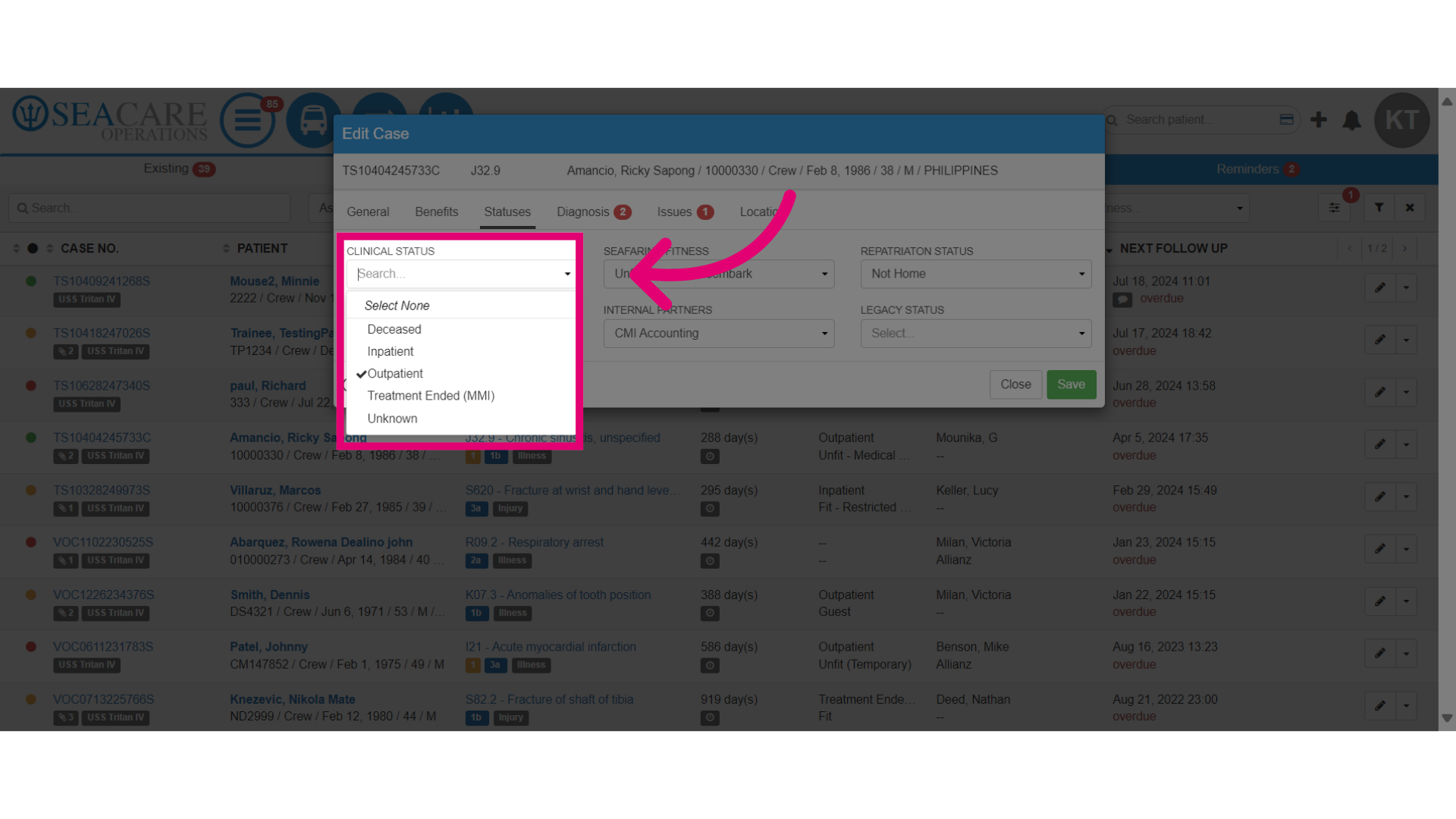
- The Clinical Status is based on the patient's current health and treatment progress, your options include:
- Outpatient - When the patient was discharged from care.
- Inpatient - Should the patient has been admitted to a medical facility
- Deceased - When the patient has been confirmed deceased.
- Treatment Ended (MMI) - If the patient has completed their medical treatment and reached their Maximum Medical Improvement (MMI).
- Unknown - If the patient's clinical status is unclear.
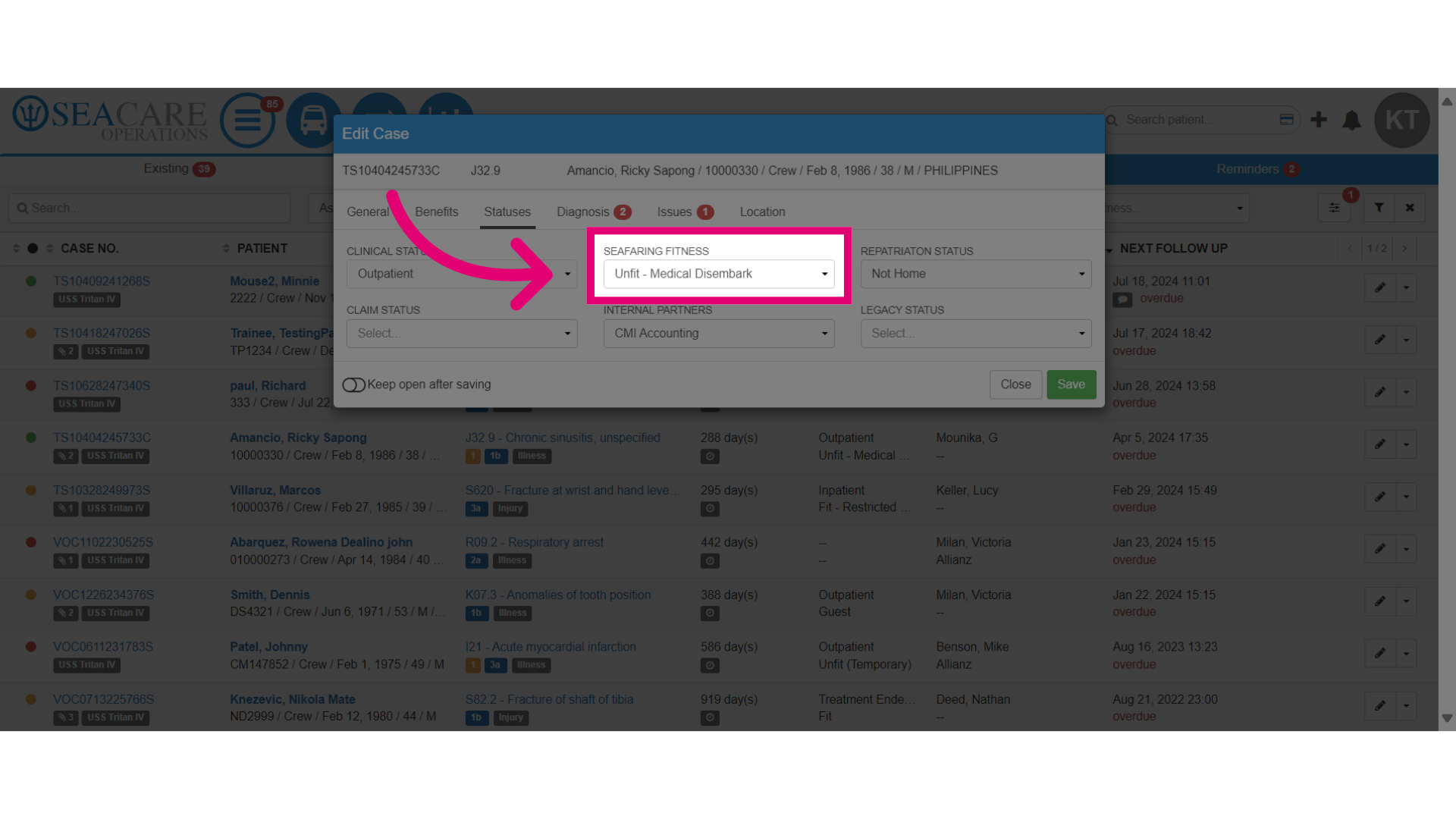
- Updating the status for Seafaring Fitness is used to assess whether the patient is fit to return to work onboard or whether restrictions are necessary under options similar to the following:
- Fit - Considered fit if the patient is fully fit and can return to duty.
- Restrictions - The patient can return to duty but with restrictions.
- Illness - The patient cannot return due to an illness.
- SMFC Pending - The patient can return to work once their SMFC has been updated.
- Unfit - The patient is deemed unable to return to work.
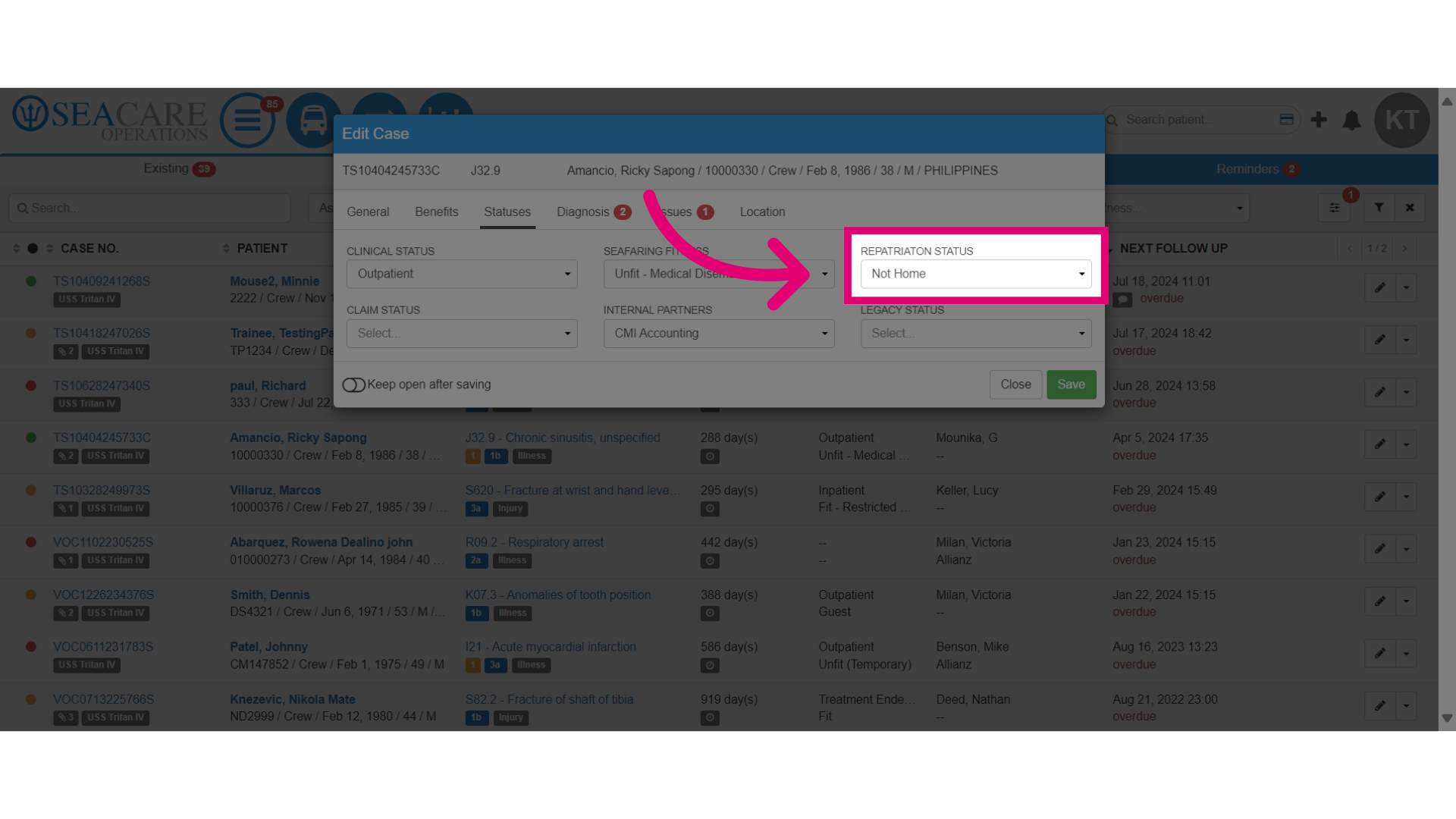
- Also, you may update the Repatriation Status can be used to:
- Track the patient's current location.
- Track whether arrangements have been made to return home or not.
- Track if the patient is currently onboard a ship.
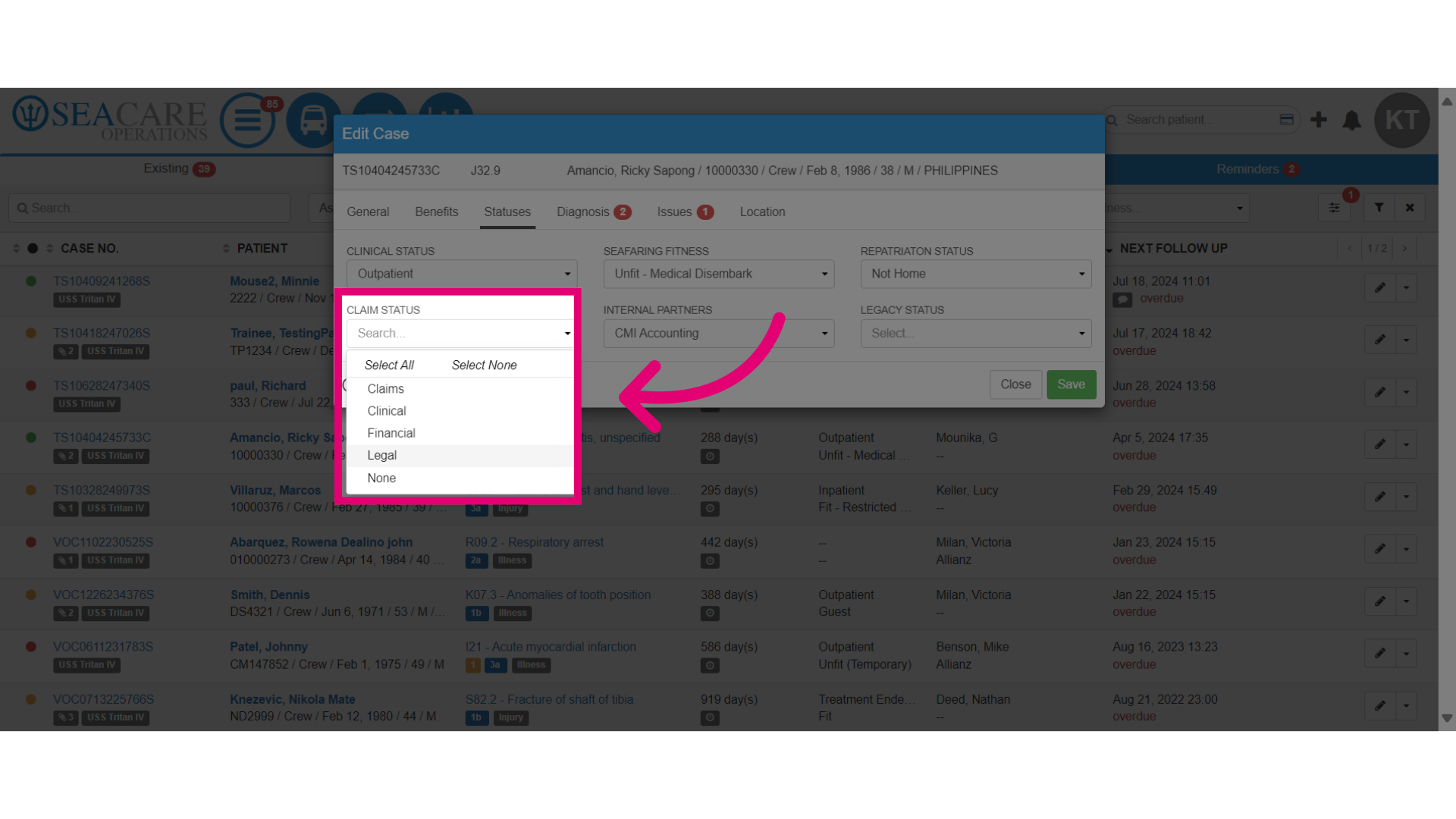
- Updates can be made to the Claim Status can be used to track claims related to the patient such as insurance, legal or compensation with options that include:
- Claims - For active claims or under review.
- Financial - If the claim is related to financial aspects like salary or medical expense reimbursement.
-
Legal - If the case needs to be reviewed or processed by the internal legal team
- If the Legal module is active in Shoreside then the legal manager in Ideagen Maritime Health will be shared the case details.
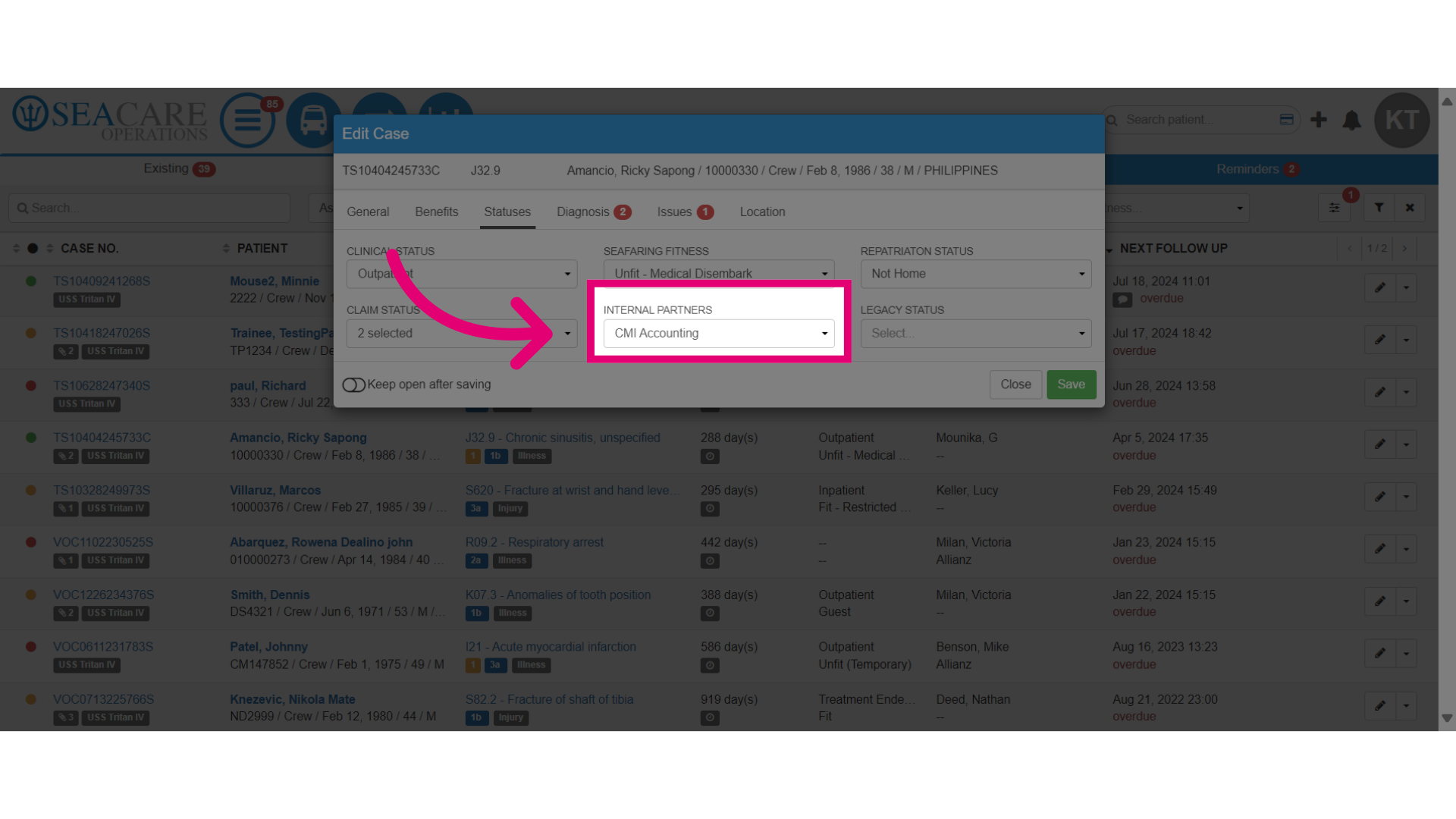
- The Internal Partner Status update can be used to track:
- Communication - For communication and progress with other departments such as accounting or HR.
- Accounting Matters - If the case requires accounting involvement then select the accounting department if applicable or another appropriate department that's requires involvement.
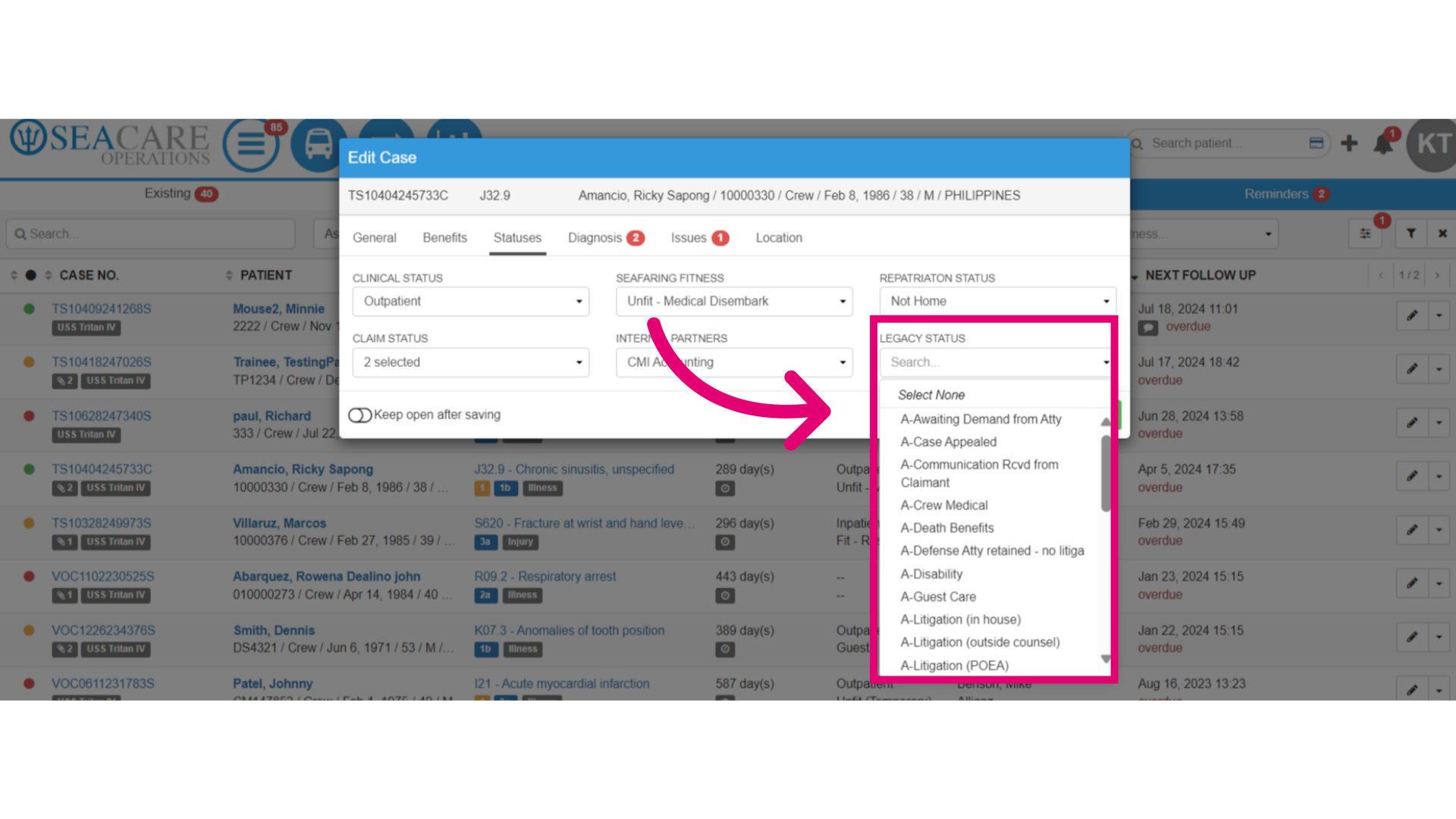
- The Legacy Statuses are used to track older case details and the progress of specific claims or legal proceedings. Some examples statuses that can be use include:
- Awaiting Demand from Attorney - If the case is waiting for a demand from the patient's attorney.
- Case Appealed - If the case has been appealed by the patient, claimant or involved party.
- Disability - If the case involves disability claims or issues related to the patient's ability to work or perform normal duties.
- When you are done updating the statuses, save the changes that you made.