New article
Recently updated
Start a New Case in Case Management

Who is this article for?Users who want to start a new case from Case Management.
No elevated permissions are required.
This guide helps you start a case from the patient chart's case management section. Follow these steps to track patient cases and document all relevant information effectively.
1. Start a New Case in Case Management
1.1. Video
1.2. Steps
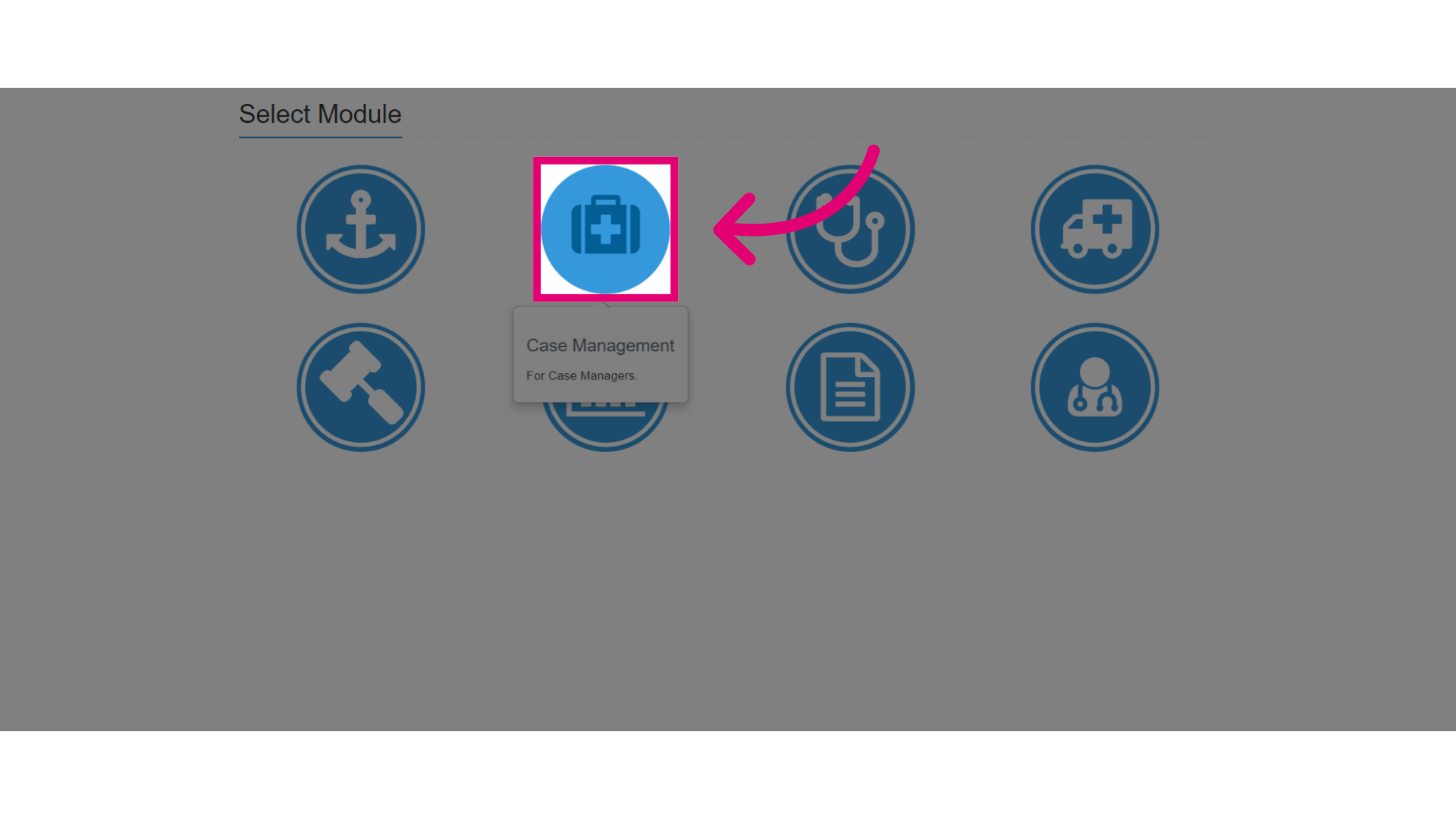
- Start by going to the Case Management module in Ideagen Maritime Health Operations.
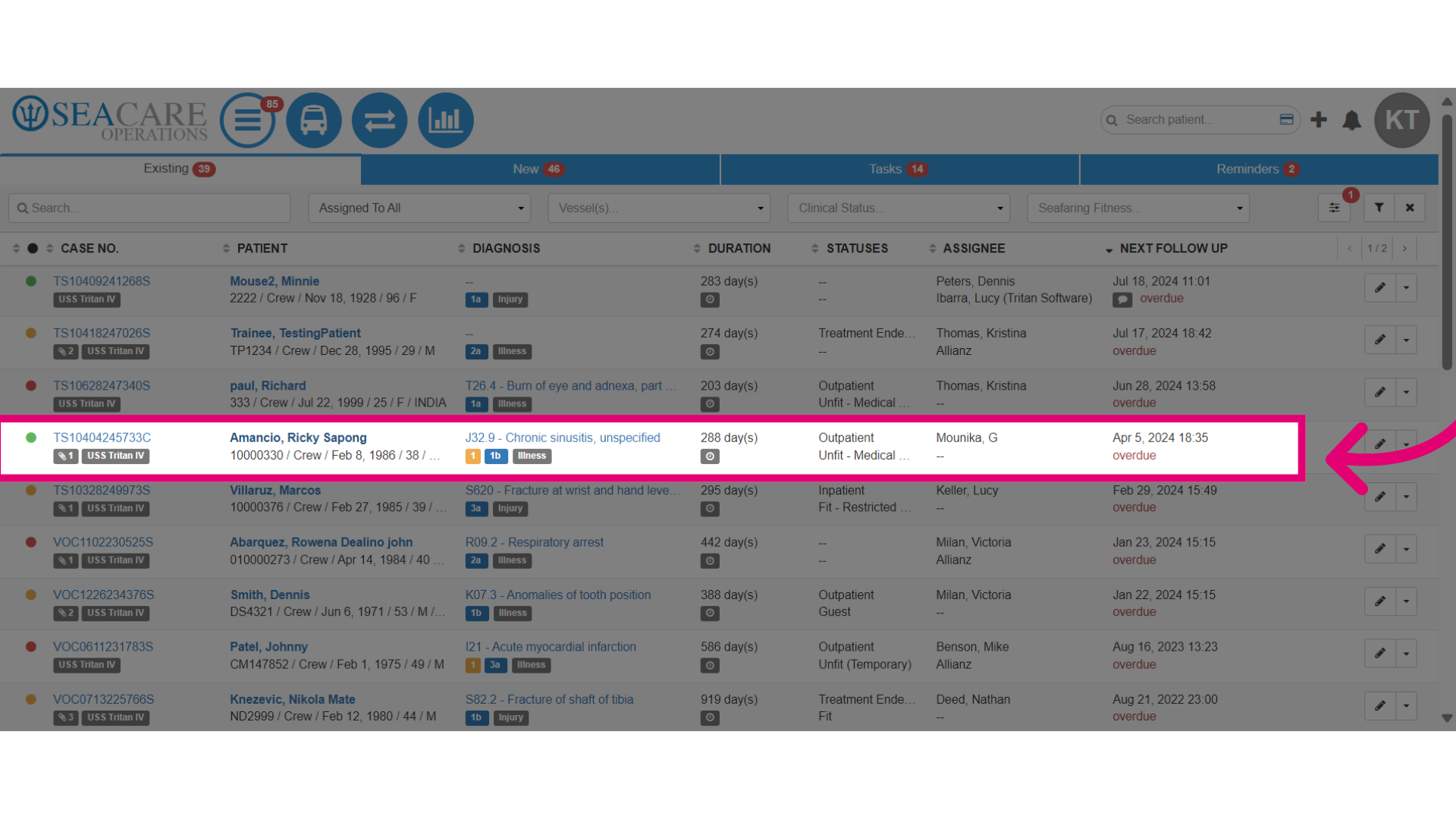
- Locate the patient within the list of cases.
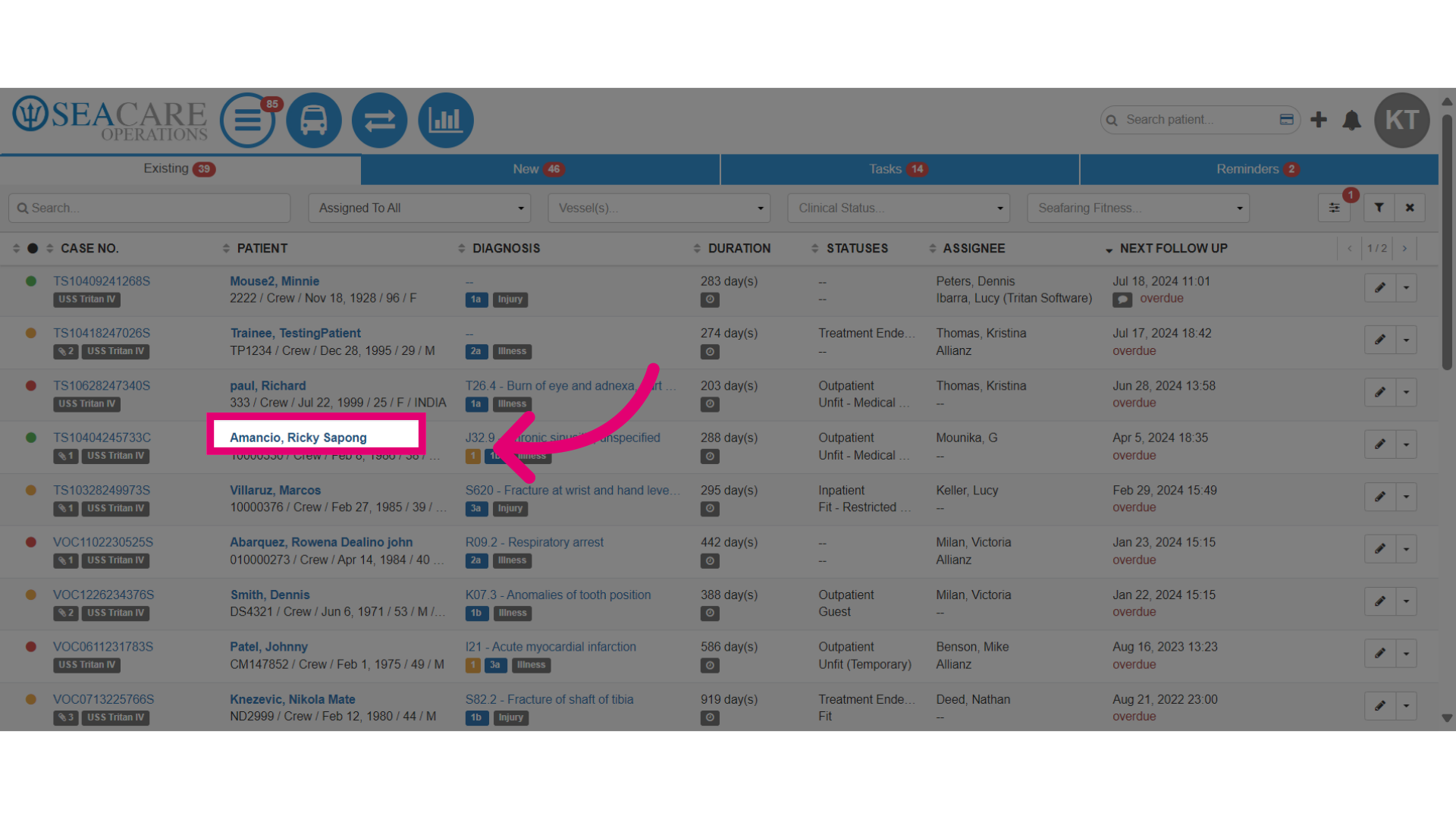
- Click on the hyperlink for the patient's name.
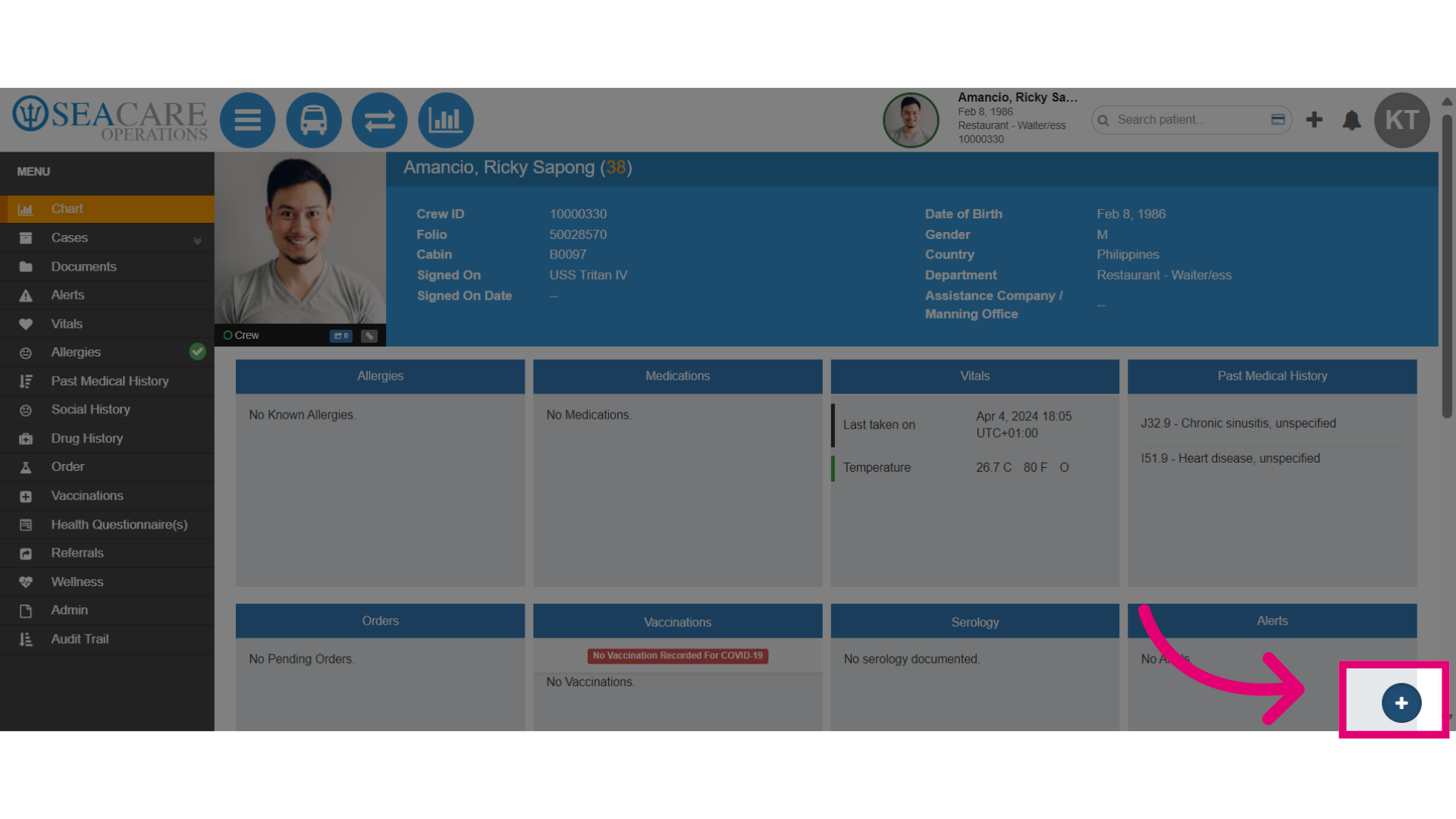
- Once you have been redirected to the patient's chart, click on the Quick Actions plus sign button.
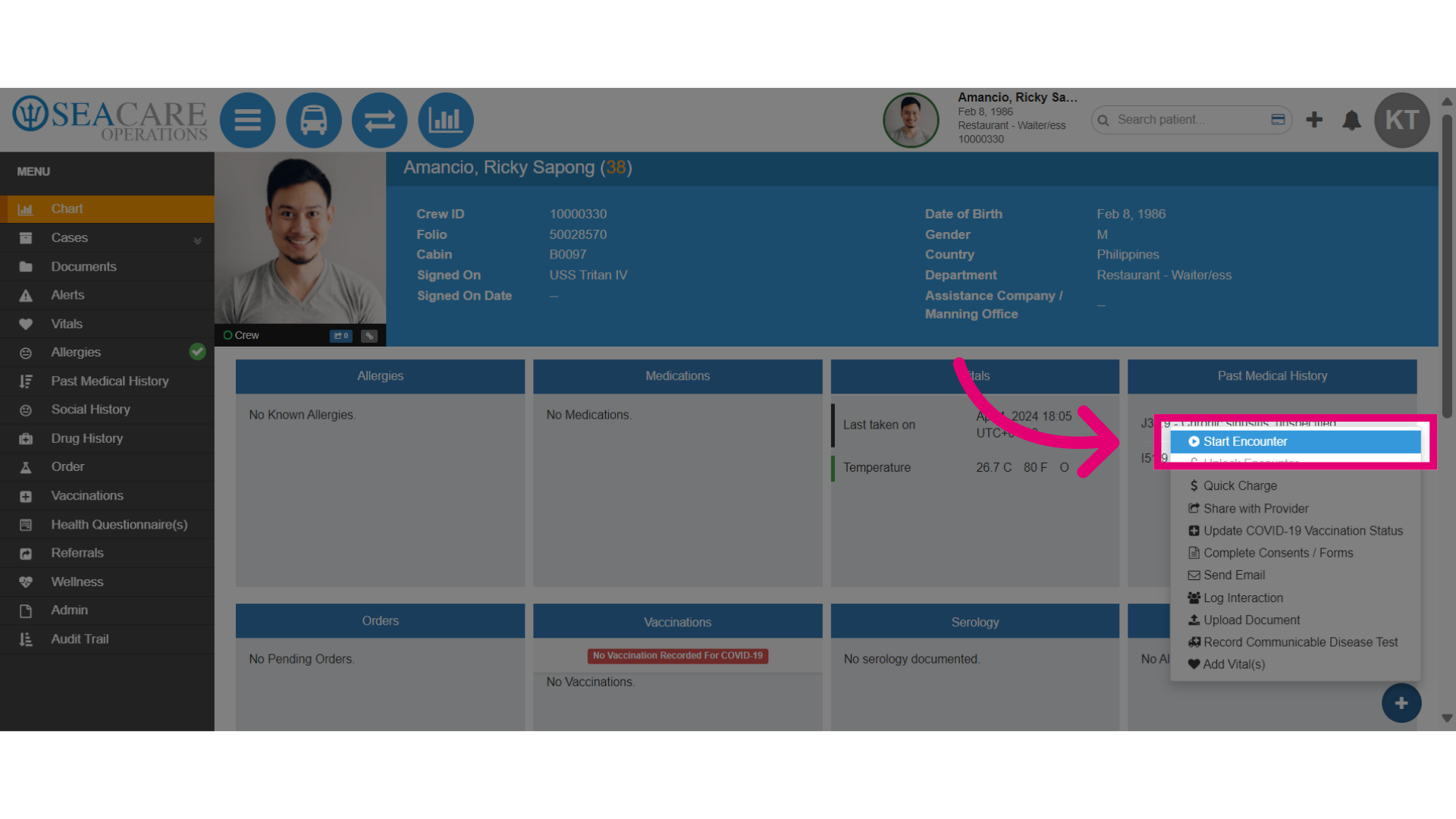
- Initiate a patient encounter by selecting Start Encounter.
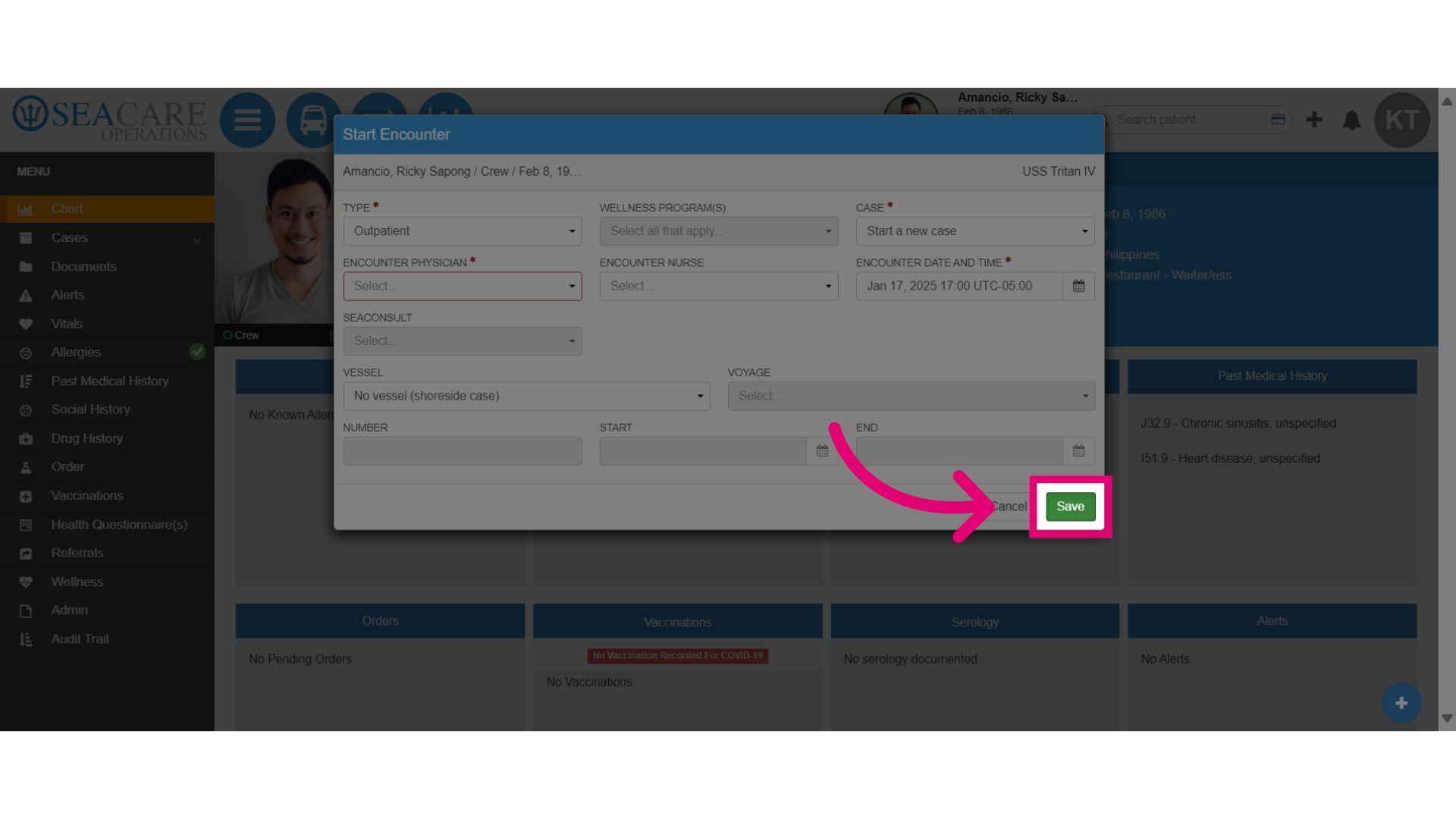
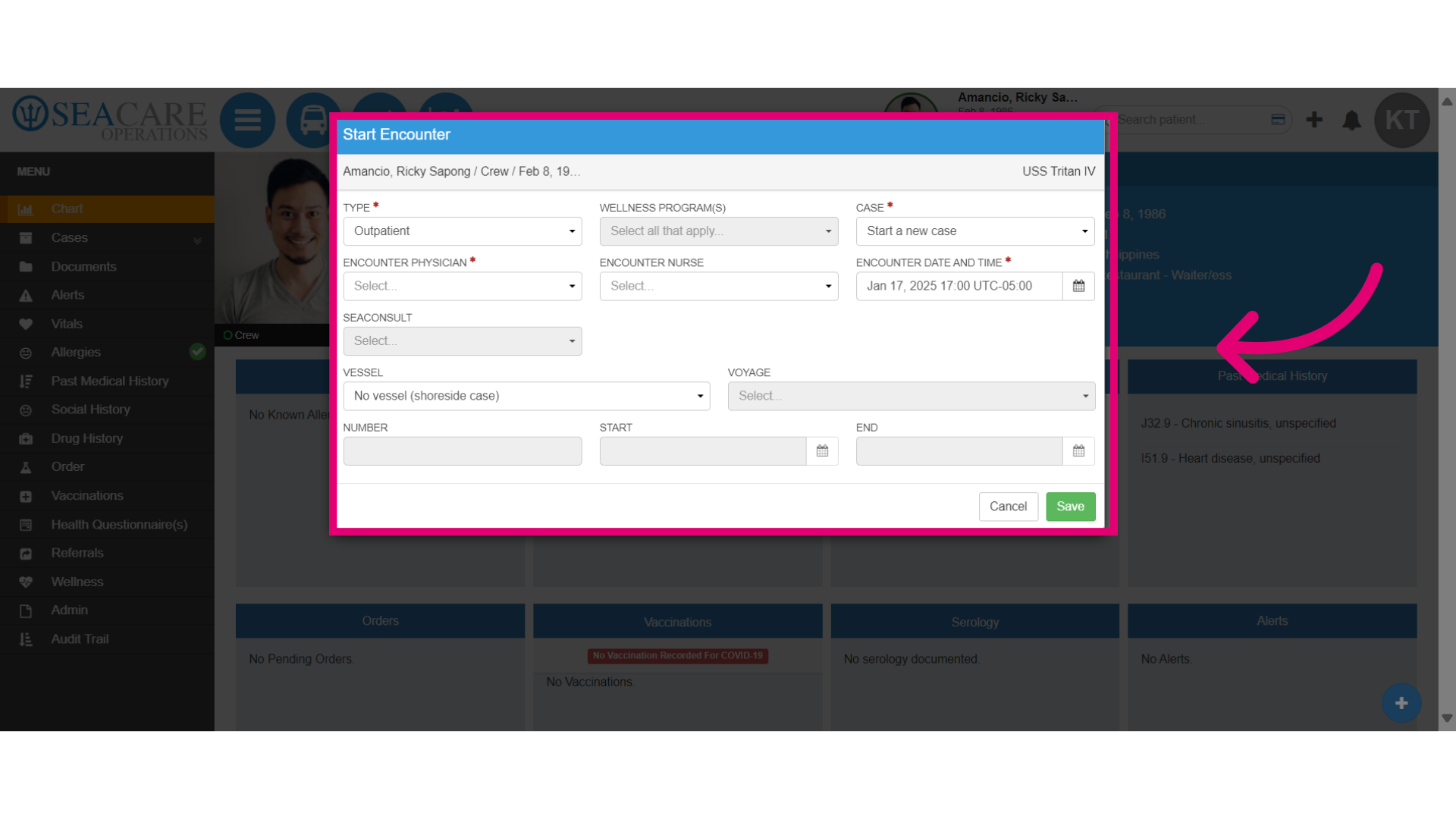
- Complete the required fields such as:
- Choose Encounter Type which will be an outpatient encounter.
- Select the Case type for starting a new case or pick up from a previous one.
- Complete the rest of the required fields configured for the vessel.
- Then complete the following:
- Save the current progress by clicking Save to start the encounter.
- Fill in the rest of the encounter details such as the triage, vitals, etc. as normal.