New article
Recently updated
Merging Duplicate Records

Who is this article for?Users who want to learn how to merge duplicate patient records in Ideagen Maritime Health.
No elevated permissions are required.
Sometimes duplicate records exist for a patient if the patient has multiple harts, so these records can be merged into one using the Duplicate Records under the Merge Patient section, in the Admin menu. This brief demonstration will walk you through the steps for merging duplicate records for patients.
1. Merging Duplicate Records in Ideagen Maritime Health
1.1. Video
1.2 Steps
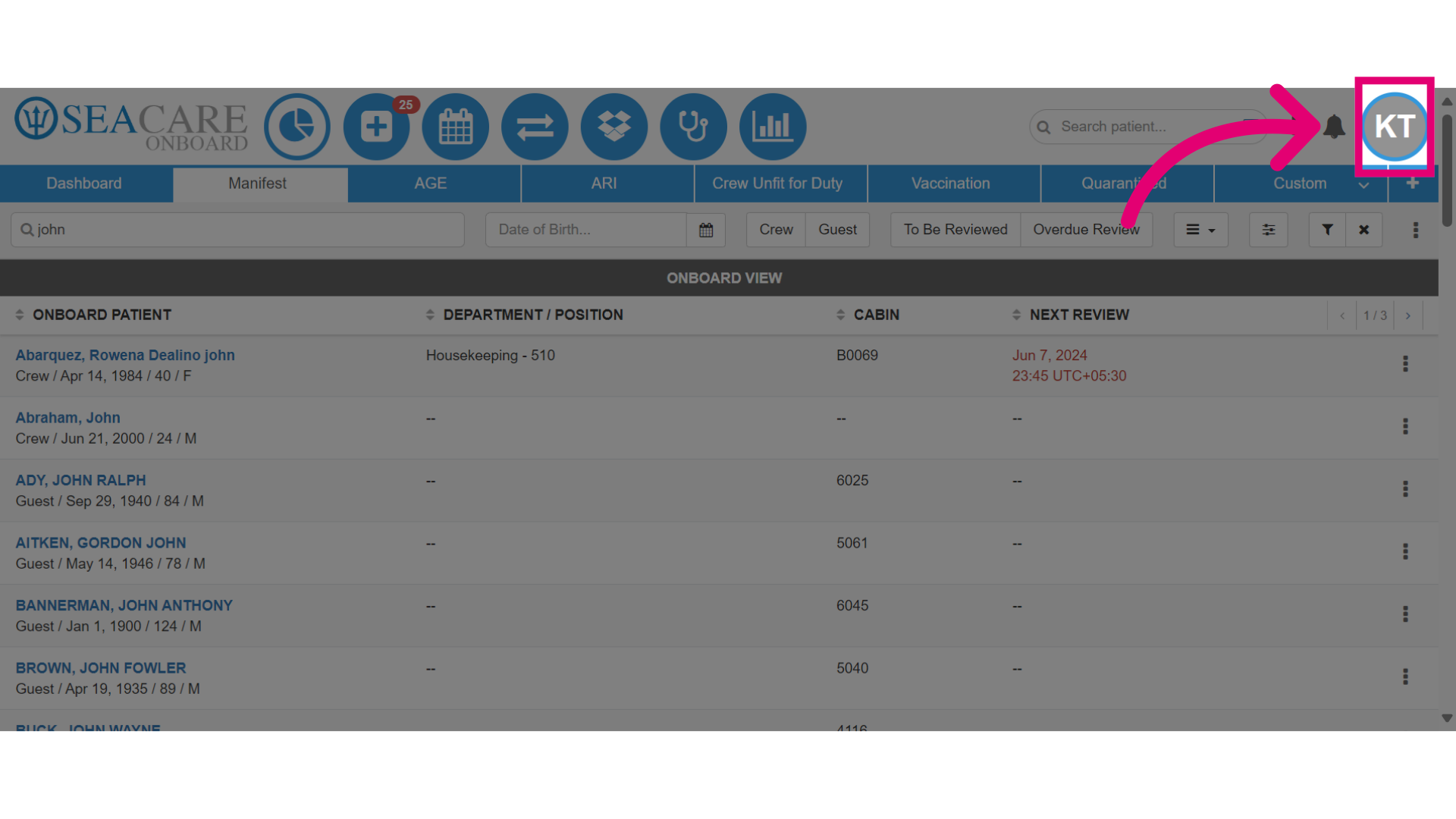
- To begin, click on your avatar or initials to access the Admin menu.
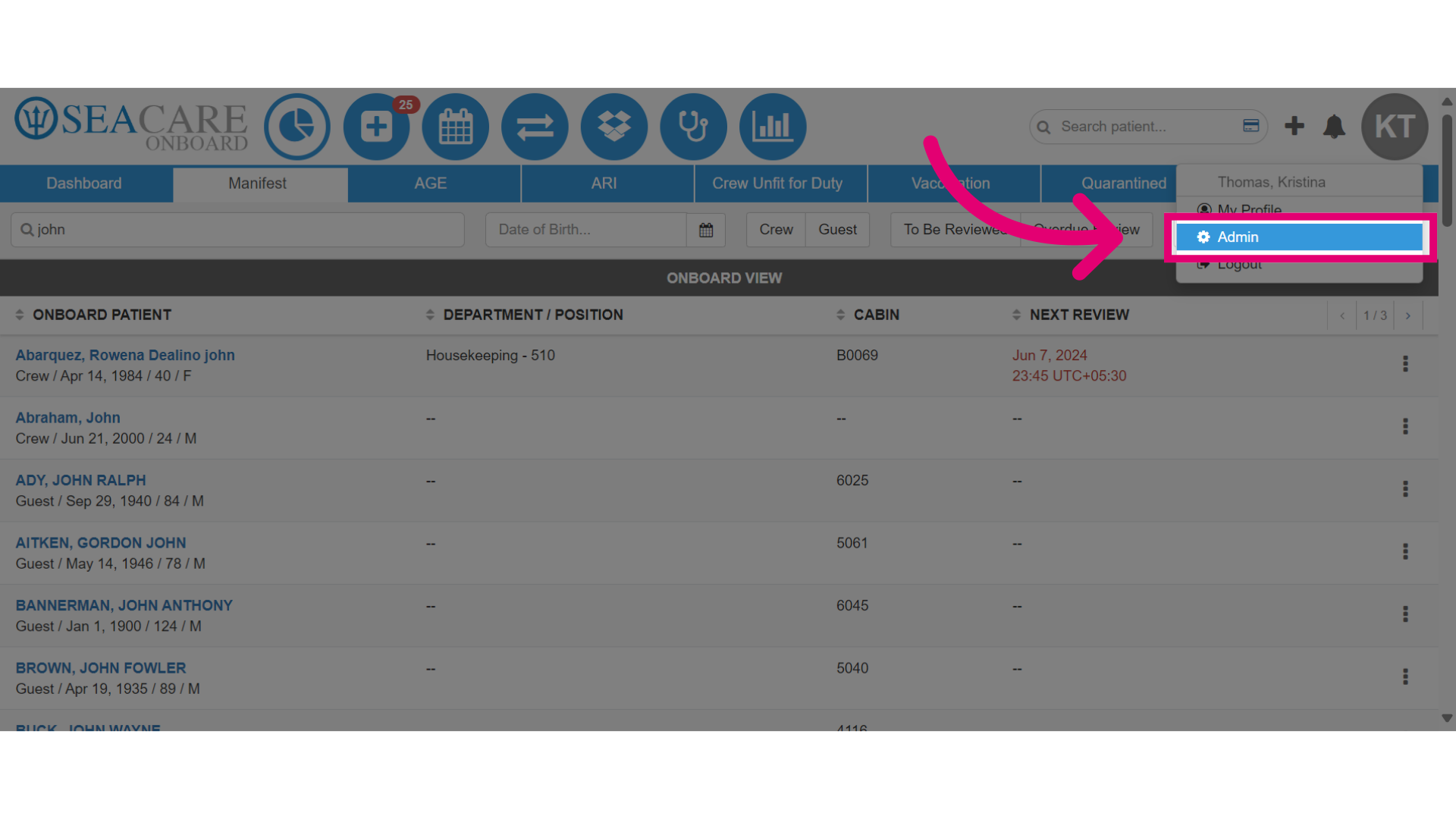
- Then, select Admin.
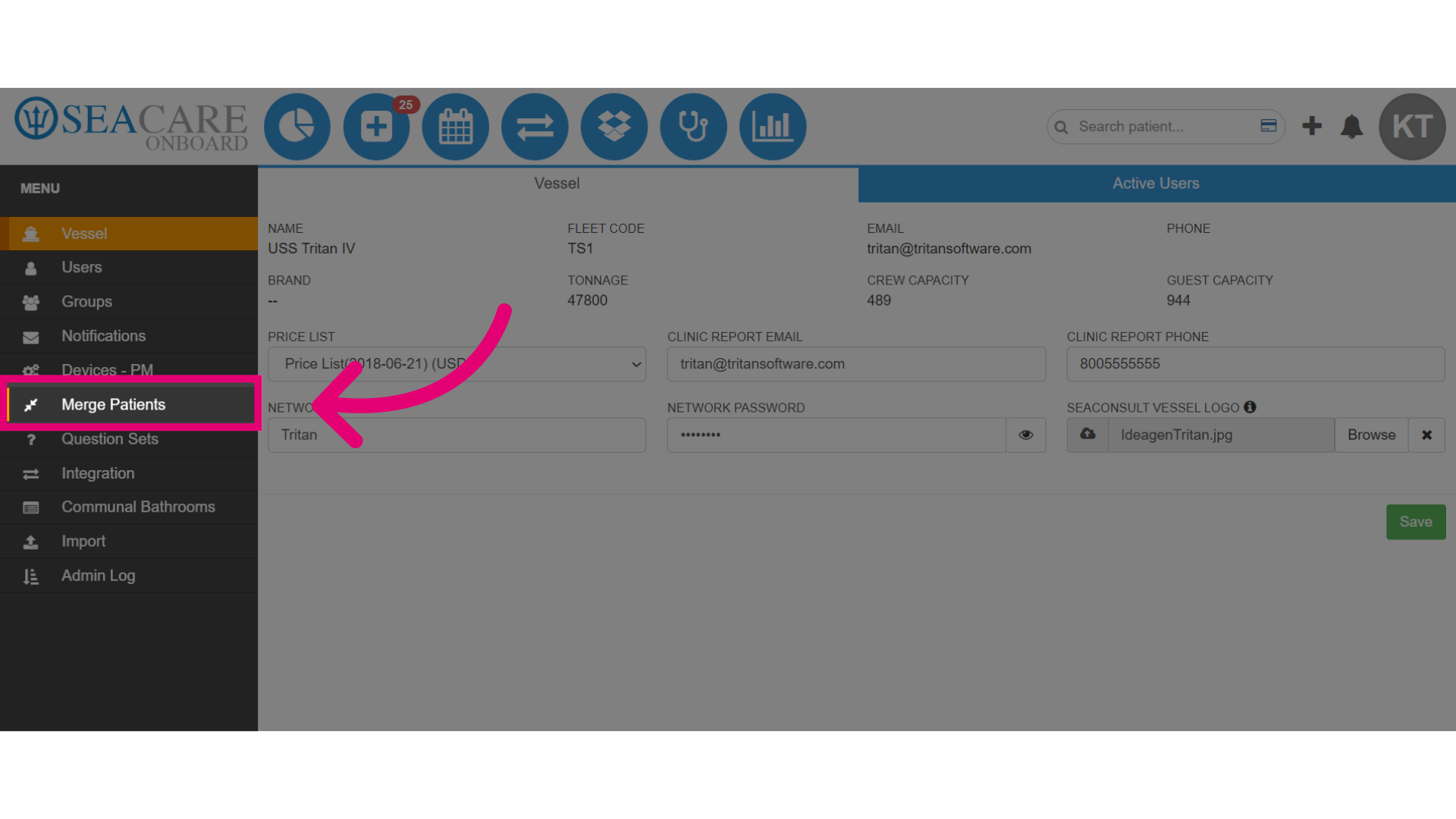
- Select the Merge Patient module.
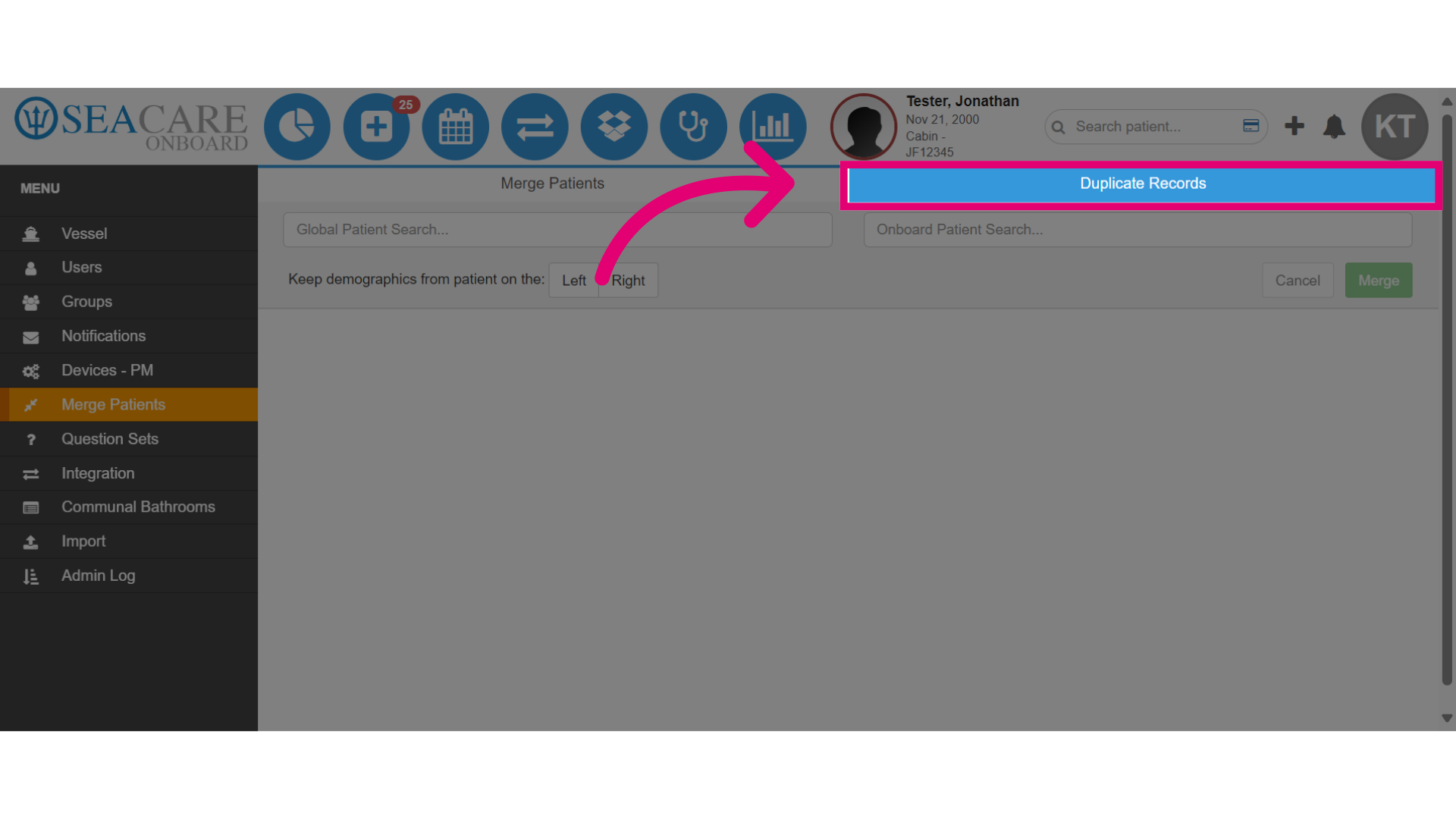
- Then, select the Duplicate Records tab.
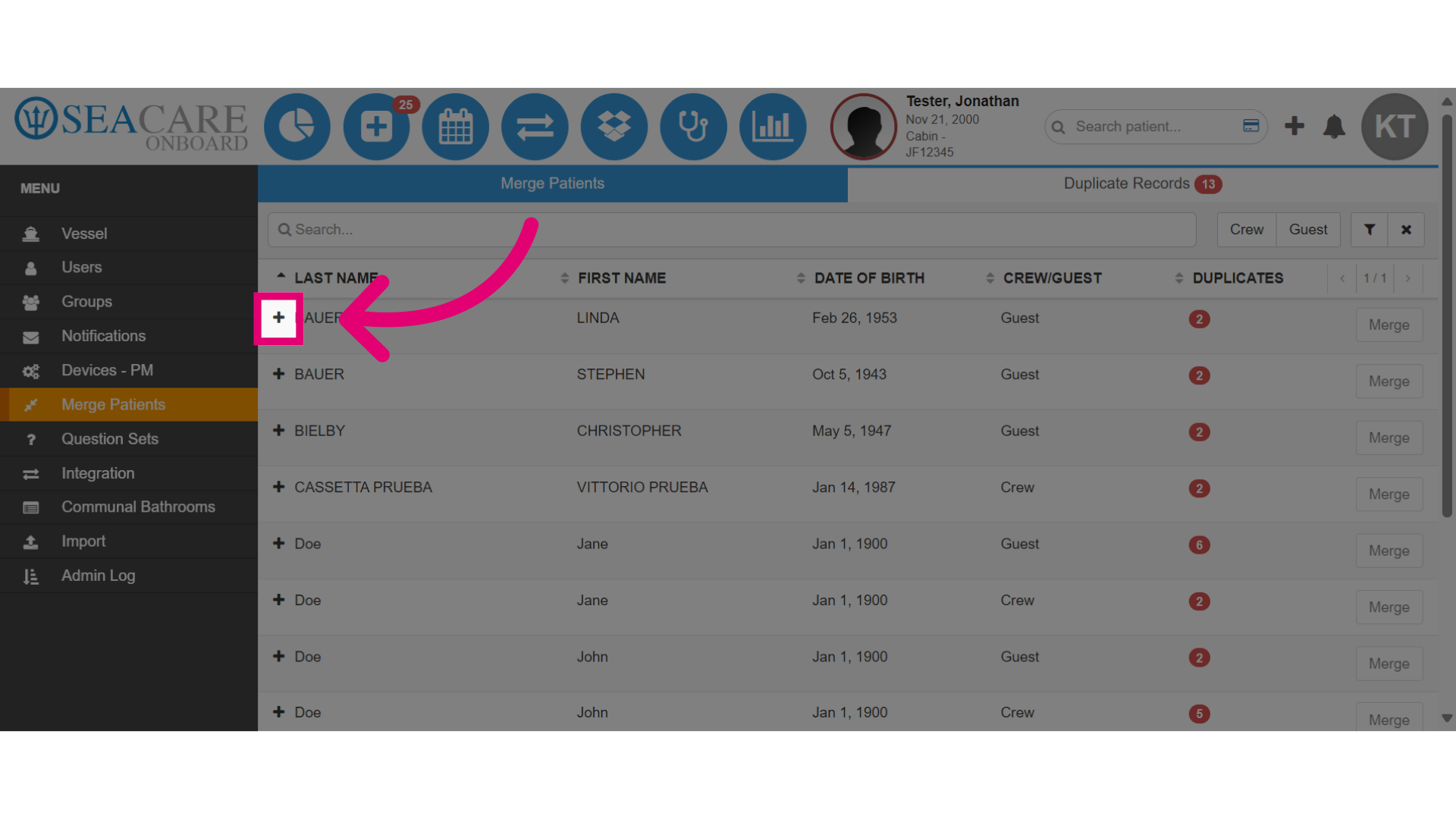
- Locate your patient and select the plus sign to expand to view existing duplicate records.
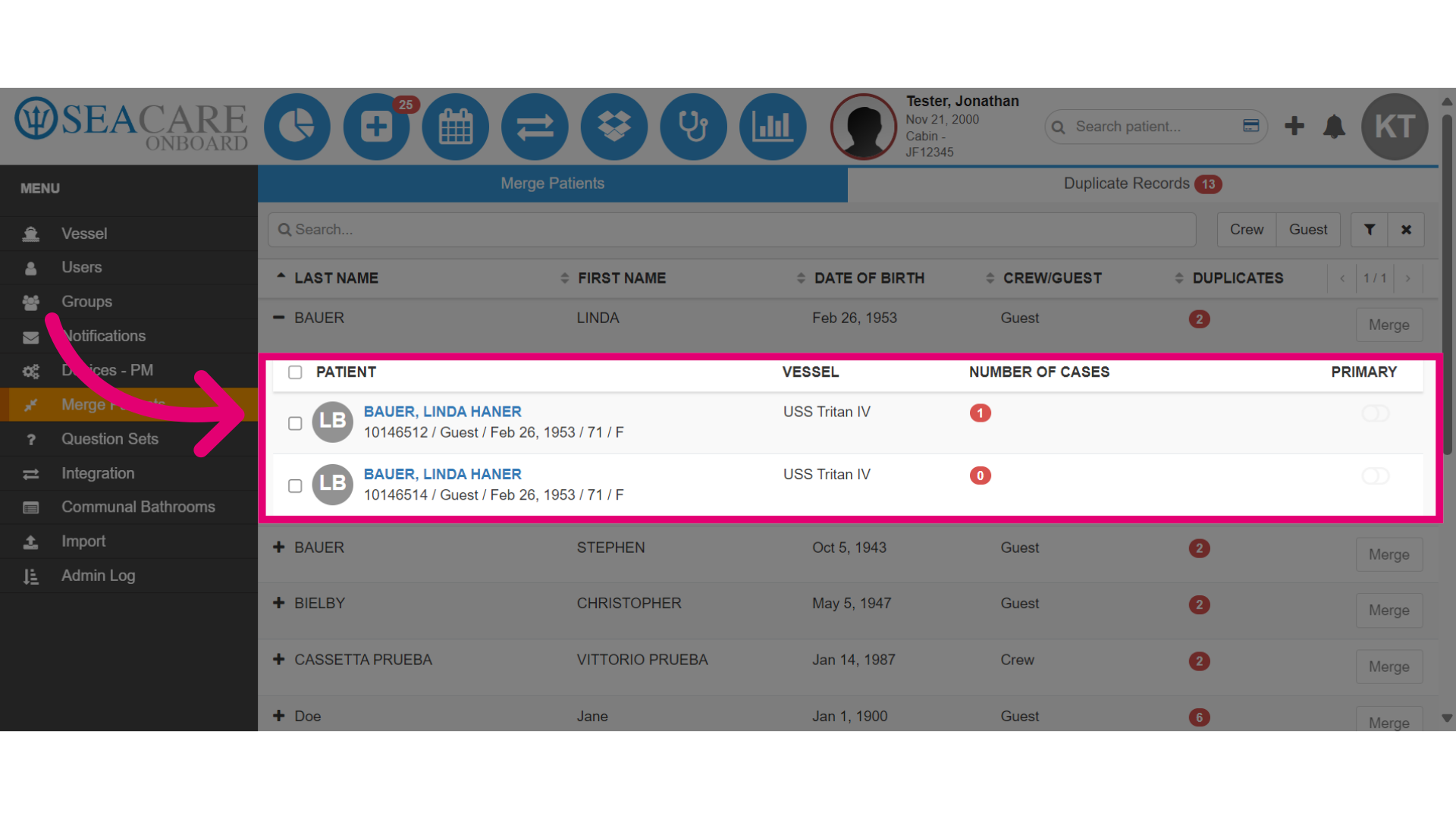
- View the duplicate records for the patient and the number of cases attached for the patient's records.
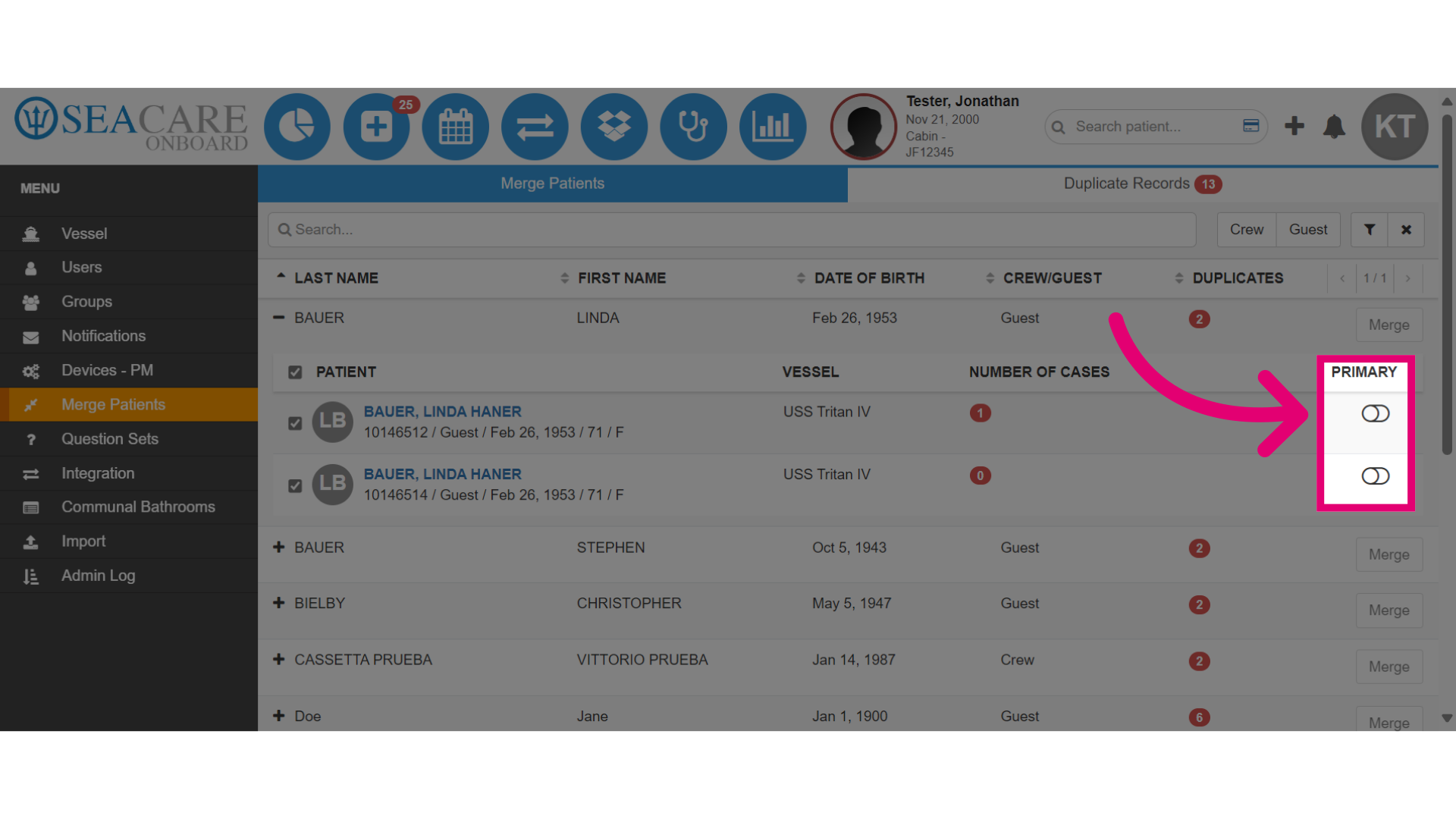
- Then, select a Primary record to keep from the duplicate records. This will keep all records of the primary and merge the duplicates from the other.
- Select Merge to initiate the merging process.
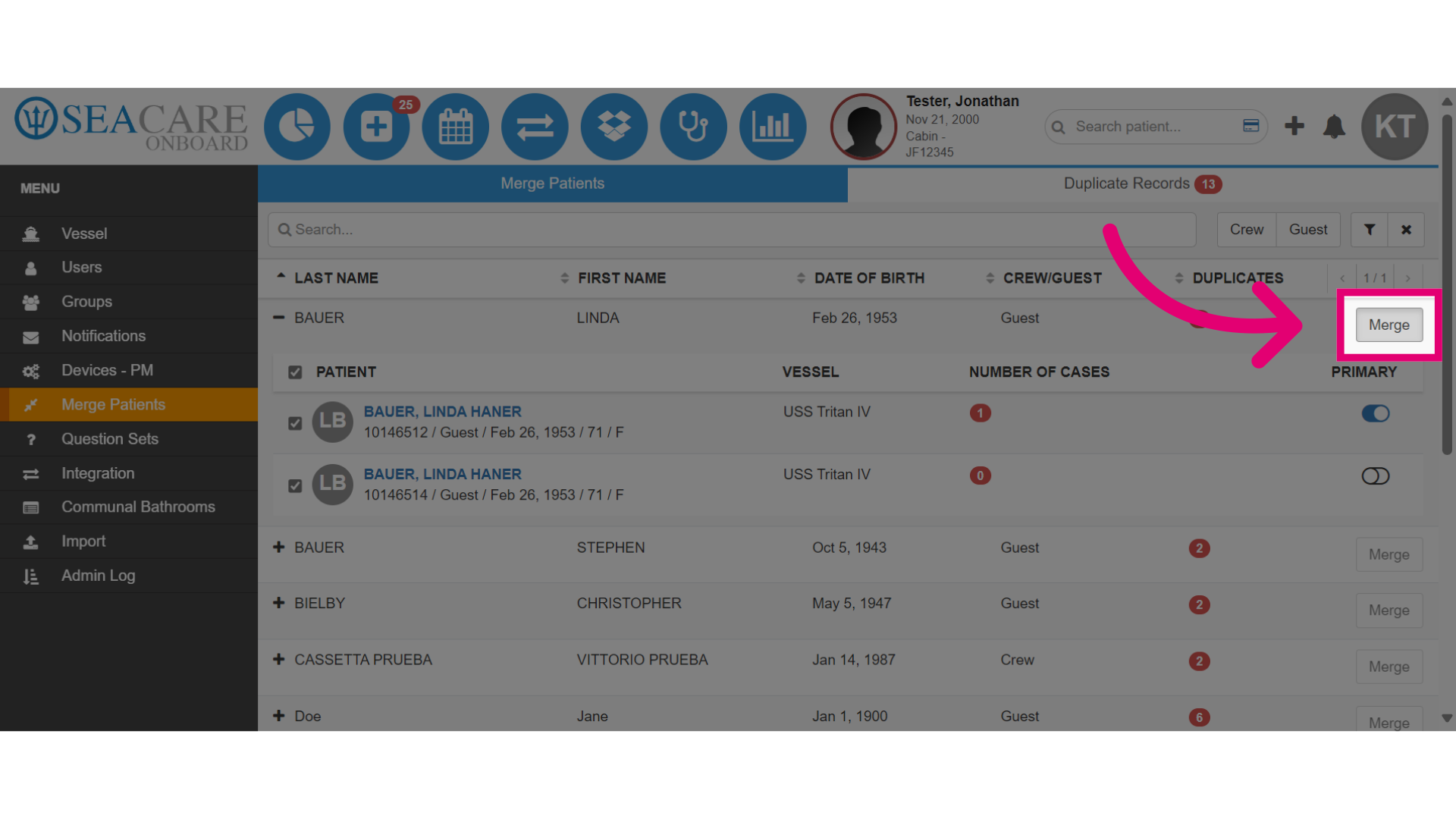
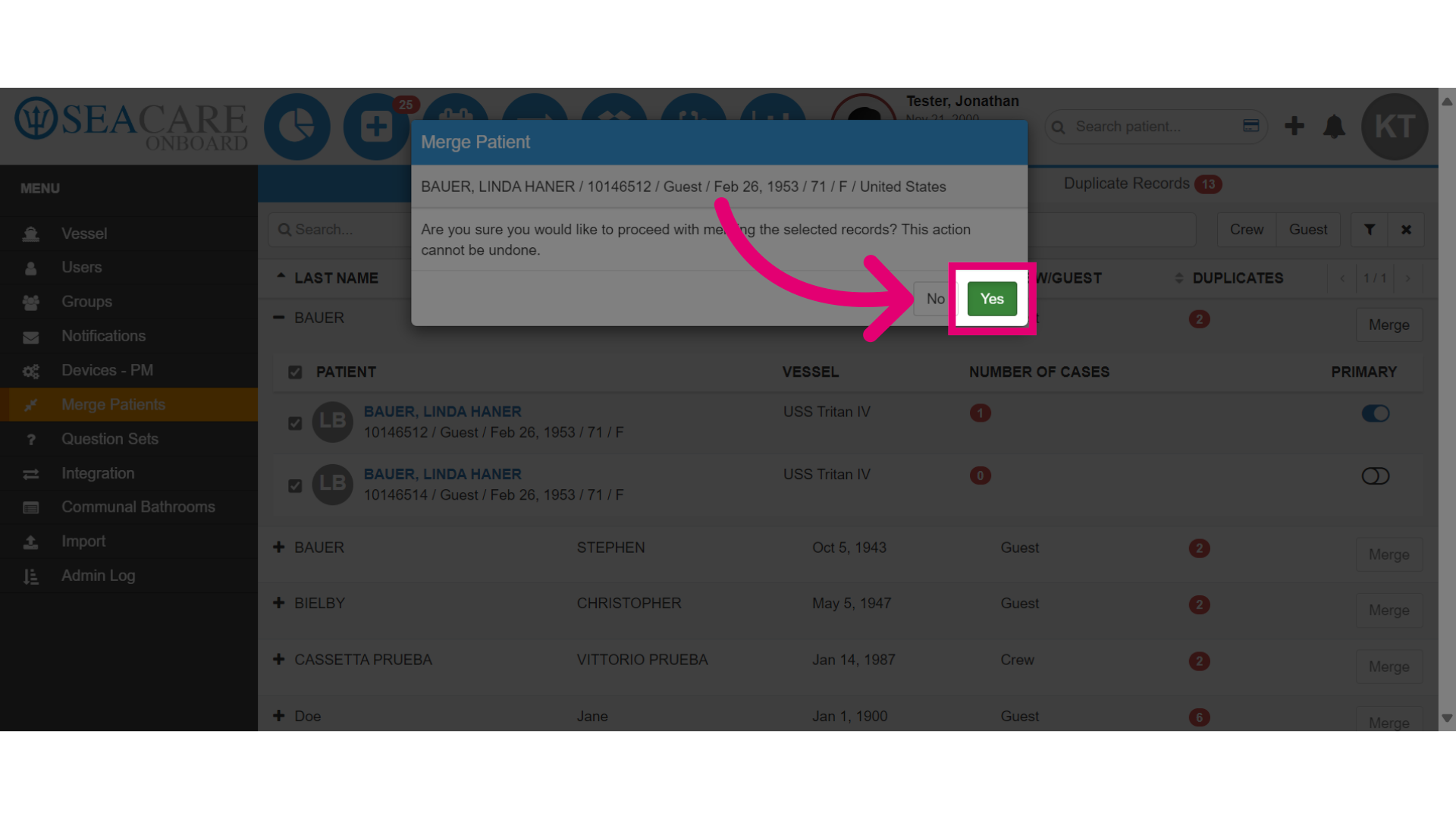
- Confirm the merge action by selecting Yes. This action cannot be undone.