New article
Recently updated
Checking the status of a document submission

Who is this article for?Users who want to learn how to submit documents within the Crew Health portal.
No elevated permissions are required.
Some documents, such as vaccination cards, must be submitted as part of the pre-employment process. This article outlines the steps to track a document submission in the Ideagen Maritime Health Crew Health application.
Needing steps on how to submit a document? Visit Submitting Documents in Crew Health for details.
1. Checking the status of a document submission
-
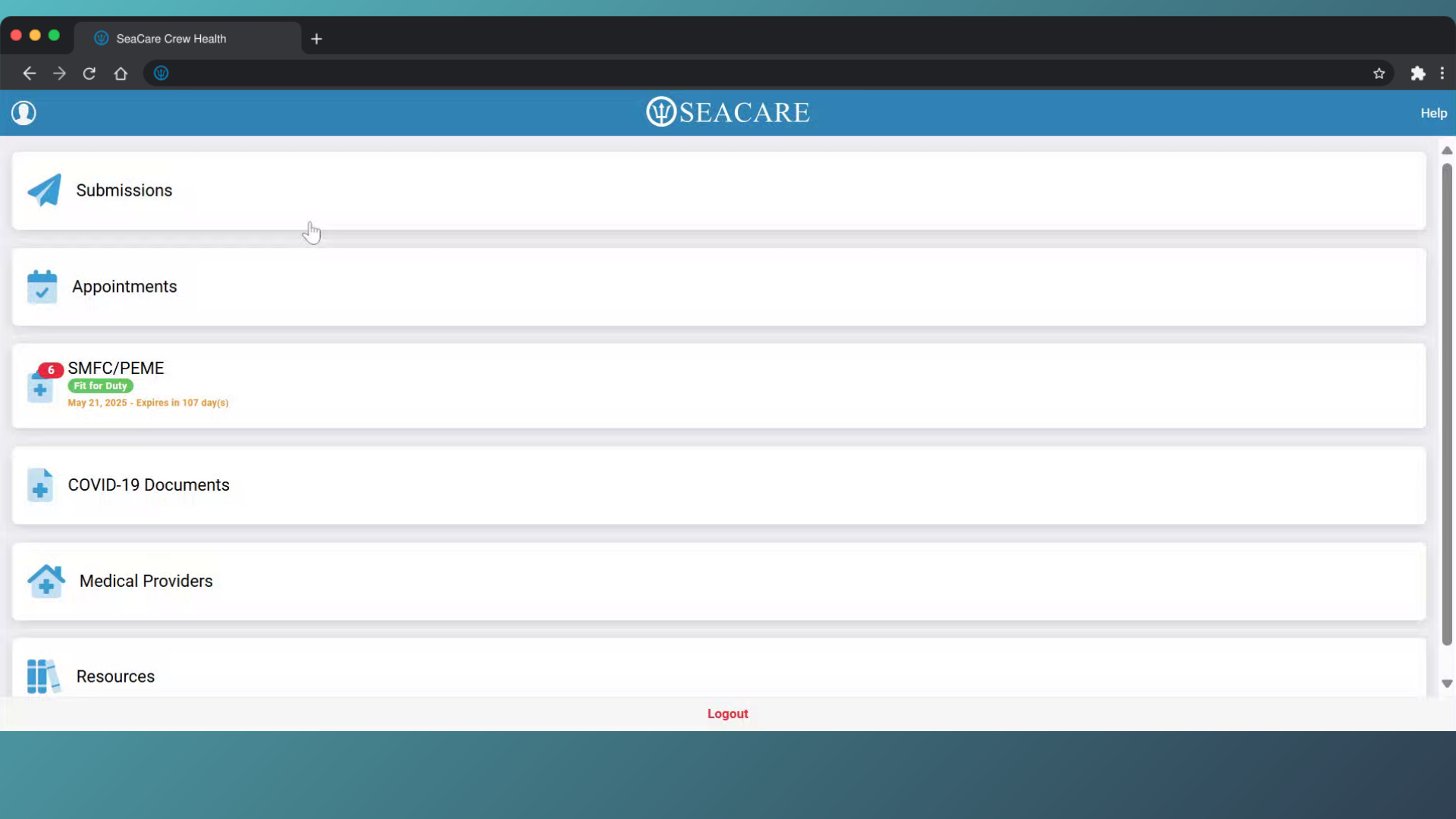
- Log in and you will be redirected to the main dashboard.
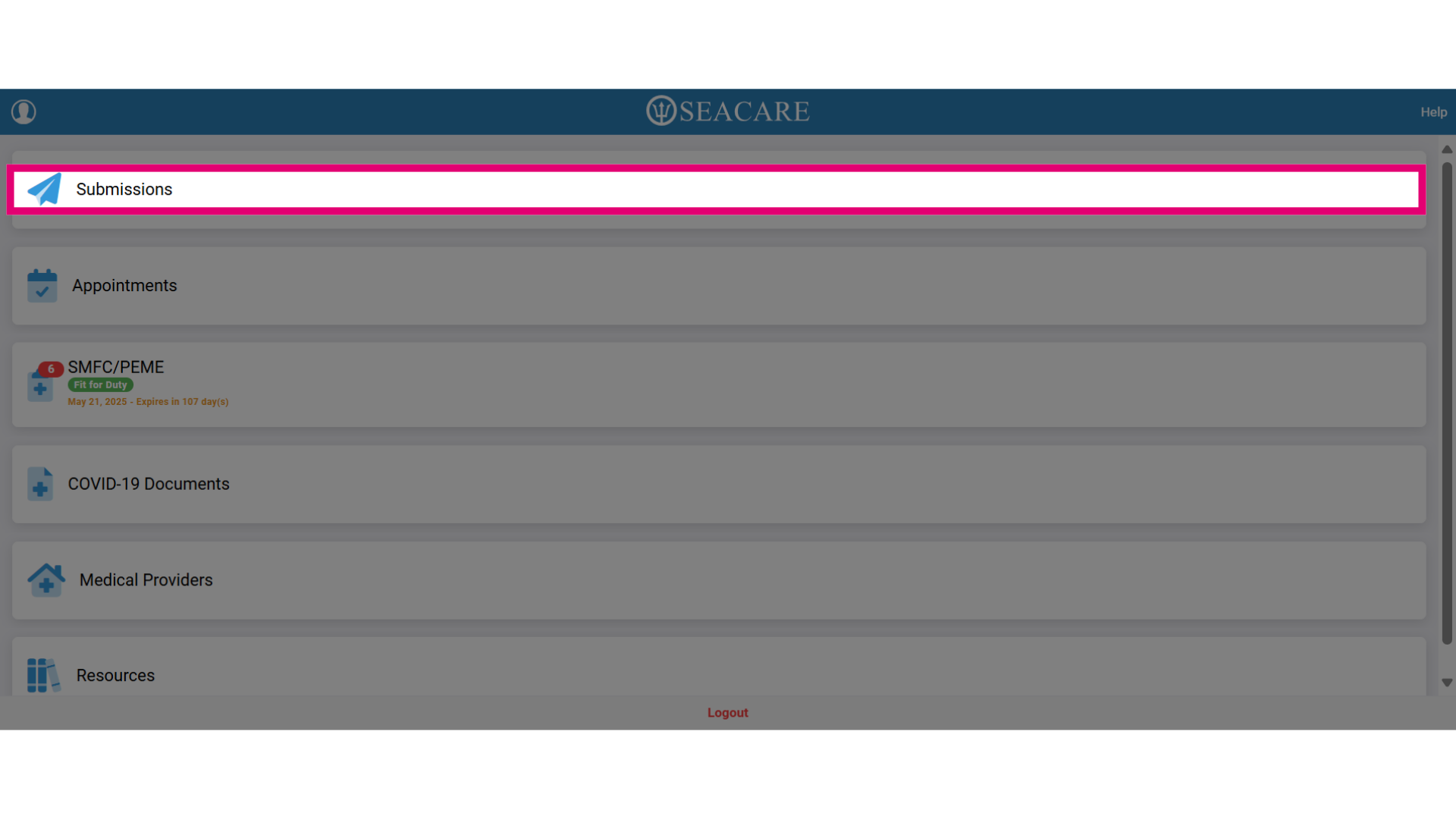
- Select the Submissions tab.
- Go to the Submissions tab to track the document status as one of these statuses:
-
-
- Pending Acceptance - The document has not yet been reviewed.
- Rejected - The document was reviewed and rejected by the recipient.
- Submitted/Accepted - The document was reviewed and accepted into the patient chart.
-
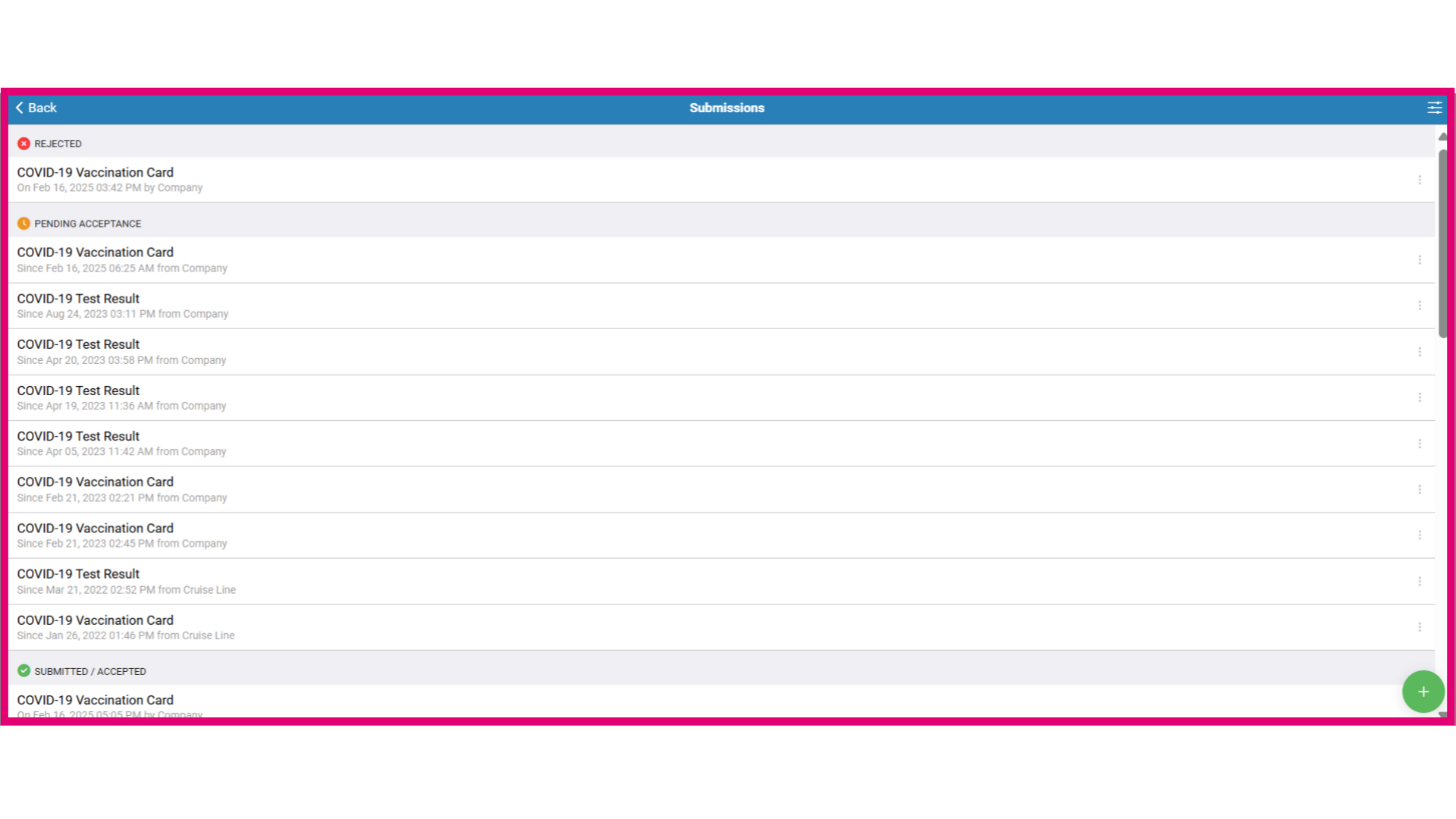
- When you submit a document, it will appear under the Pending Acceptance section. This means that your employer or healthcare provider has received the submission but has not yet approved it.
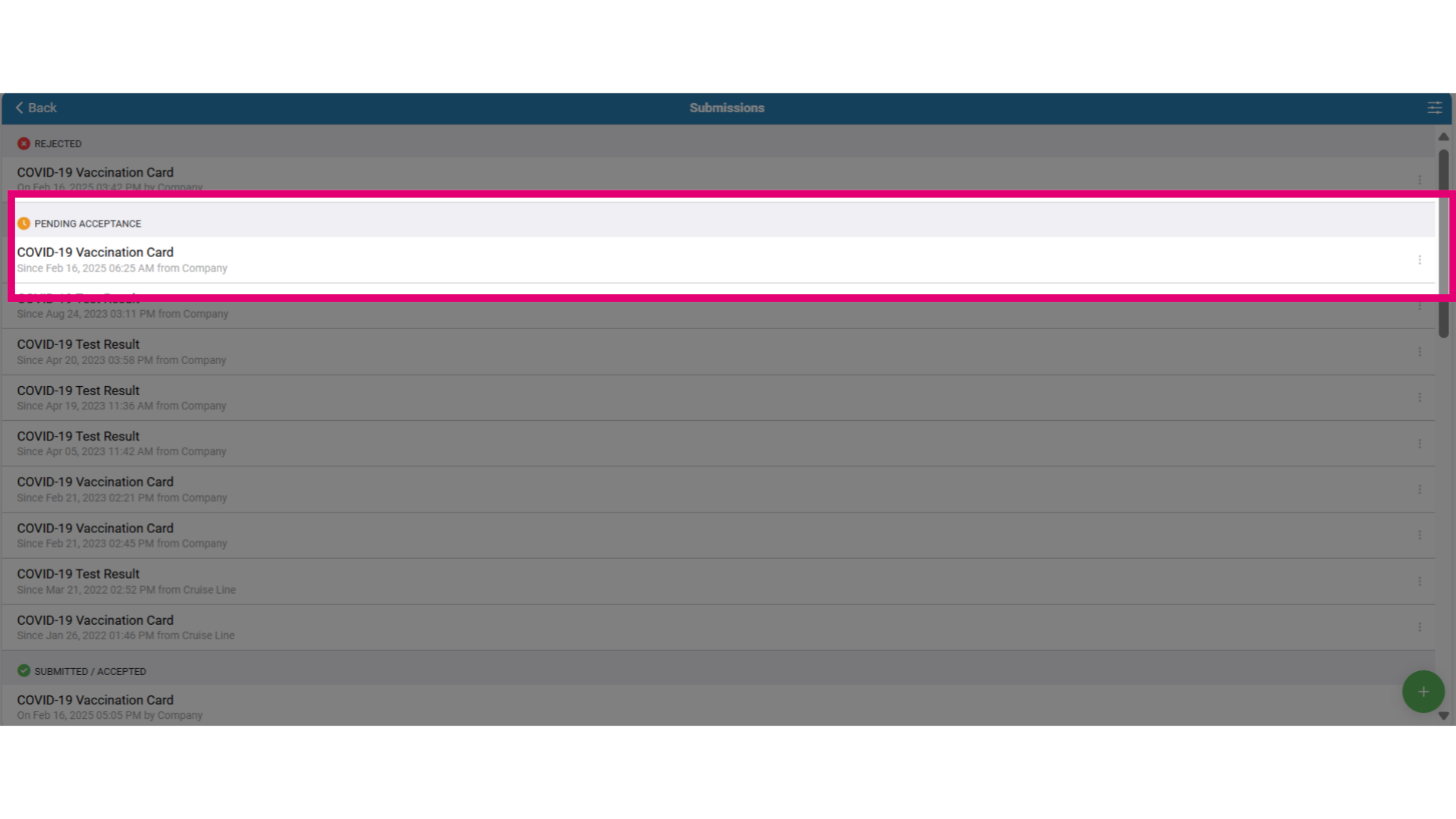
- To review information about the document at any time, double-click the document and you will be able to review the:
-
-
- Document (link)
- Submission Type
- Submitted on (Timestamp)
- Submitted to (recipient)
- Current Status (Document Status)
- Updated on
- Comments made by the company or crew
-
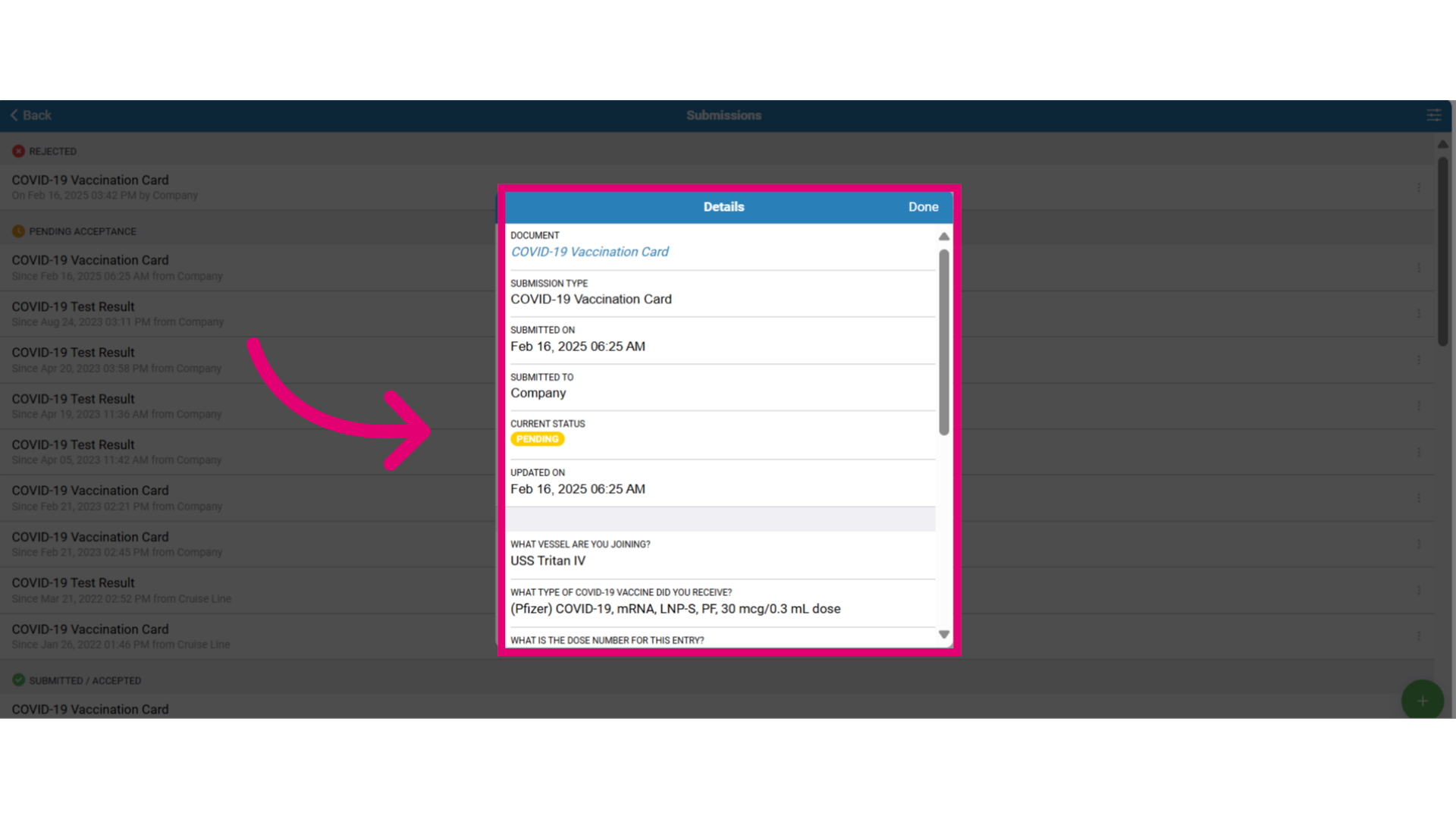
- Click on the document link under Document to download a copy of the document to your device and select Done to close this window.
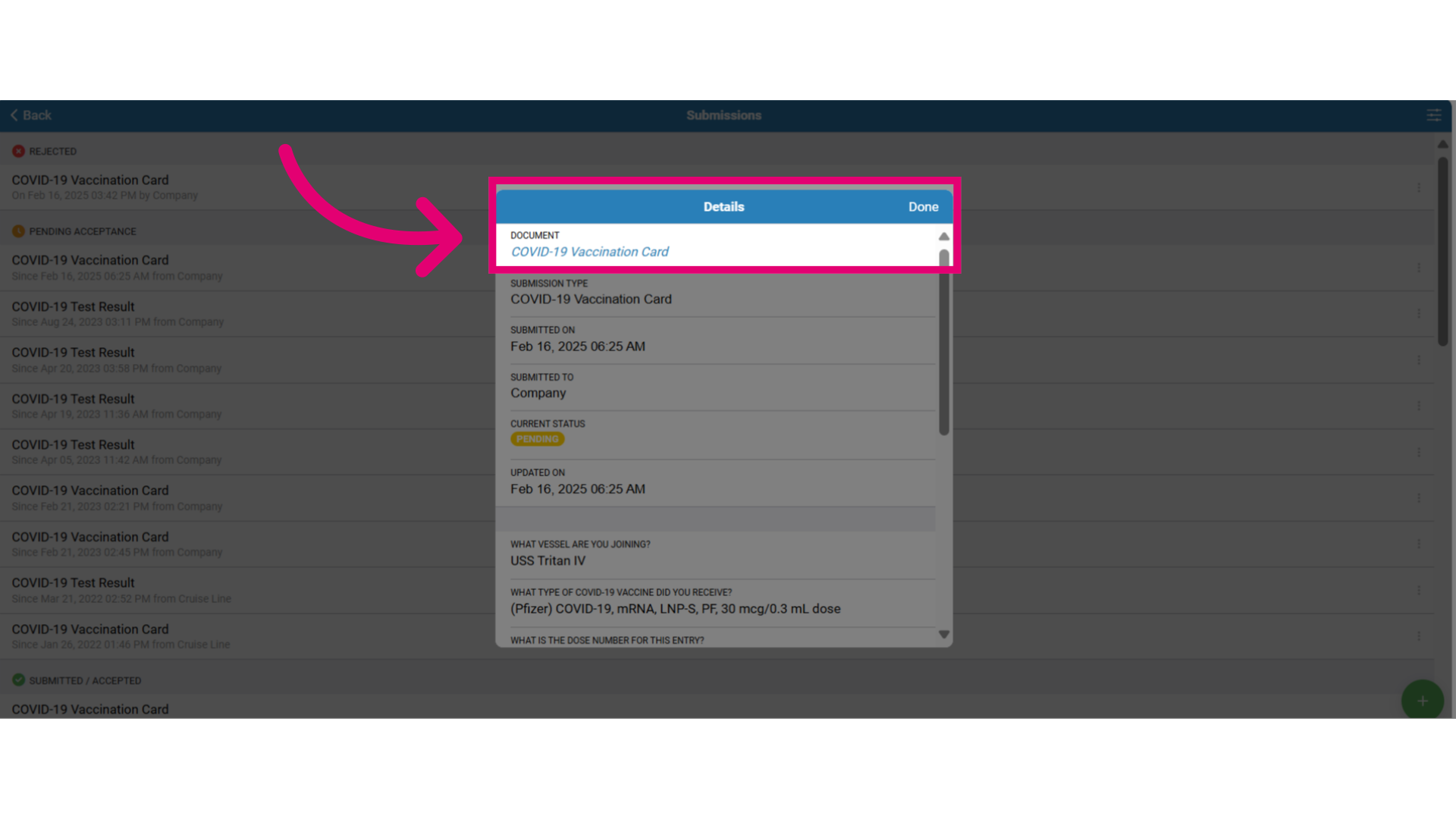
- Now, let's explore the other submission option to submit a form, by selecting the type of form such as a health questionnaire to submit to the company to report health conditions before boarding a ship.
- Then answer the questions directly on the form as shown here by selecting the correct answer.
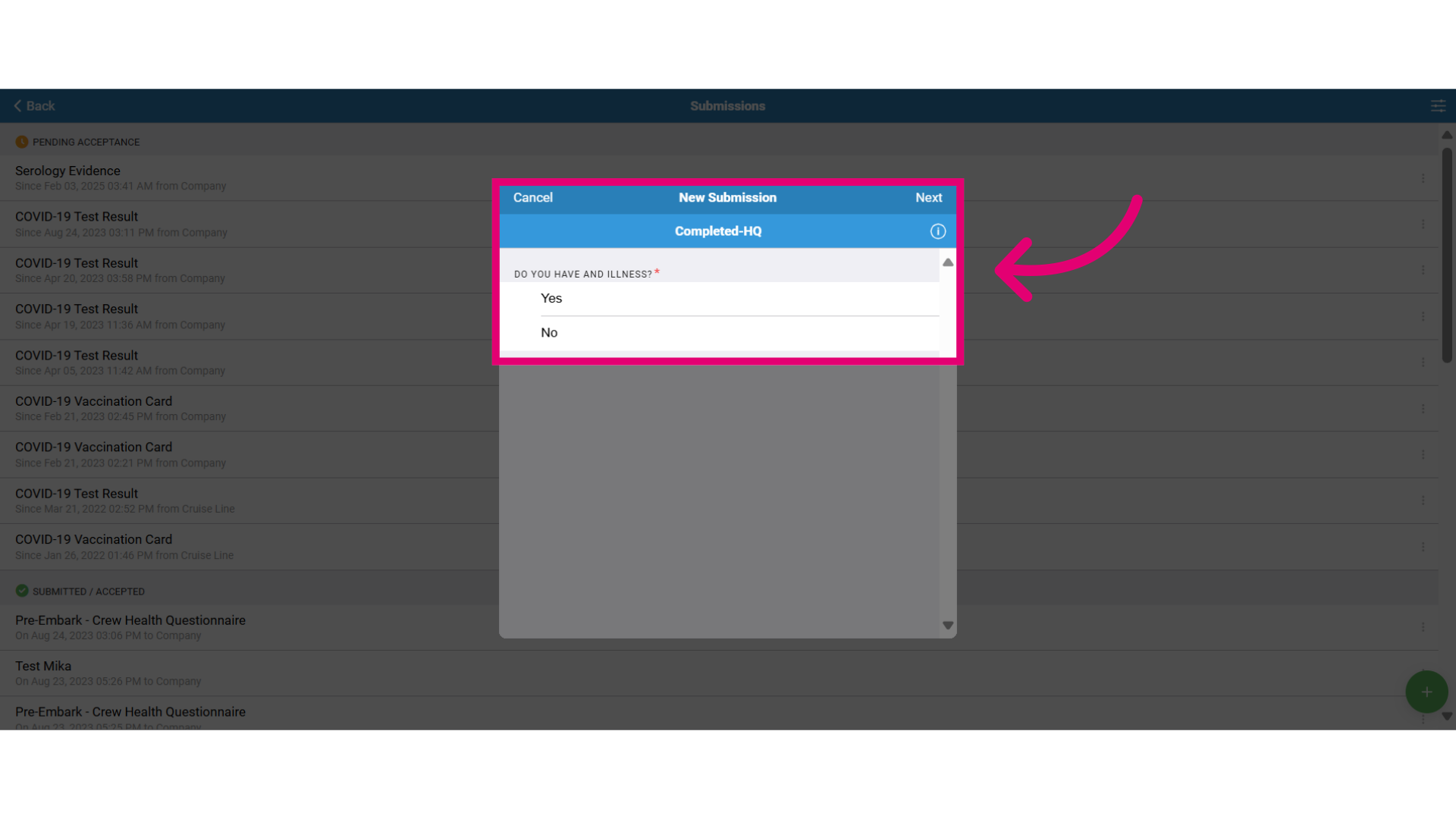
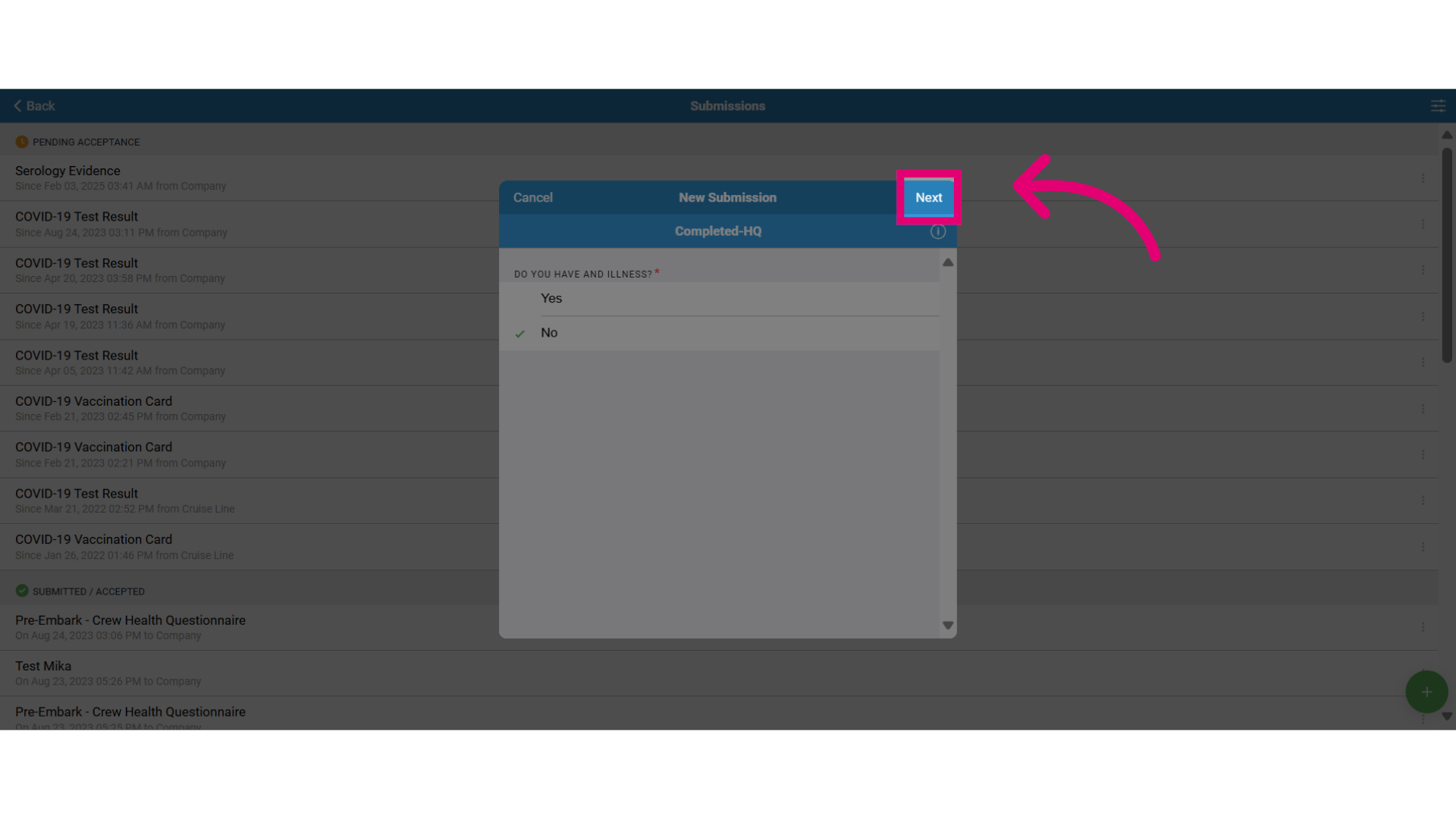
- Select Next to continue.
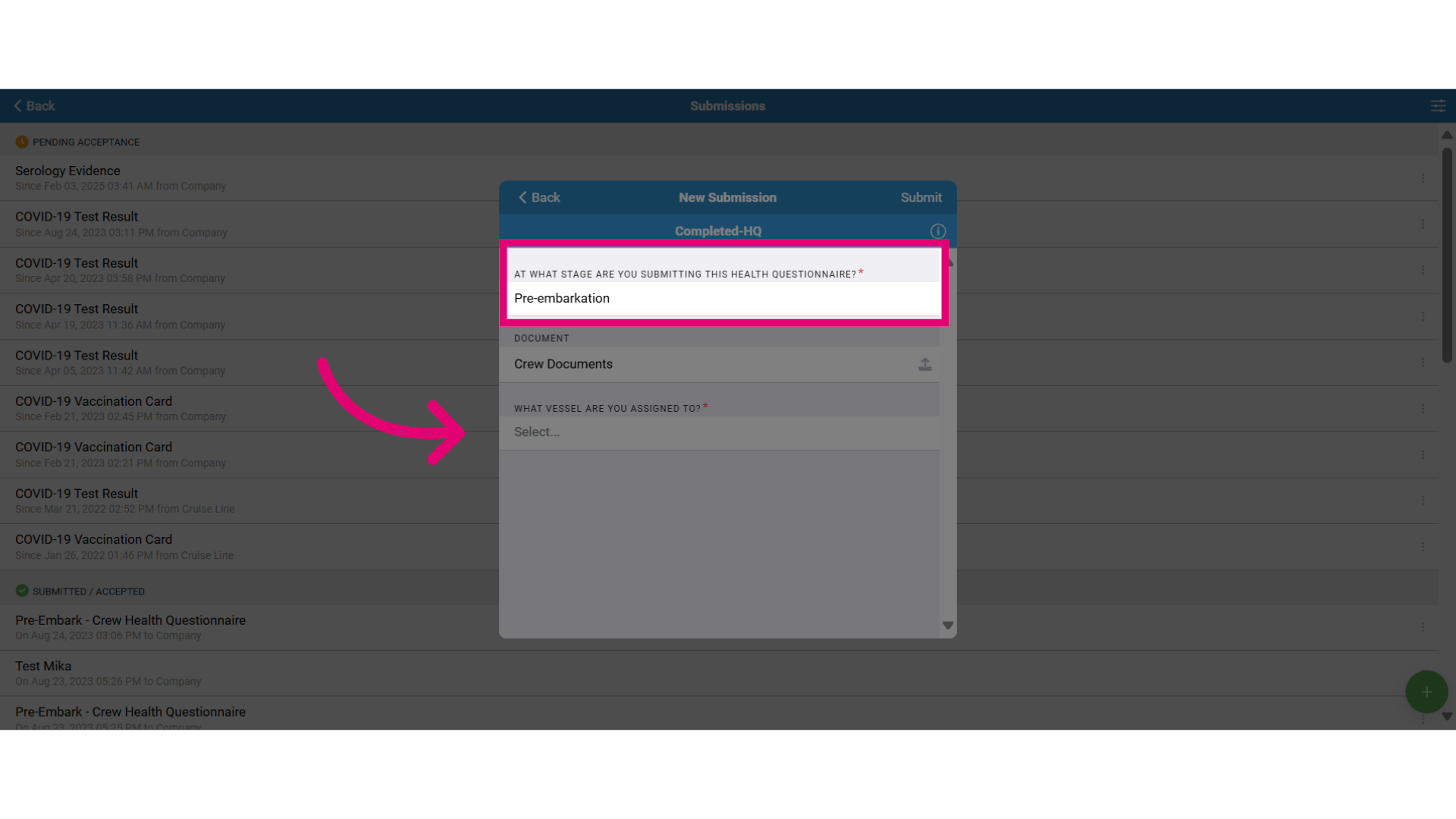
- Continuing to fill out the form.
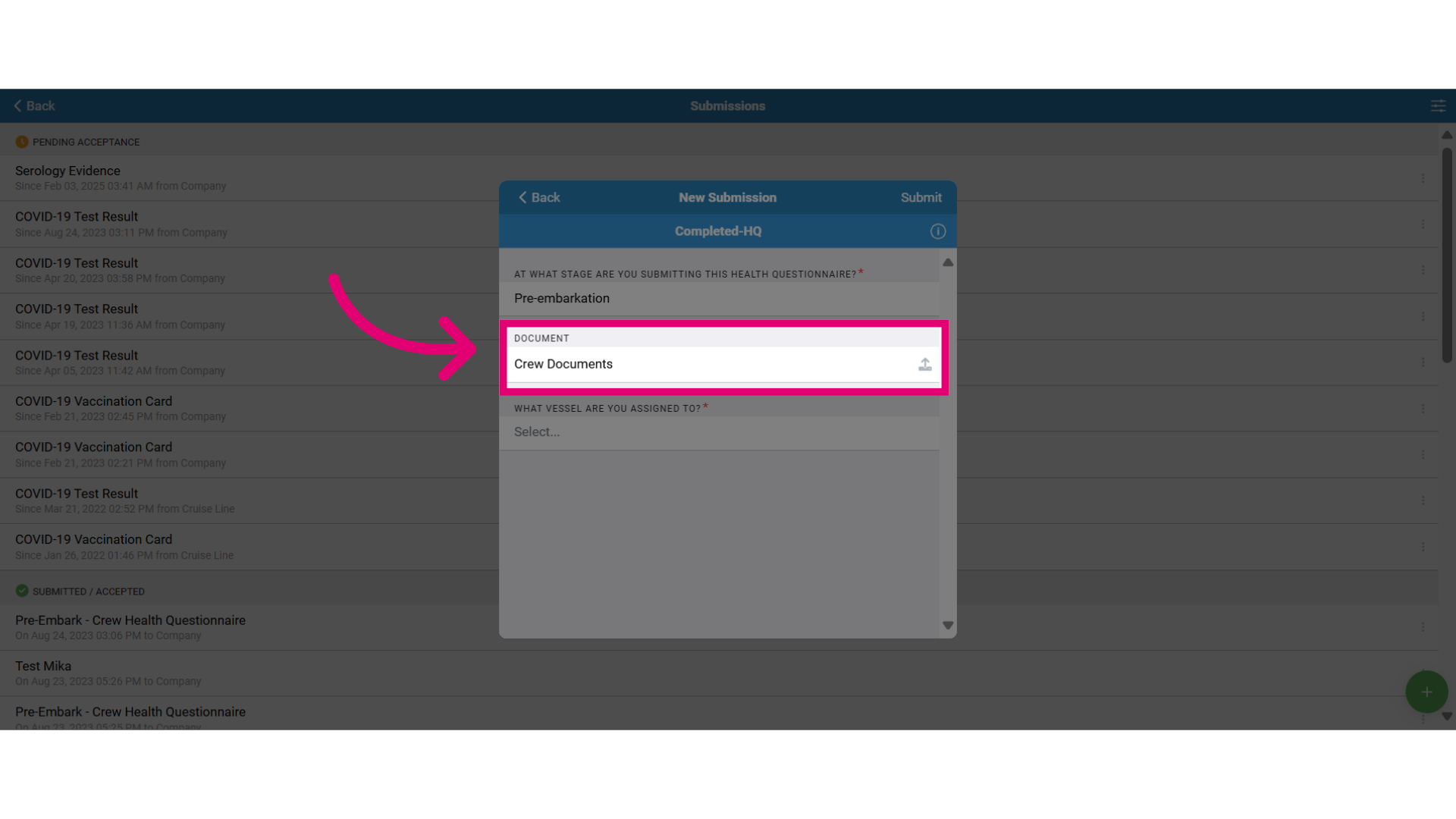
- If you have relevant documents related to the form, you can upload that here to attach them for review.
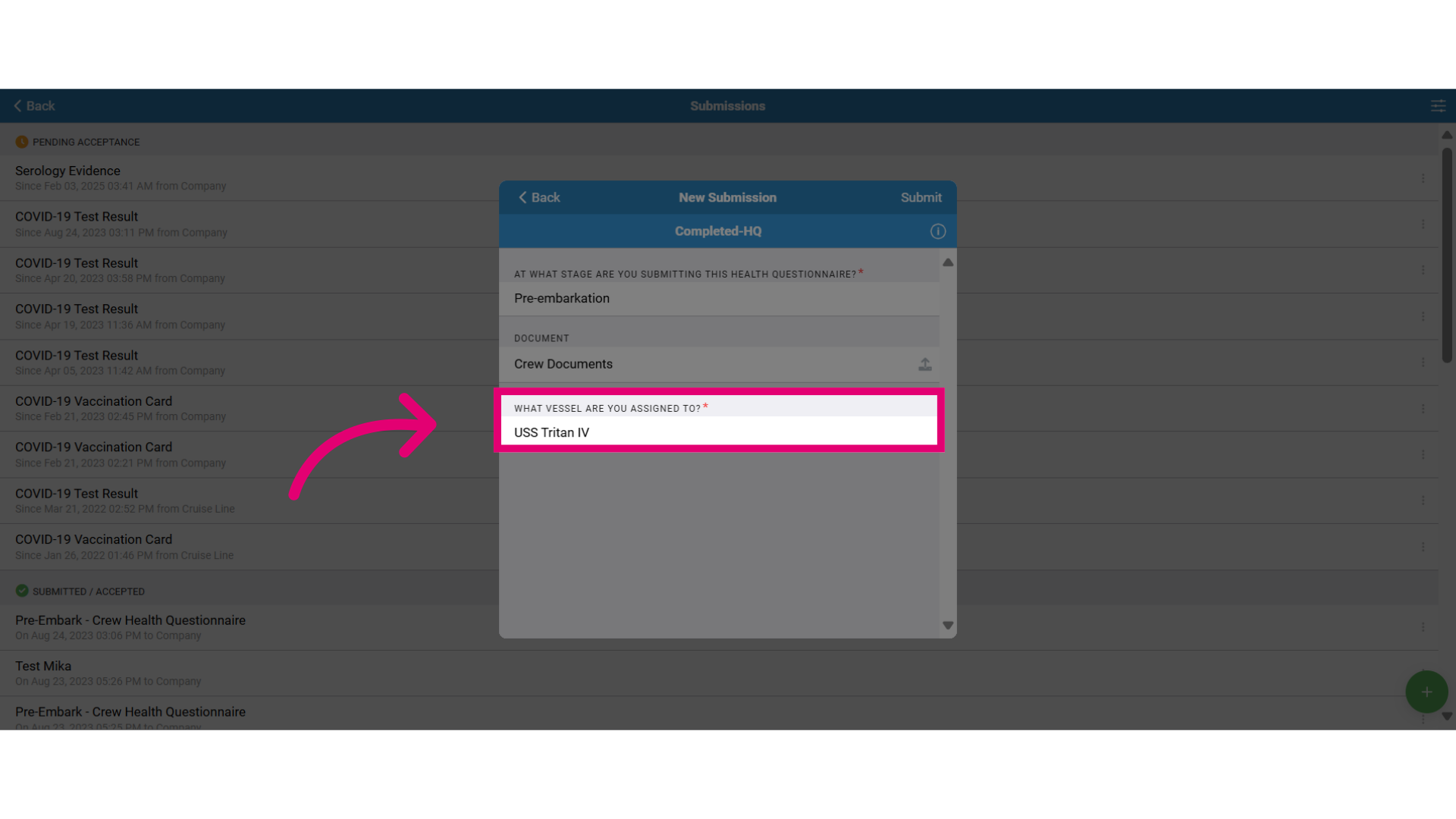
- Review and confirm you have specified the correct vessel.
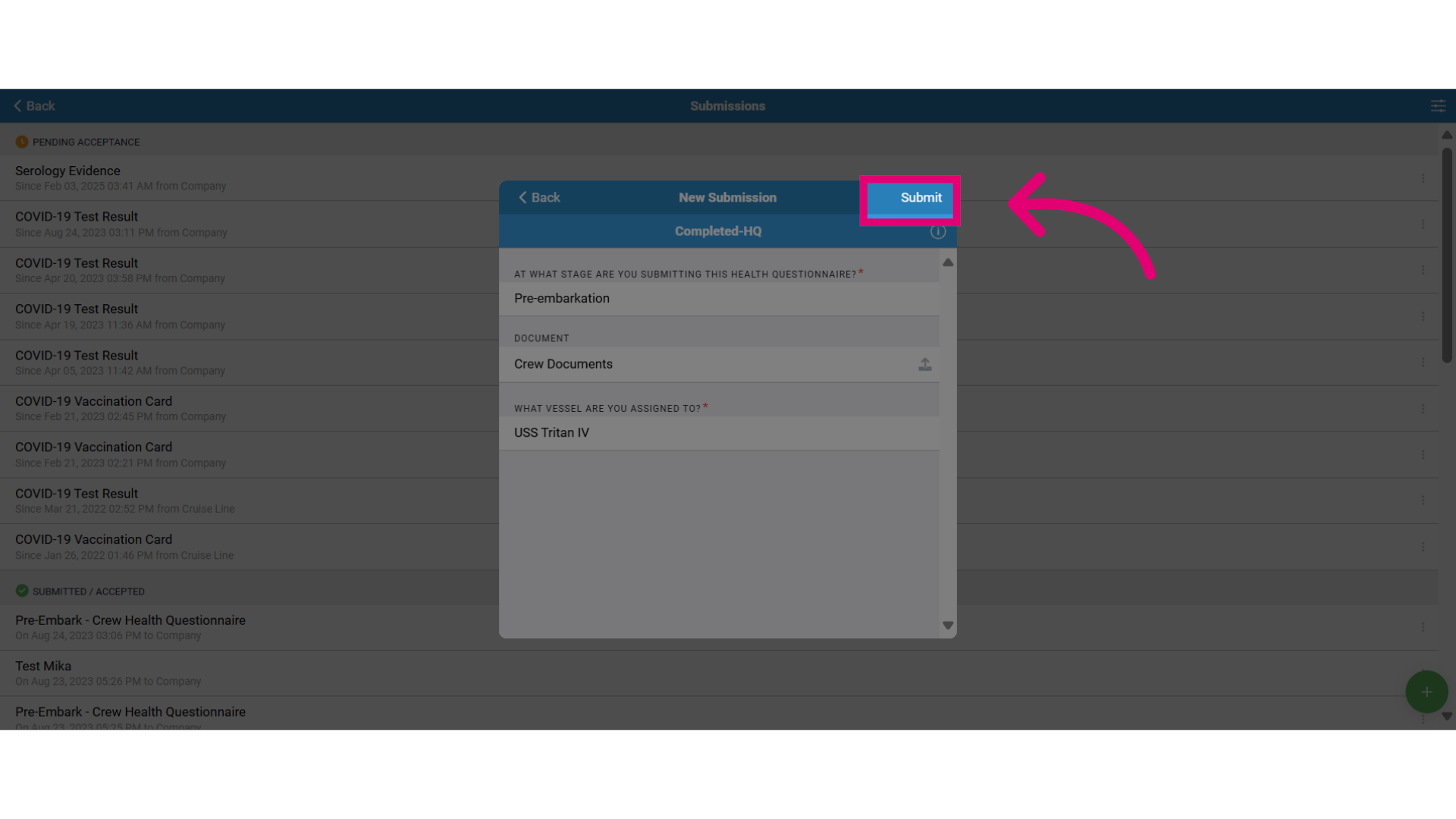
- When you have completed the form, select Submit to send it for review.