New article
Recently updated
Using Resources in Crew Health

Who is this article for?Users who want to learn how to access and use the resources in the Crew Health portal.
No elevated permissions are required.
This guide will explain how to access and use the resources available to crew members in the Crew Health portal. Follow these instructions for using resources to navigate the checklist and forms for employment purposes in crew health.
1. Using Resources in Crew Health
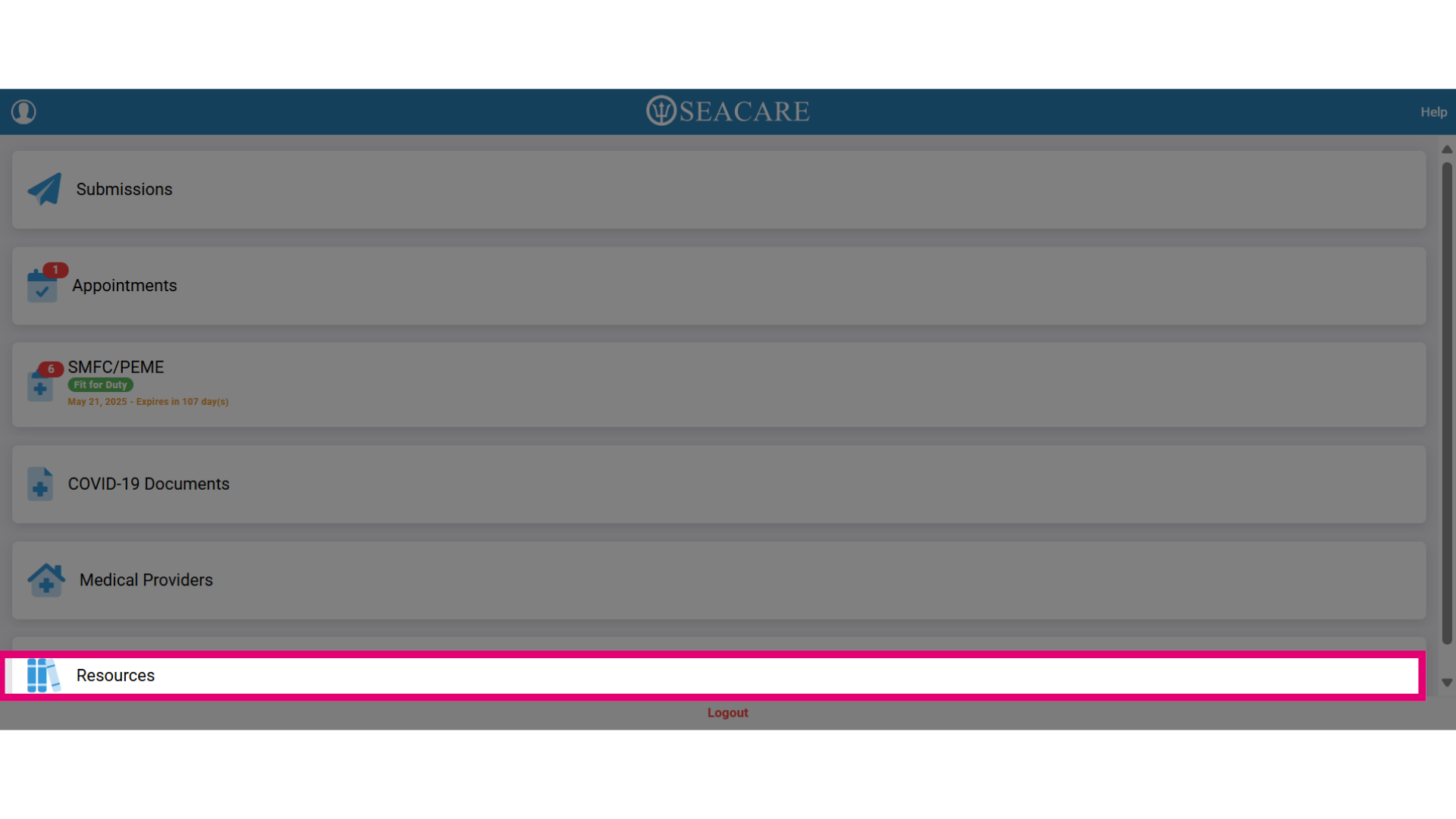
- First, select Resources to access the resources section.
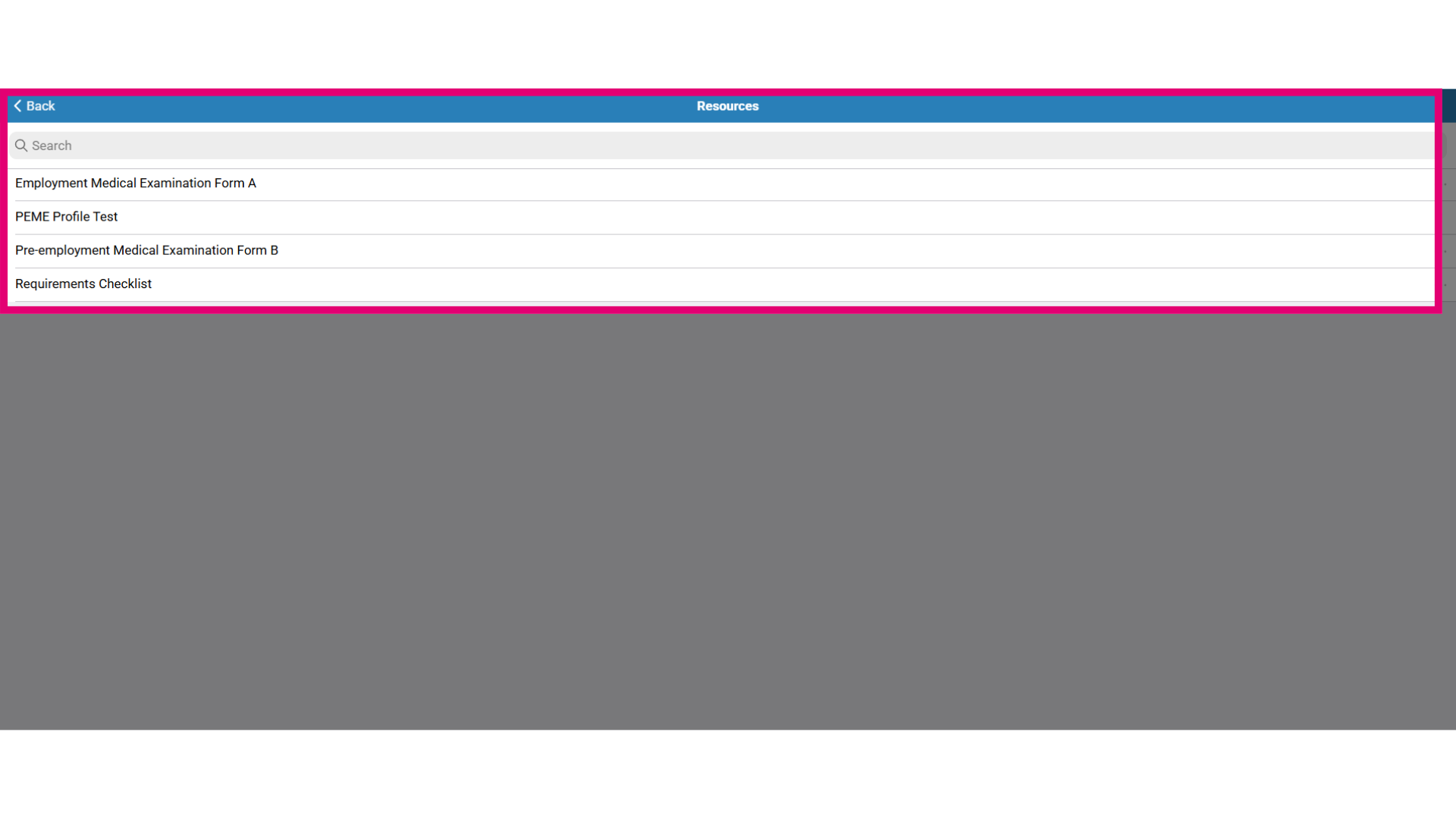
- There are forms and documents in this resource list that may serve as the following purposes:#
-
-
- Pre-employment medical examination (PEME) requirements checklist
- Pre-employment medical exam (PEME) form
- Employment informational documents
- Medical related employment templates
-
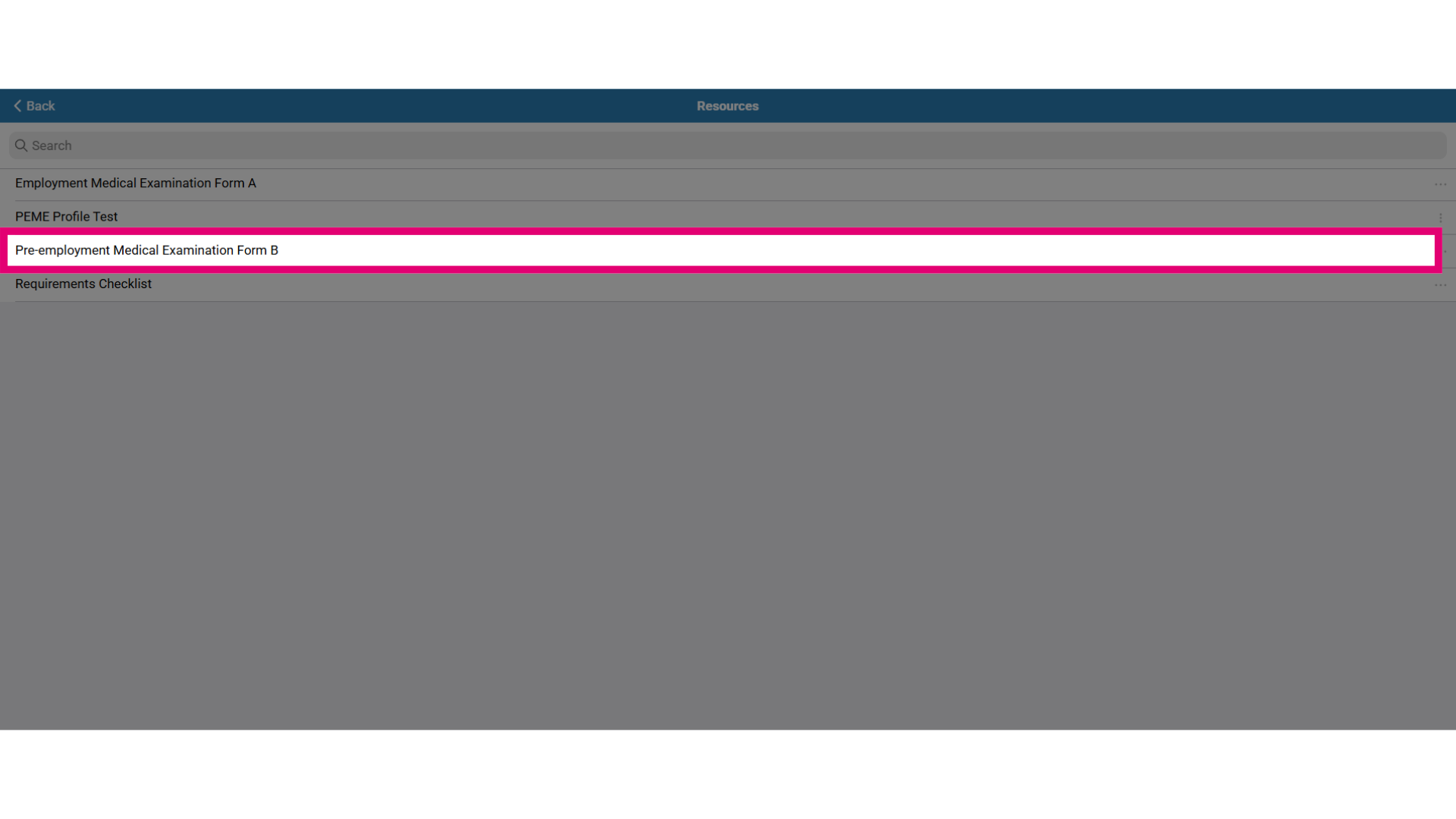
- Forms may be downloaded and taken to an appointment such as the pre-employment medical examination form or simply for you to read such as an employee handbook. Let's look at an example of opening the form by selecting the pre-employment Medical Examination Form B.
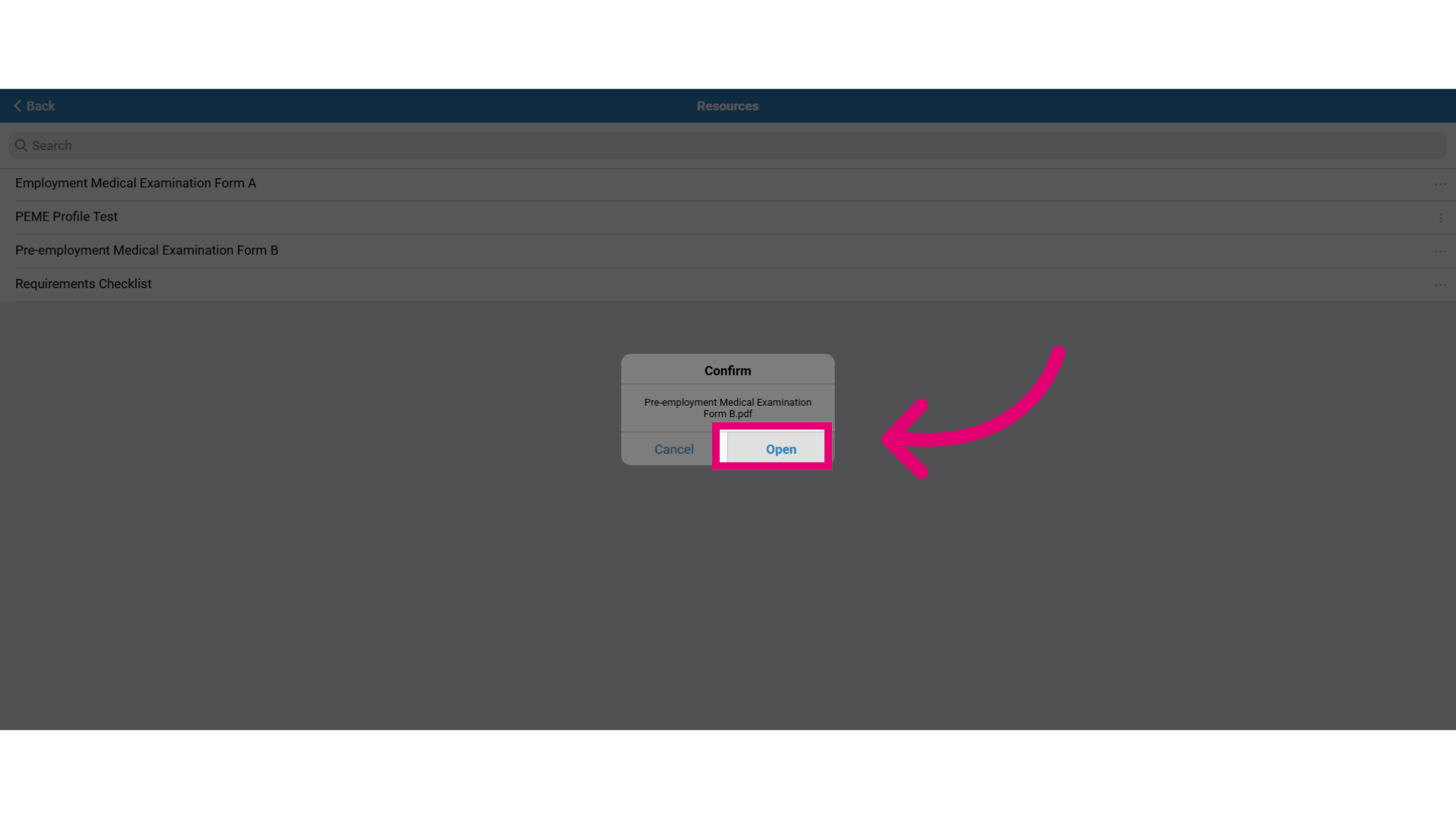
- This opens a popup to confirm opening the form:
-
-
- Select Open to open the form where it can then be read, downloaded or printed.
- If required, the form can be filled out and uploaded as an attachment in the Submissions section.
-