New article
Recently updated
Sharing Patient Information for Joining a SeaConsult Call

Who is this article for?Users who want to learn how to sharing patient information for joining a SeaConsult call.
No elevated permissions are required.
This guide shows how to share the SeaConsult call joining information to the patient, so that they can enter the call.
1. Sharing Patient Information for Joining a SeaConsult Call
1.1. Video
1.2. Steps
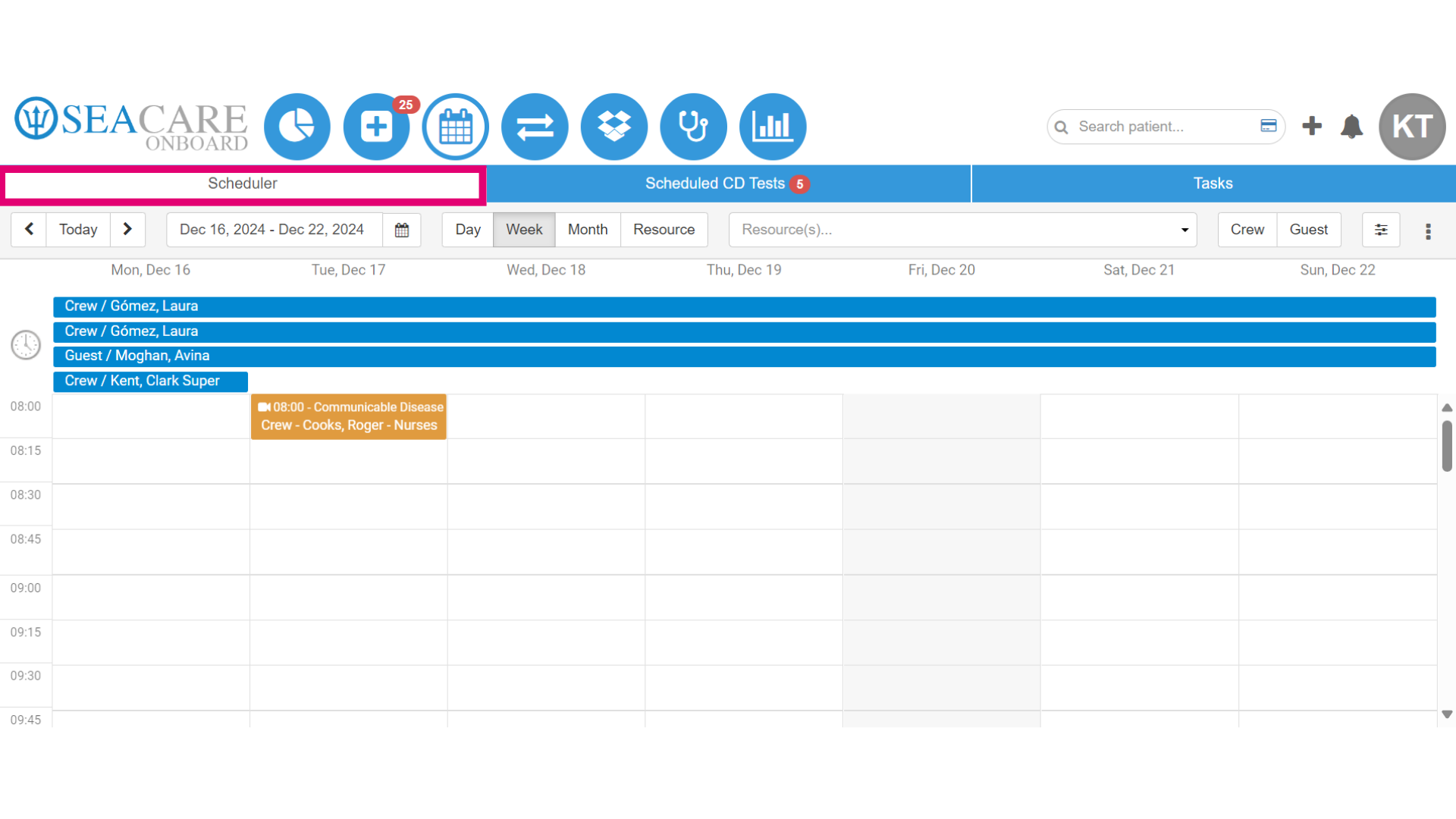
- Begin by going to the Scheduler tab from the Calendar module.
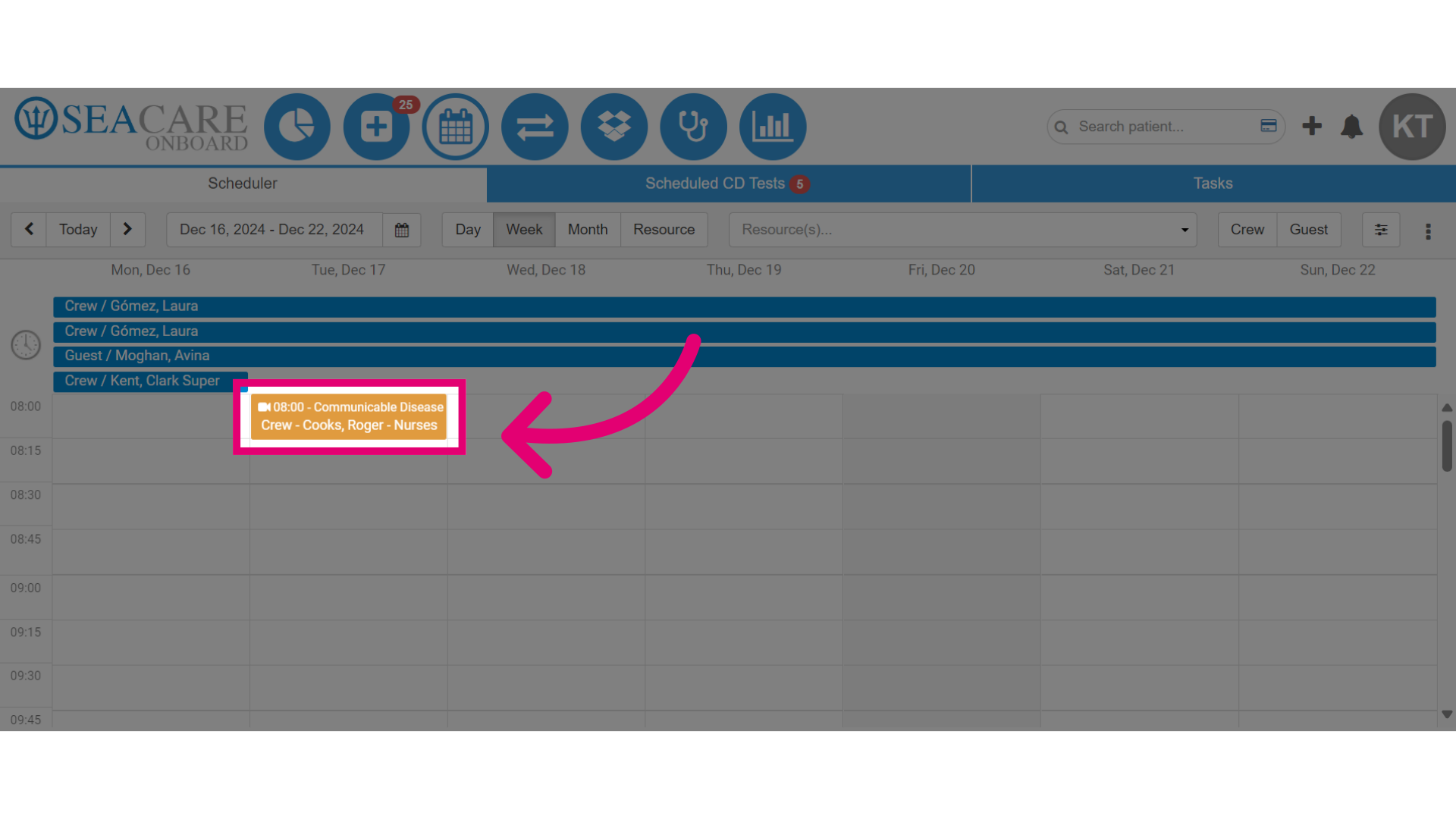
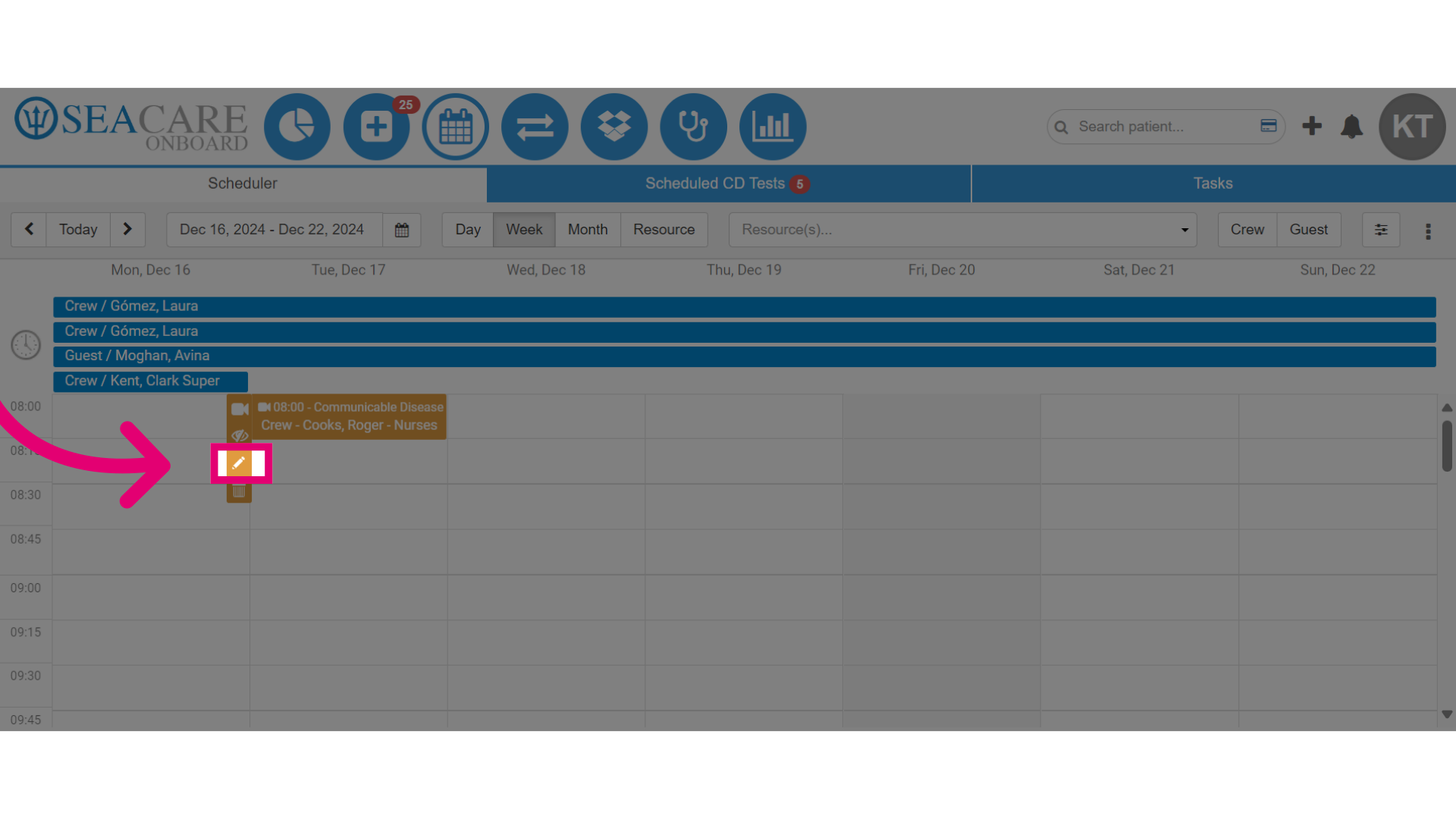
- Then, find the appointment on the calendar.
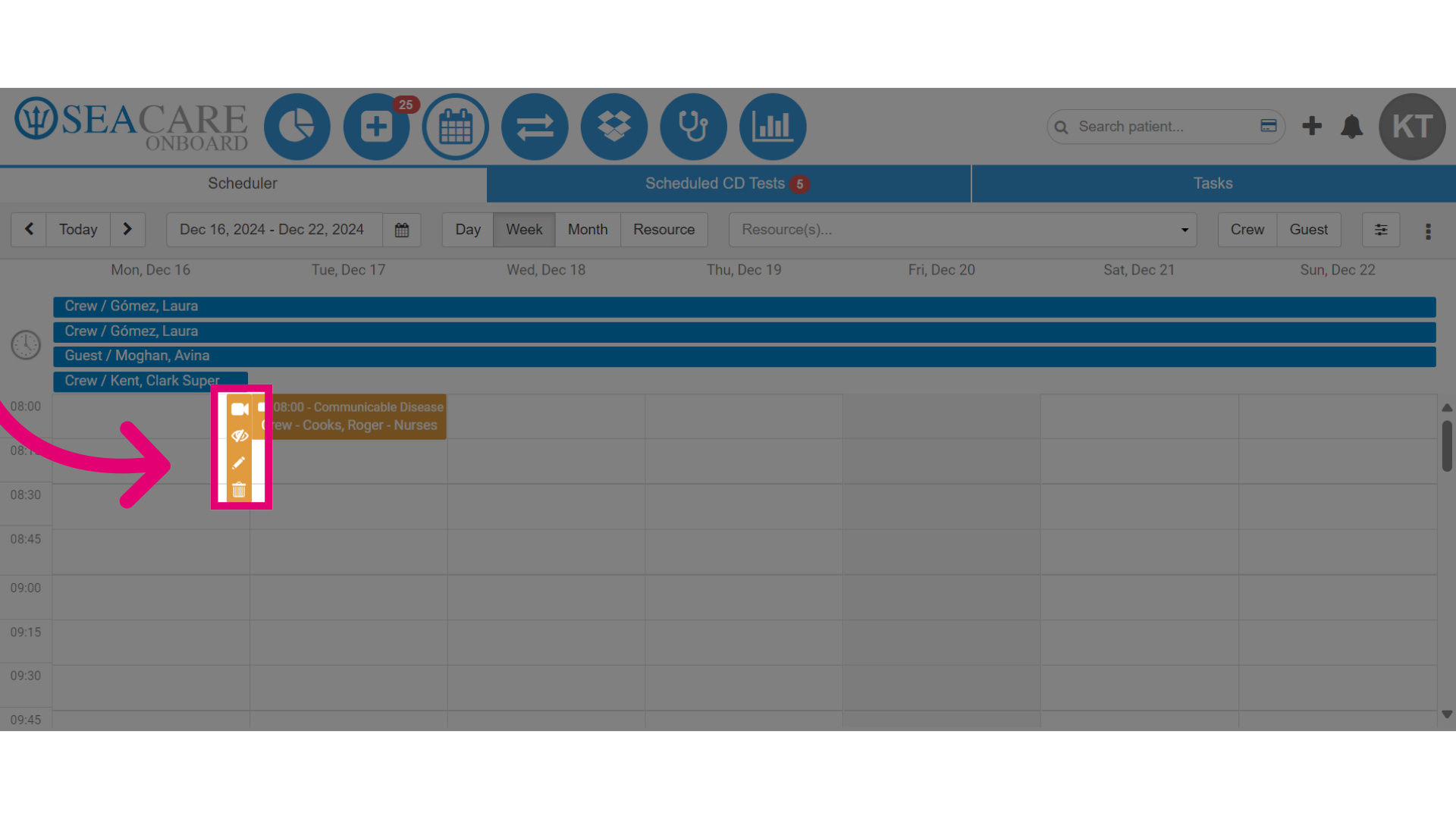
- Next, click on the appointment to expand the appointment menu options.
- Then, click on the pencil icon for the Edit option.
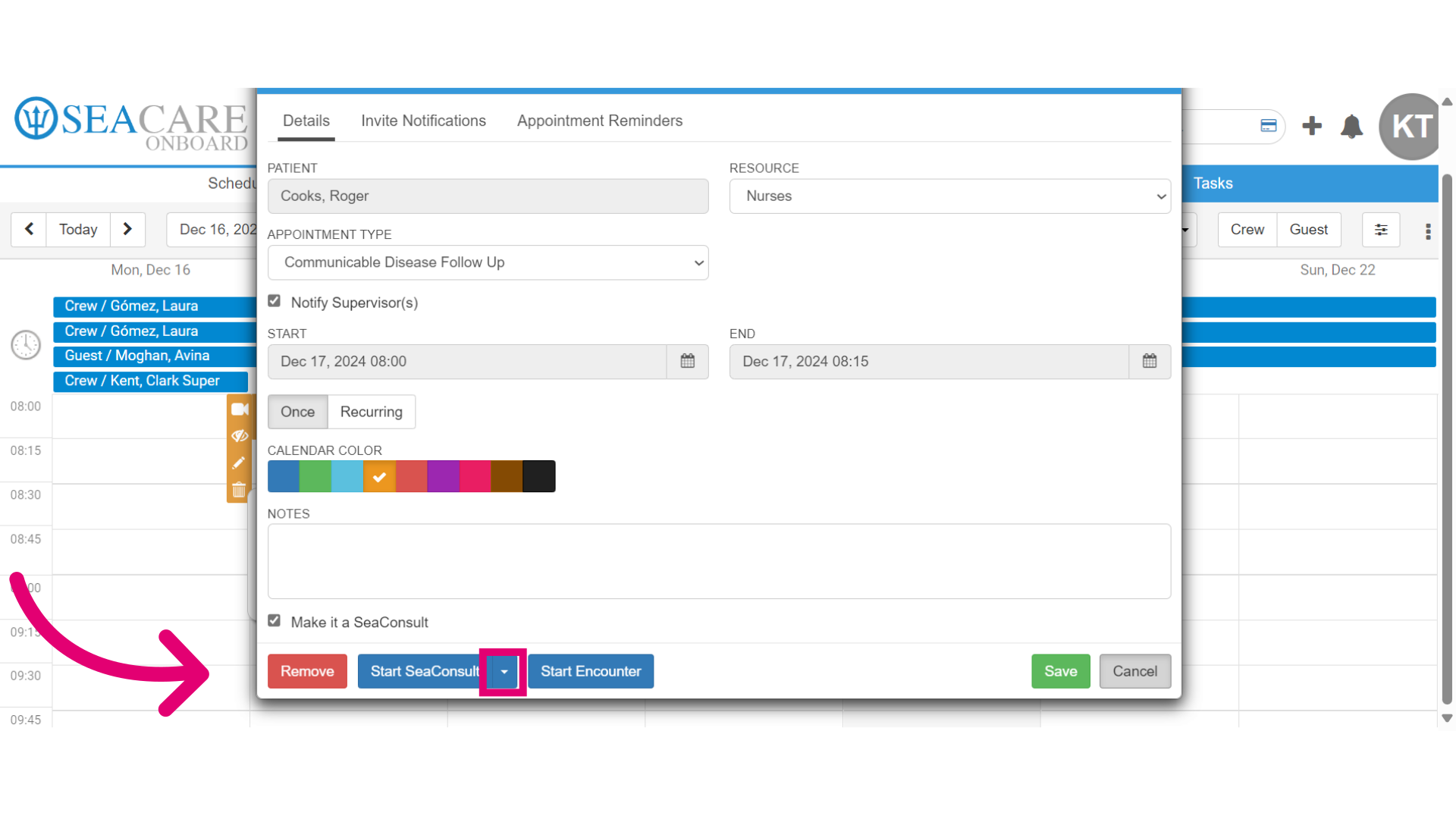
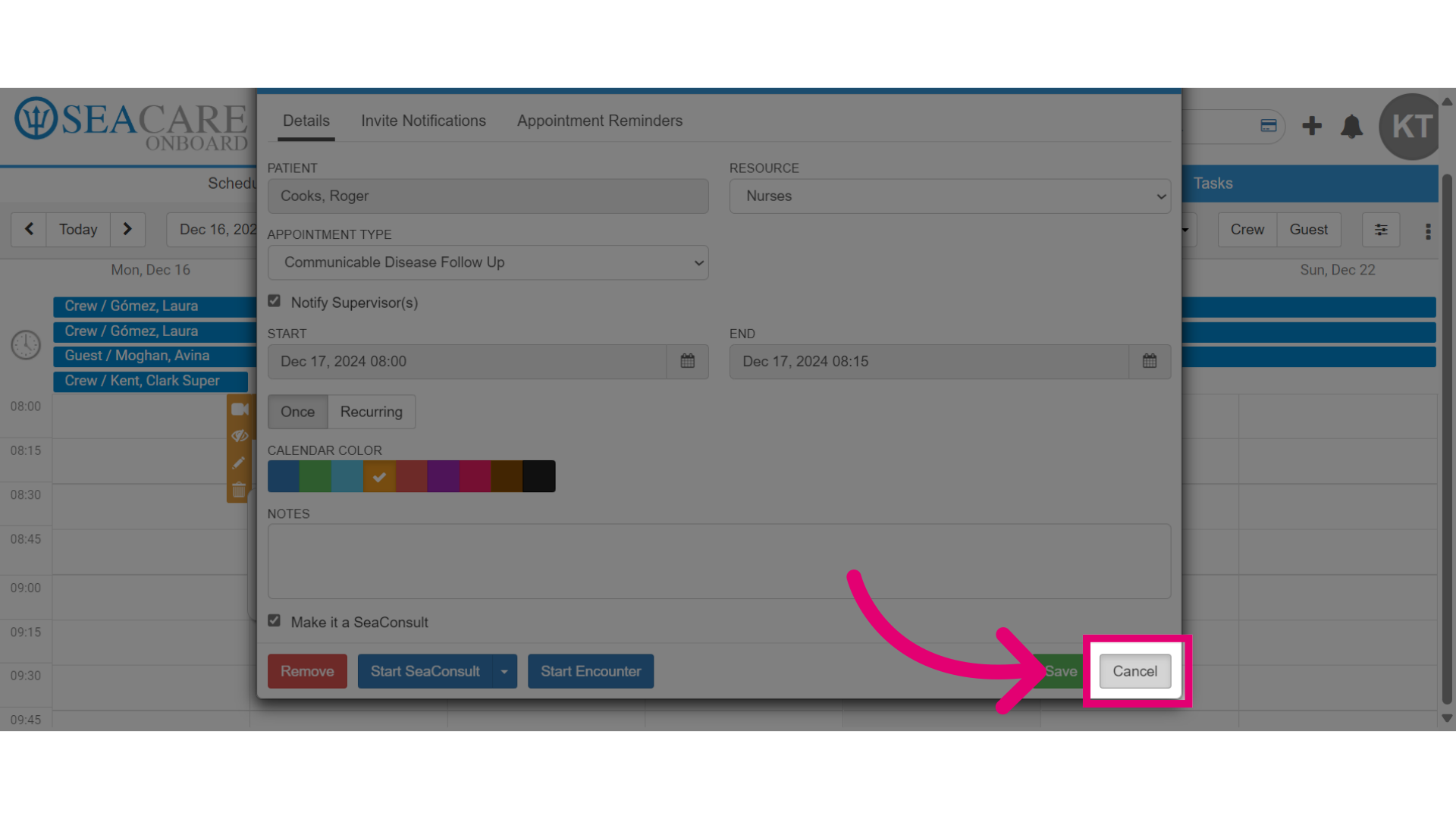
- Once the appointment window is opened, select the Start SeaConsult dropdown menu.
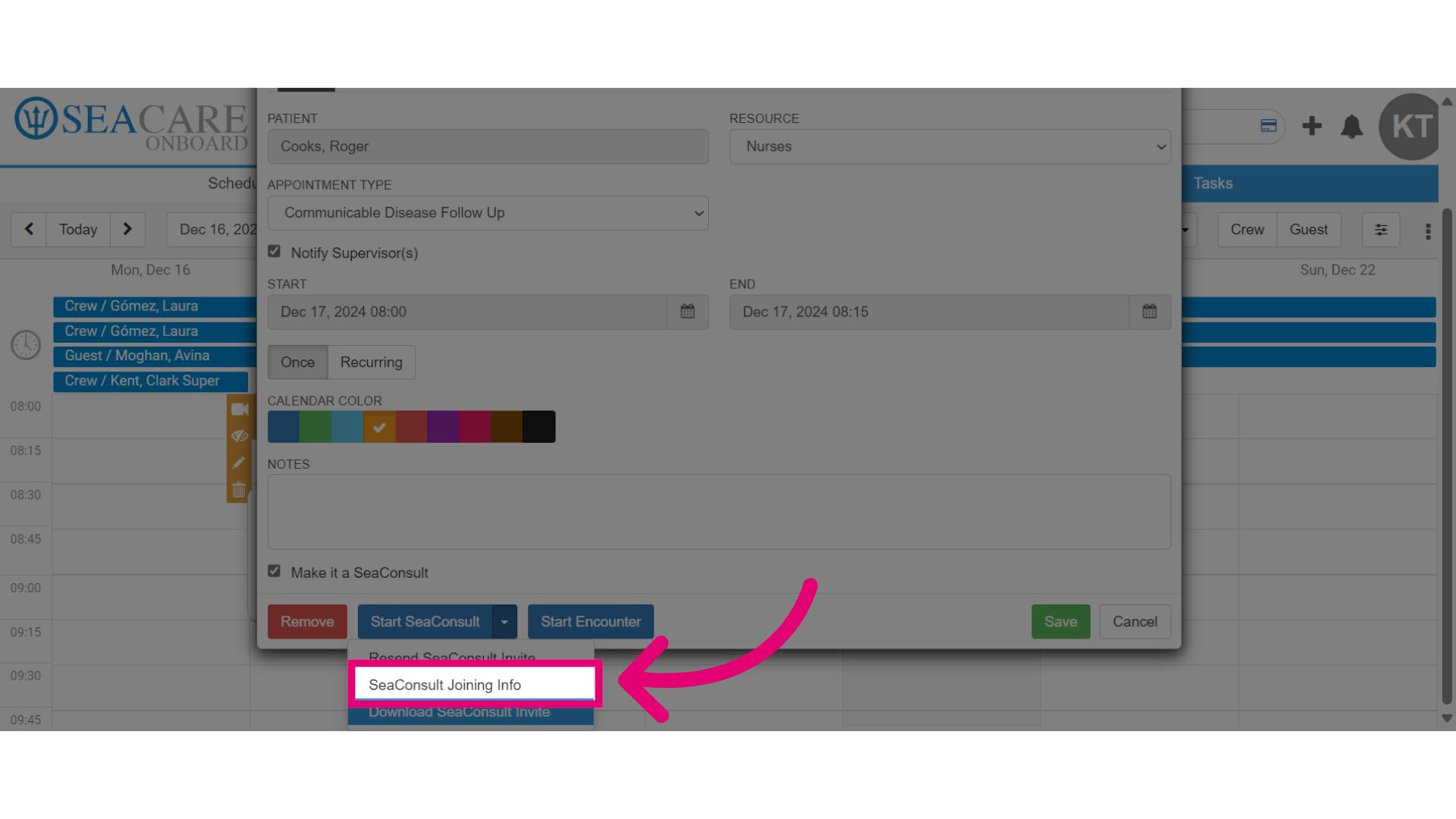
- Then, select the SeaConsult Joining Info option.
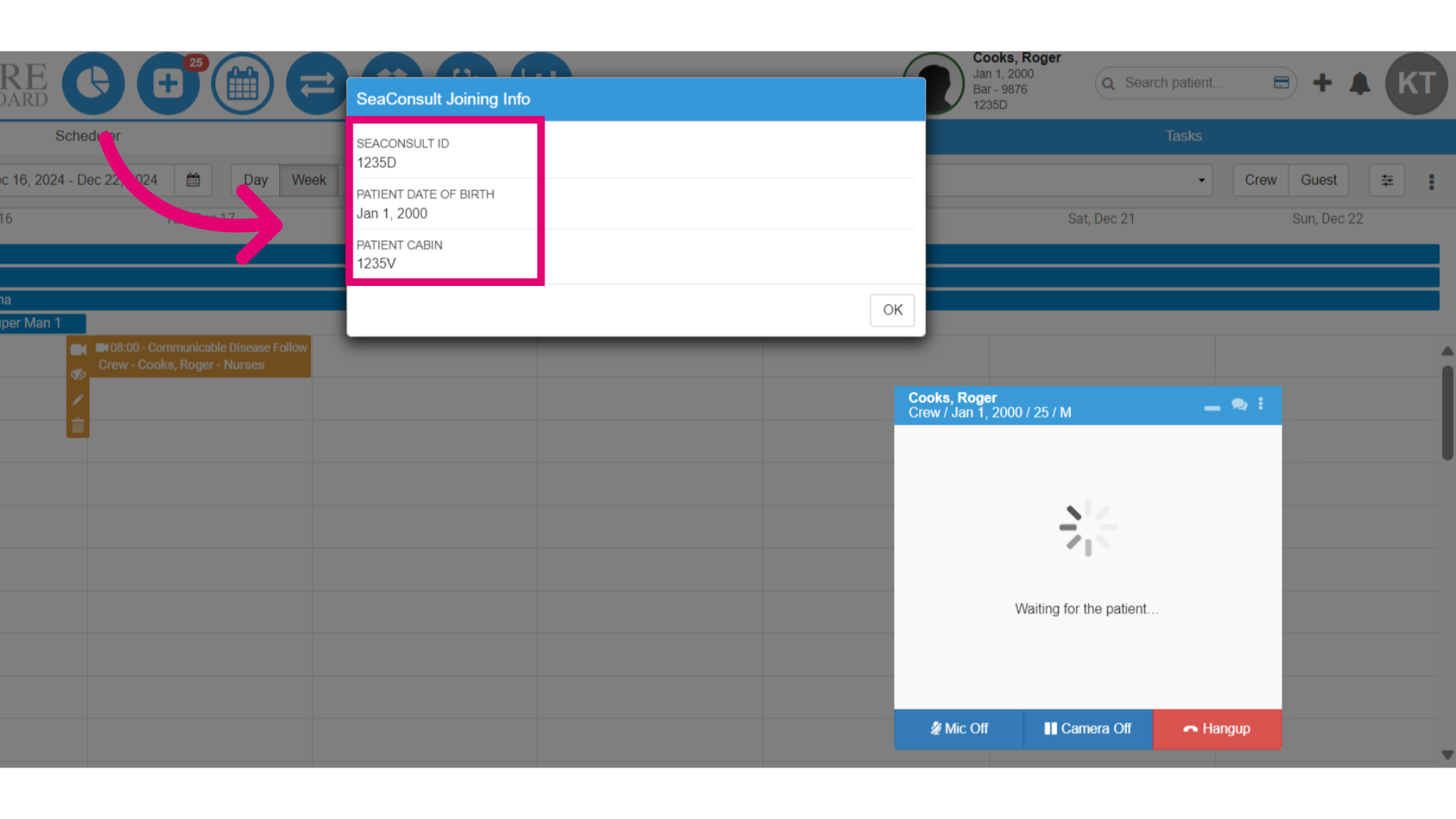
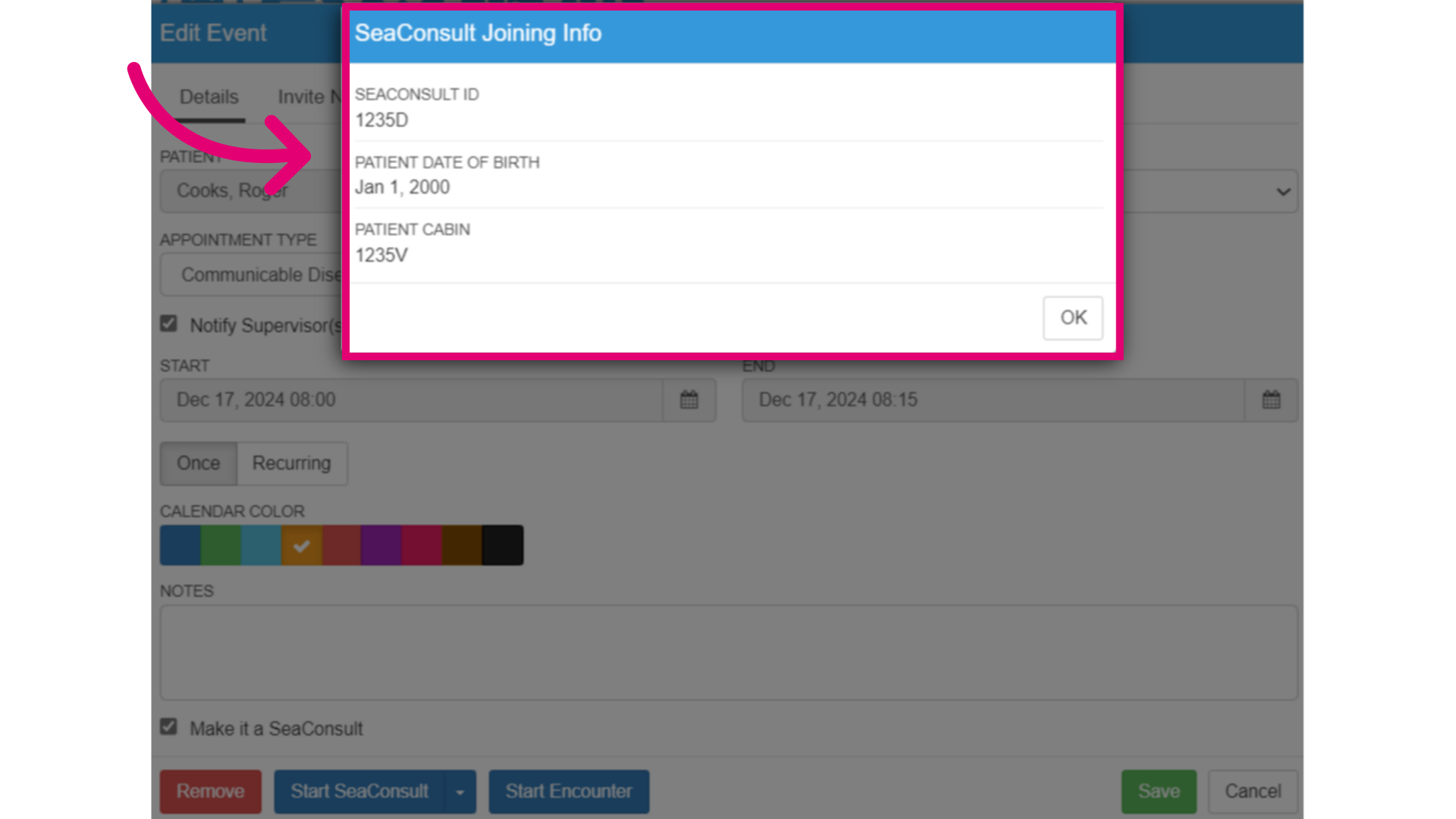
- In the SeaConsult Joining Info window:
- Copy the SeaConsult ID, date of birth and cabin number to share with the patient.
- Select Ok to close the window when you are done.
- Lastly, close the appointment window by selecting Cancel.
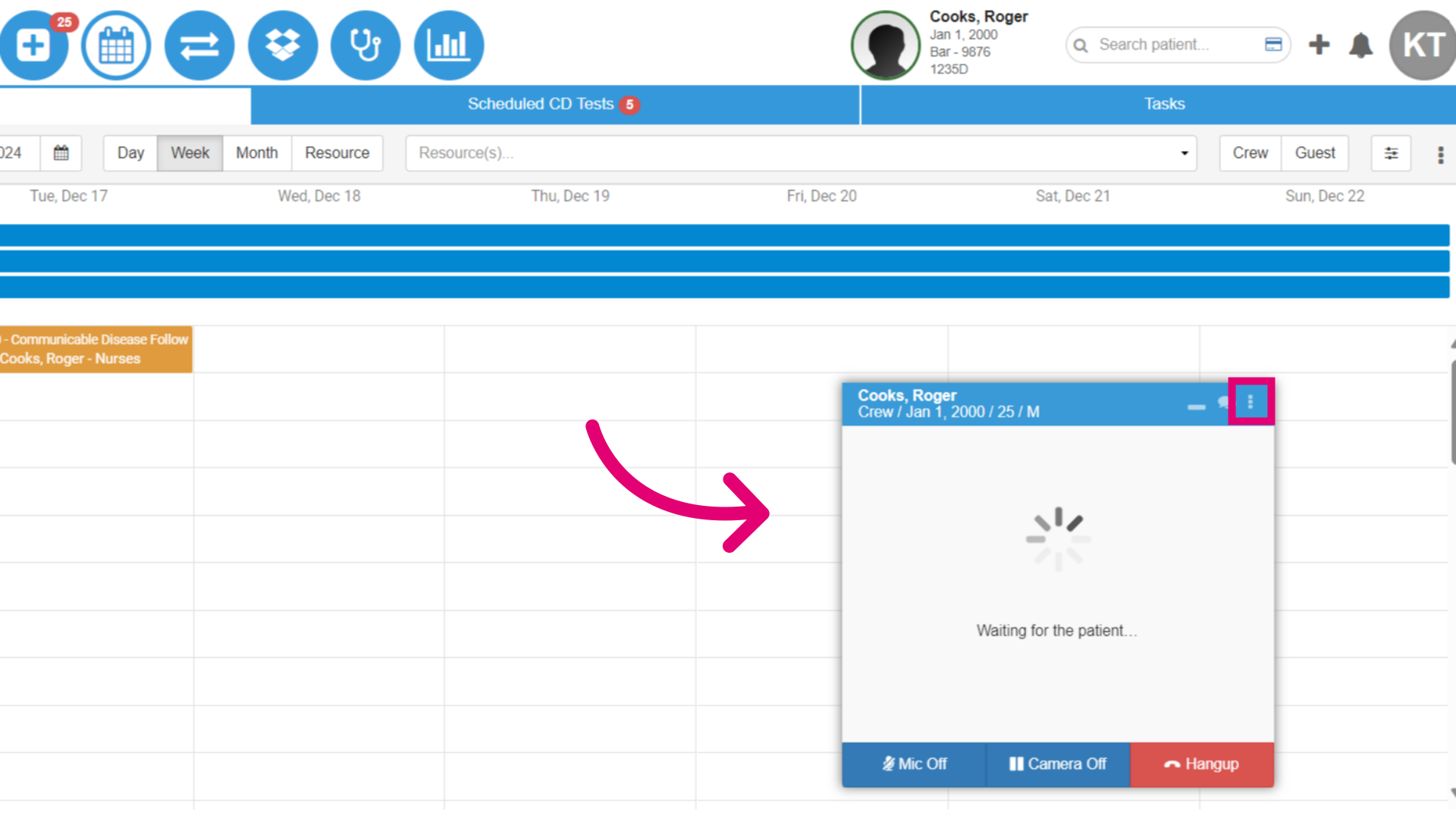
- If you have started the SeaConsult call, and you need to send the joining information to the patient, select the More Options button.
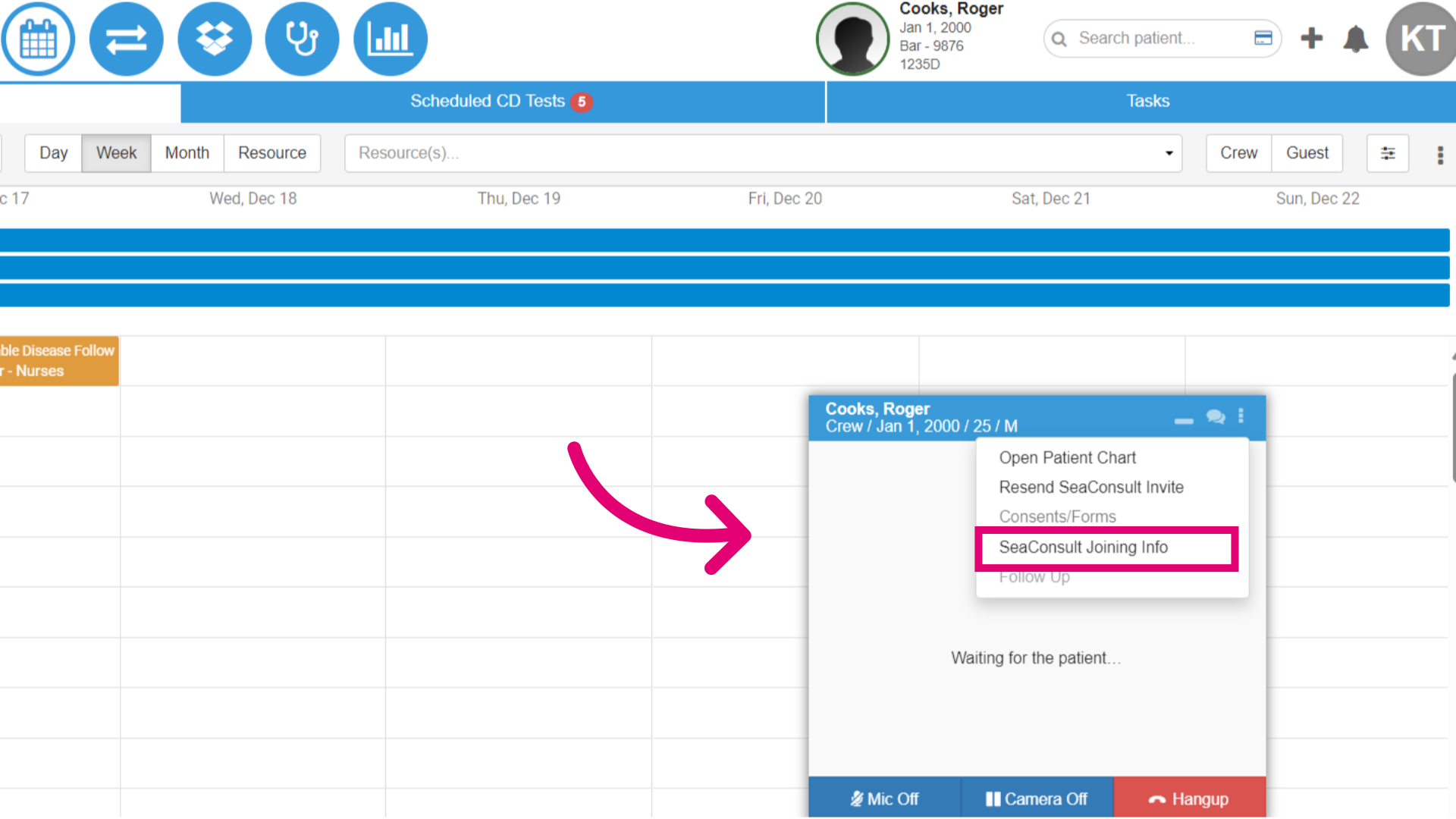
- Then, select SeaConsult Joining Info.
- Then, copy the joining information to share with the patient.