New article
Recently updated
Sending emails to the Population in the Crew Wellness module

Who is this article for?Users who want to learn to send emails to the Population in the Crew Wellness module.
No elevated permissions are required.
Follow this simple guide to send crew wellness program updates and helpful information to crew members via email.
1. Sending emails to the Population in the Crew Wellness module
1.1. Video
1.2. Steps
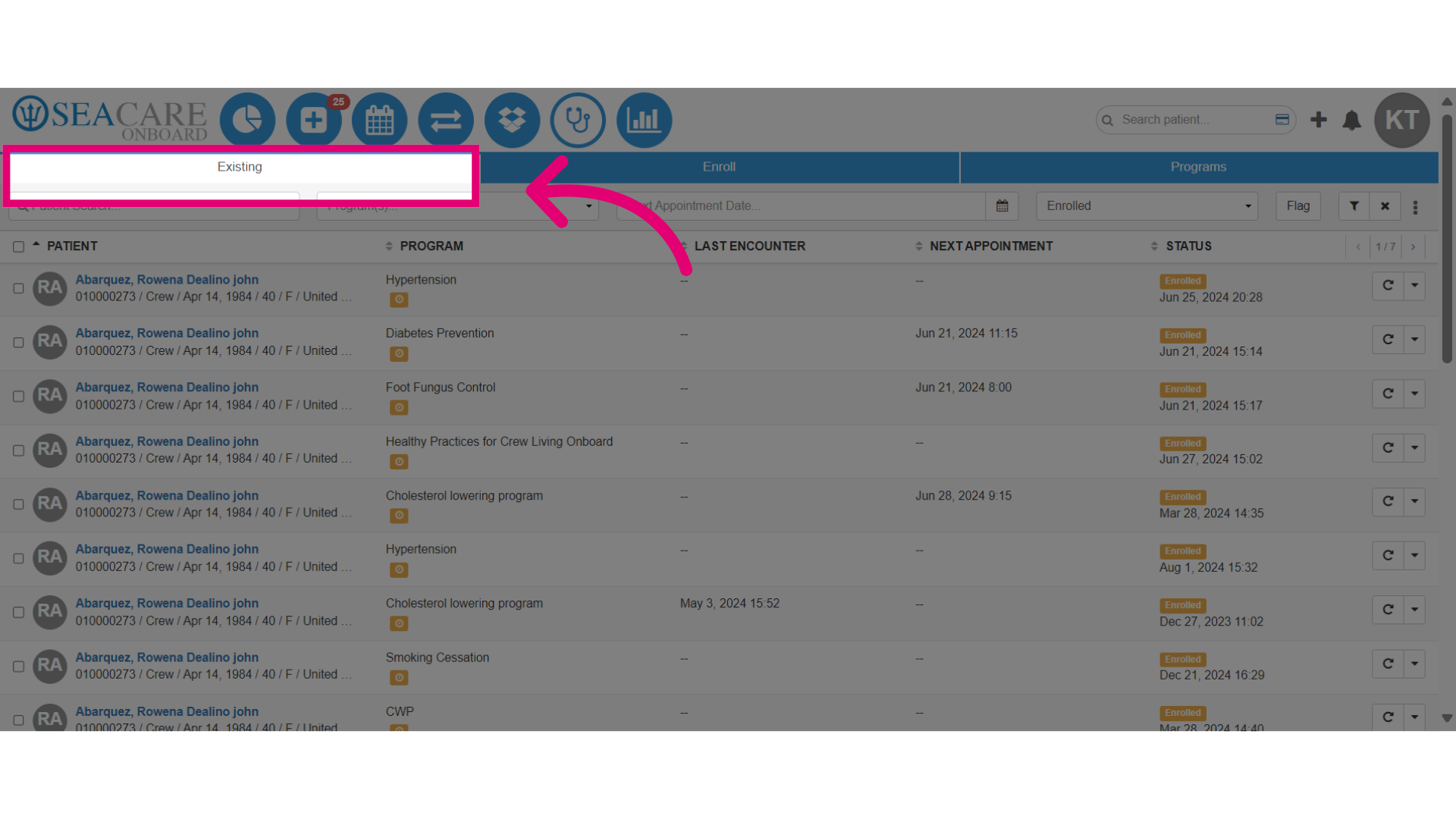
- Go to the Existing tab, within the Crew Wellness module.
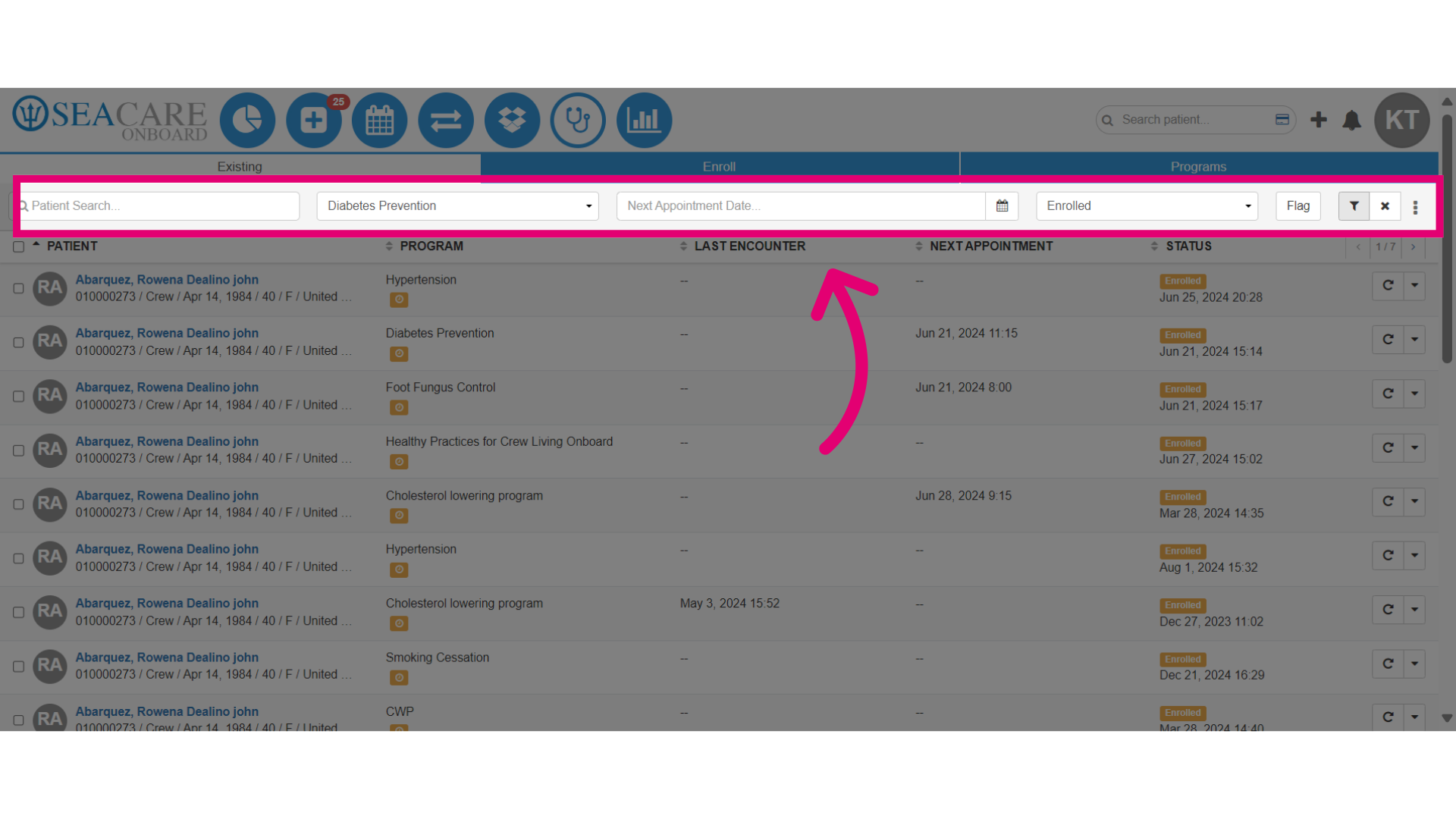
- Use filters to customize the crew members list by name, program, appointment date, or enrollment status in a specific program.
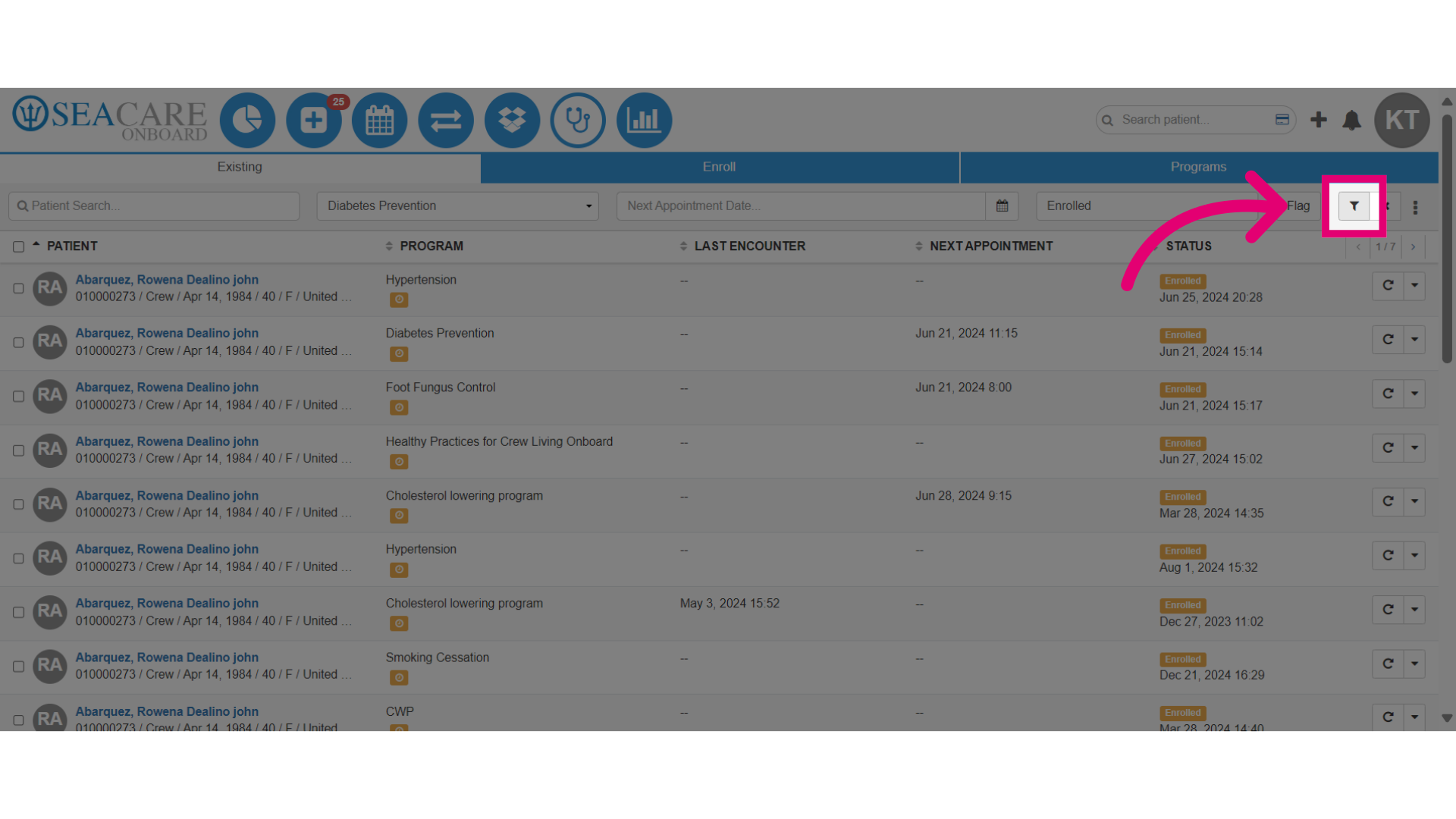
- Next, click the filter button to generate results.
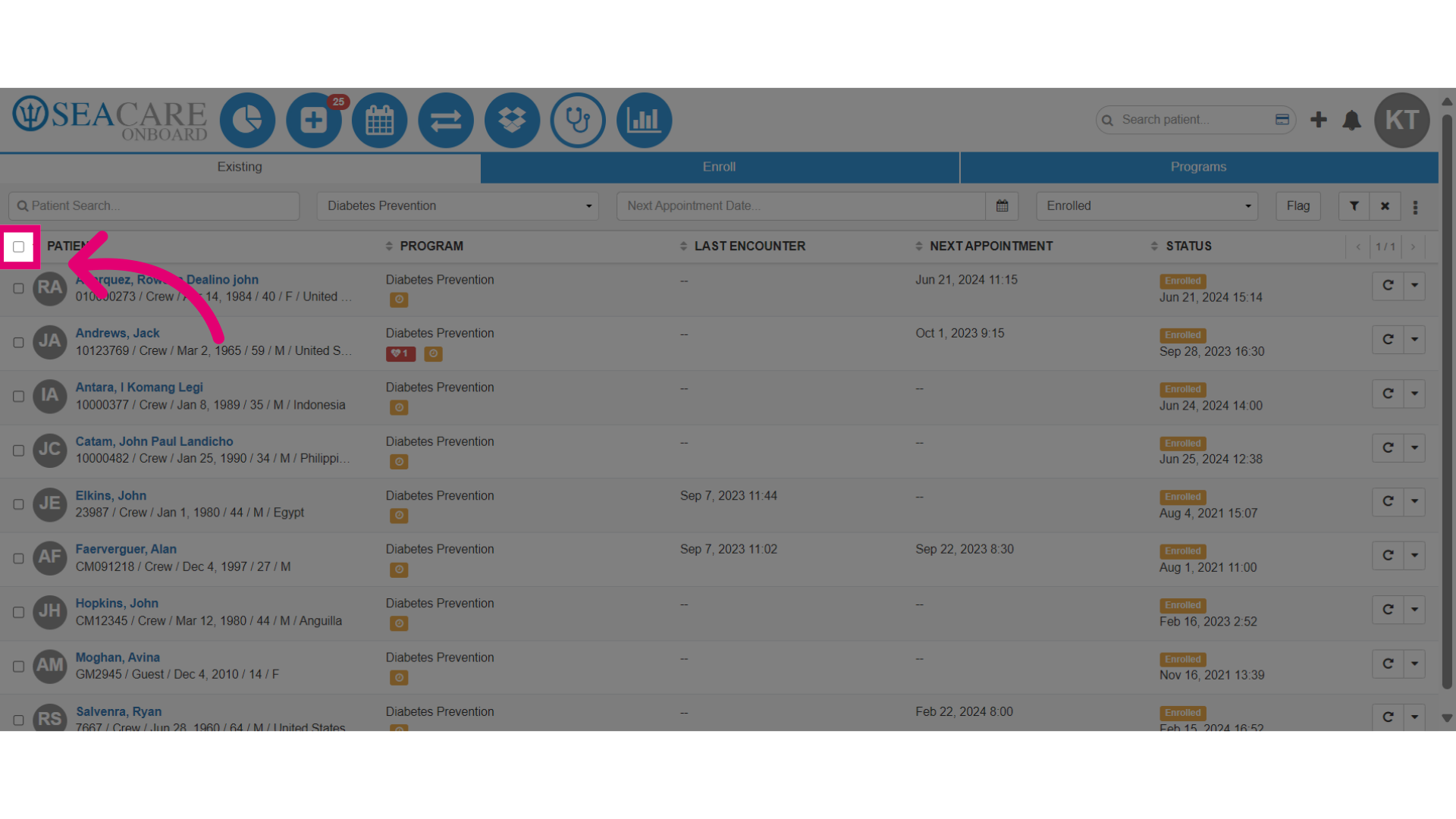
- Select the checkboxes next to the crew members you want to email.
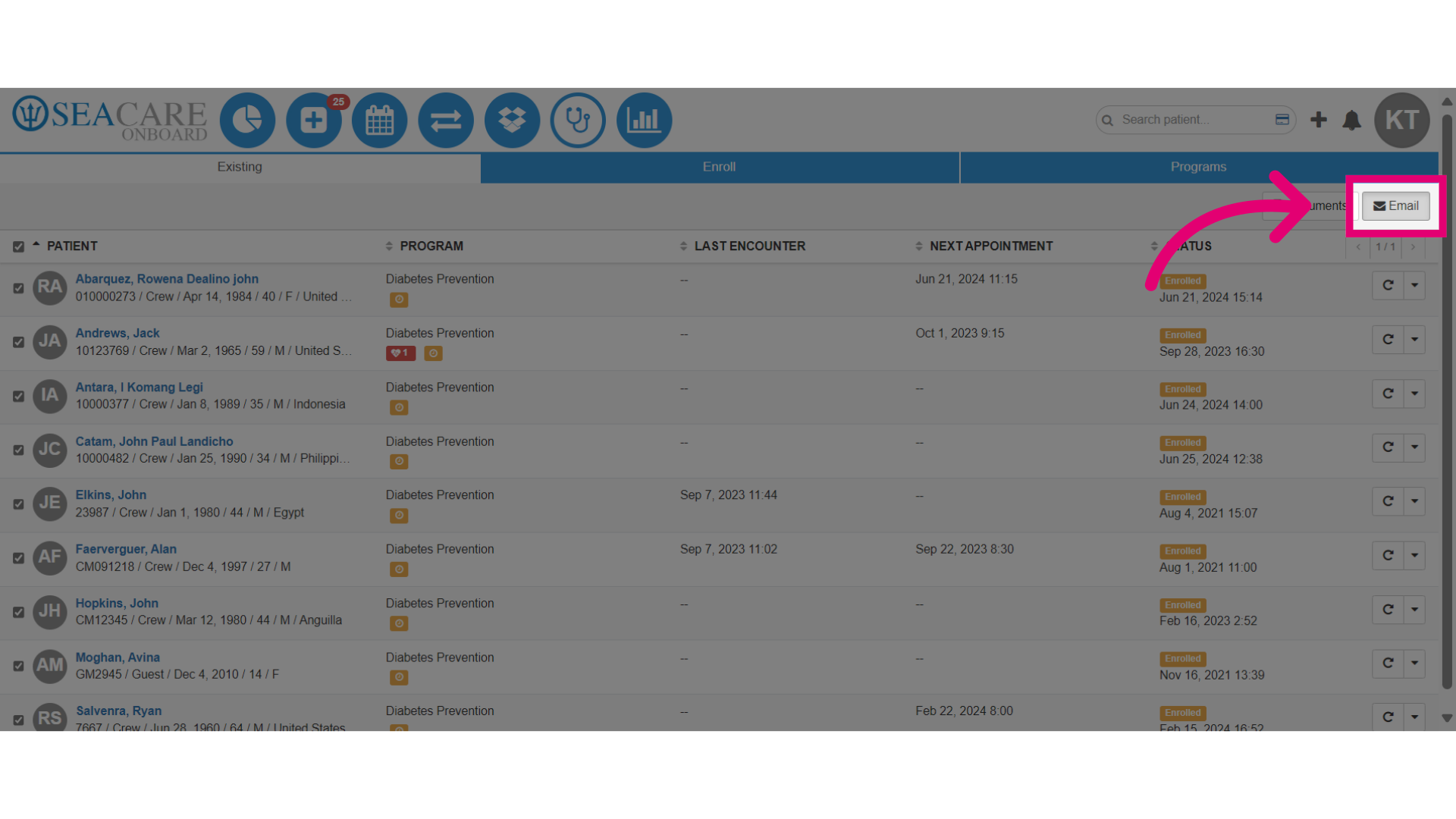
- Next, select the Email button.
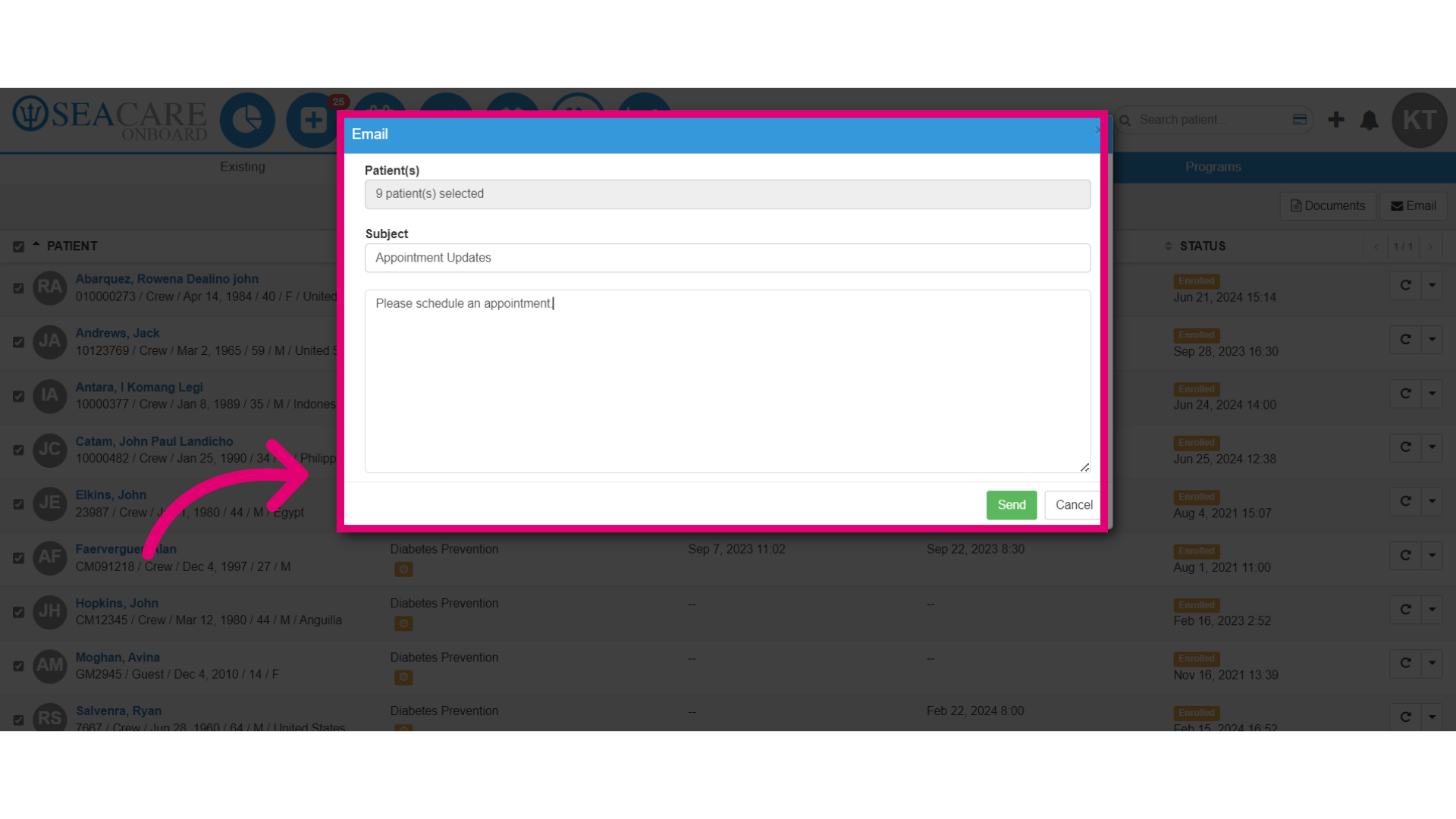
- Fill out the email section. Patients' emails are pre-selected. Add the Subject and message, including updates about the program, schedule, or progress.
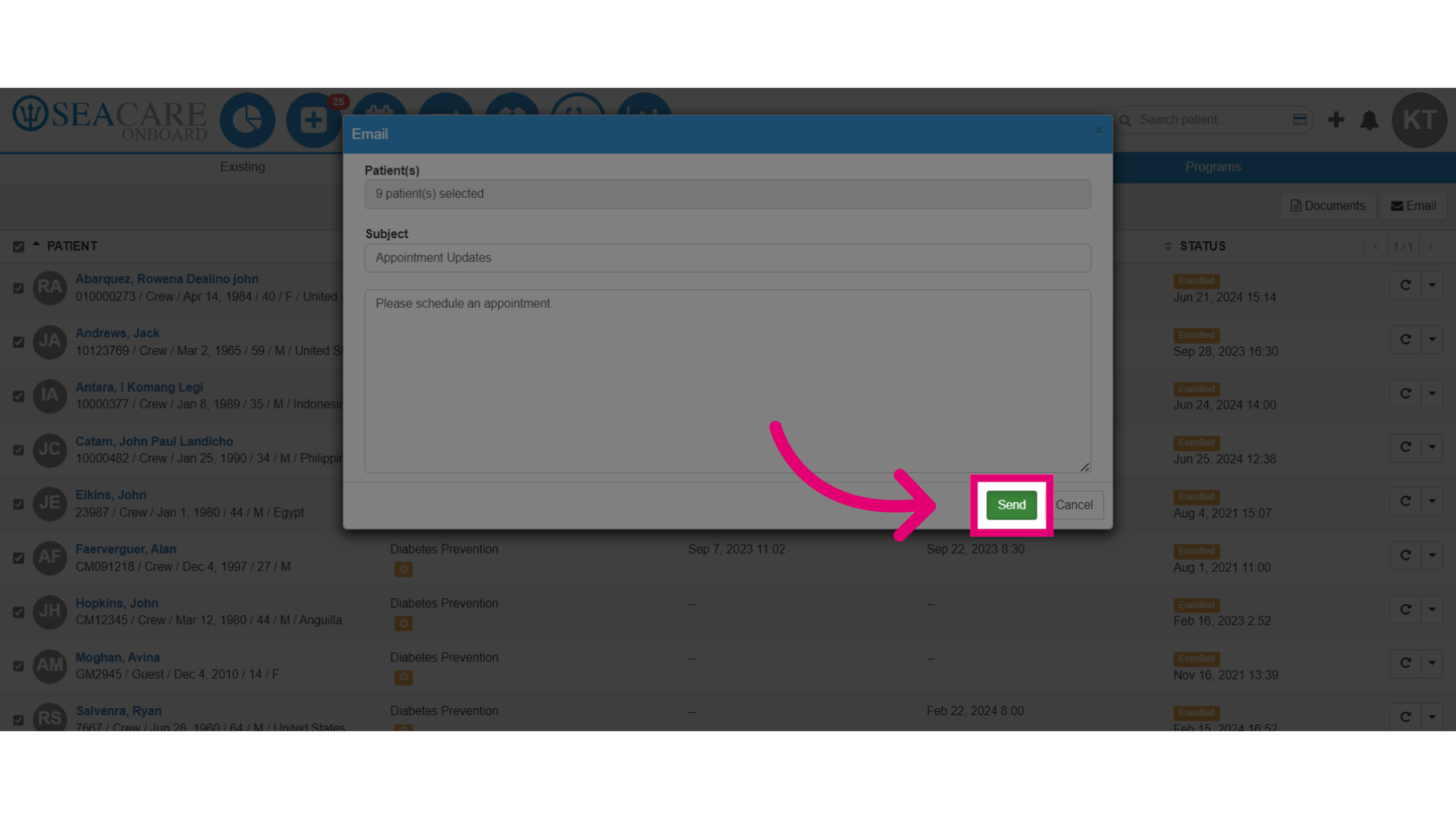
- Then, send the email.
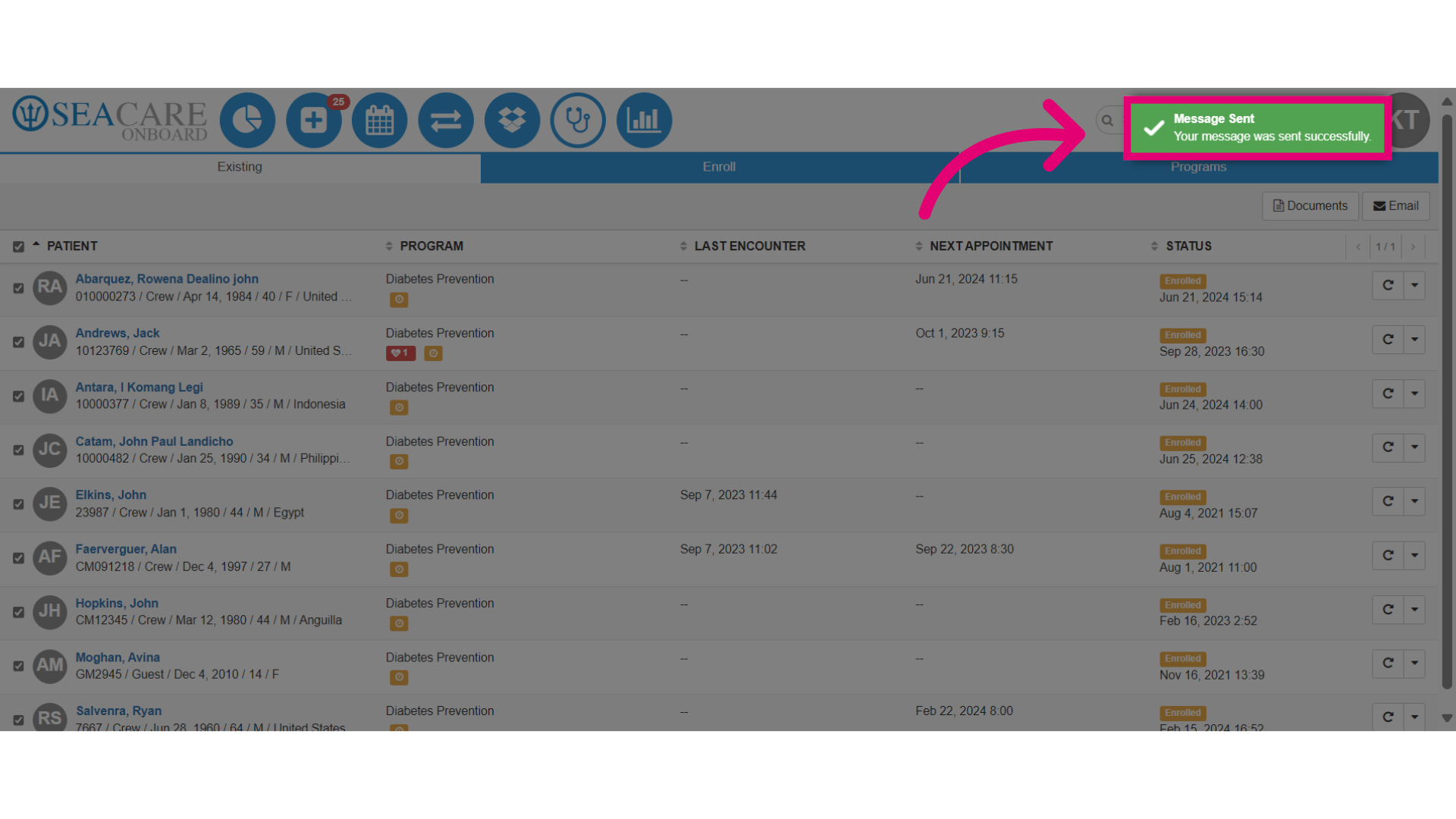
- Ensure the message has been successfully sent by looking for the Message Sent prompt in green.