New article
Recently updated
Generating SeaConsult call history reports

Who is this article for?Users who want to learn to generate SeaConsult call history reports.
No elevated permissions are required.
This guide will walk you through the process of generating SeaConsult call history reports in Ideagen Maritime Health Onboard.
1. Generating SeaConsult call history reports
1.1. Video
1.2. Steps
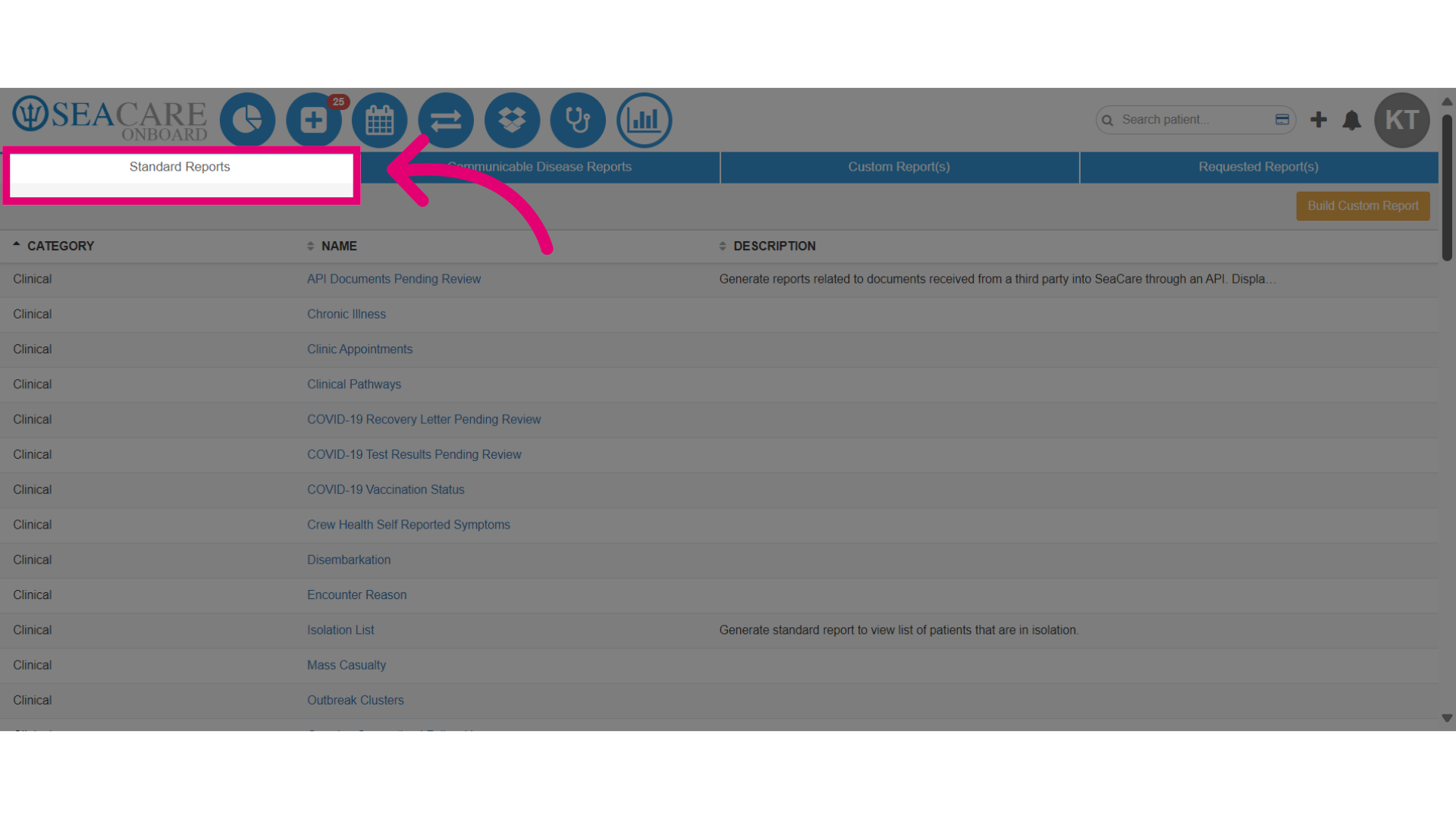
- To begin, start in the Standard Reports module.
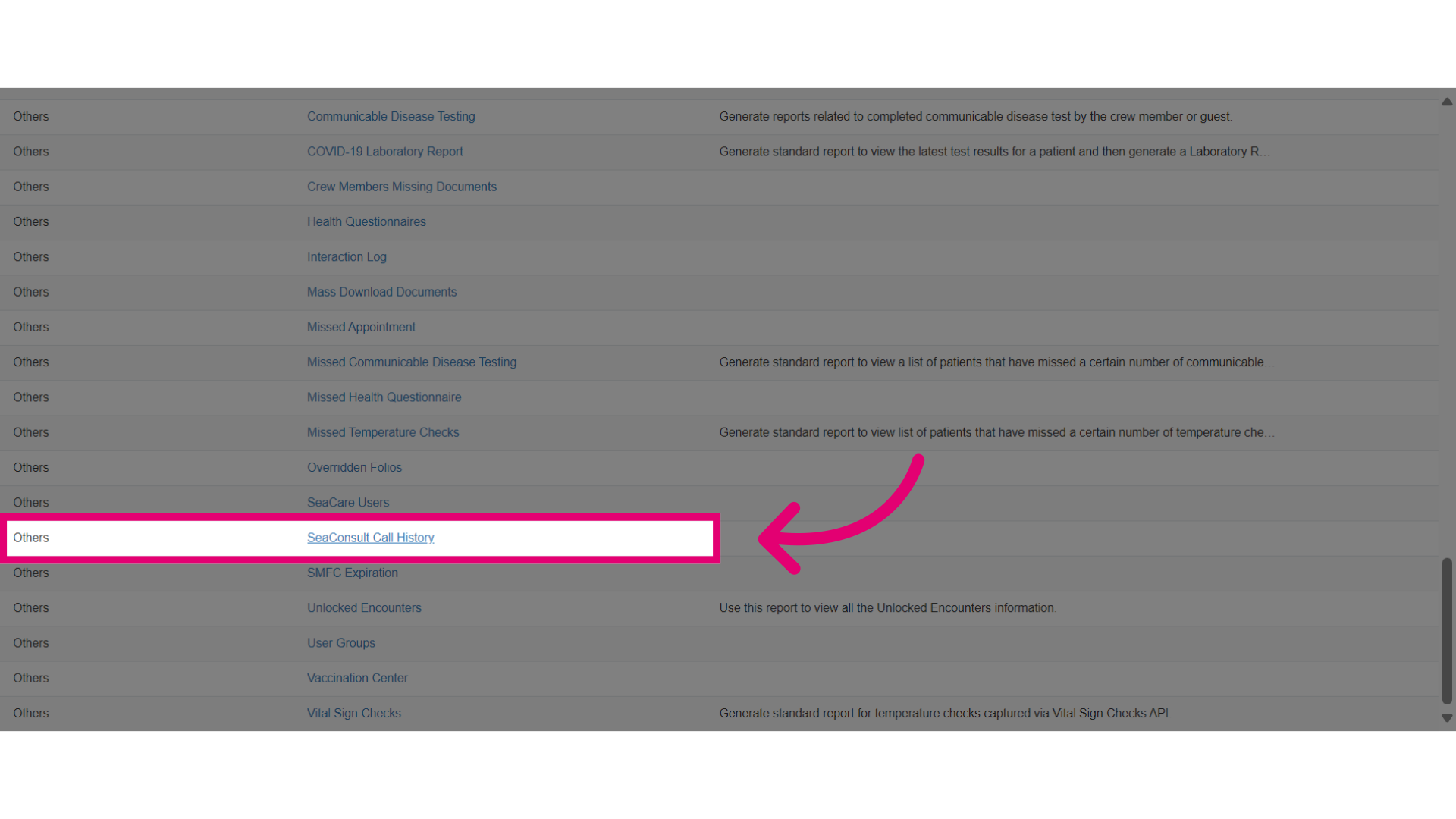
- Go to the Other category and select the SeaConsult Call History standard report.
- Once inside the report, choose the dates or other filters to customize the data displayed.
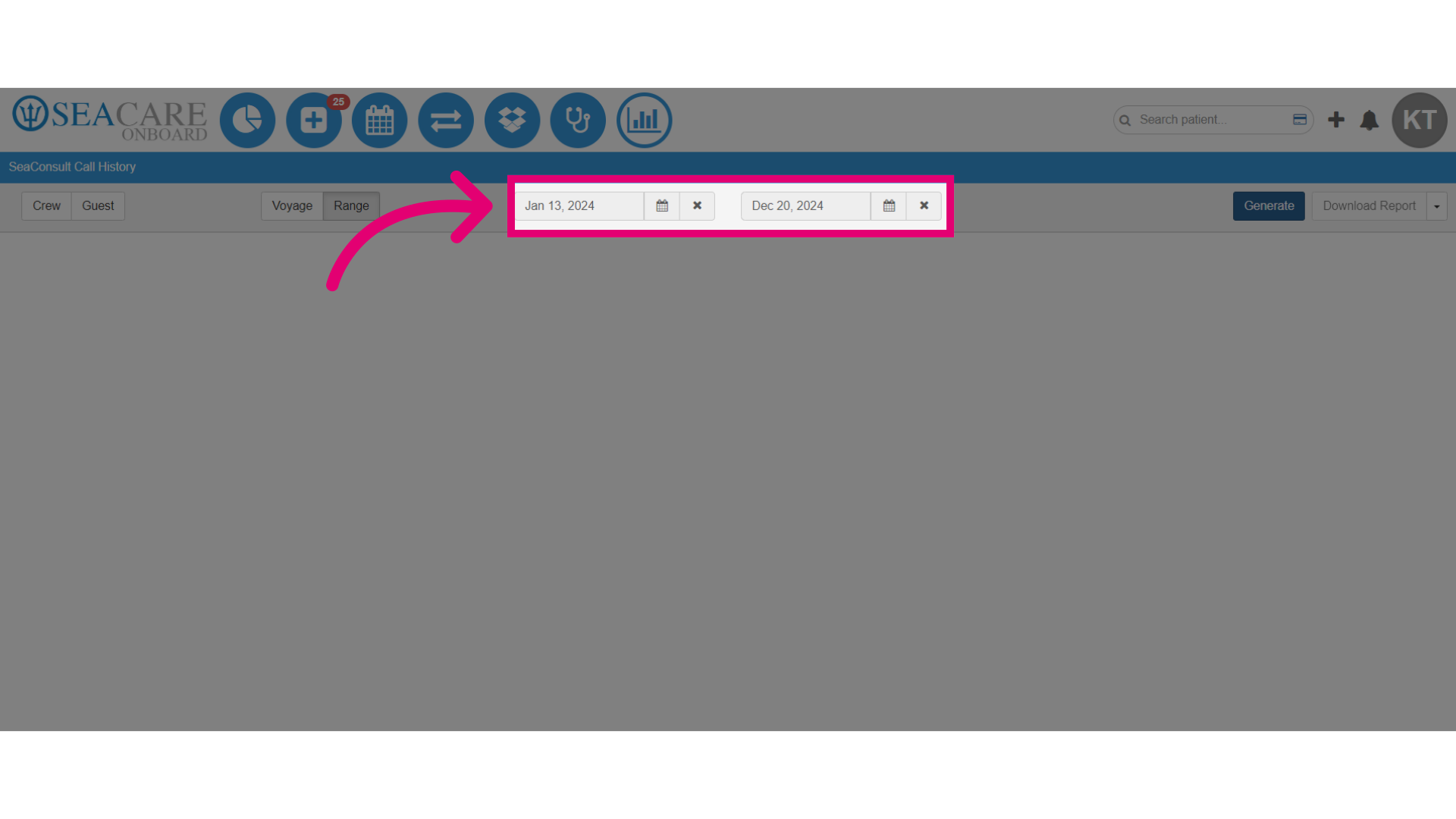
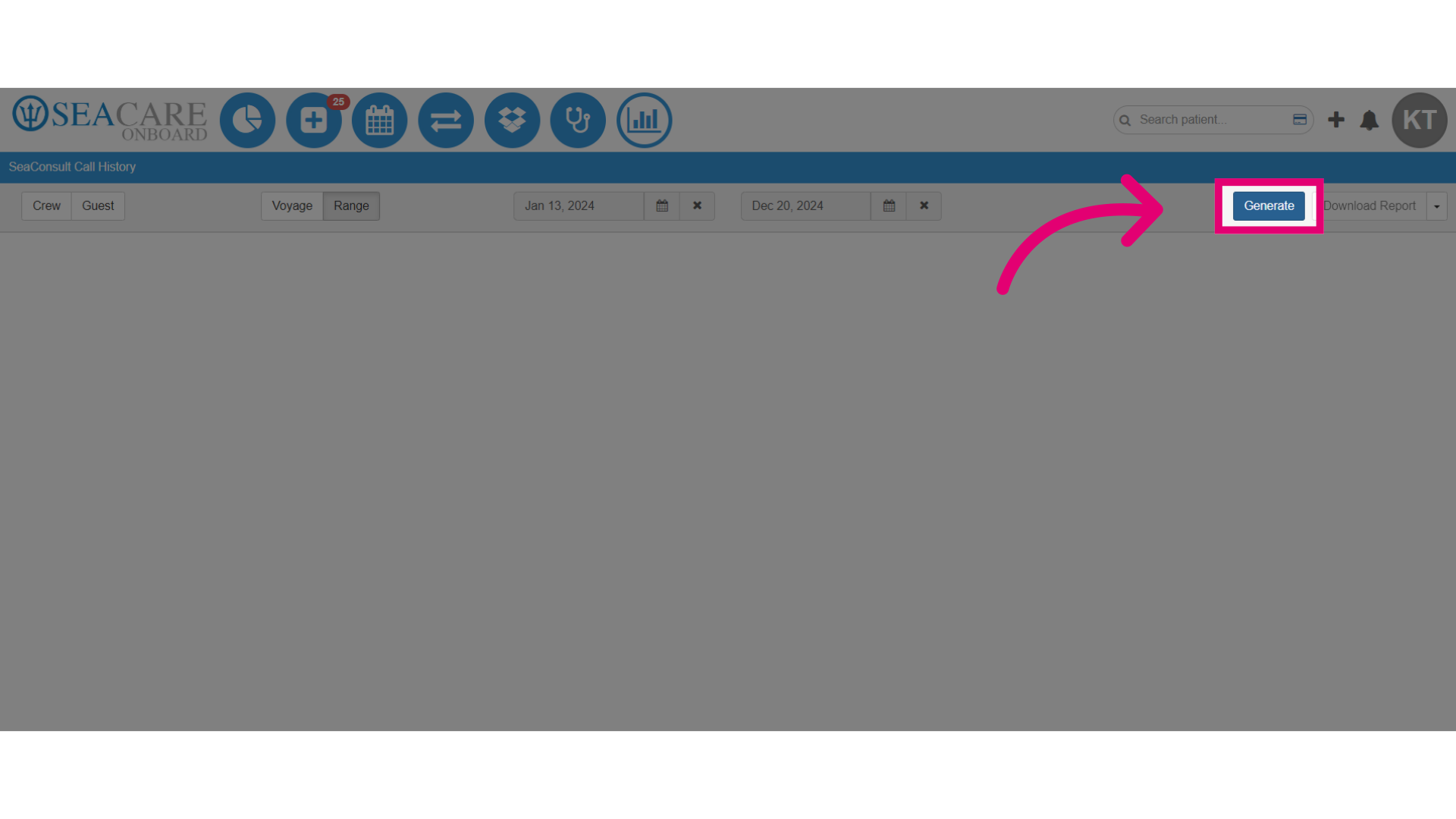
- Then, select Generate to generate the report.
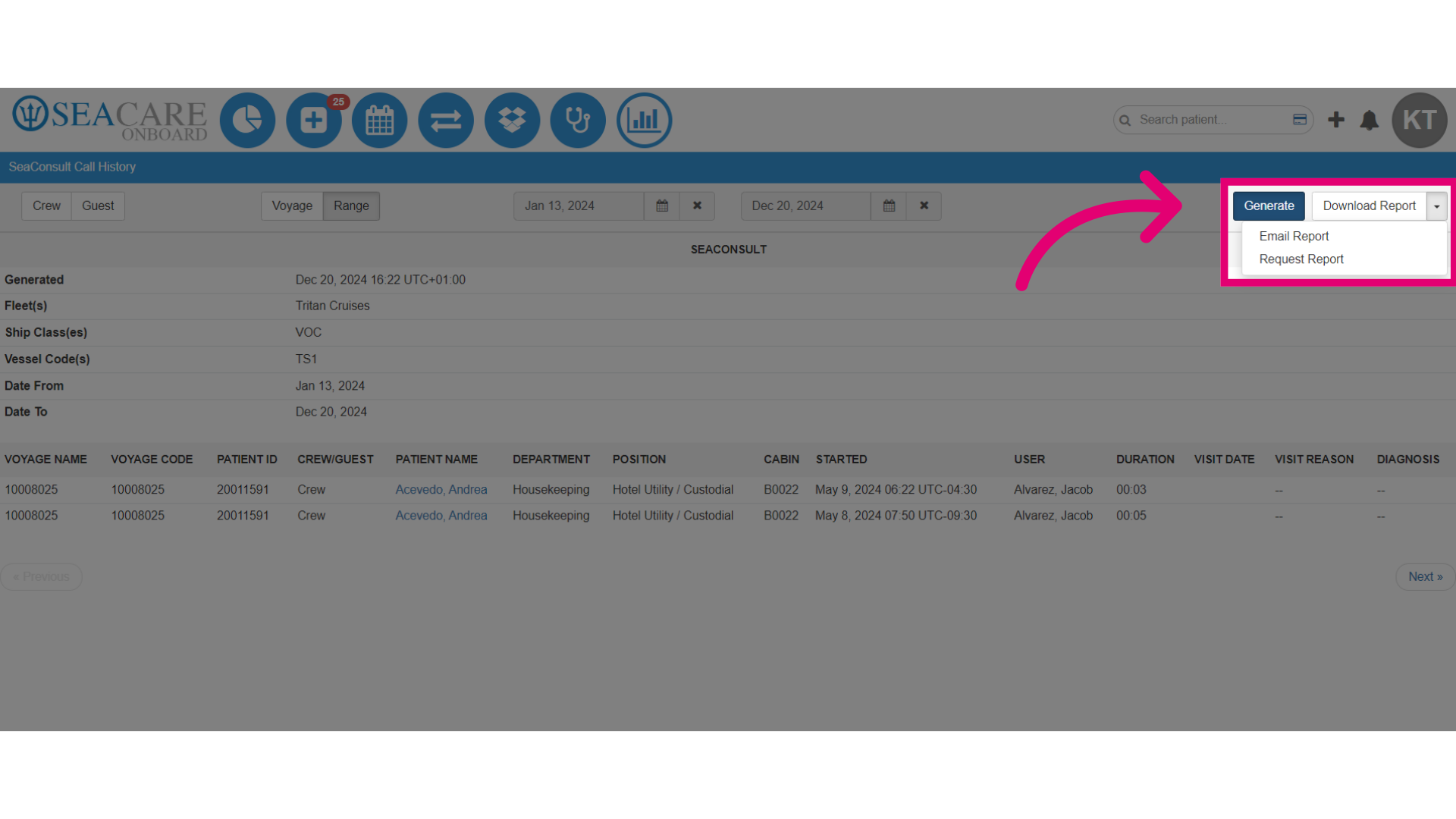
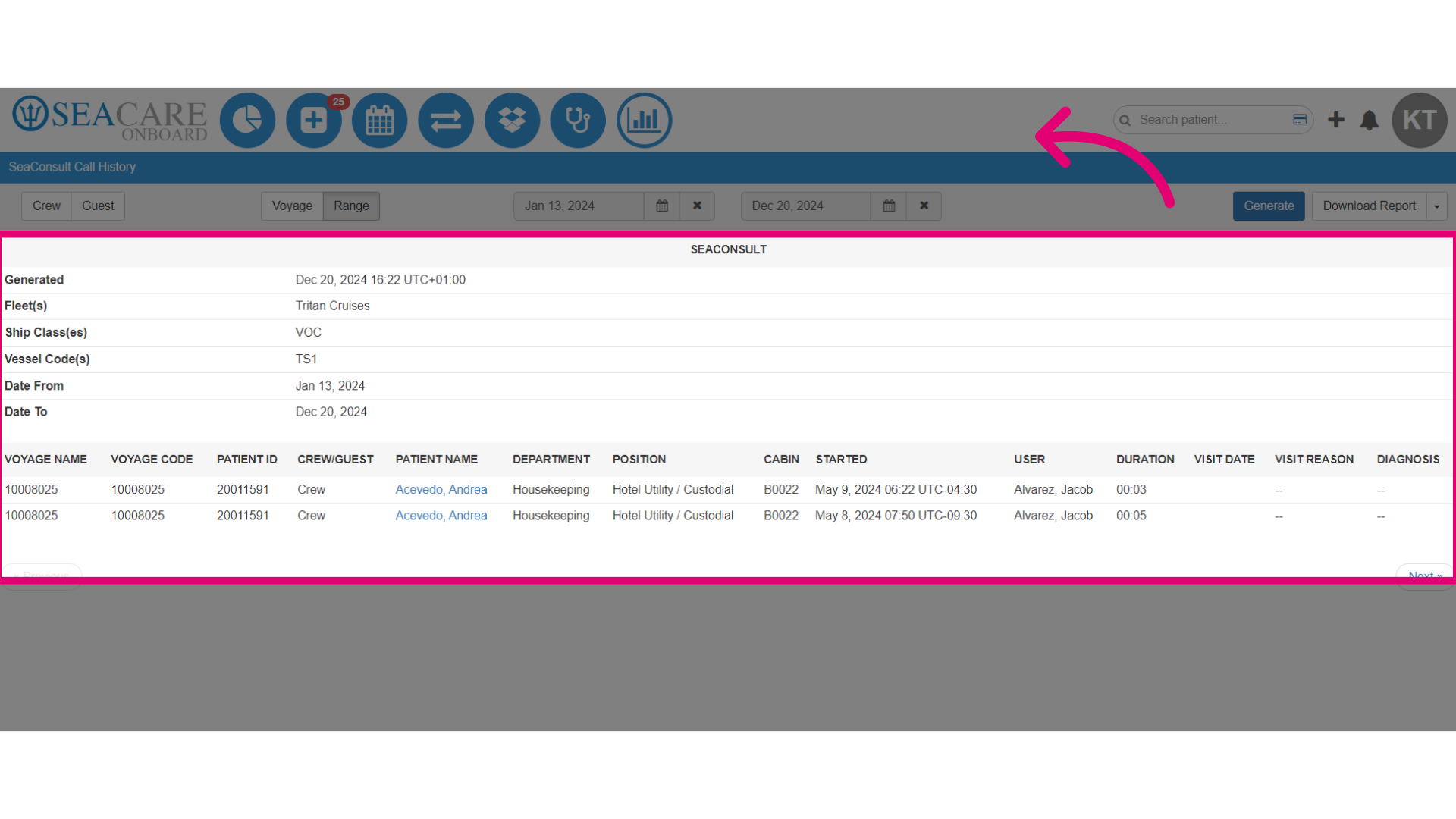
- View details of the SeaConsult call history, including start time, duration, patient, and visit information.
- Select the dropdown menu button.
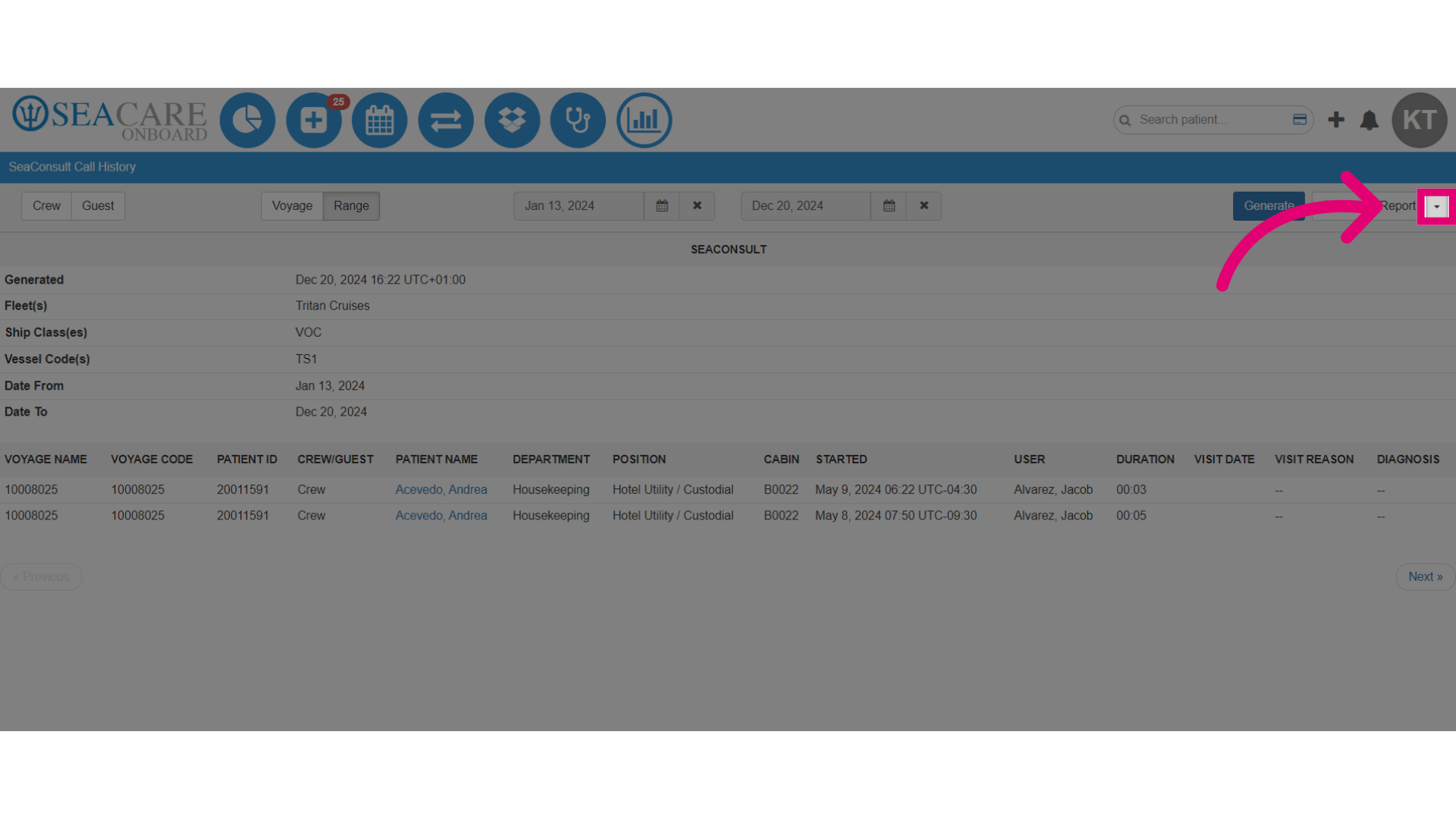
- Select to either Download, Email, or Request the report to attain a copy for you or another party.