New article
Recently updated
Starting a mass casualty encounter

Who is this article for?Users who want to learn to start a mass casualty encounter.
No elevated permissions are required.
This comprehensive guide will demonstrate how to initiate a mass casualty encounter from an existing mass casualty quick entry.
1. Starting a mass casualty encounter
1.1. Video
1.2. Steps
- Start in the Inpatient tab in the Clinic module.
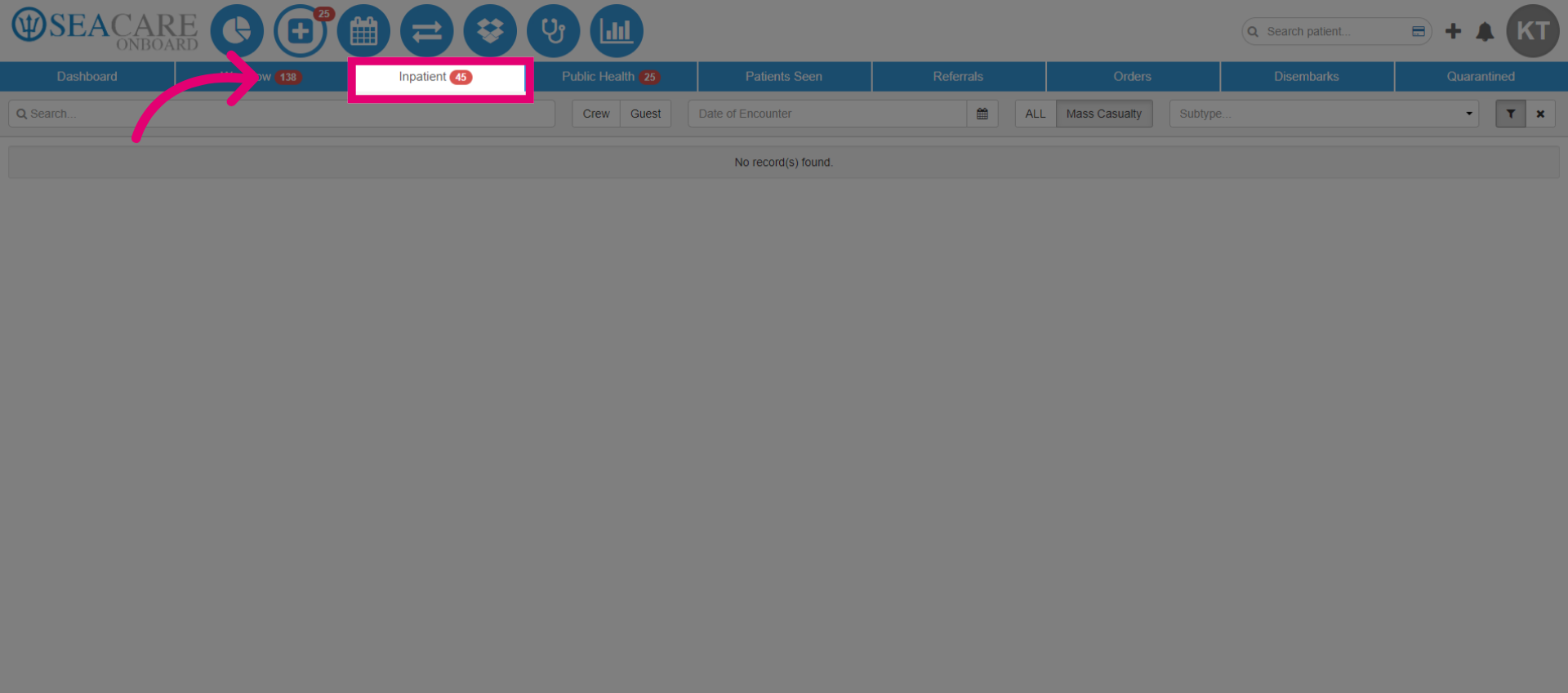
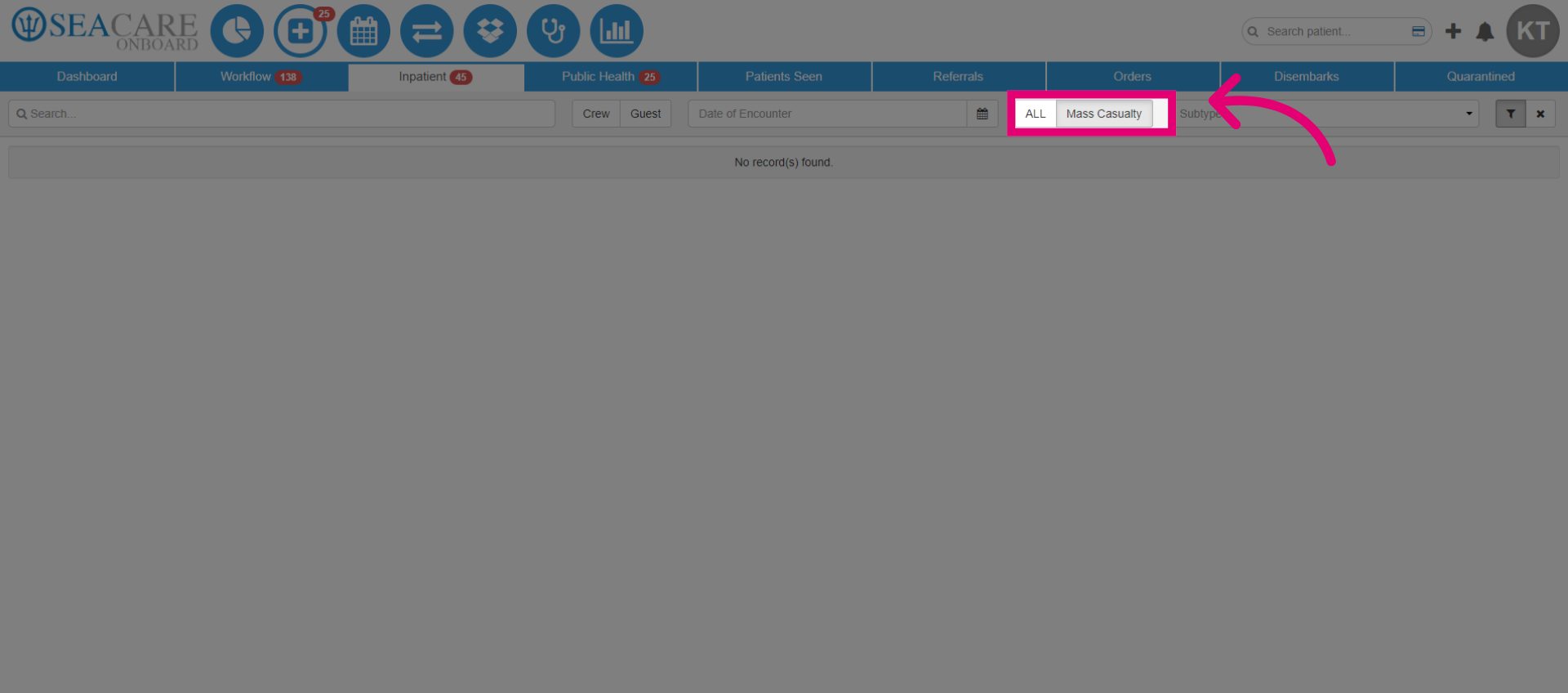
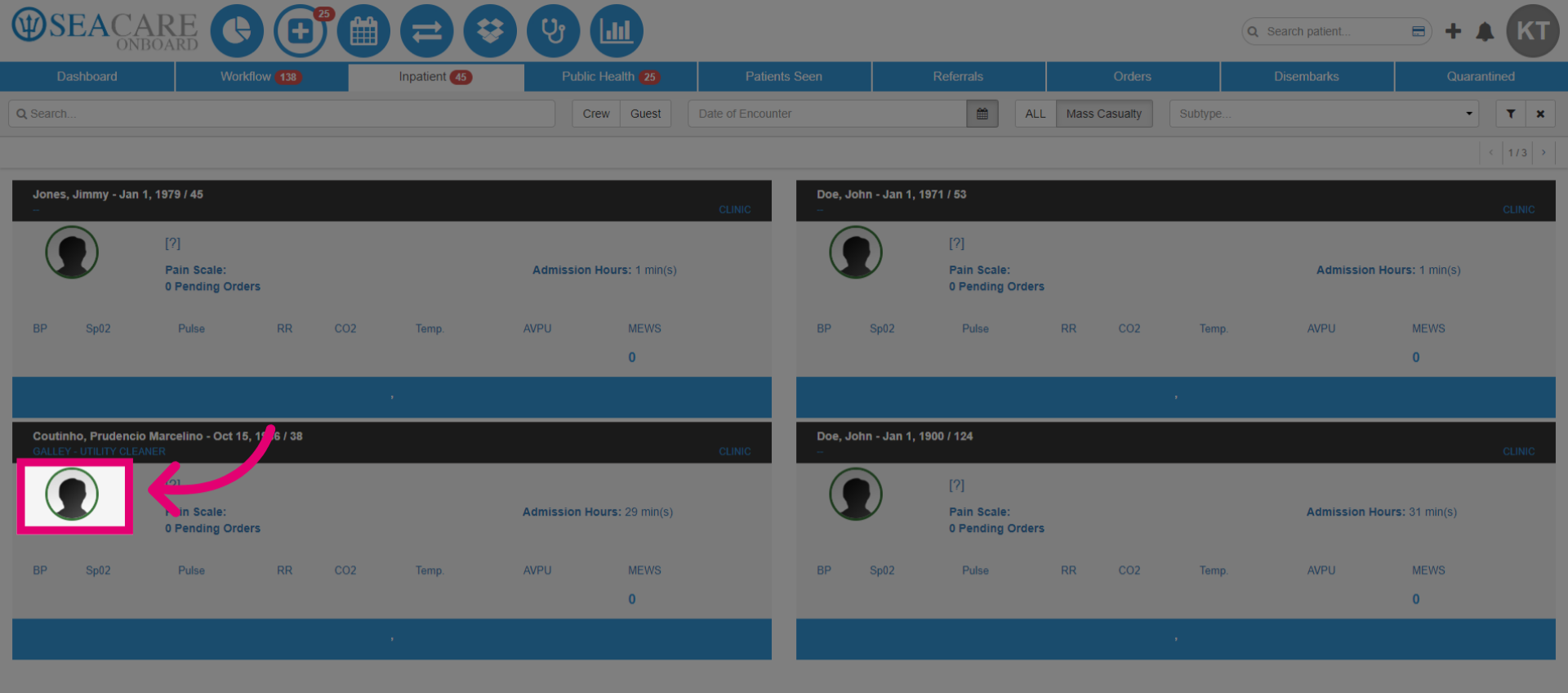
- Select the Mass Casualty filter, this will generate the mass casualty patient encounters.
- The Mass Casualty Encounters page will be displayed, including the mass casualty quick entries.
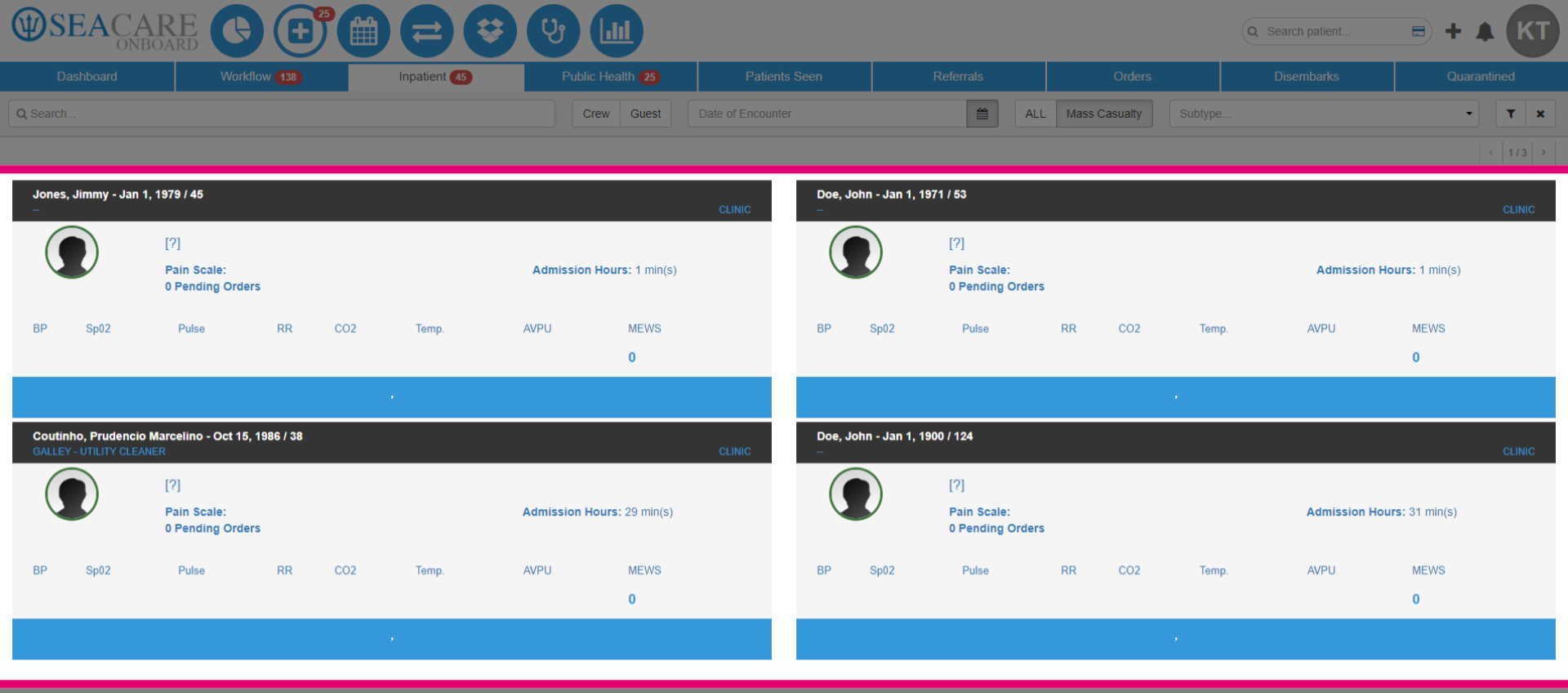
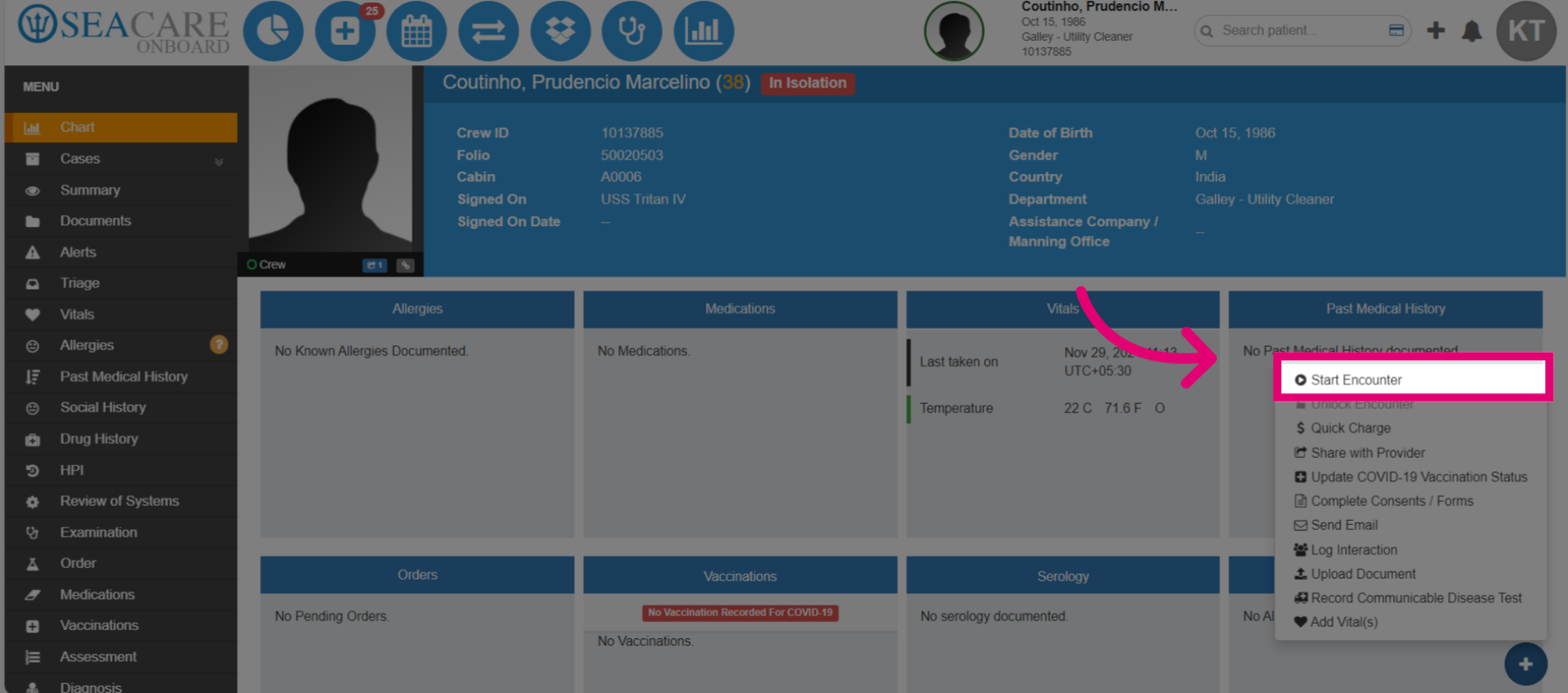
- Select the patient's avatar and choose Start an Encounter to continue documenting the case. This feature allows you to return and add more details at a later time.
- Click Start Encounter.
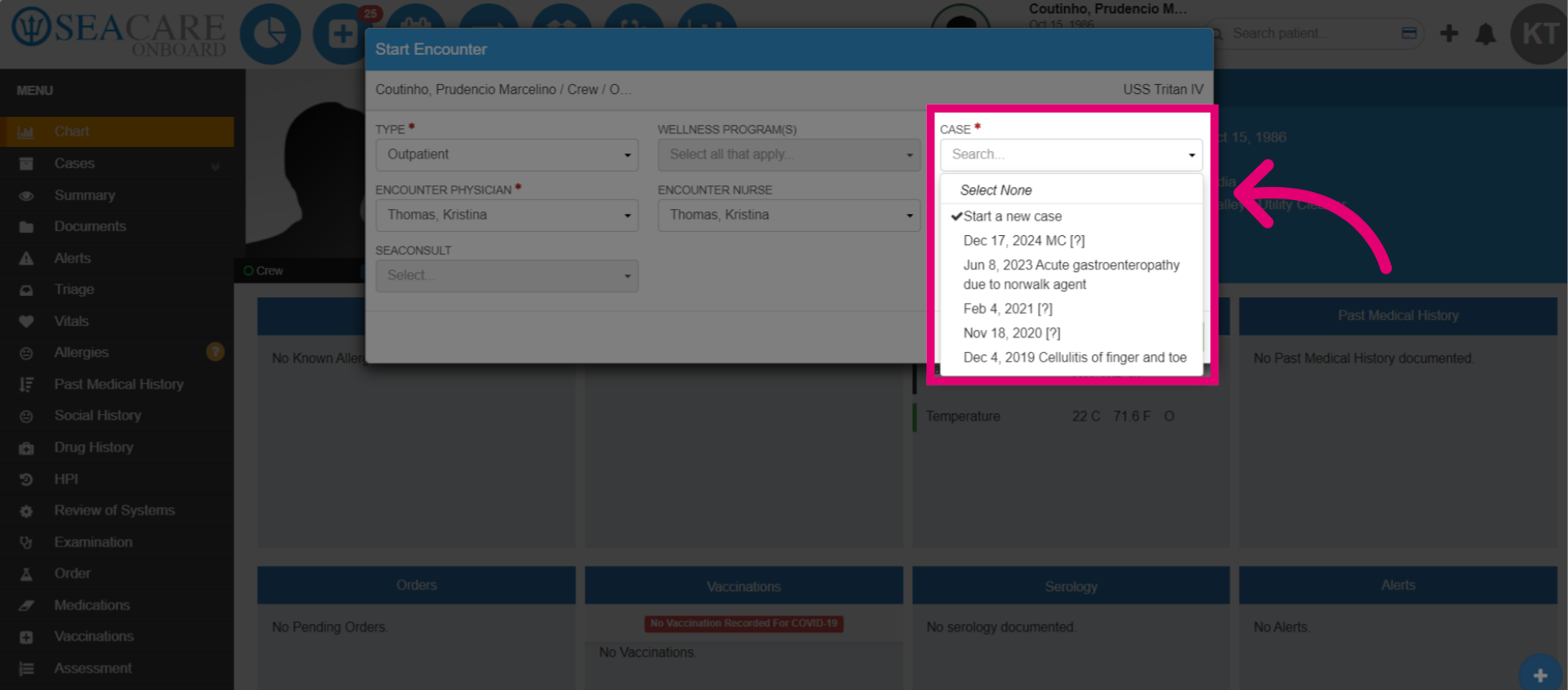
- Select the mass casualty case labeled with MC.
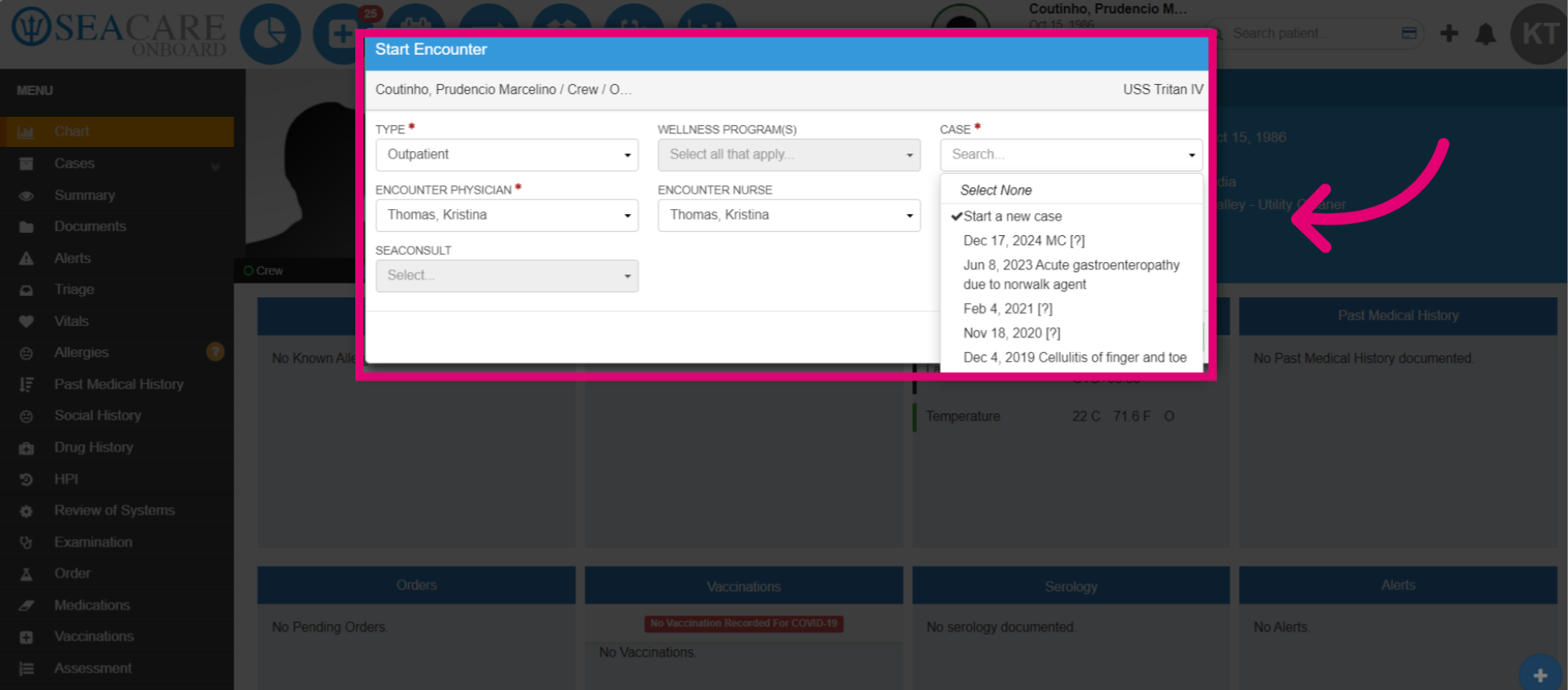
- Confirm the Encounter Type as either inpatient (for admission) or outpatient. Then, confirm the physician and nurse.
- Once it has started, you can enter the encounter details as usual, including triage, vitals, investigations, treatments, closing the encounter, or disembarking the case if necessary.