New article
Recently updated
Generating a communicable disease standard report under Clinical and other sections

Who is this article for?Users who want to learn to generate a standard report under Clinical and other sections.
No elevated permissions are required.
This guide provides detailed instructions on how to generate a communicable disease standard report under the clinical and other sections. Follow the instructions to access, select, and generate reports for isolated and quarantined patients for efficient data management and analysis.
1. Generate a communicable disease standard report
To generate the report:
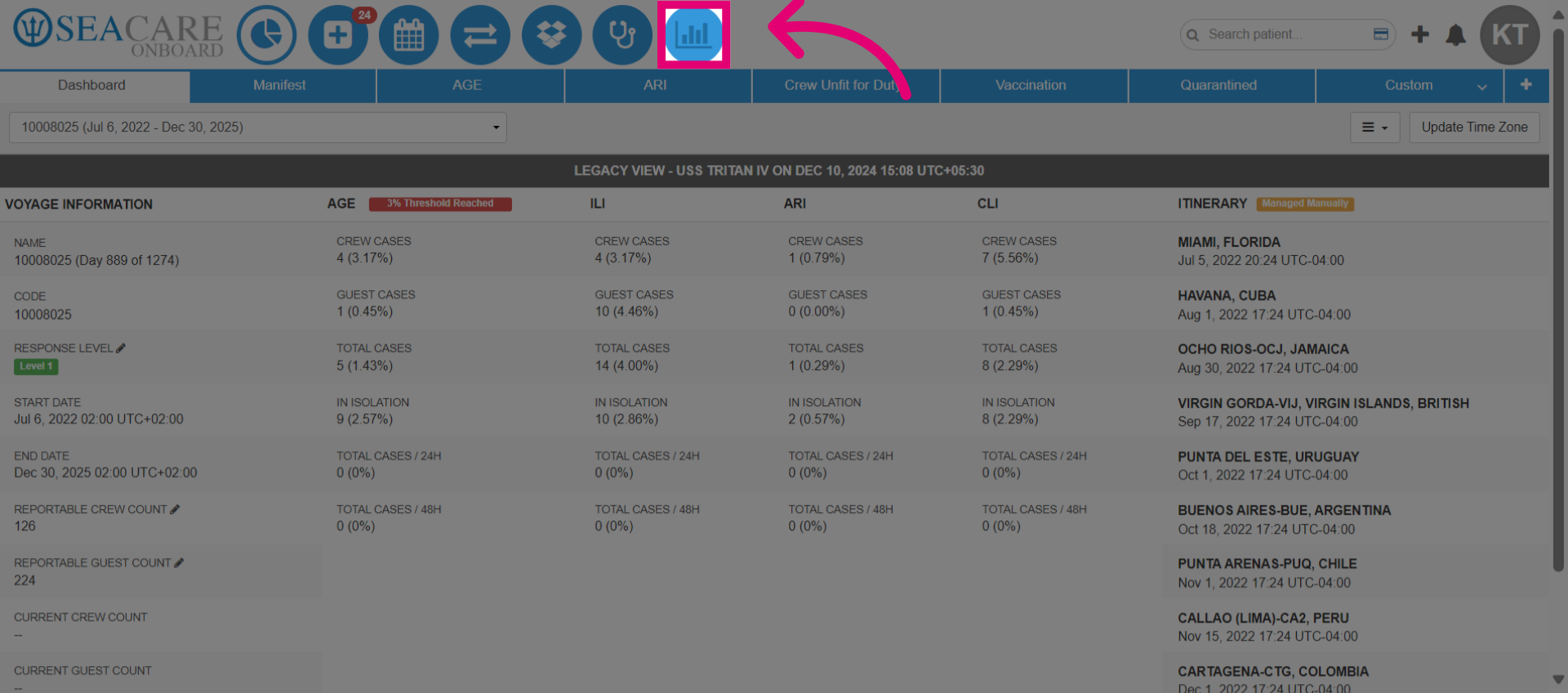
- Go to the Standard Reports module.
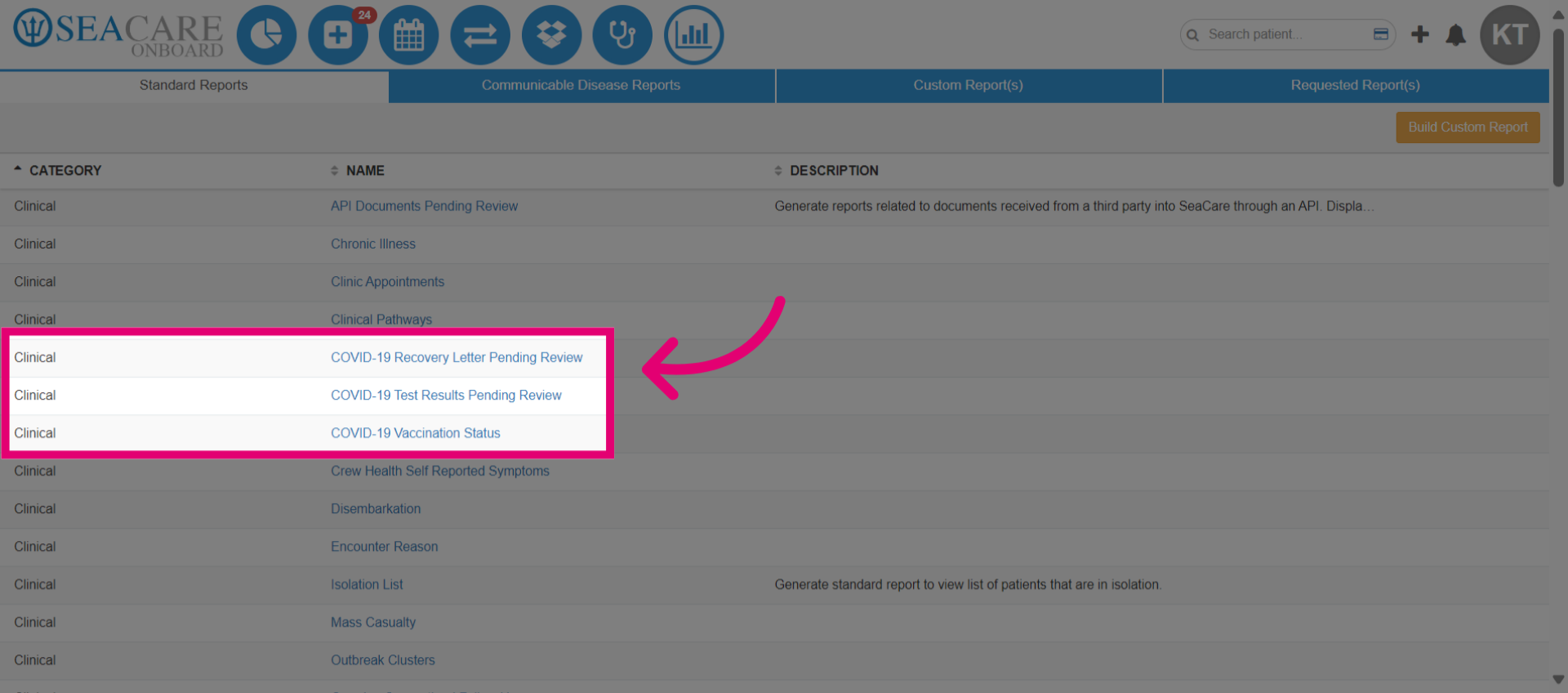
- Navigate to the clinical category to find communicable disease reports, including COVID-19 reports and the Isolation List report.
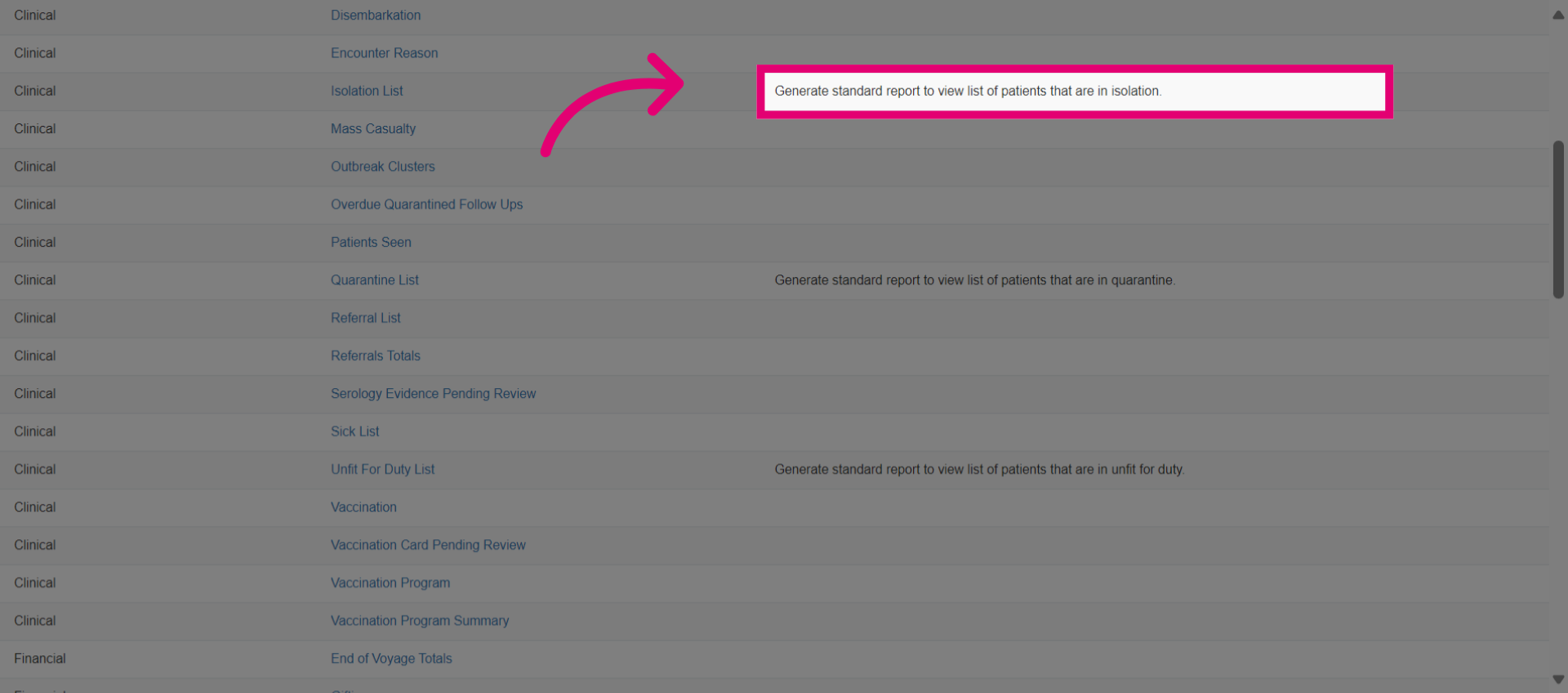
- View the description, if available, to better understand the report.
- Generate a report for the Isolation list, which covers patients isolated due to a communicable disease. Select this report.
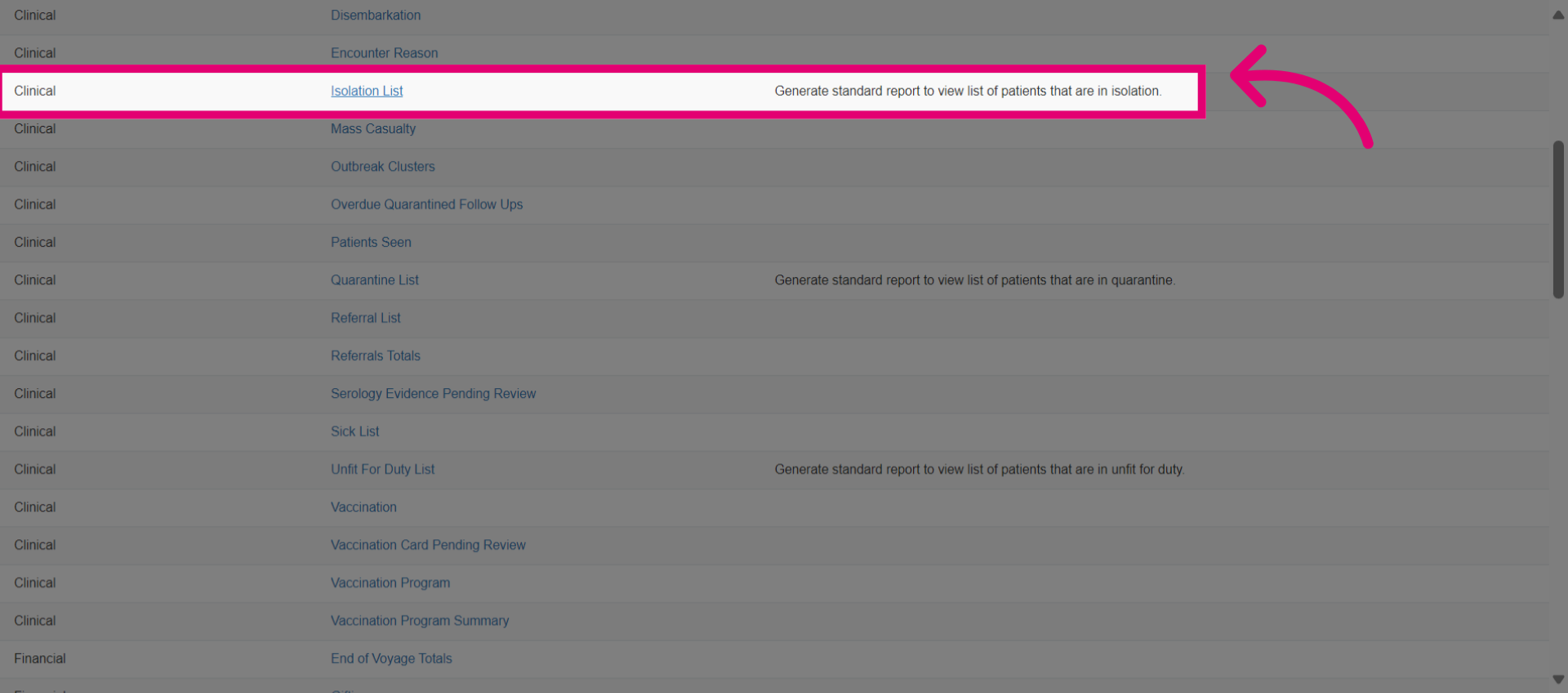
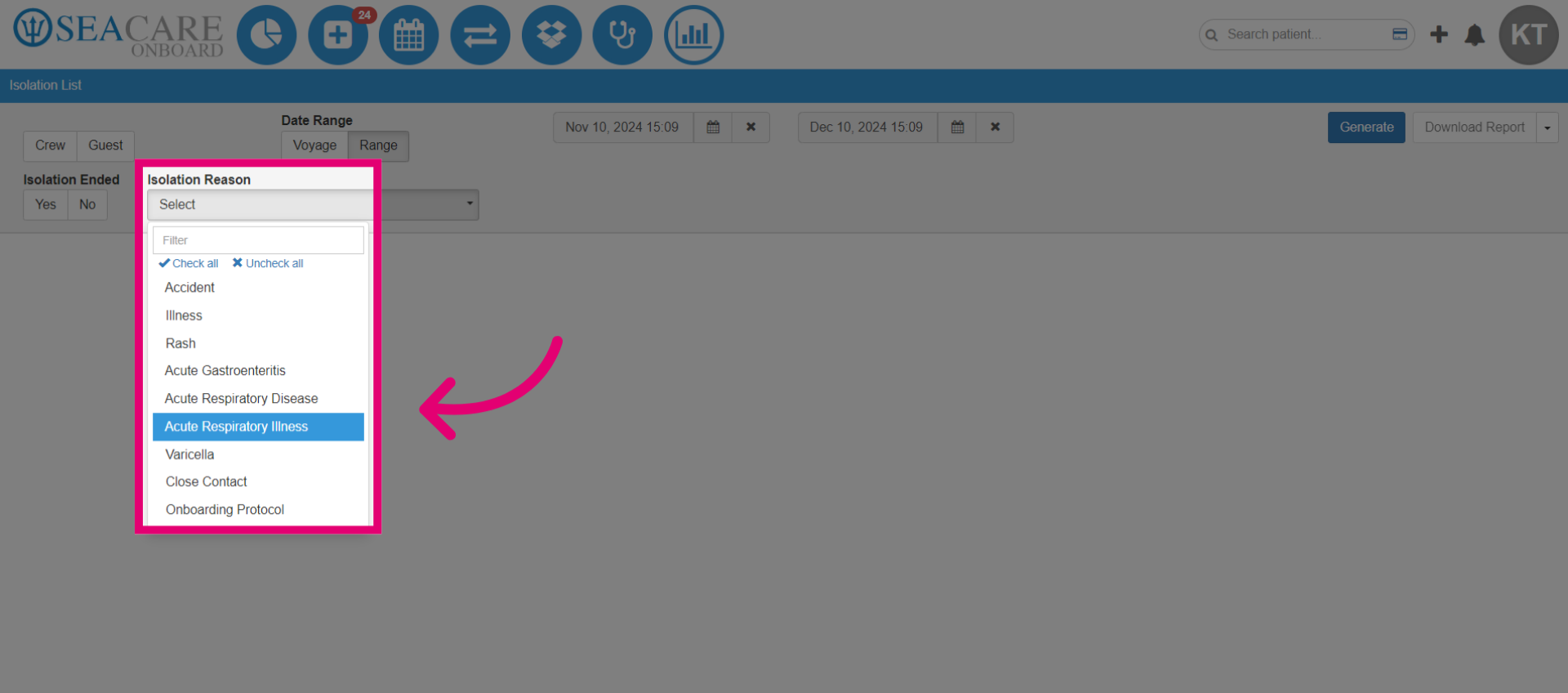
- Select filters to customize the report.

- Choose the Isolation Reason.
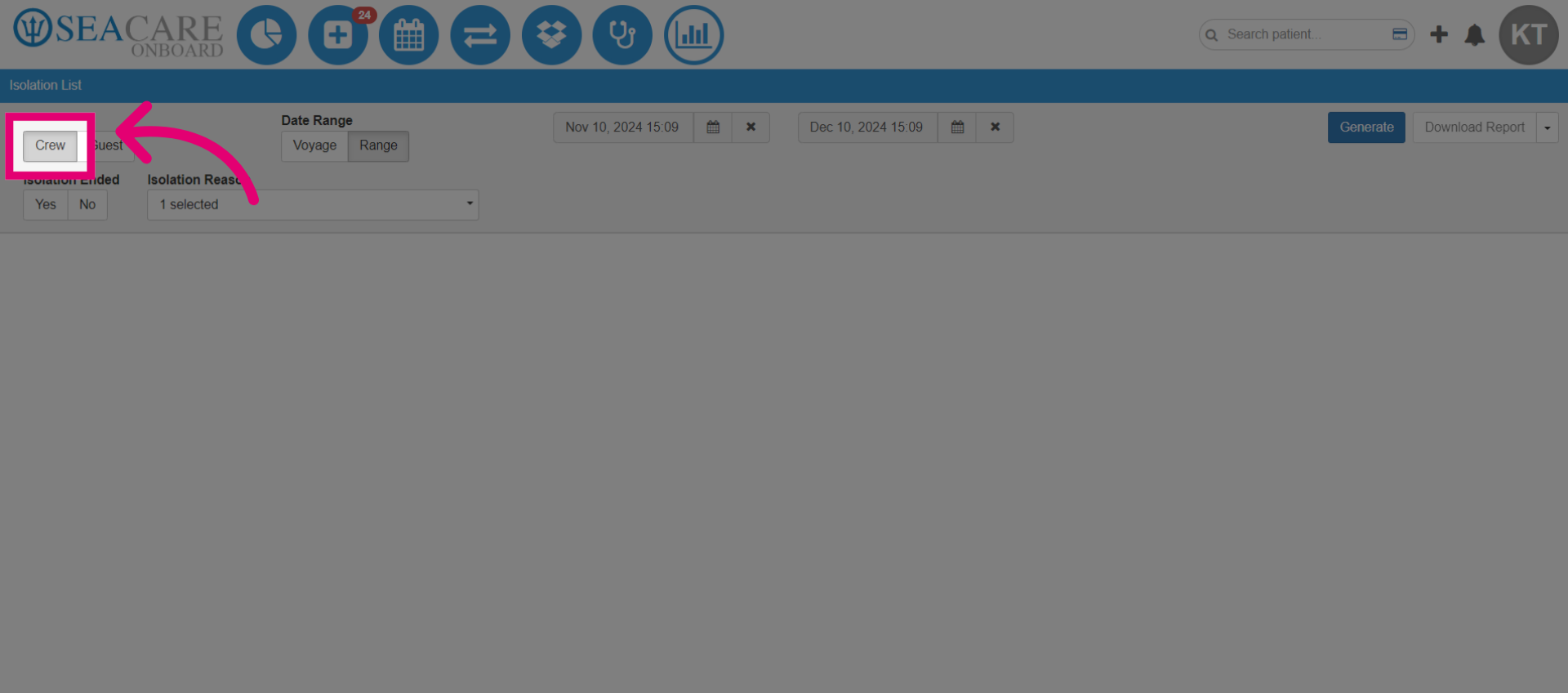
- Select Crew to view only results for crew members.
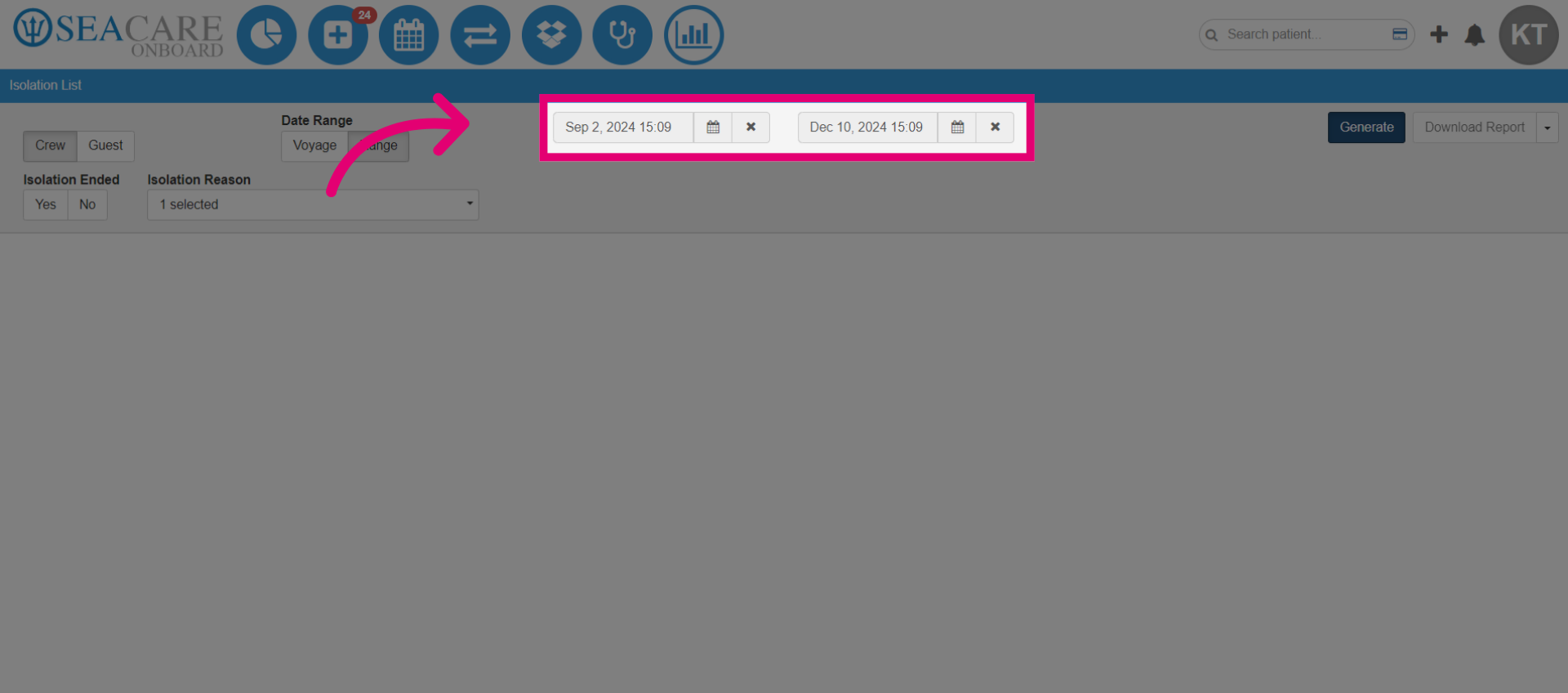
- Add the date picker to specify the timeframe during which patients were put into isolation.
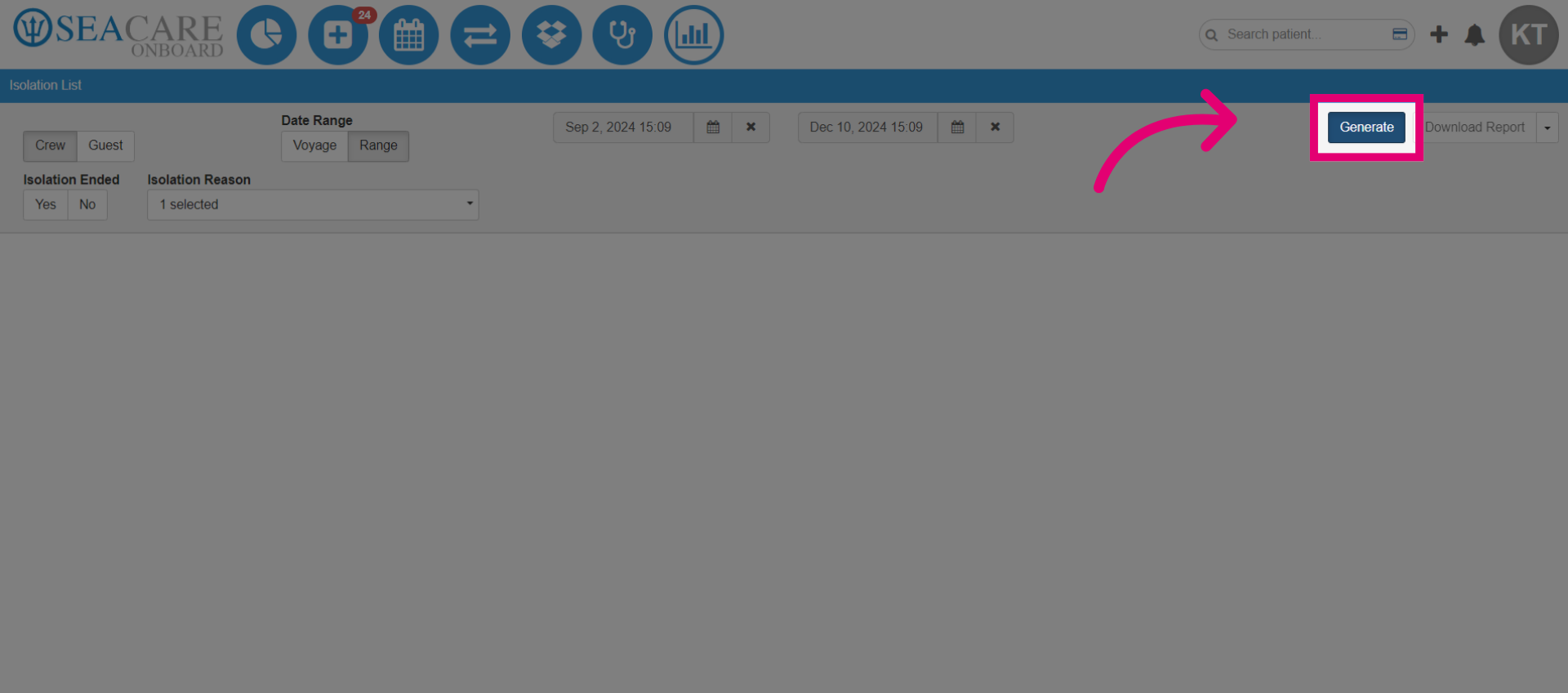
- Generate the report.
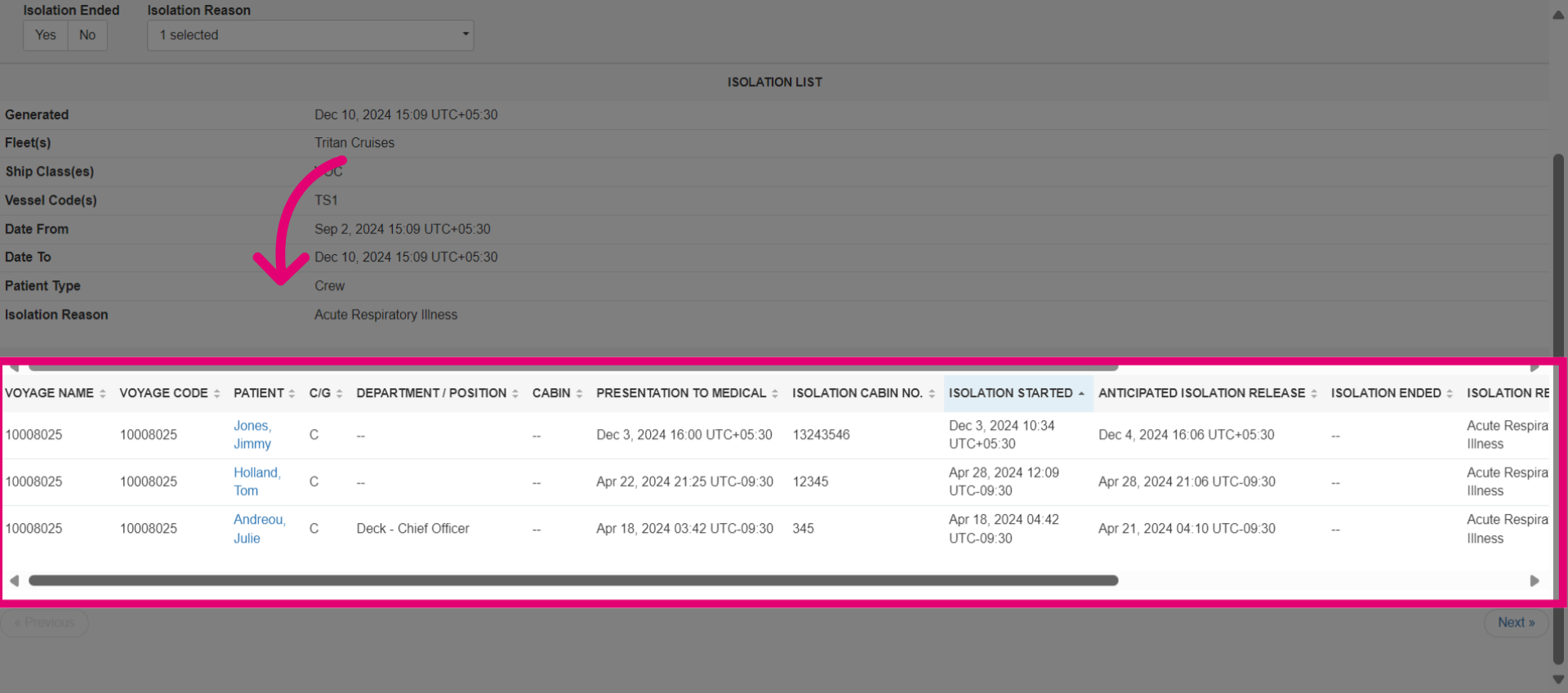
- View the detailed report to gain insights into the voyage, patient, isolation reason, isolation start and release dates, and time in isolation. This helps track and evaluate isolated patients.
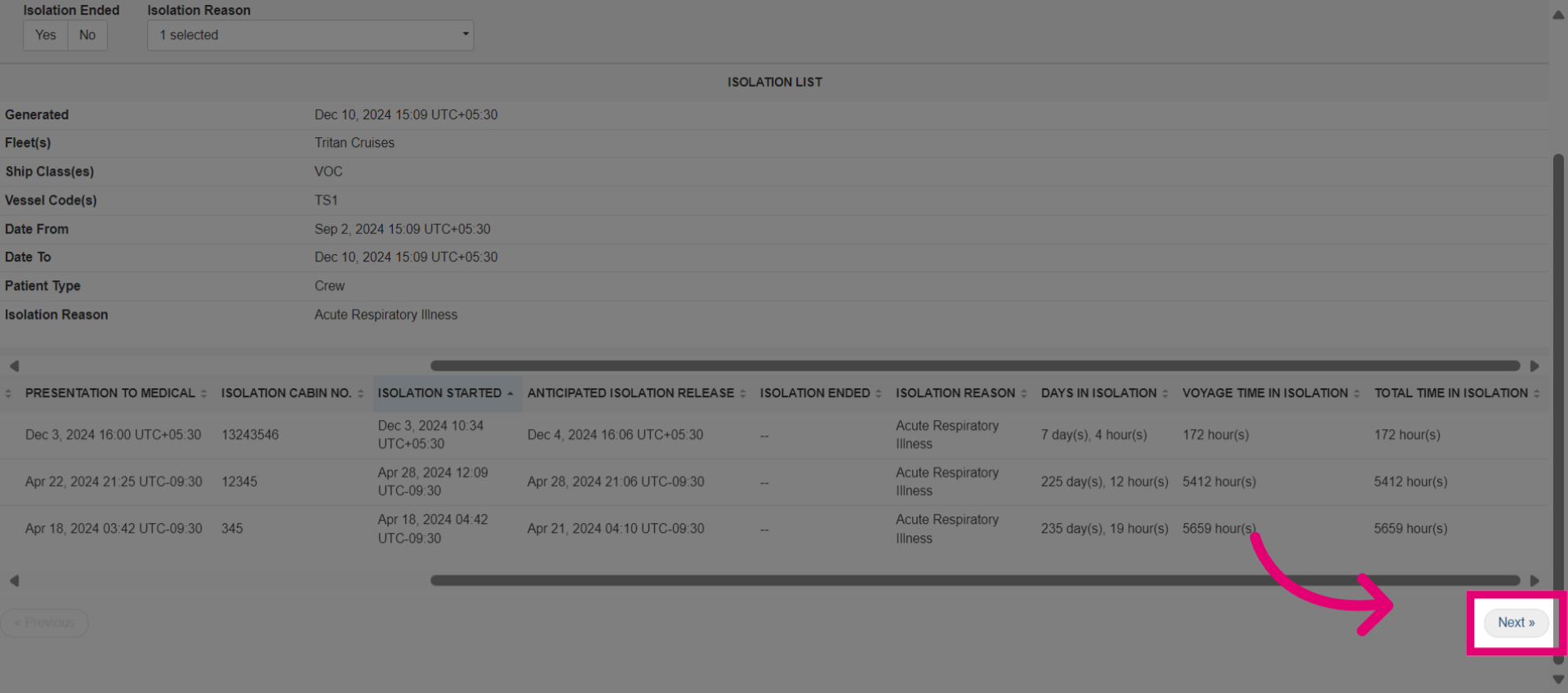
- Click Next.
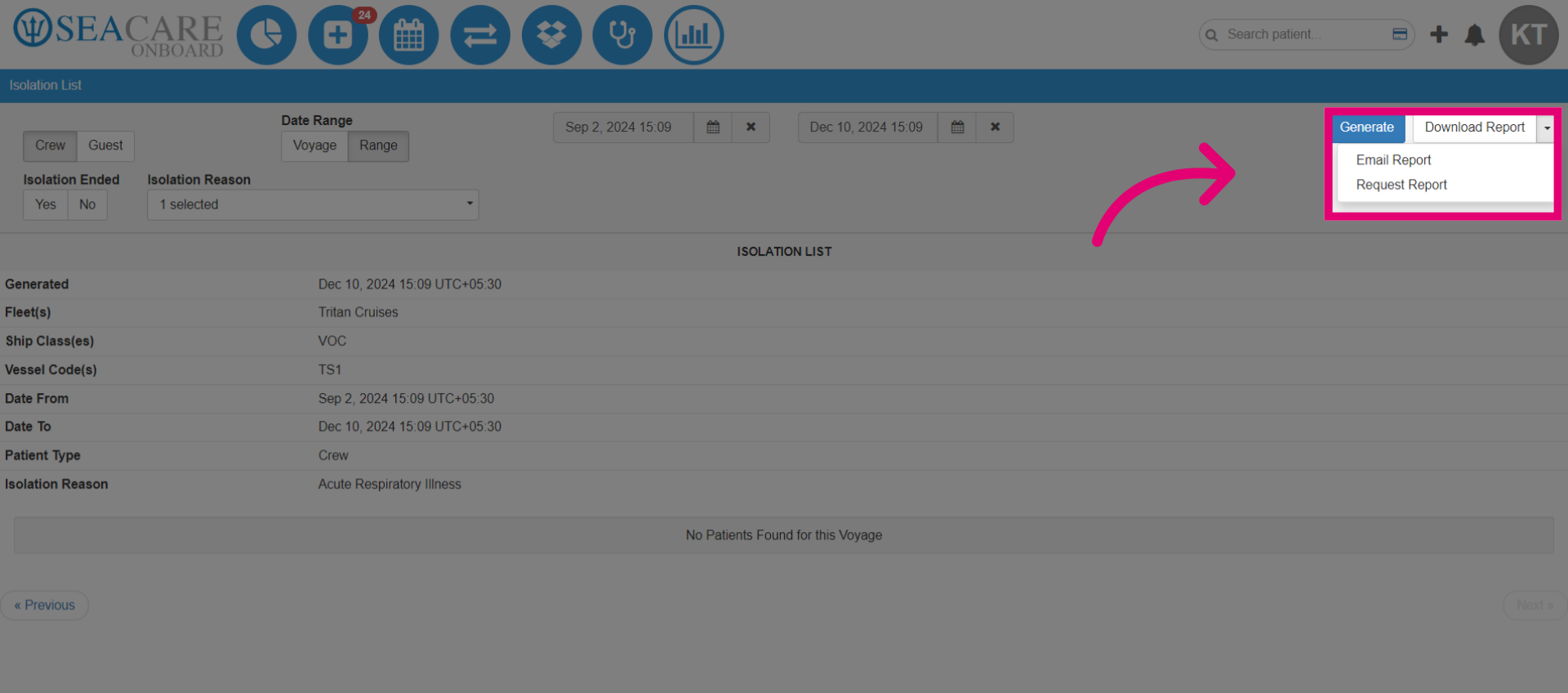
- Use the dropdown menu to download, email, or request the report. However, it is recommended not to email sensitive patient information.
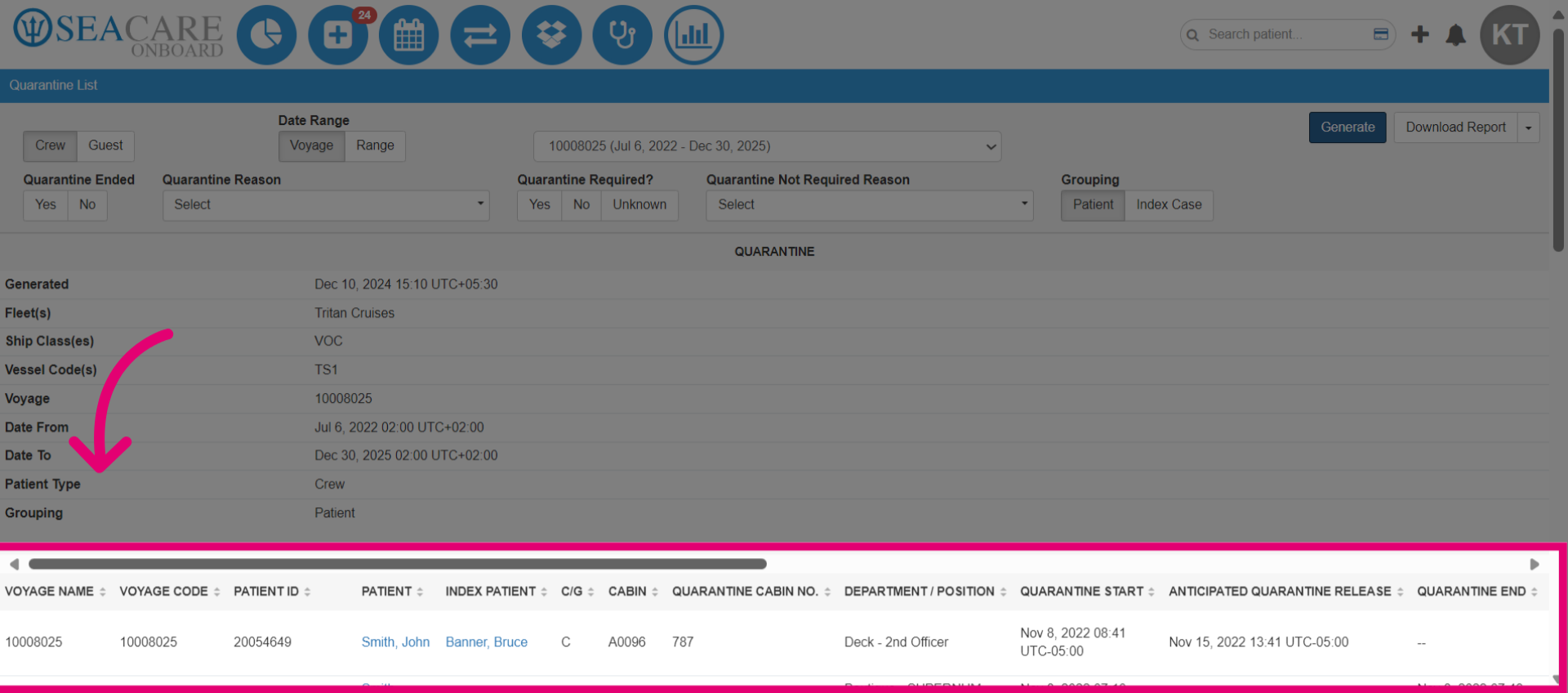
- Access the Quarantine List report. Then follow the same steps to generate the report.
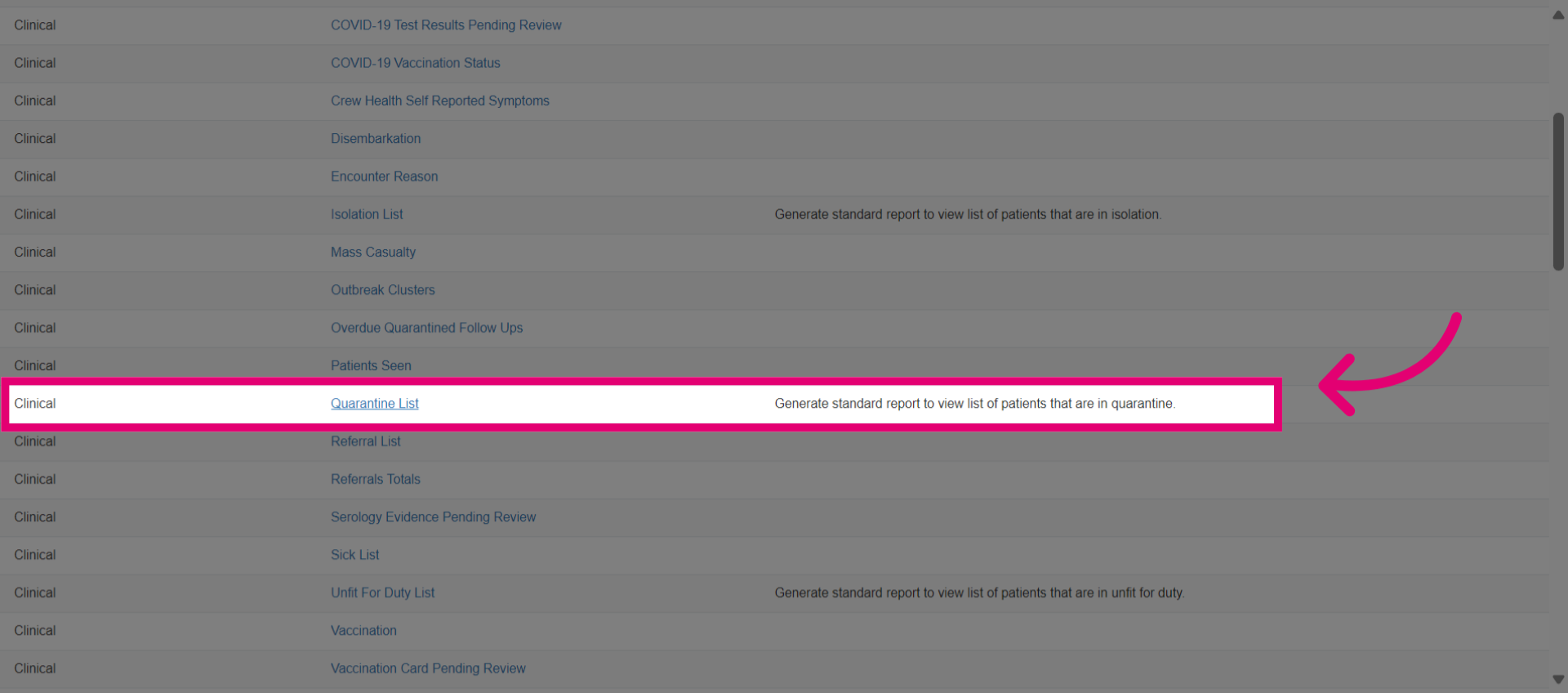
- View the quarantine list report.
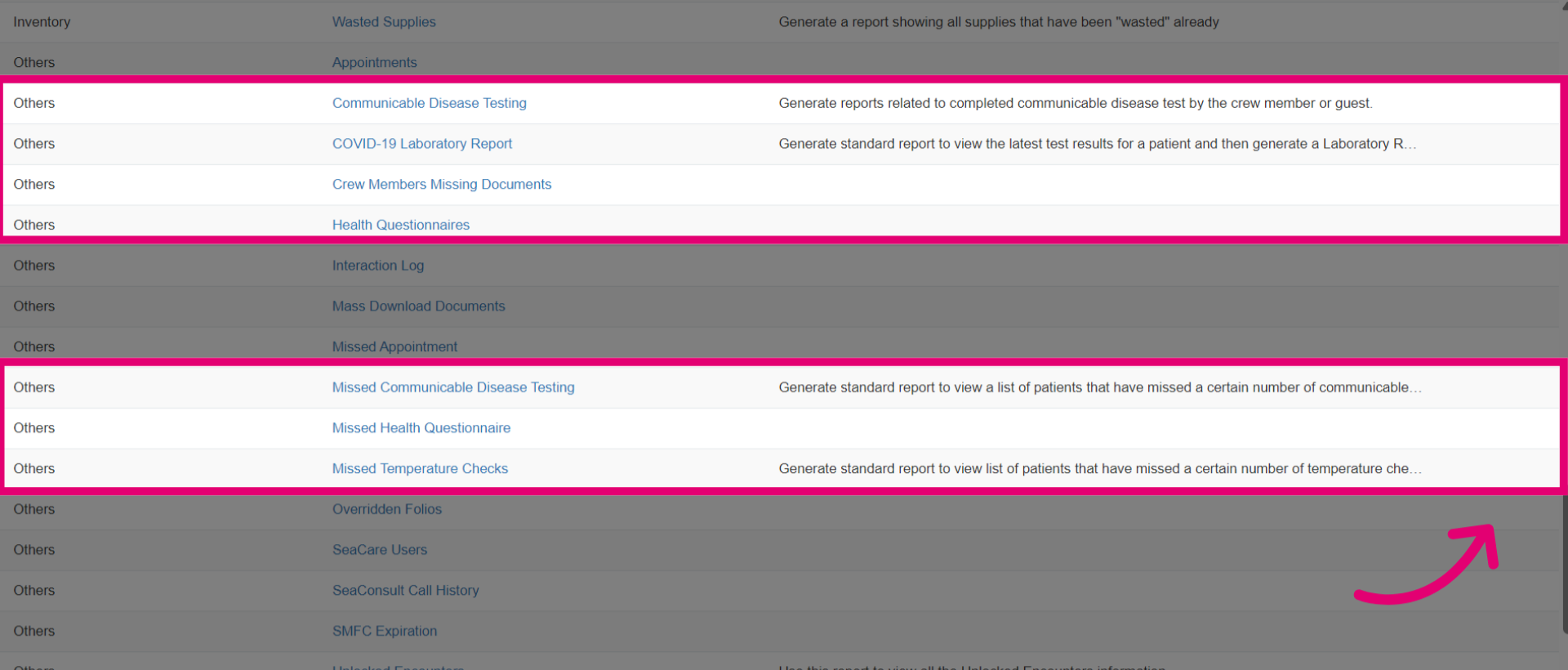
- There are several reports under the Other category that are mainly designed for communicable disease. You can generate reports for testing, lab certificates, health questionnaire, temperature checks, and more.