New article
Recently updated
Generating vaccination standard reports

Who is this article for?Users who want to learn about generating vaccination standard reports.
No elevated permissions are required.
This guide will walk you through how to identify and generate vaccination standard reports in Ideagen Maritime Health Onboard.
1. Generating a vaccination standard report
1.1. Video
1.2 Steps
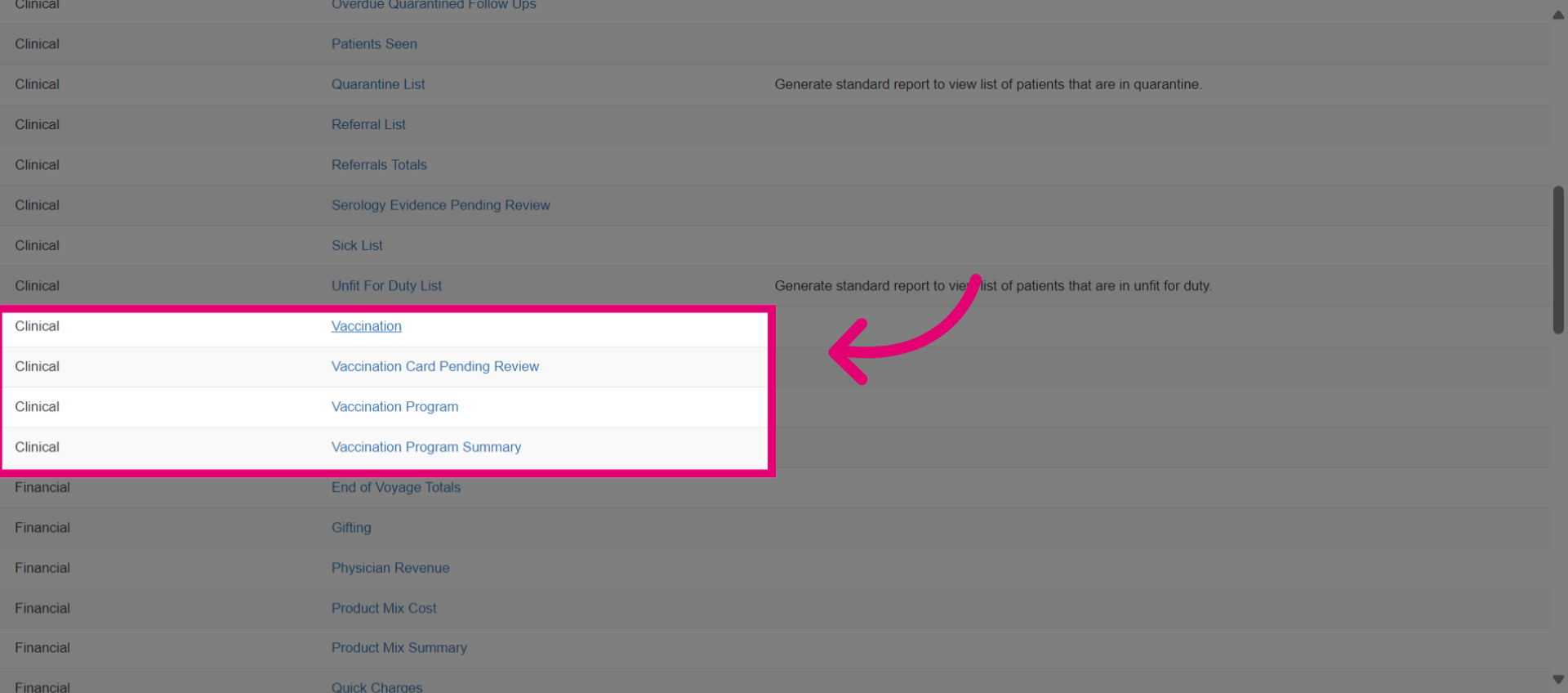
- Go to the Clinical section. This includes reports such as Vaccination, Vaccination Card Pending Review, Vaccination Program, and Vaccination Program Summary. We'll start with the Vaccination report.
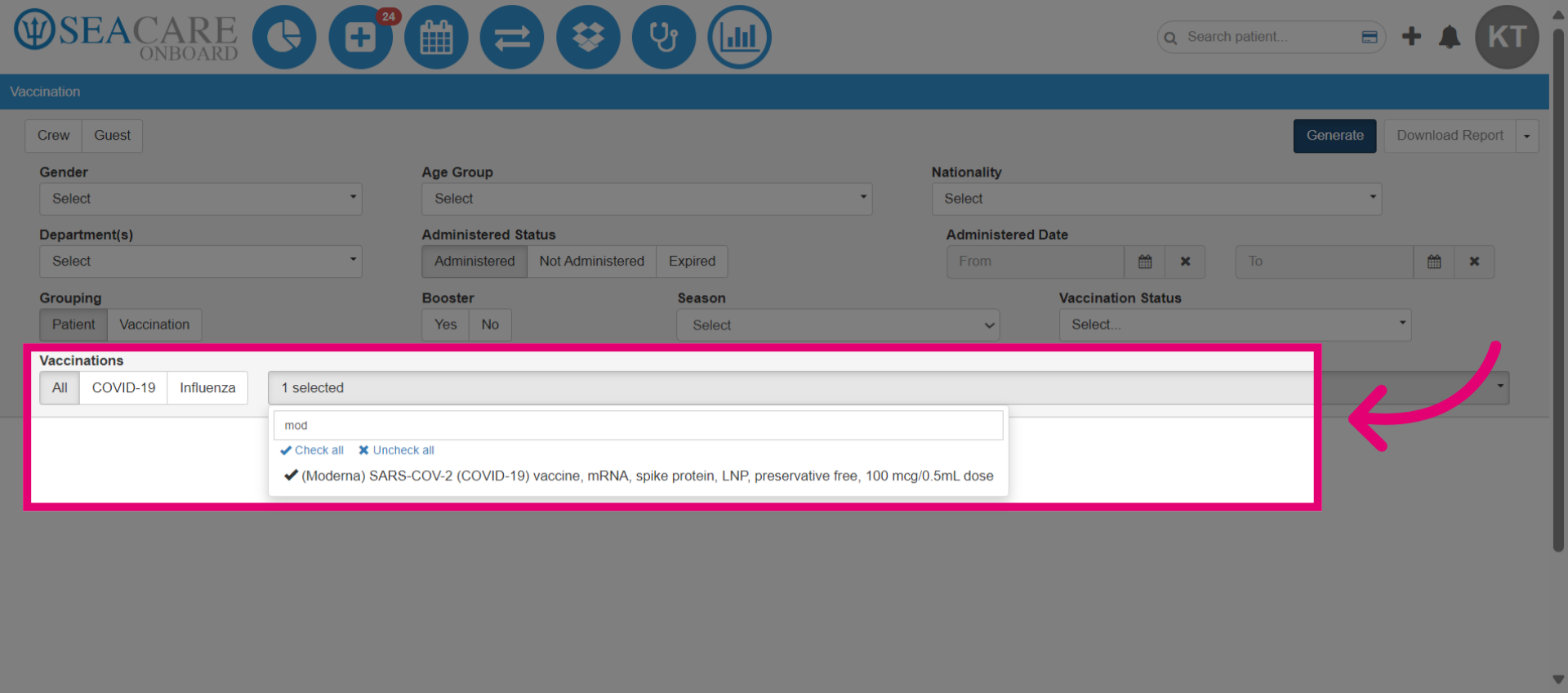
- Select the Vaccination Type required filter.
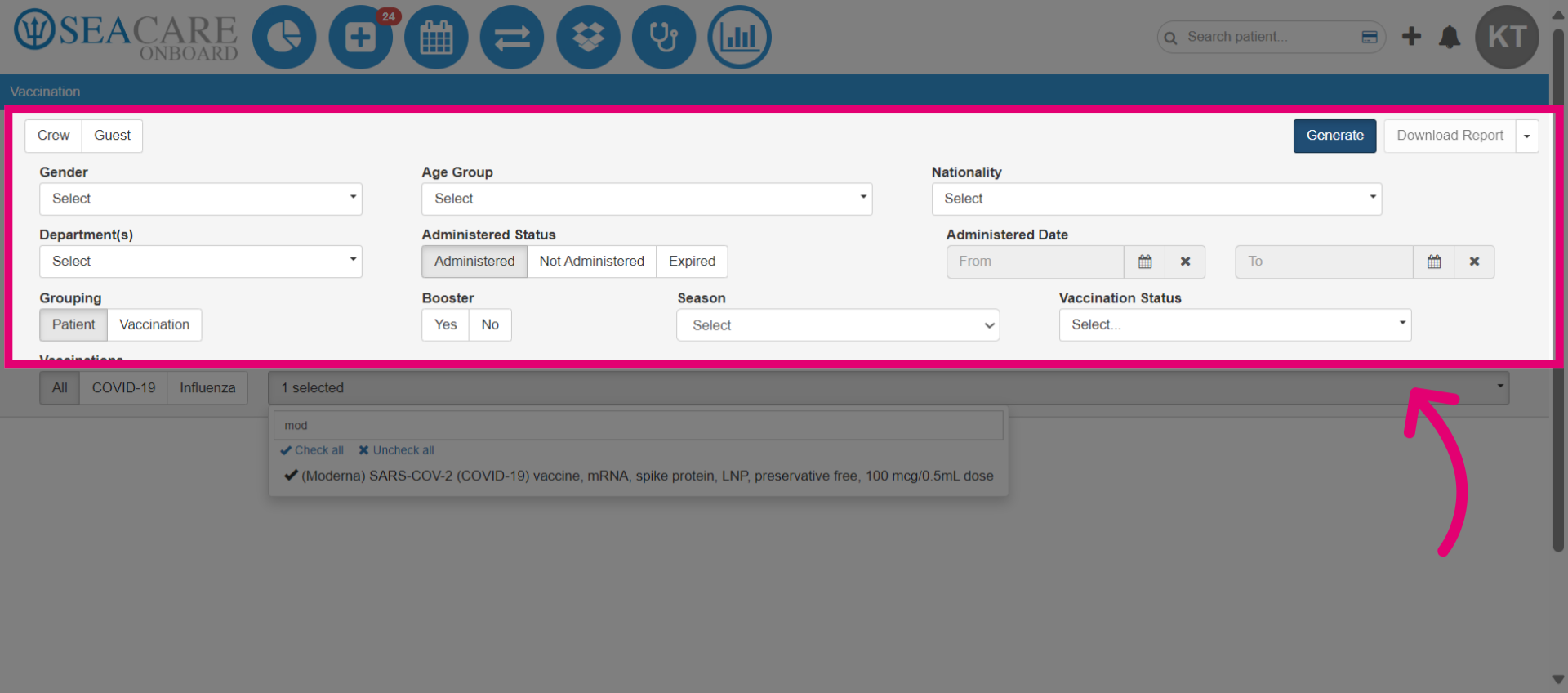
- You may also use additional filters to further customize the report.
- Select Generate.
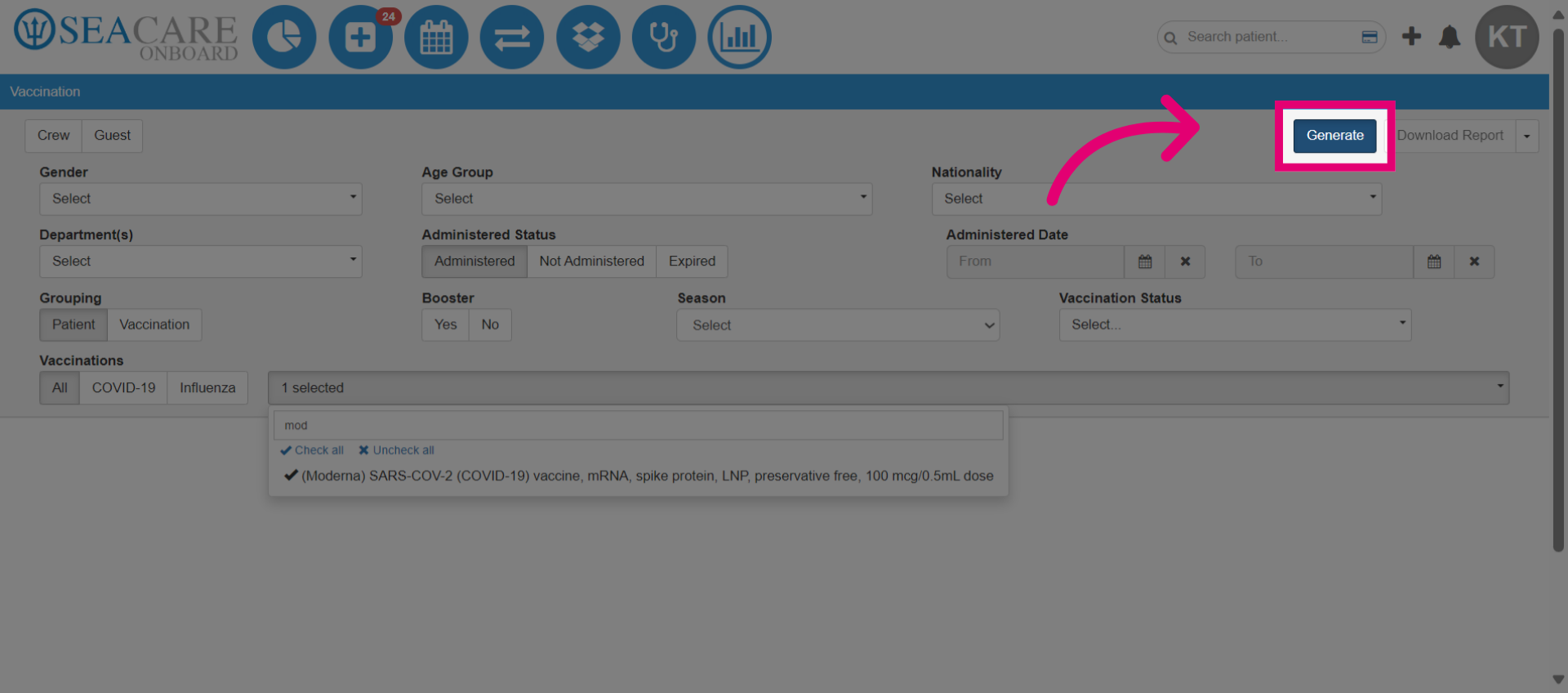
- The vaccination report offers clear, actionable data on vaccination coverage, including patient demographics, vaccination status, type, administered date, doses, and product details.
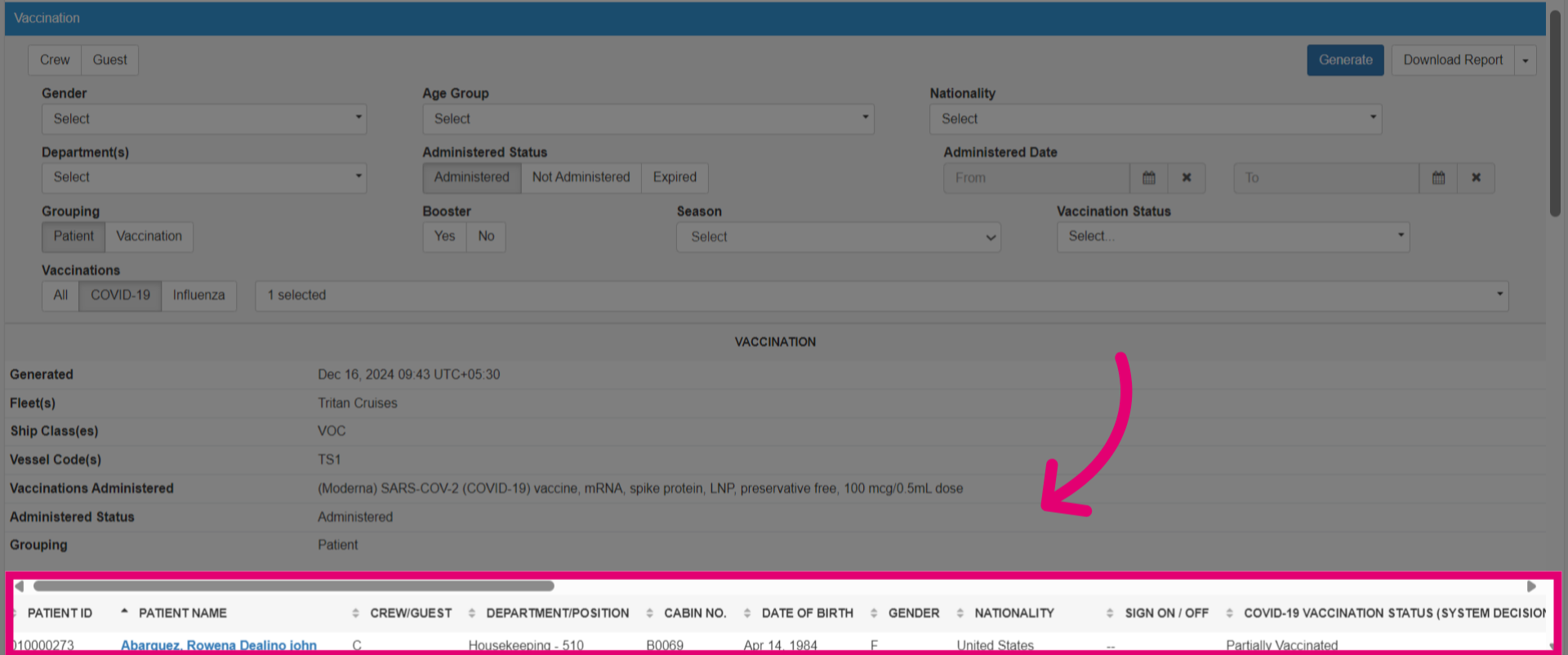
- Check the Vaccination Card Pending Review reports for the status of patients' vaccination records awaiting verification. Delays may arise from missing reviews, information, or required documentation. Apply filters and generate the report.
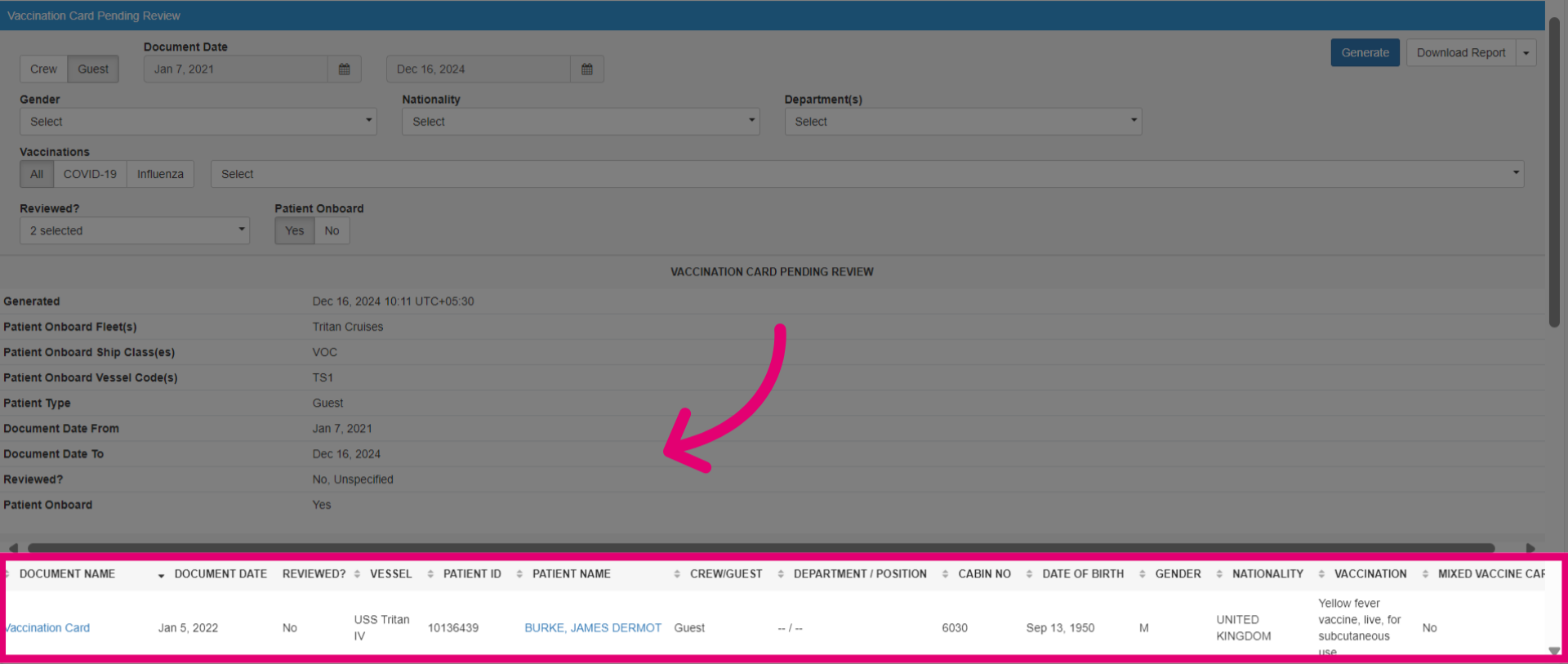
- A vaccination program is a structured initiative to administer vaccinations to crew members for communicable disease prevention. It includes planning, scheduling, and reporting efforts, targeting groups by department. Select the vaccination program and generate the report.
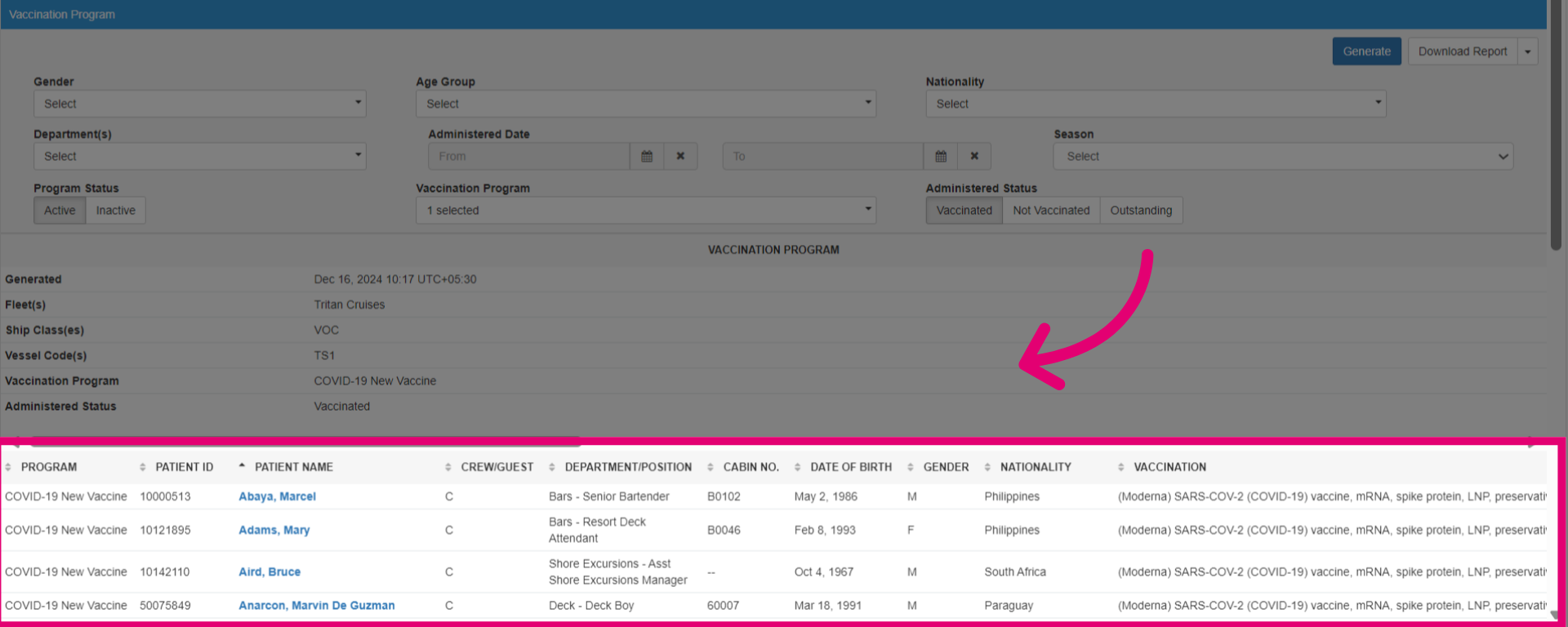
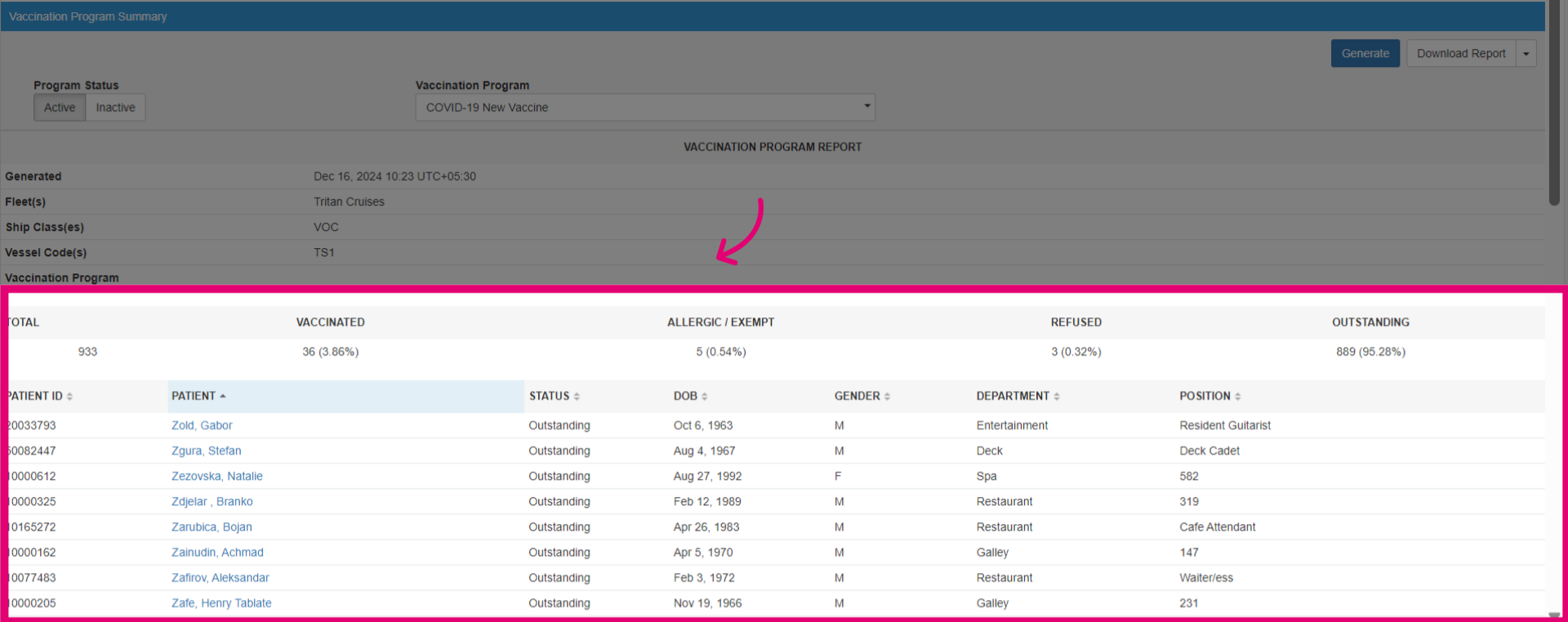
- Check the vaccination program summary for an overview, including the total number of crew members vaccinated, vaccine types administered, and the percentage of the crew reached. Select the vaccination program and generate the report.
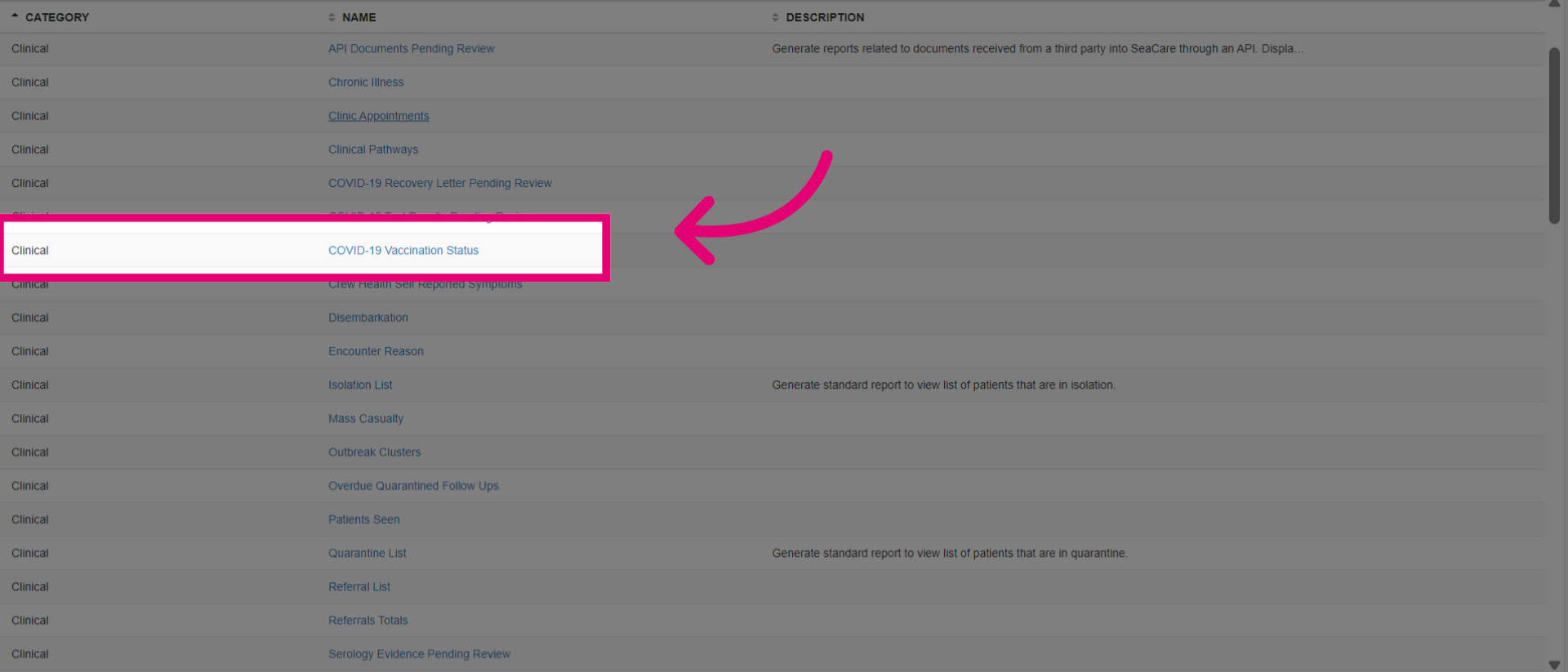
- Click the COVID-19 Vaccination Status.
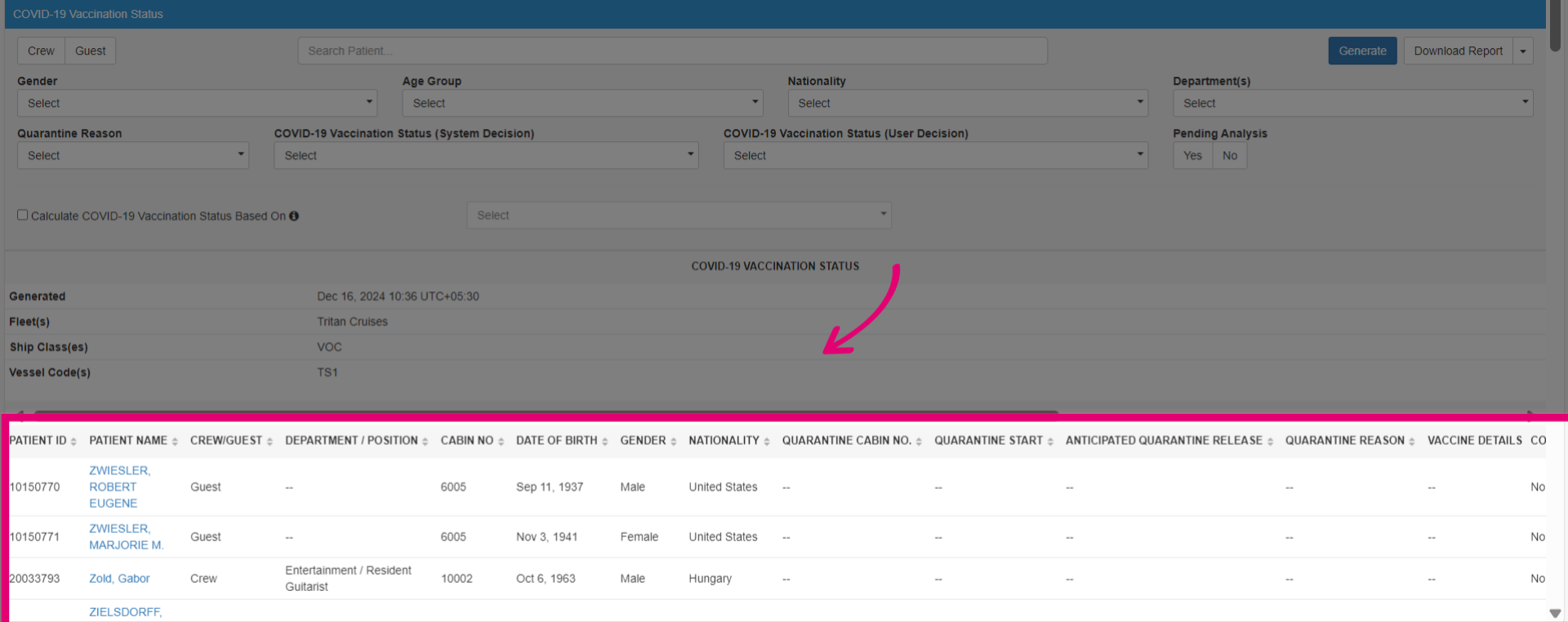
- This report summarises COVID-19 vaccination progress, including doses administered, vaccine types, vaccination dates, and booster shots. It highlights fully vaccinated, partially vaccinated, and unvaccinated individuals. Select Generate to view.
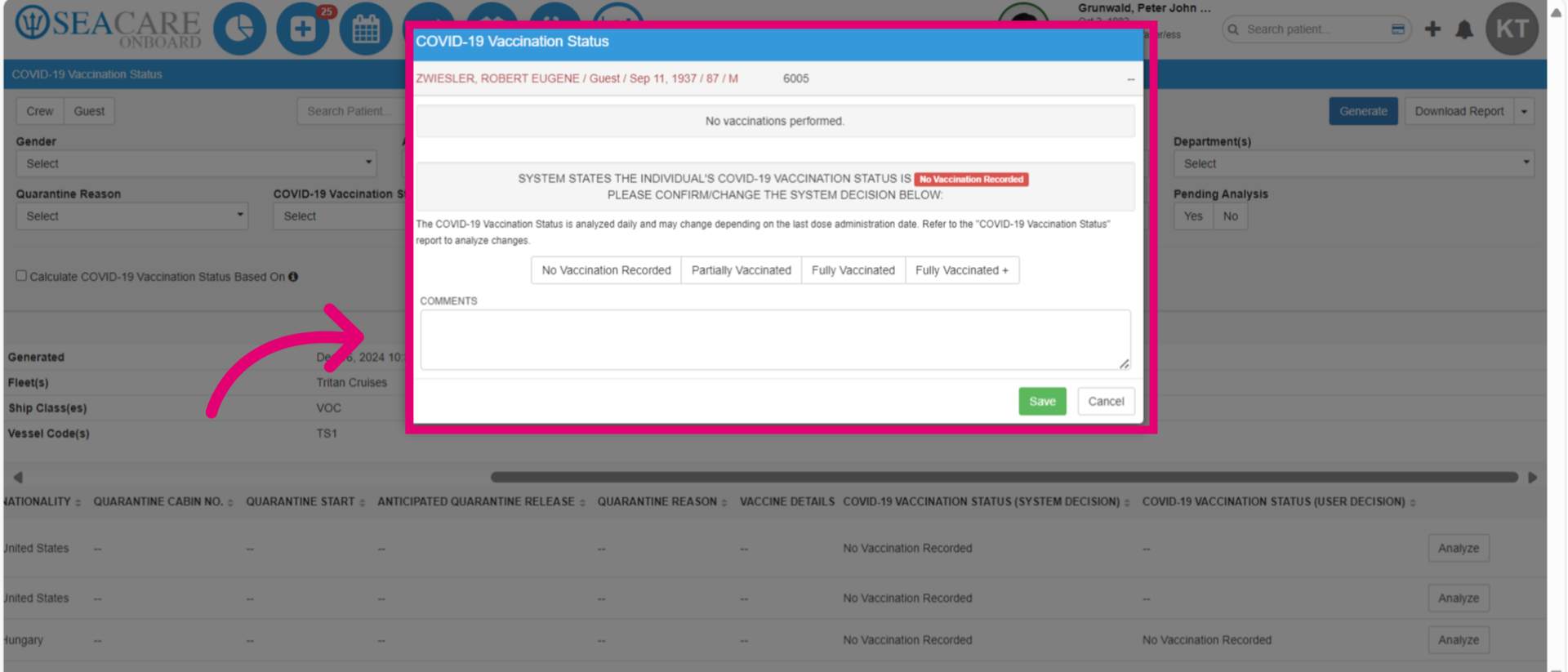
- Use the Analyze action to review and update the patient's COVID-19 vaccination status directly within the report.
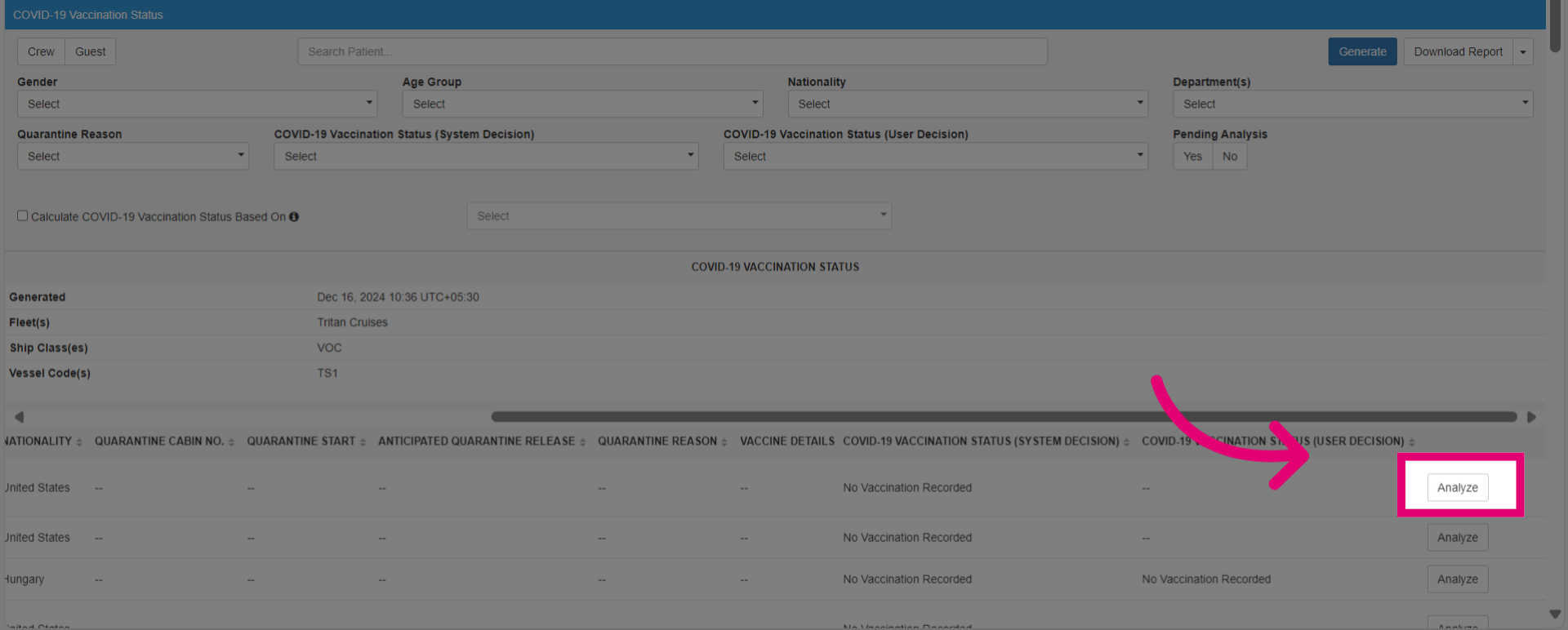
- View all vaccination records and update the COVID-19 vaccination status. The system decision is based on the patient's history. You can manually override it and provide a reason, similar to the vaccination modules.