New article
Recently updated
Creating Fields using the Workflow Editor

Who is this article for?Users who want to learn to create Fields using the Workflow Editor.
No elevated permissions are required.
This guide will walk you through creating fields using Ideagen Maritime Management's Workflow Editor.
1. Creating Fields using the Workflow Editor
1.1. Video
1.2. Steps
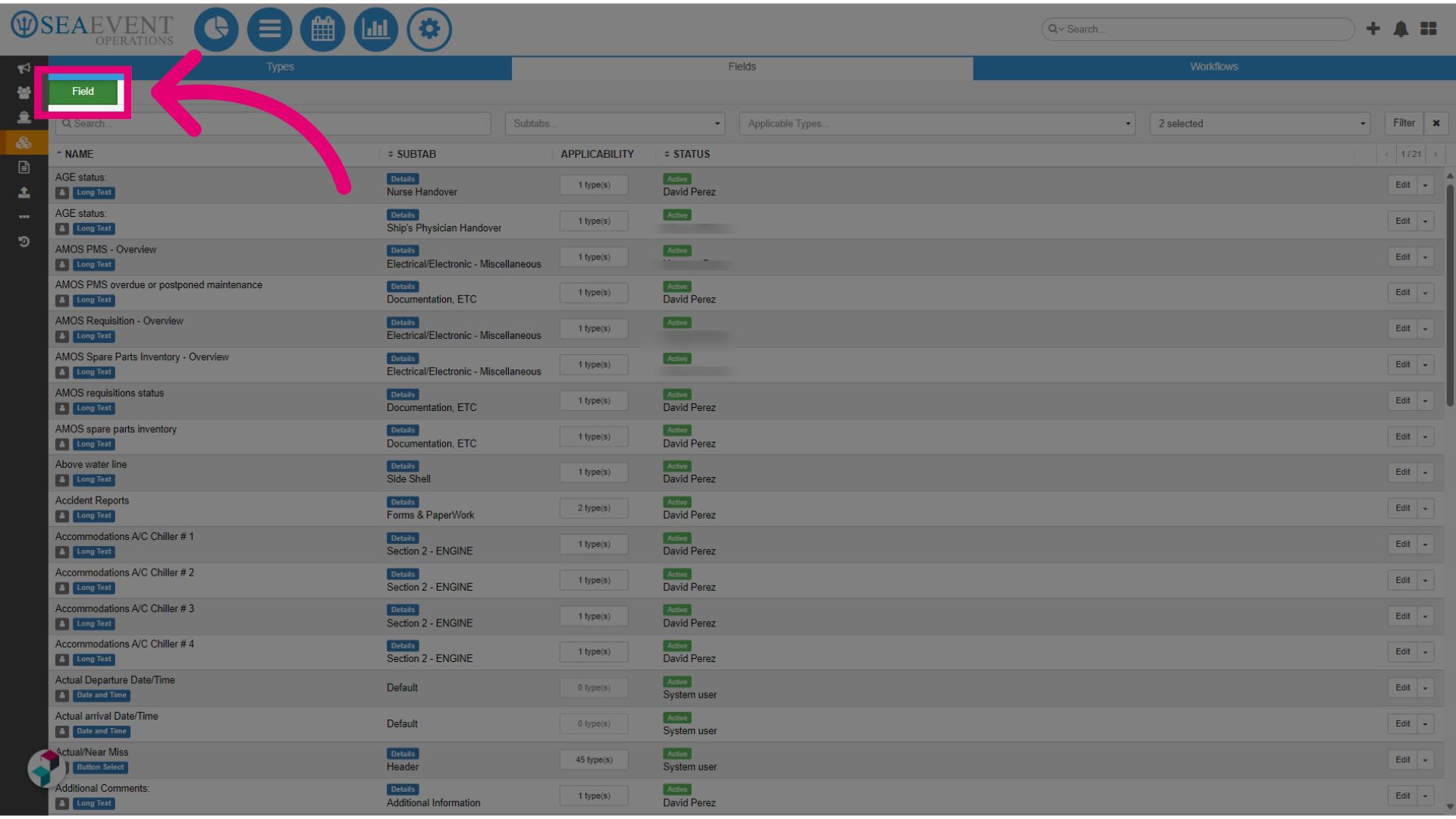
- In the Ideagen Maritime Management Operations administration module, navigate to Types, then Fields, and select the Workflows Fields tab. Finally, choose Field.
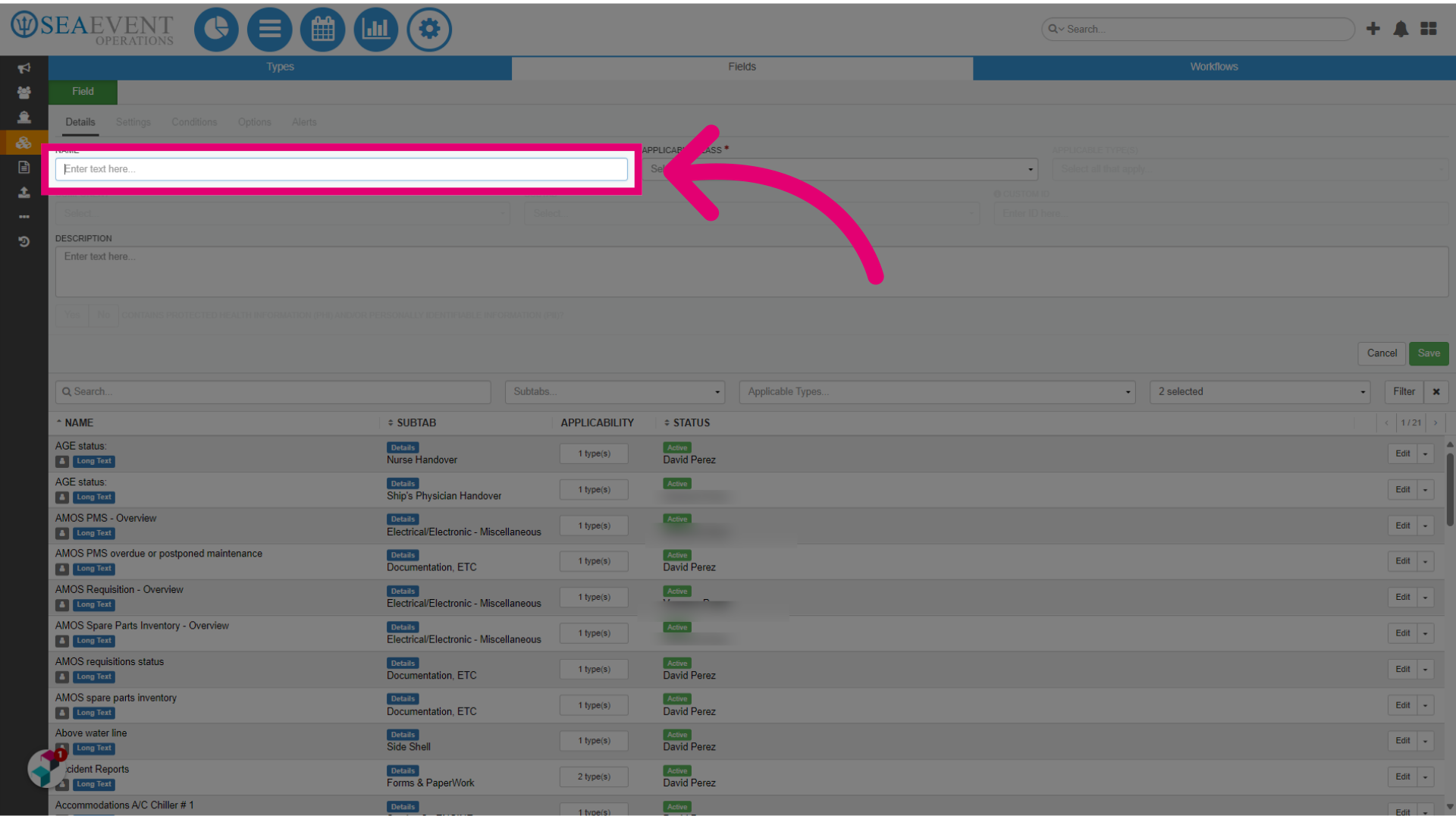
- Type the question you would like the user to answer.
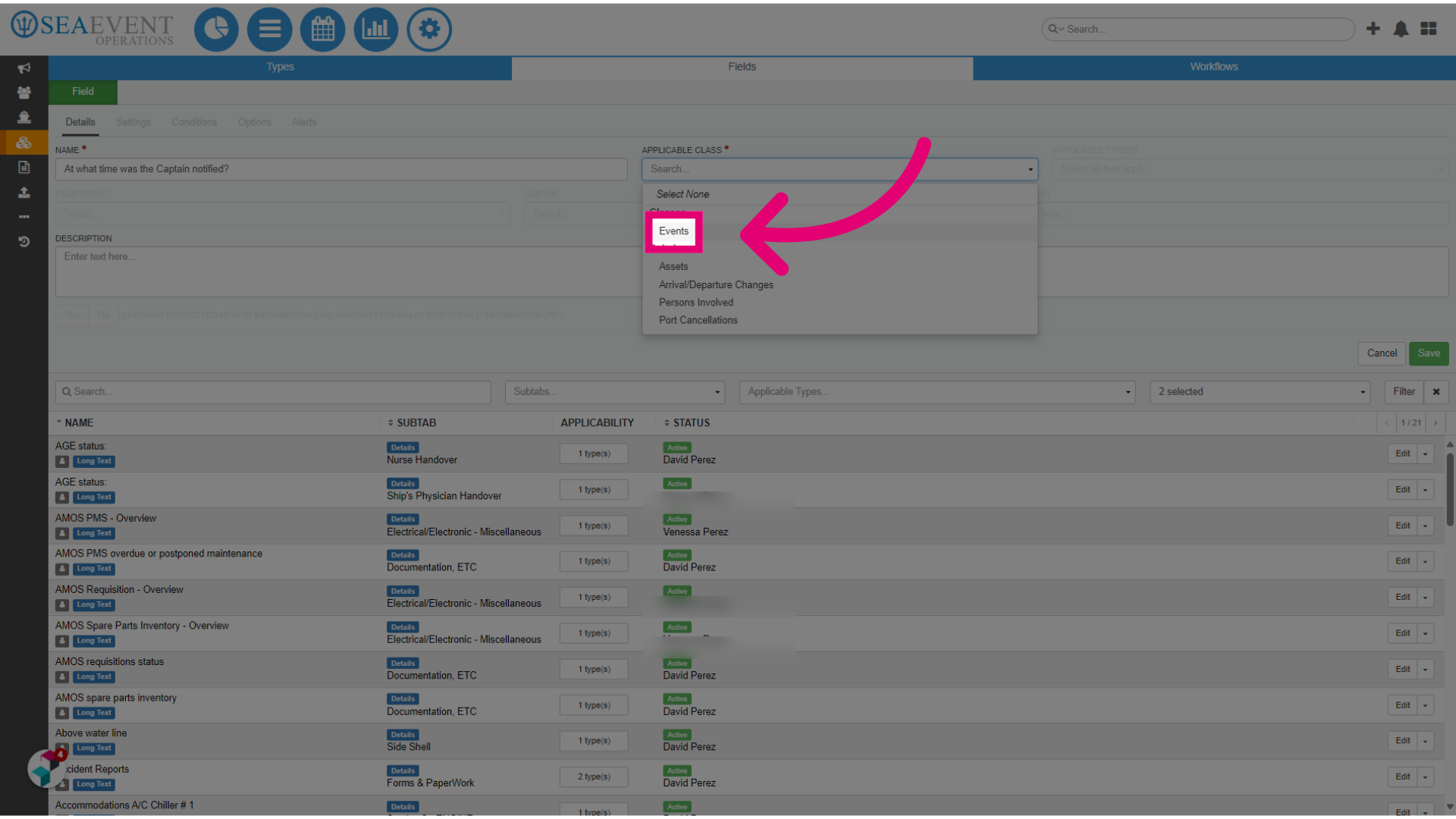
- Choose the Applicable Class for which this field should apply to.
- Choose the Applicable Type.
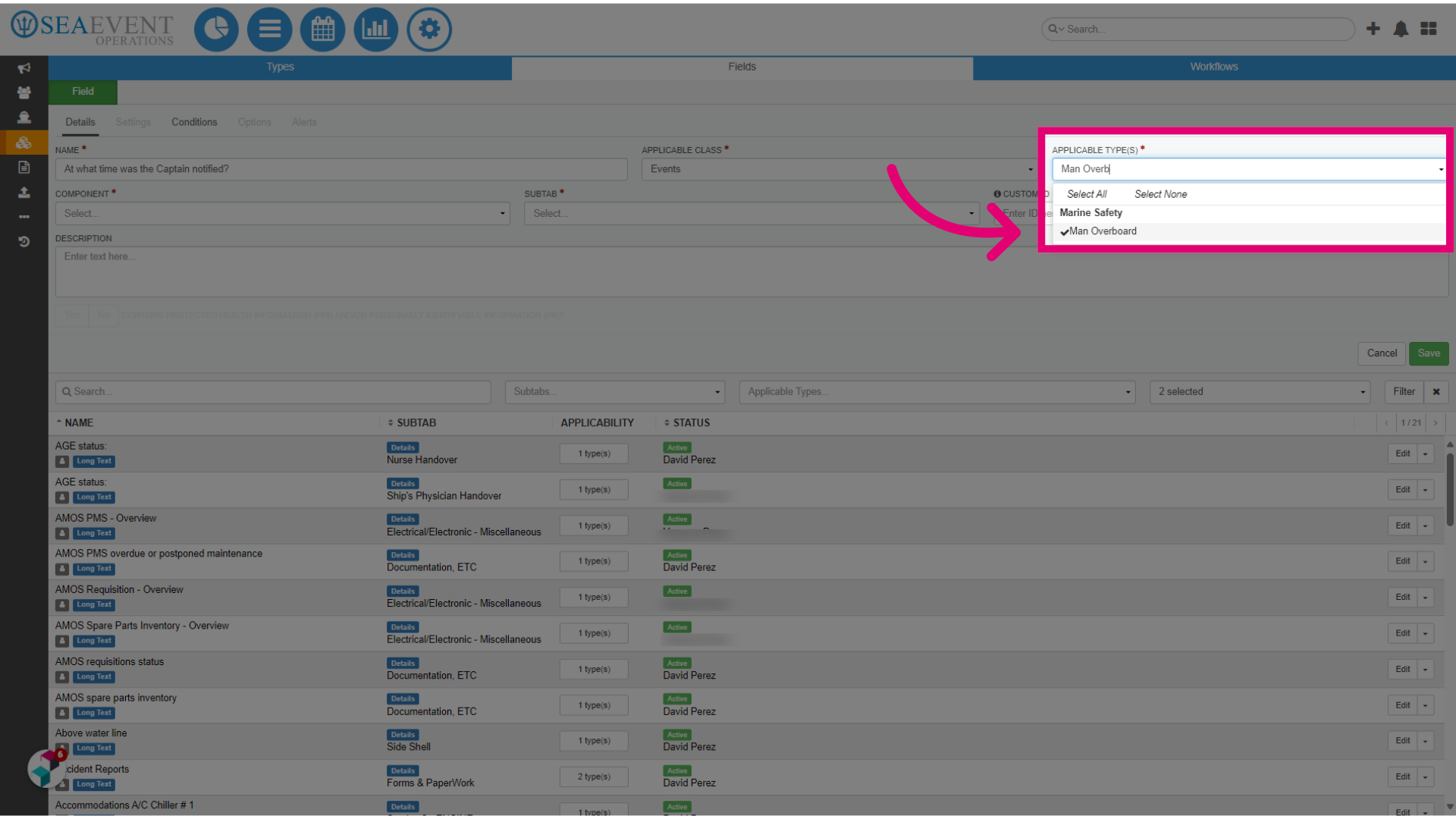
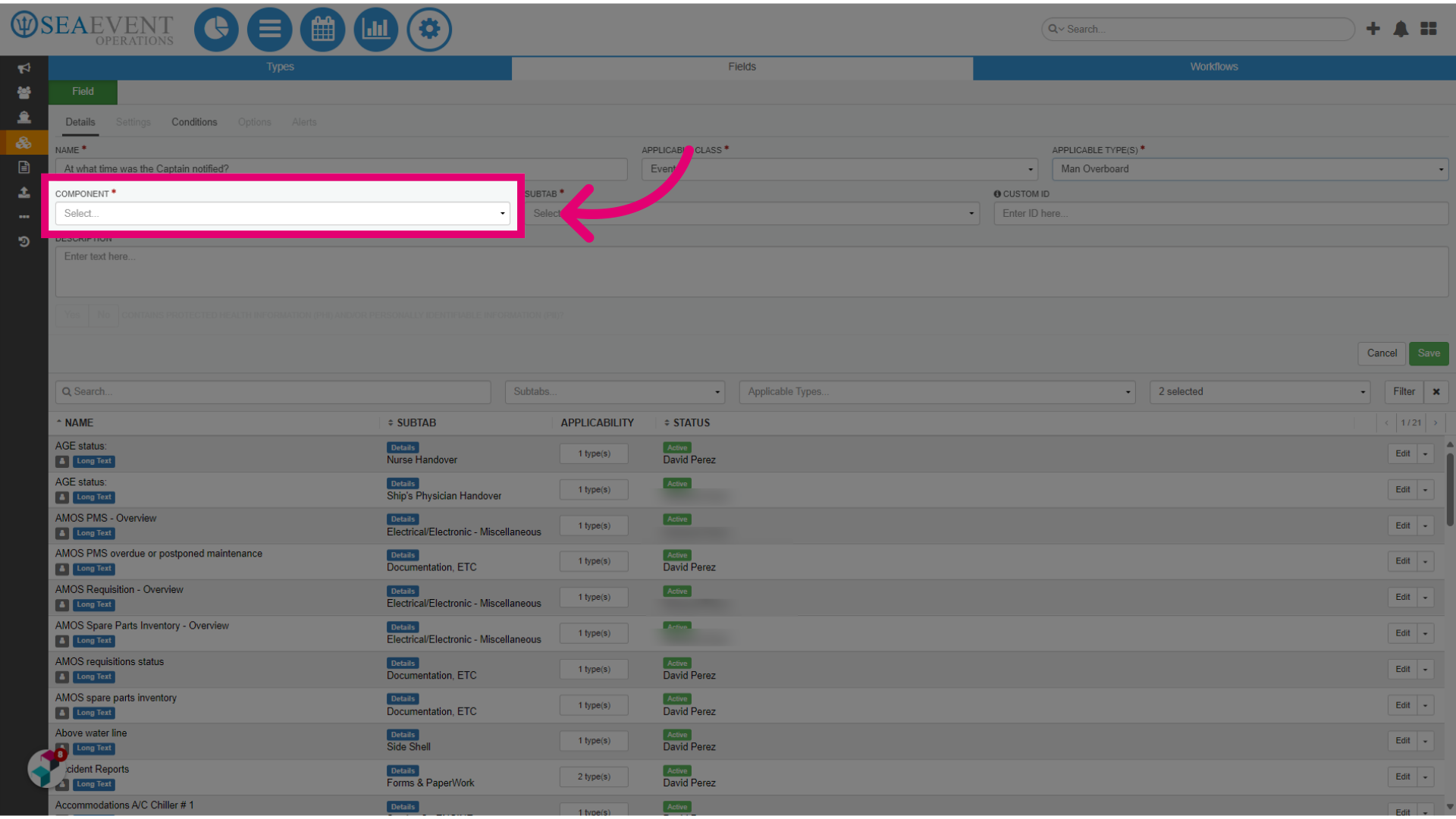
- Select the type of component that should apply to this field.
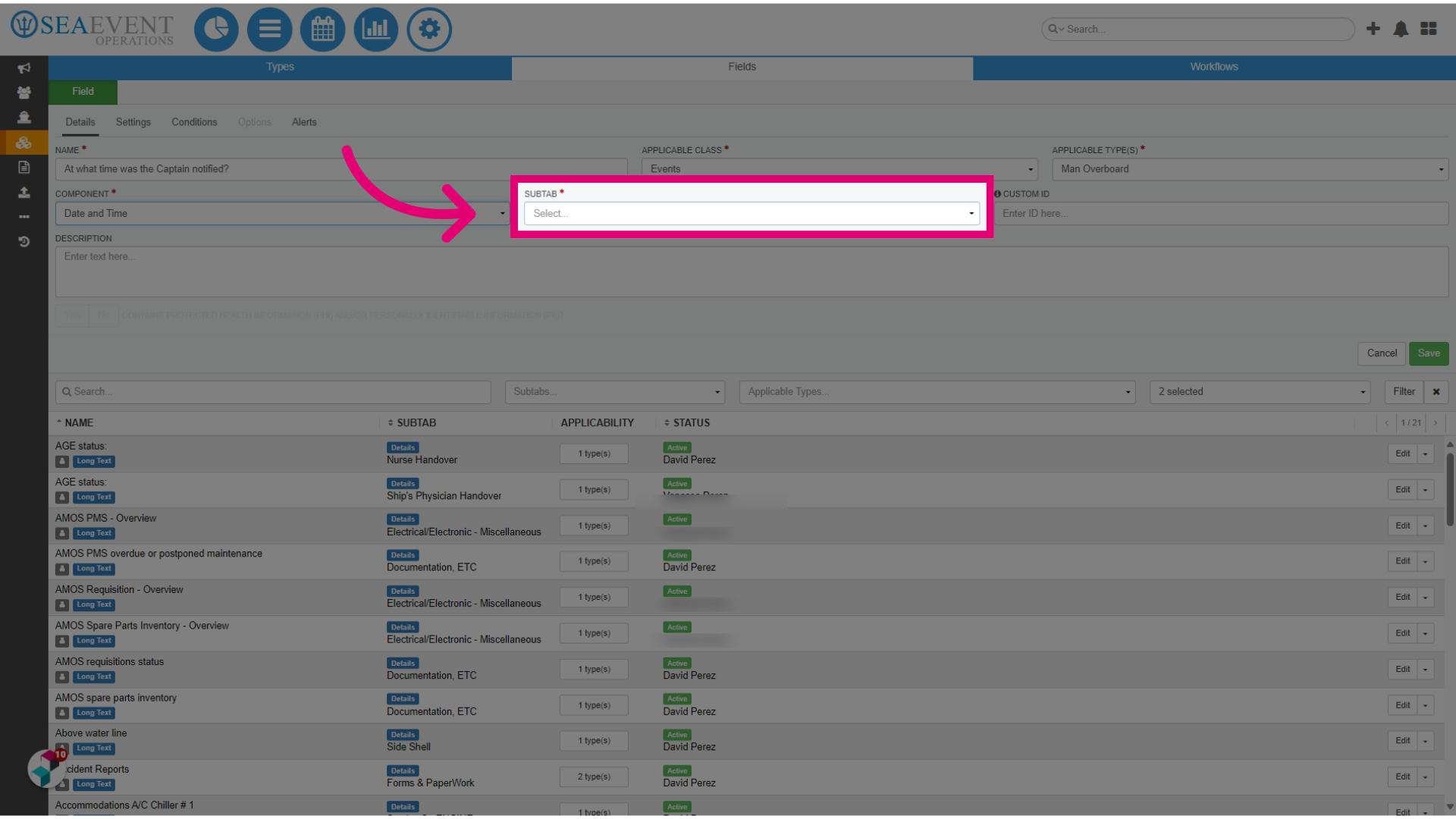
- Choose a Subtab for this field.
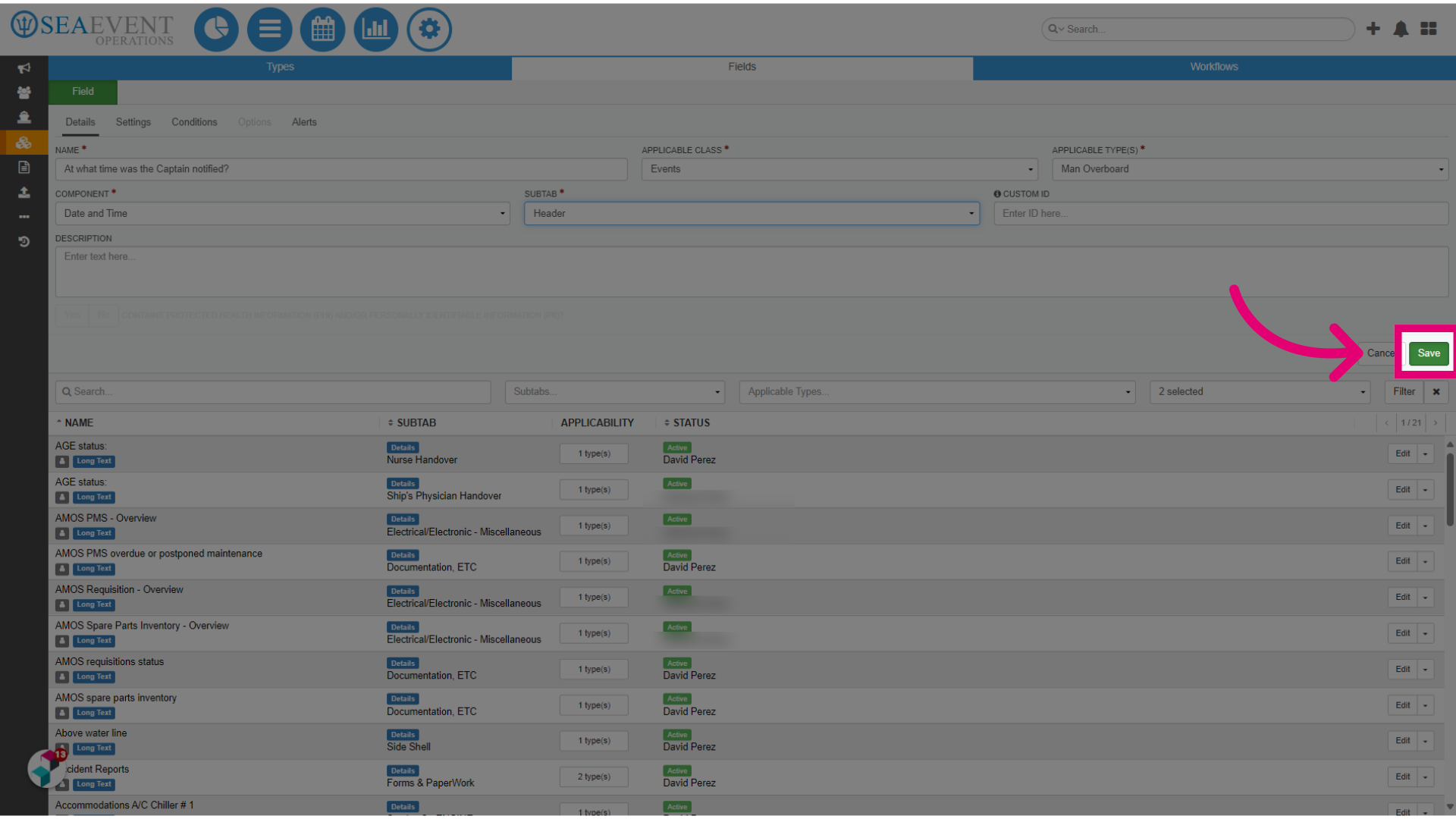
- Click Save.
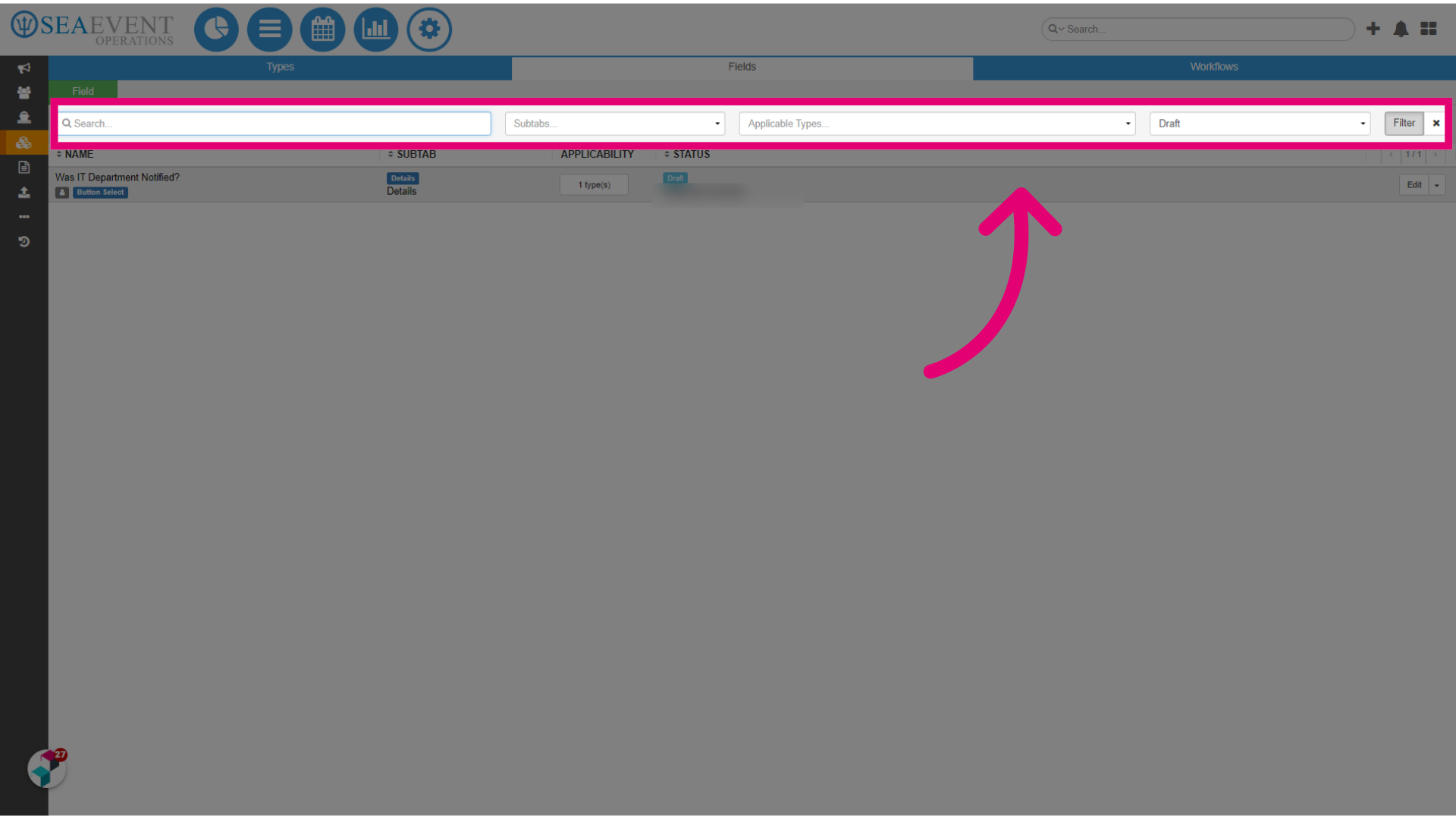
- Next, search for the field you've just created.
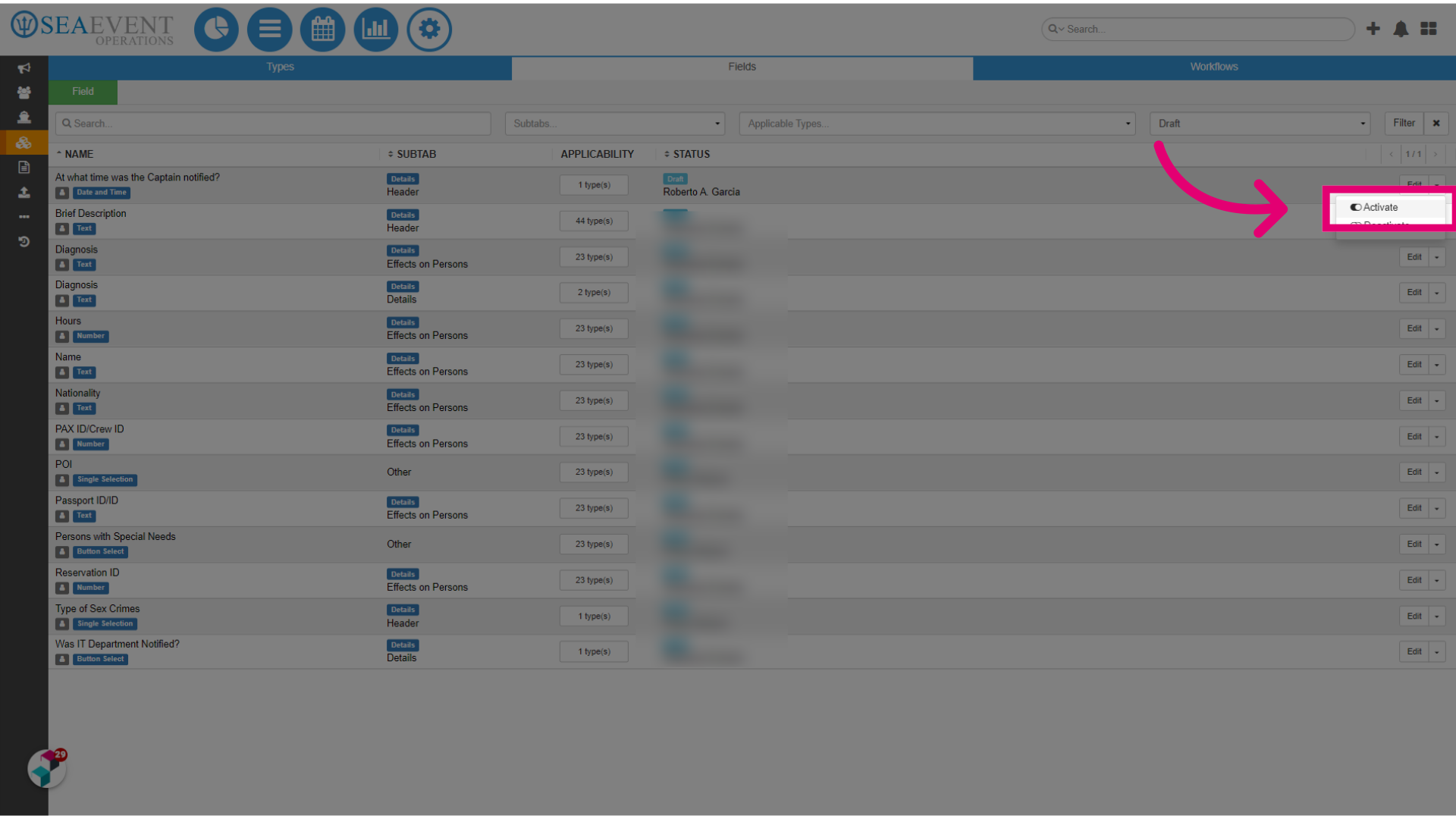
- Click on the drop-down menu next to your field.
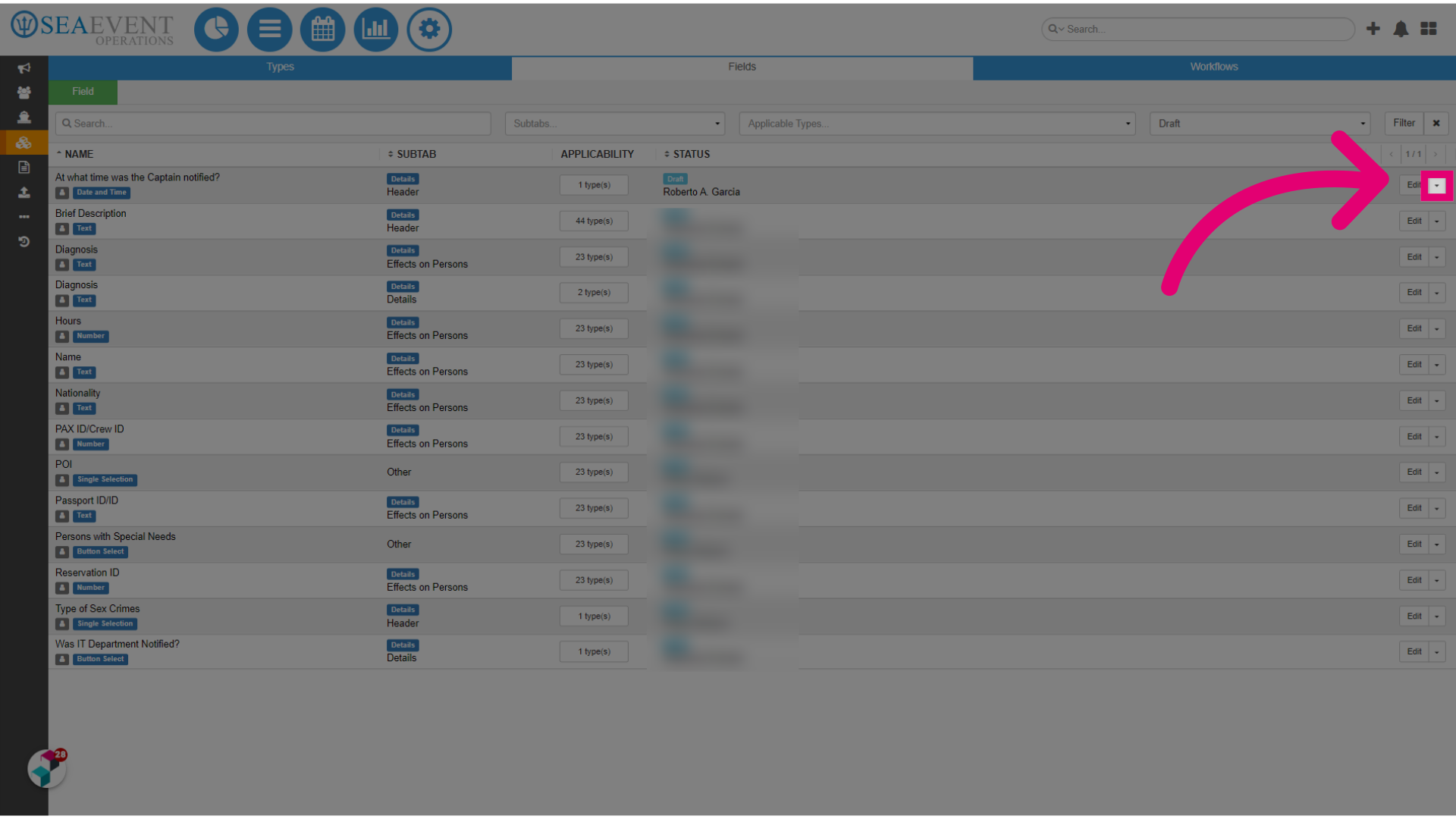
- Finally, click Activate.