New article
Recently updated
Creating a new Event Report from the Workflow Editor

Who is this article for?Users who want to learn create a new Event Report from the Workflow Editor.
No elevated permissions are required.
This guide will walk you through the process of creating a new Event Report from the Workflow Editor in Ideagen Maritimesoft.
1. Creating a new Event Report from the Workflow Editor
1.1. Video
1.2. Steps
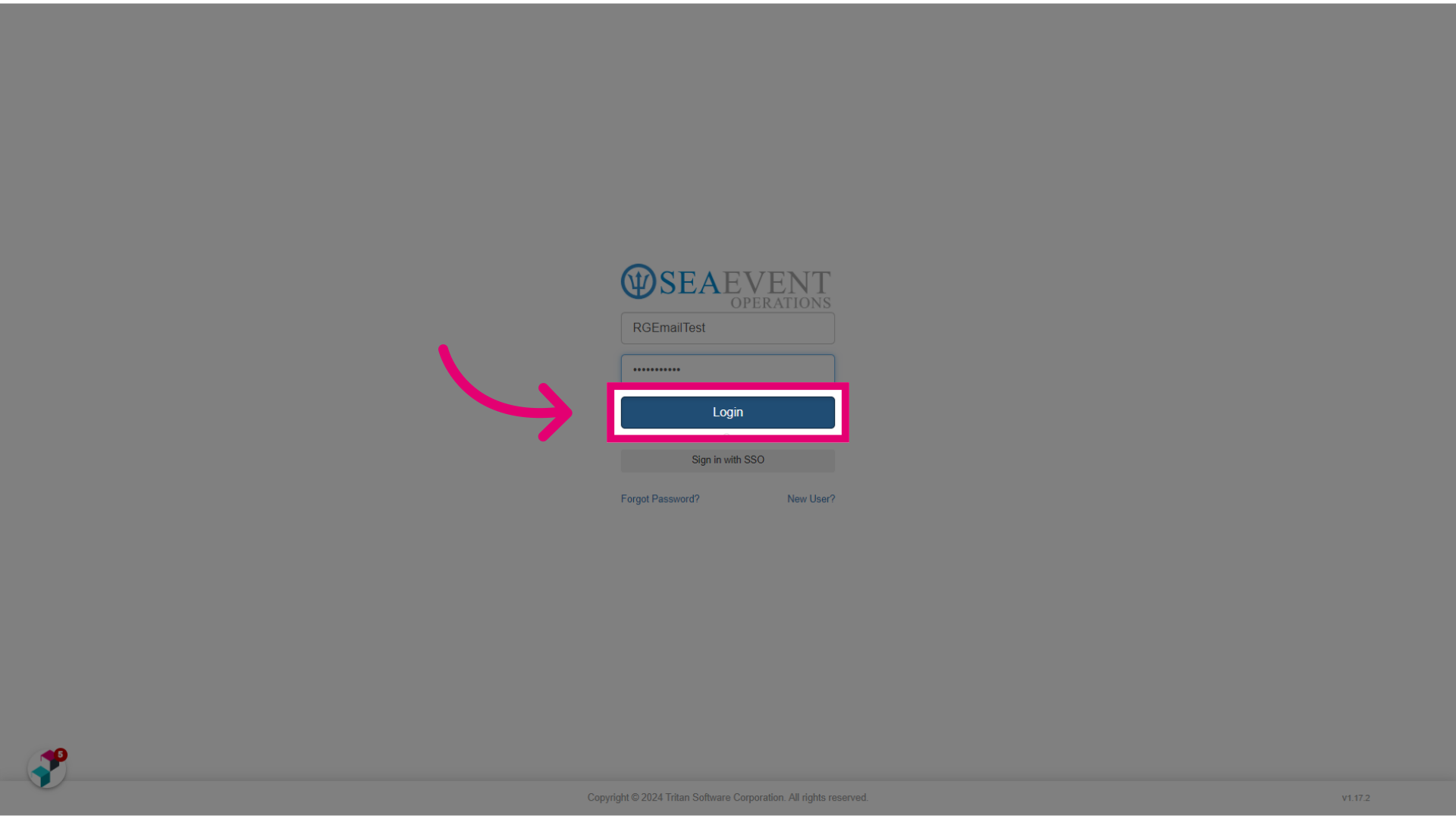
- Log into Ideagen Maritime Management.
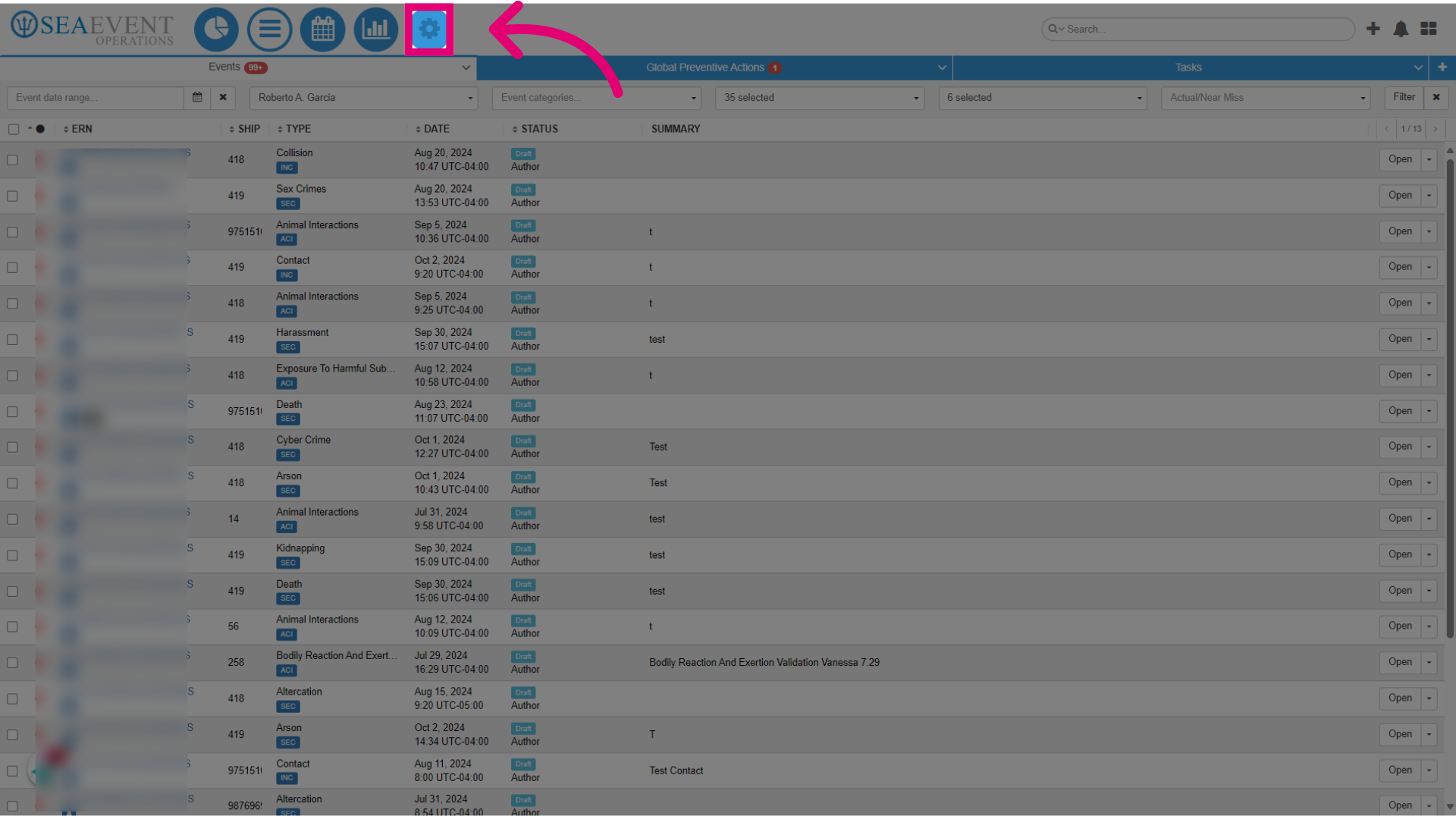
- Go to the Administration Module.
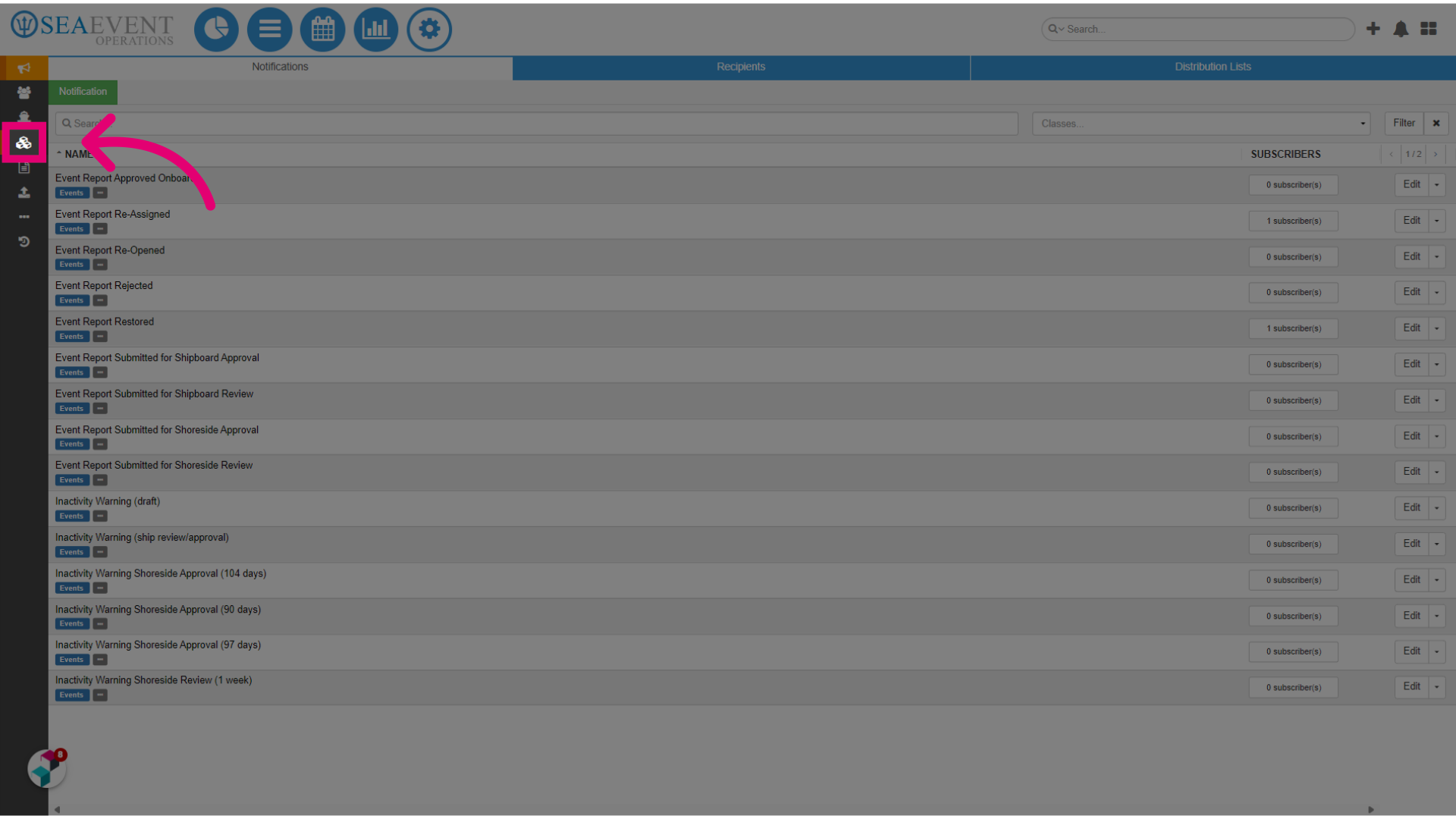
- Click on Types, Fields & Workflows.
- Select Type.
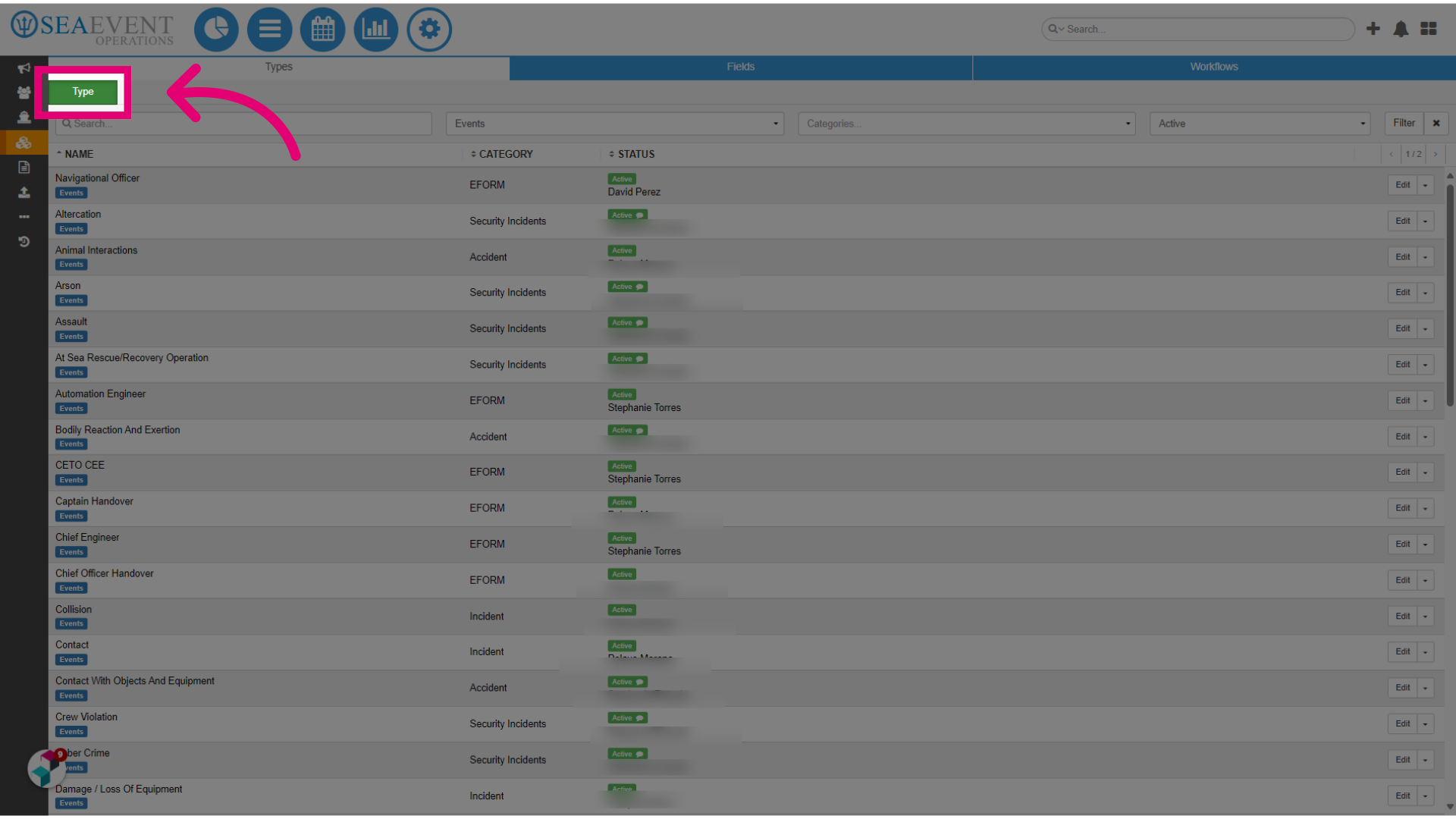
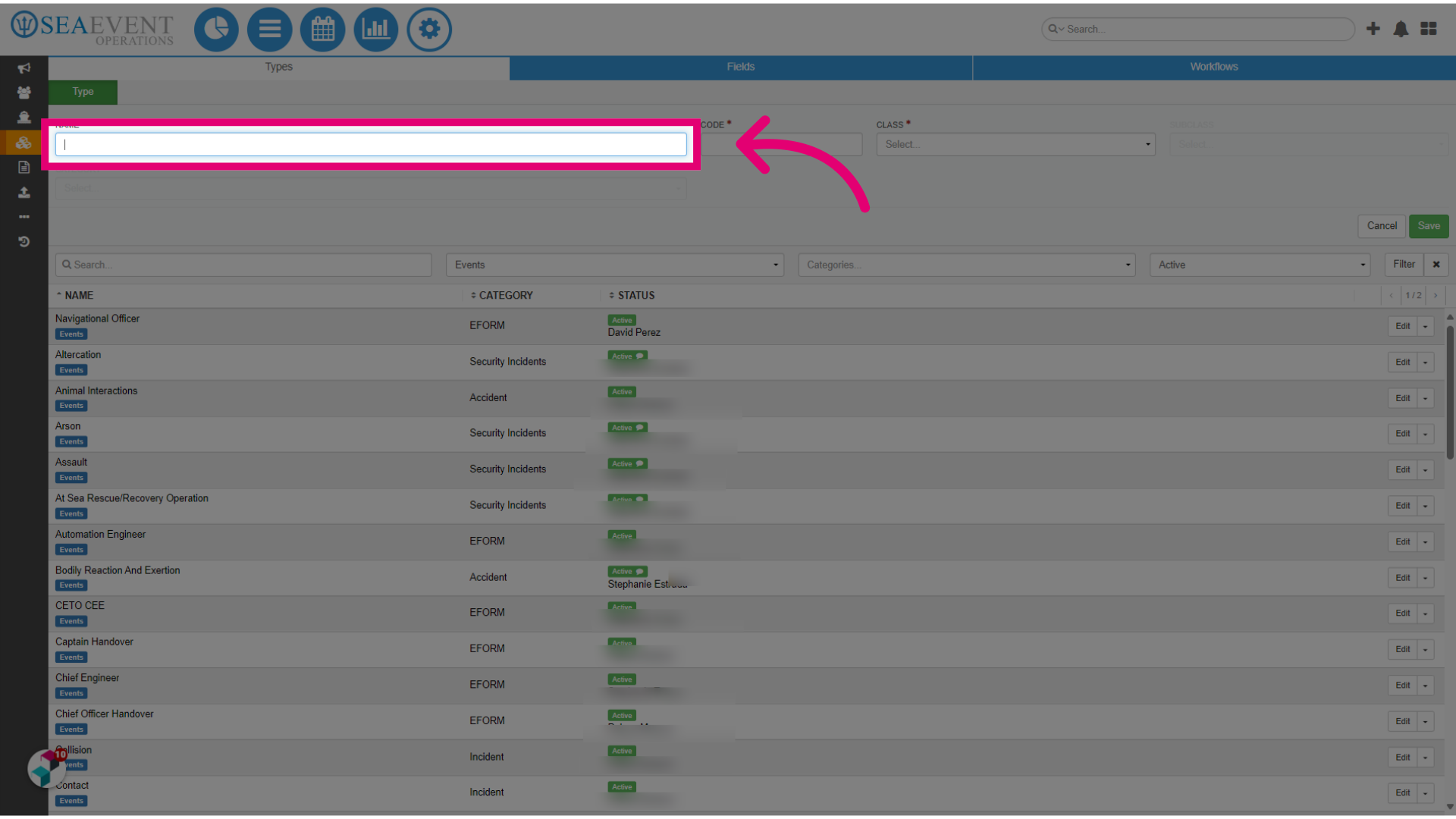
- Give your Event Report a name.
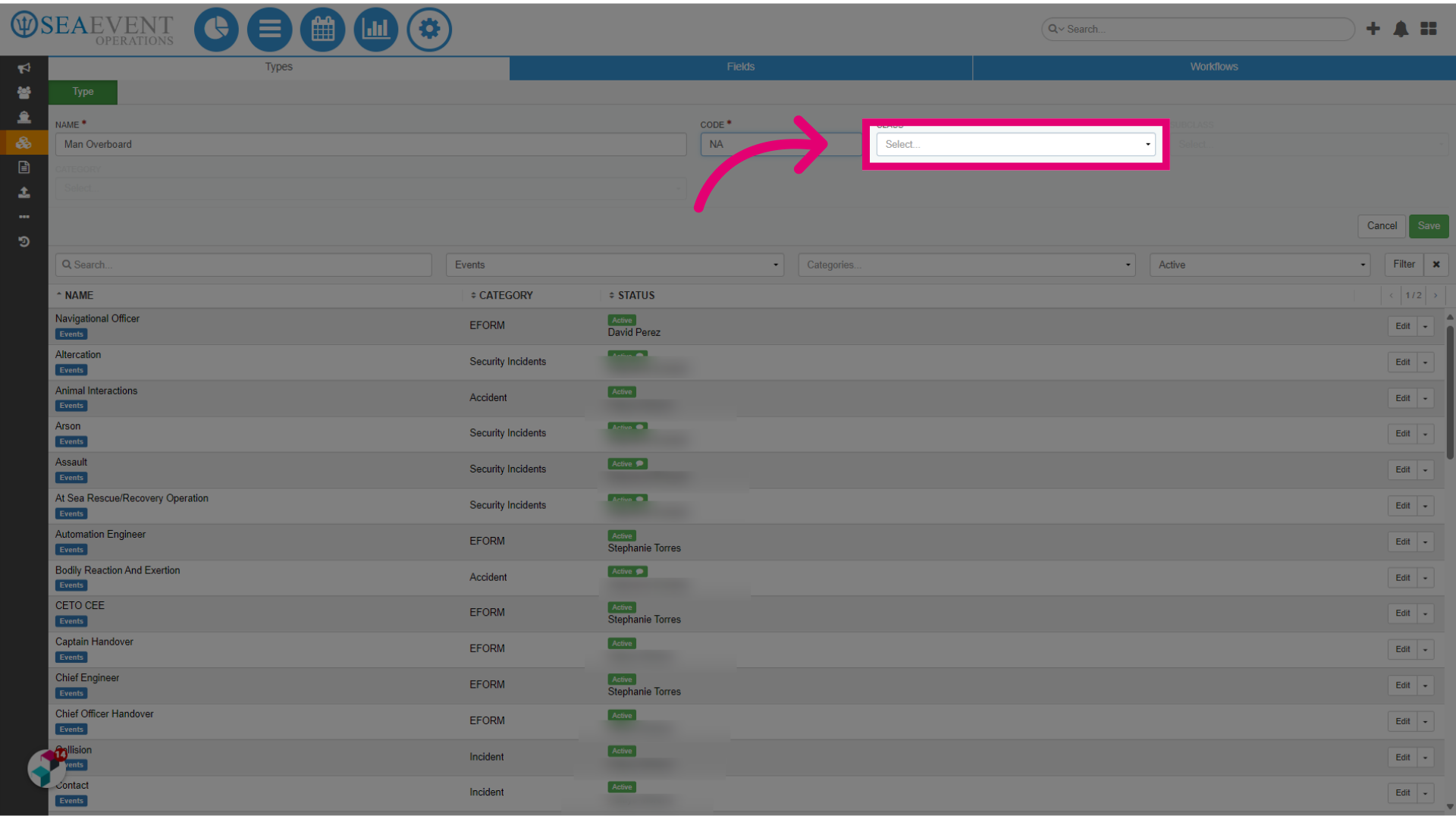
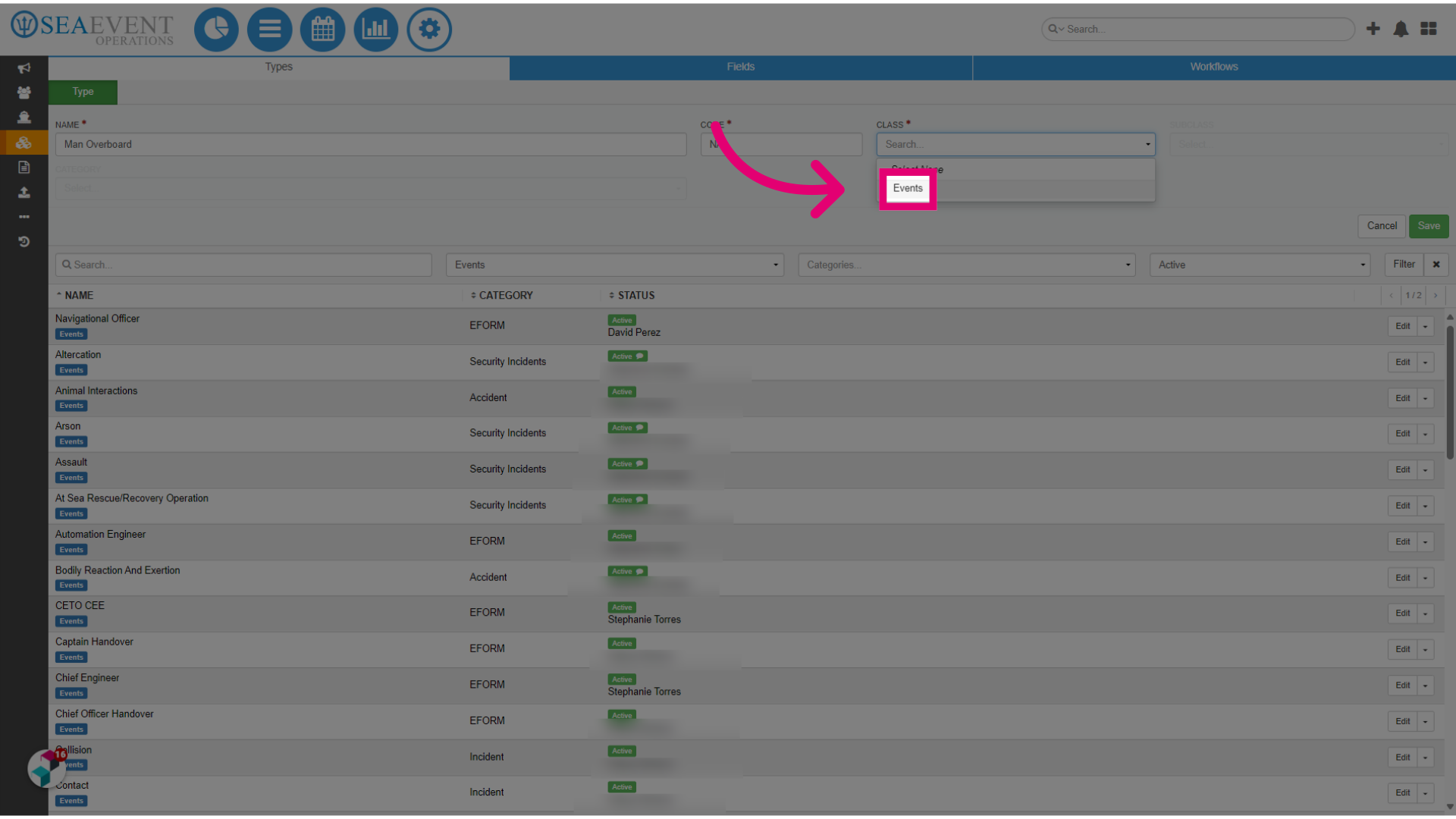
- Assign the Event Report to the Events class.
- Click Events.
- Assign the Event Report to a Category.
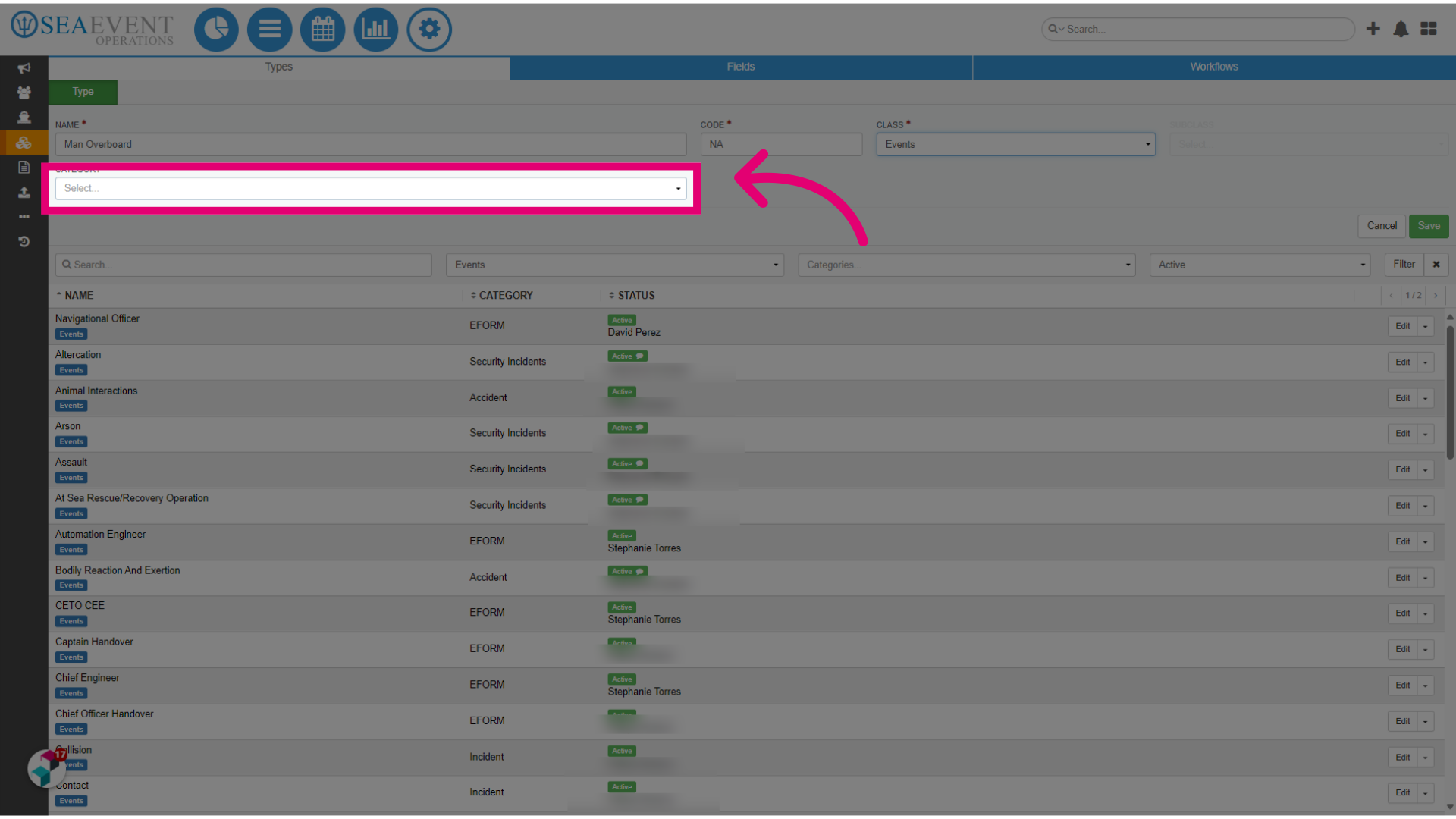
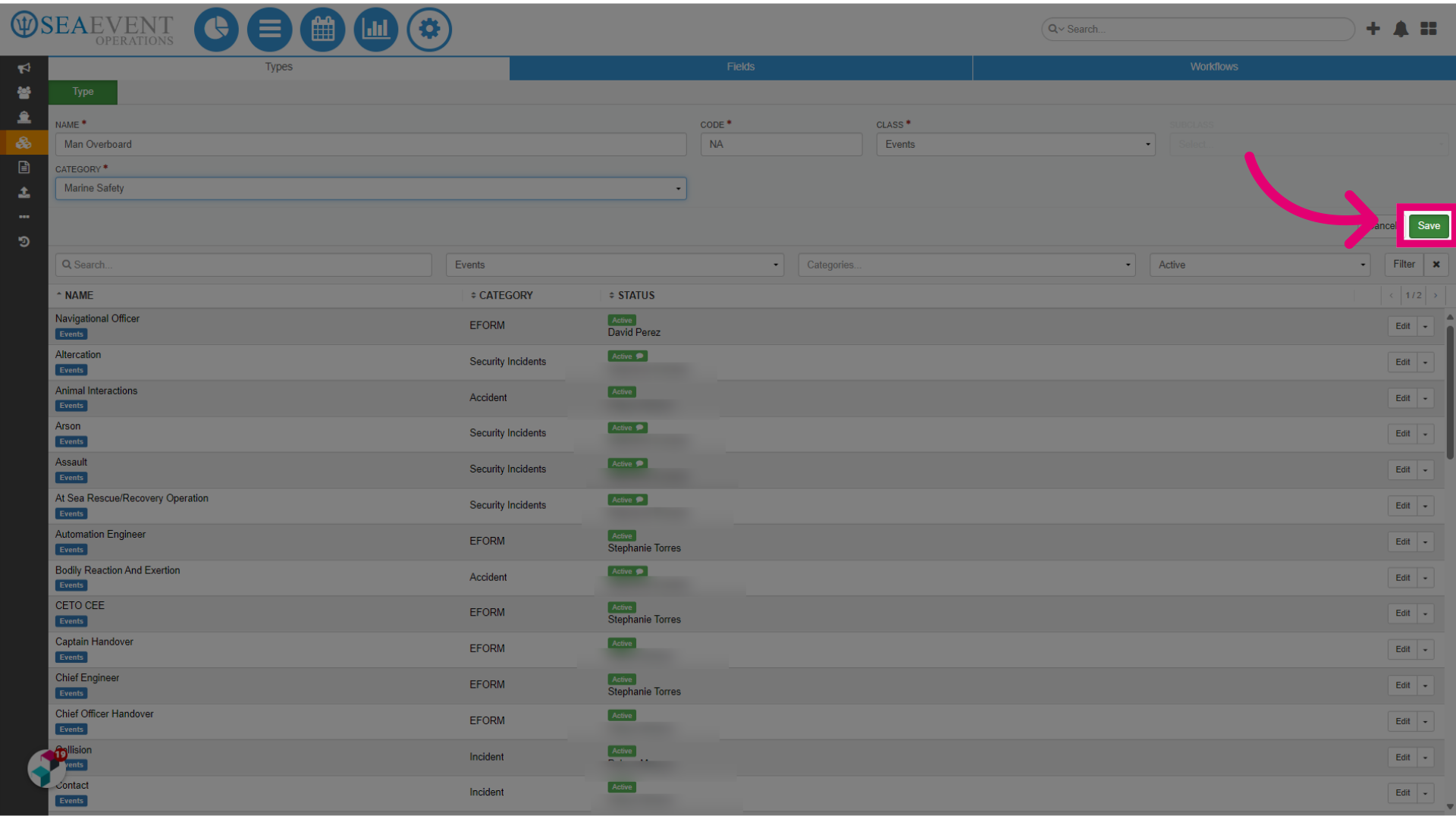
- Click Save.
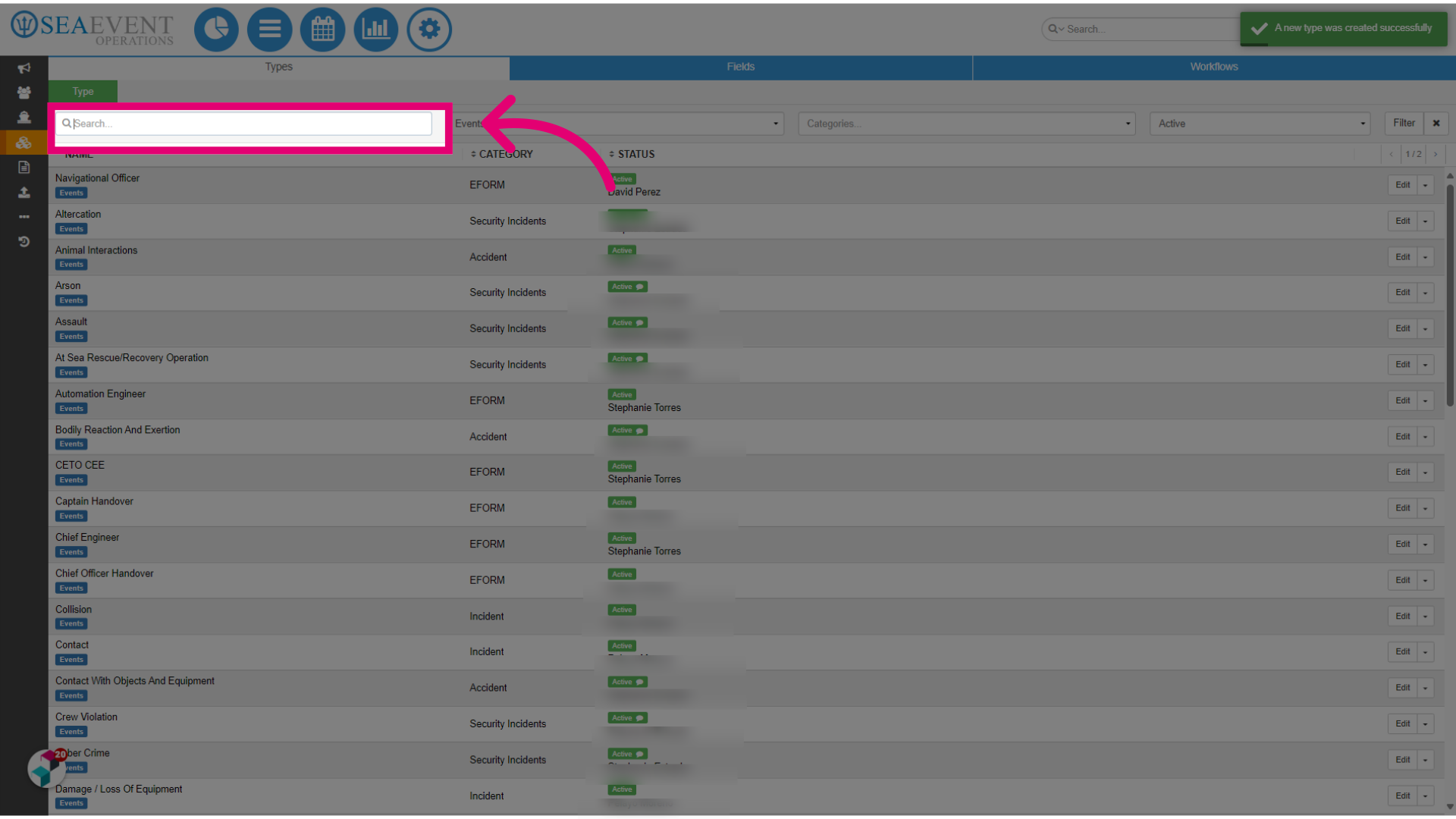
- Next, search for your newly created Event Report.
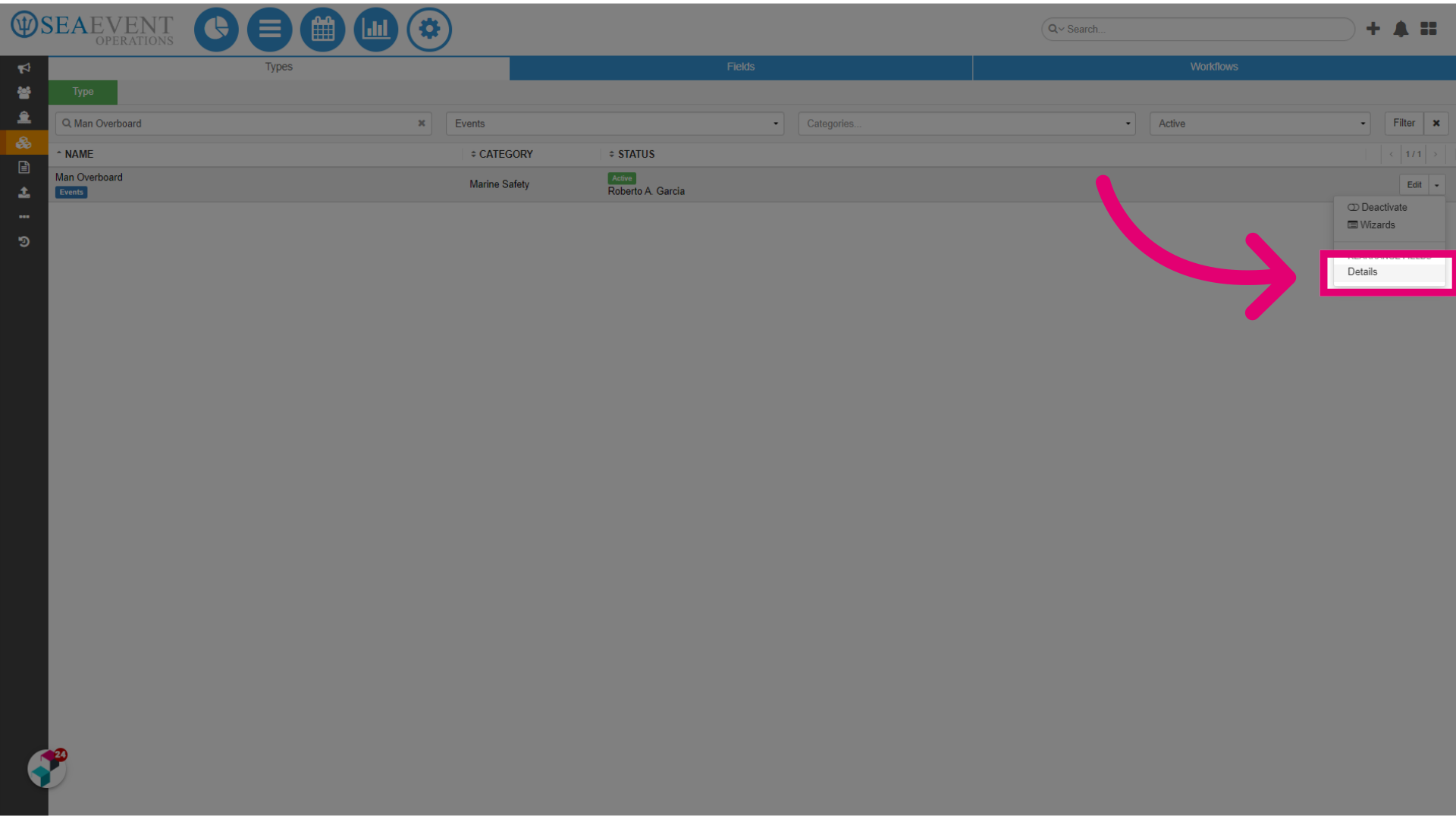
- Click on the dropdown menu.
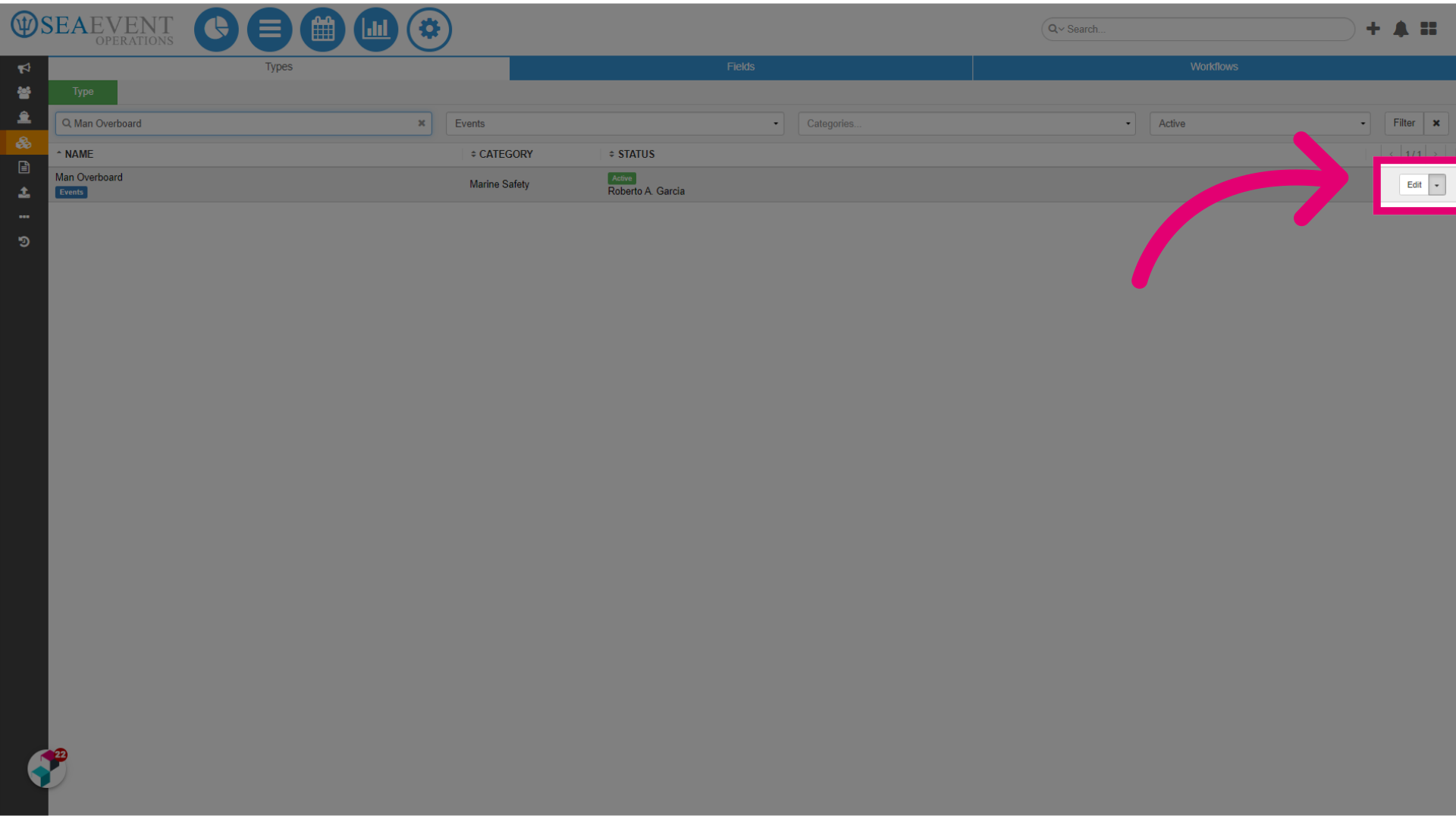
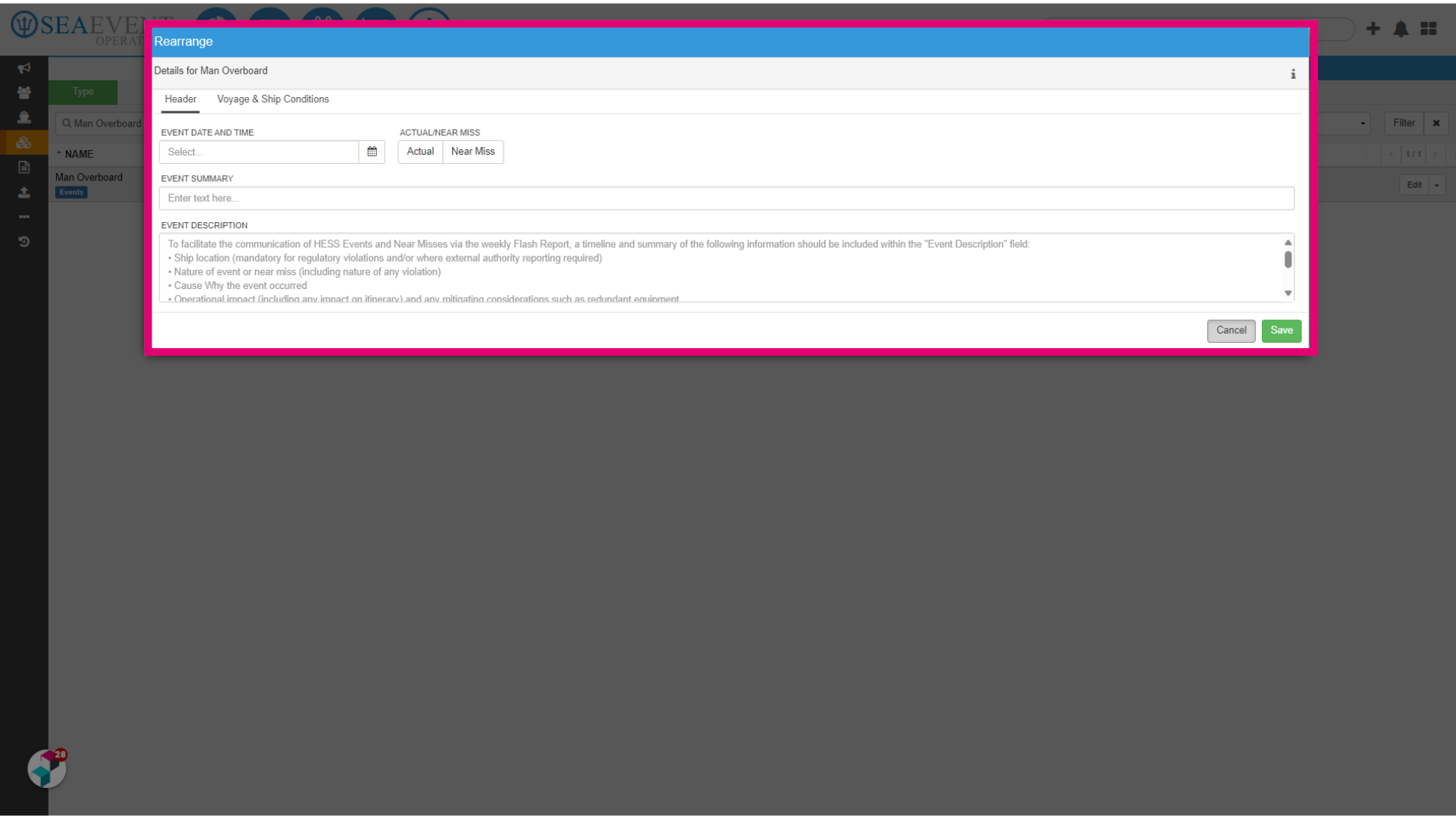
- Select Details to view the pre-assigned system fields assigned to your new Event Report.
- Click Voyage & Ship Conditions.
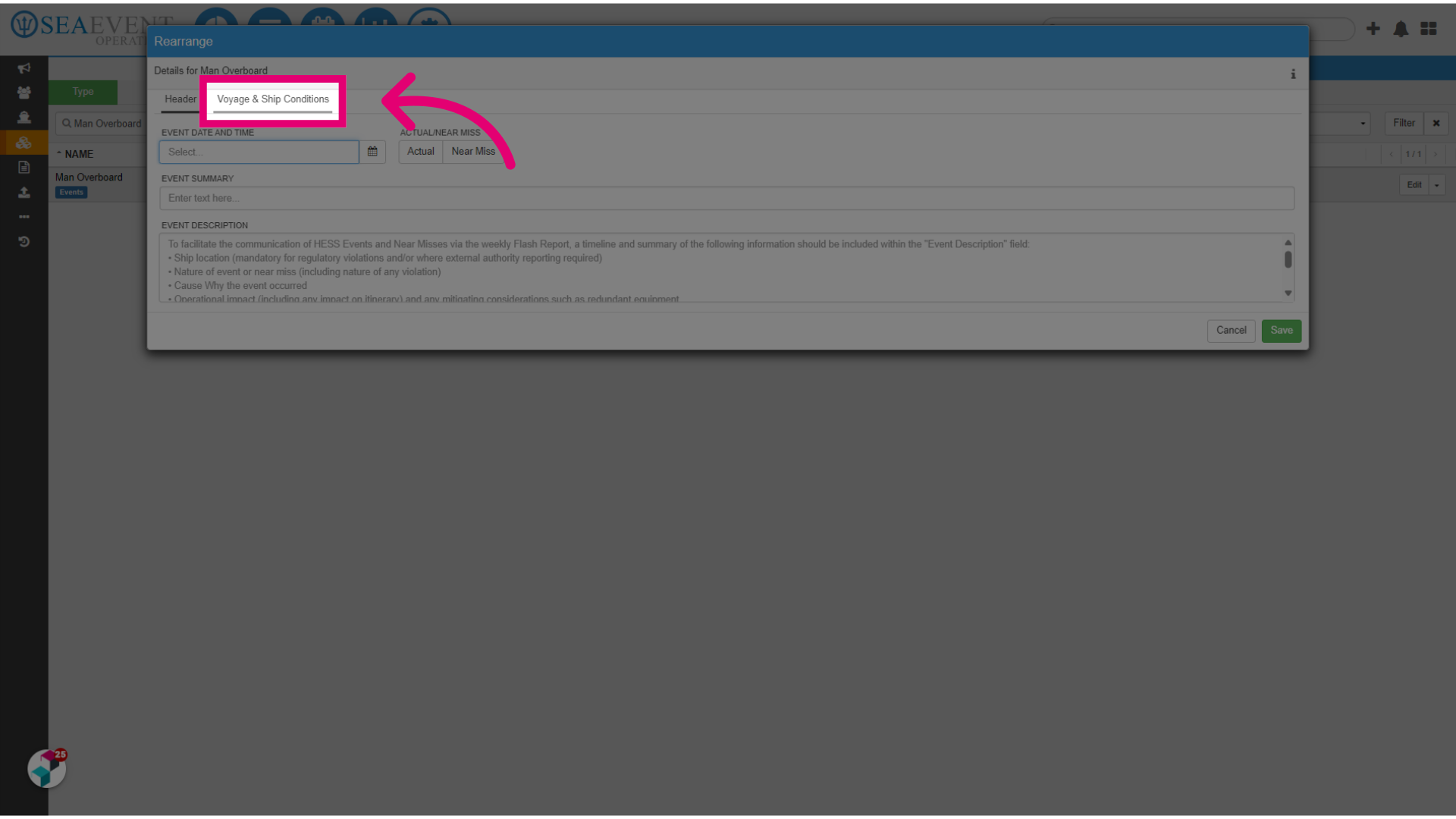
- View the Event Report.