New article
Recently updated
Generating a CDC communicable disease report

Who is this article for?Users who want to learn to generate a CDC communicable disease report.
No elevated permissions are required.
This guide explains how to generate a communicable disease report for the CDC to comply with regulations and ensure public health and safety during voyages, particularly when traveling to certain ports or during onboard disease outbreaks.
1. Generating CDC communicable disease reports
1.1 Video
1.2. Steps
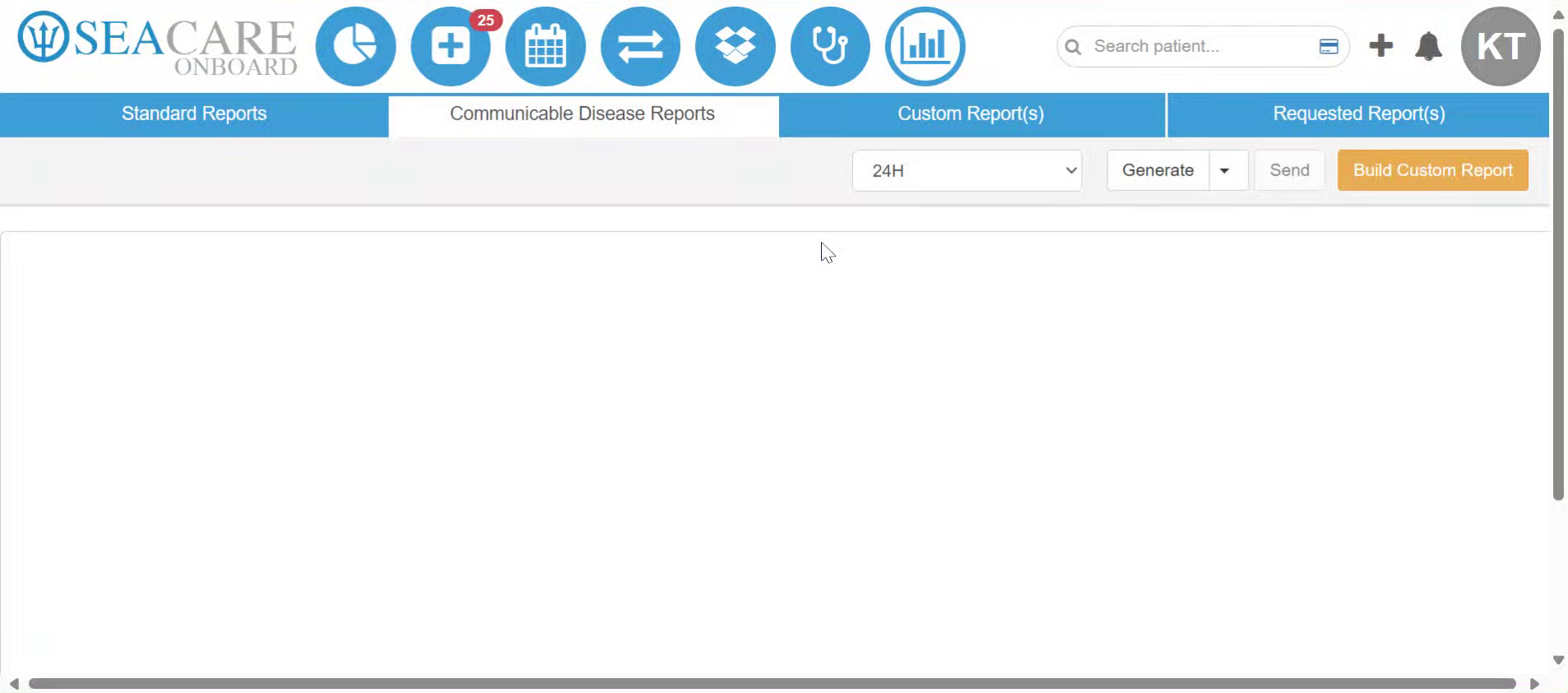
- These reports aim to prevent outbreaks and the spread of communicable diseases onboard. This module allows users to send appropriate reports for GI, ILI, ARI, and COVID-19. To generate this report, start in the Communicable Disease Reports tab of the Standard Reports module.
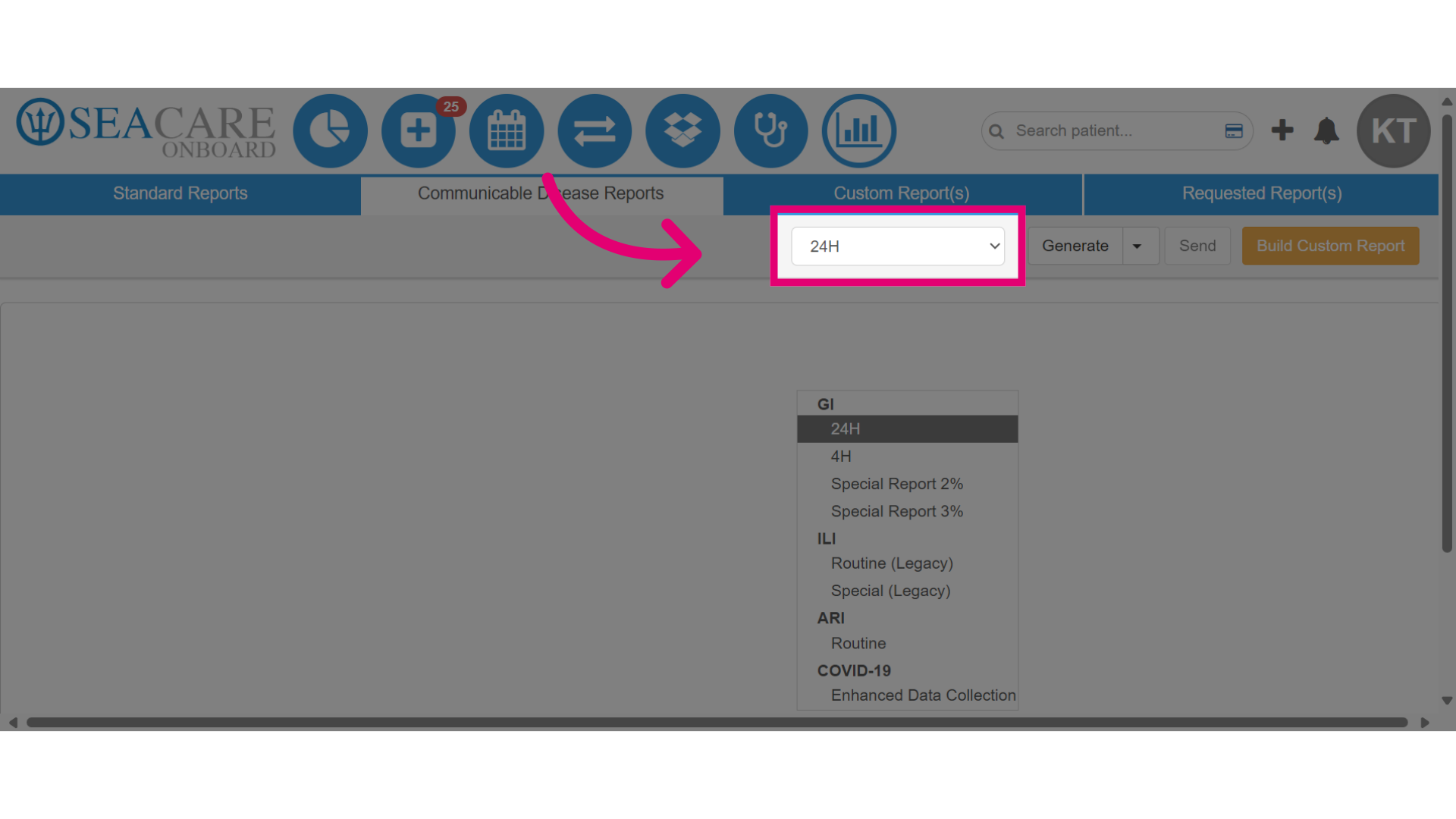
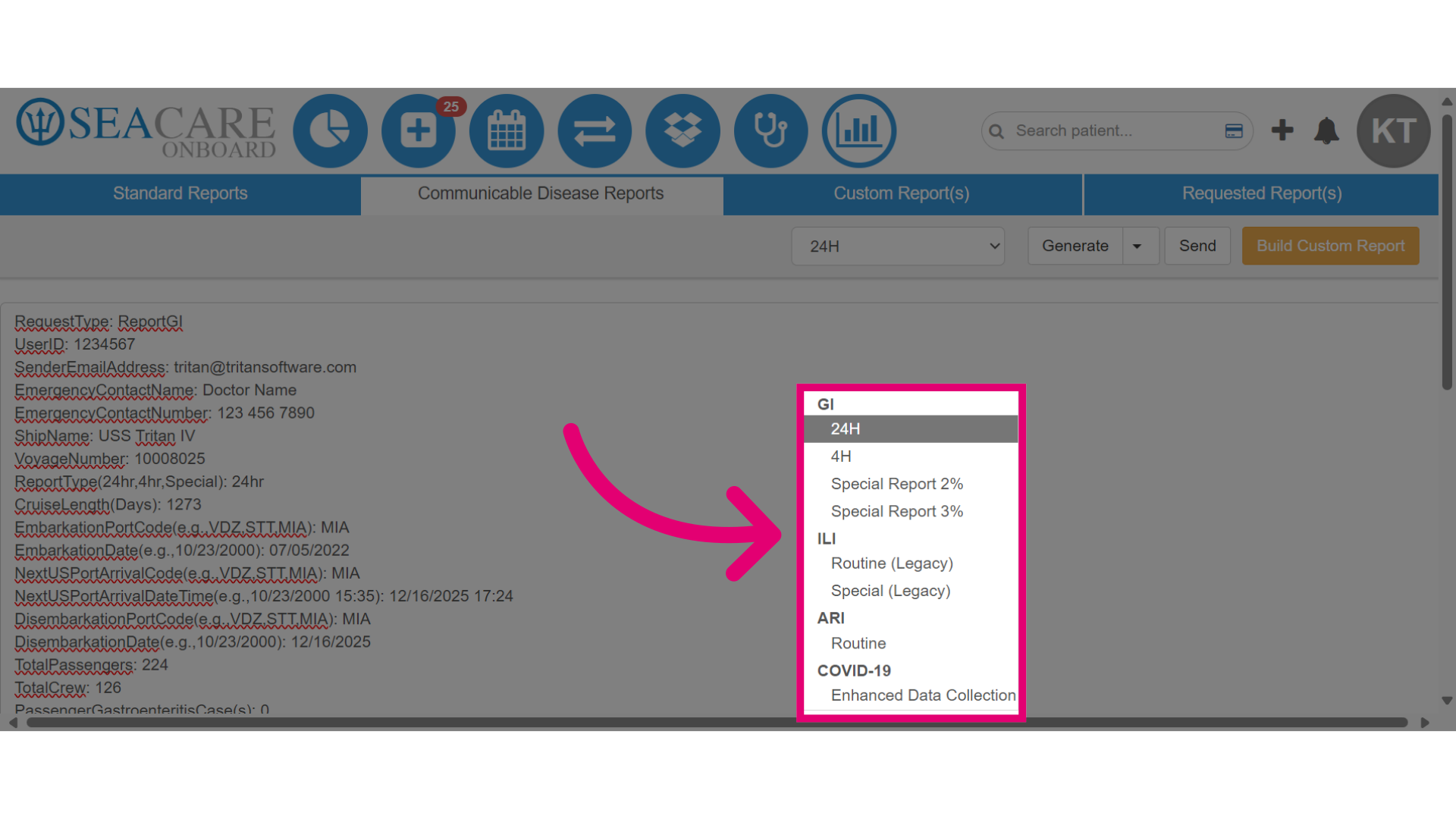
- Select the 24-hour dropdown menu, then click the 24 hour report. This GI report is generated automatically within the system and is prepared to send directly to the CDC for GI cases.
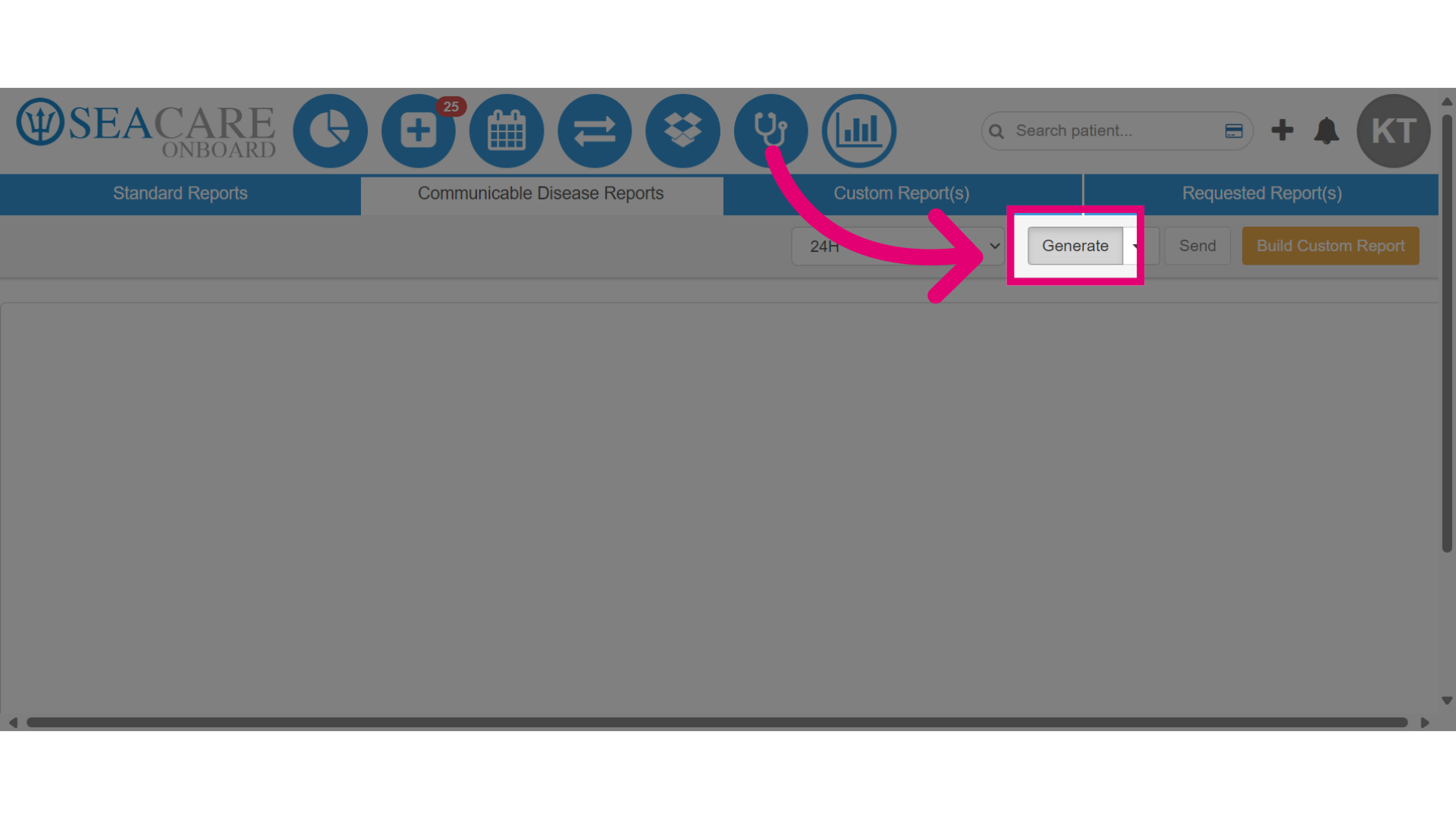
- Click Generate.
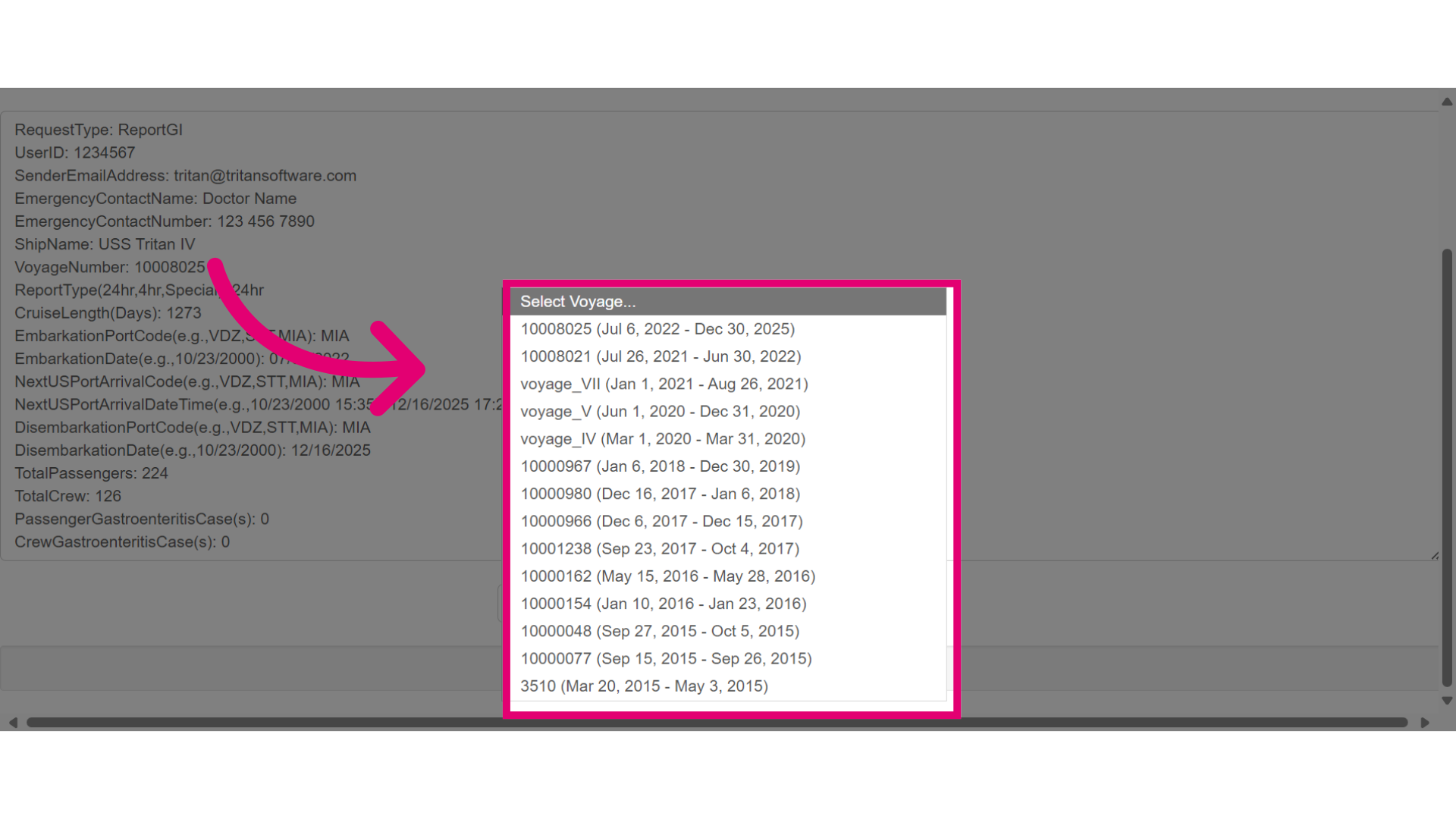
- Choose the voyage associated with the report you are generating.
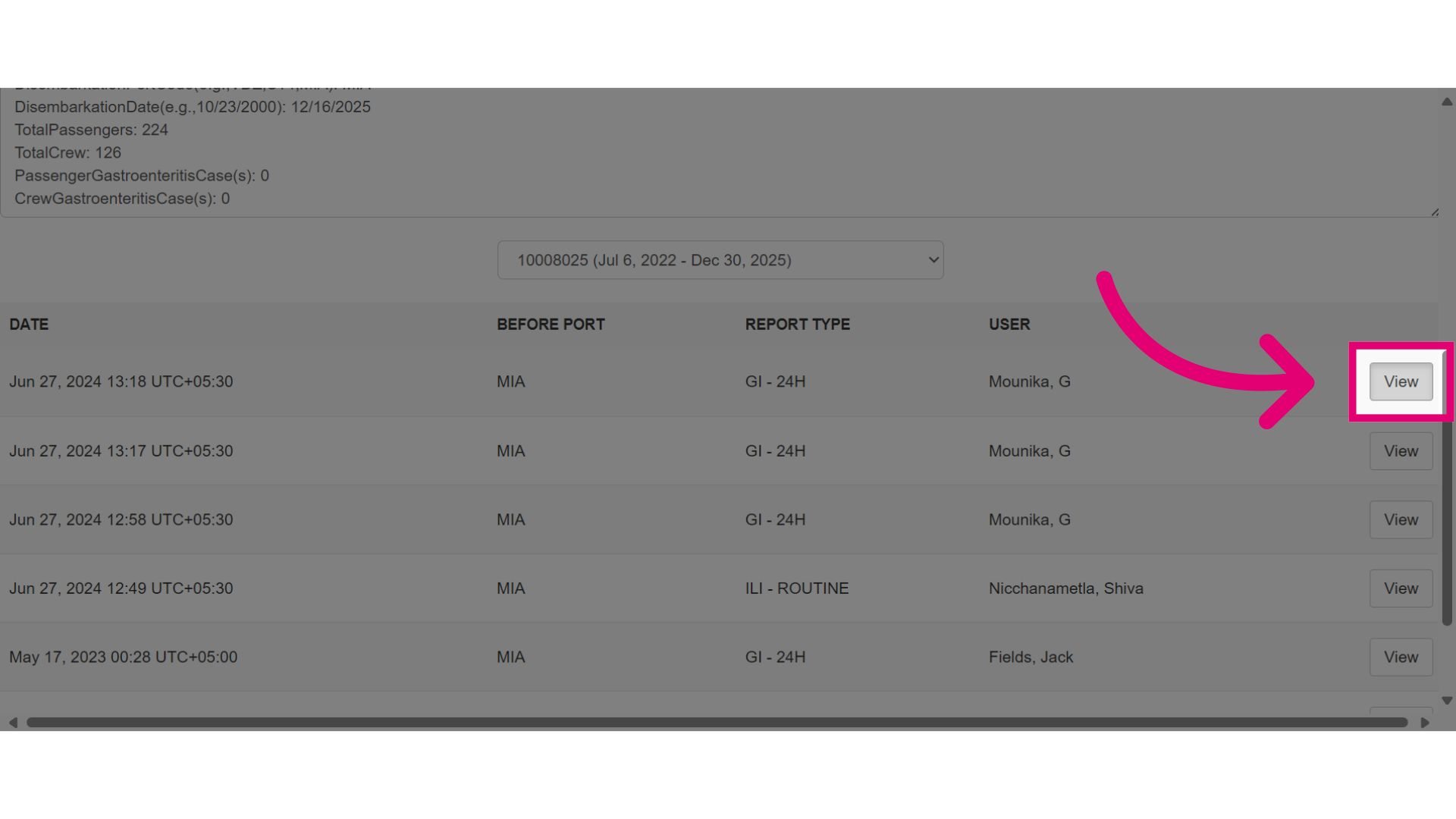
- Select View, to review the details of the generated report to ensure accuracy.
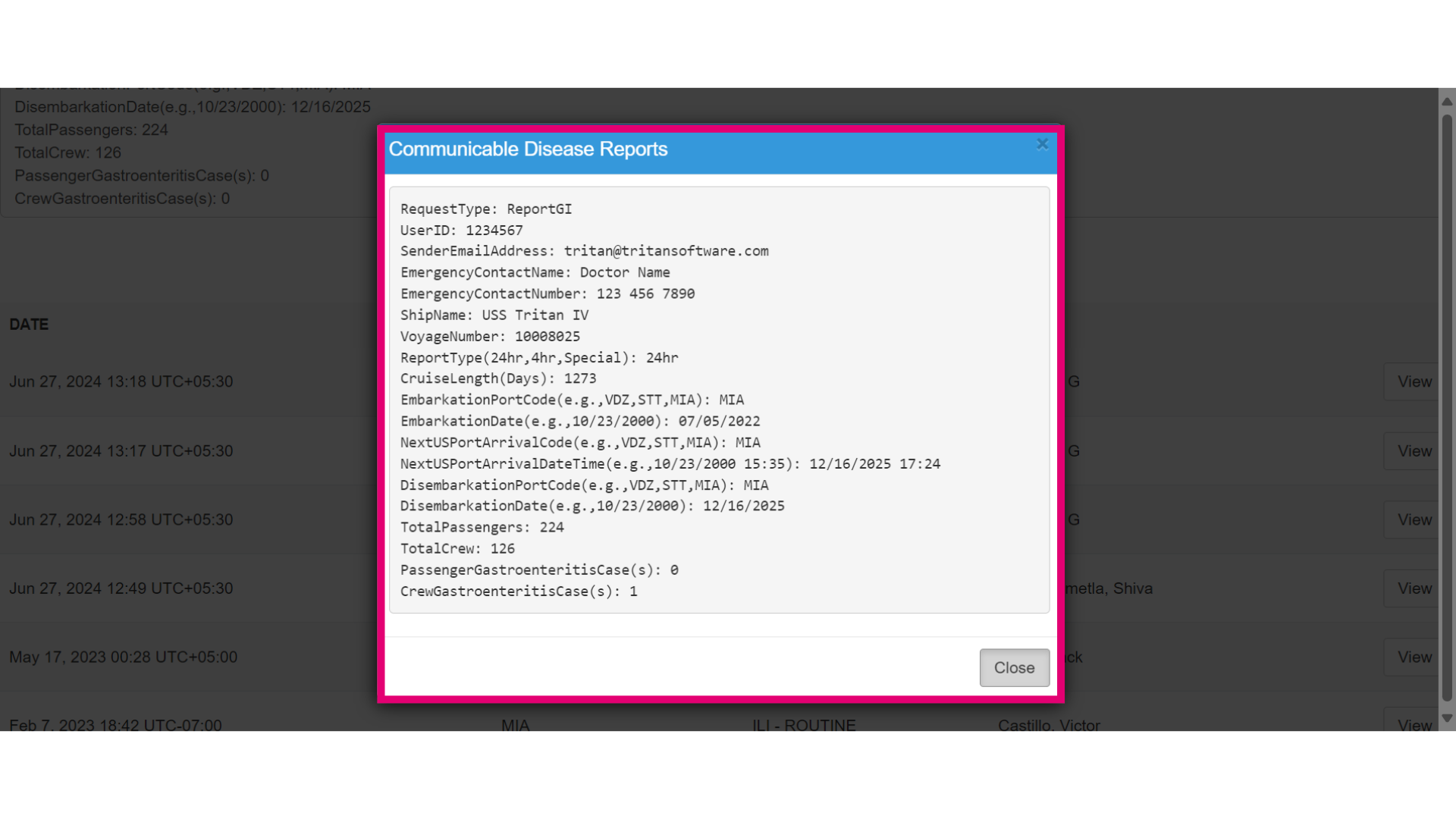
- View the report to verify the information. Then select Close.
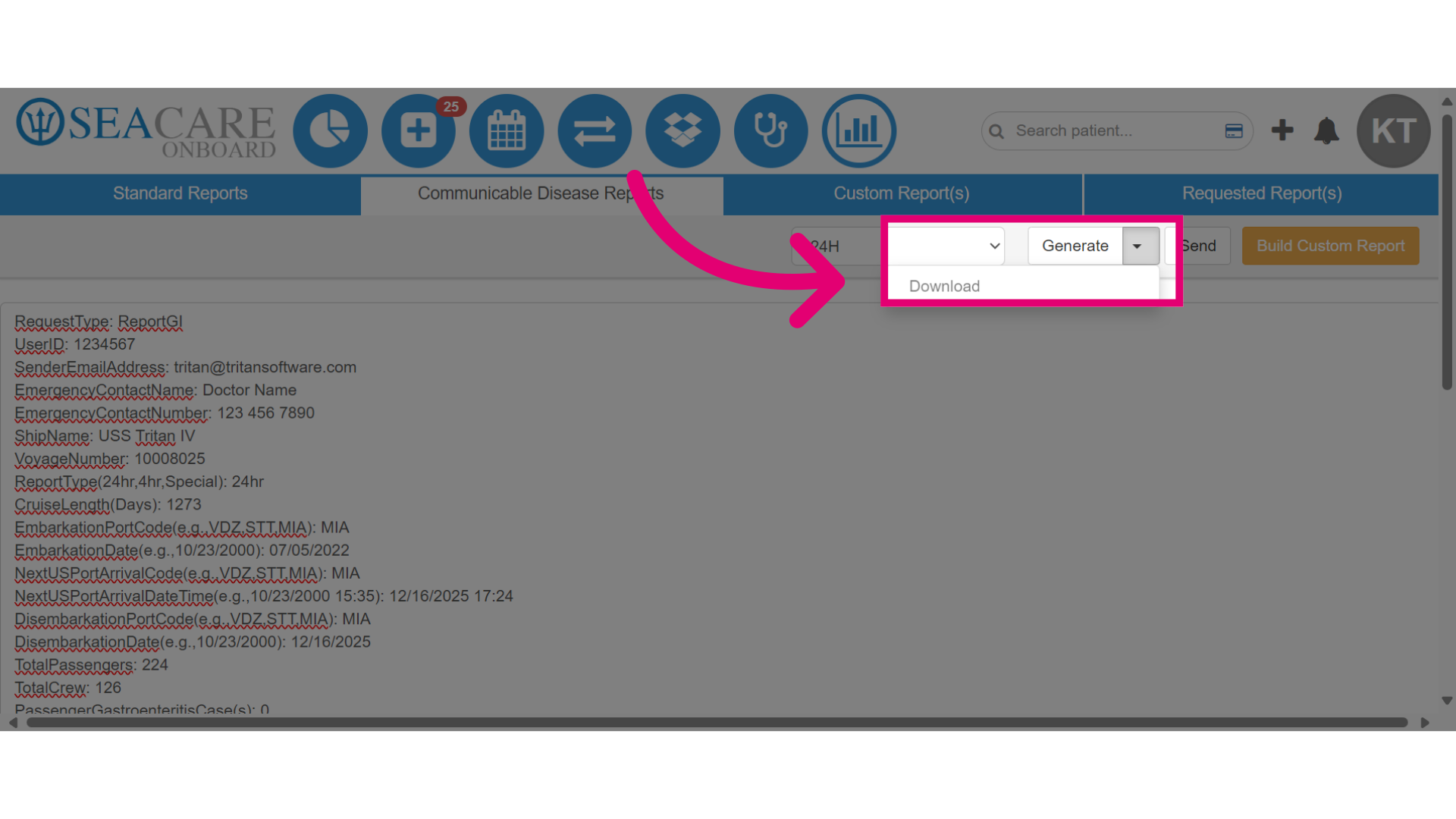
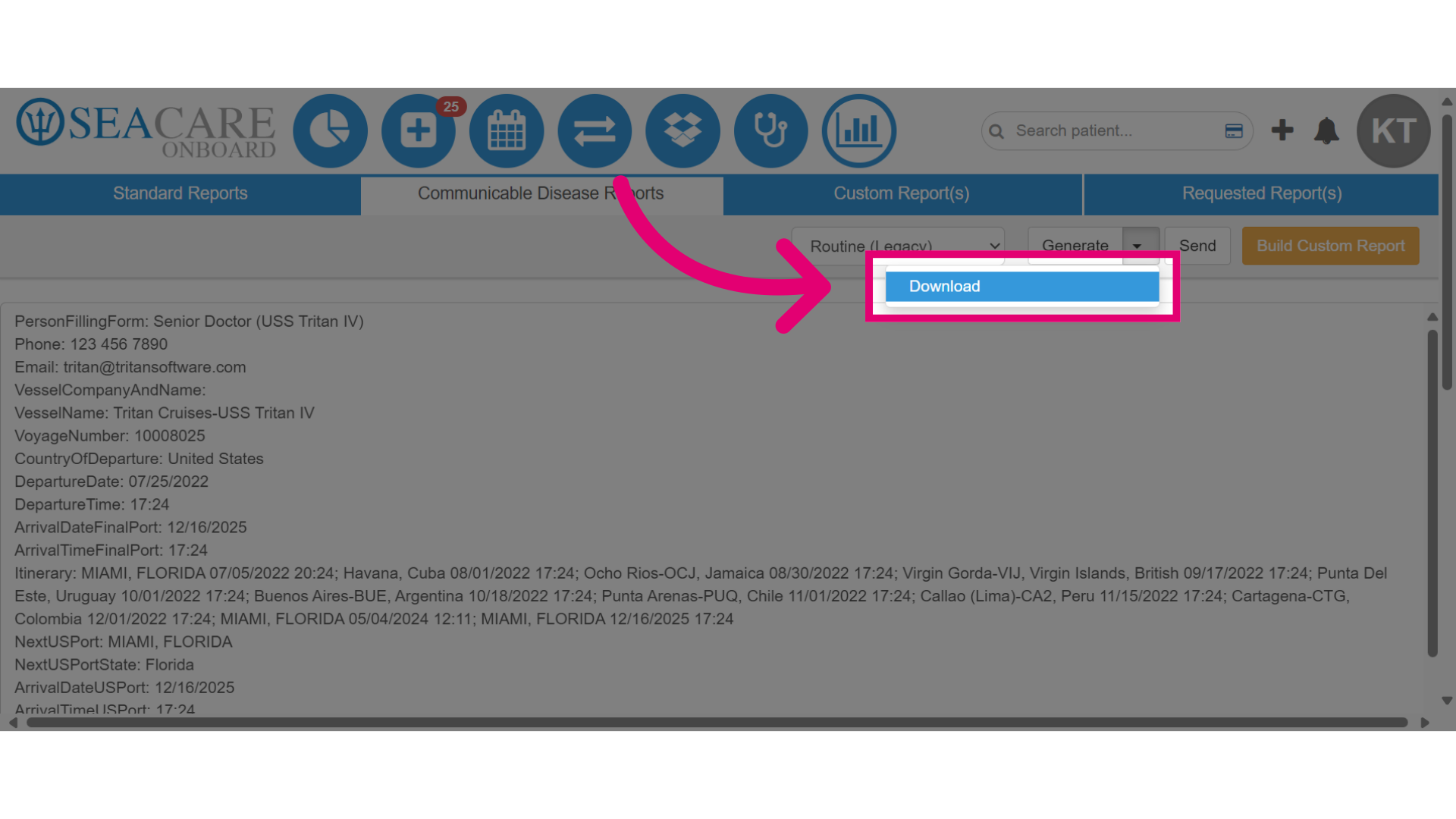
- Select the Generate dropdown menu to download the report which will be downloaded in a PDF format.
- Select another communicable disease report from the menu options to review or download. These reports relate to cases recorded onboard the ship and are automatically captured in the designated reports.
- Click Download.
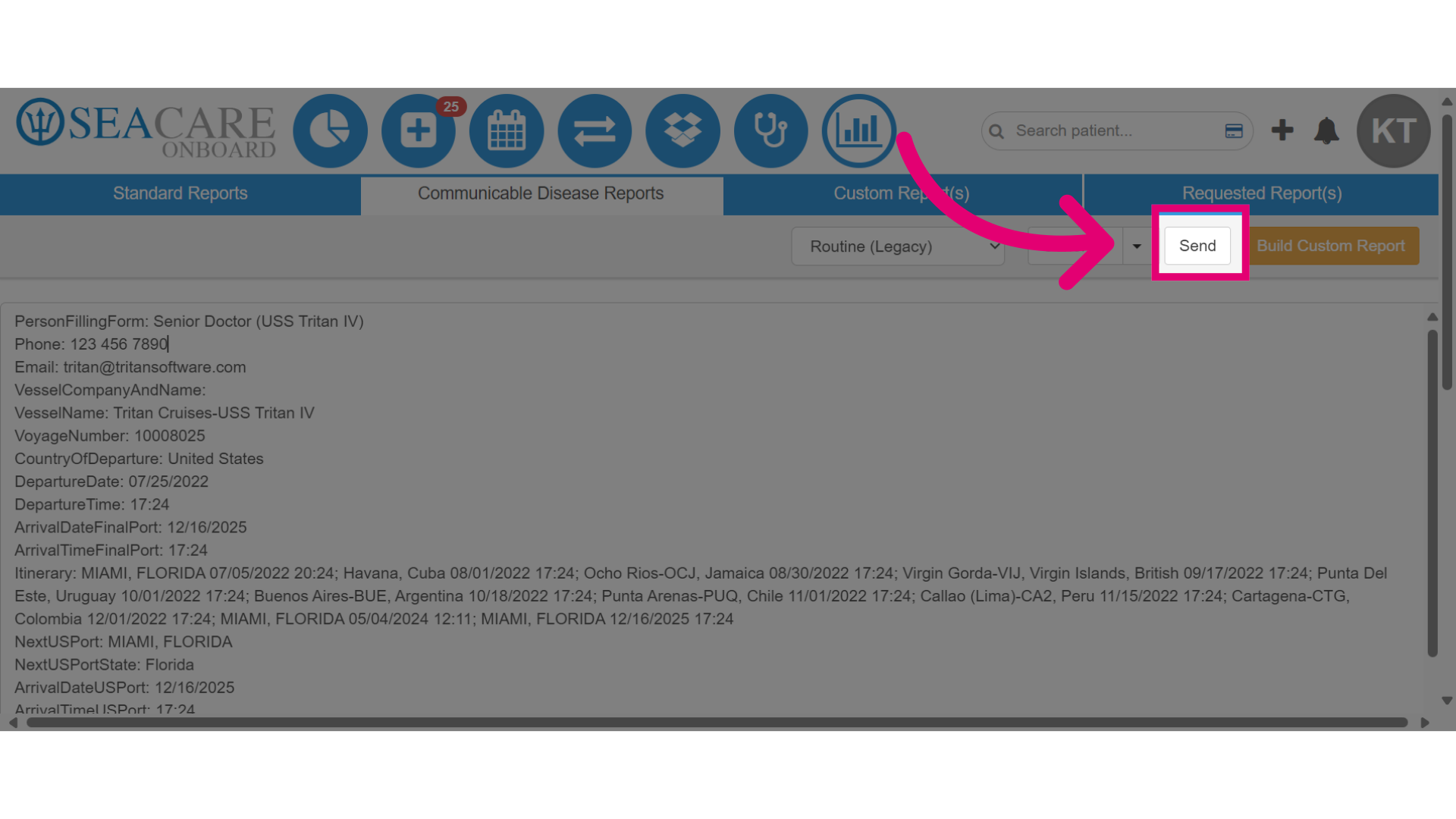
- When ready to send the report to the CDC for compliance, click the Send button. This sends a real-time copy of the report with the relevant communicable disease data.