New article
Recently updated
Completing an order during an outpatient encounter

Who is this article for?Users who want to learn to complete an order during an outpatient encounter.
No elevated permissions are required.
This guide outlines steps to complete an order during a communicable disease outpatient encounter, starting from the patient chart.
1. Completing an order during an outpatient encounter
1.1. Video
1.2. Steps
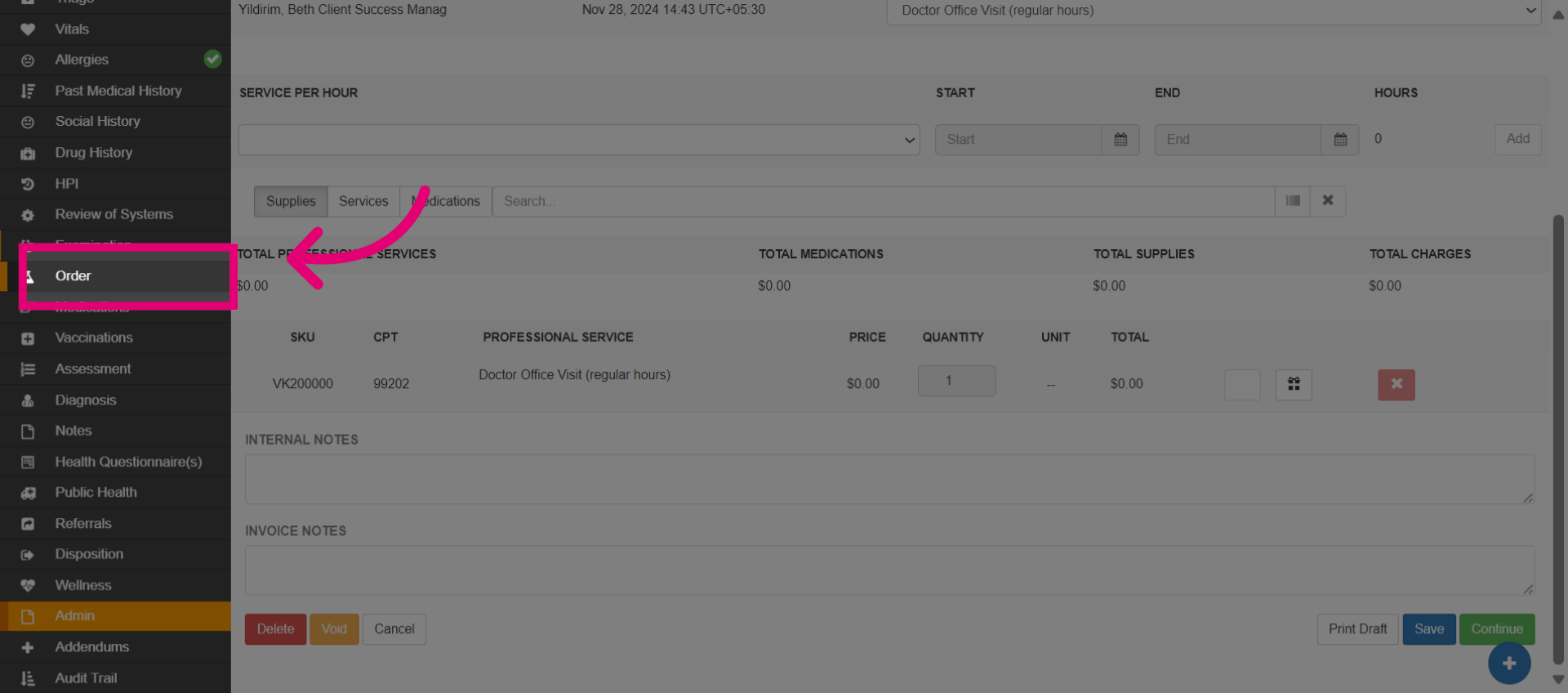
- Go to the Order module.
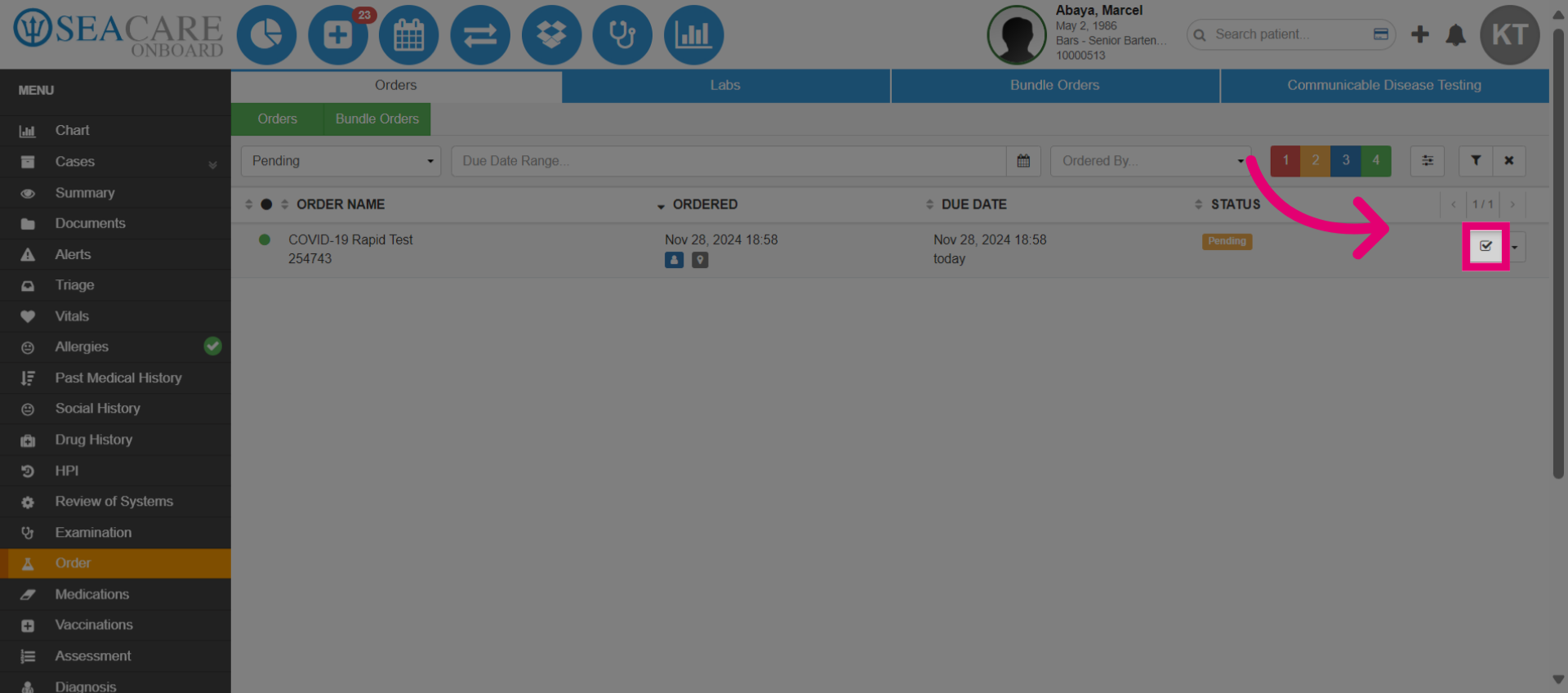
- Go the pending order and select the Complete button.
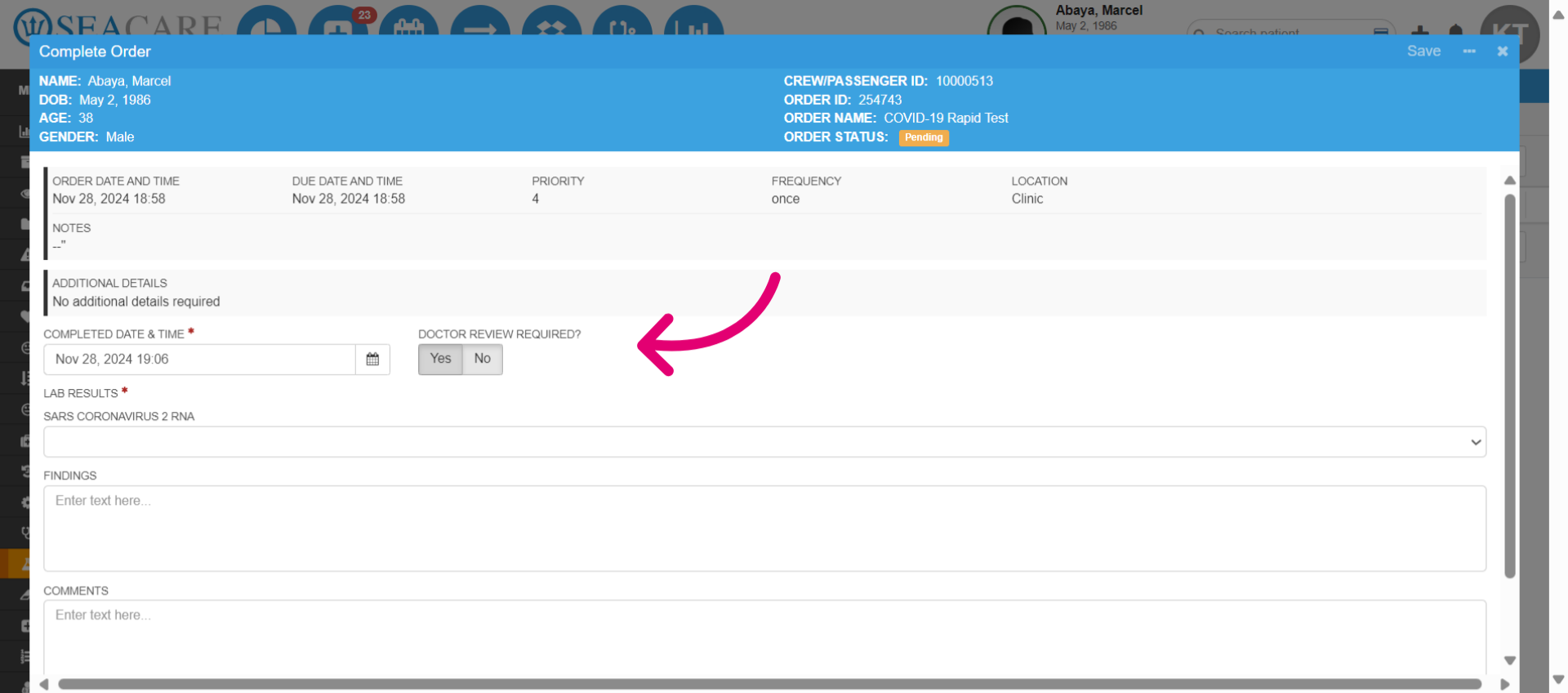
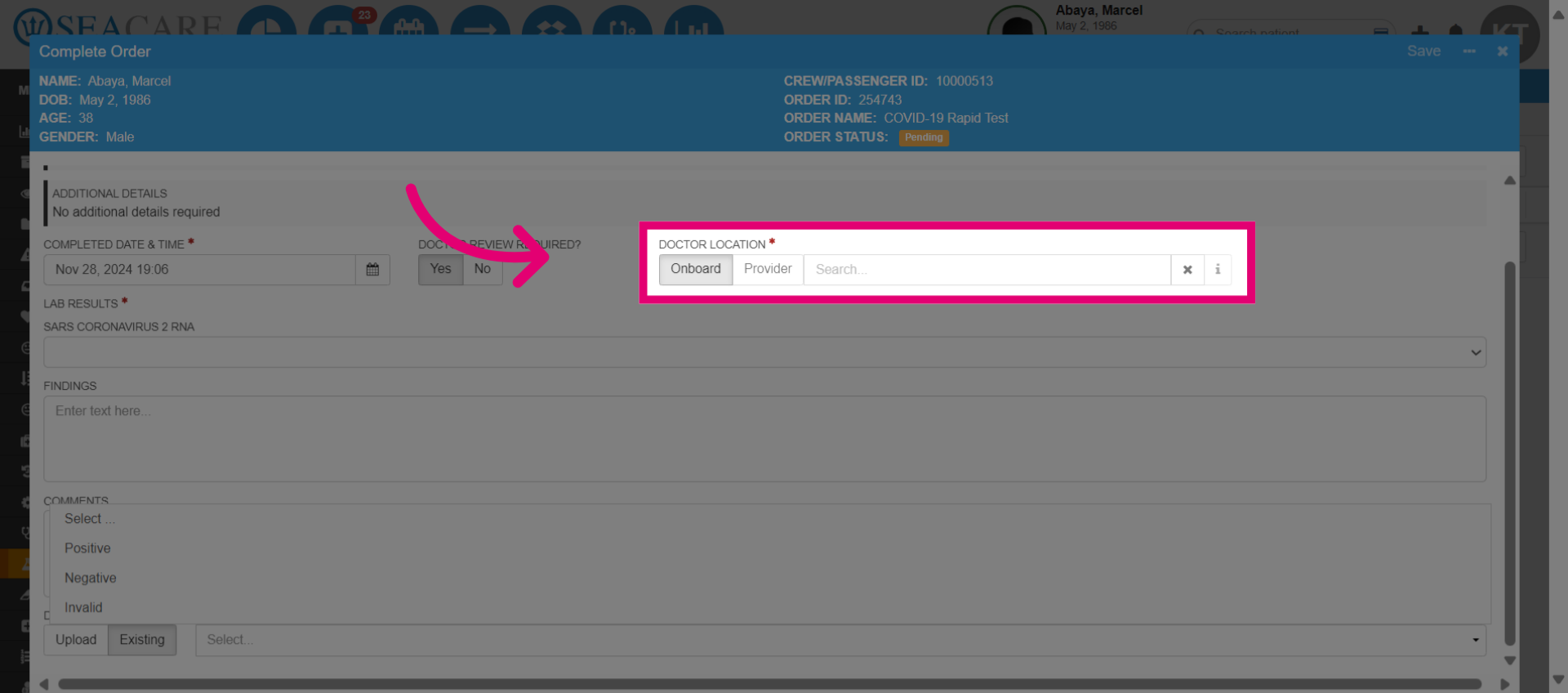
- Complete the order. Depending on the type, you may need to fill in additional information. Indicate if a doctor's review is required. If so, it must be reviewed by a doctor before the encounter can be closed by posting the MSB.
- Choose a provider, and if it is onboard then select that option.
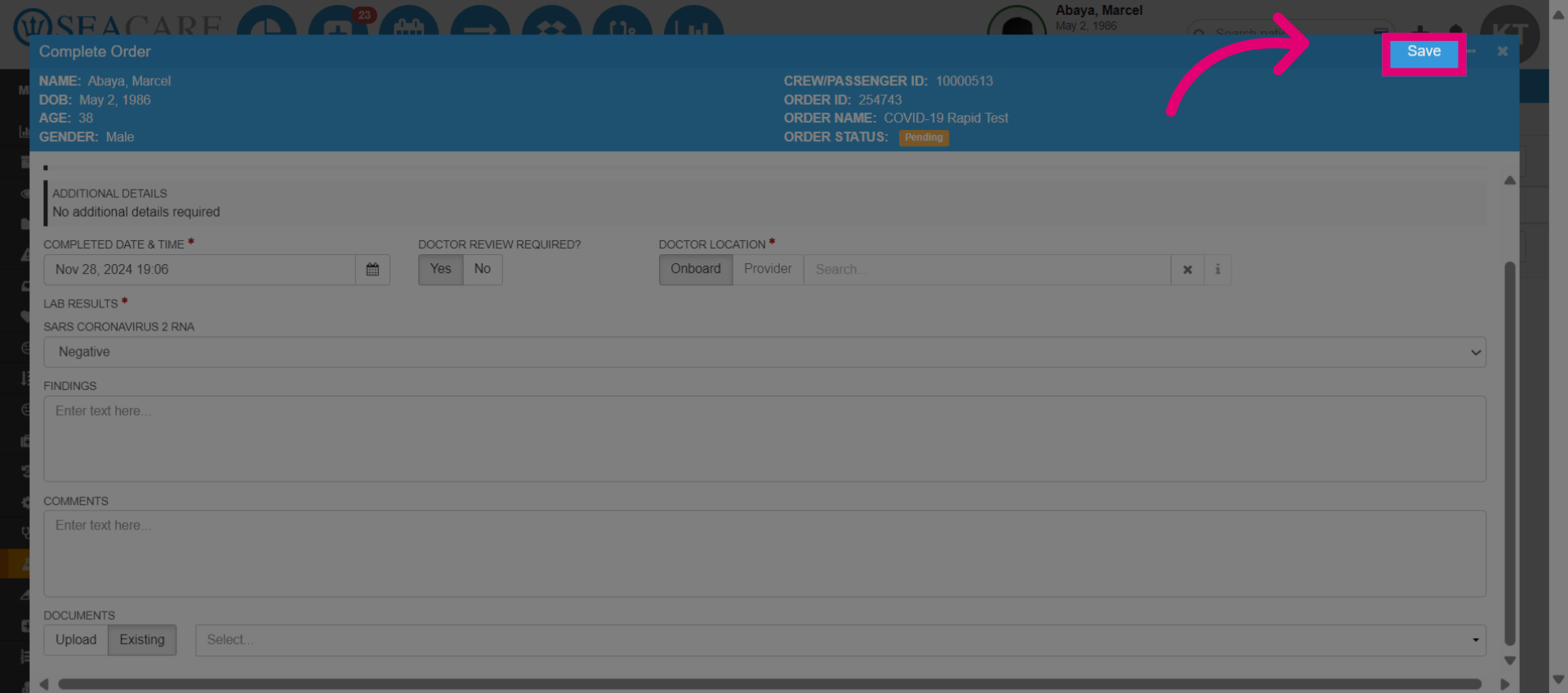
- Save the details.
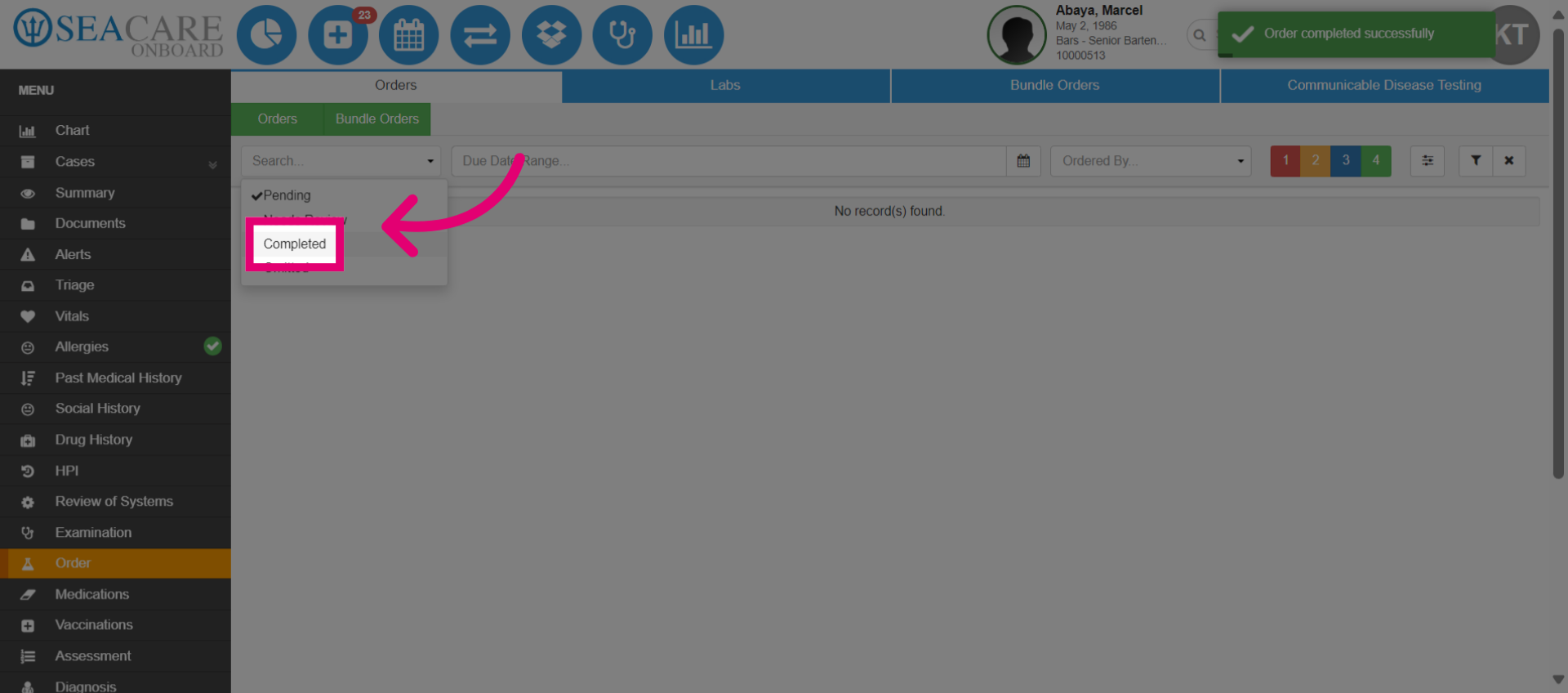
- Select Completed.
- Input the date for completion of the order, select the order then review the completed summary.
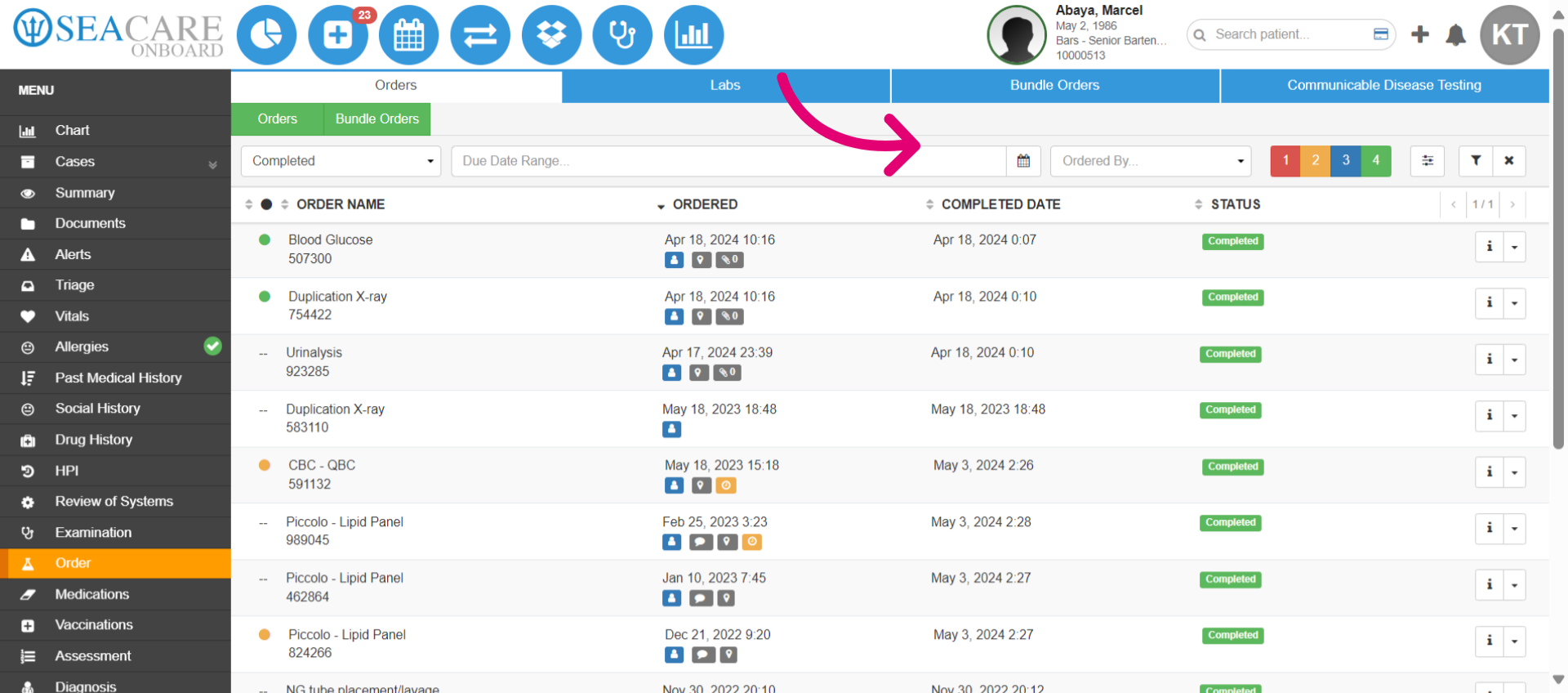
- Navigate back to the Orders for review.
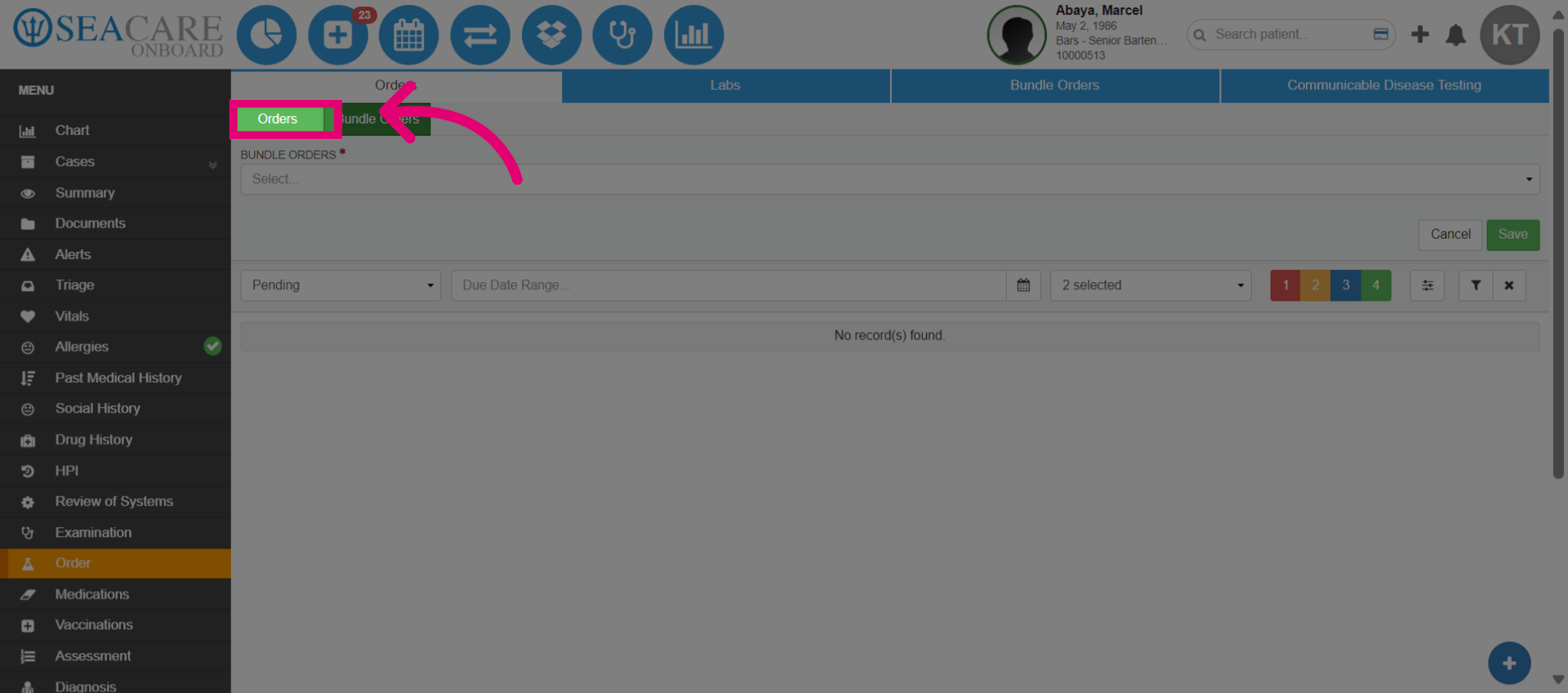
- Identify orders that need to be reviewed.
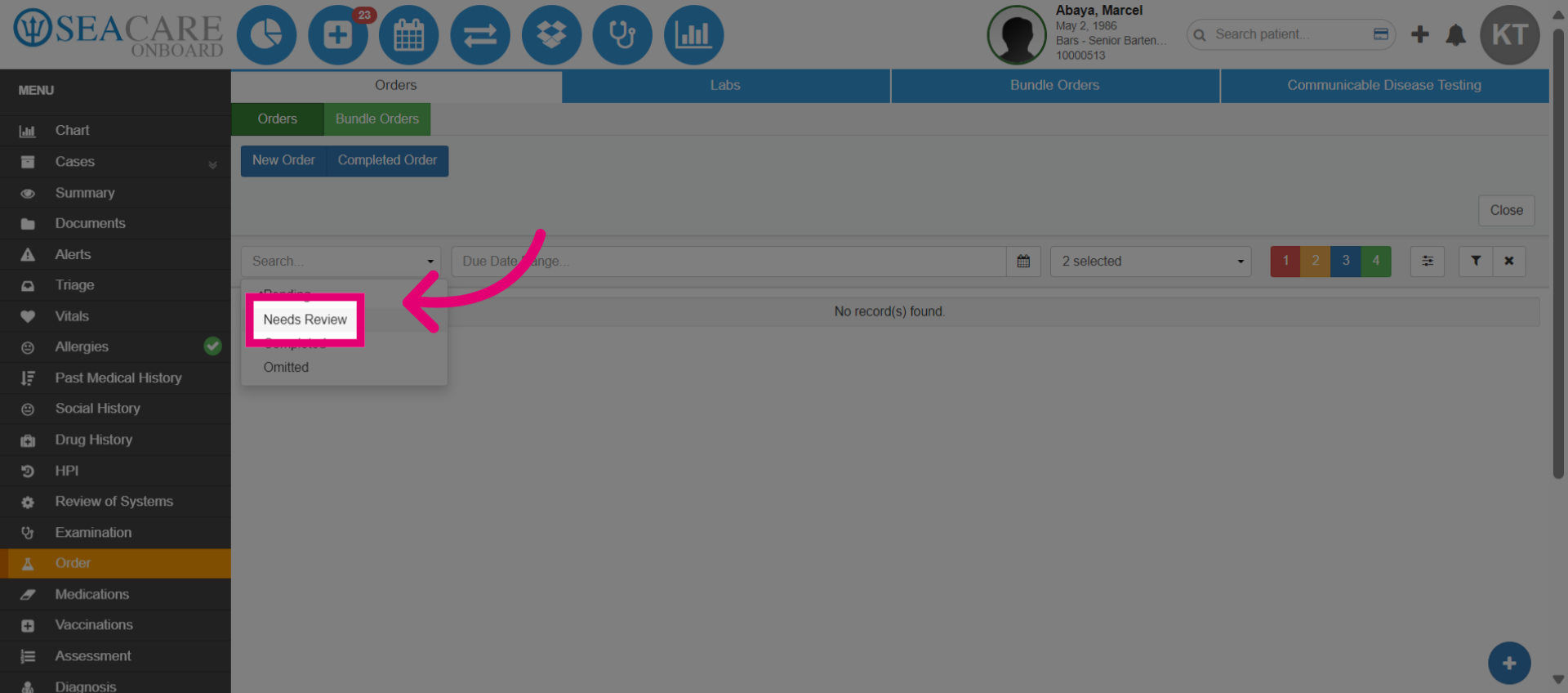
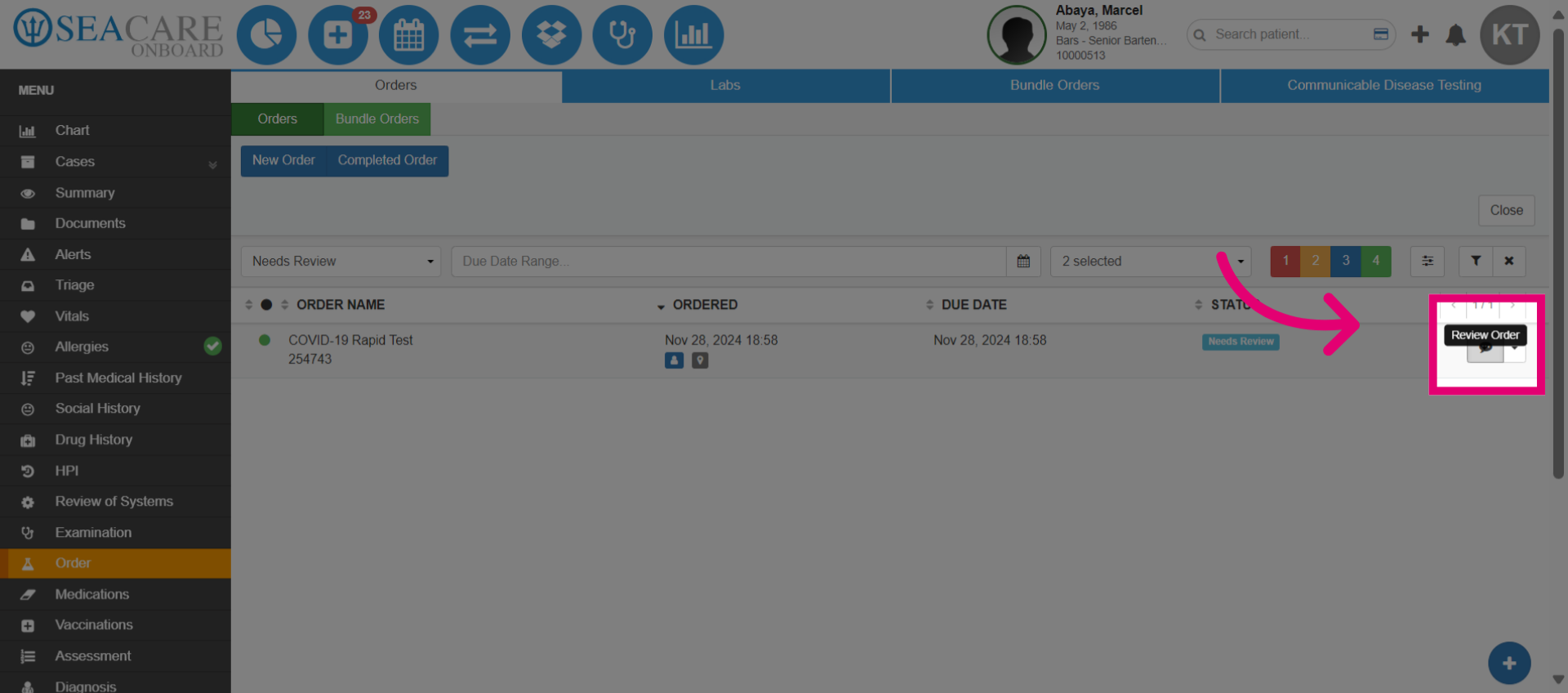
- Choose the order to review.
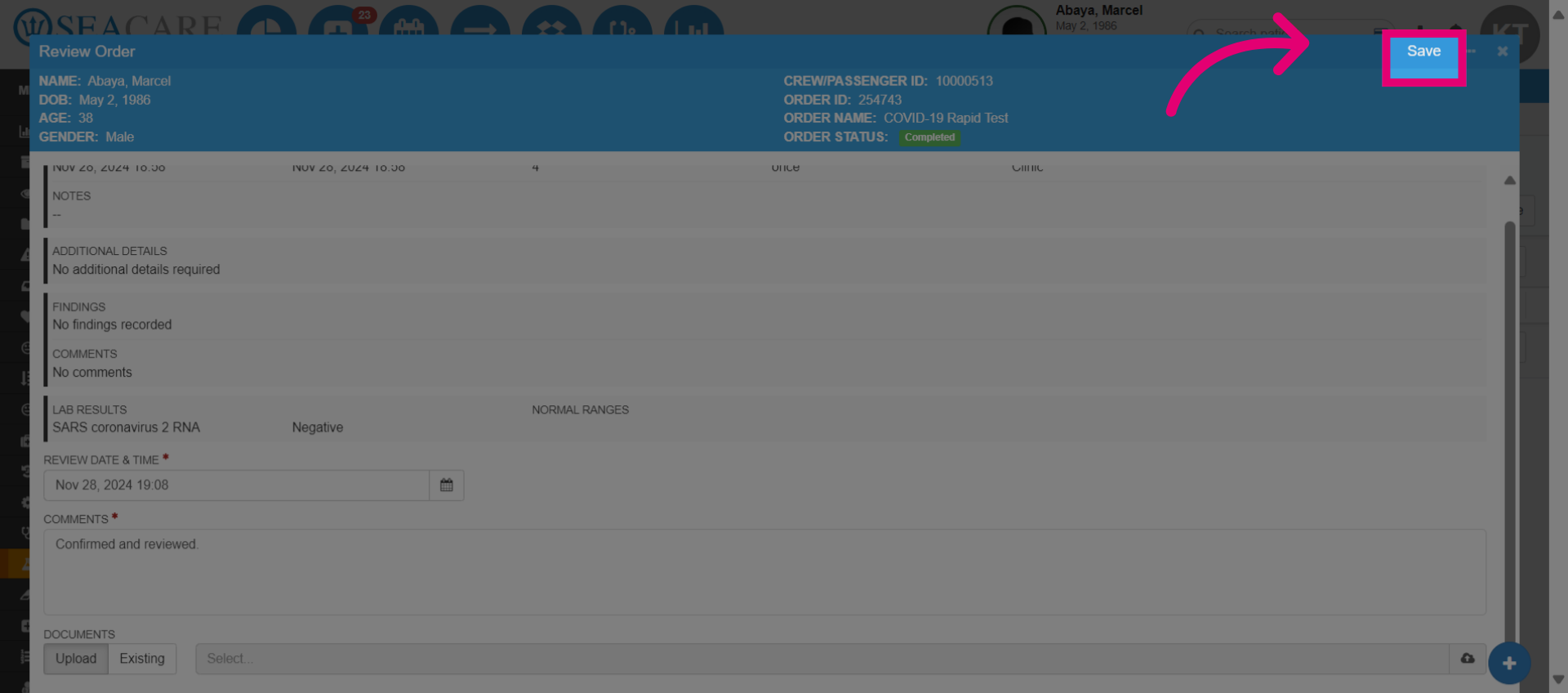
- Complete the review and add any necessary notes.
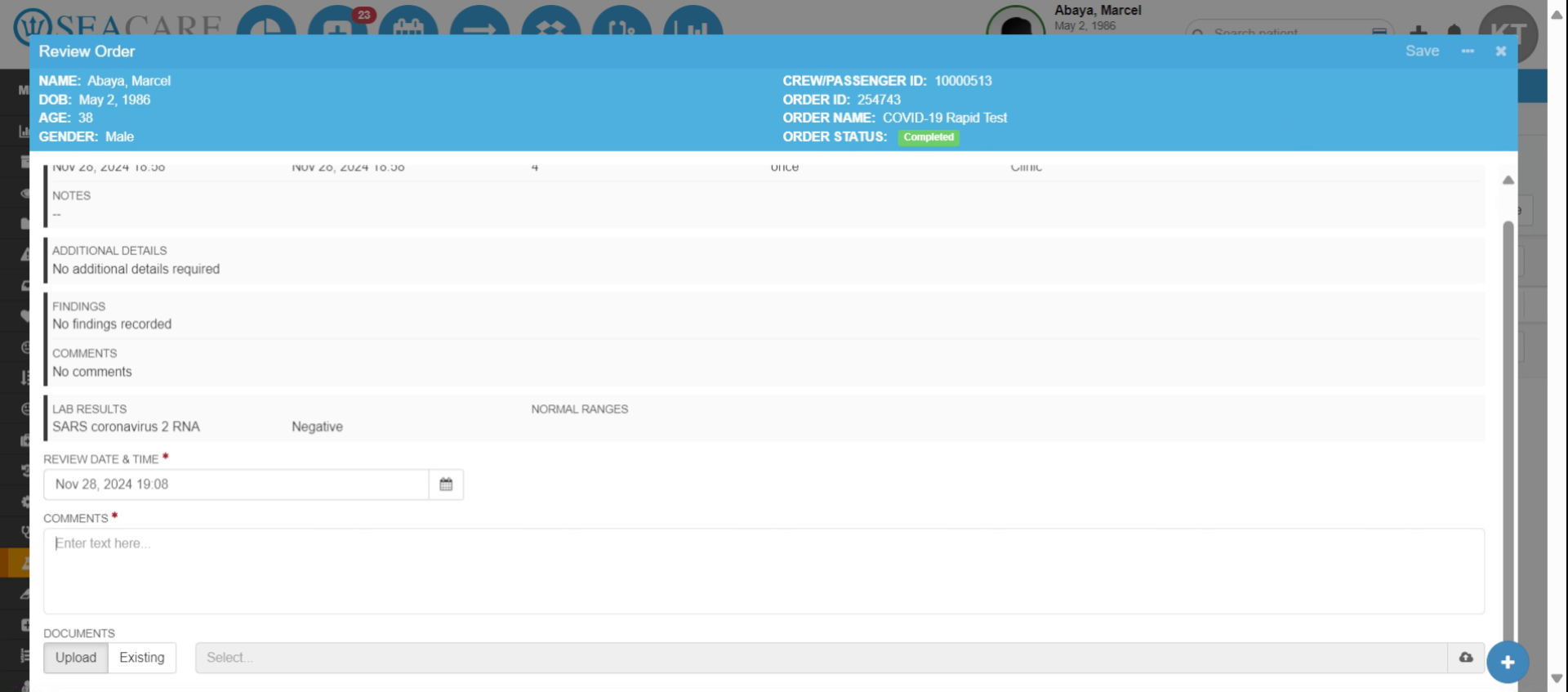
- Click Save.