New article
Recently updated
Processing MSB refunds for Outpatient Encounters

Who is this article for?
Users who want to process MSB refunds for Outpatient Encounters.
No elevated permissions are required.
This guide offers a walkthrough for processing outpatient encounter MSB refunds effectively.
1. Processing MSB refunds for Outpatient Encounters
1.1. Video
1. Introduction
You will learn to handle partial and full refunds, including saving and printing refund details. Start in the POS Transaction tab from the Admin tab in the patient chart.
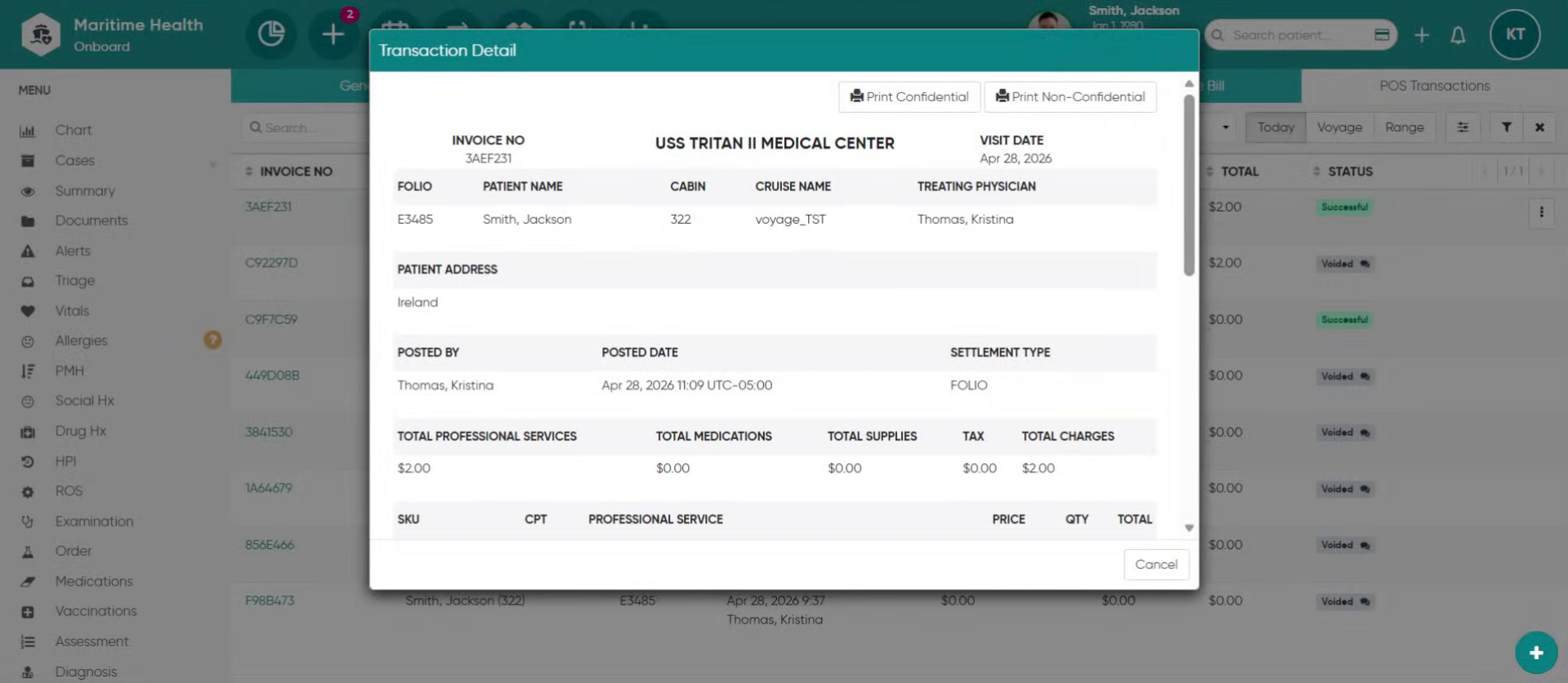
2. Open the menu options
Find the bill to refund and select the 3 dot actions menu to open the menu options.
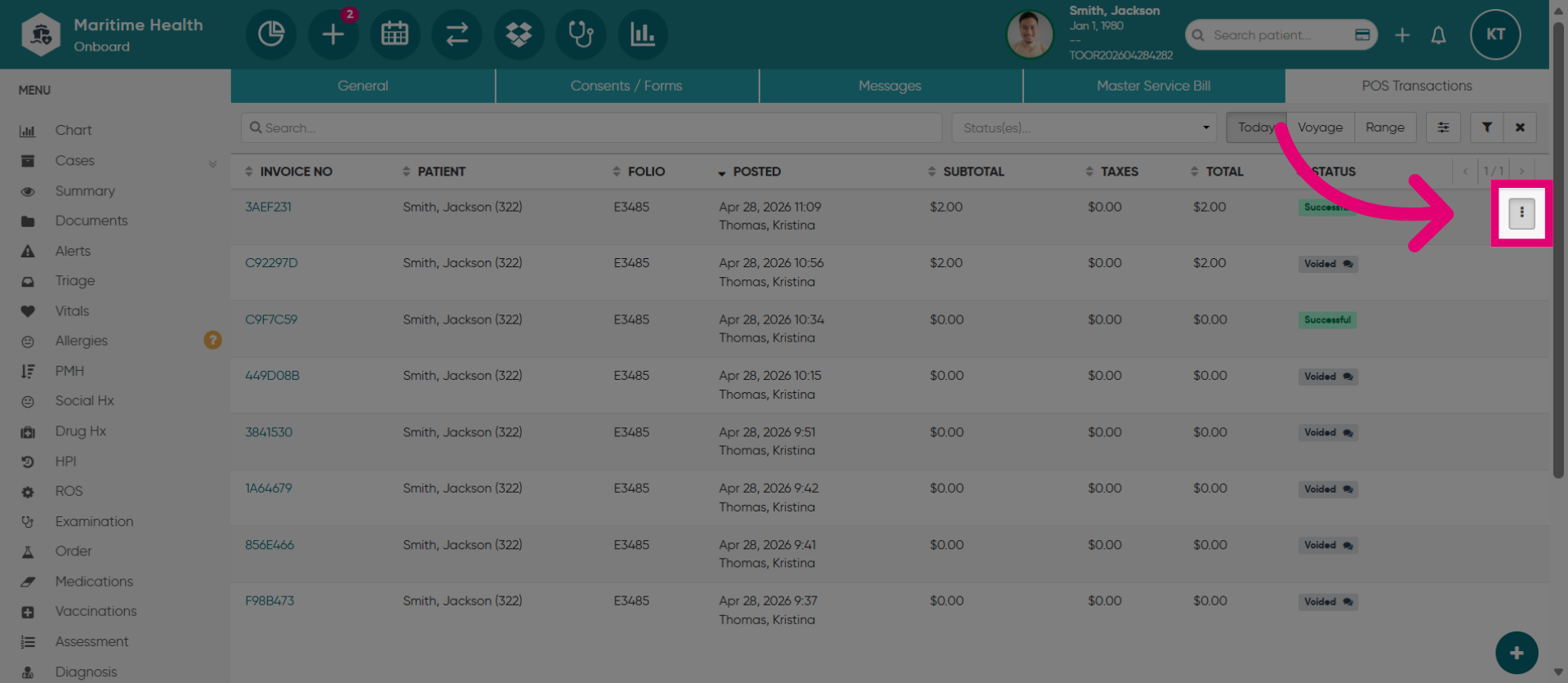
3. Select Refund Option
Then, click "Refund".
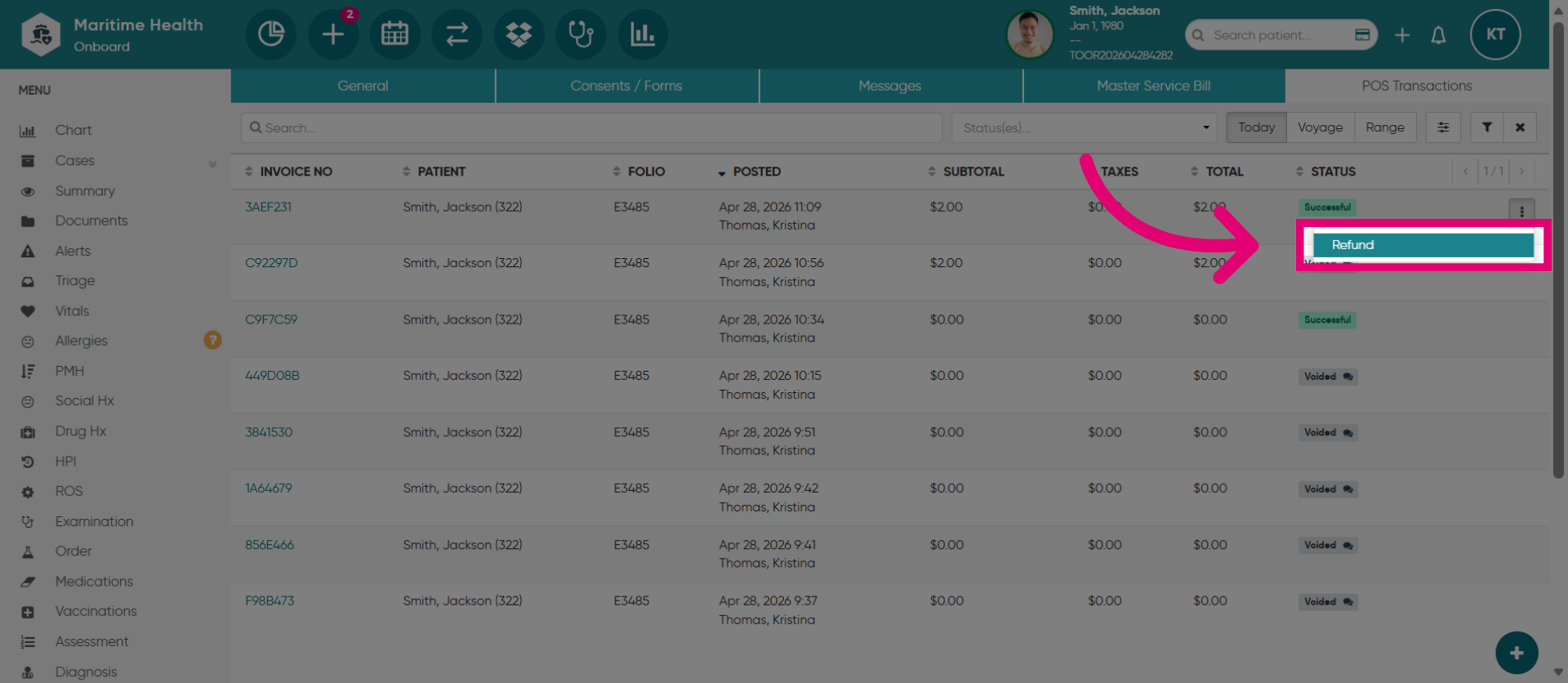
4. View the Billing Information
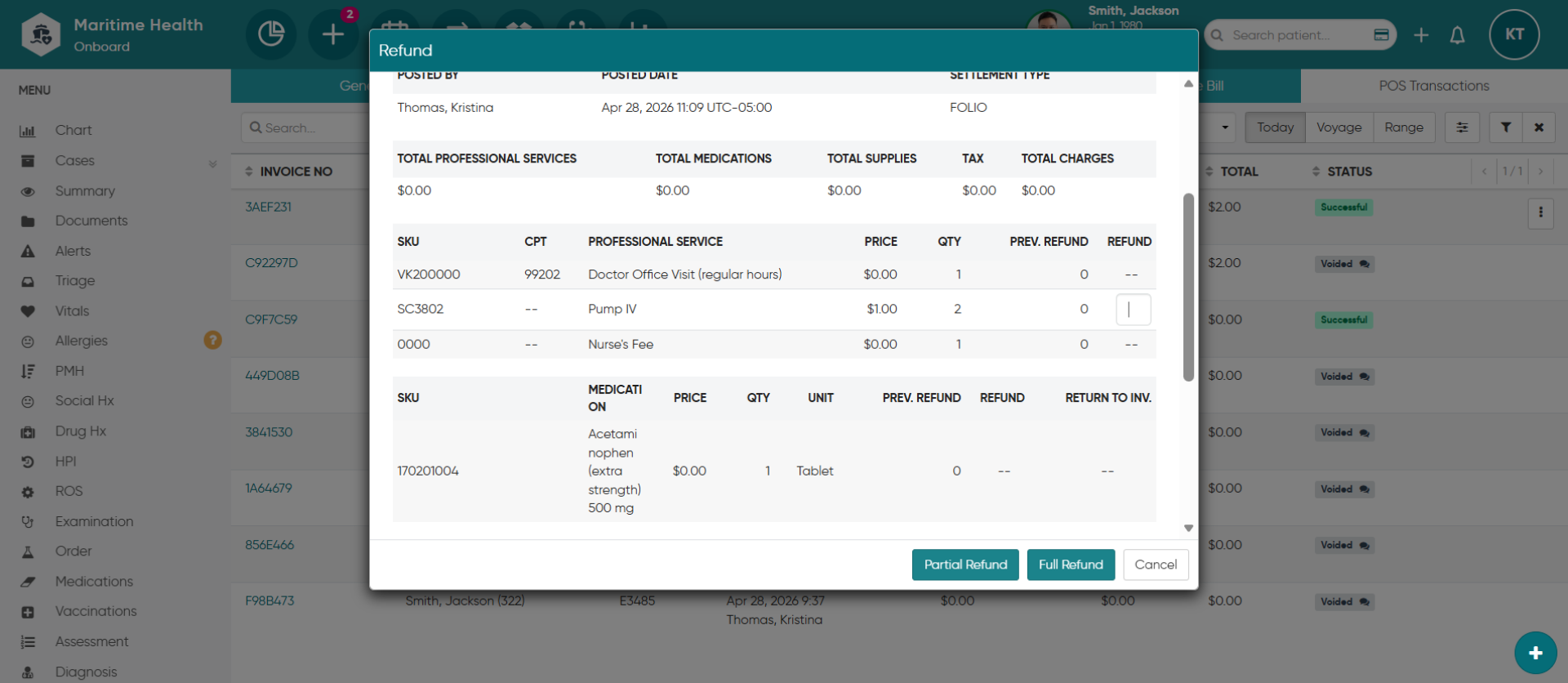
Review the billing information to locate the charges along with the quantity and costs of each item.
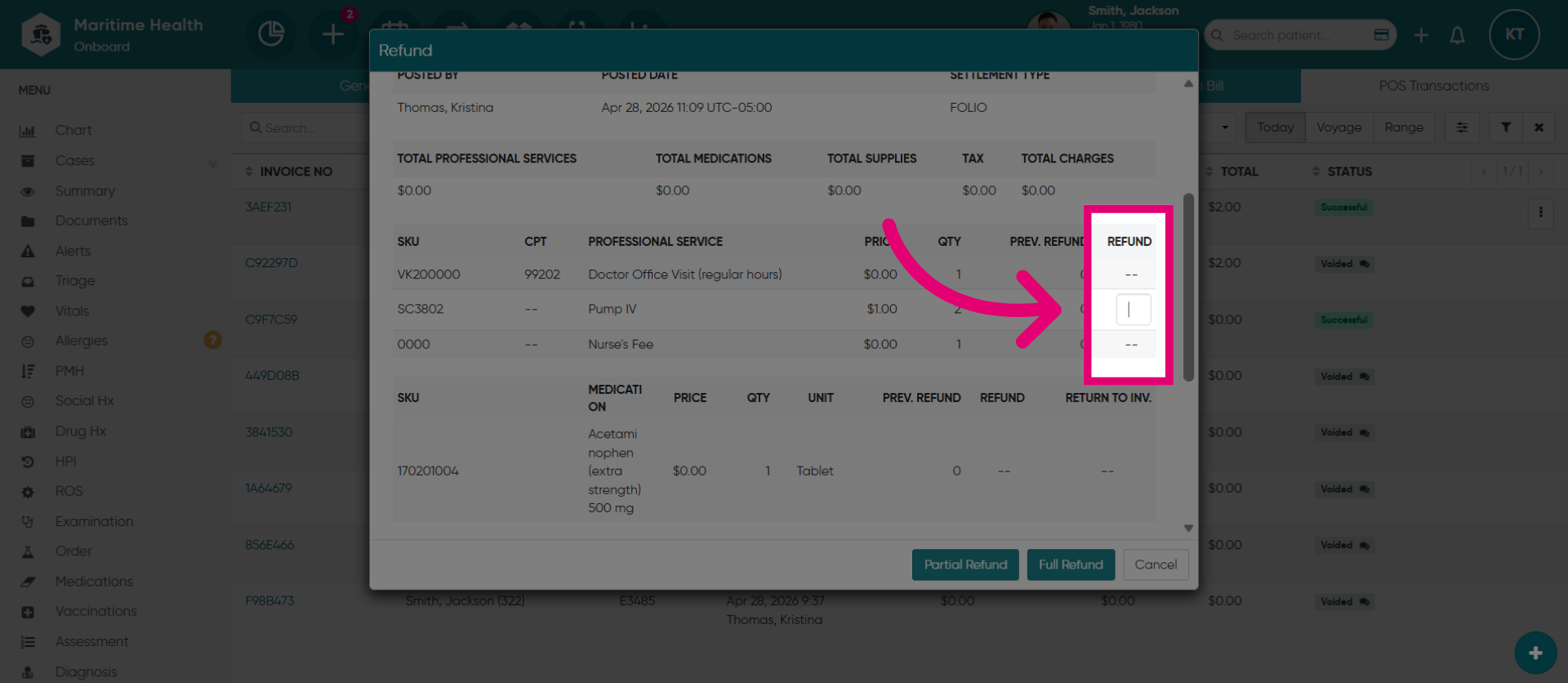
5. Access Refund Details
Under the refund section enables you enter the quantity of the item you want to refund.
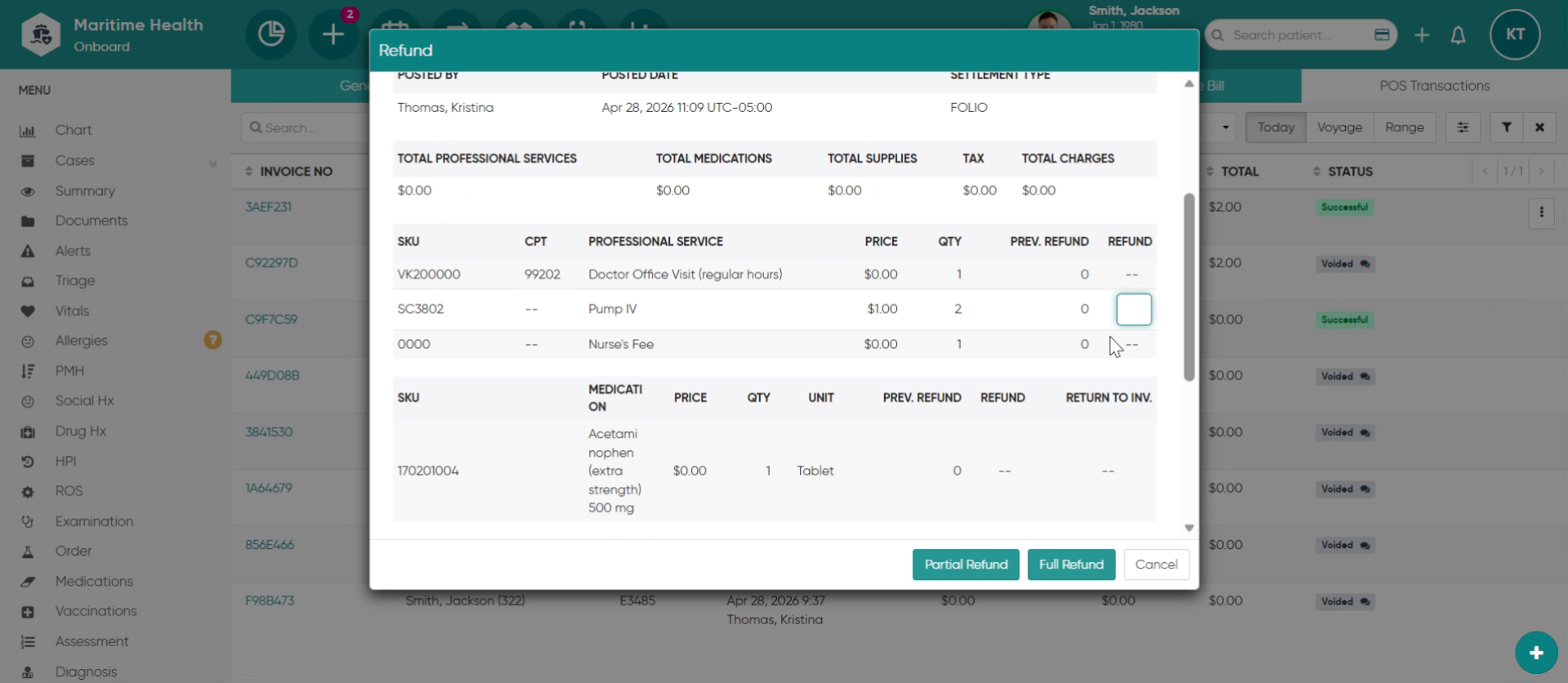
6. Enter Refund Quantity
Enter the refund quantity.
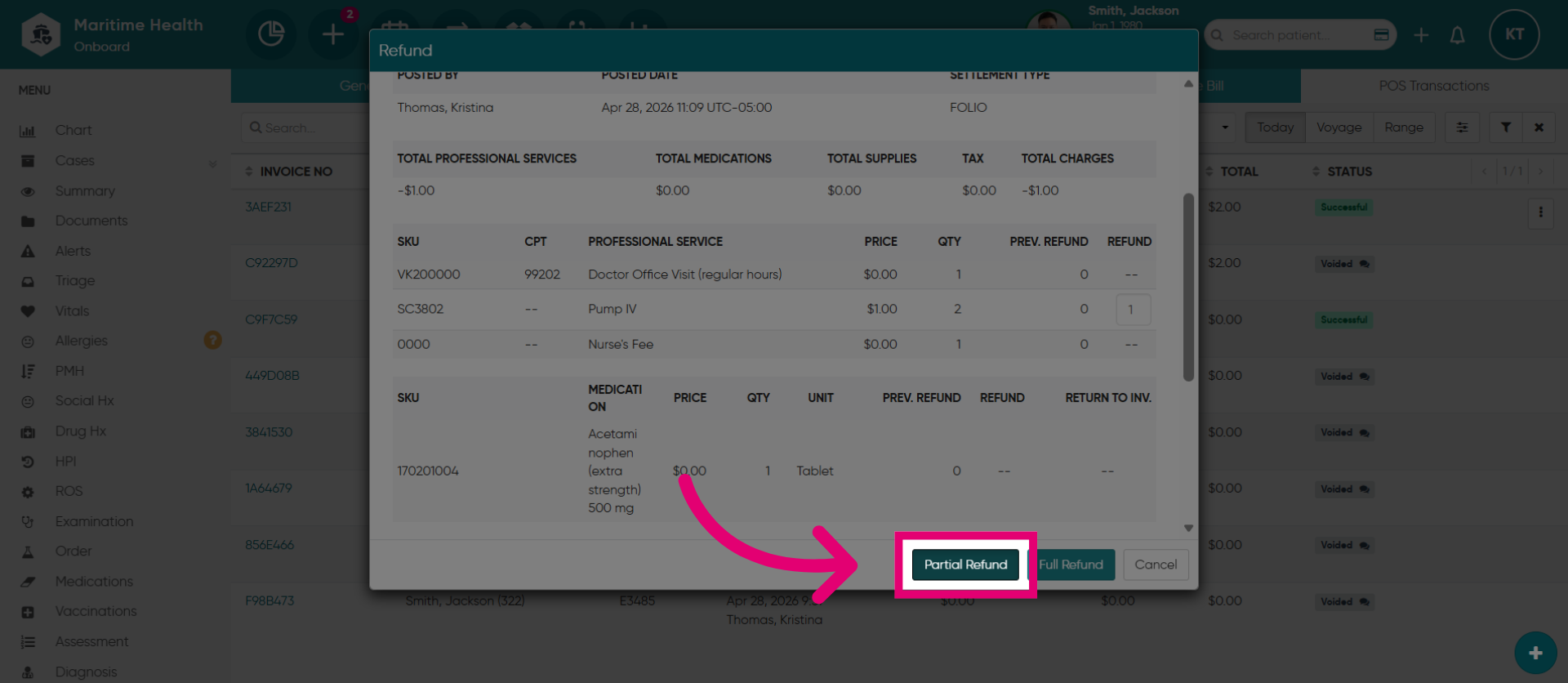
7. Choose Partial Refund
If this is a partial refund where some of the item(s) is being refunded. Click "Partial Refund".
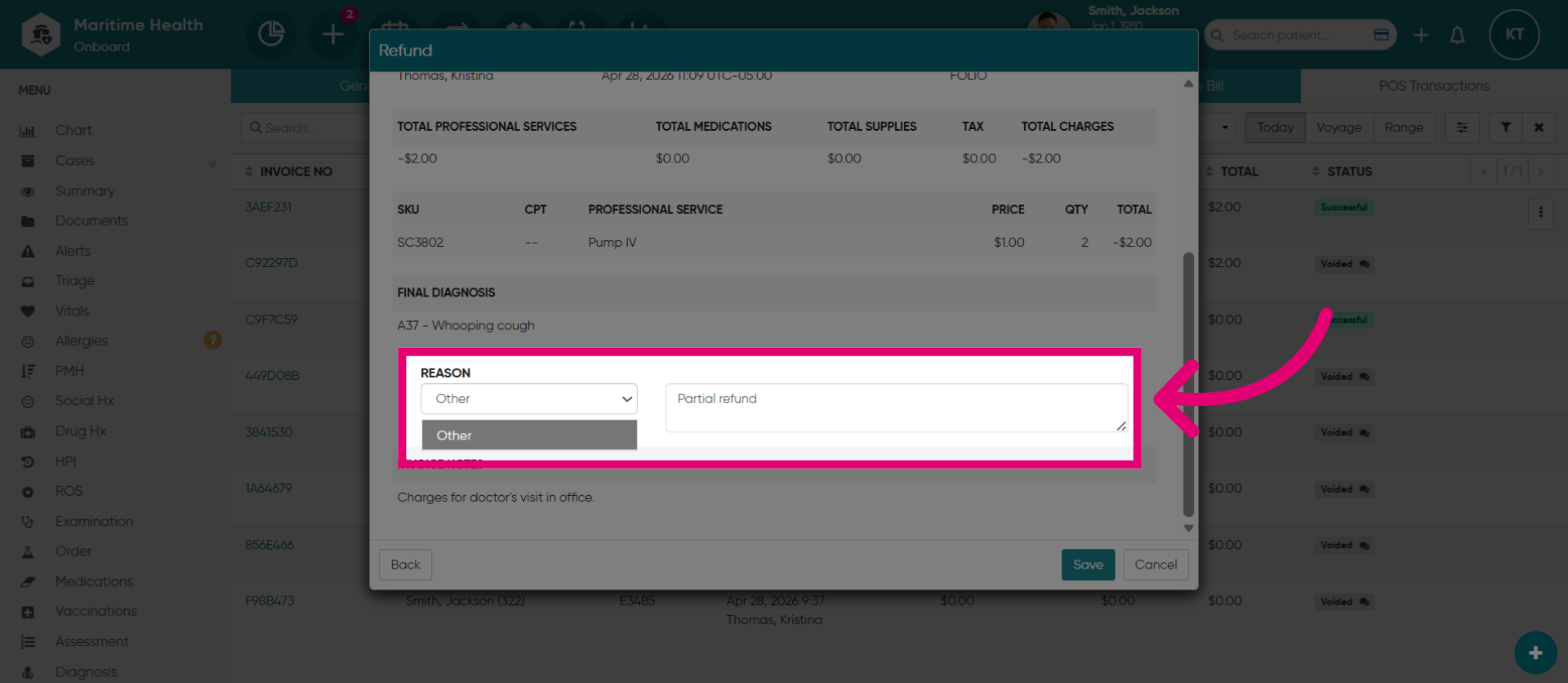
8. Select the Refund "Reason"
Select the refund "Reason" by choosing from the options
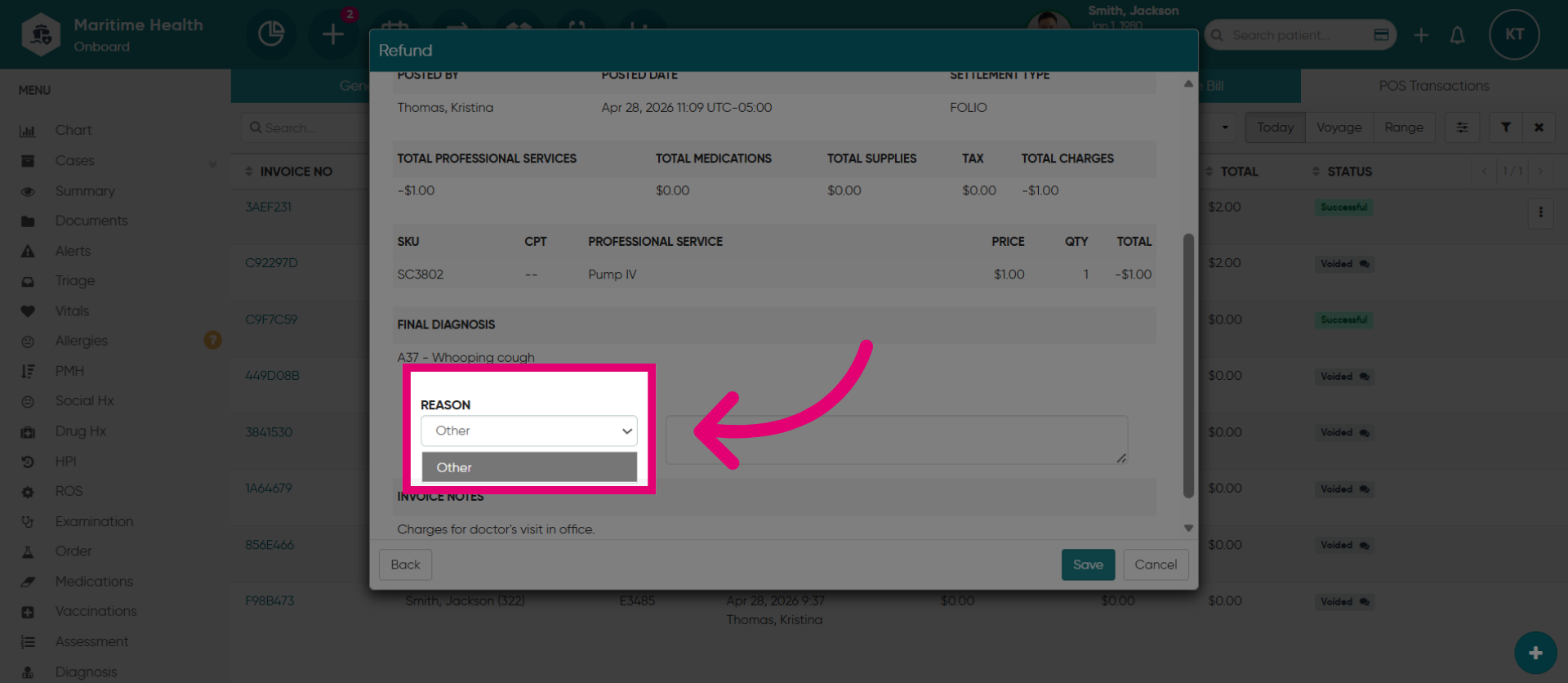
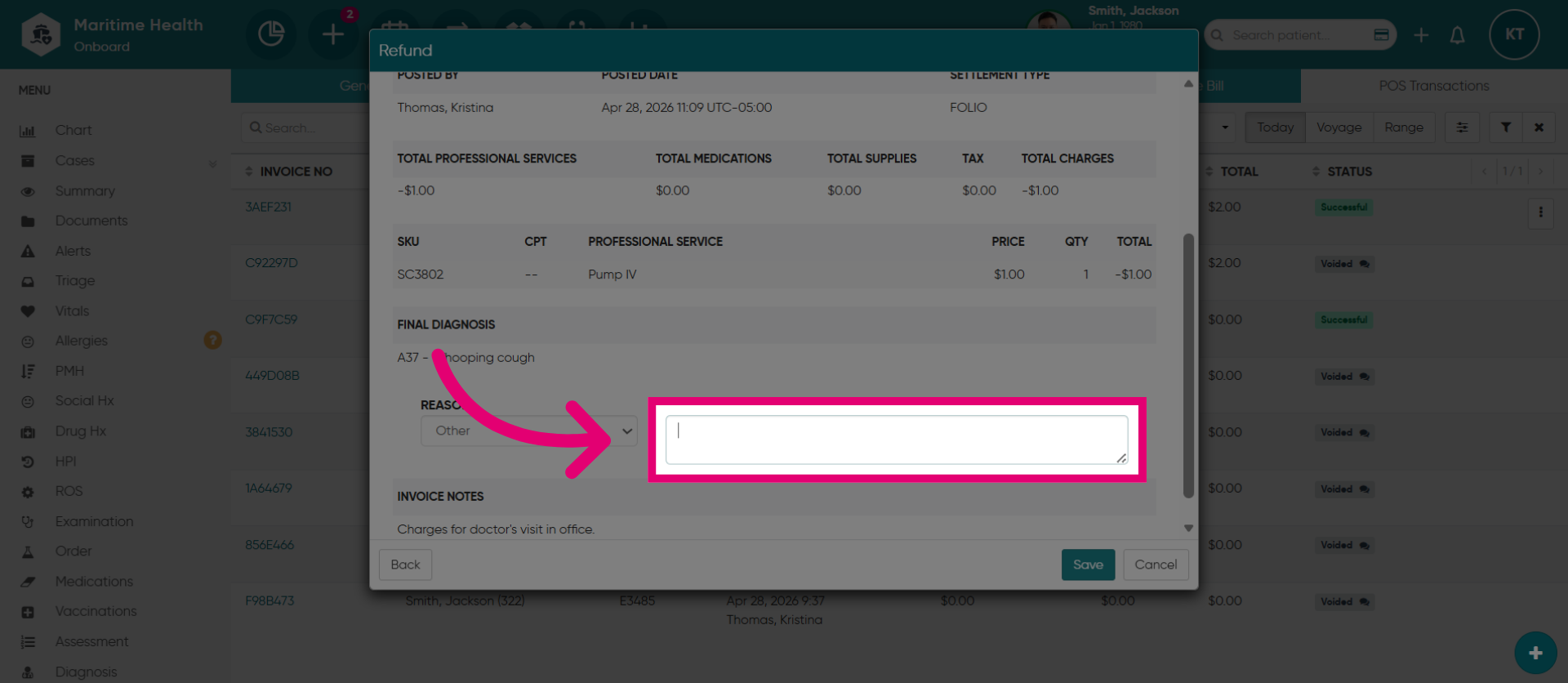
9. Manually Enter the "Reason"
Or, manually entering one by selecting "Other".
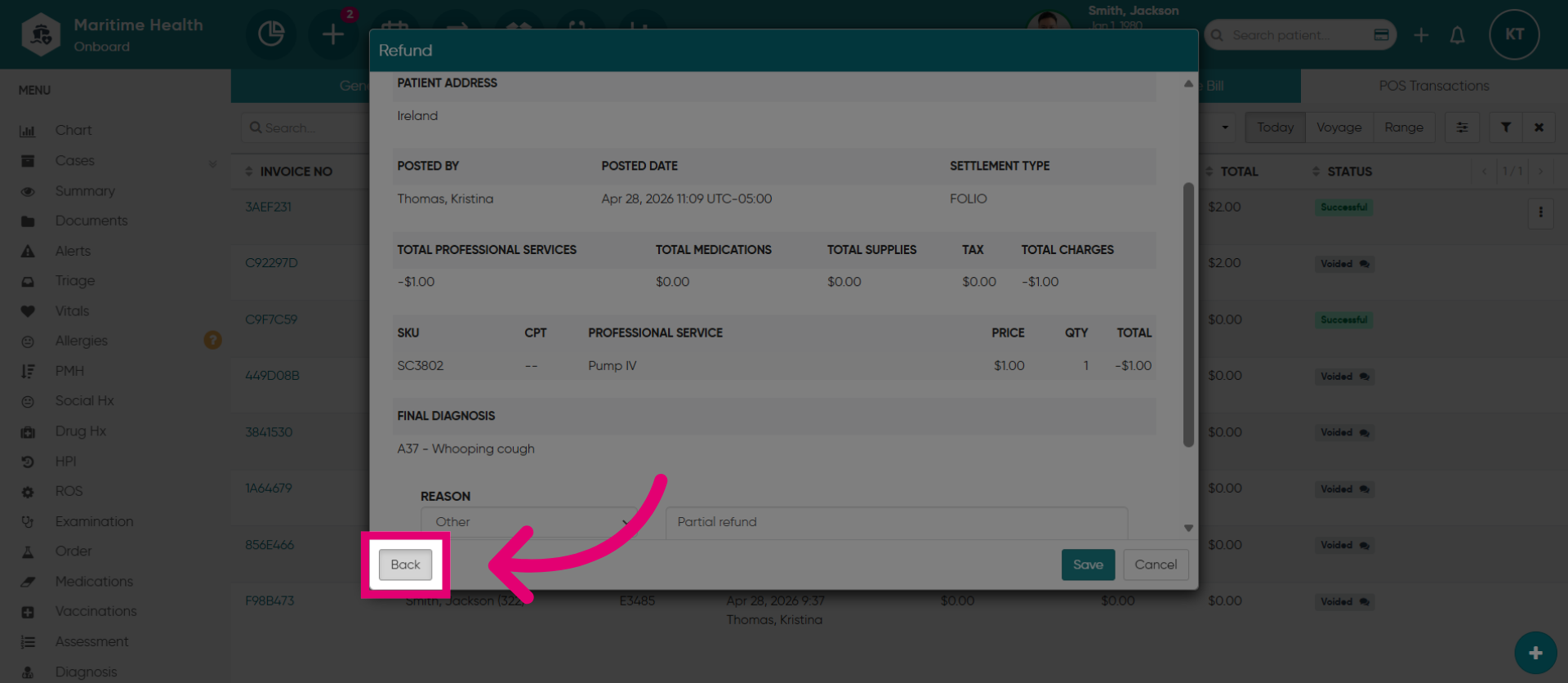
10. Return to Previous Screen
Click "Back" to return to the previous screen.
11. Enter Refund Amount
Enter the total quantity of the item to process a full refund.
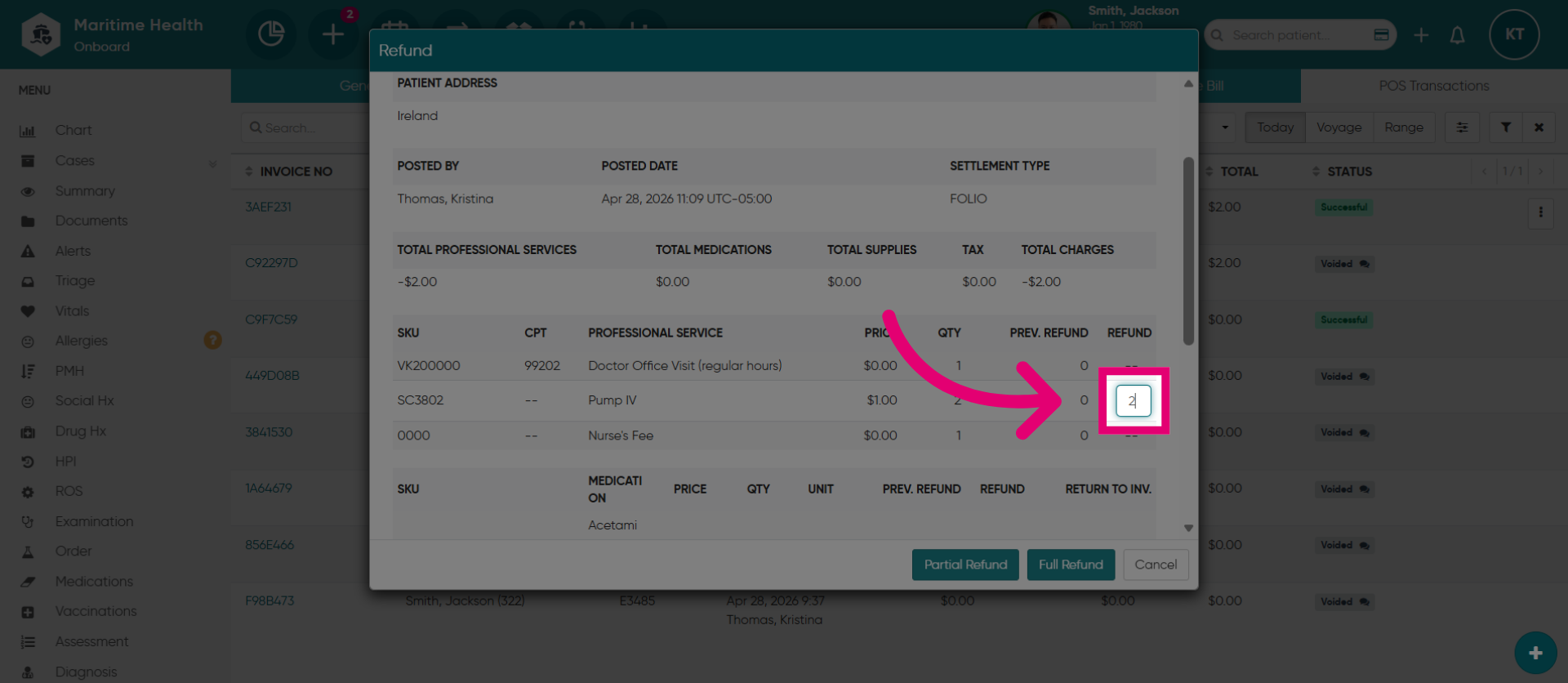
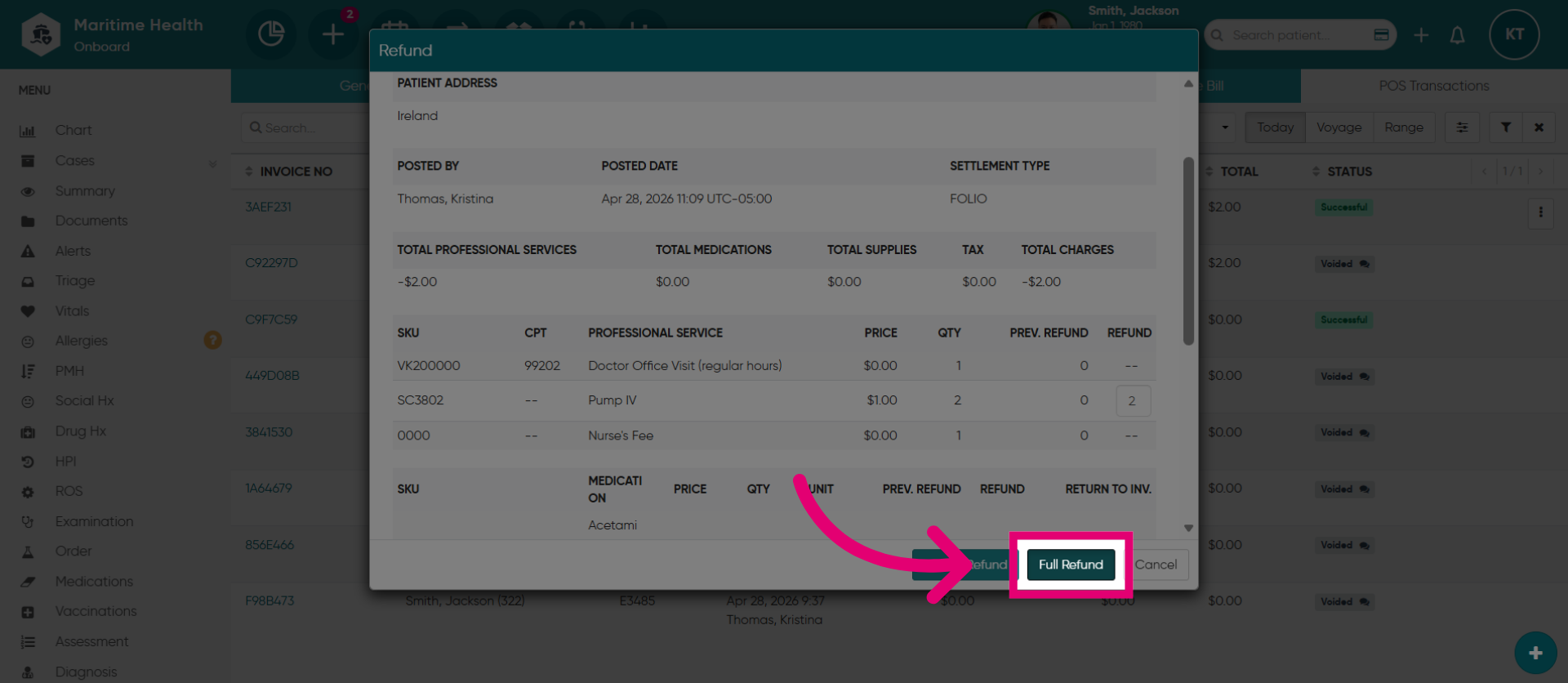
12. Choose Full Refund
Then, click "Full Refund".
13. Select Other Reason
Then, select the "Reason"
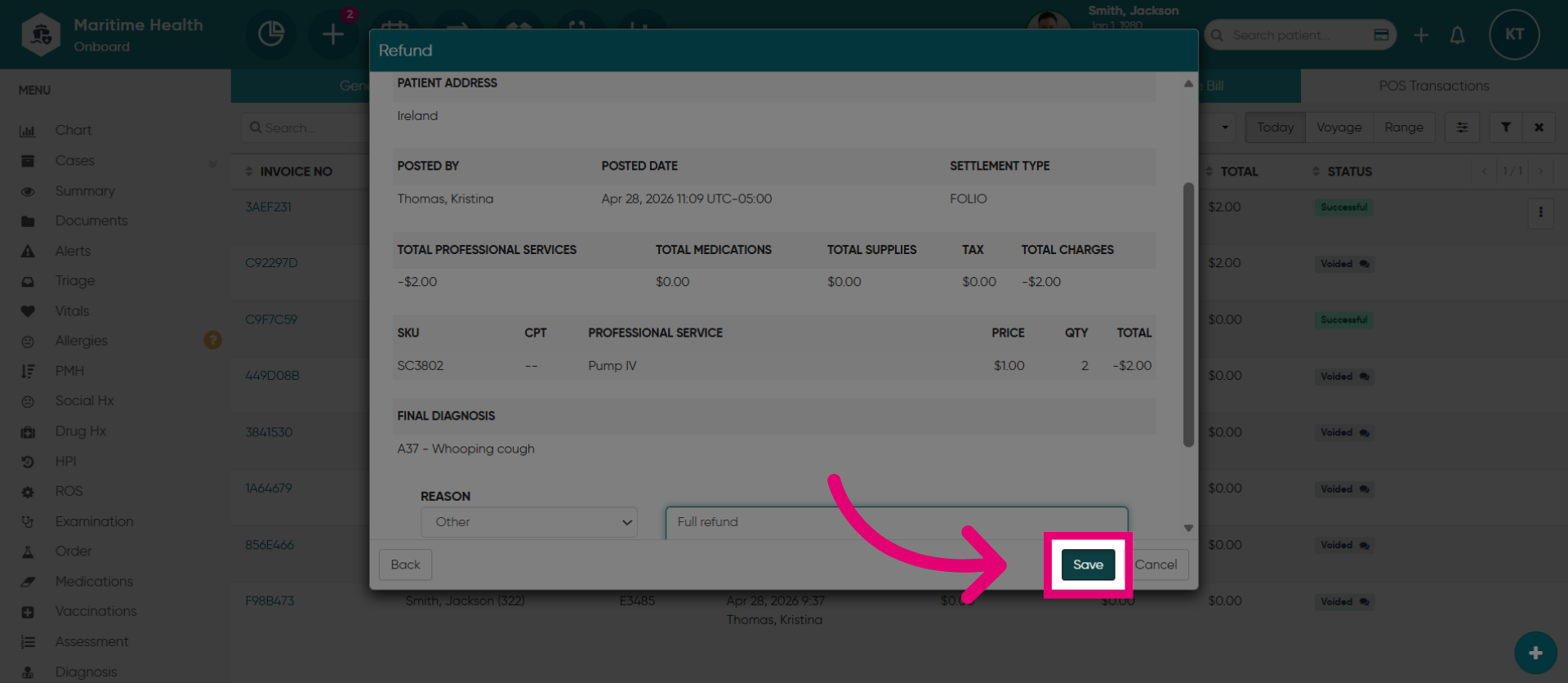
14. Save Refund Information
When you are done, click "Save".
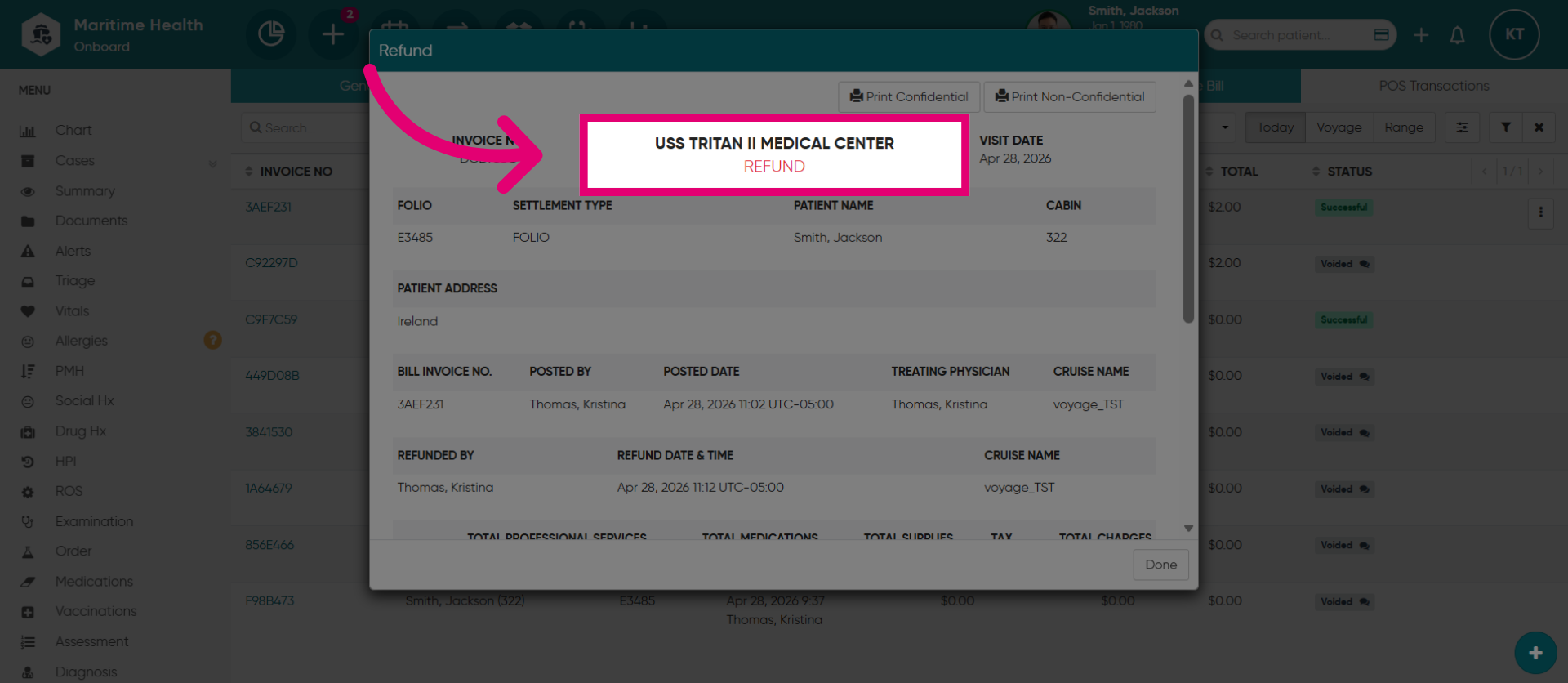
15. View Refund Record
Then, view the refund record now recorded as a refund.
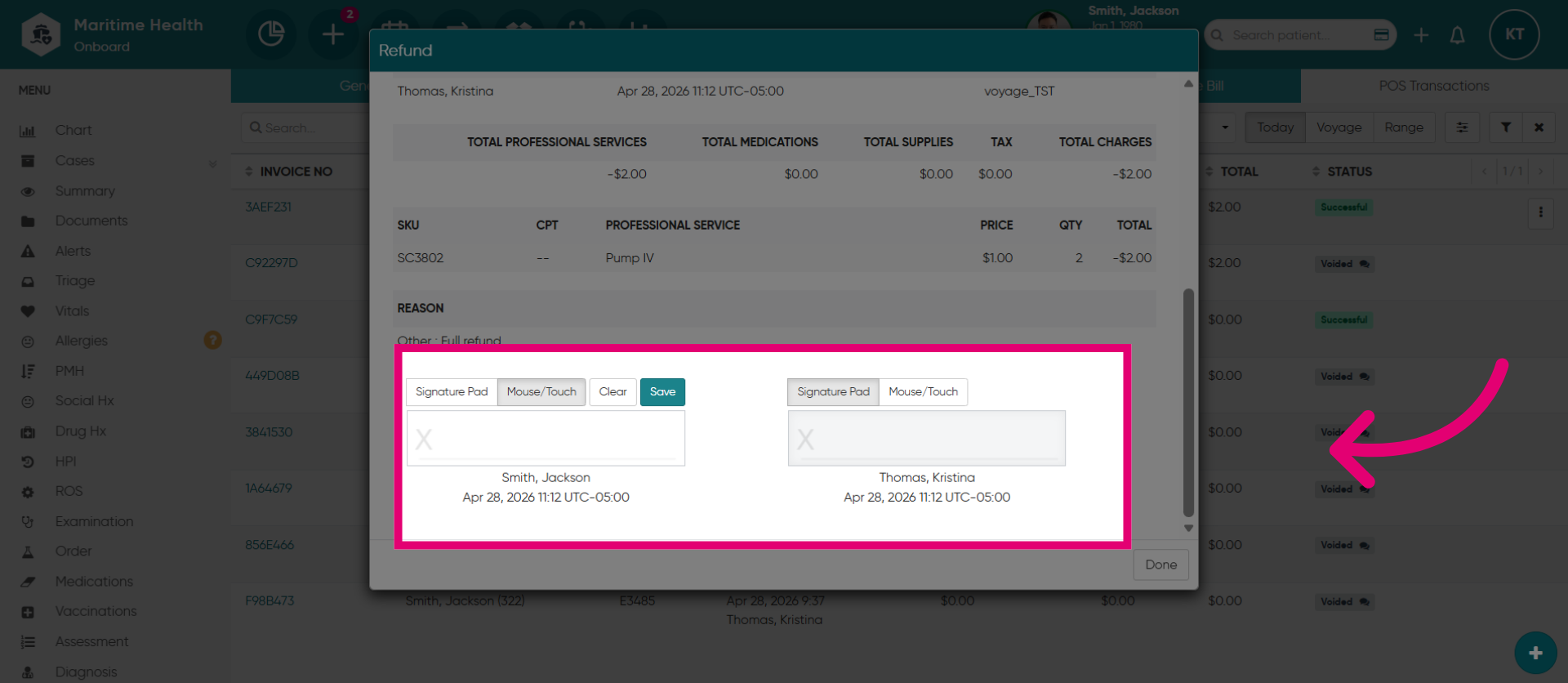
16. Capture Signatures
Then, capture the signatures.
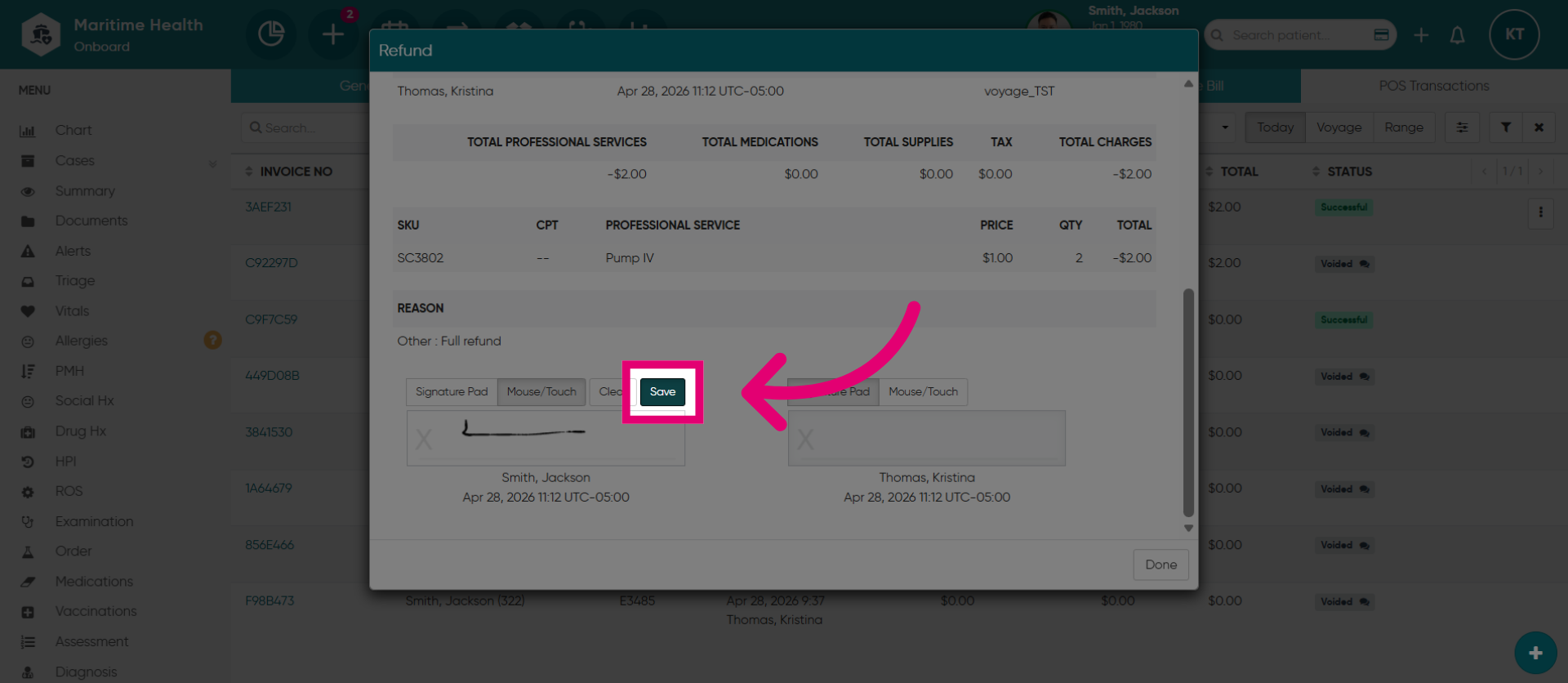
17. Save Current Changes
Click "Save".
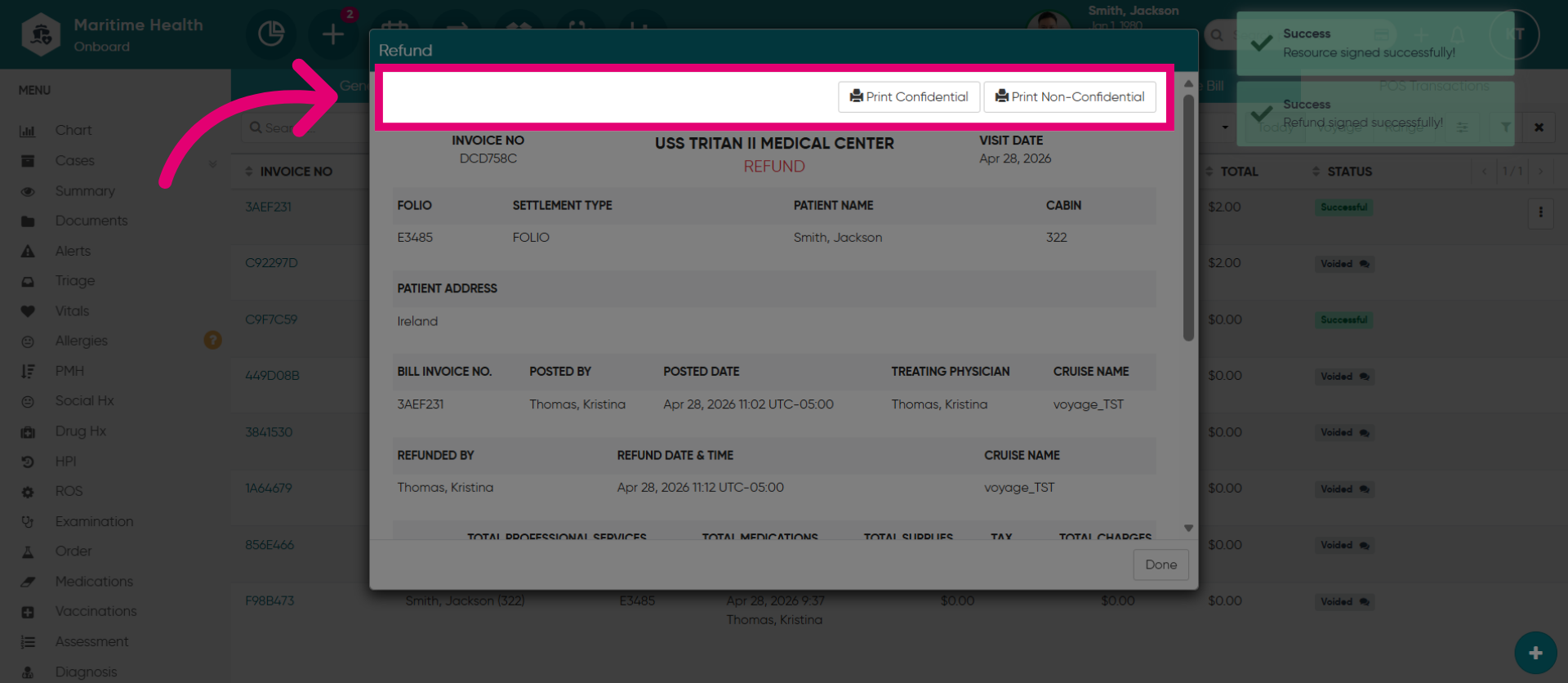
18. Print Refund Documents
Print the refund record as either confidential which does not show patient demographics, or print non-confidential which will print the patient demographics.
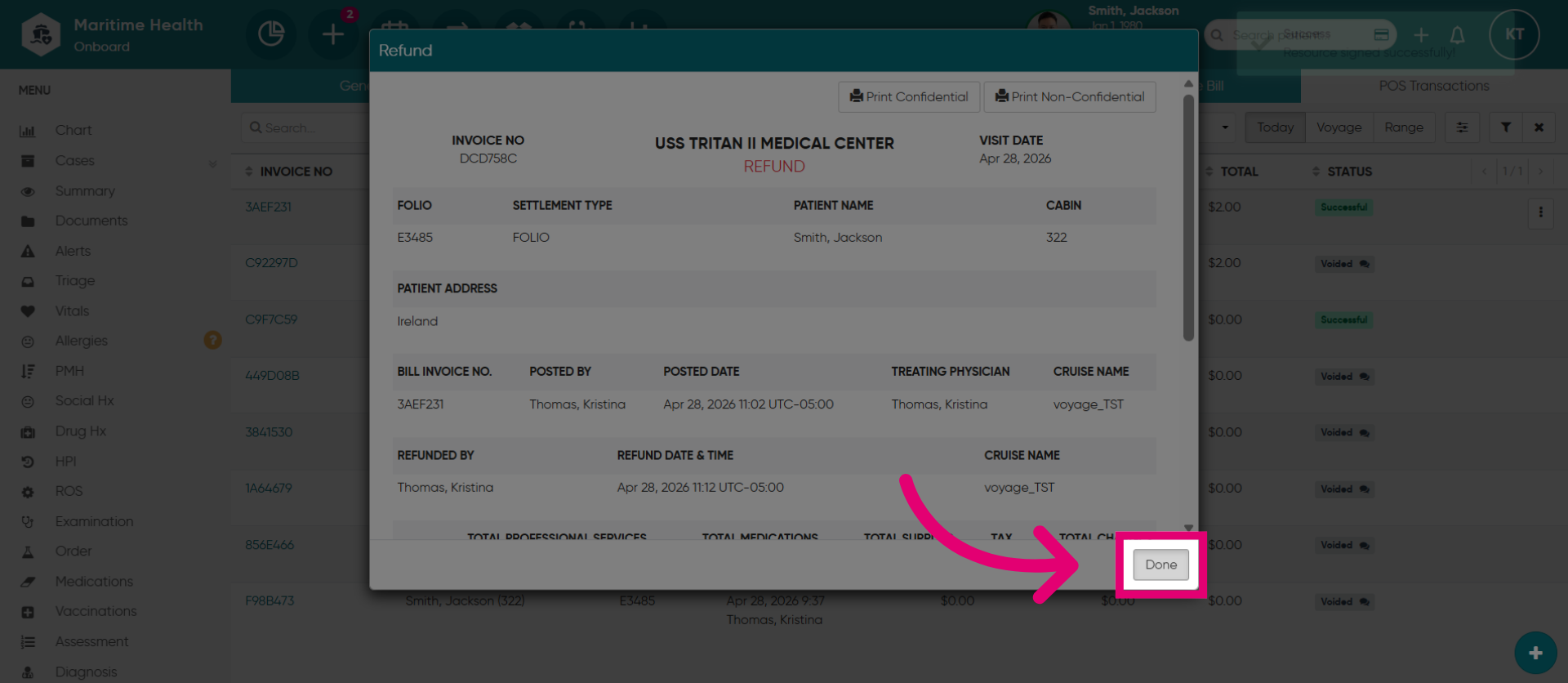
19. Complete Refund Process
Click "Done" to complete the refund process.
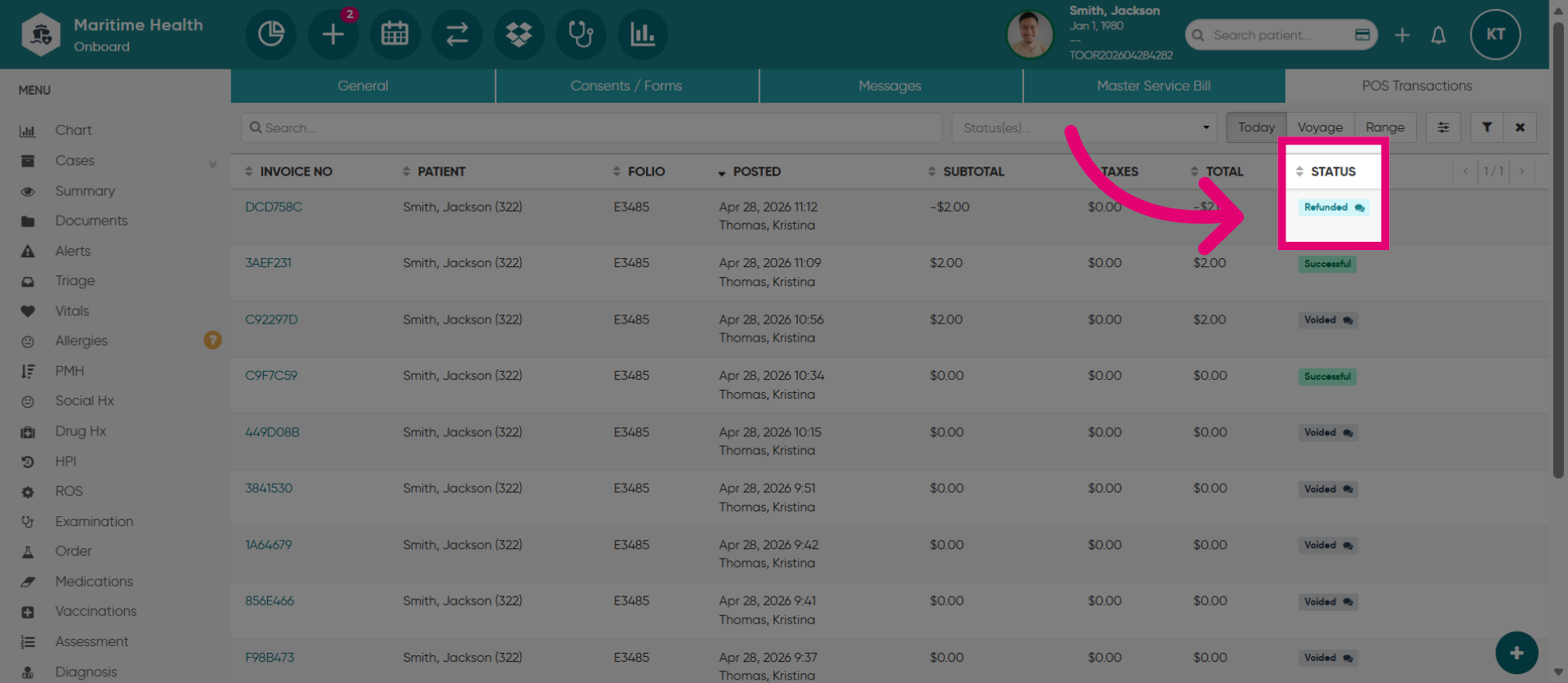
20. Refund Marked as Completed
The refund will be marked as completed.