New article
Recently updated
Visualising finish orders/referrals widget

Who is this article for?Administrators configuring the encounter process.
No elevated permissions are required.
This guide provides step-by-step instructions for visualizing the **Orders/Referrals** widget on the Clinic Dashboard in SeaCare. This widget helps users monitor outstanding orders and referrals by status—such as Overdue, Pending, or Needs Review—directly from the dashboard. It is a settings-based feature, so ensure it is enabled in your configuration.
- Navigate to the Orders/Referrals widget: From the Dashboard tab in the Clinic module, scroll down to locate the Orders/Referrals widget. Ensure the widget is enabled in your dashboard settings.
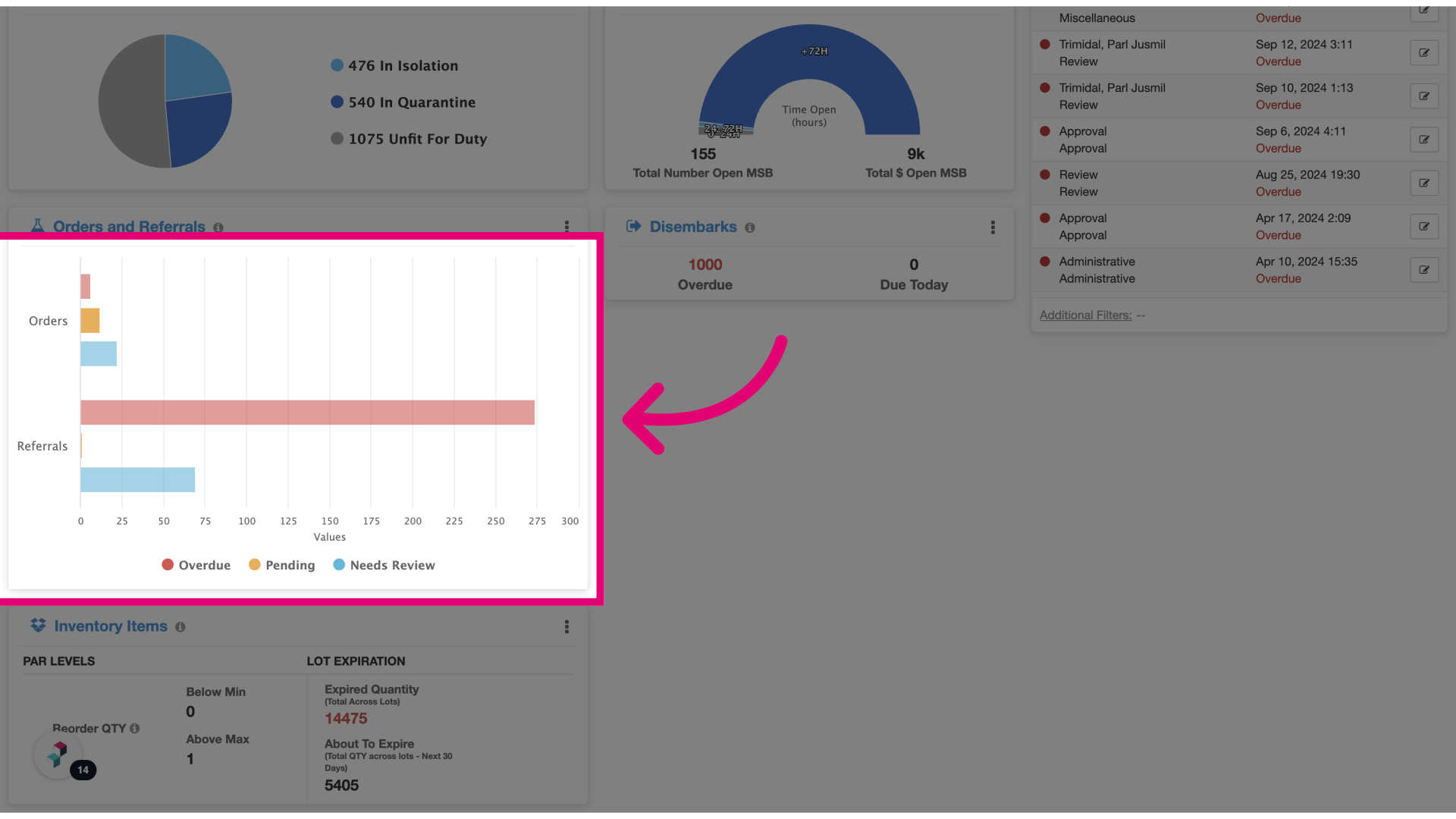
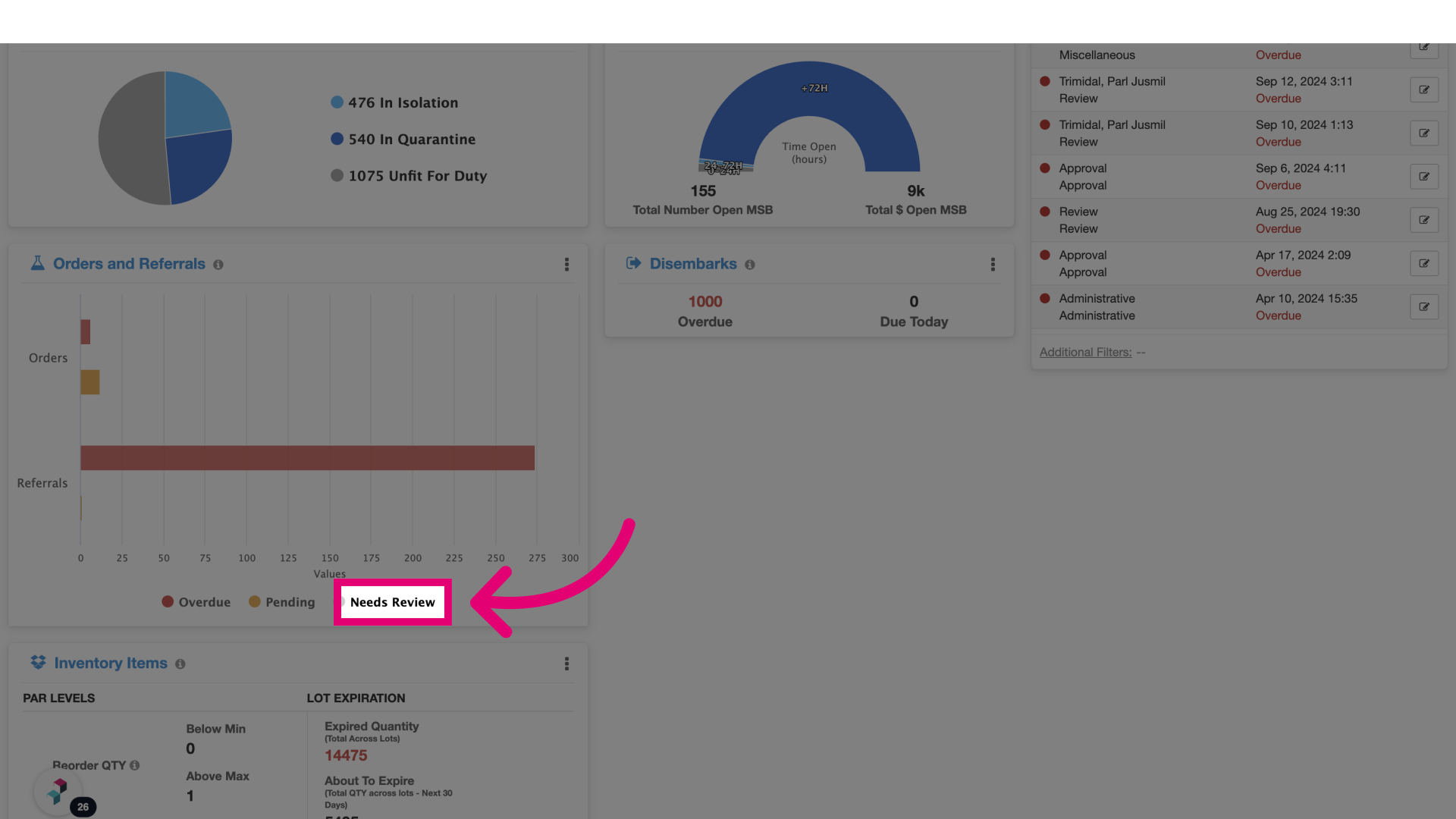
- Click the widget: This section displays the total number of orders and referrals categorized by status—Overdue, Pending, or Needs Review.
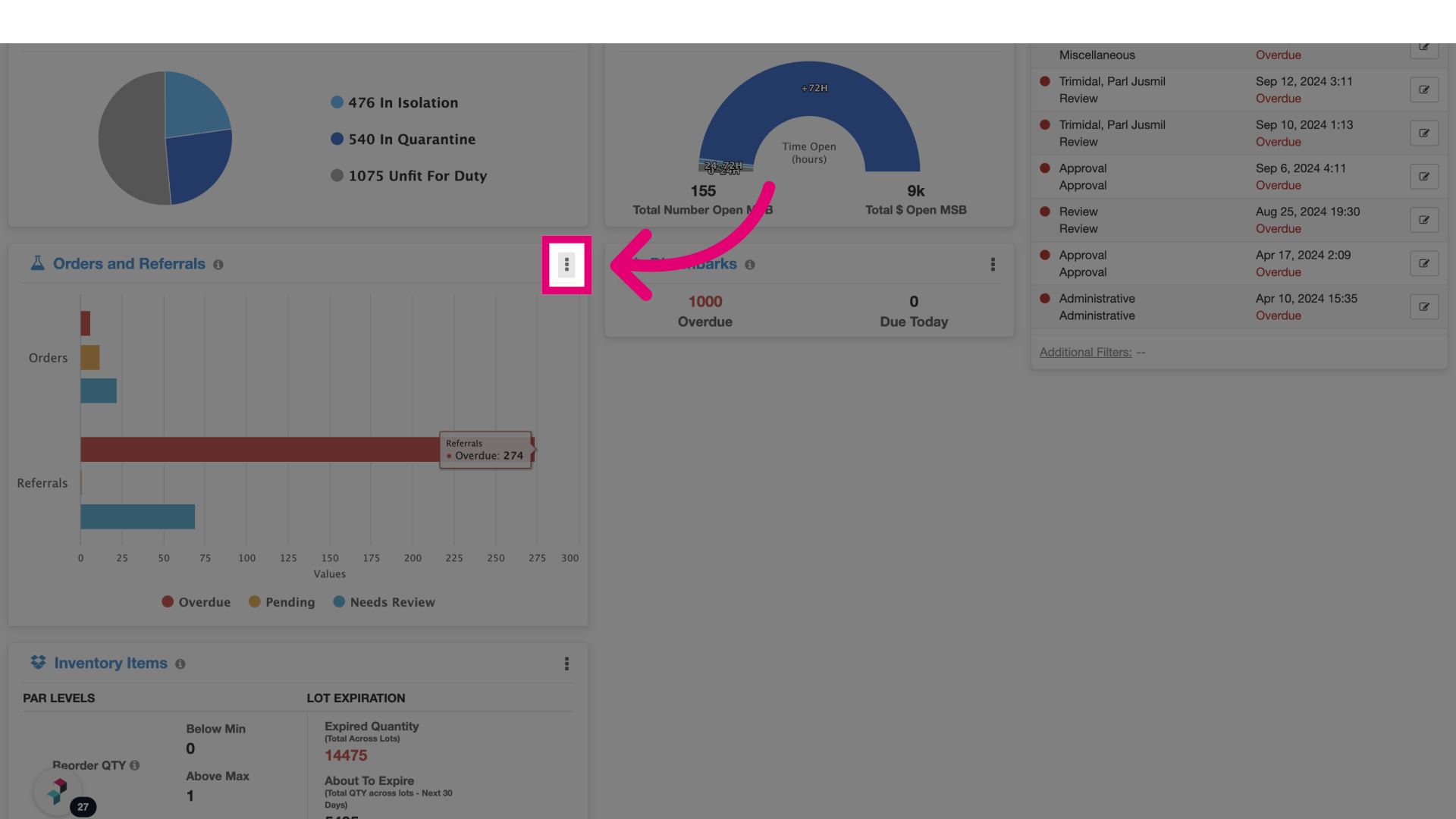
- Select the ellipsis button: Click the three-dot menu to access additional options for the widget.
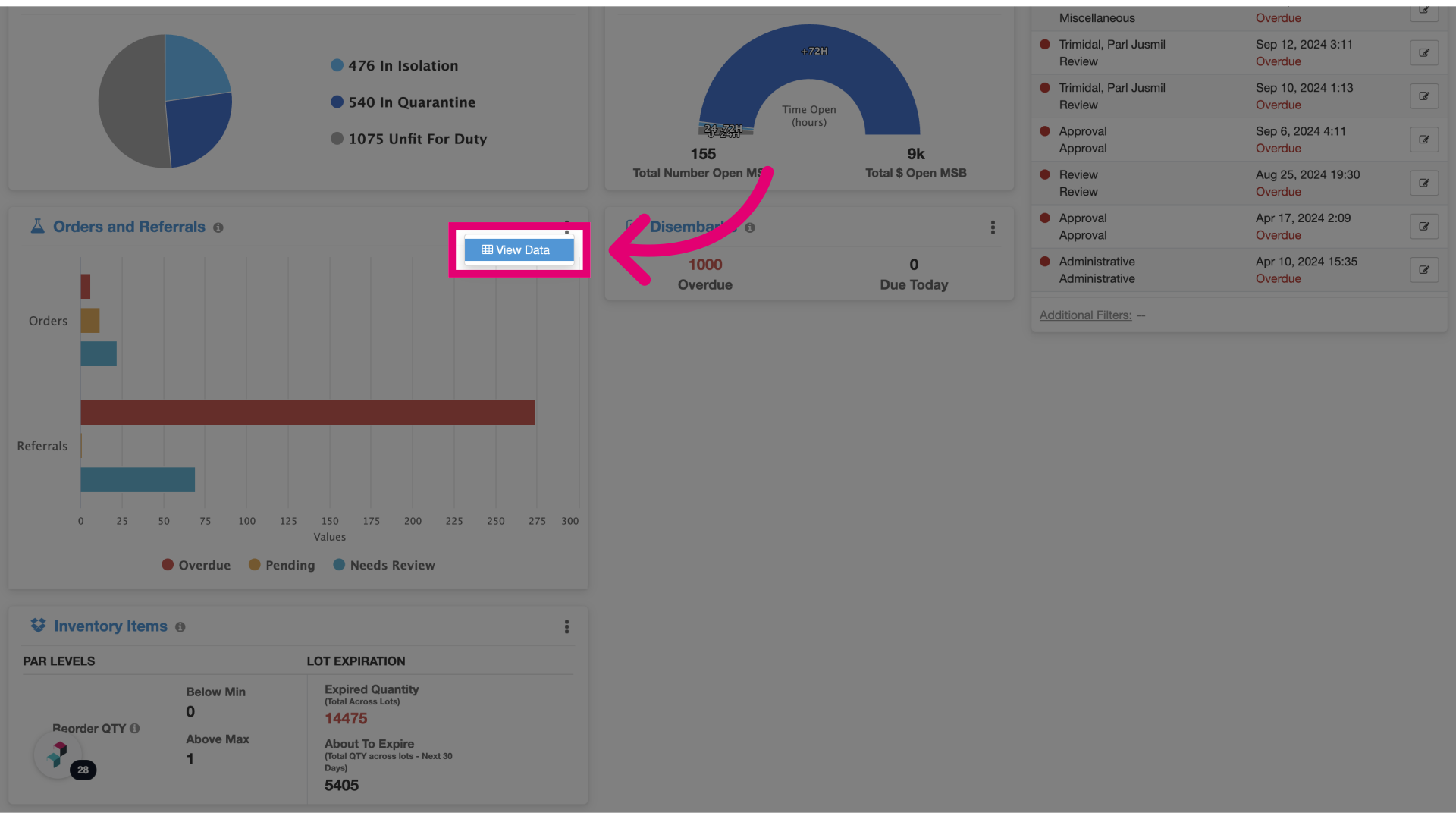
- Click View Data: This option allows you to see the raw data behind the widget, helping you analyze and draw insights from the underlying orders and referrals.