New article
Recently updated
Setting the Manning Office field to mandatory

Who is this article for?Administrators configuring the encounter process.
No elevated permissions are required.
This guide provides step-by-step instructions for ensuring that the **Manning Office** field is required when creating new crew patients in SeaCare. By enabling this configuration, organizations can enforce data consistency and ensure that all crew records are properly linked to their respective manning offices. This requirement applies both during manual entry and when importing crew data via templates.
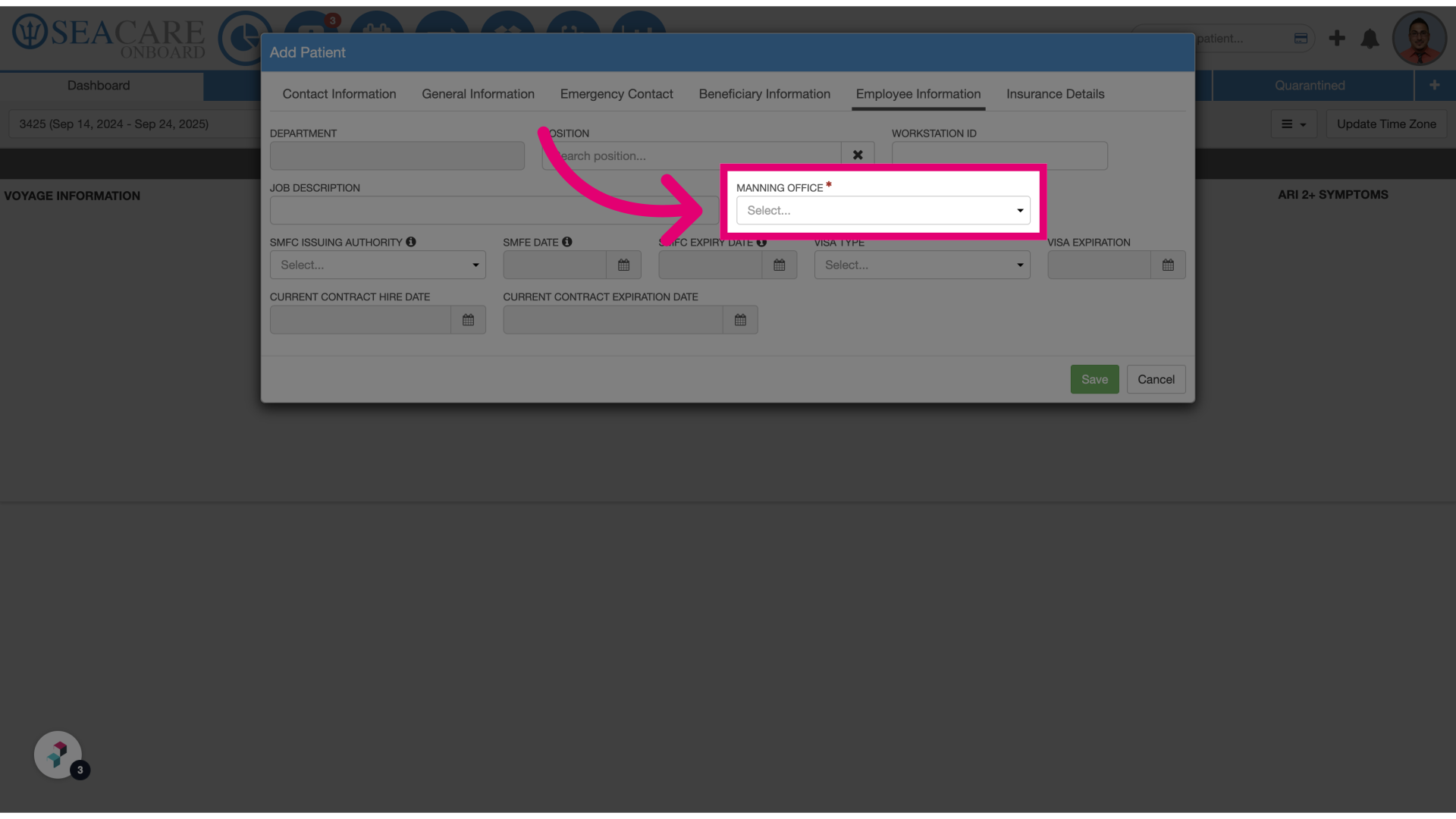
- Select Manning Office: When creating a new crew member under the Employee Information tab, the Manning Office field will now be required based on the system configuration.
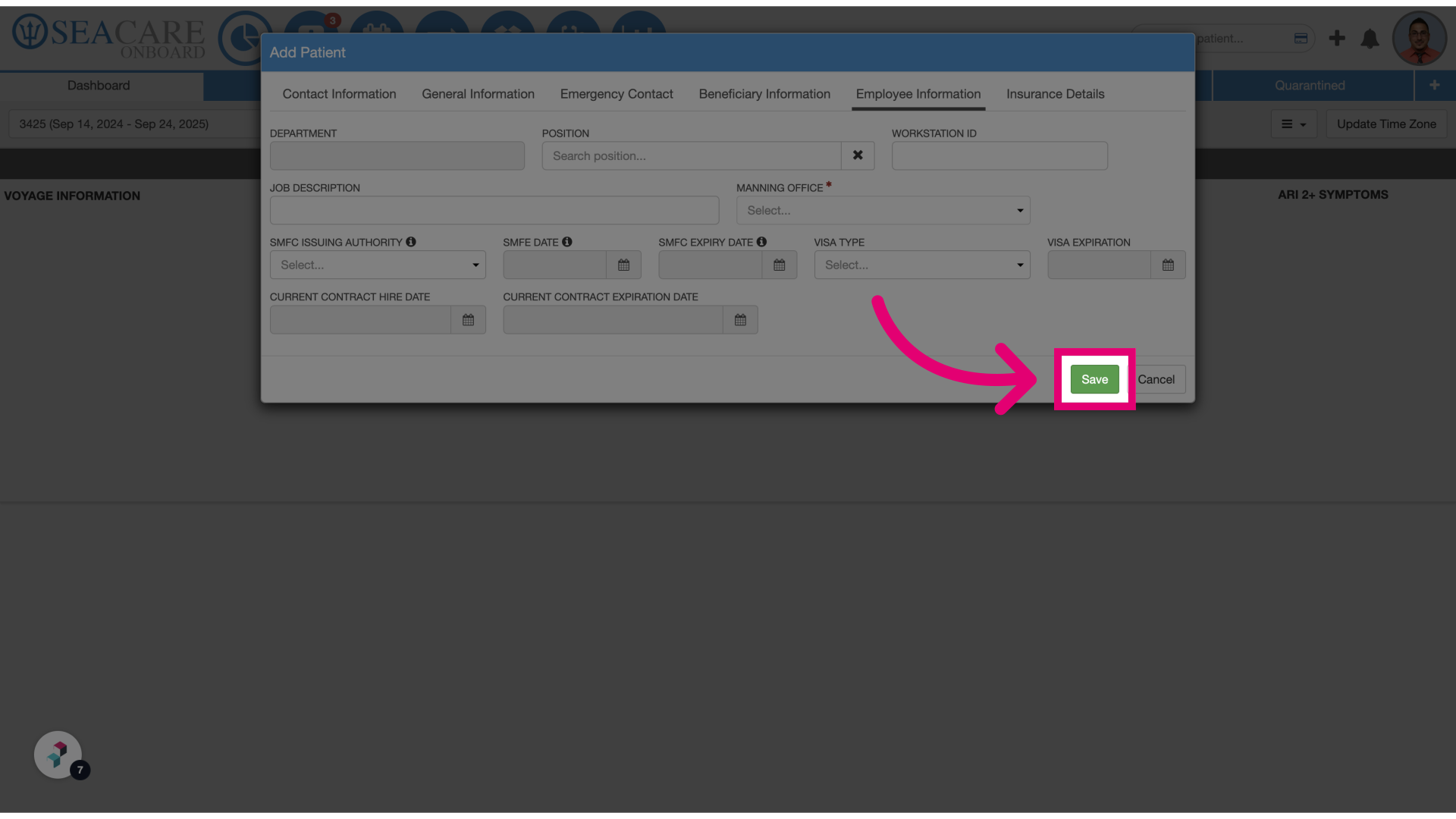
- Click Save: Once saved, the Manning Office will be visible on the crew member’s profile. If the configuration toggle is enabled, this field will also be required when importing crew members using a template.