New article
Recently updated
Displaying death options in triage of mass casualty encounters

Who is this article for?Administrators configuring the triage process.
No elevated permissions are required.
This guide offers comprehensive, step-by-step instructions on how to enable and properly display the Death Option within the Triage module of the SeaCare system, specifically in the context of Mass Casualty Encounters. It is designed to support clinical and administrative users in accurately documenting patient outcomes during high-pressure scenarios, ensuring that all relevant data—particularly in cases involving fatalities—is captured clearly and consistently throughout the workflow.
Displaying death options in triage of mass casualty encounters
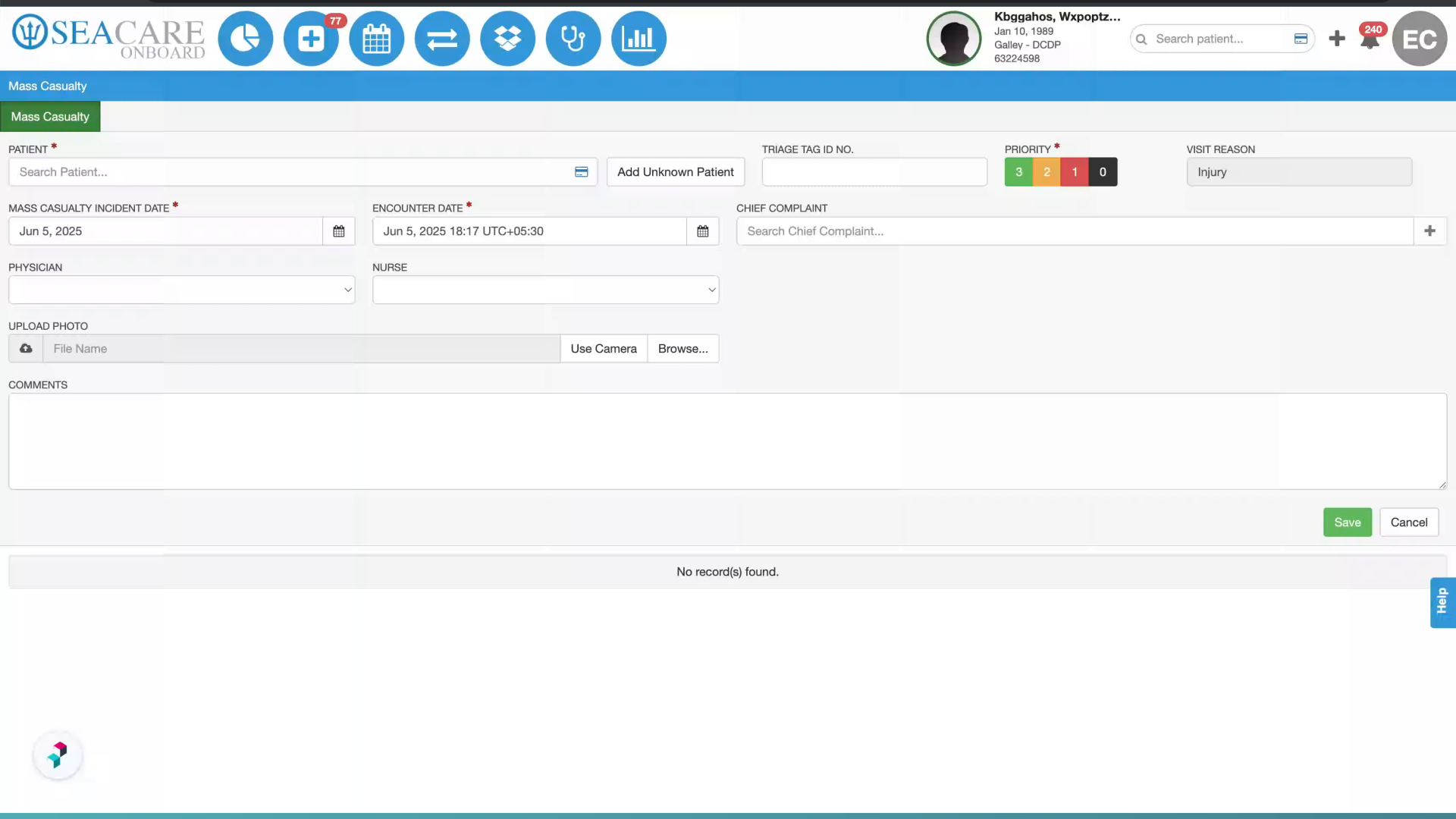
- Introduction: When documenting a Mass Casualty, the user will be able to add the necessary information including if a death occurred.
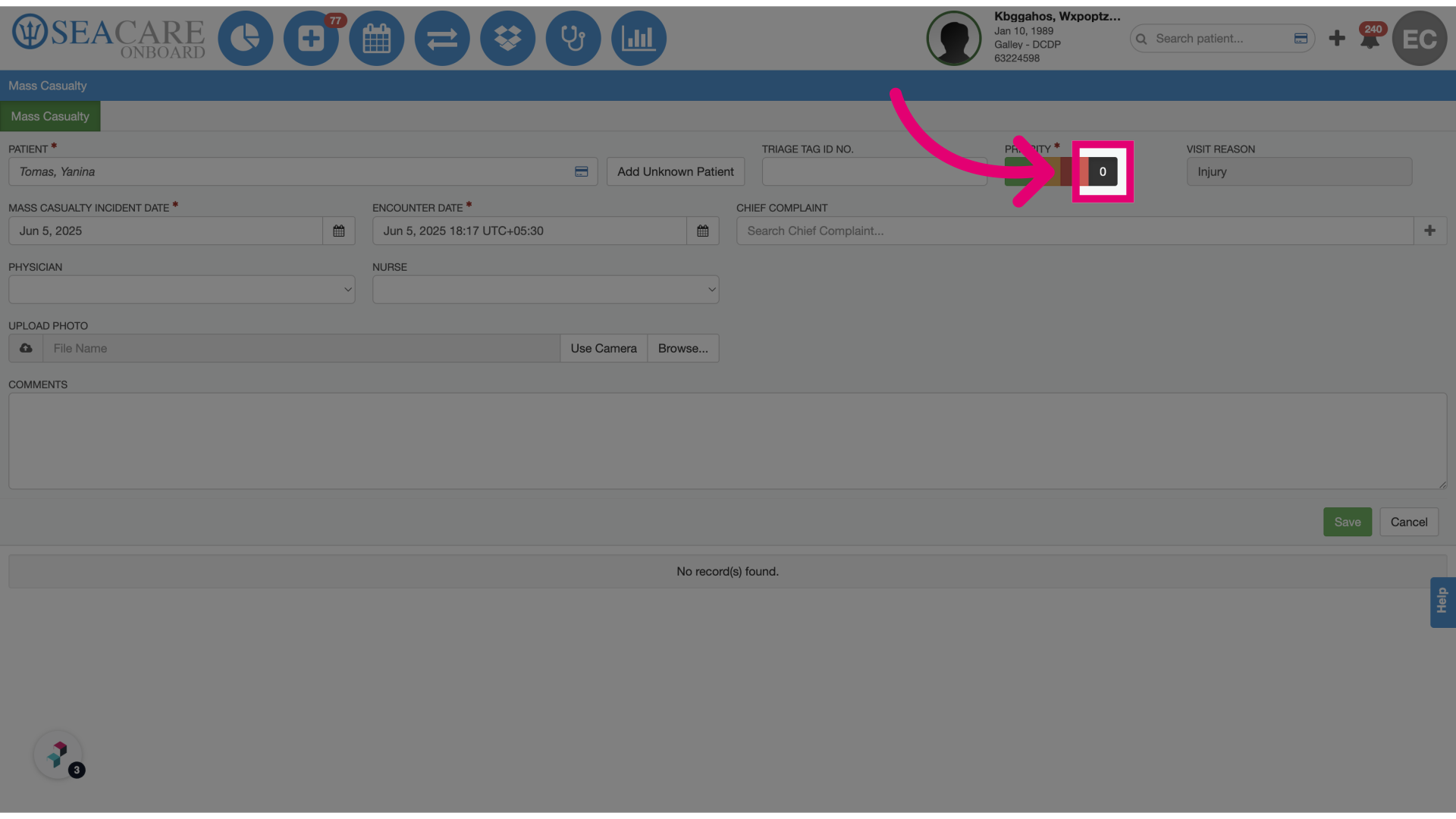
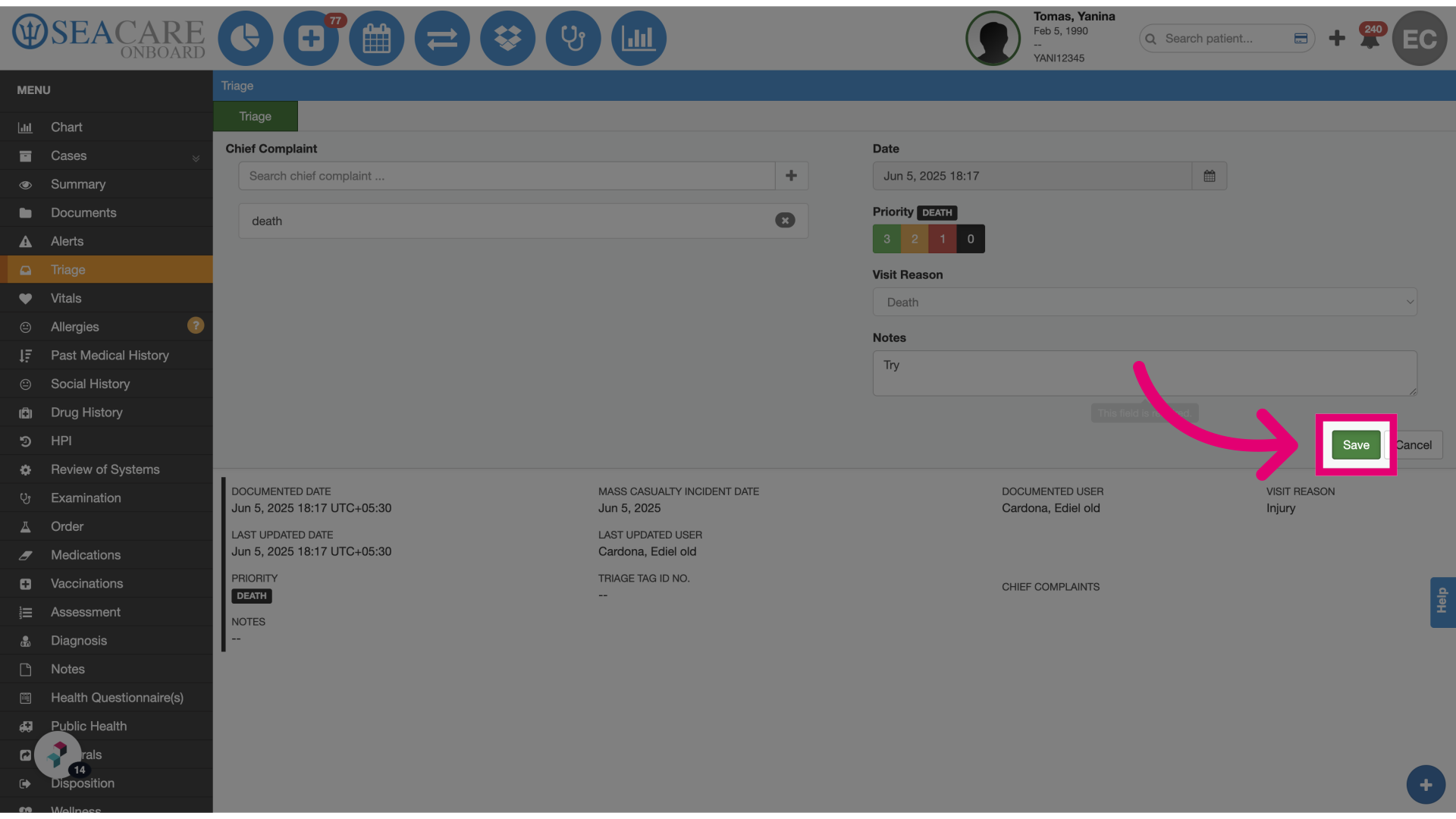
- Select the Death option: When entering the death option, the user will notice that no Death Date and Time will show.
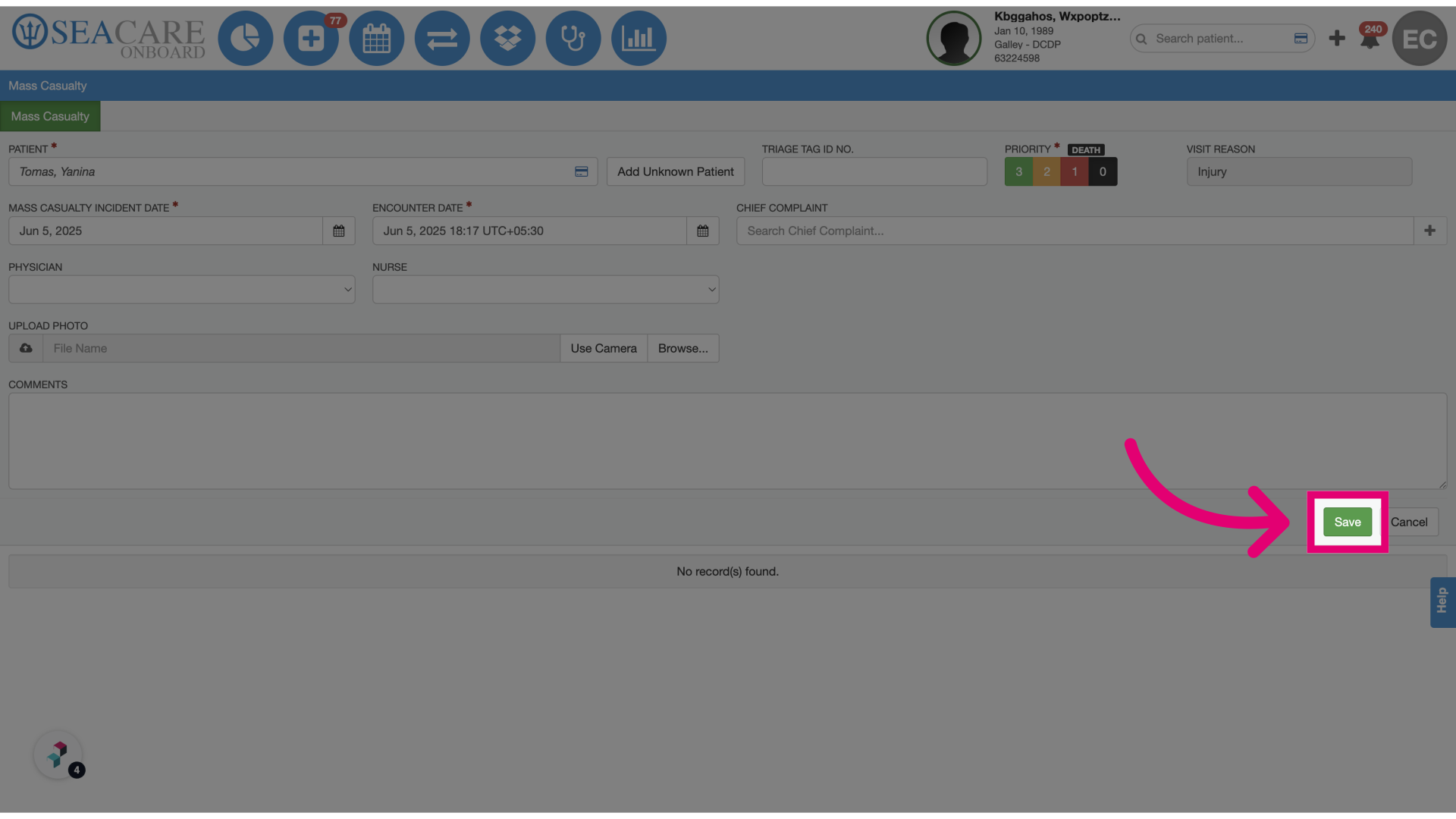
- Click Save.
- Navigate through Triage: Enter all the information for Triage, including if there was a death. No deceased date and time are added in this section.
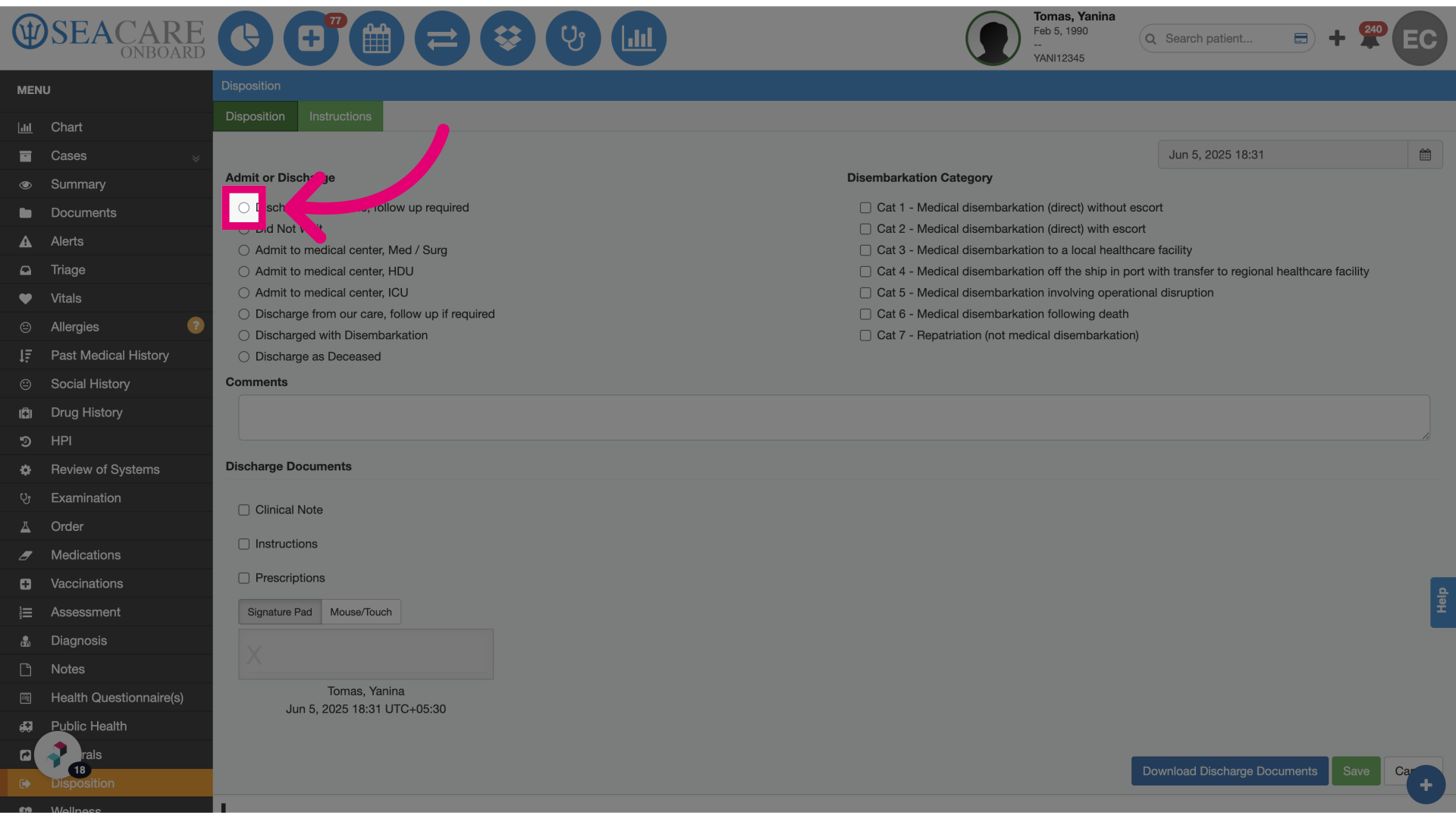
- Click Discharge from clinic, follow up required: When creating a Disposition, the system will ask if there are any inconsistencies.
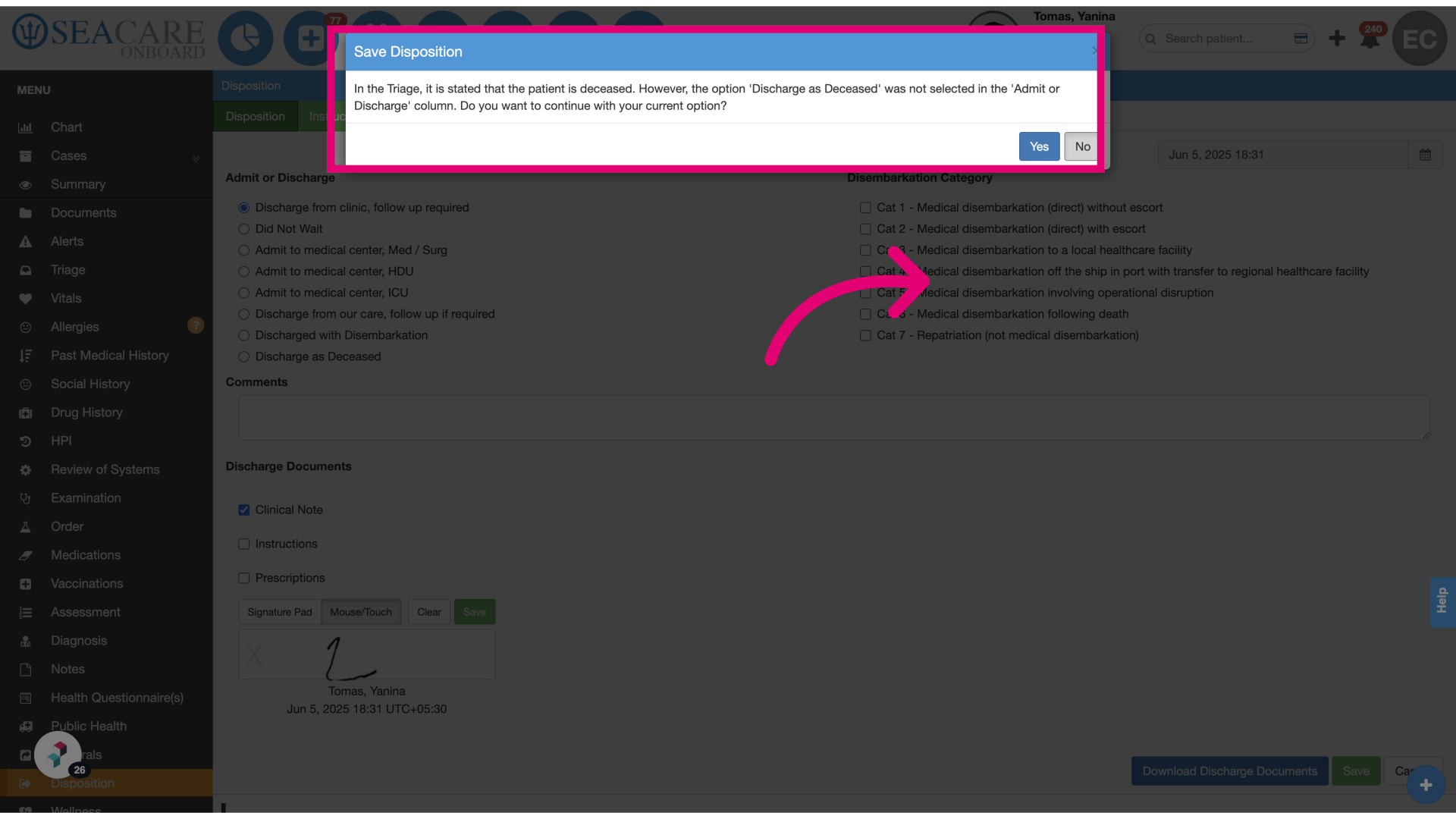
- Select one option: If the patient was marked deceased in triage but discharged in disposition, the system will prompt for confirmation before saving.
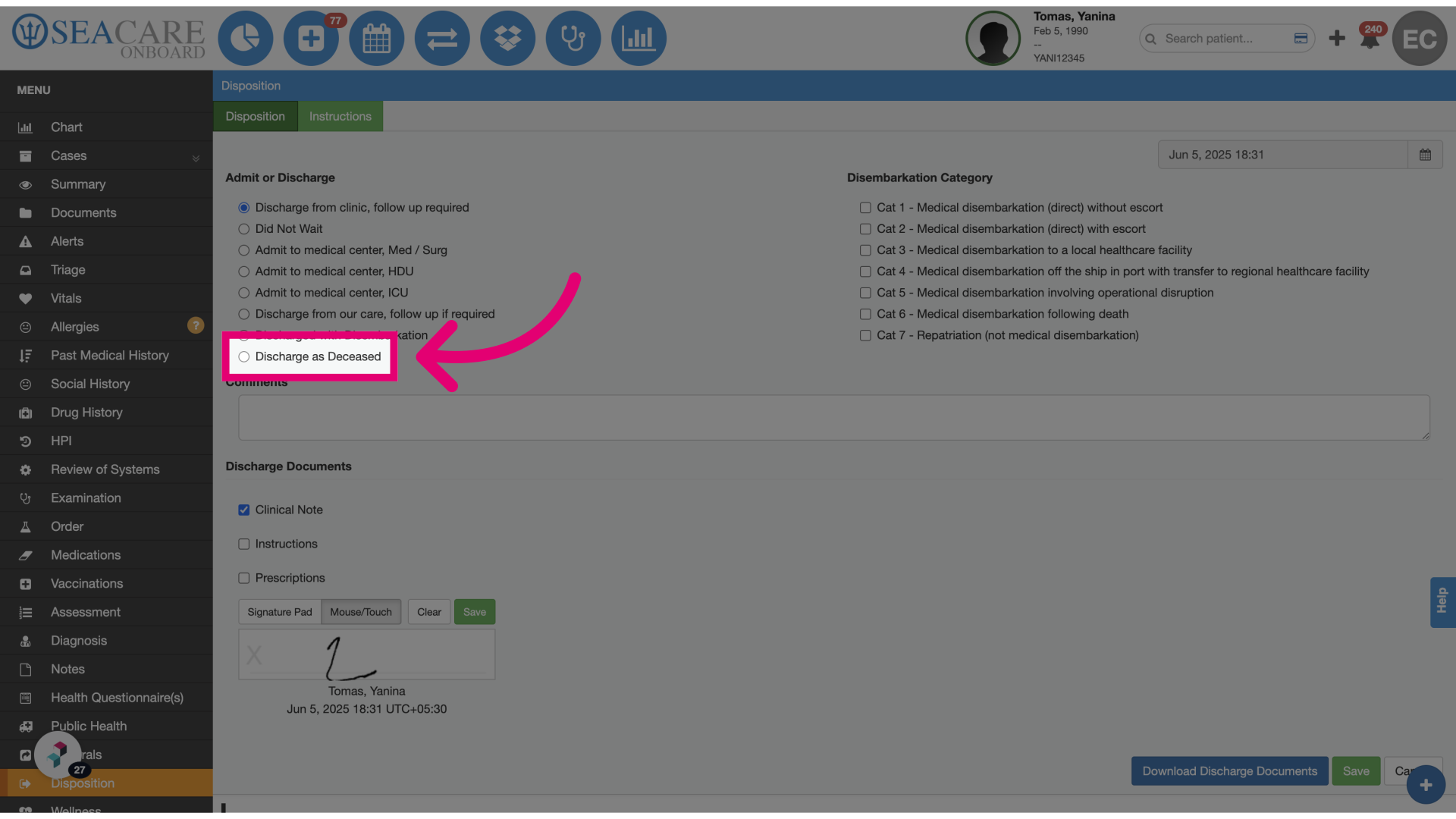
- Click Discharge as Deceased: Choose the option for discharging as deceased.
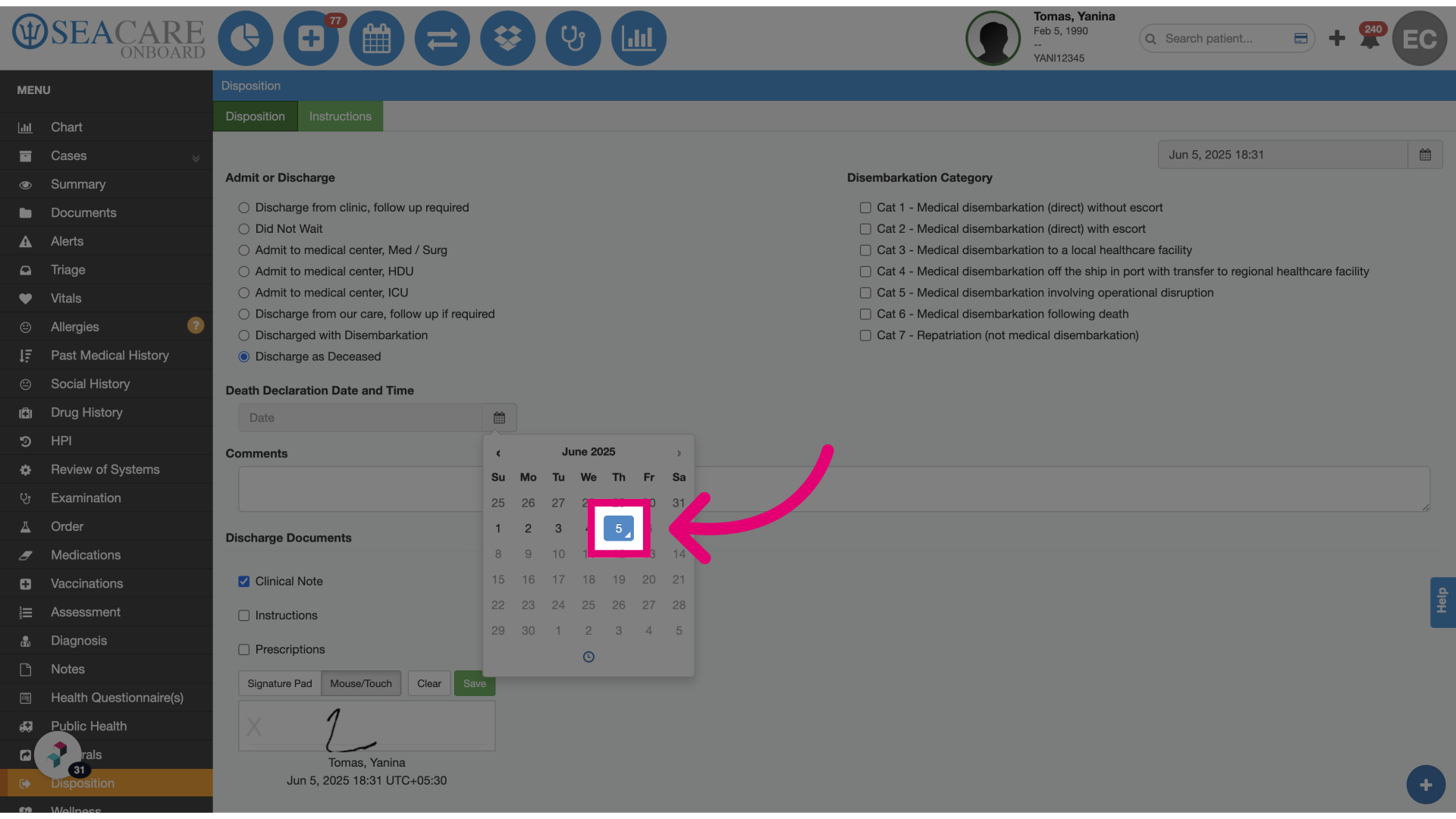
- Continue the process by selecting Discharge: The system will display a field to enter the Death Declaration Date and Time, which is only documented during disposition.
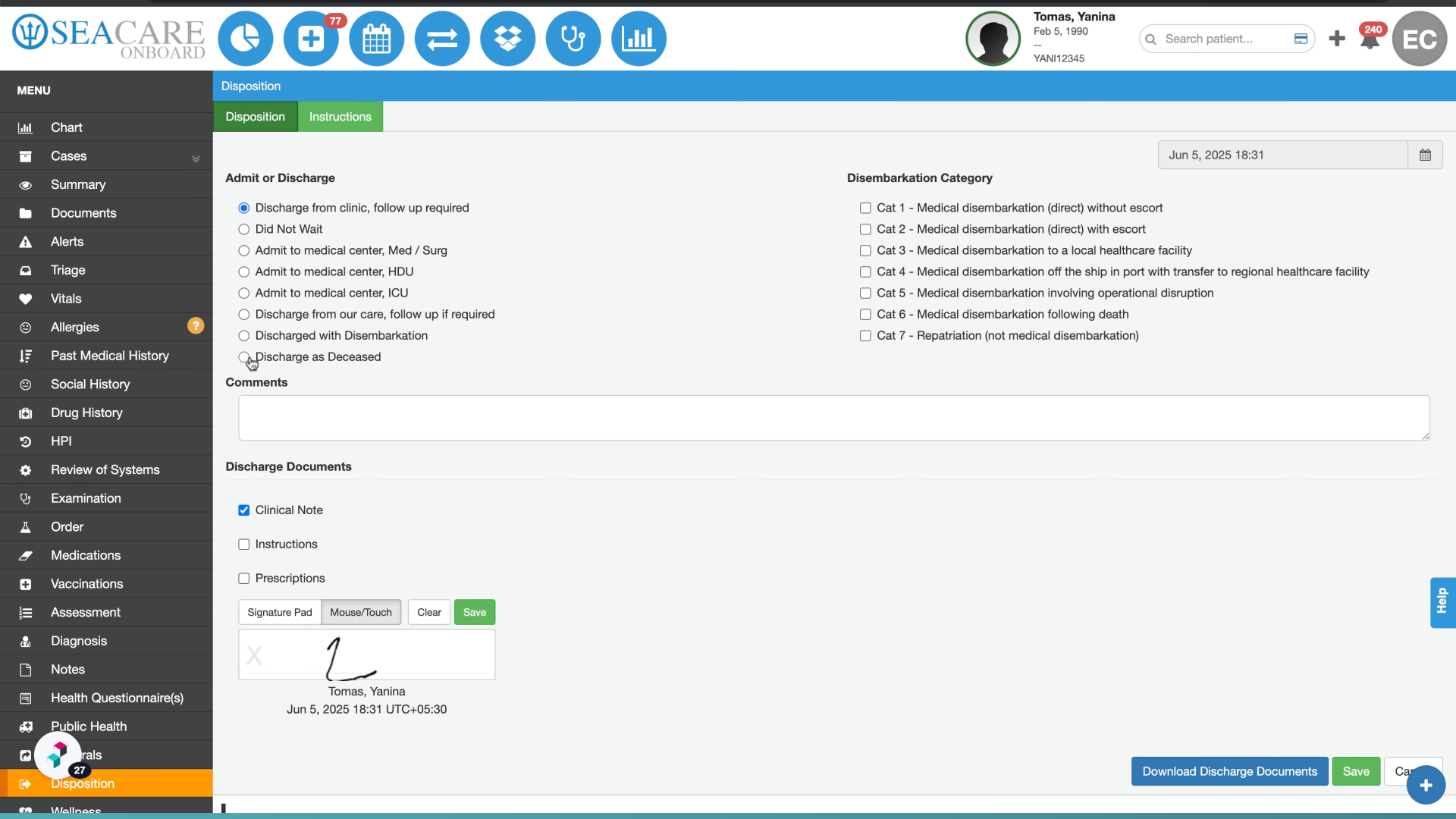
- Click the corresponding date: Once the date is selected, the user can continue with the disposition process.